📹 Developers debug login, tasks, and payments during screen-shared call
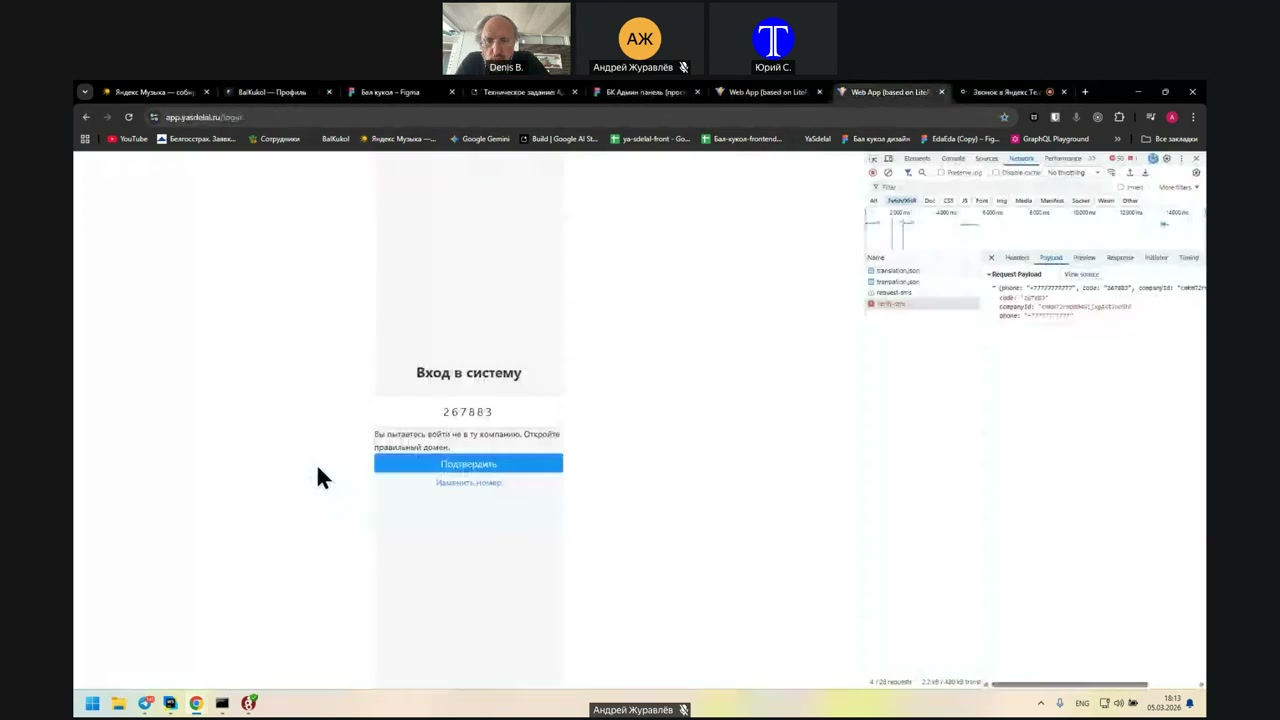
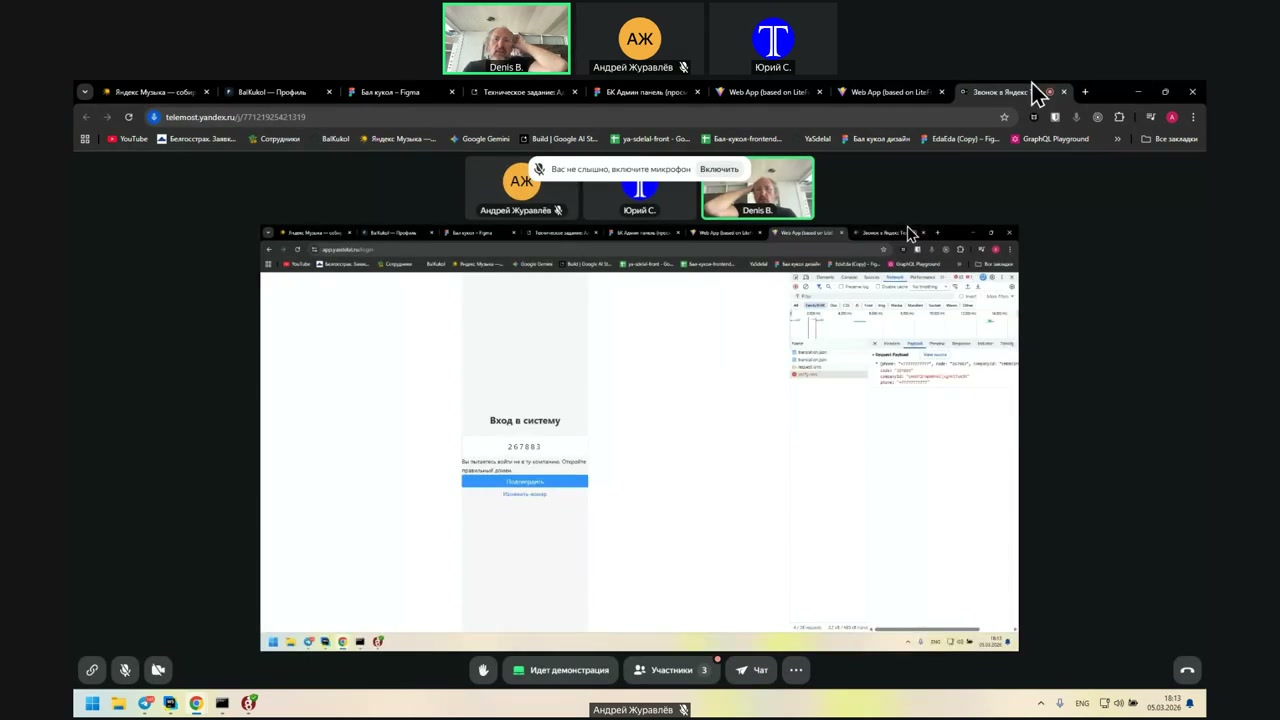
Speaker 1: The question is: why does it allow me to try to log in and not...?
Speaker 2: You can log in through Superadmin. Then you can log in with any user from there.
Speaker 1: We have a client now.
Speaker 2: For which company?
Speaker 1: For Gazprom.
Speaker 2: Is it Gazprom?
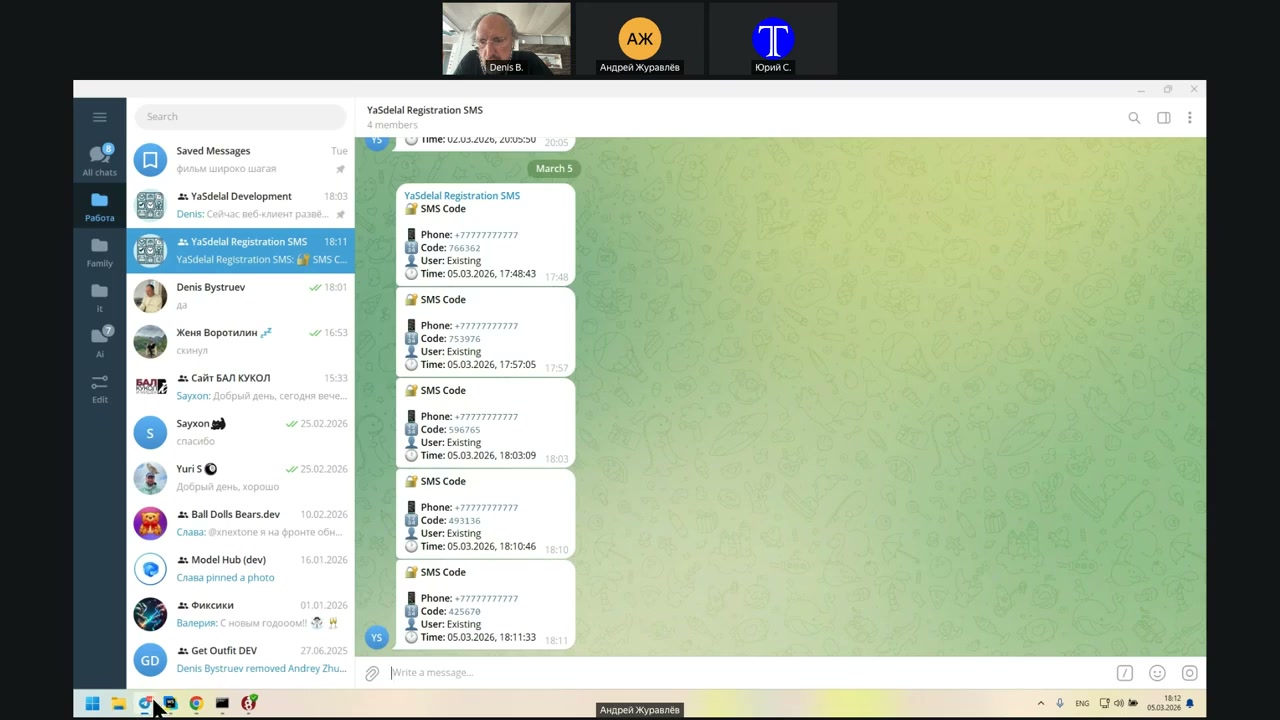
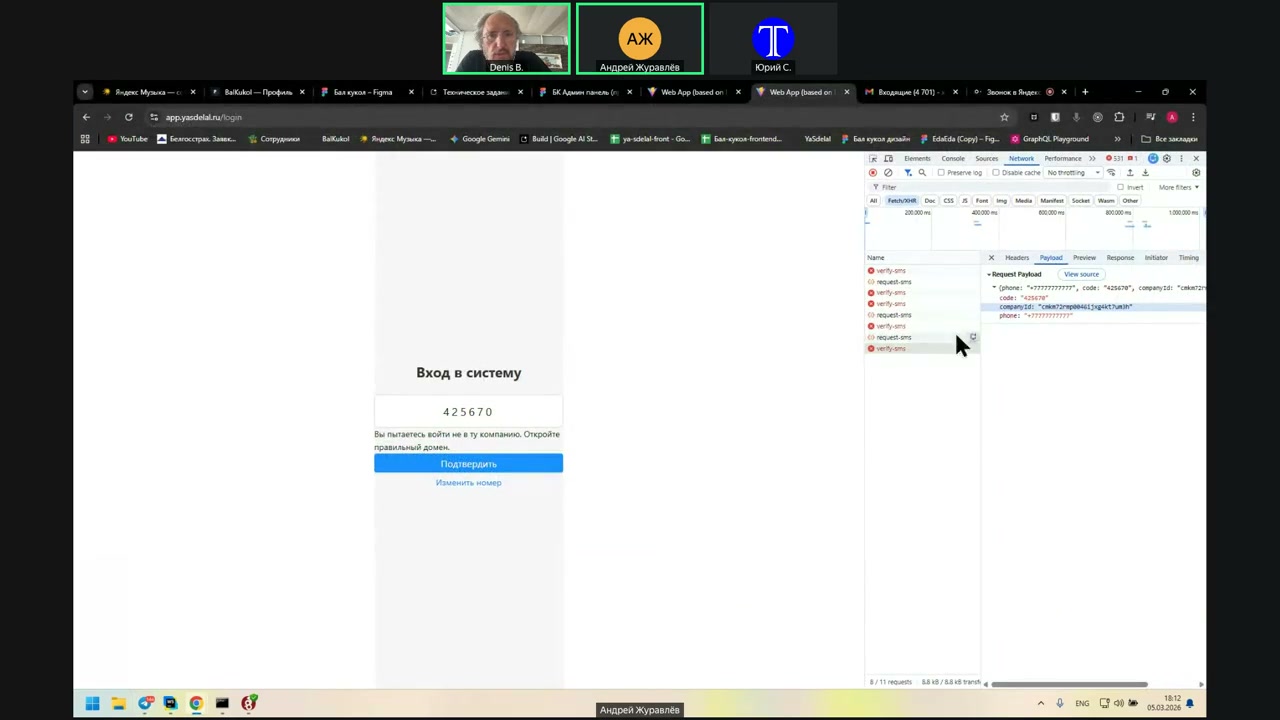
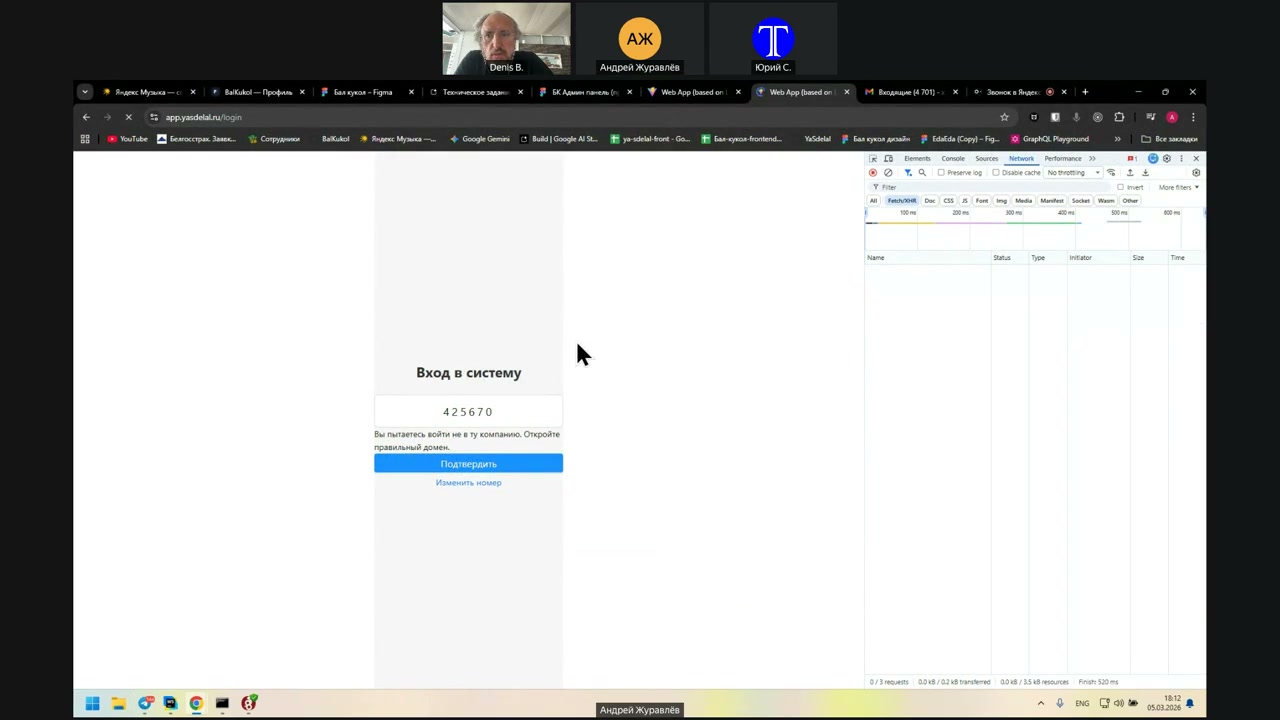
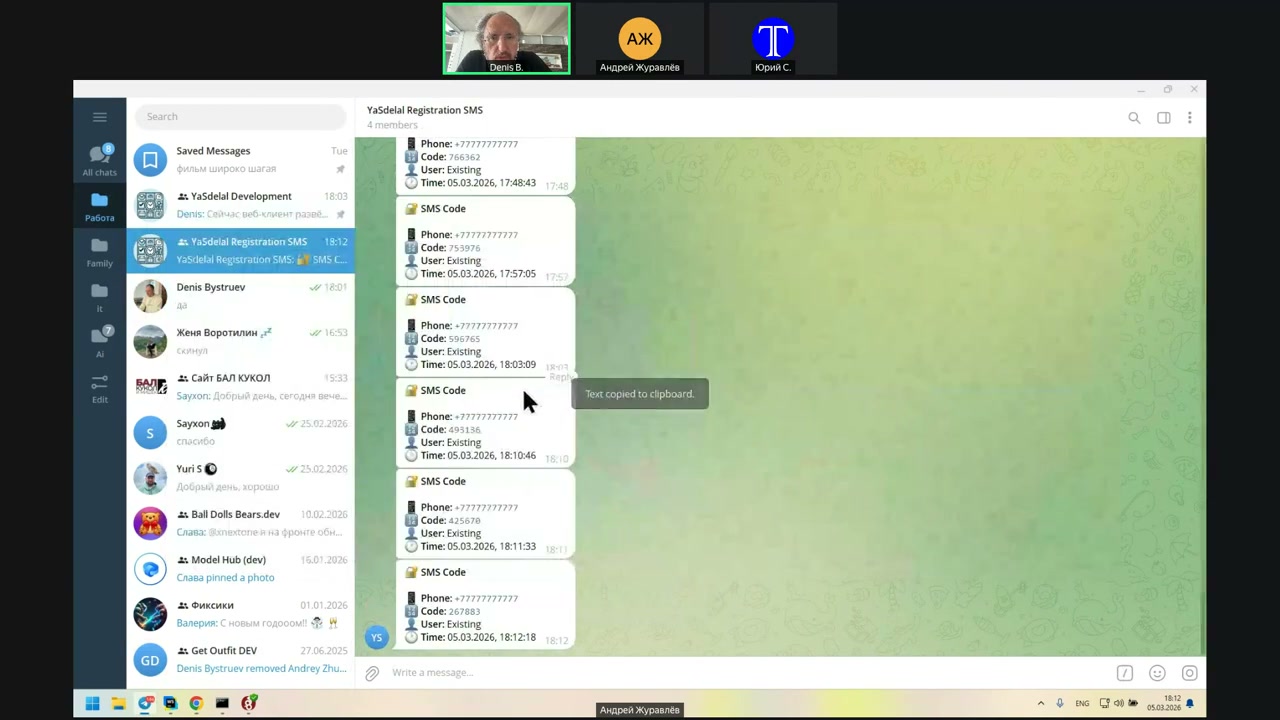
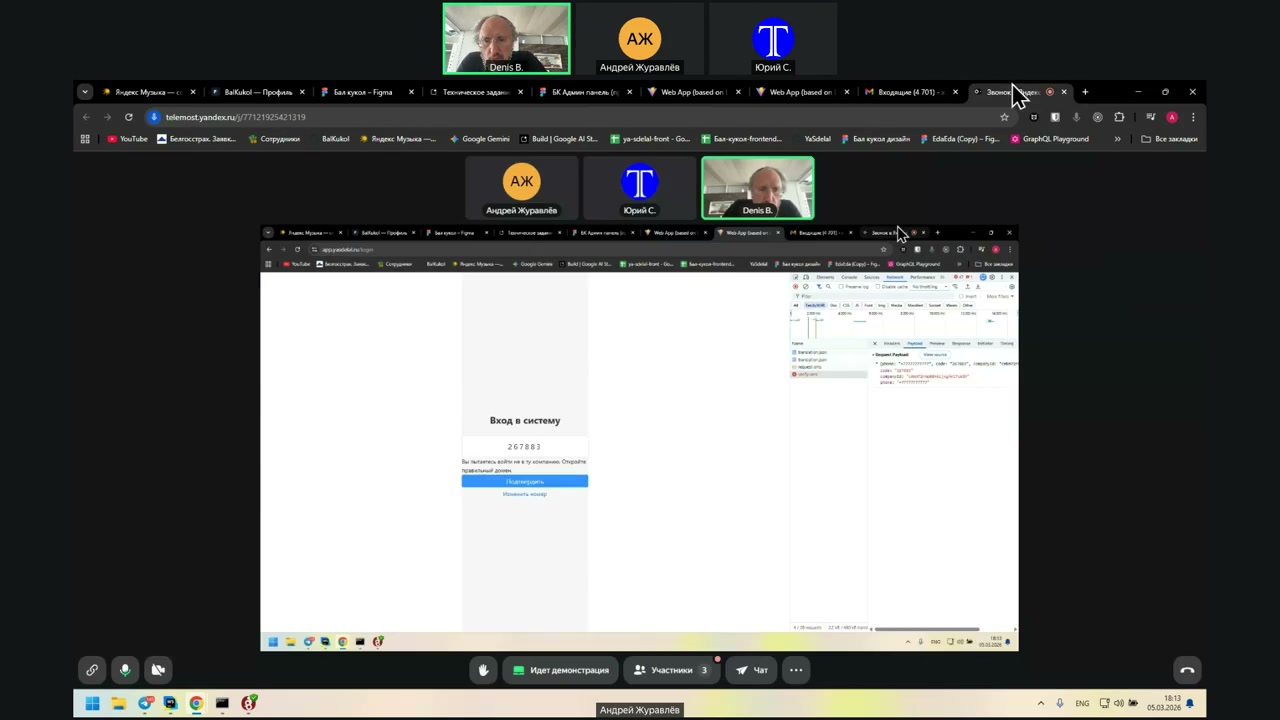
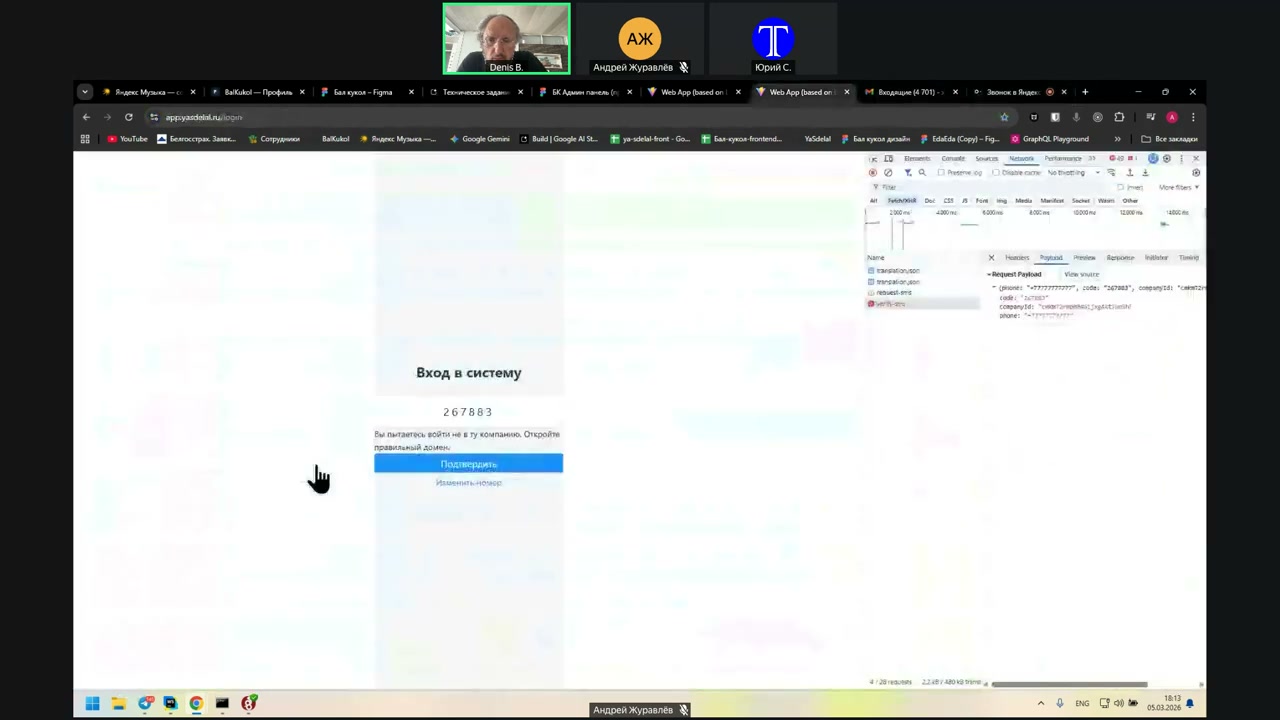
Speaker 1: Yes. I’m trying to log in with my Gazprom user. The number is all sevens. It allows me to try to log in to the wrong company.
Speaker 2: Open the correct domain. This is in response to the Verify SMS.
Speaker 1: Show the screen. One second. Can you see it?
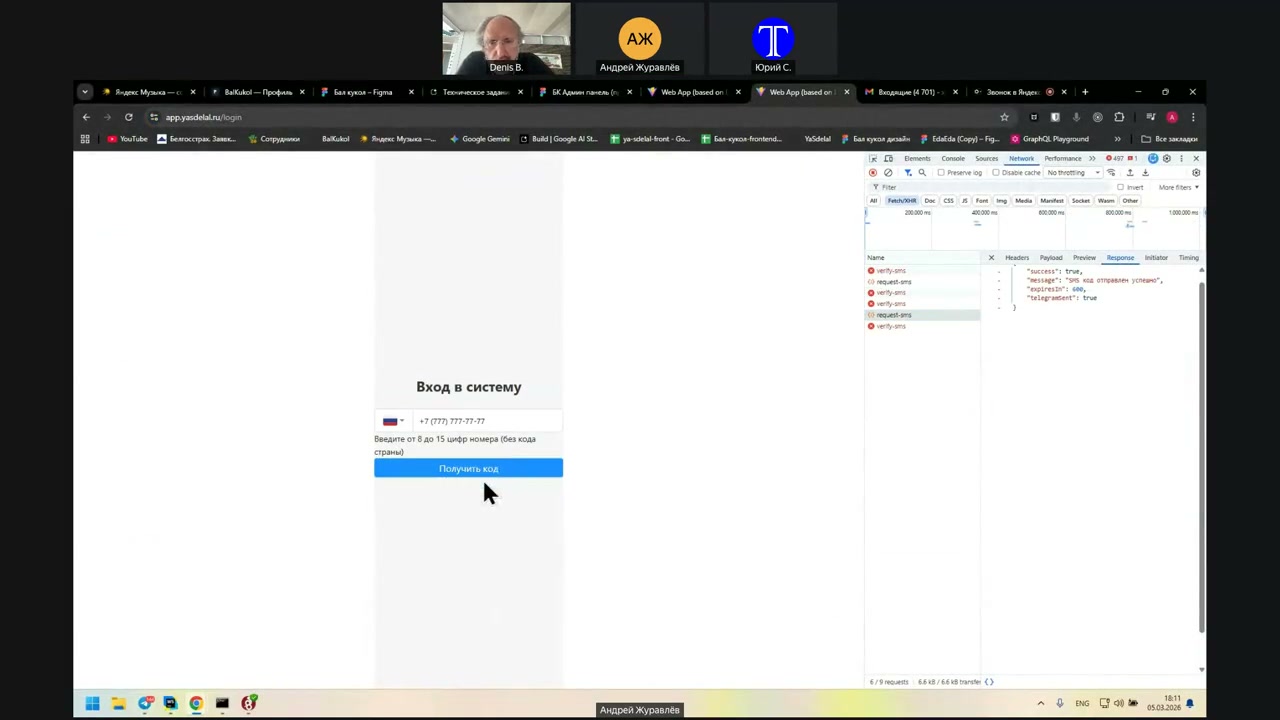
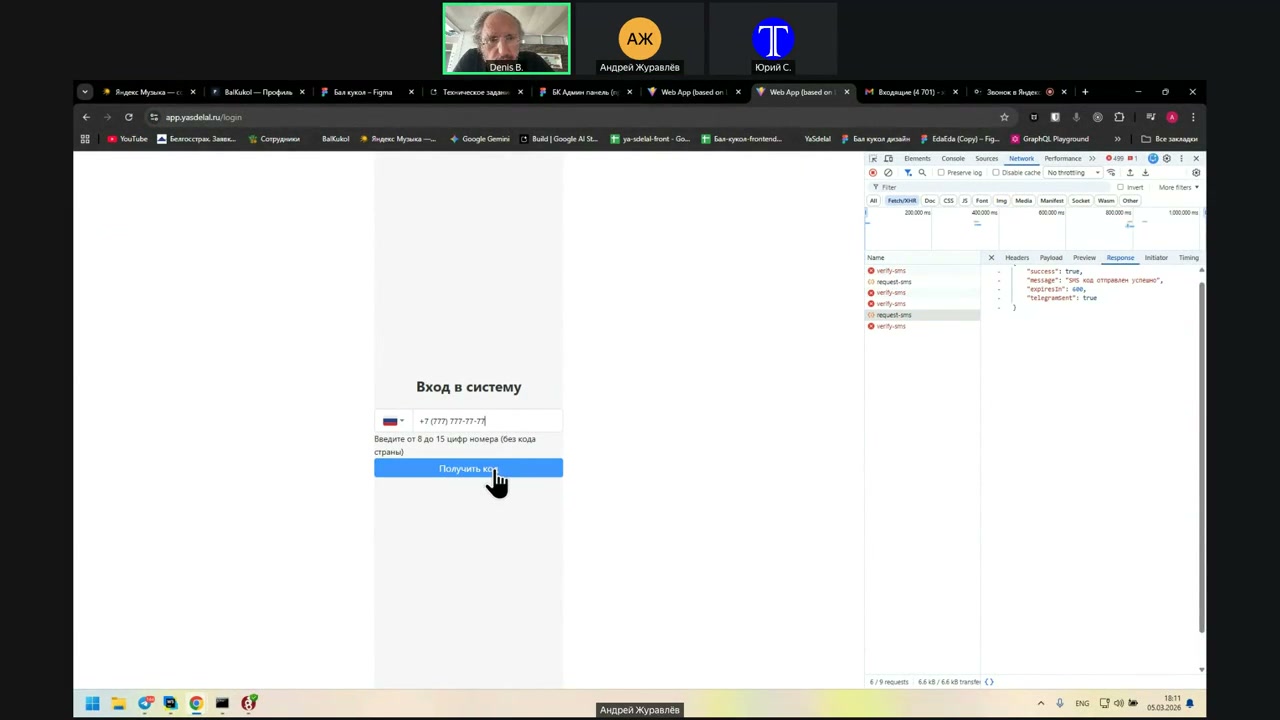
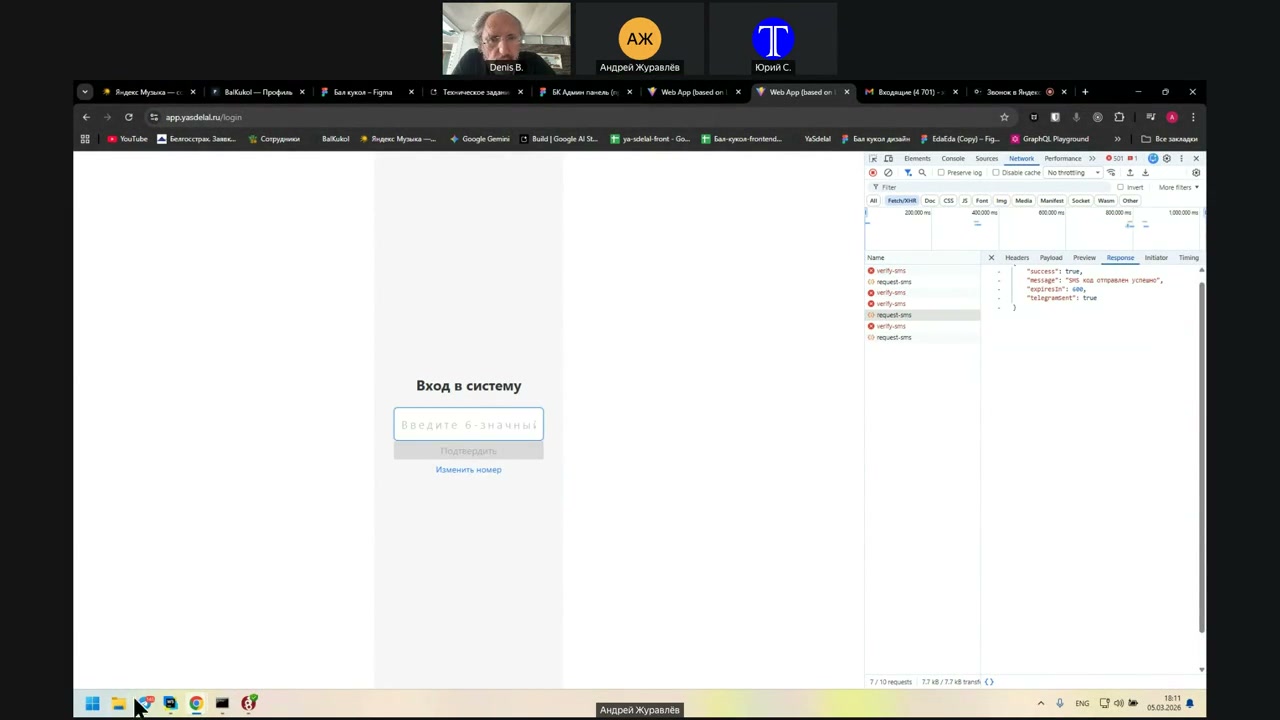
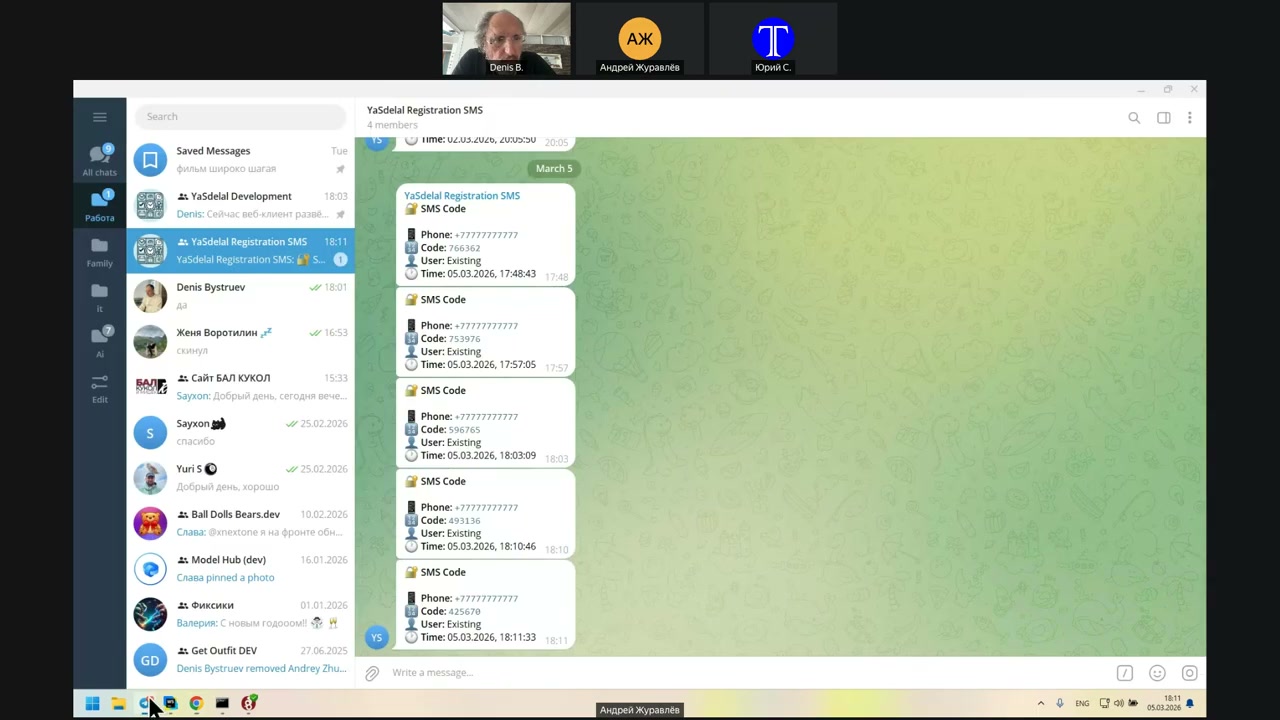
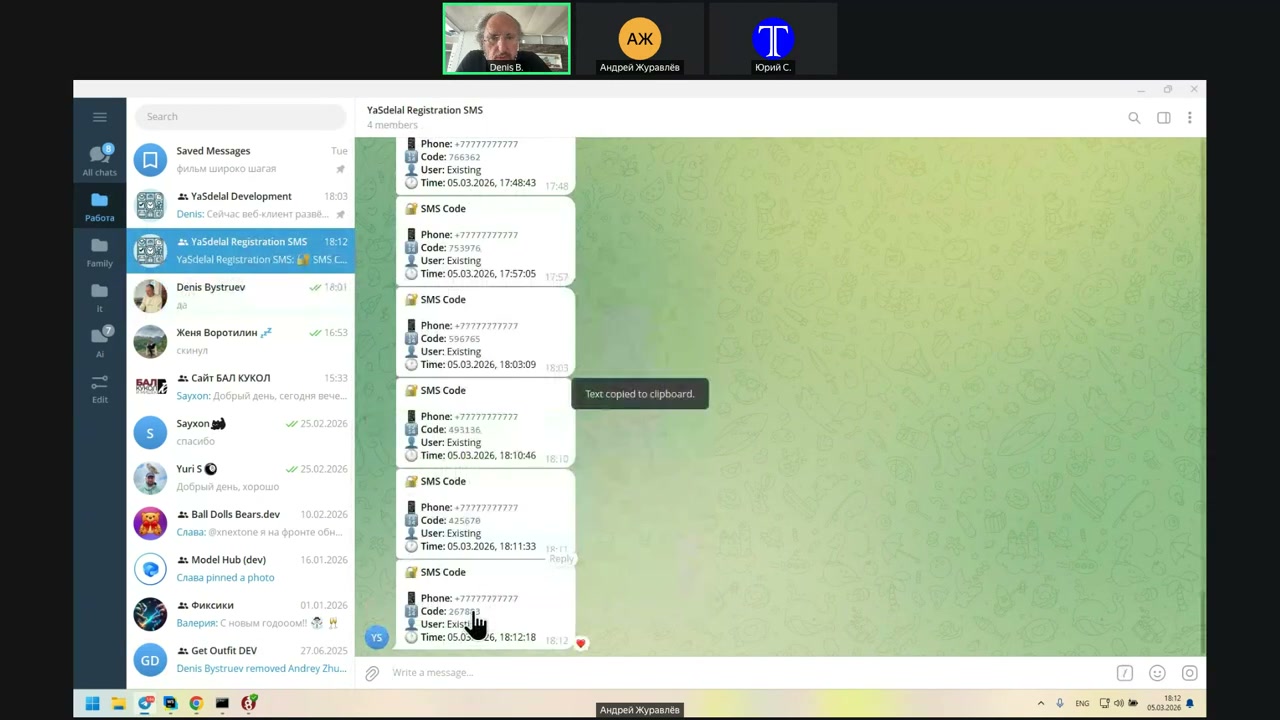
Now, let’s learn the code.
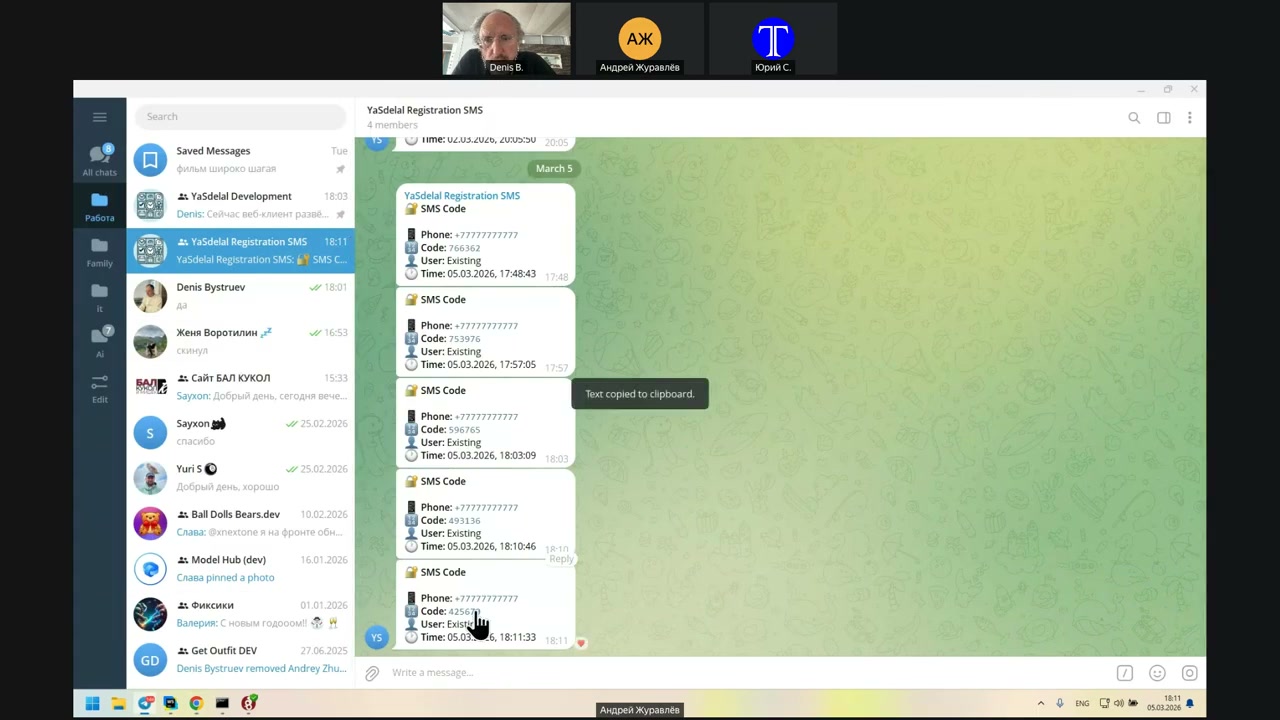
you
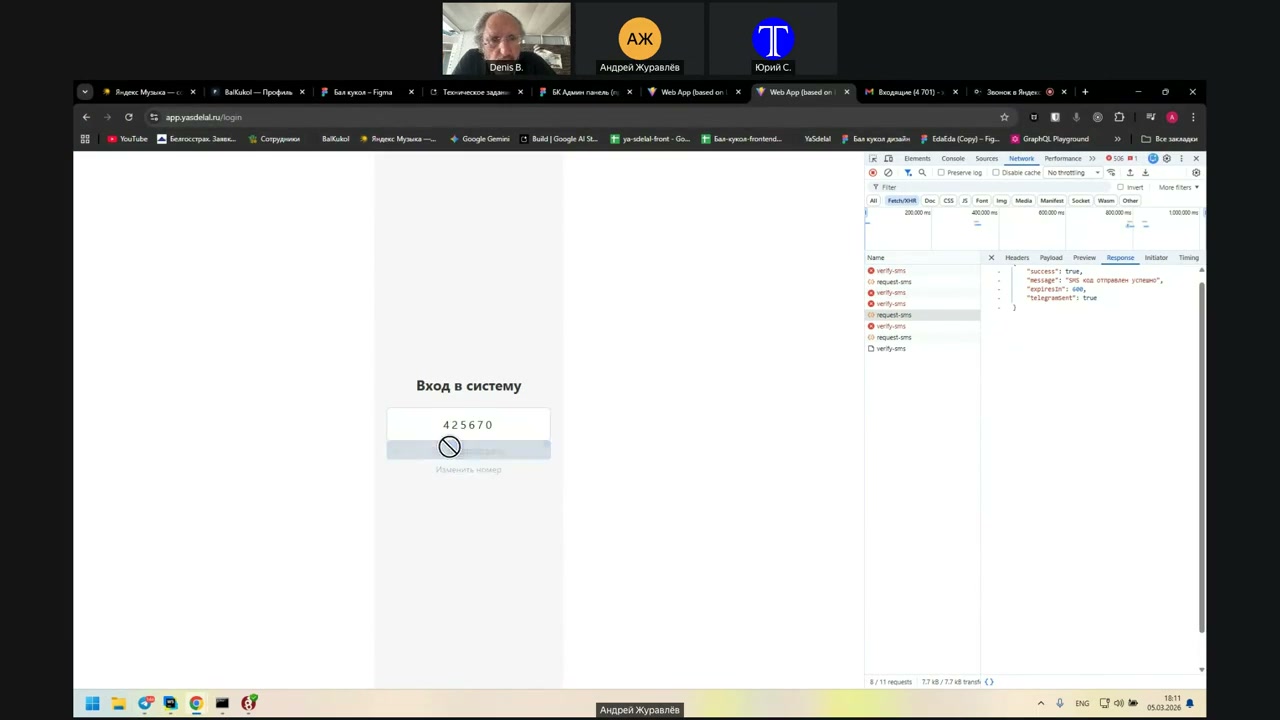
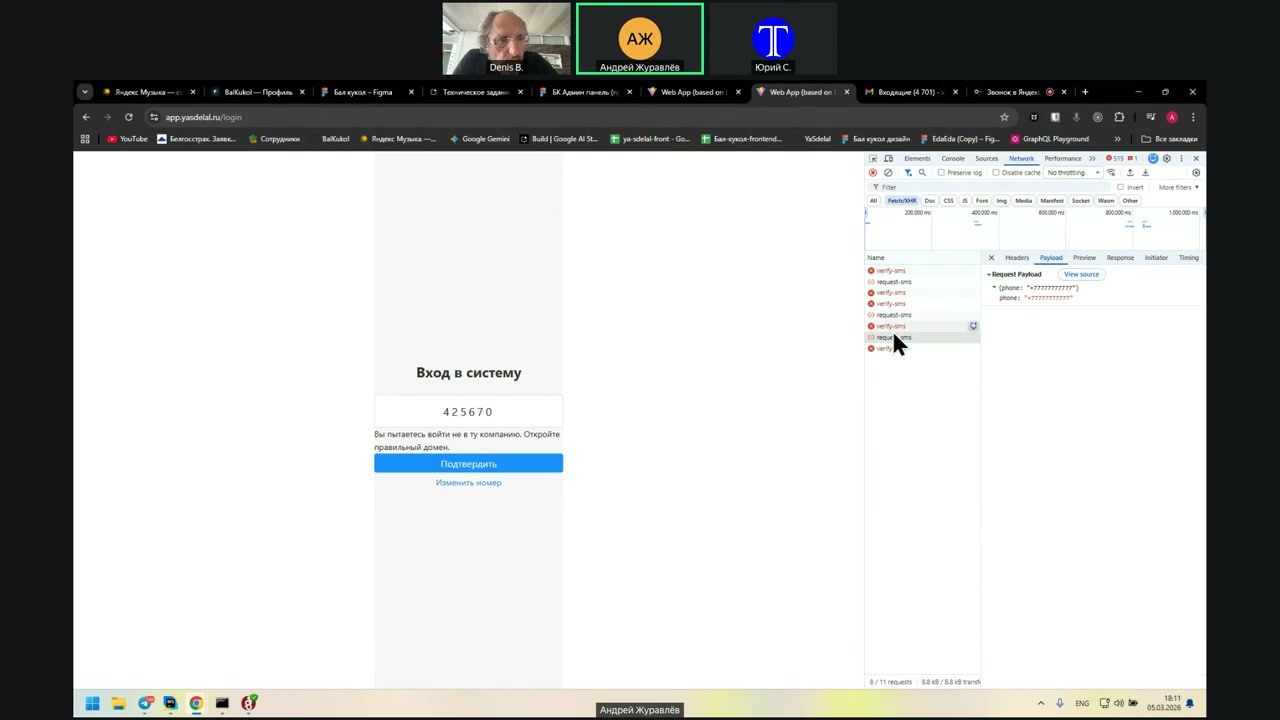
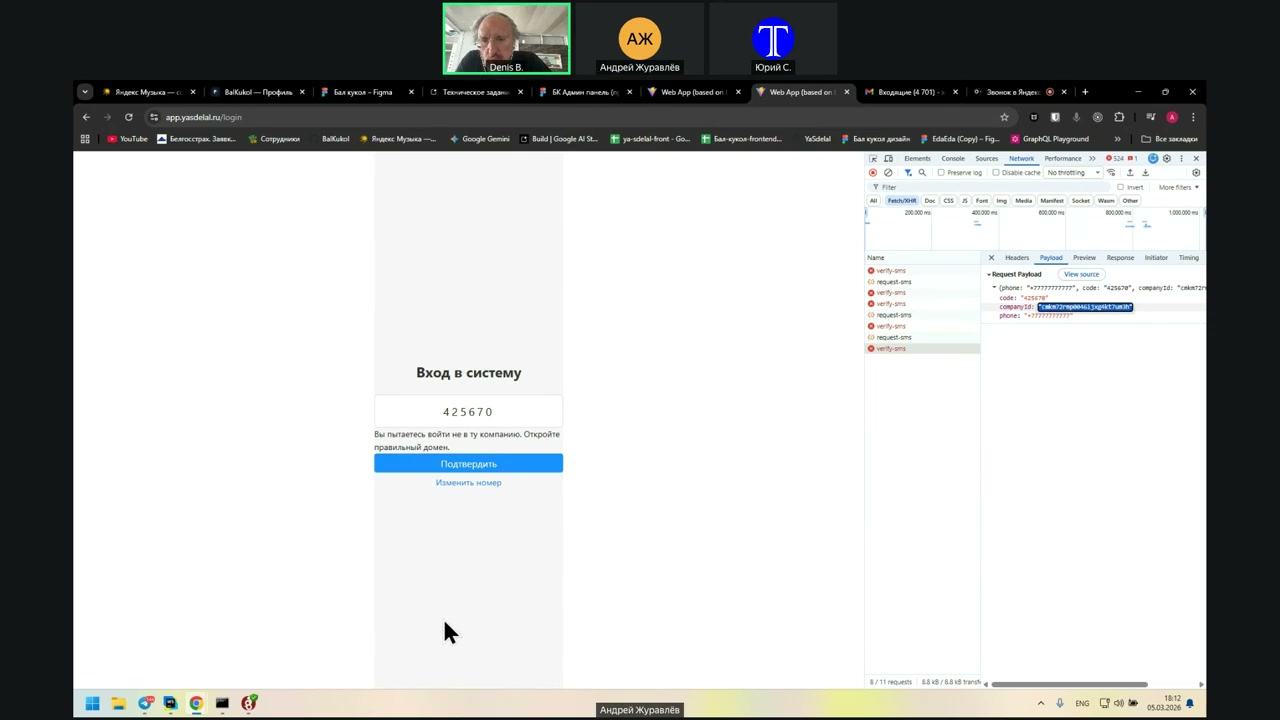
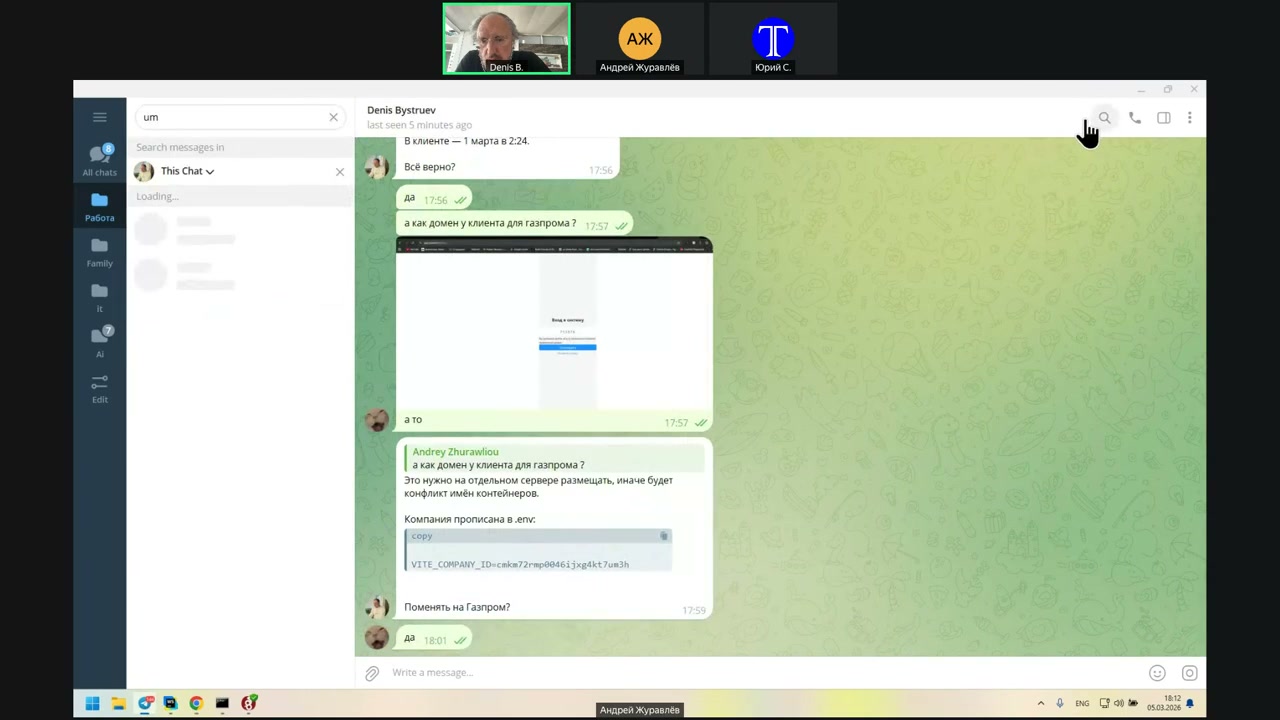
When do you send the ID of the company?
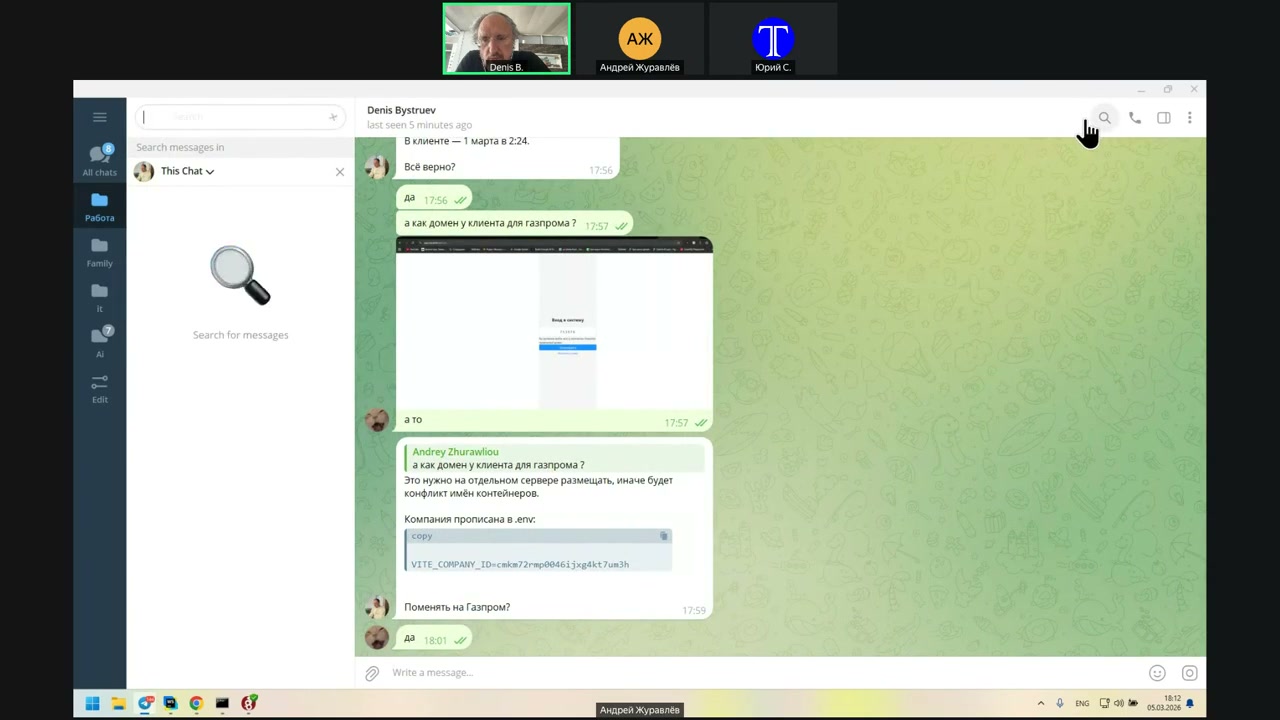
What does UM3H end on?
When do you send the ID of the company?
UM3H: Test 1, 2, 3.
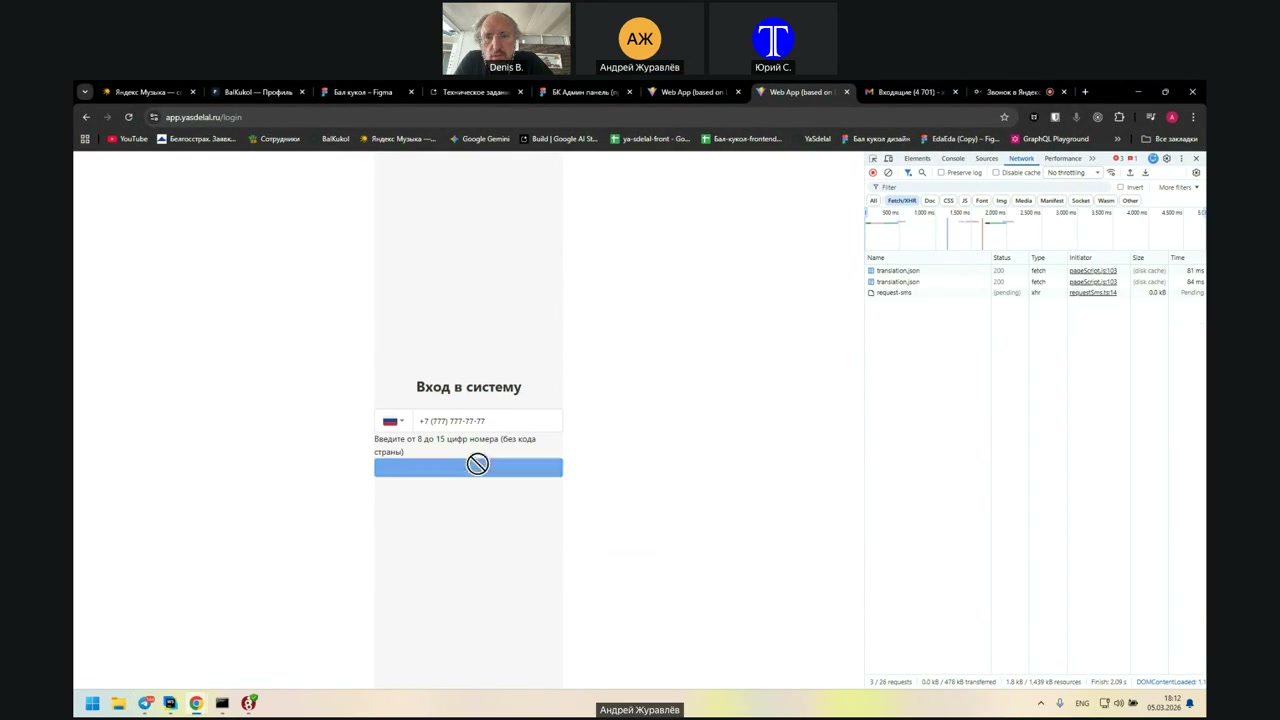
Make a refresh.
Or maybe the build didn’t work out.
Maybe there was a sesh.
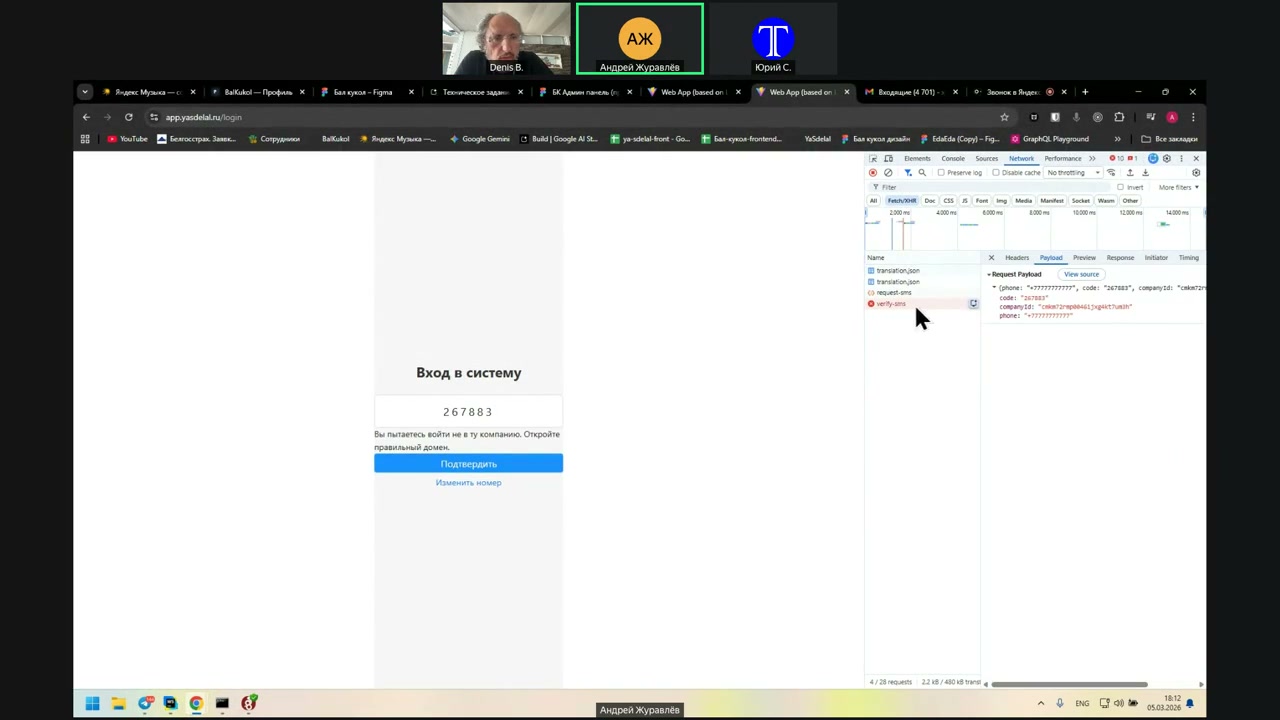
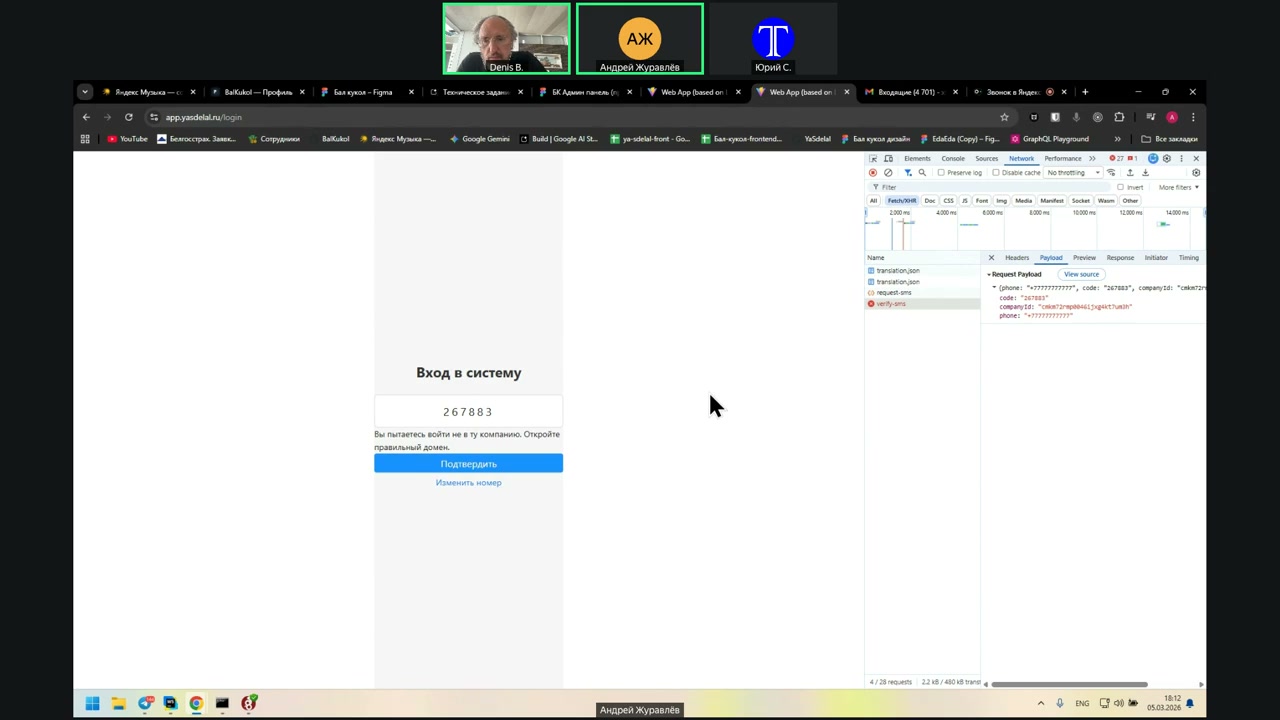
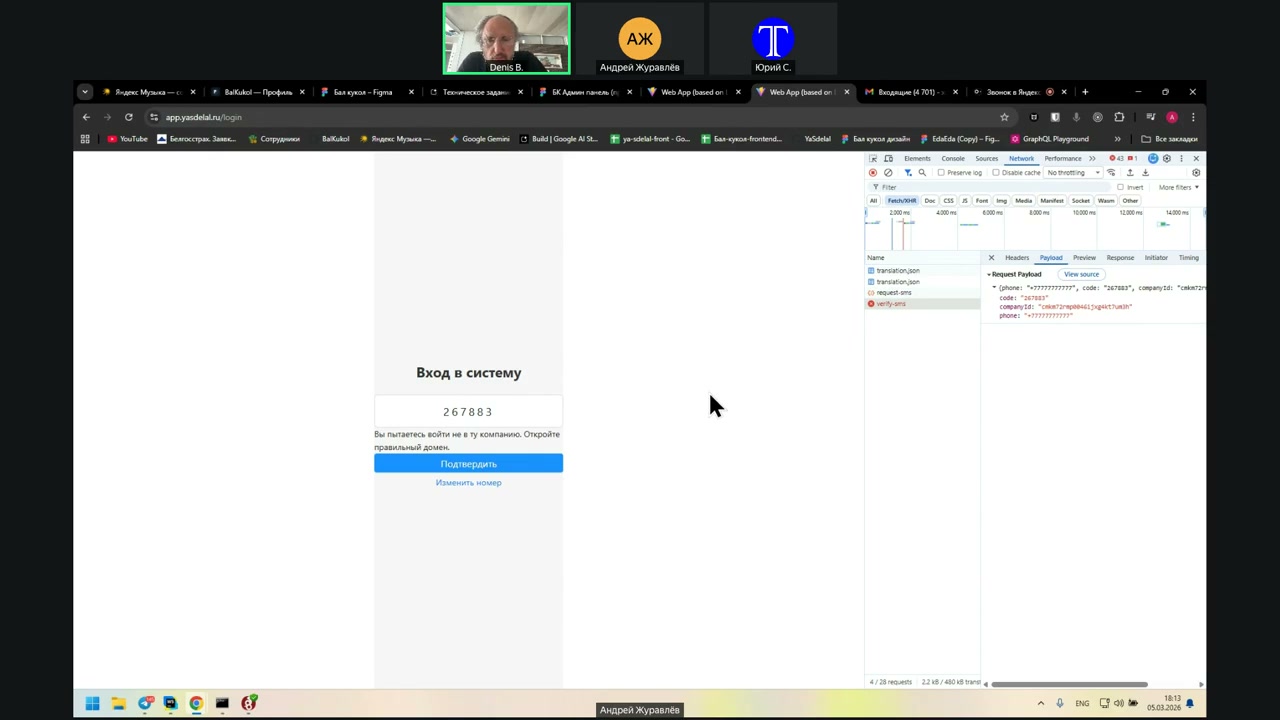
Well, now it was supposed to throw me out.
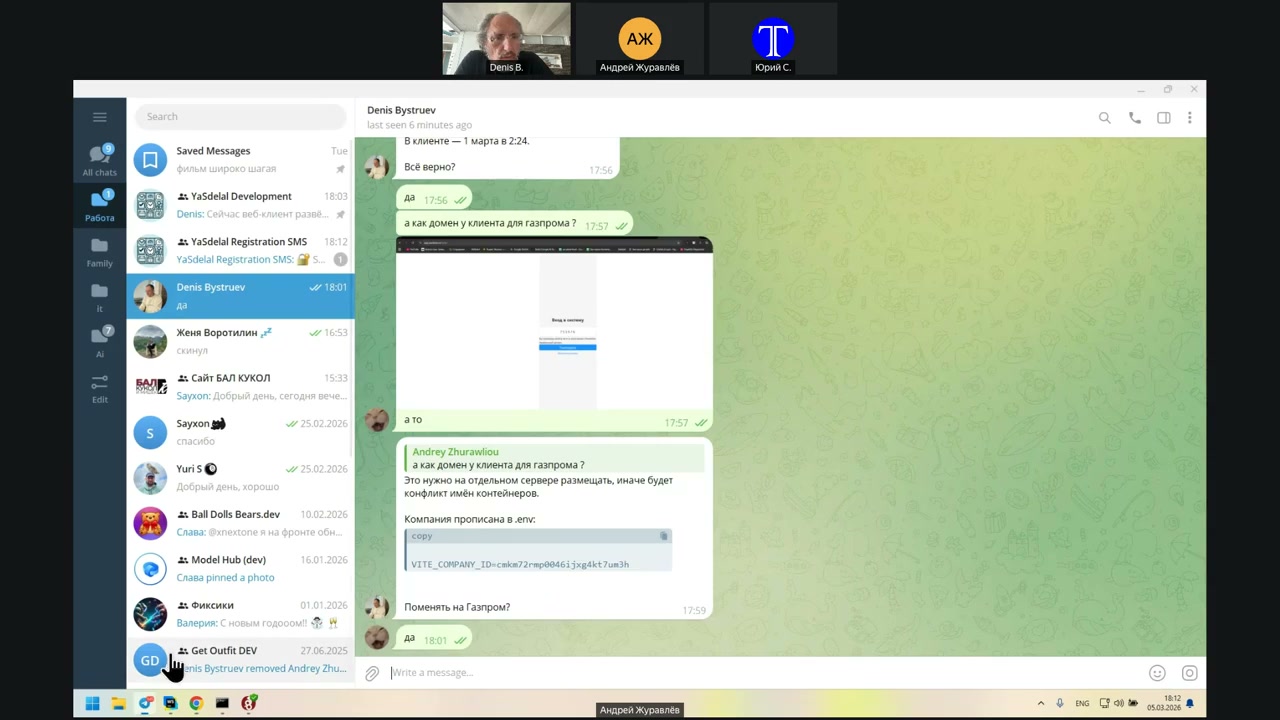
No, it’s the same thing. Here in the environment, you indicated the wrong ID.
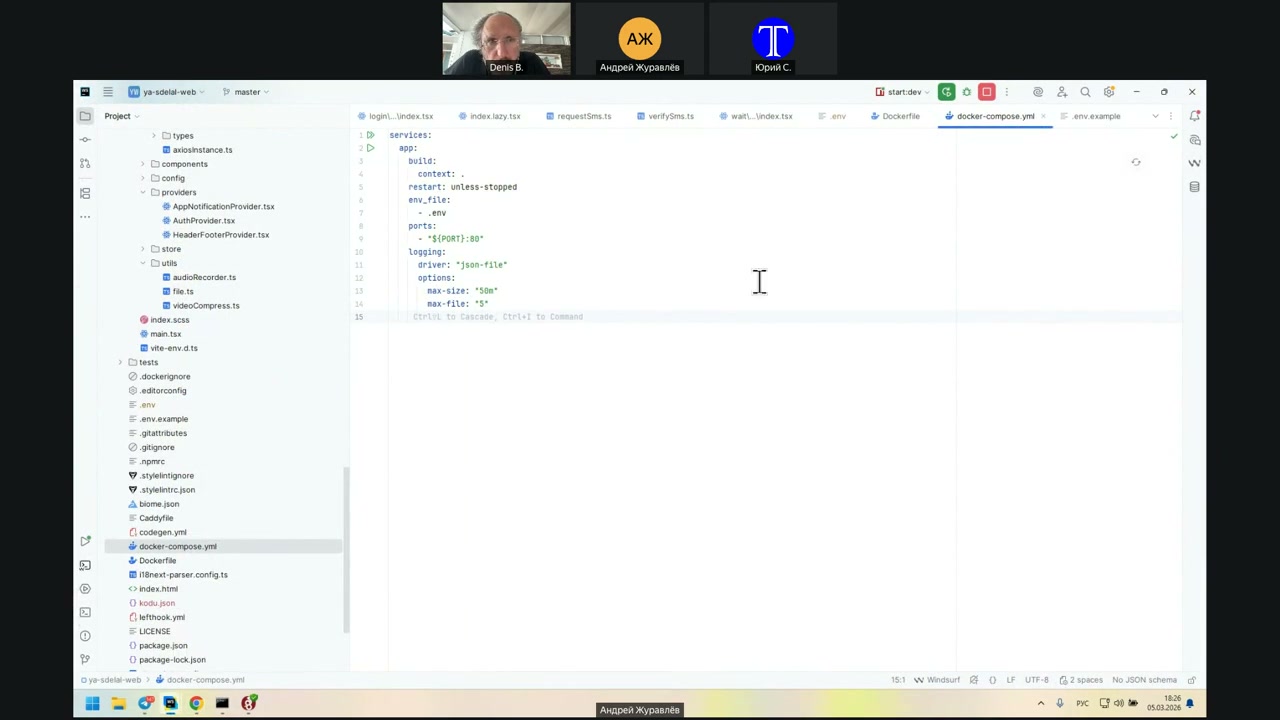
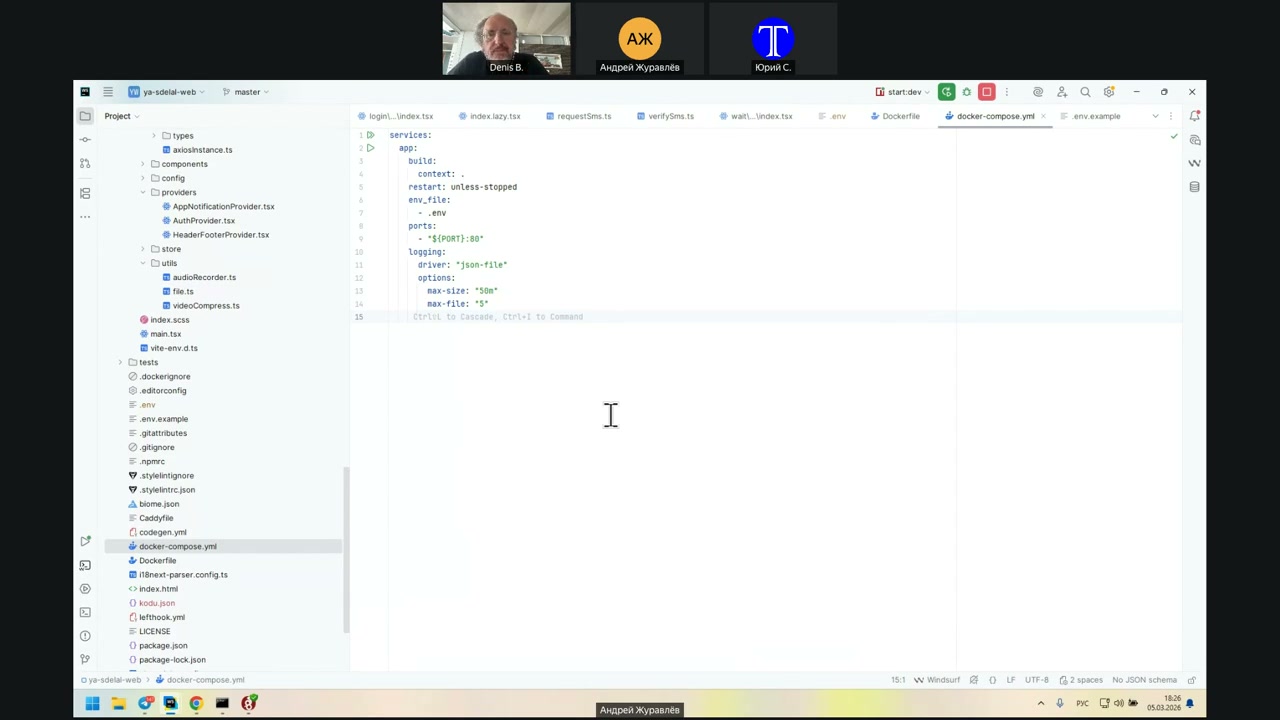
Well, yes. When I ran `docker-compose build`, it did not rebuild. How do I make it do that?
`docker-compose build`, then `docker-compose up`, and `down`.
Yes, the `docker-compose build` did not work. I thought it was happening so fast.
Now, with `docker-compose build`, you need to specify some parameter for it to rebuild.
Well, let me make it easier.
`docker-compose down`
Now it will not work for some time.
Yeah.
Thank you.
you
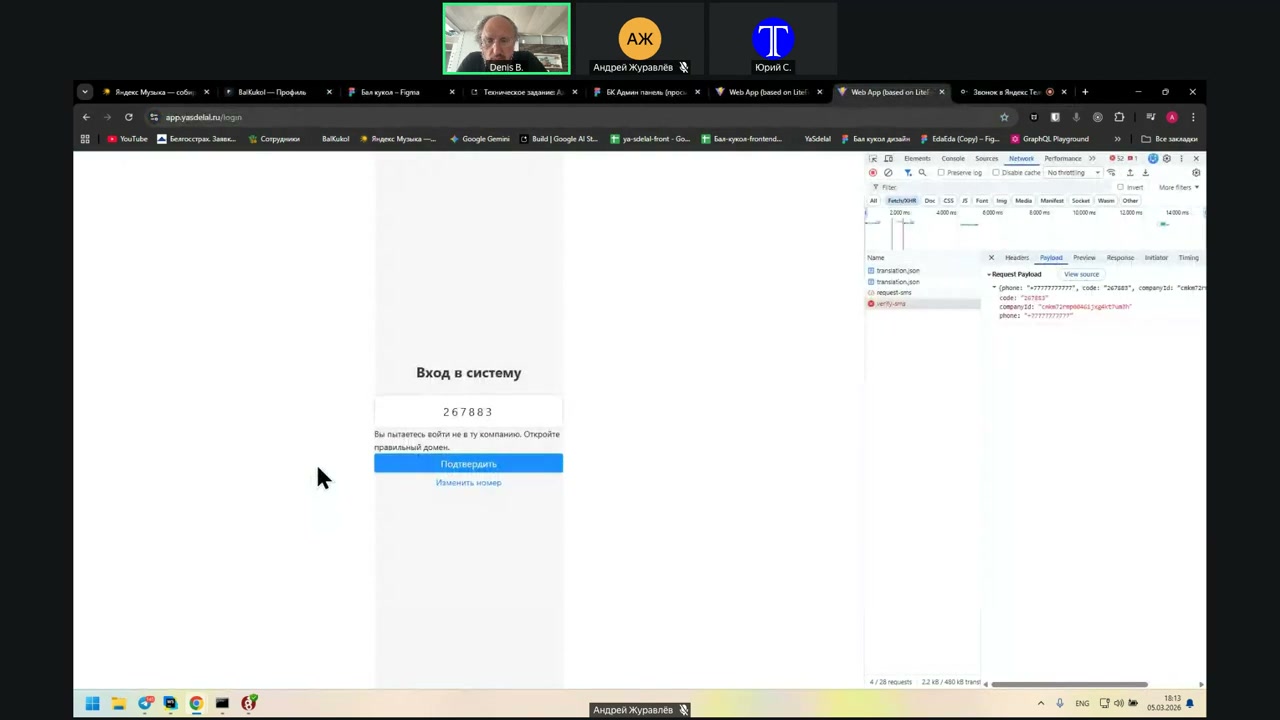
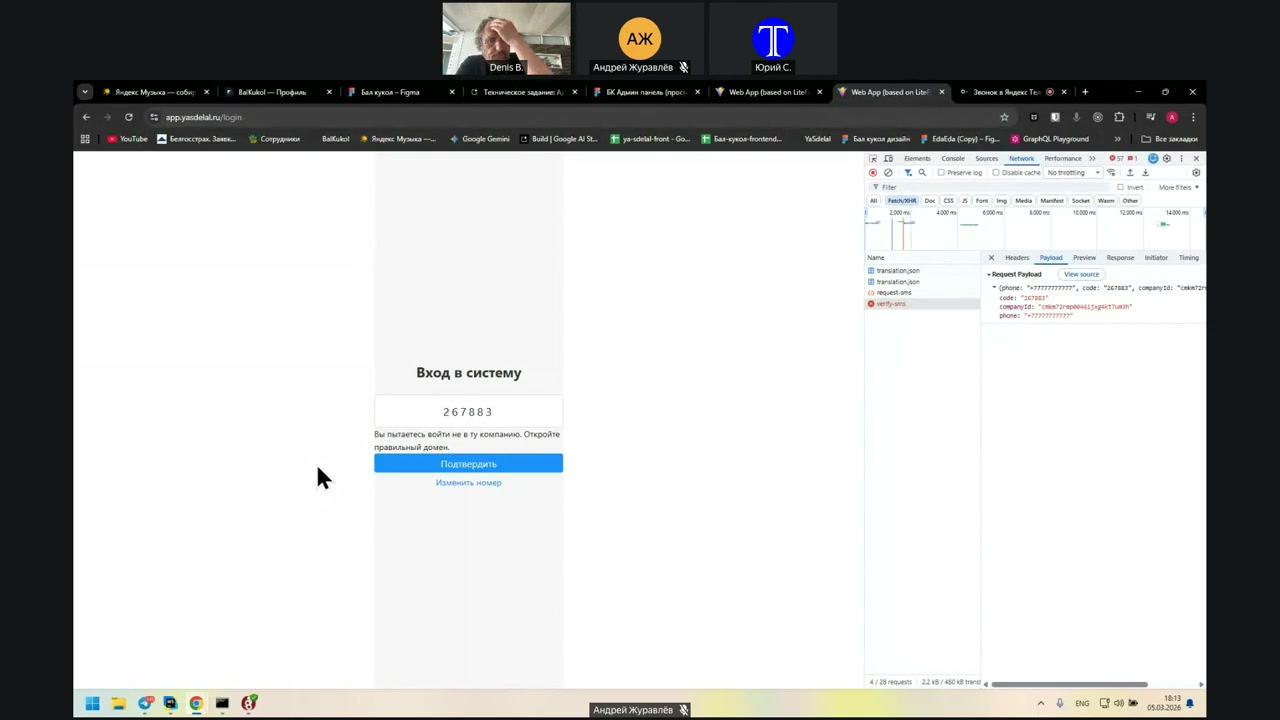
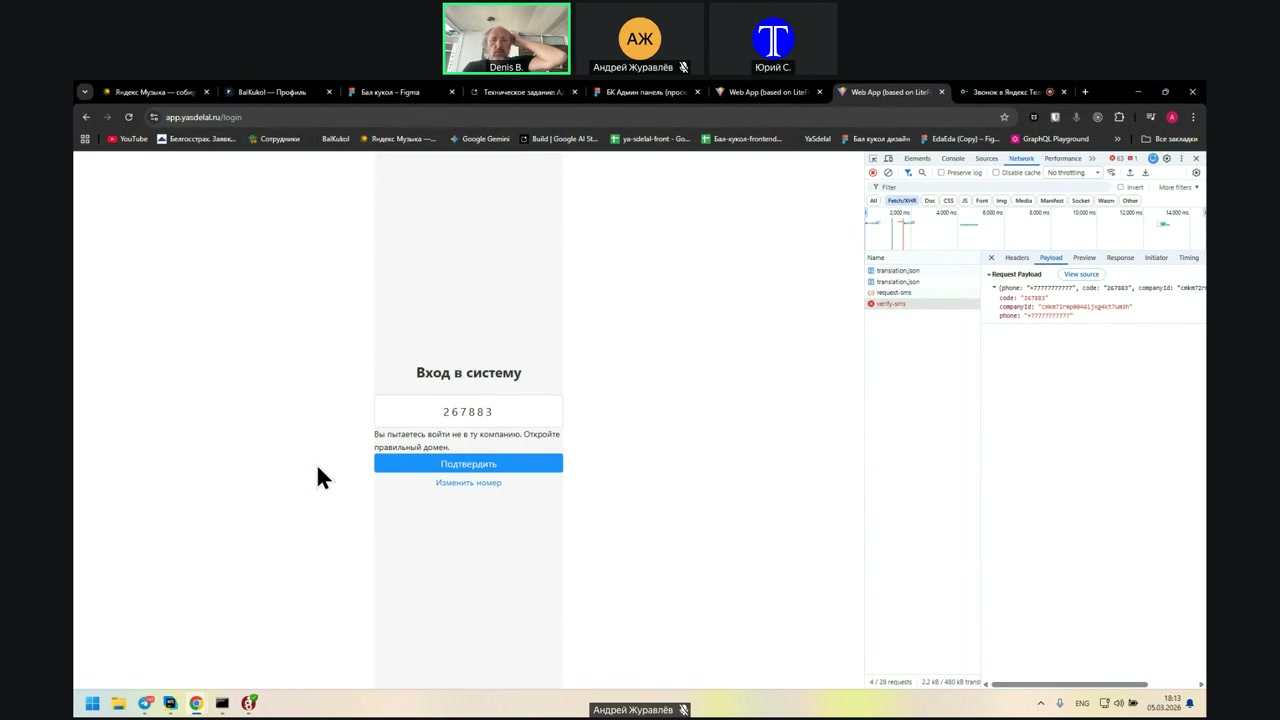
I changed it in `.env` and ran a `docker-compose build`, but it doesn’t always rebuild. It seemed like there were no changes.
It can be seen that he did not pay attention to that tank.
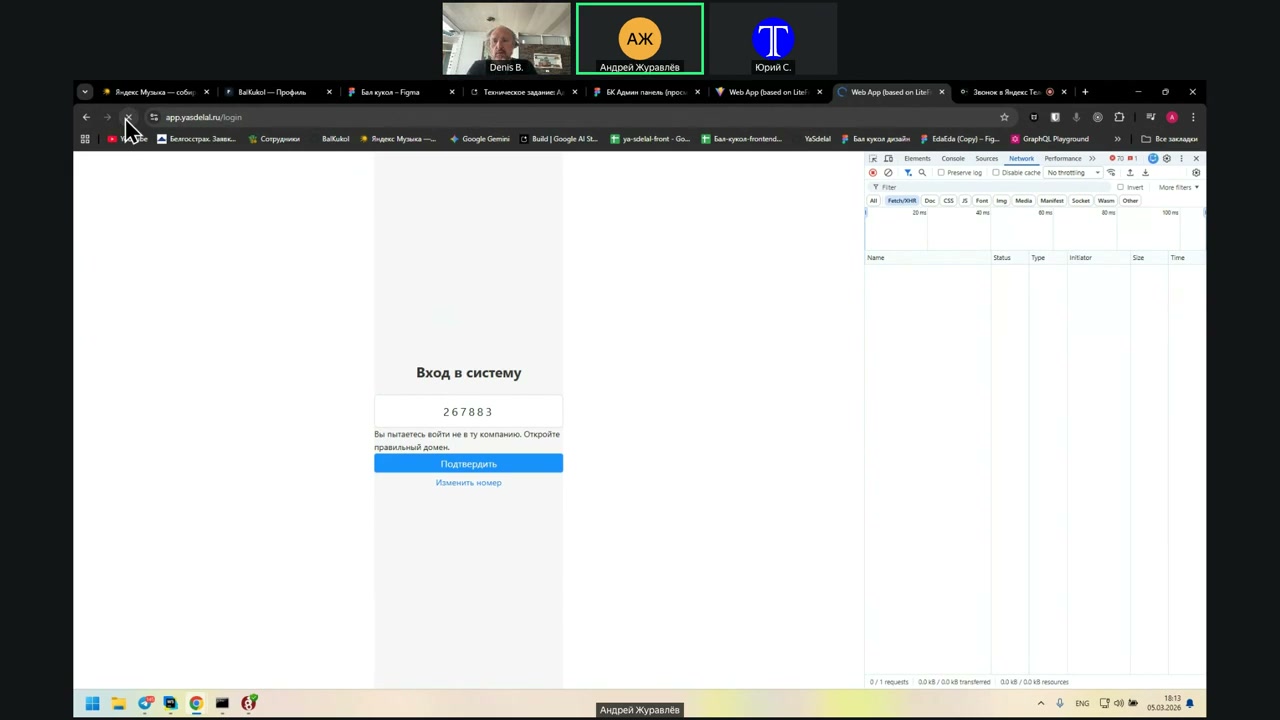
I haven't reassembled it yet, so you had an old version. But now it's been three minutes.
Yes, the reassembly is done, and now it will be reassembled in Gazprom. Since we are reassembling it now and there is no Deploy script, we can specify the name of the container manually.
Then we will create a Deploy script that will automatically choose the container name depending on the company name. Right now, it really looks like the container is nowhere to be found.
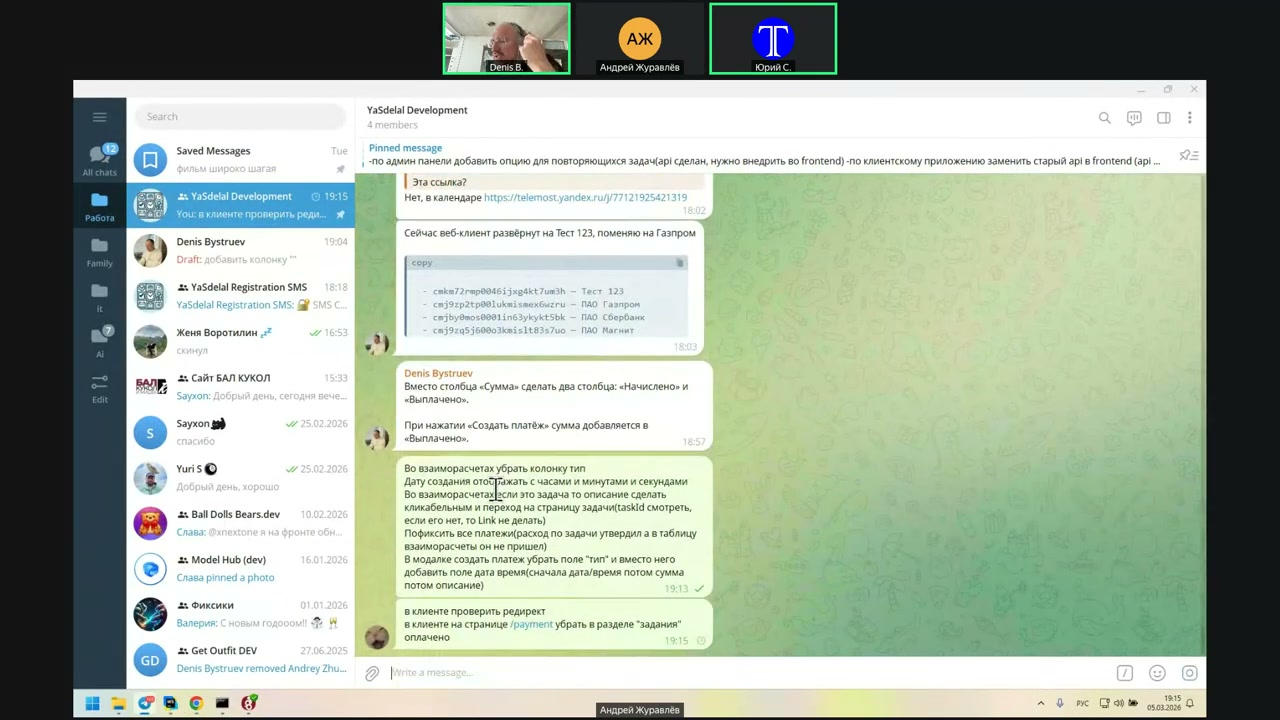
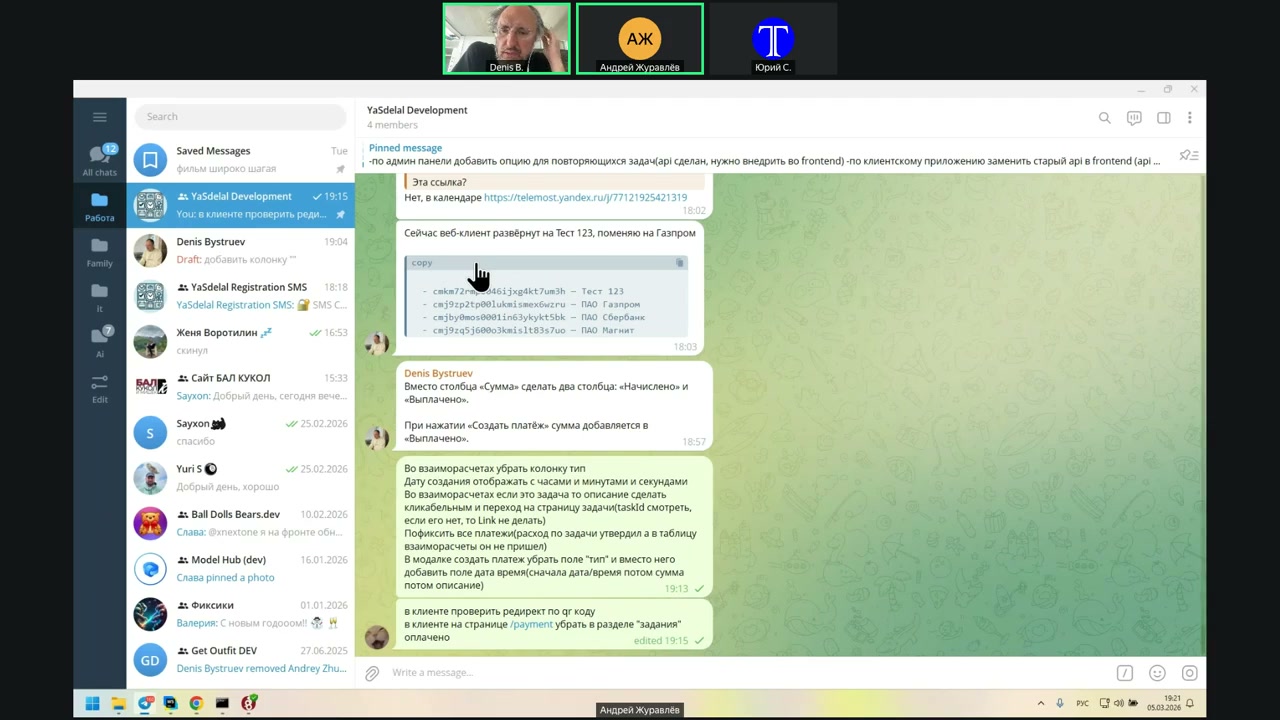
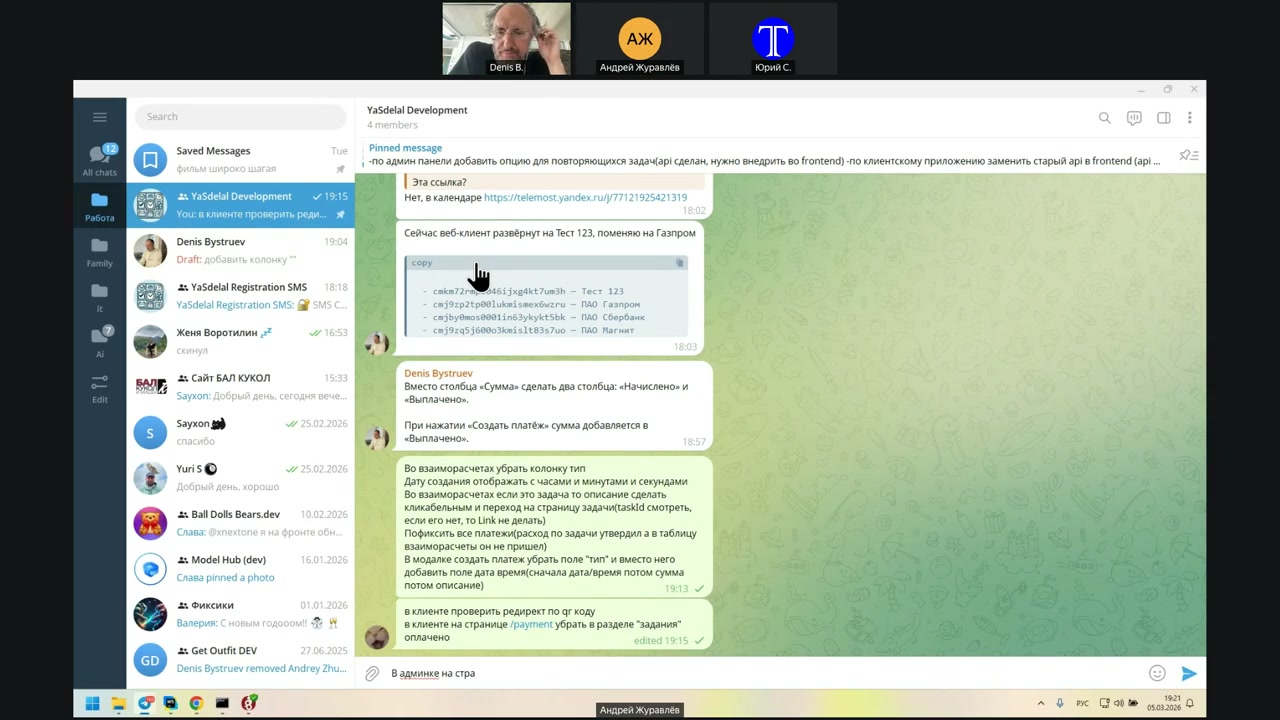
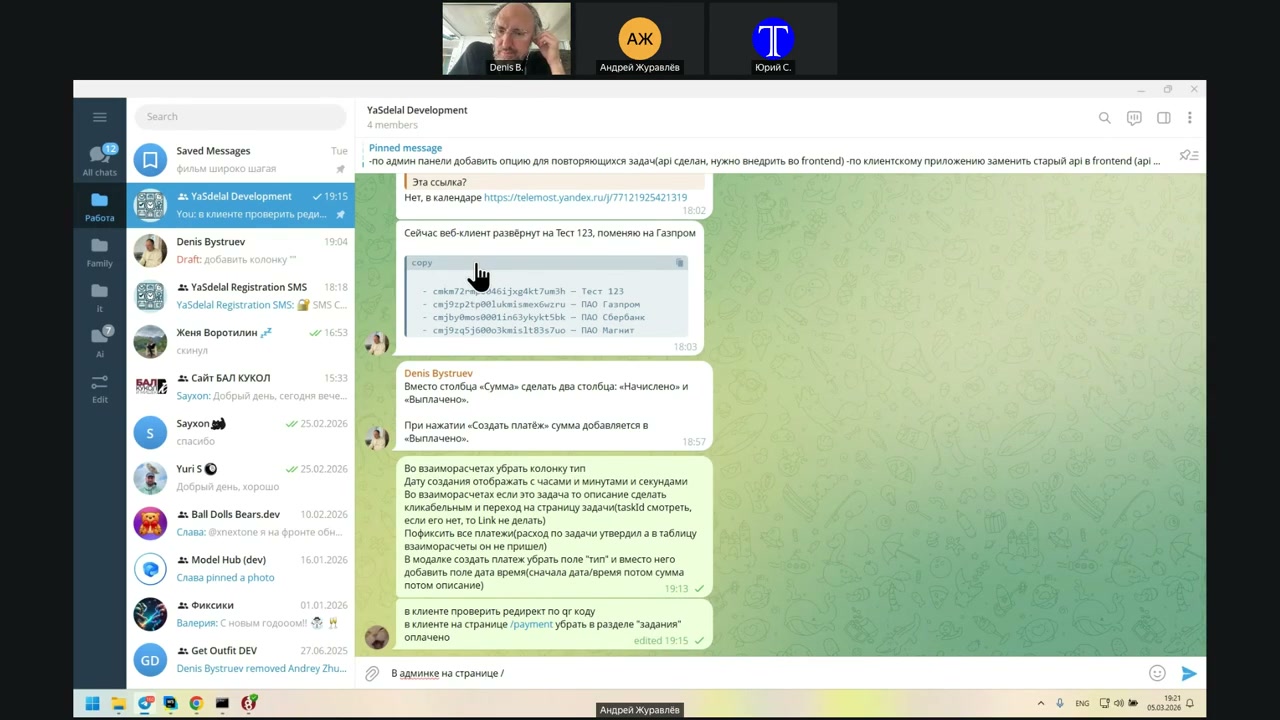
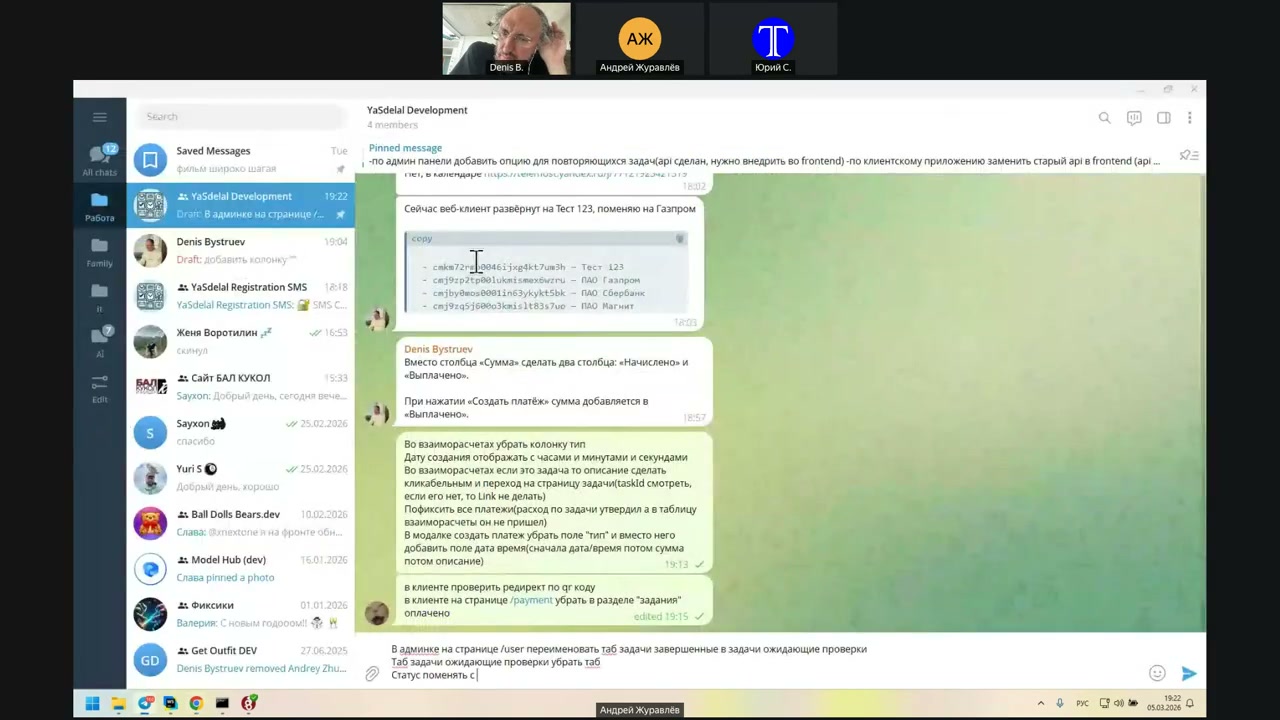
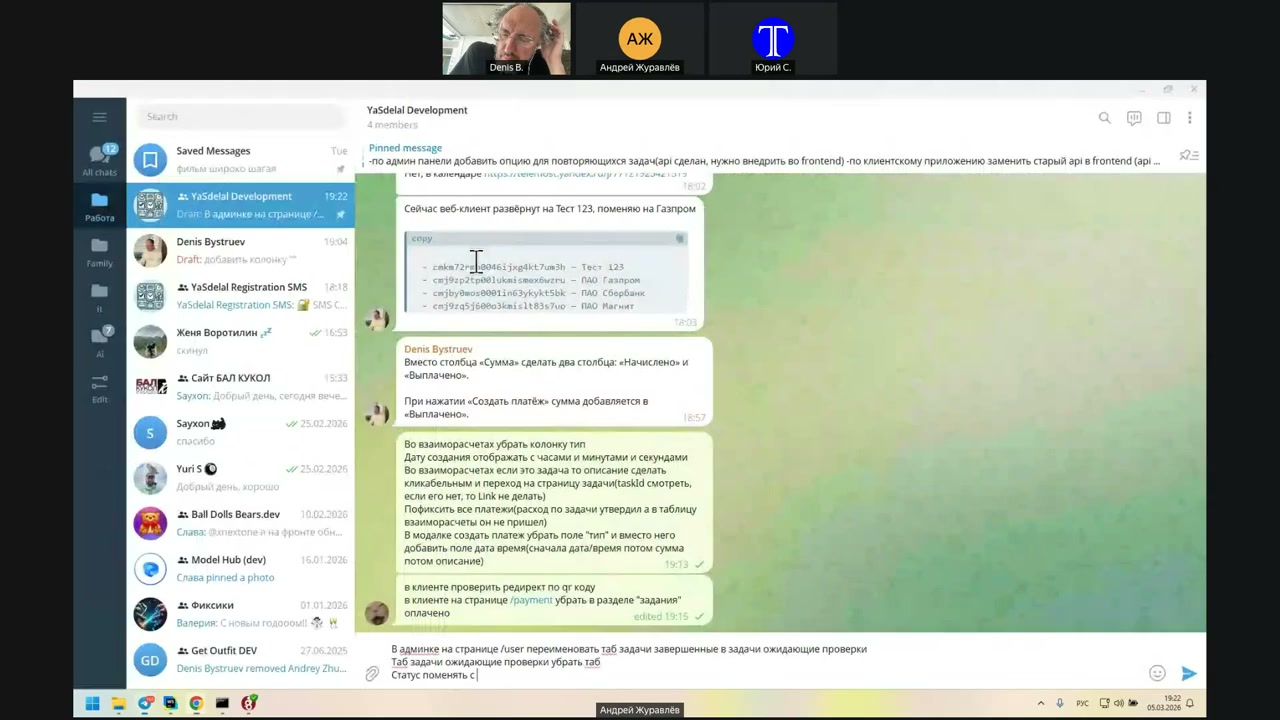
Today, the main thing to show and discuss is probably the PDAT filter in the client. Then the client will be up, and I will translate from him.
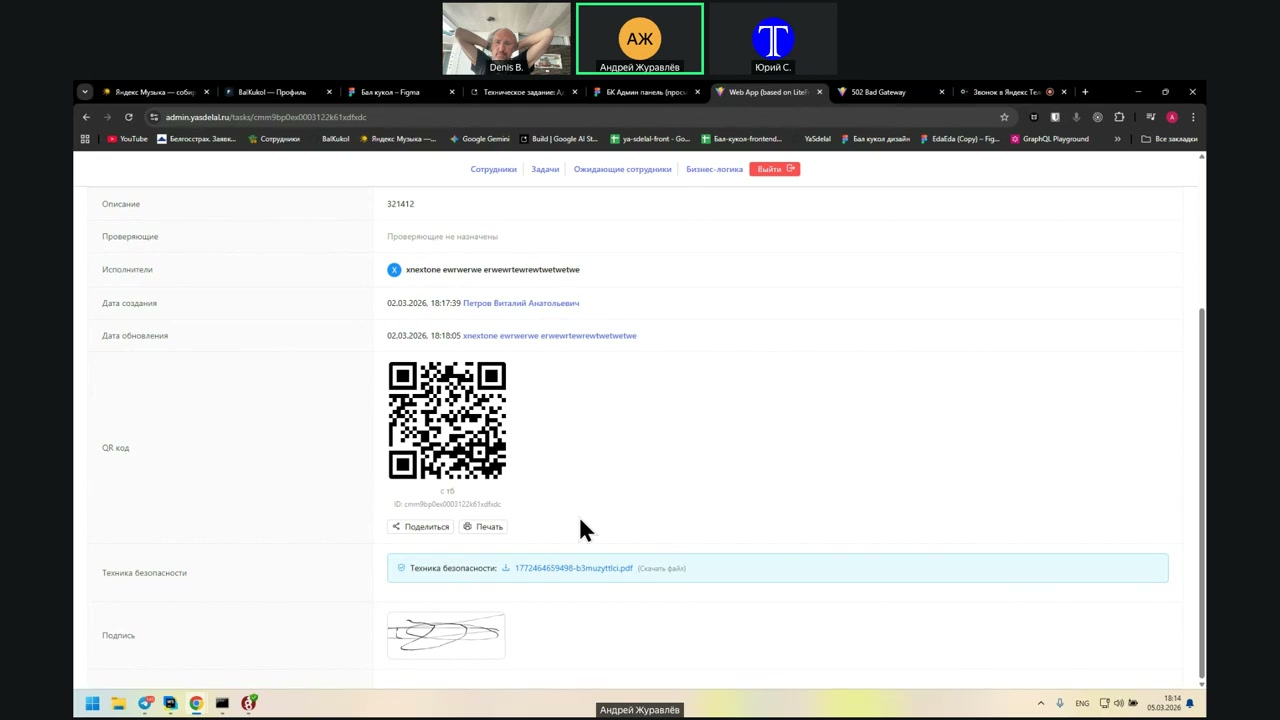
About the admin panel: we didn't discuss the signature display. I created a task page where, when a person signs, I convert the signature into an image and send it to the API. After that, you can see the signature in the admin panel.
If the person signed, then the signature is shown. If not, then there is no signature.
What is left in the admin part? Is everything done?
Admin part: In theory, everything is done.
Okay, then I'll check the client part.
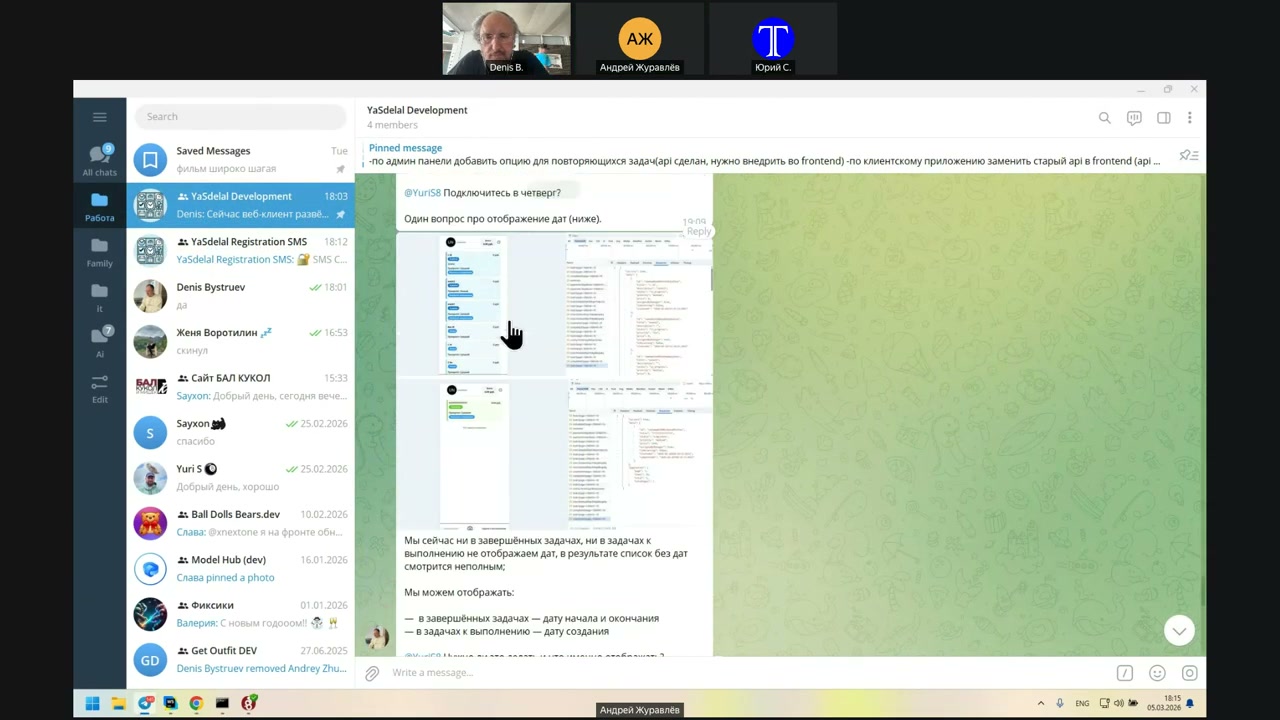
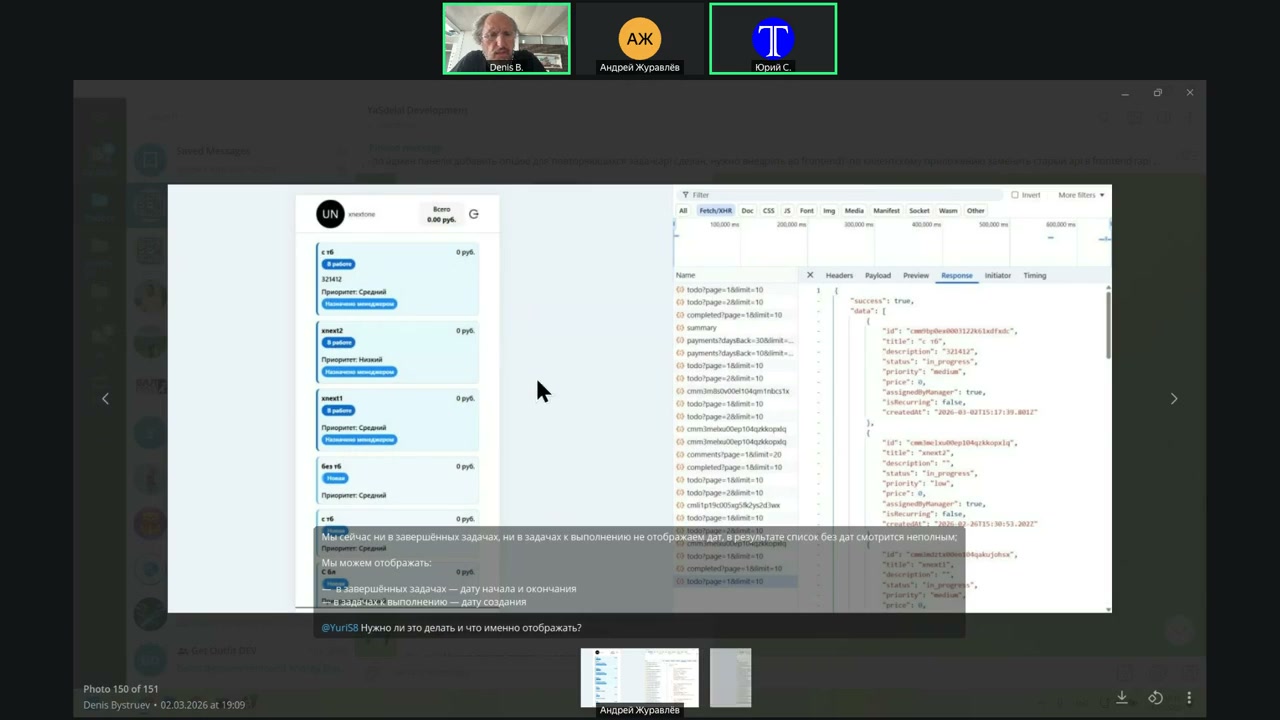
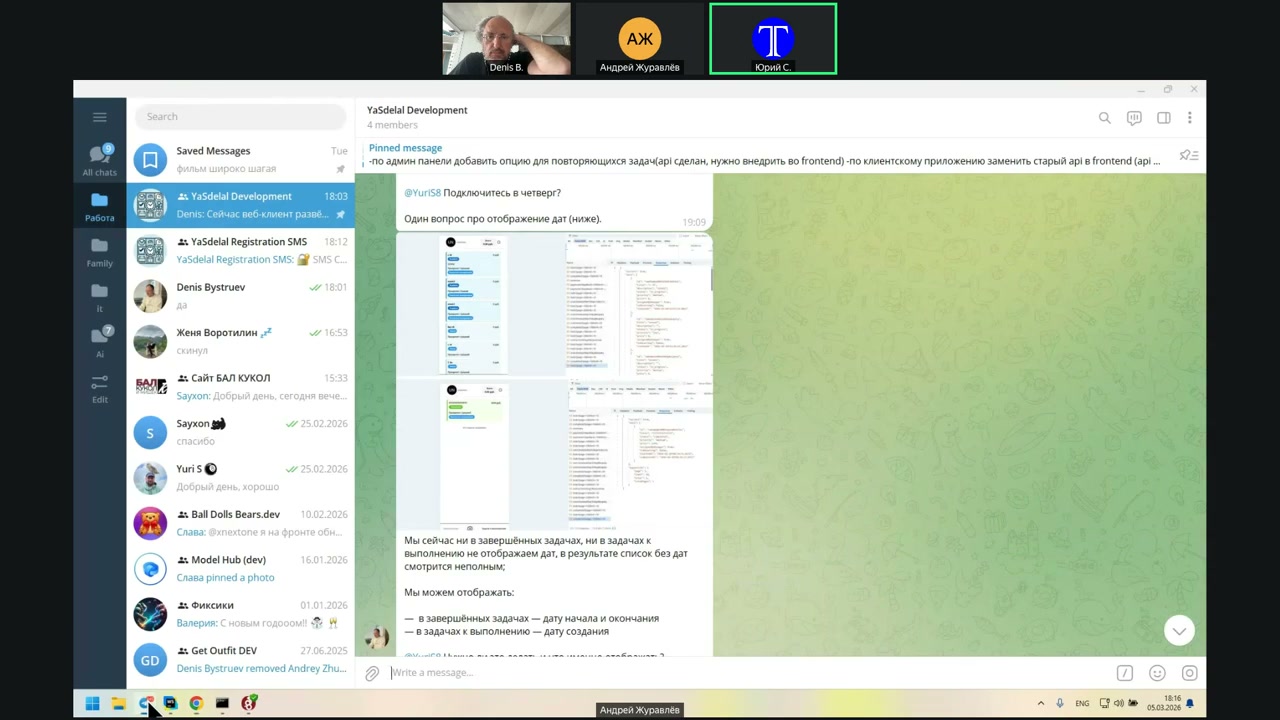
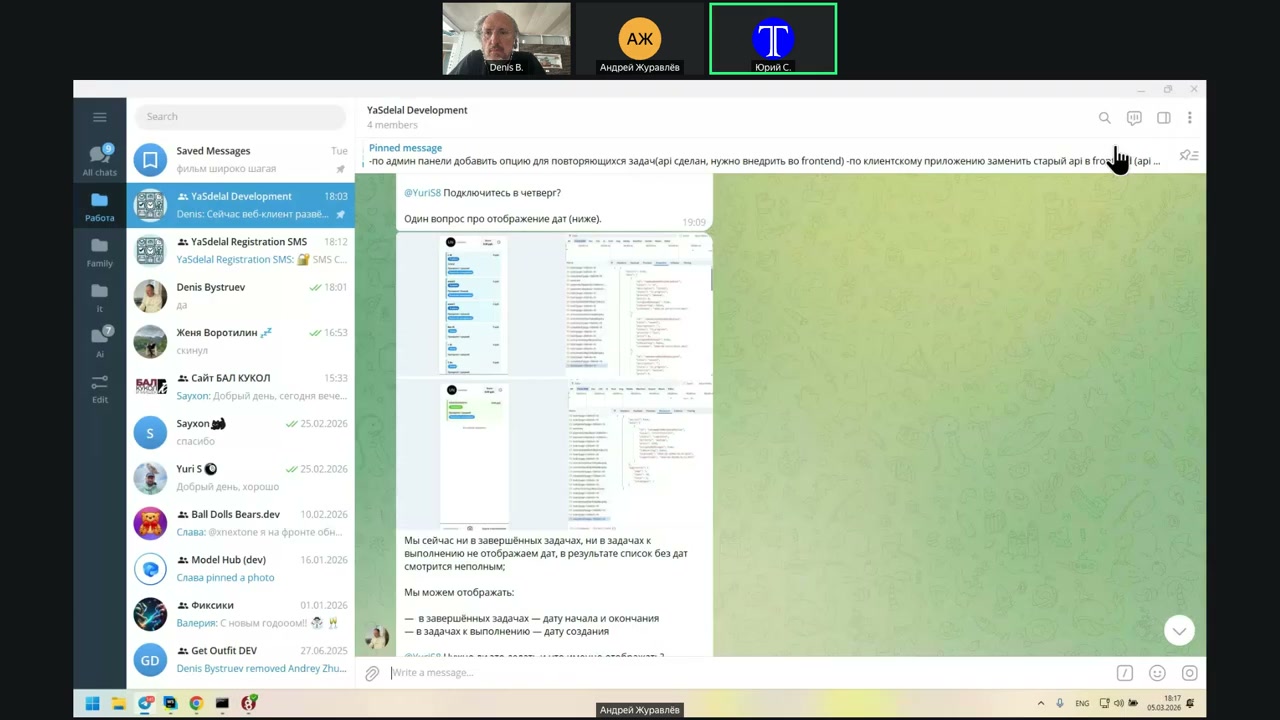
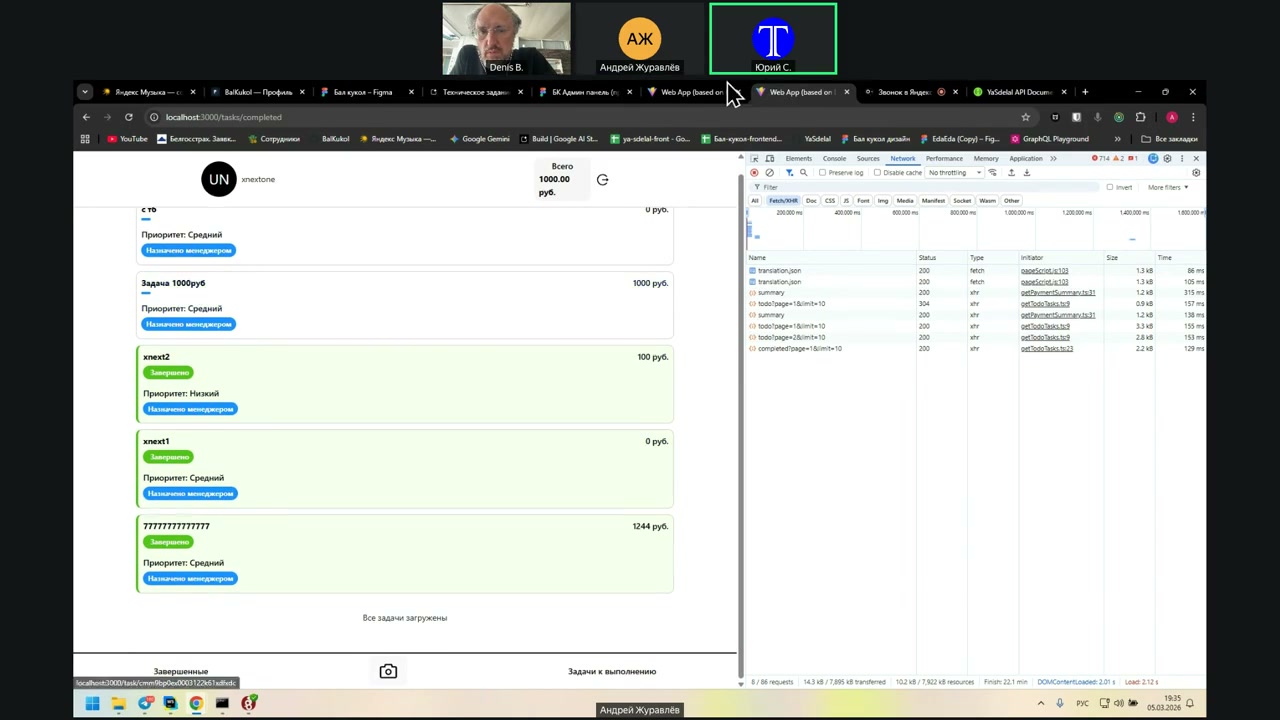
On the client side, on the main page where the task is completed and the task to be performed is shown, we need to discuss the filters, sorting, and what you wrote in the last message.
So I thought it was a copy of the action.
No, it’s pasted.
No, it’s here.
Ah, I see.
Wait, or do we have to do it in the Admin?
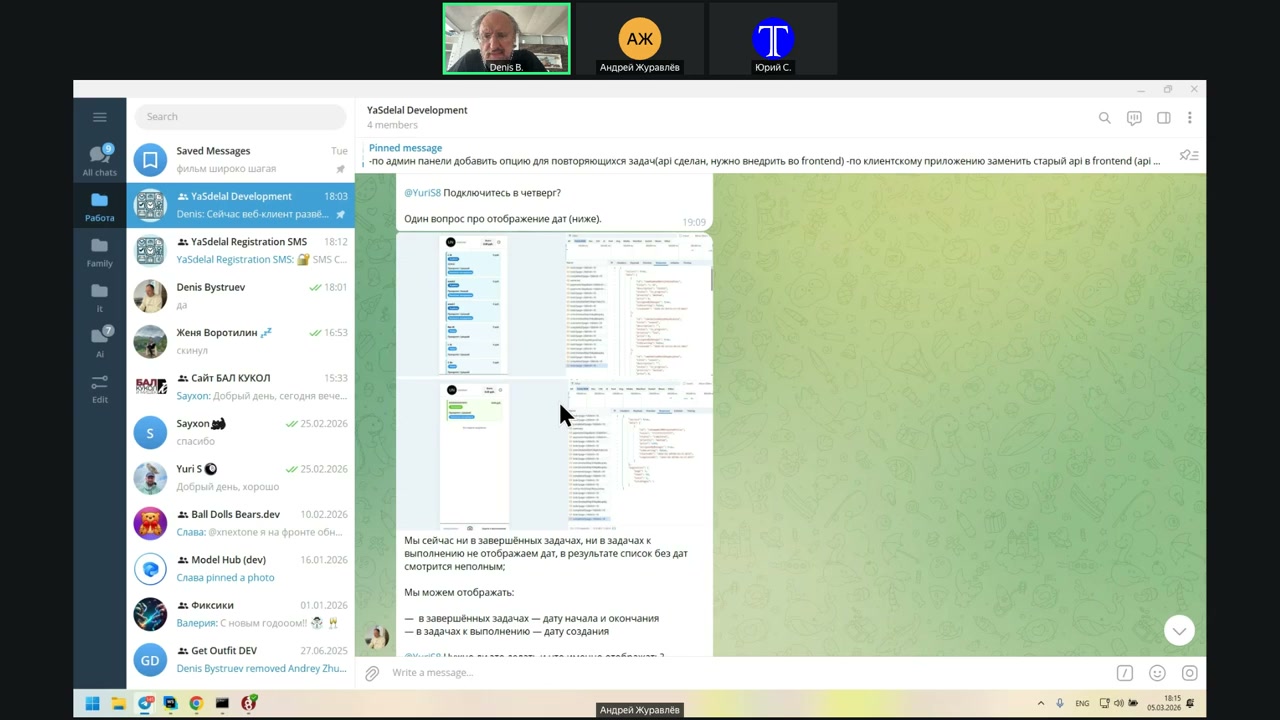
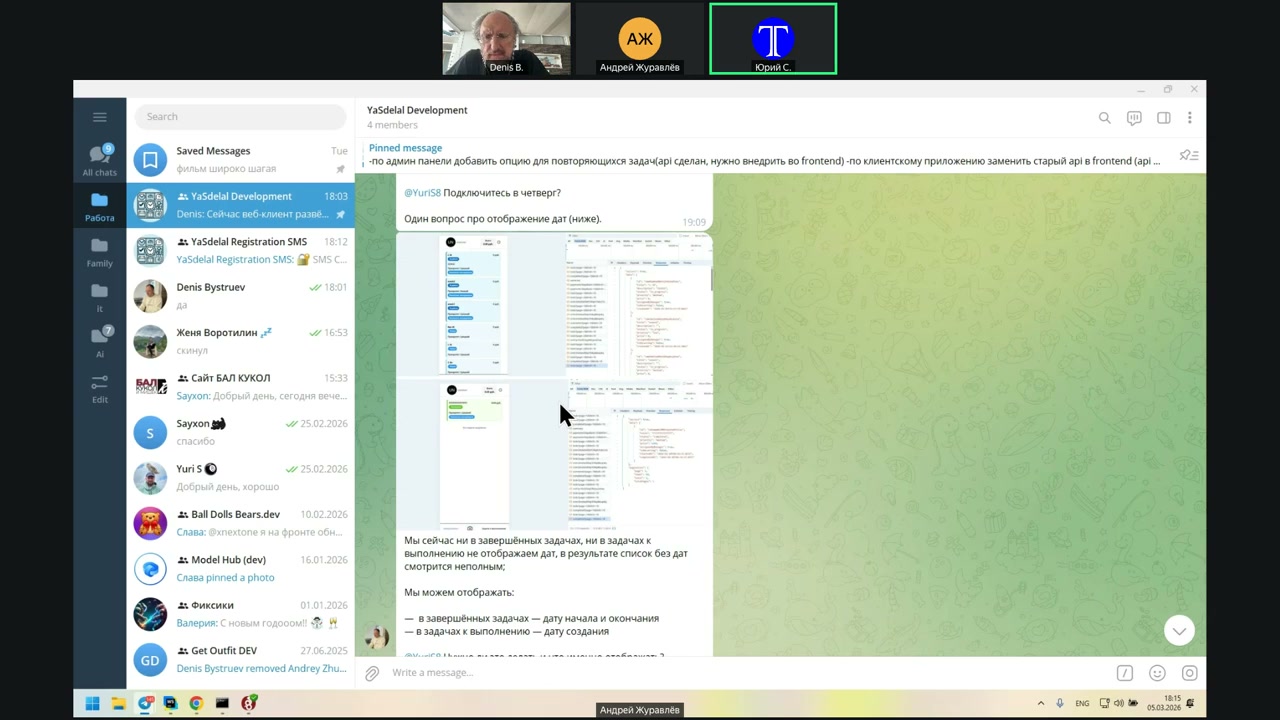
Это в админке?
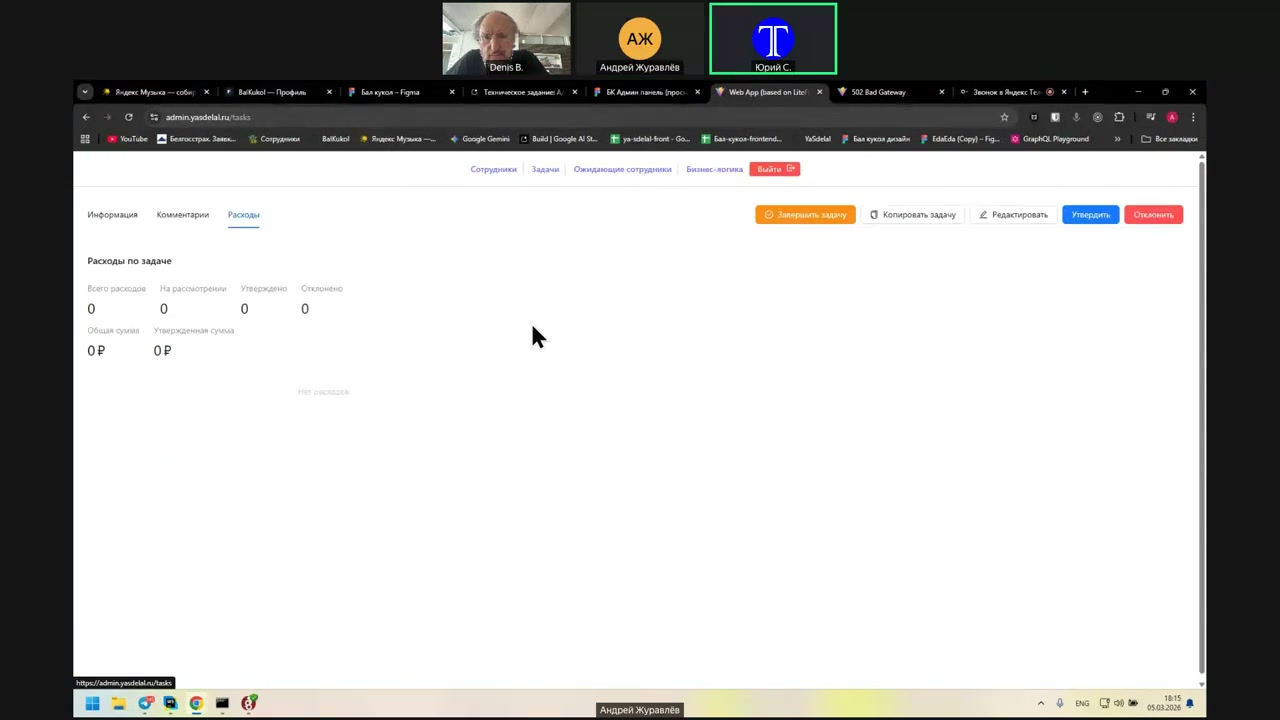
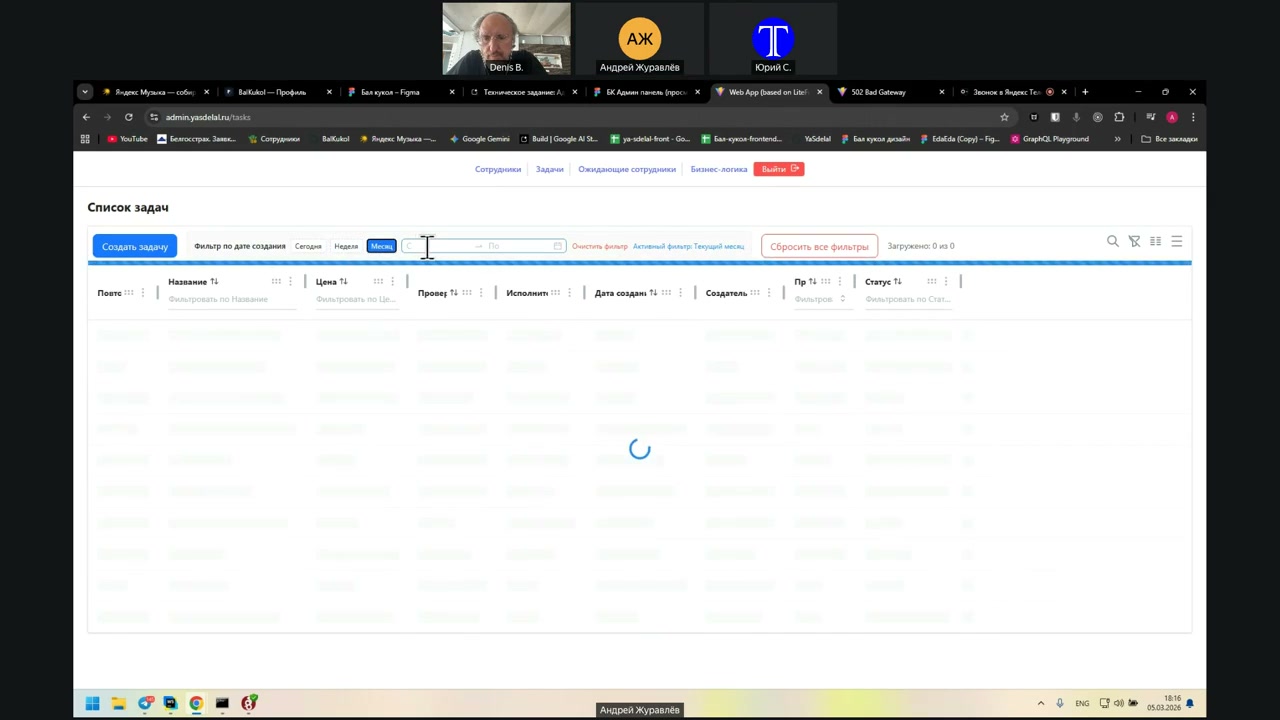
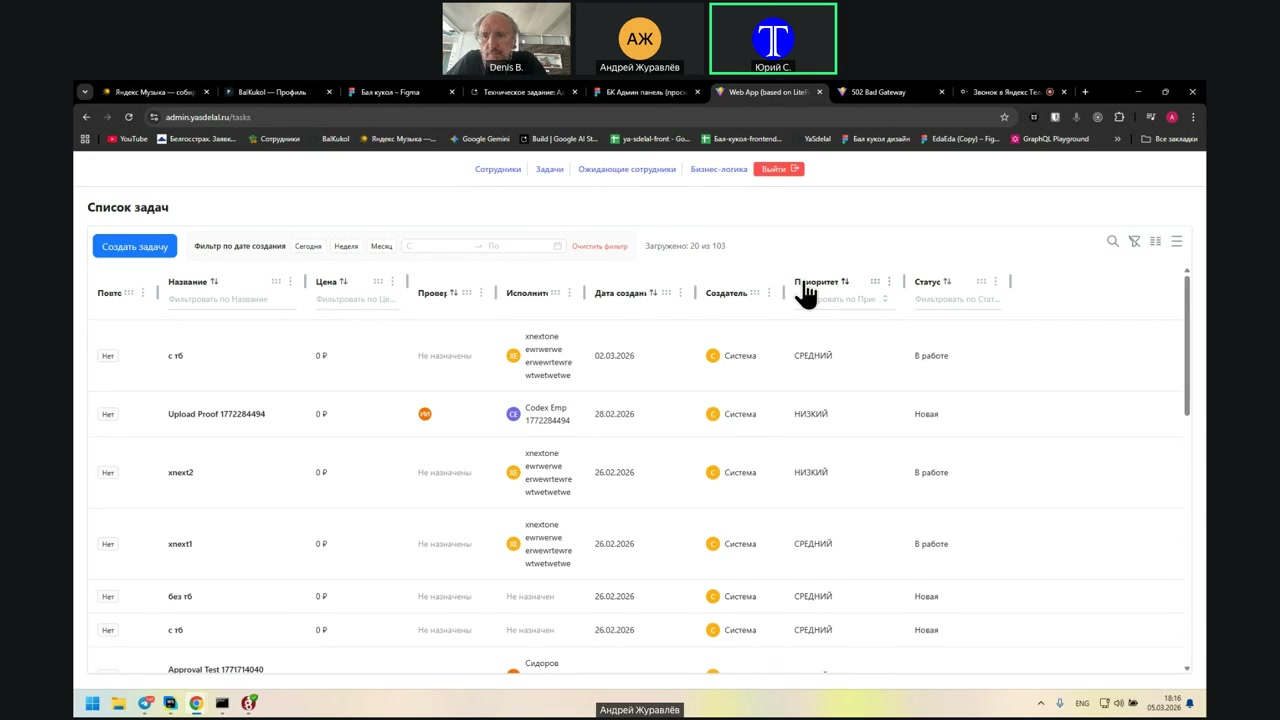
We have it in the admin.
Dates and their sorting?
Yes.
Show it.
We have a filter for the creation date. We implemented it separately. You can filter for today, this week, this month, or specify a custom interval.
We don’t have a completion date.
Okay, hopefully I’ll add it later. For now, it doesn’t matter.
Okay, the client part, yes. If there is no sorting, then...
Add it there.
You don’t need to add it yet. You just need to write down what the feature is and what needs to be done.
The main thing is that it works now, in its current version. As long as it works, that’s enough.
When I was working with the API, I went through all sorts of scenarios: created tasks, switched between them, and tested everything. It’s working now.
Can I check it? It’s working now.
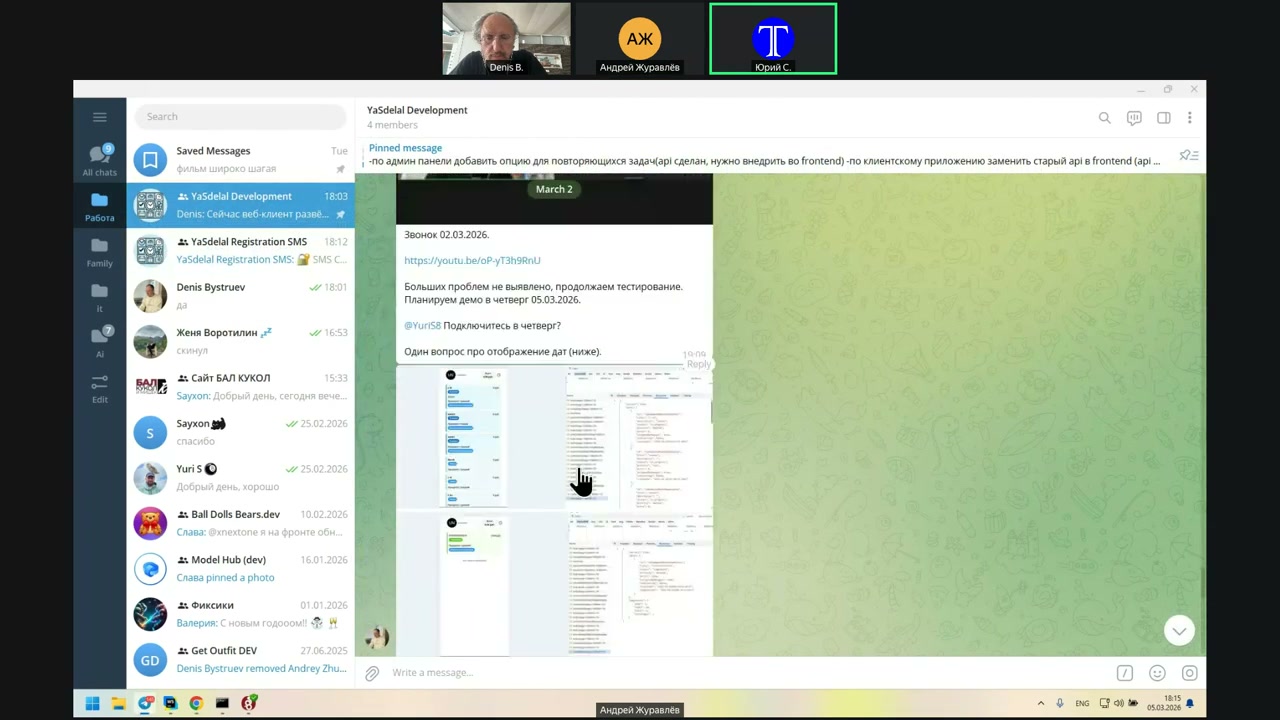
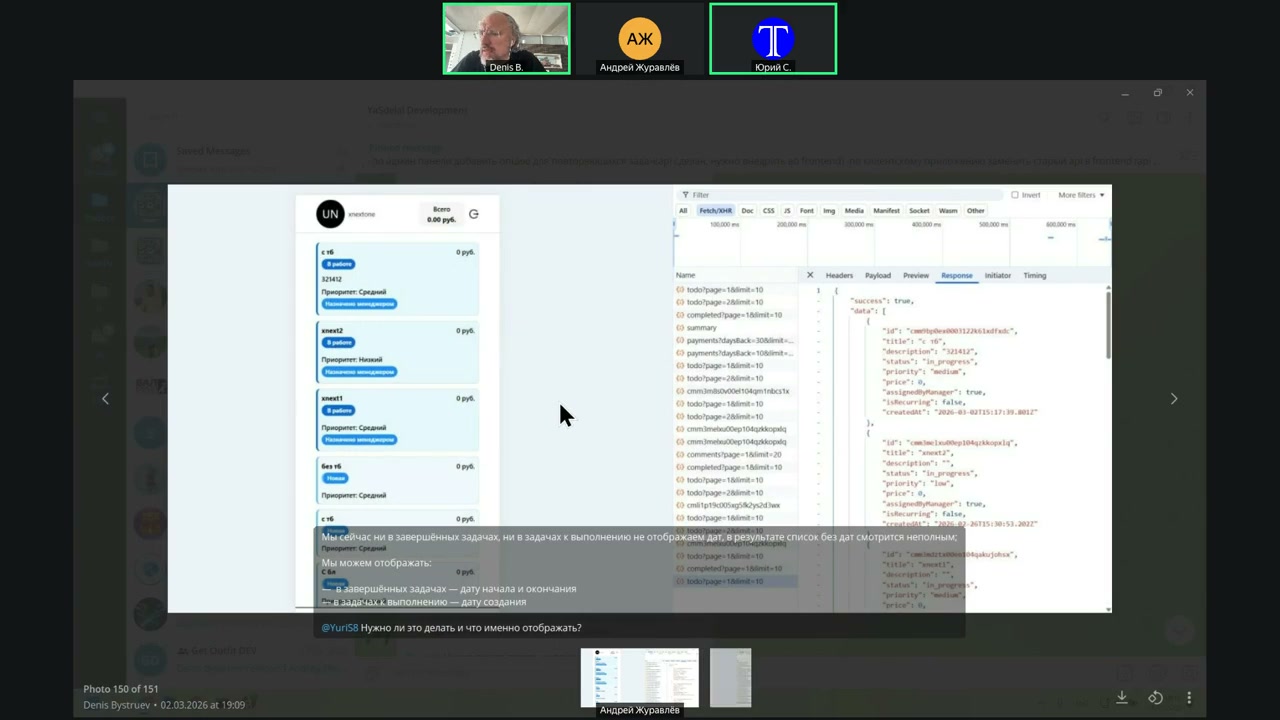
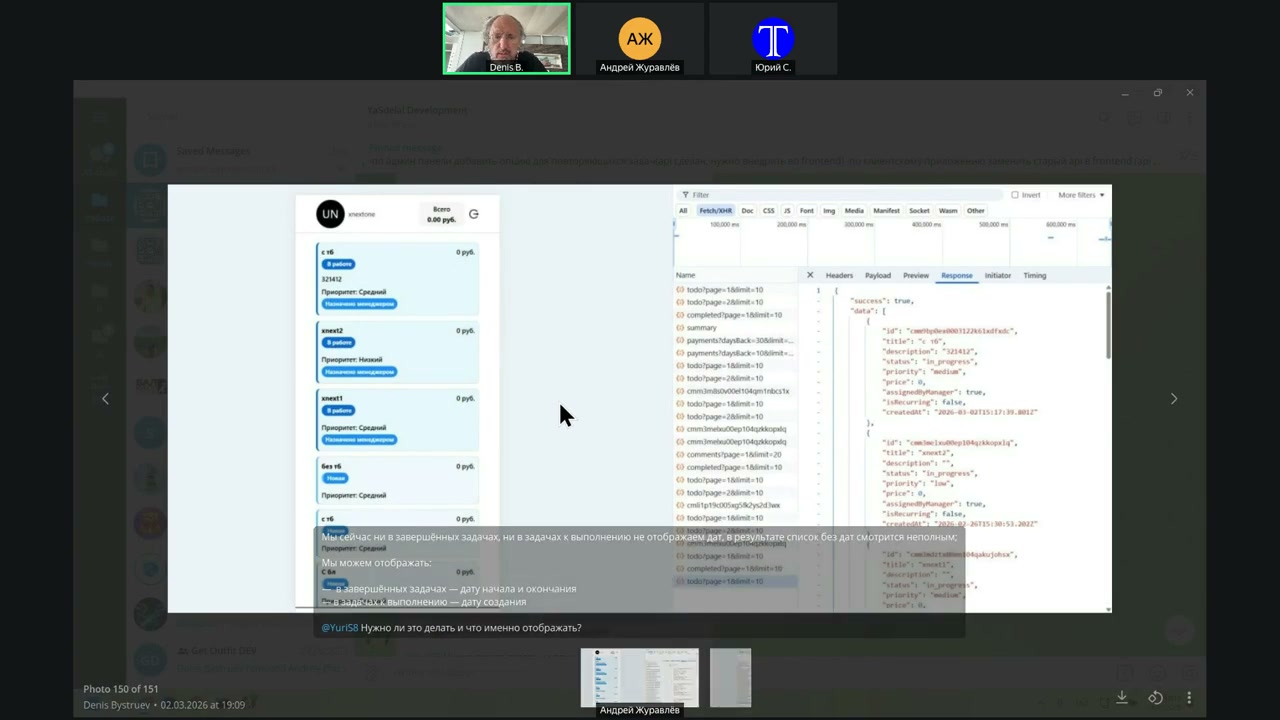
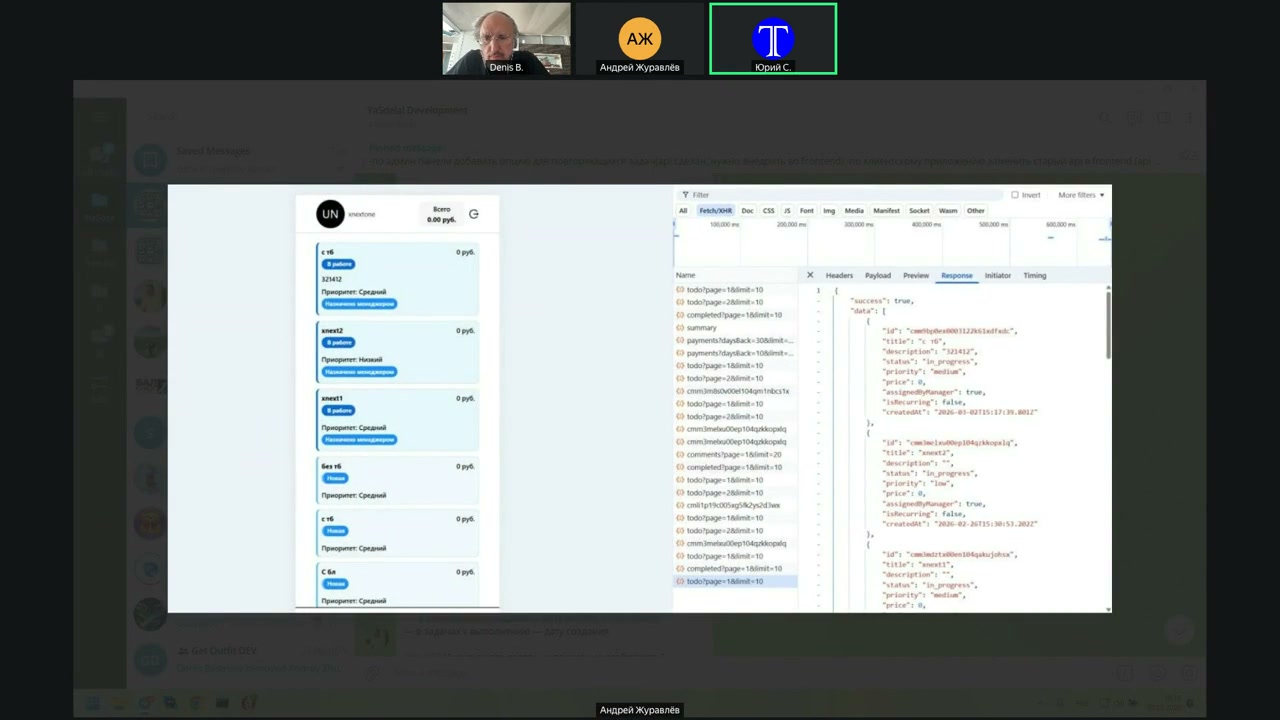
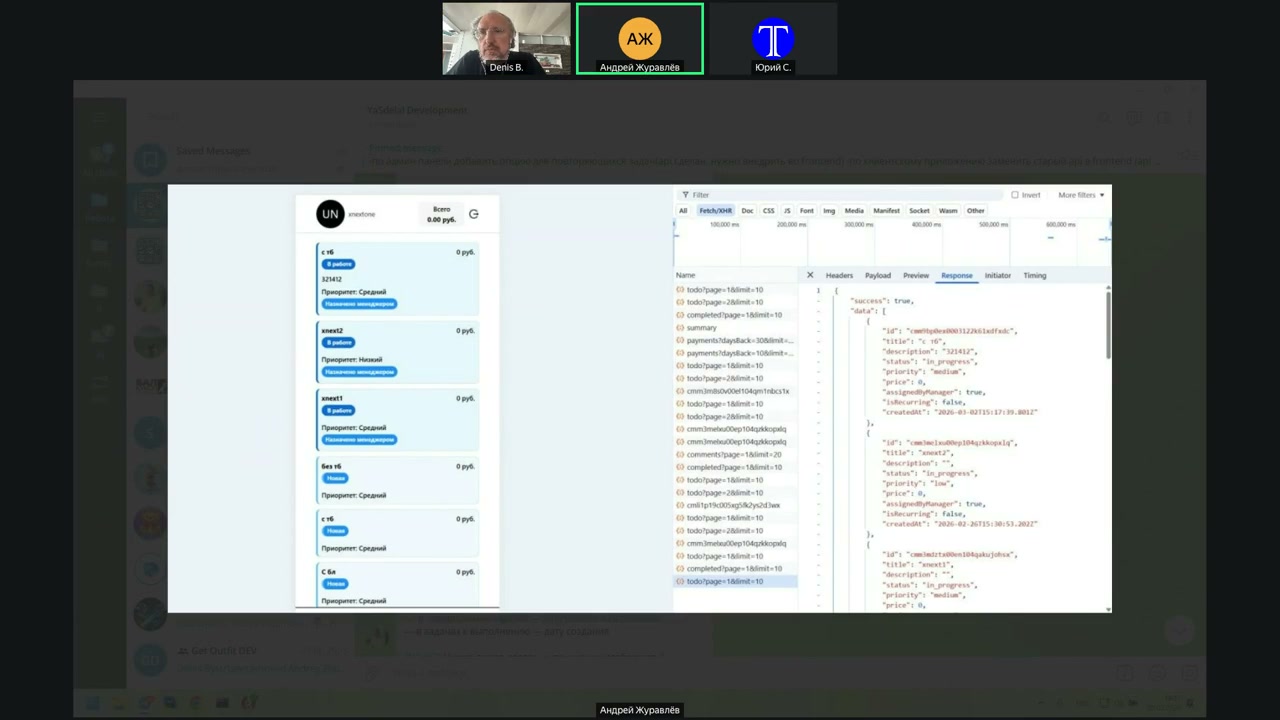
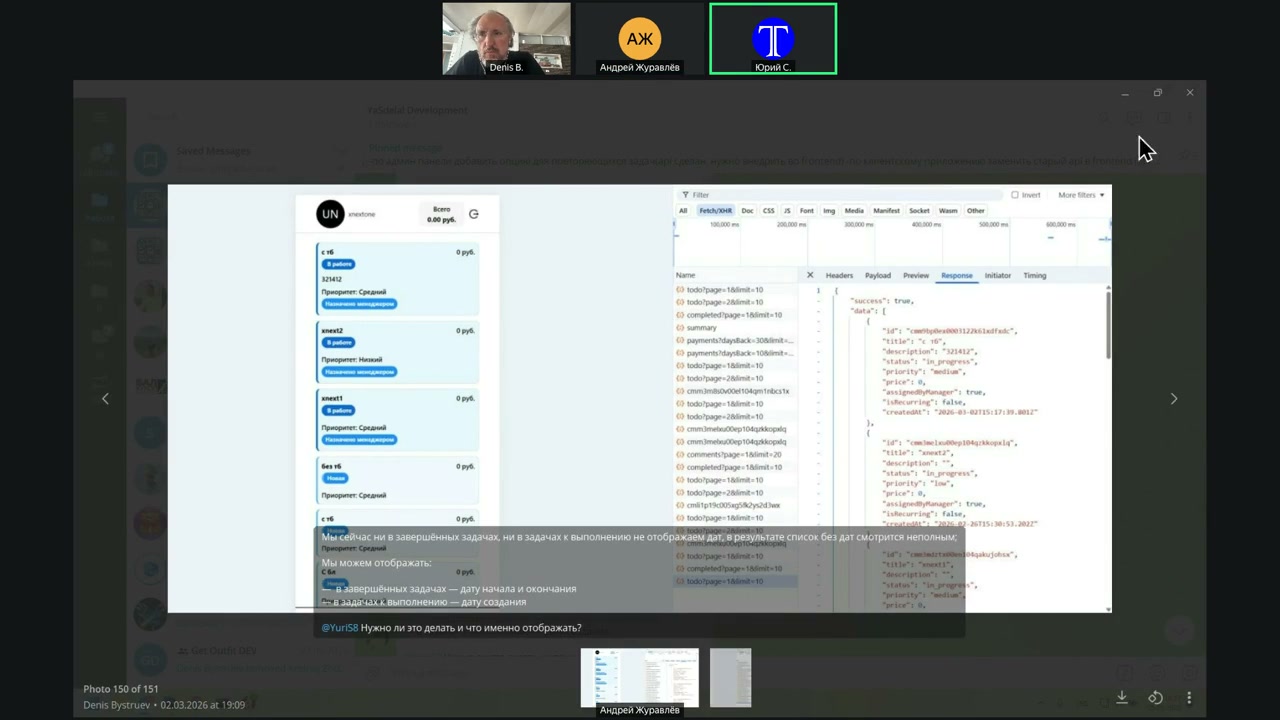
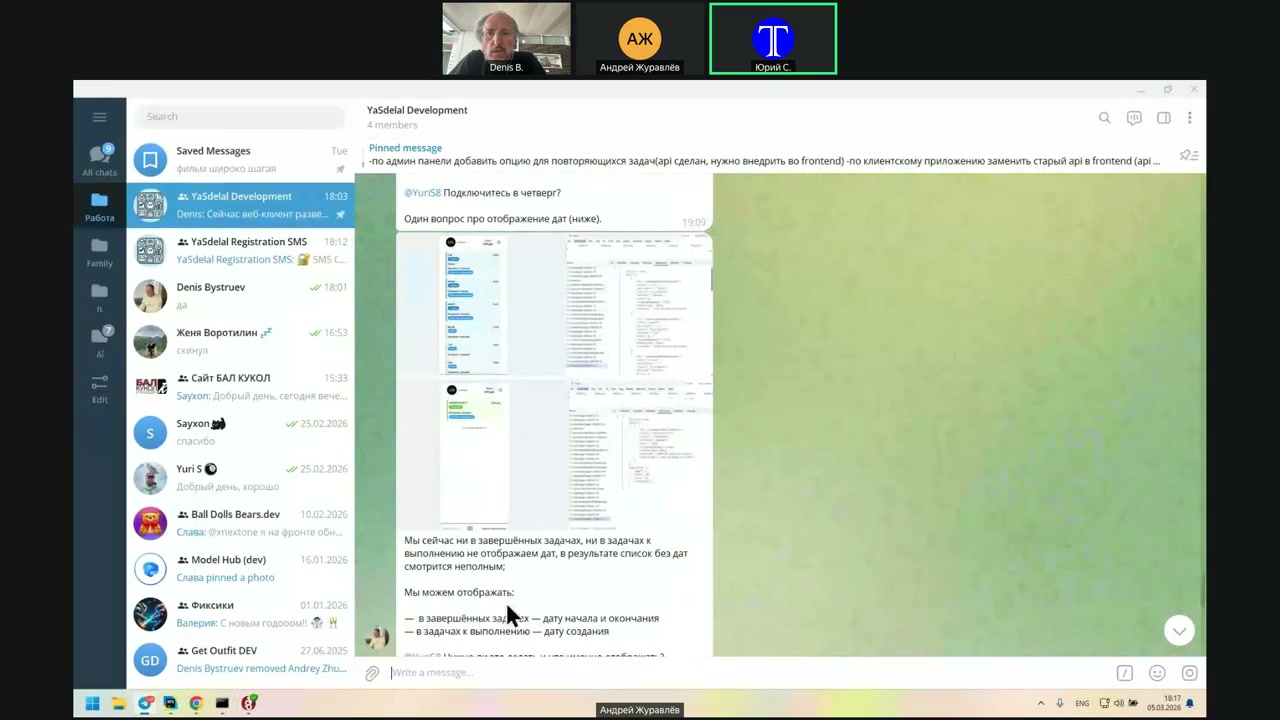
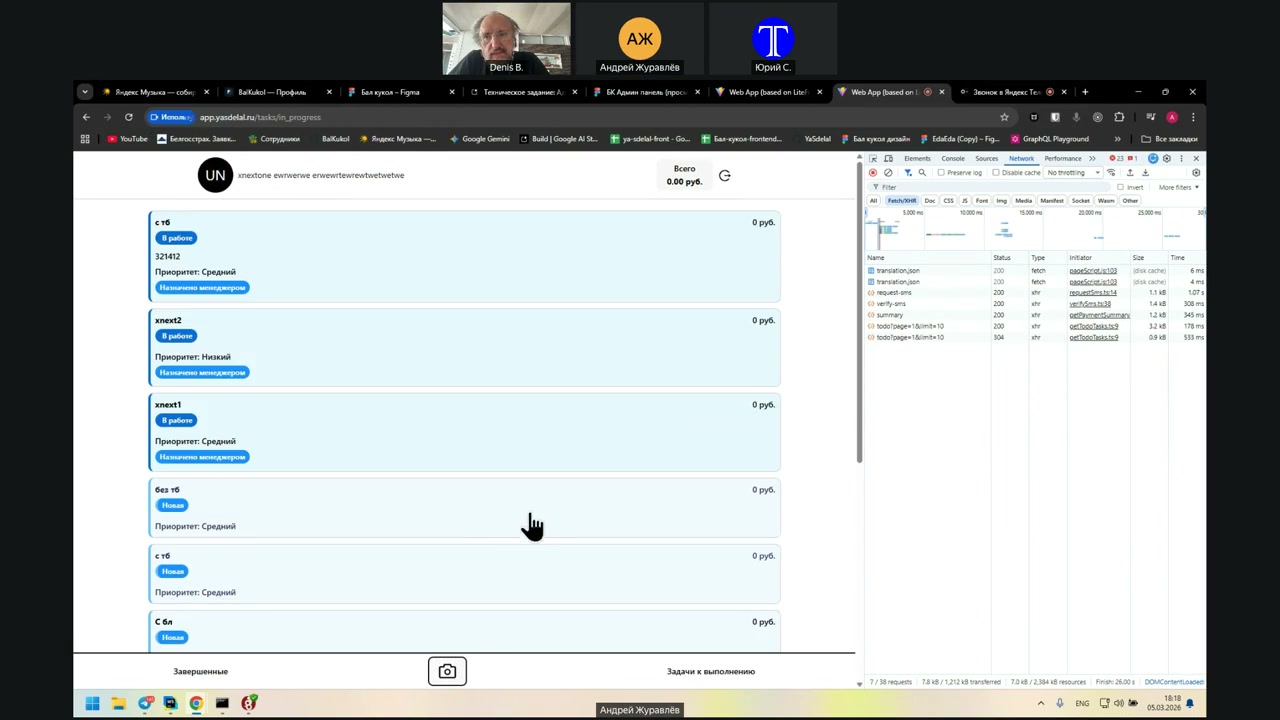
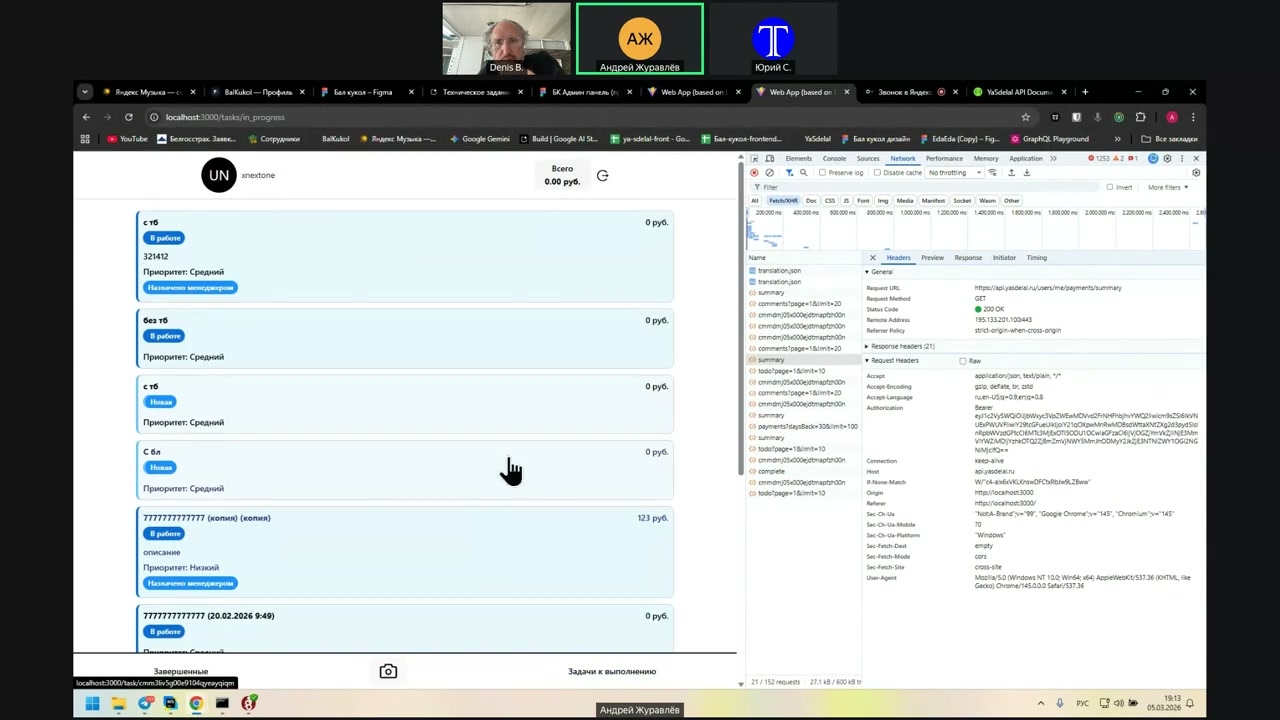
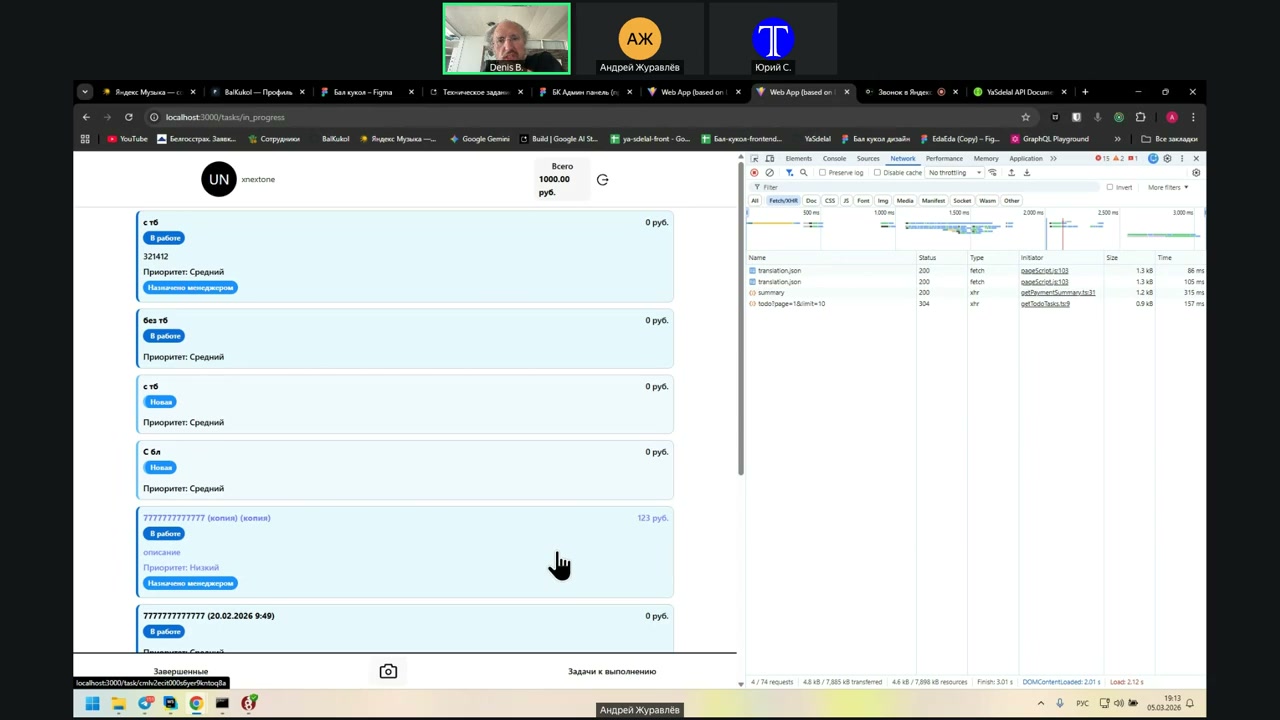
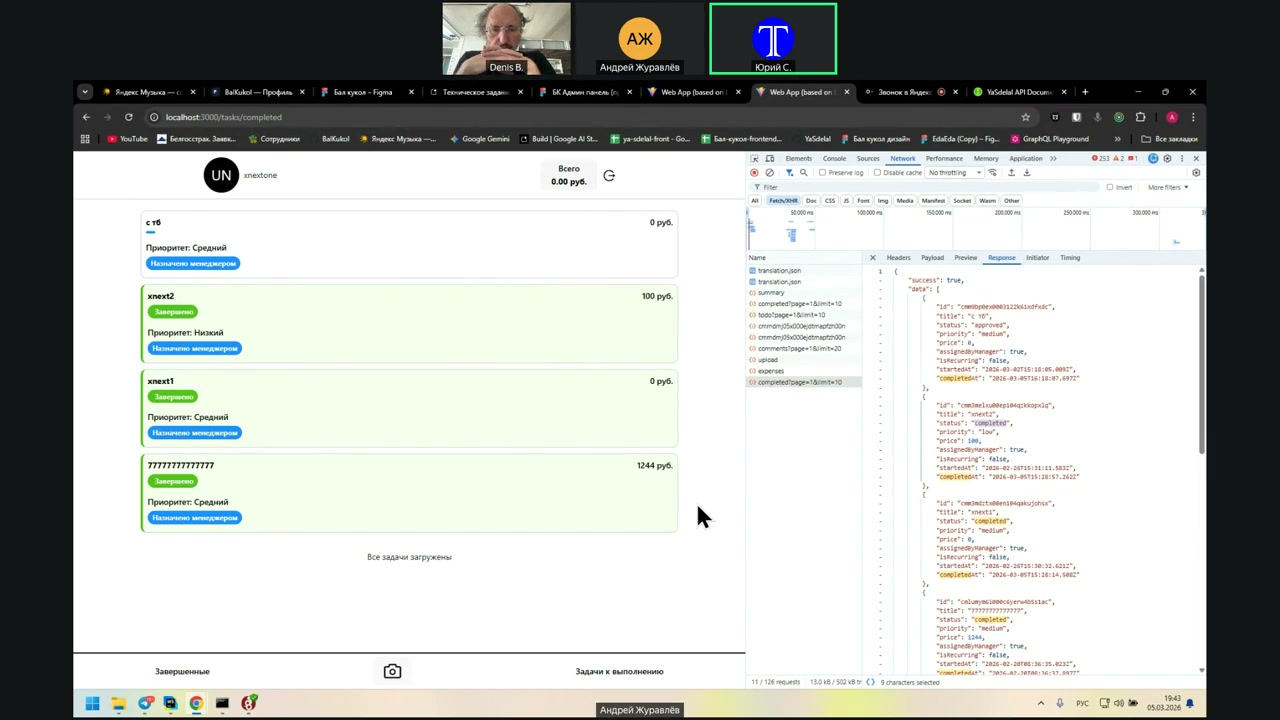
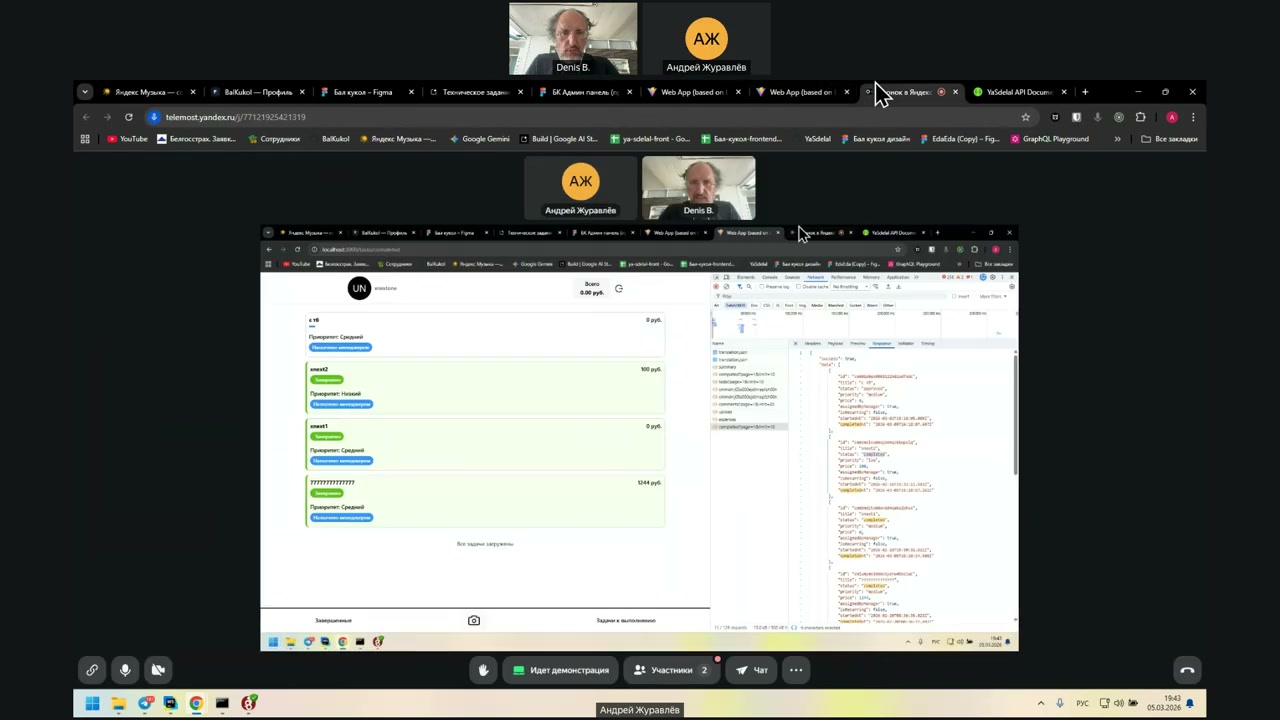
Here we have all the tasks. In the client, the tasks are ordered from newest to oldest. You can even see it in the screenshot. For example, you can see values like 0.26, 0.3, 0.2, and then 0.2, 0.26.
That means the newest ones will be at the beginning of the list. The ones that were created earlier appear later.
You don’t need any sorting. You don’t need anything extra. It’s enough to understand how it works, and that’s it.
Is there anything else left?
That’s it, we’re done.
Nope.
Now we will check it before the build.
It is already on the 8th stage, so it seems to be built. Try it, Andrew.
We will put the link in the description as well.
Yeah, possible.
I think it makes sense to show the entire functionality, not just the last one added.
Let’s do it.
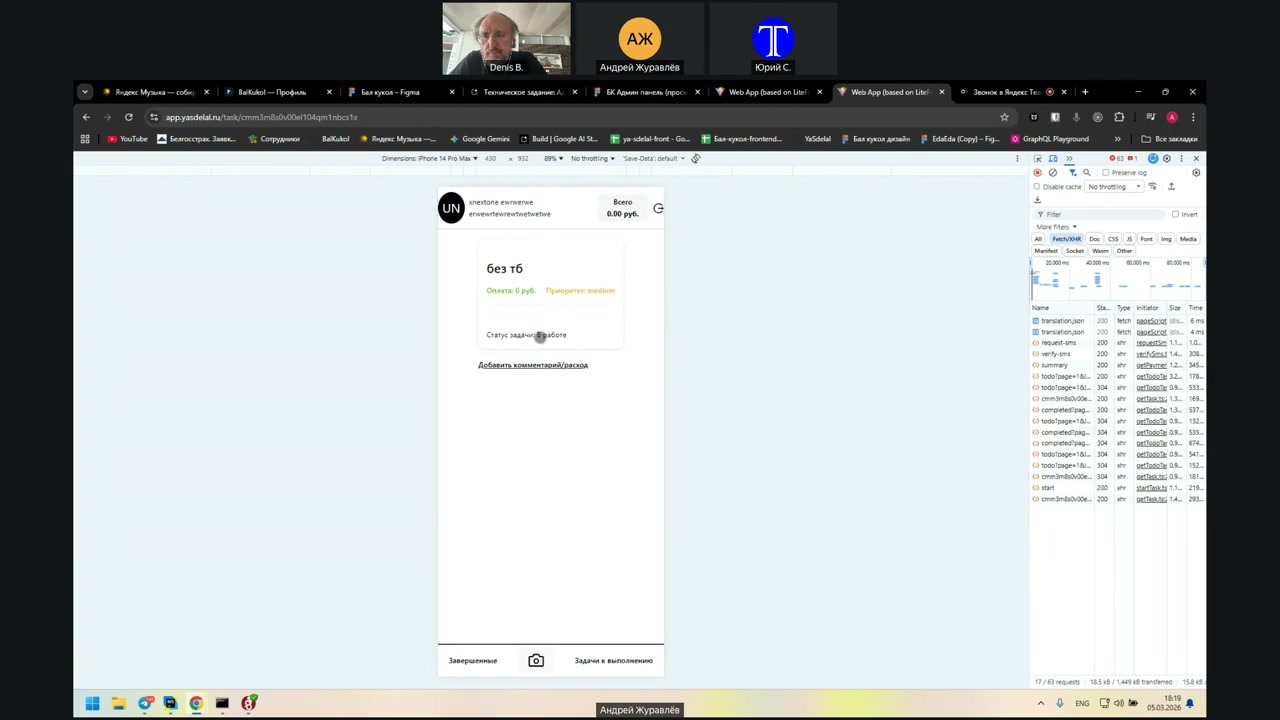
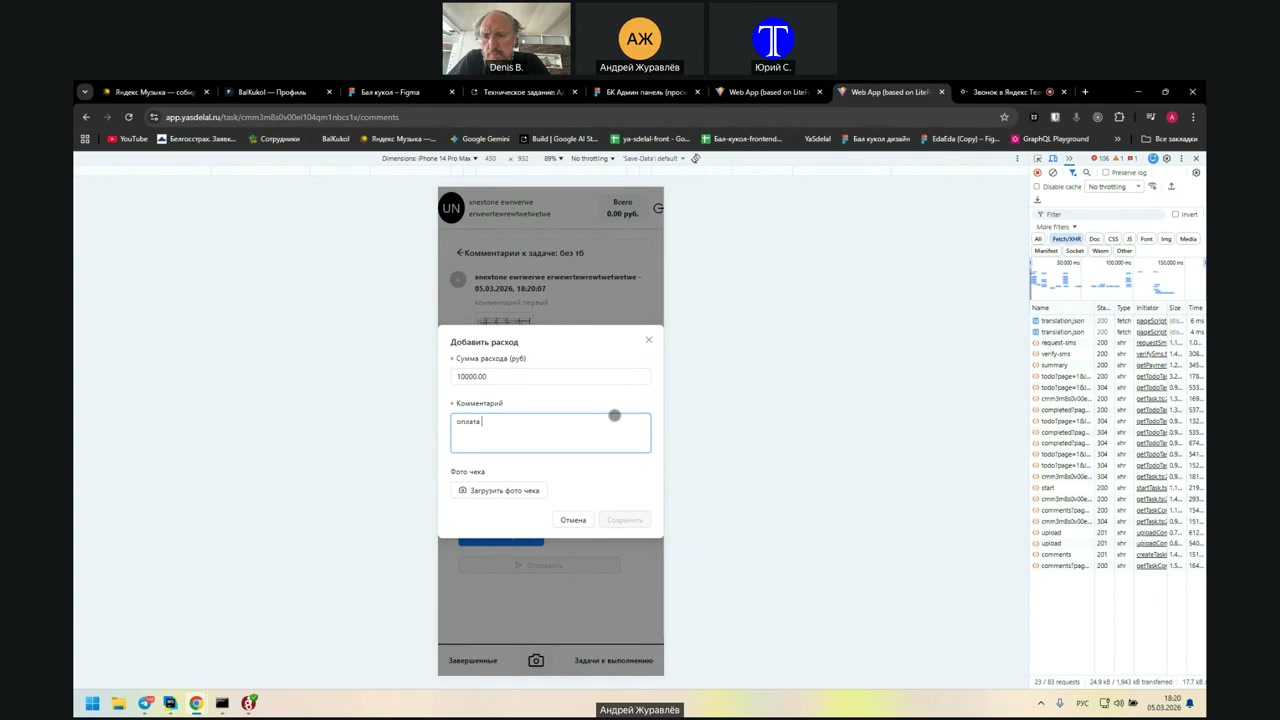
He’s got a task in the works. He can add a comment and a consumption.
One, two, three.
He’s got a task in the works. He can add a comment and a consumption.
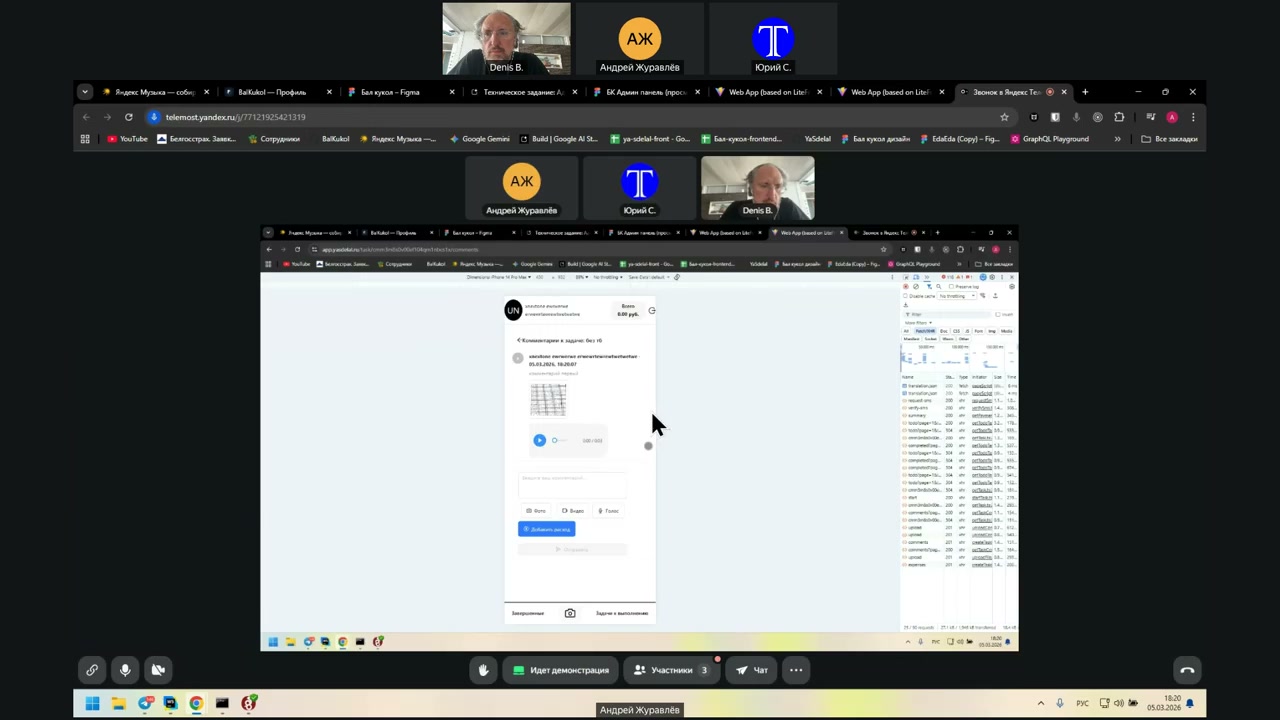
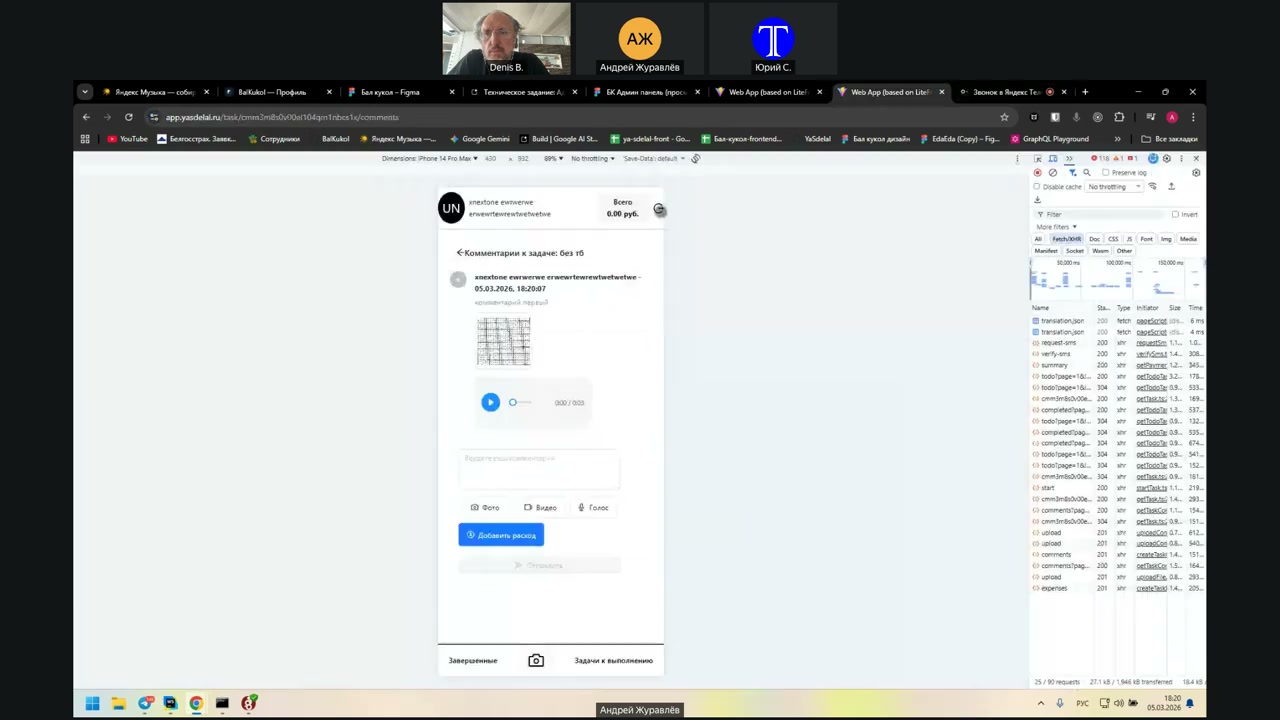
Bye.
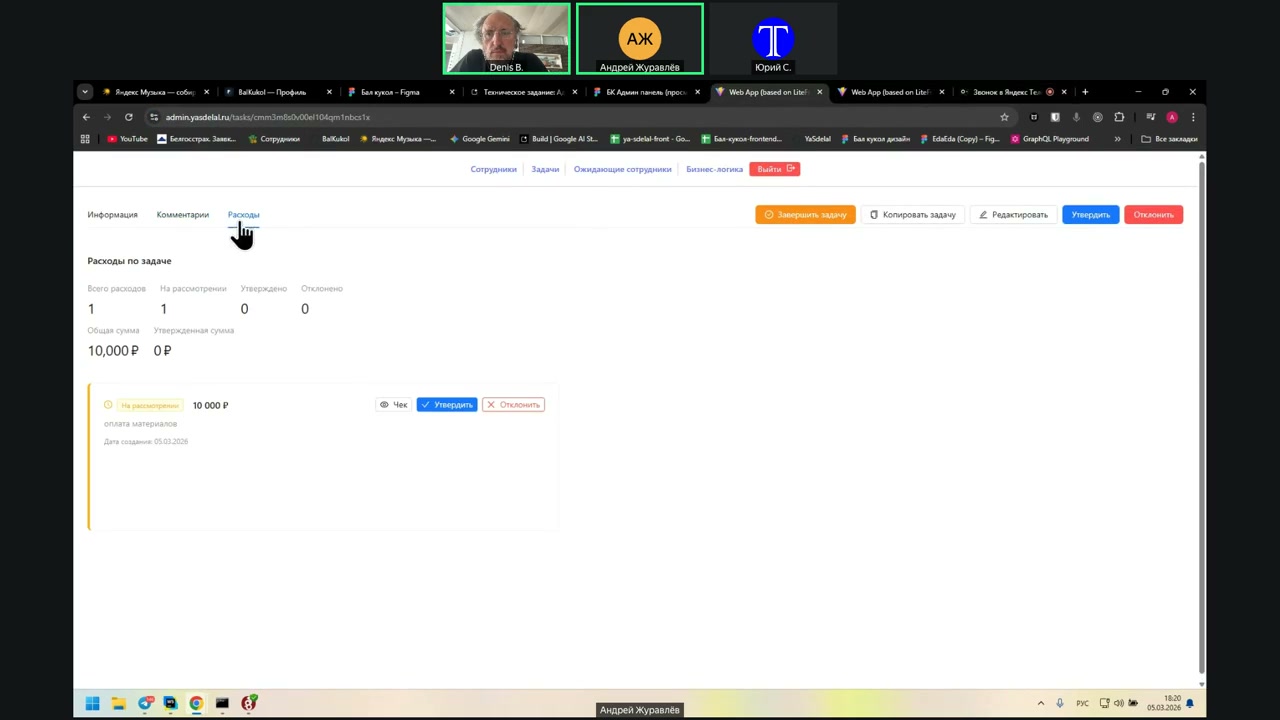
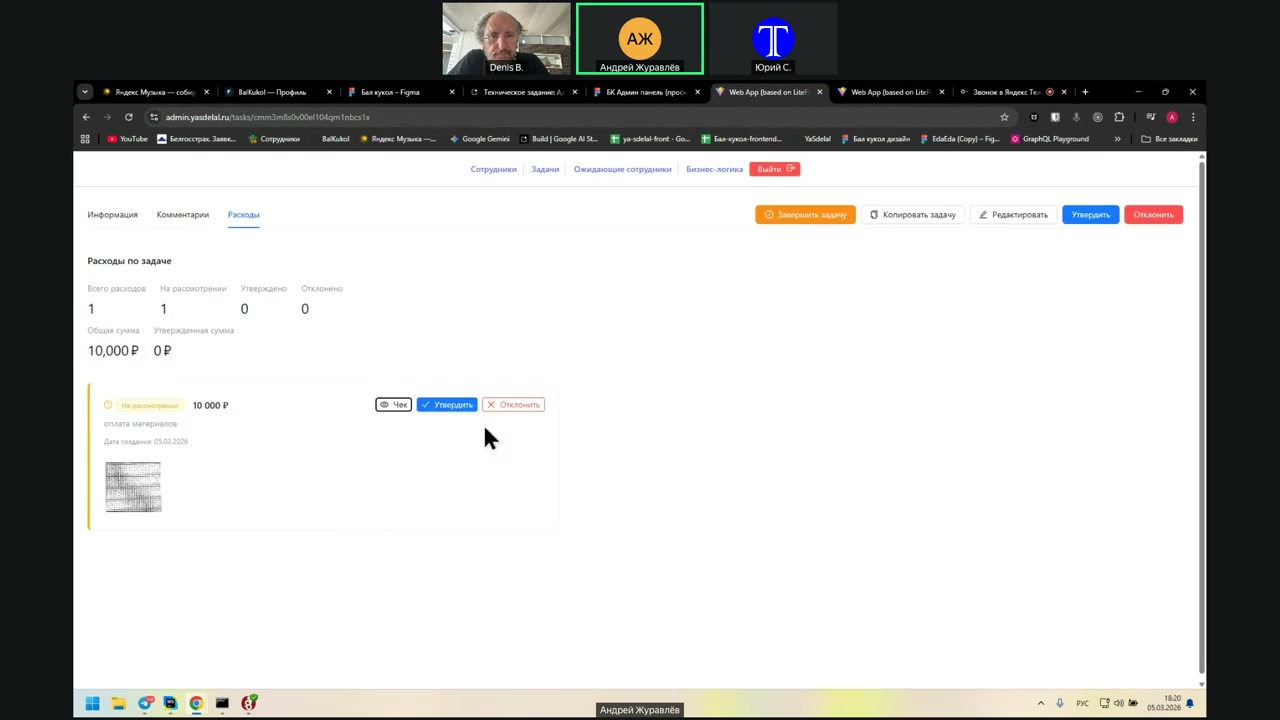
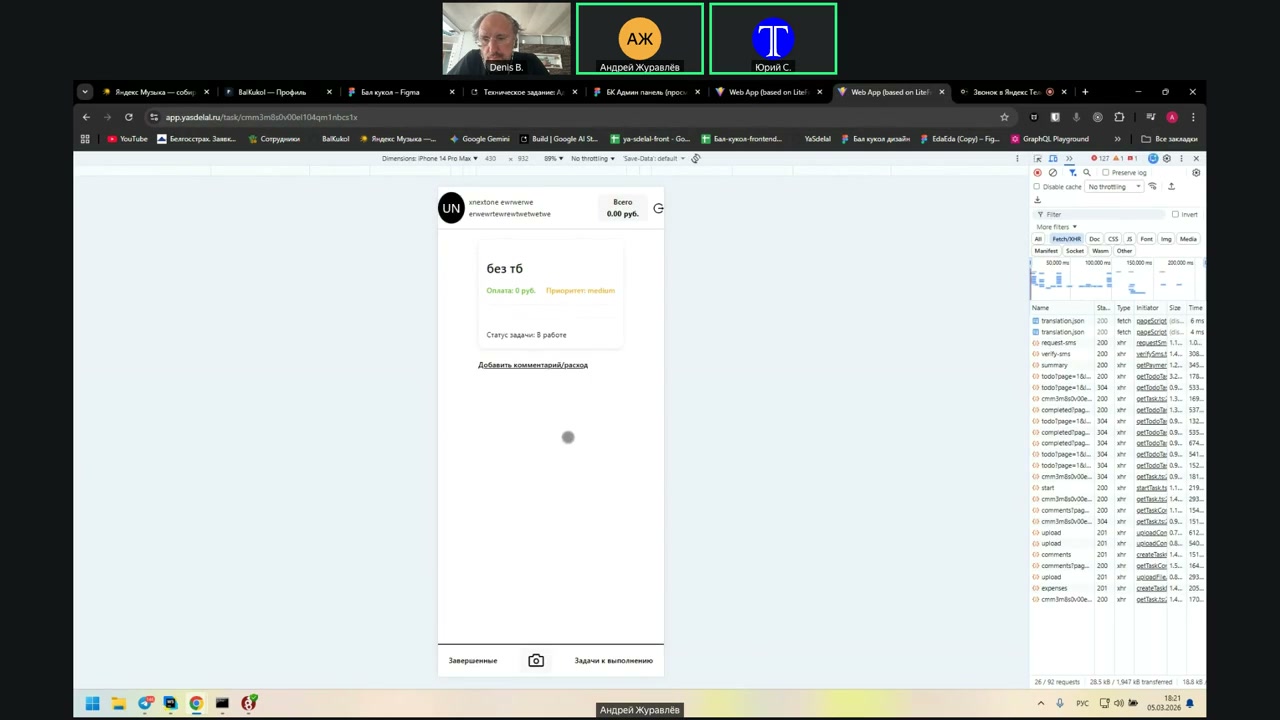
Then, in the admin panel, this transport appears.
Accordingly, the admin can view this check, which the user has loaded either from the defaulter or to assert this transport.
Here, it asserts.
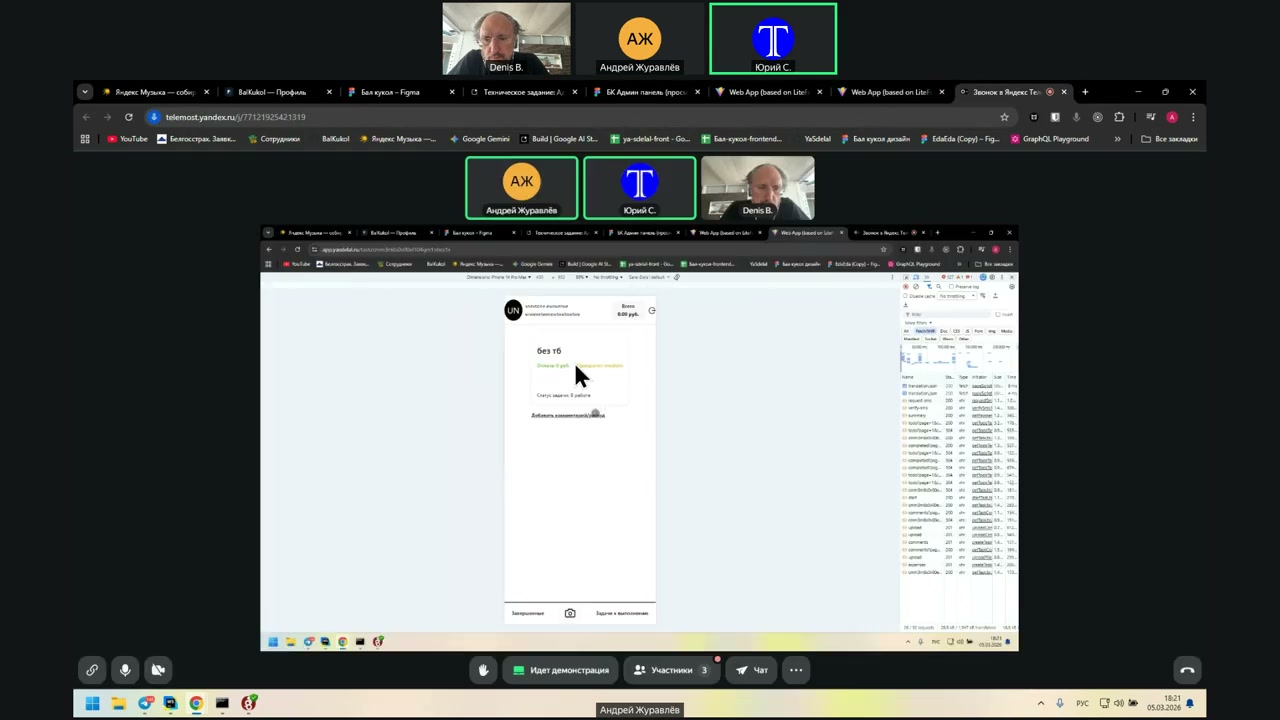
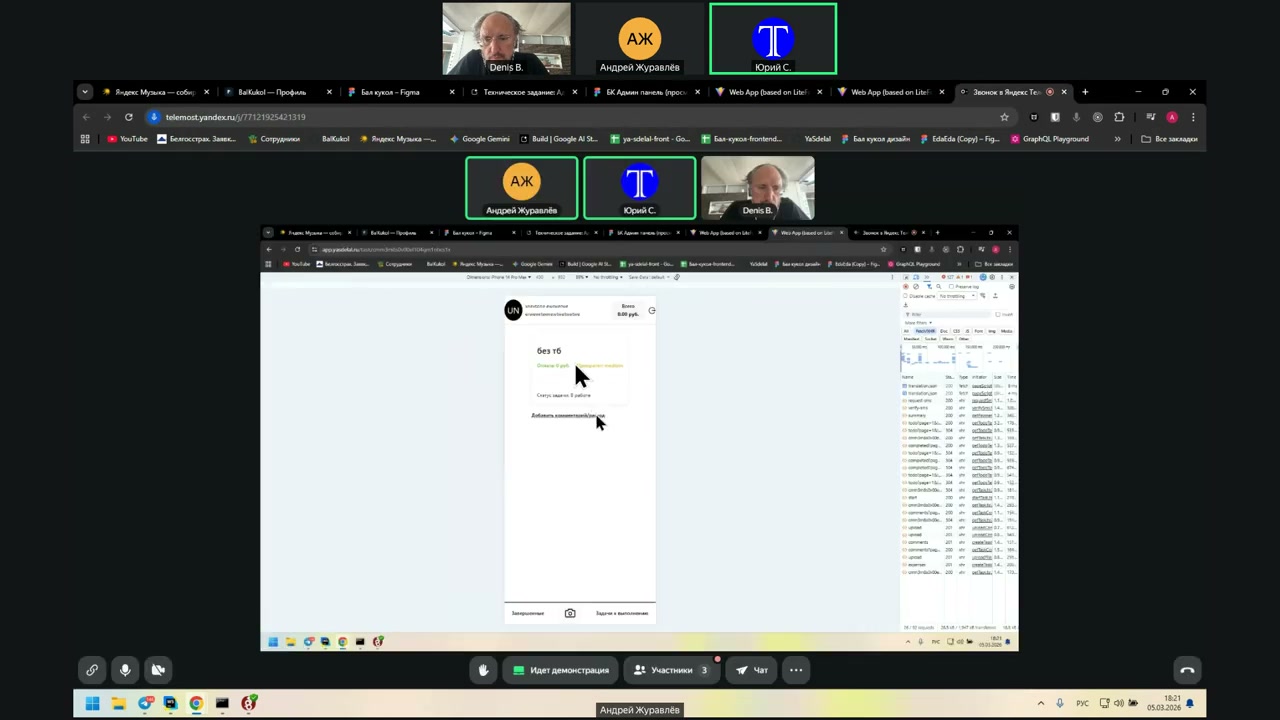
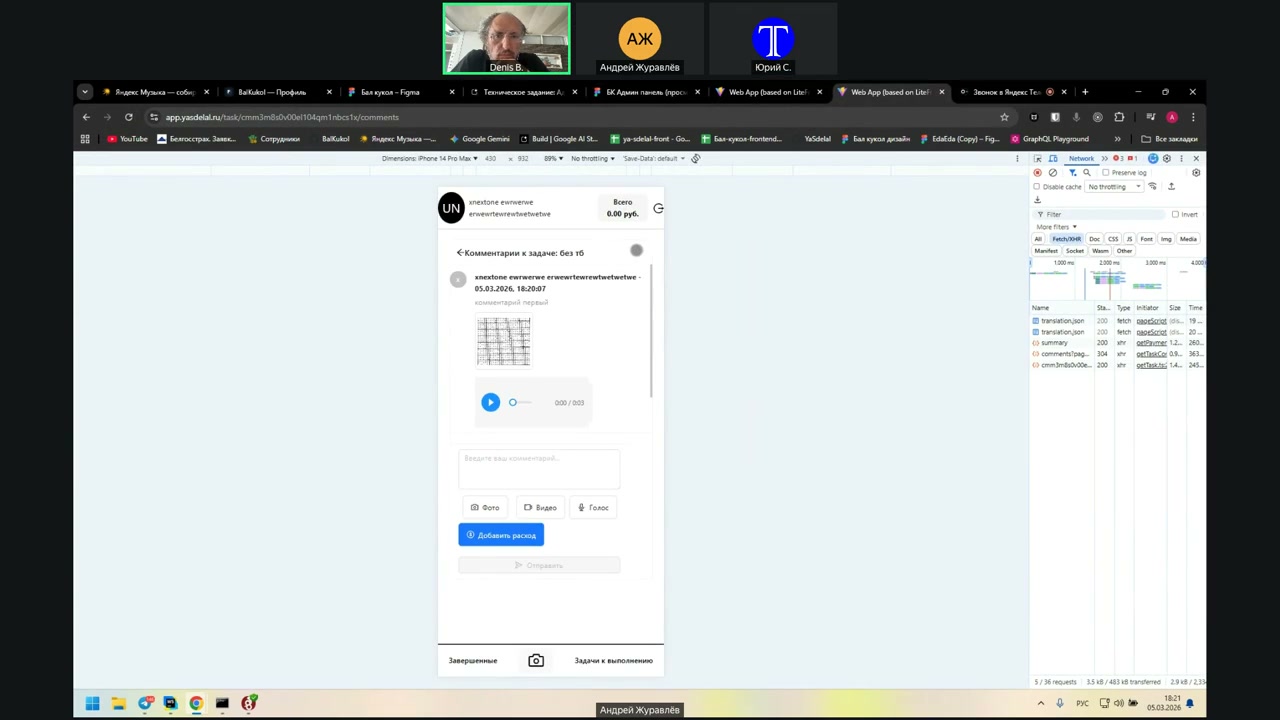
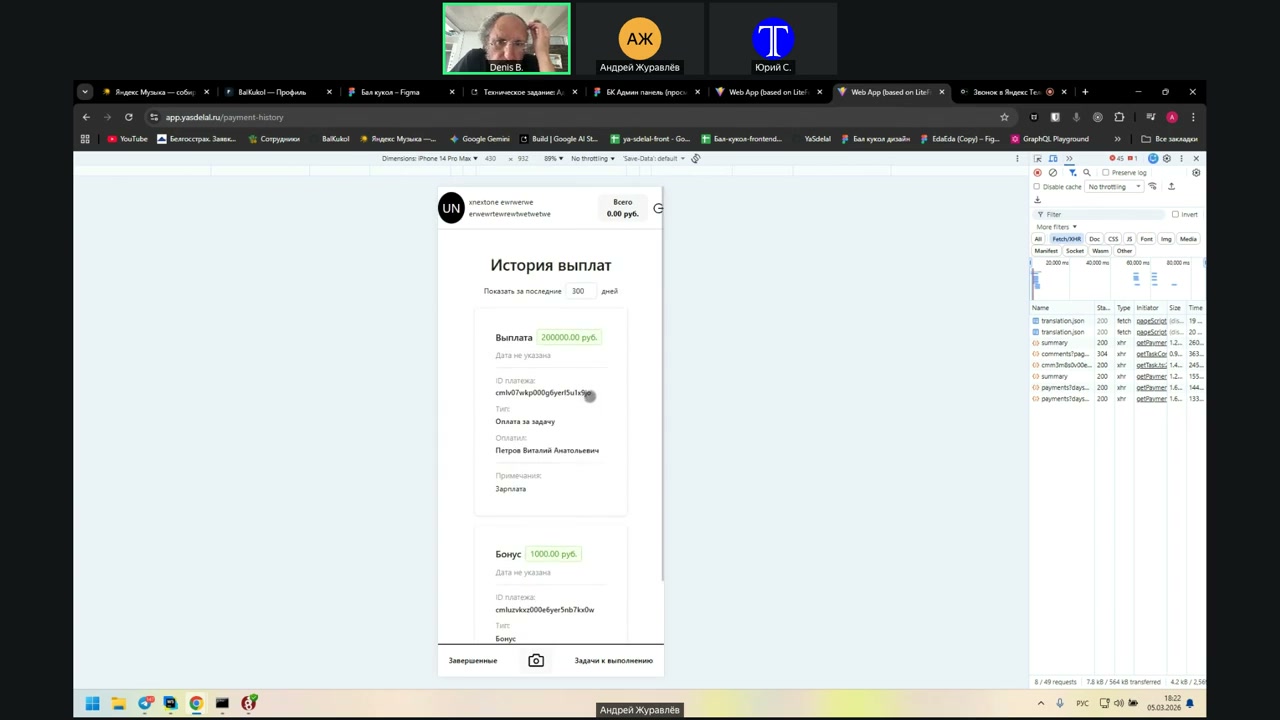
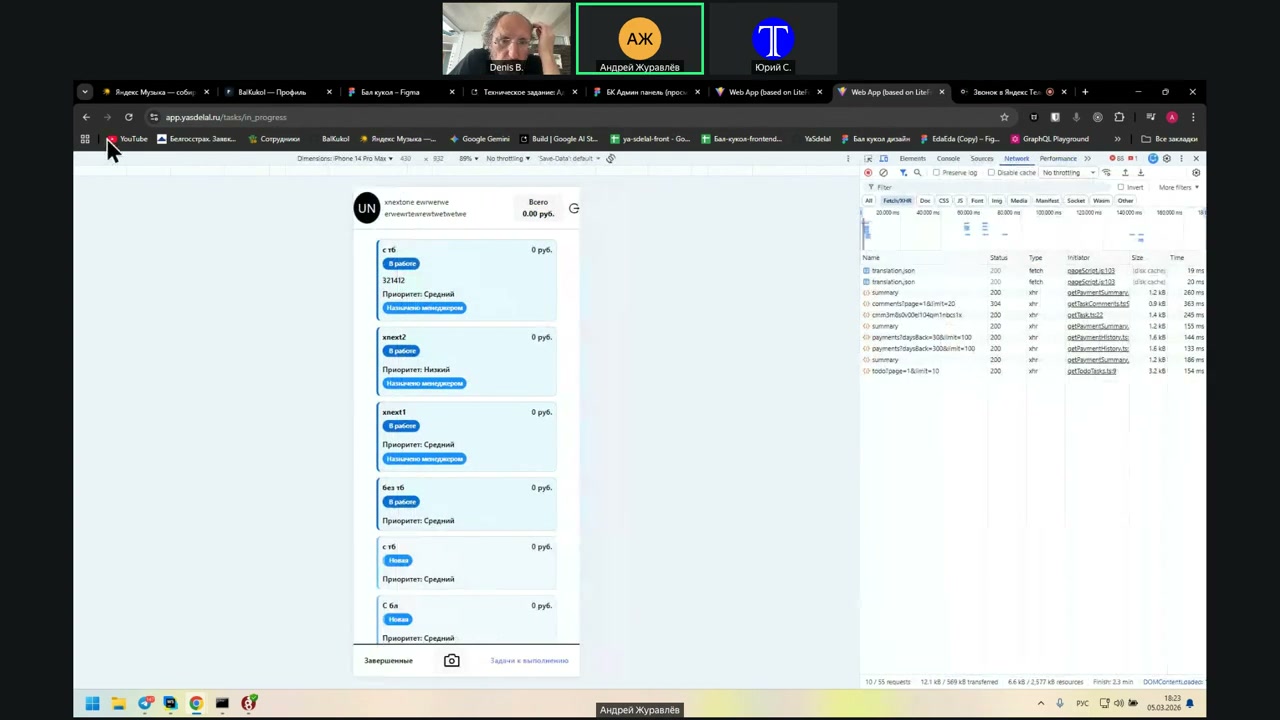
His balance now—this amount has appeared.
No, Denis, show it again in the admin. It doesn’t show there. Once again.
Well, how should it be? Like this? Look at the general one so it reloads the task cost.
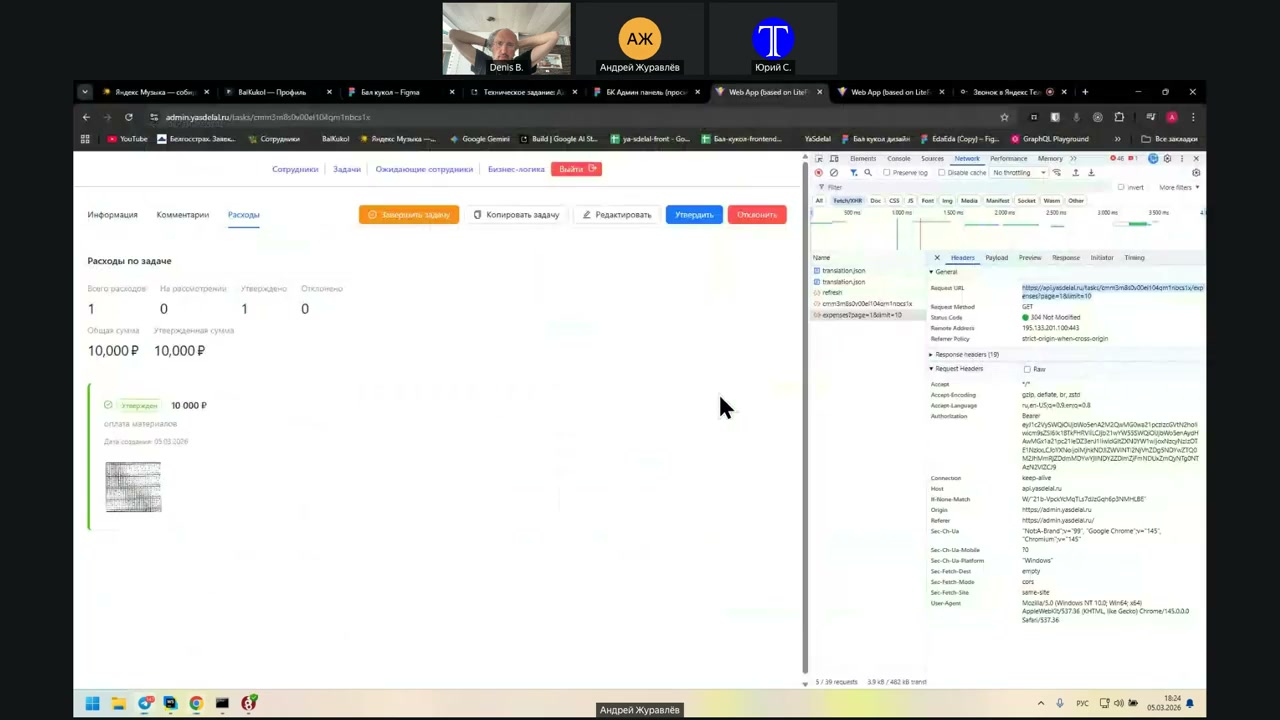
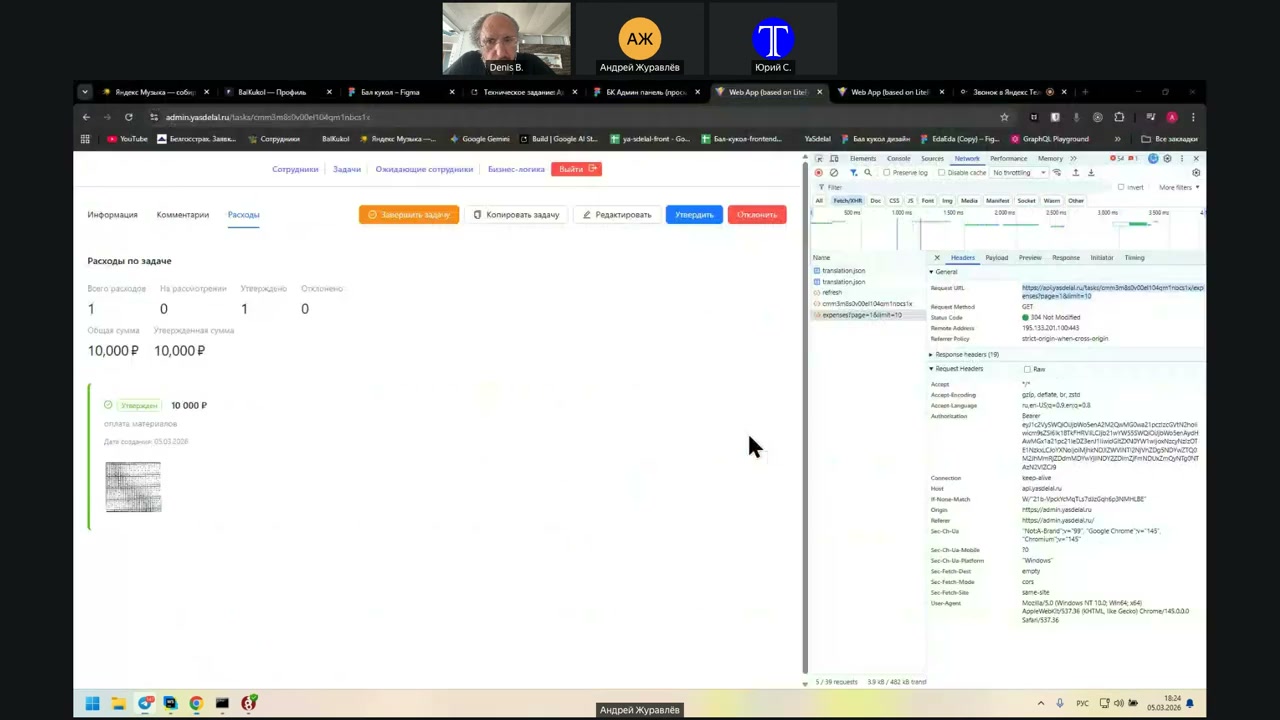
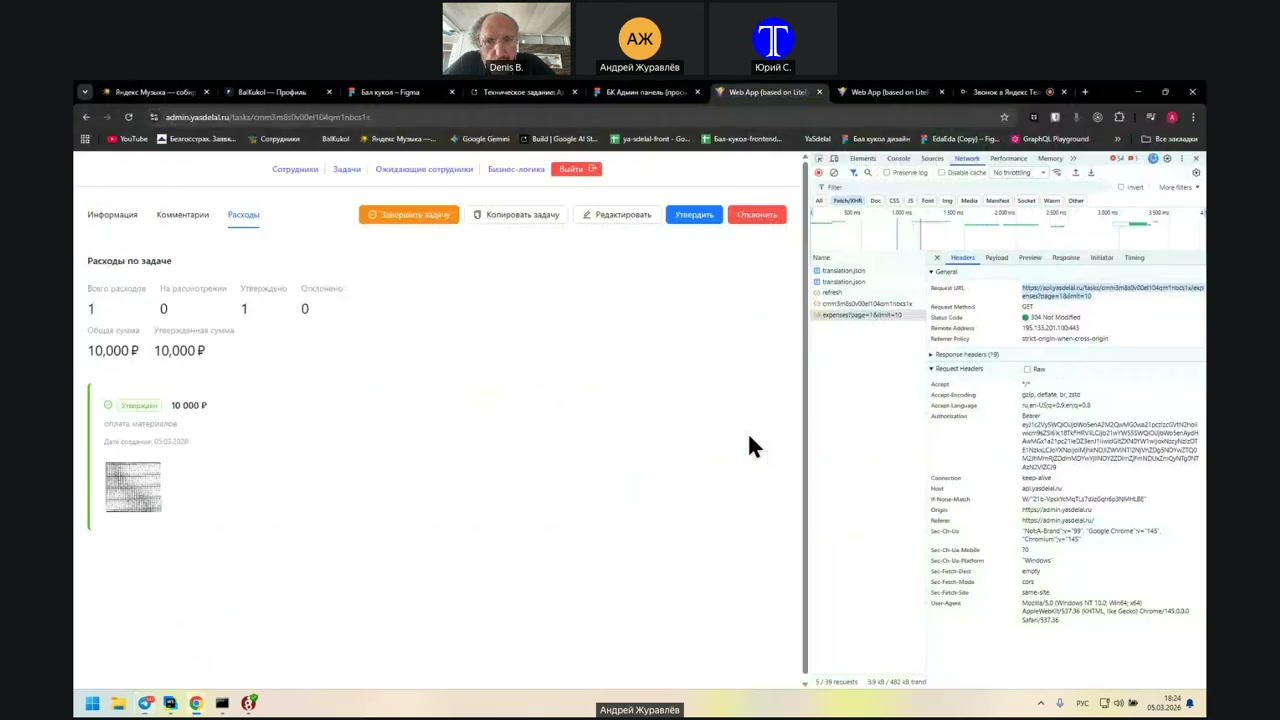
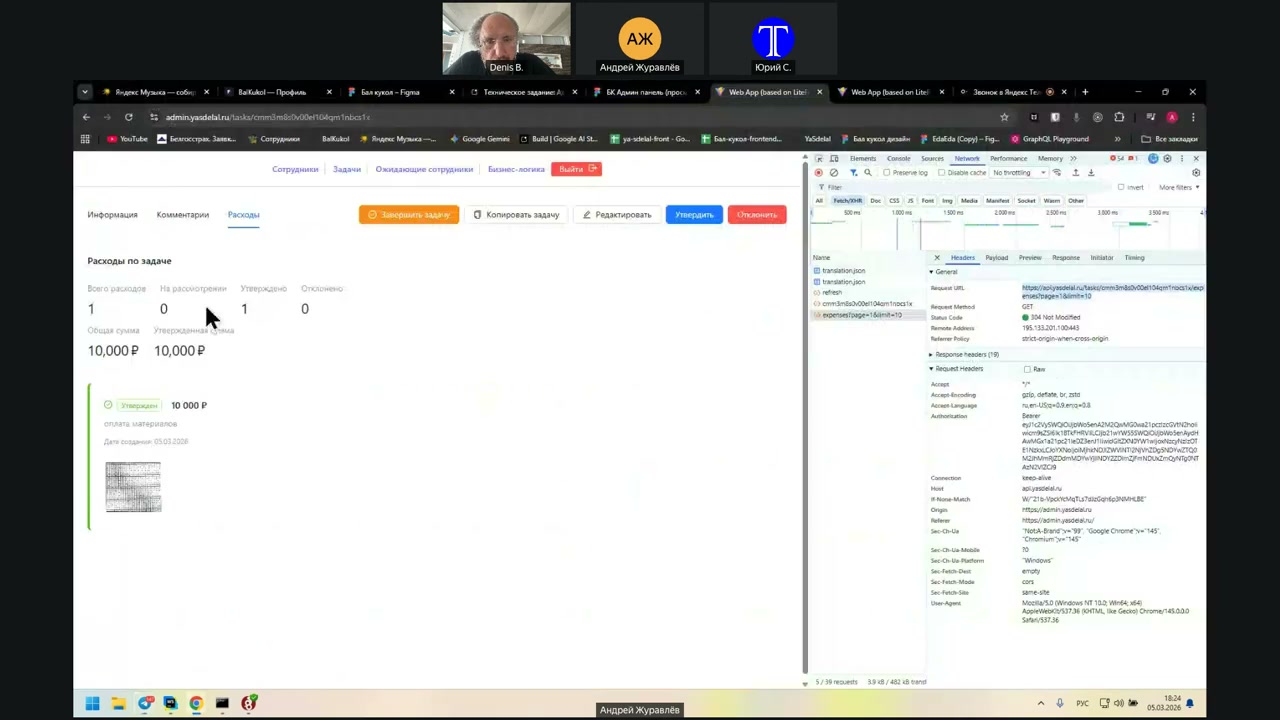
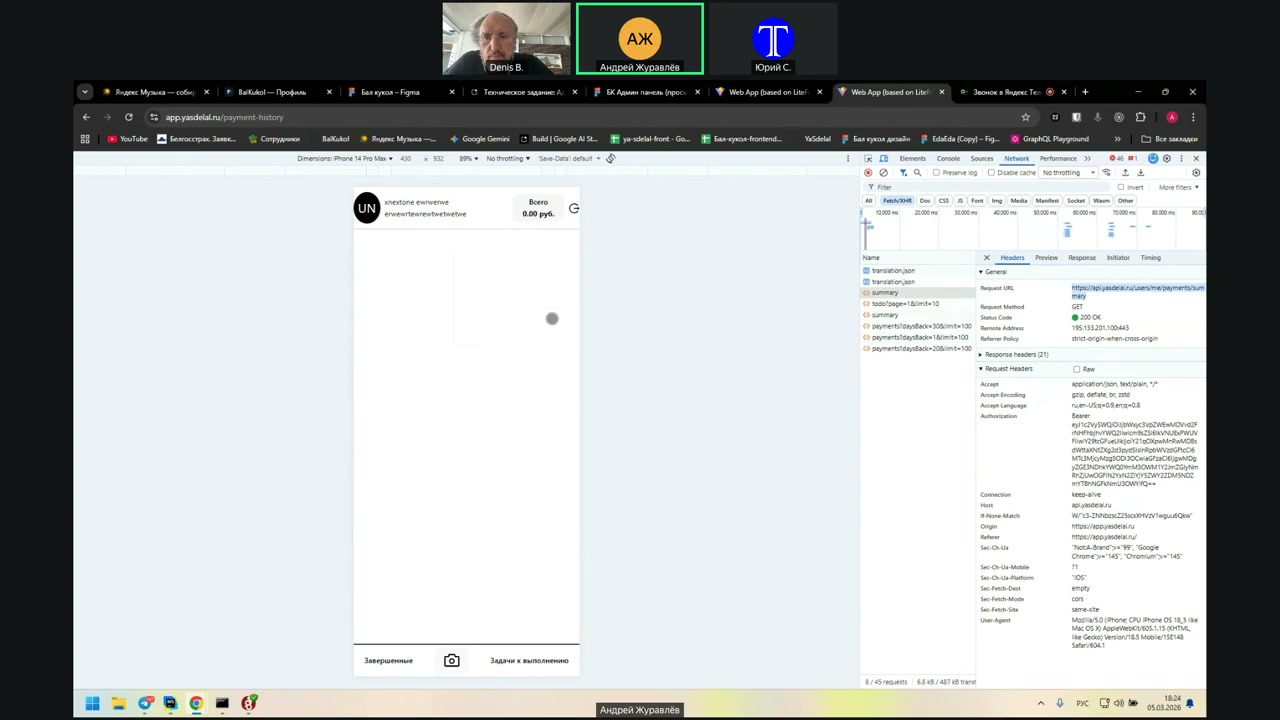
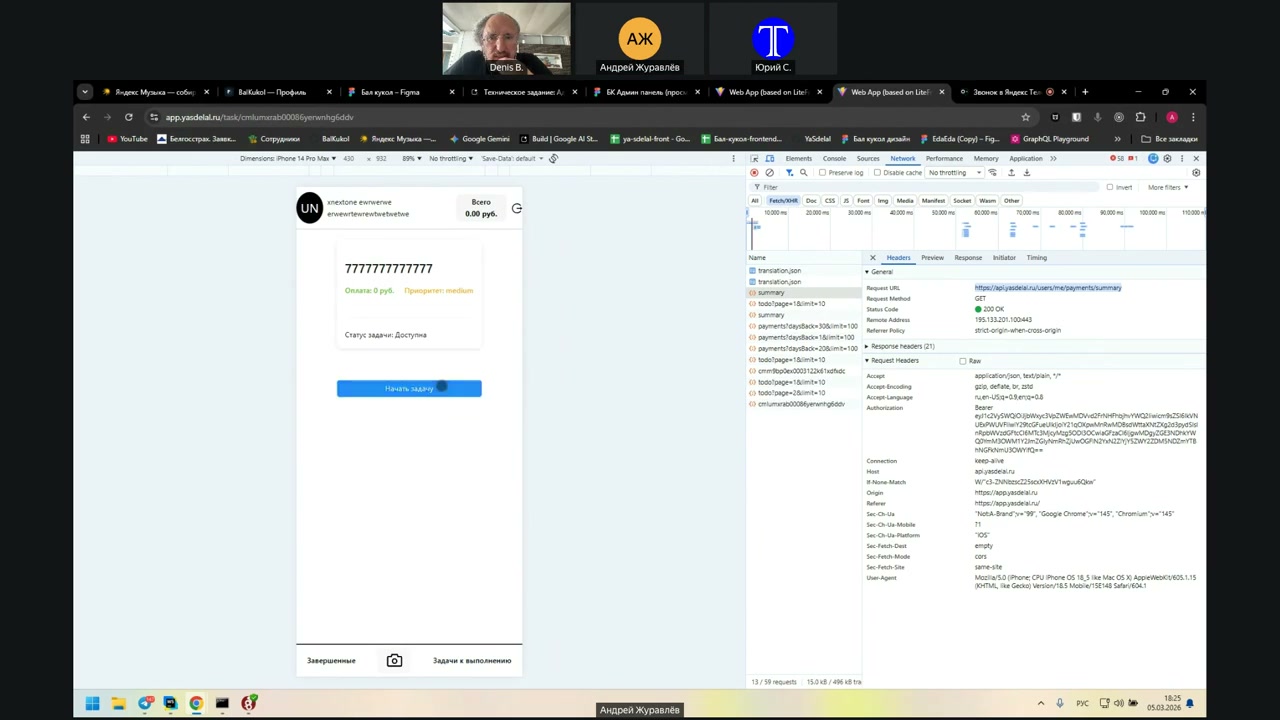
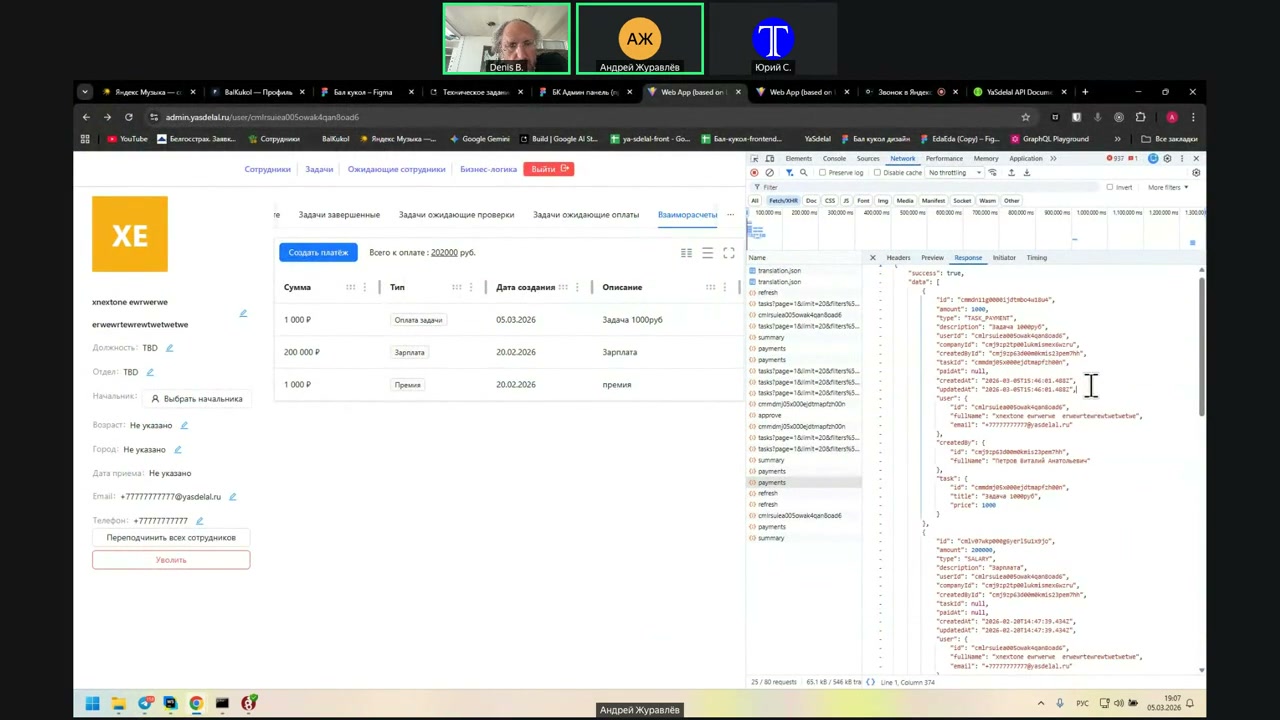
Well, according to the task, yes. According to the task. But in the task expenses, he has a total amount. There is information there: the task price was 0. It remains on the client side; it is not added to his finances. So the payment history is not there.
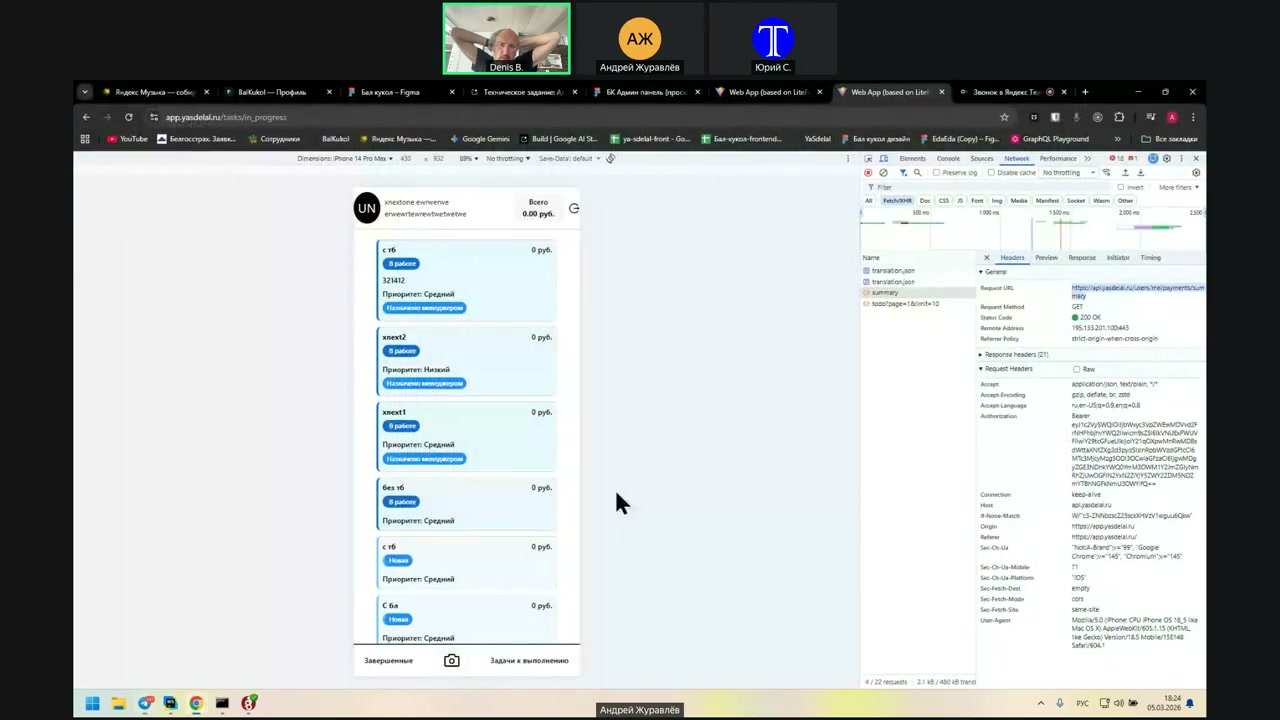
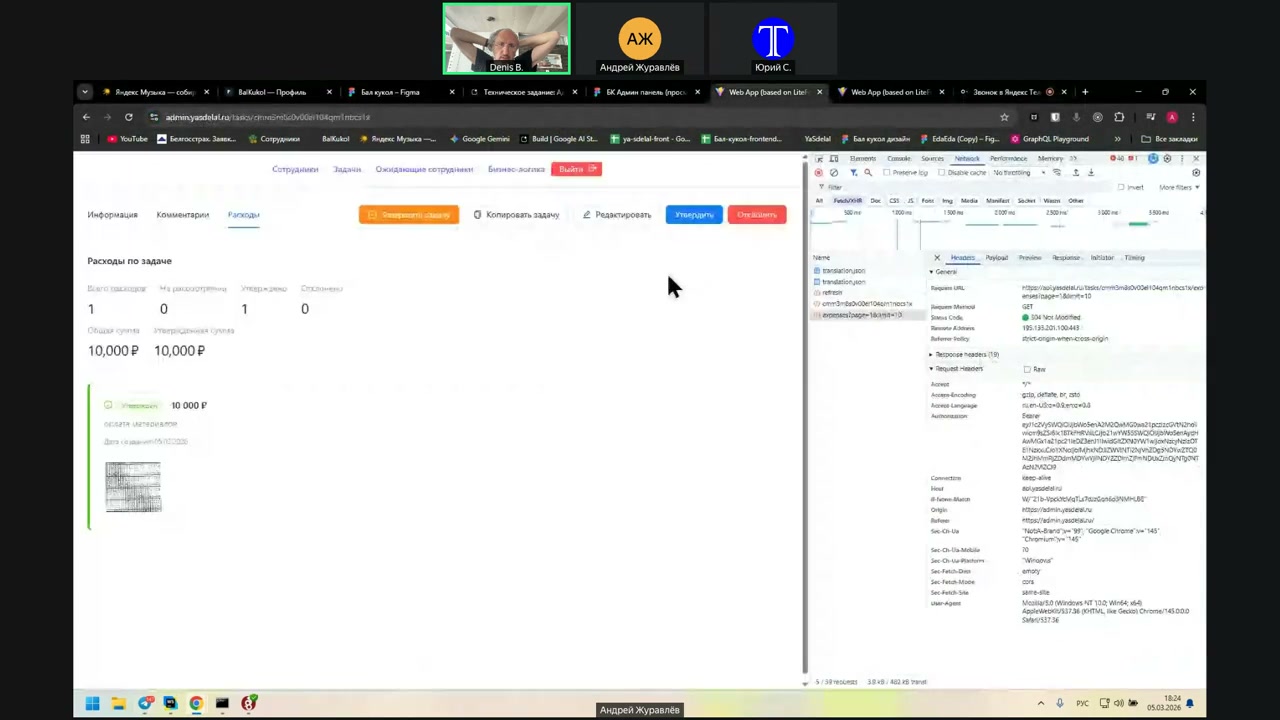
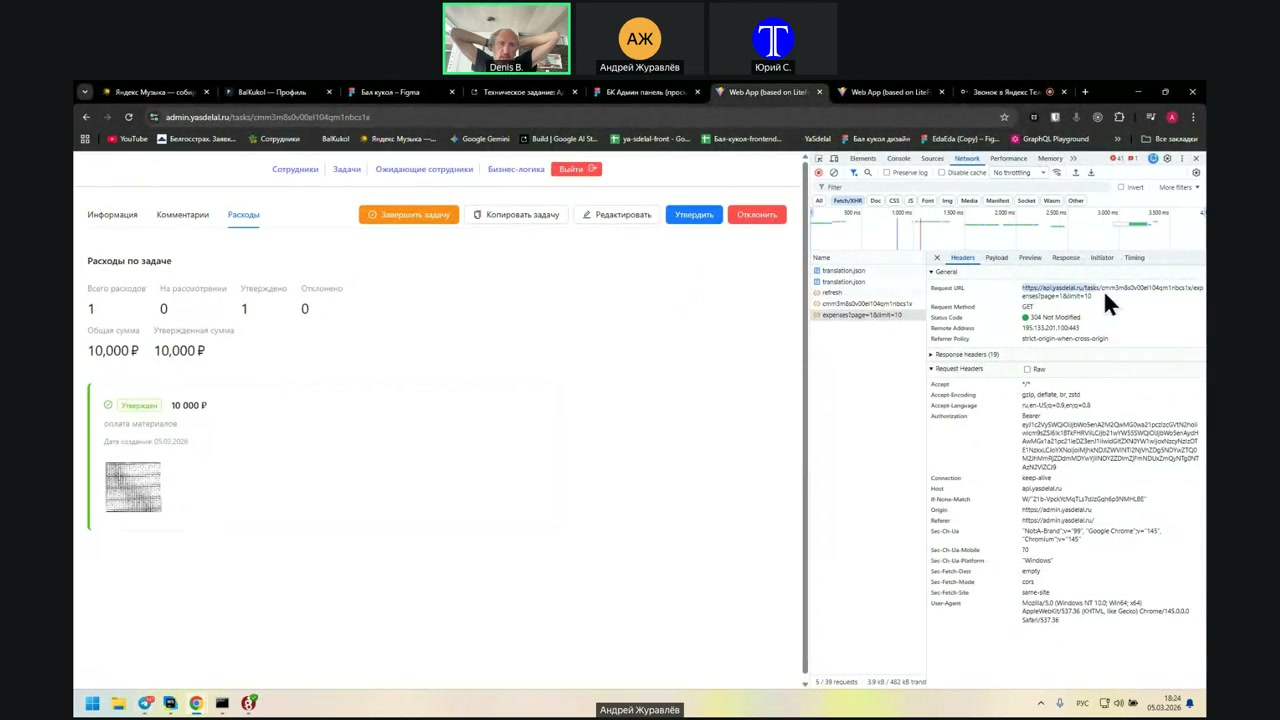
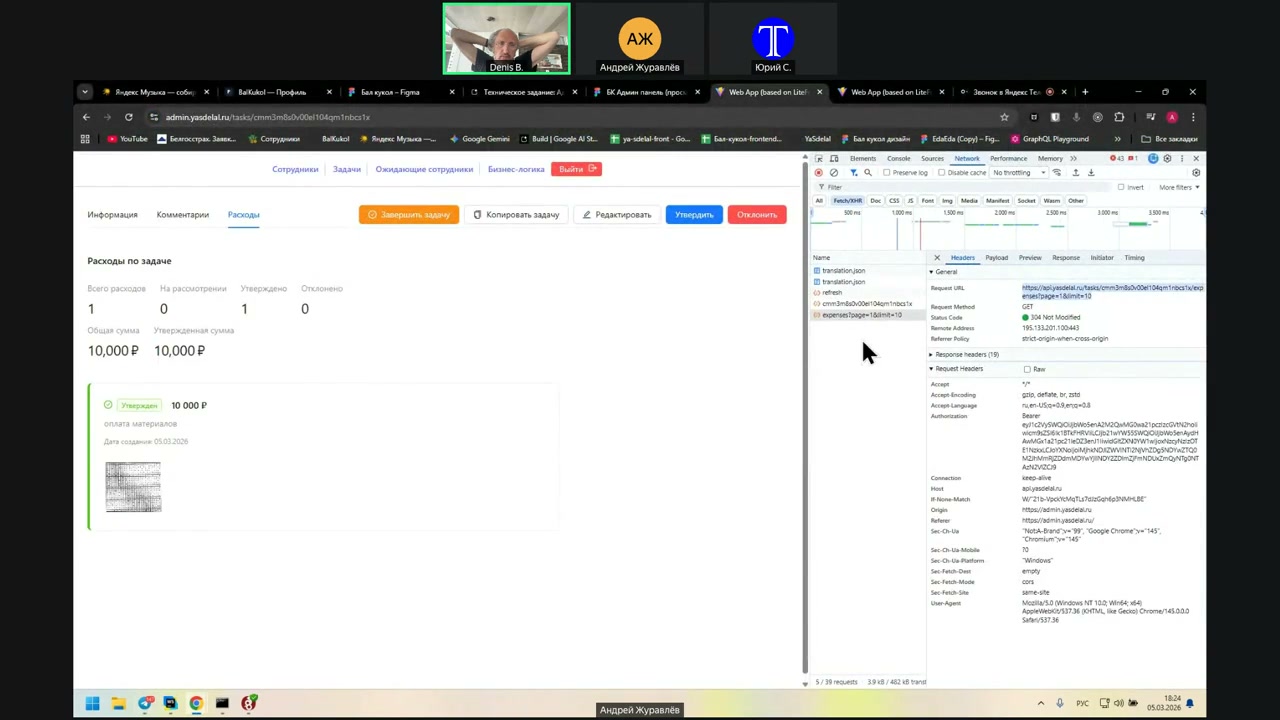
So now, show what kind of request you send. What is the difference between the request from the admin?
Here in the admin, it shows the balance requests according to the person. So the request is that I completed the task, and it goes to our expense.
But here we are not talking about the request. If I understand correctly, the client’s payment should be displayed in the header, and +10,000 should be added.
Well, show me what request is there.
Wait a second, I’ll go to the main page so it doesn’t get confusing.
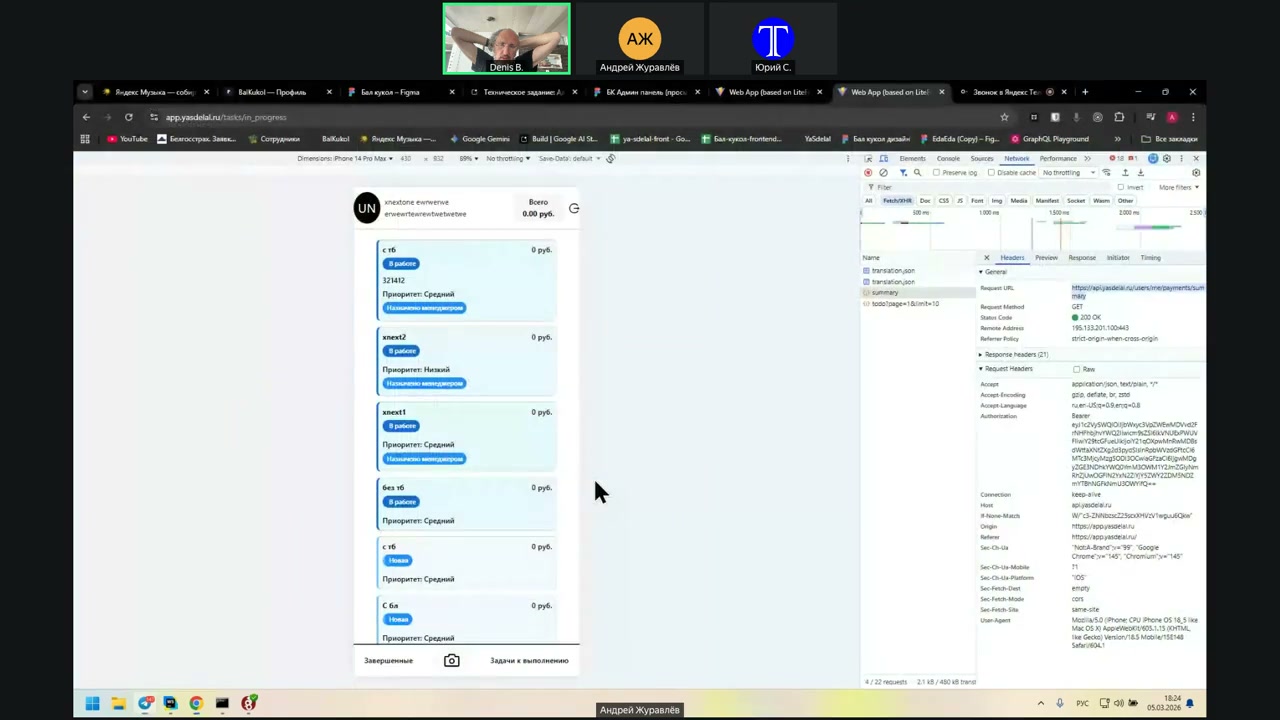
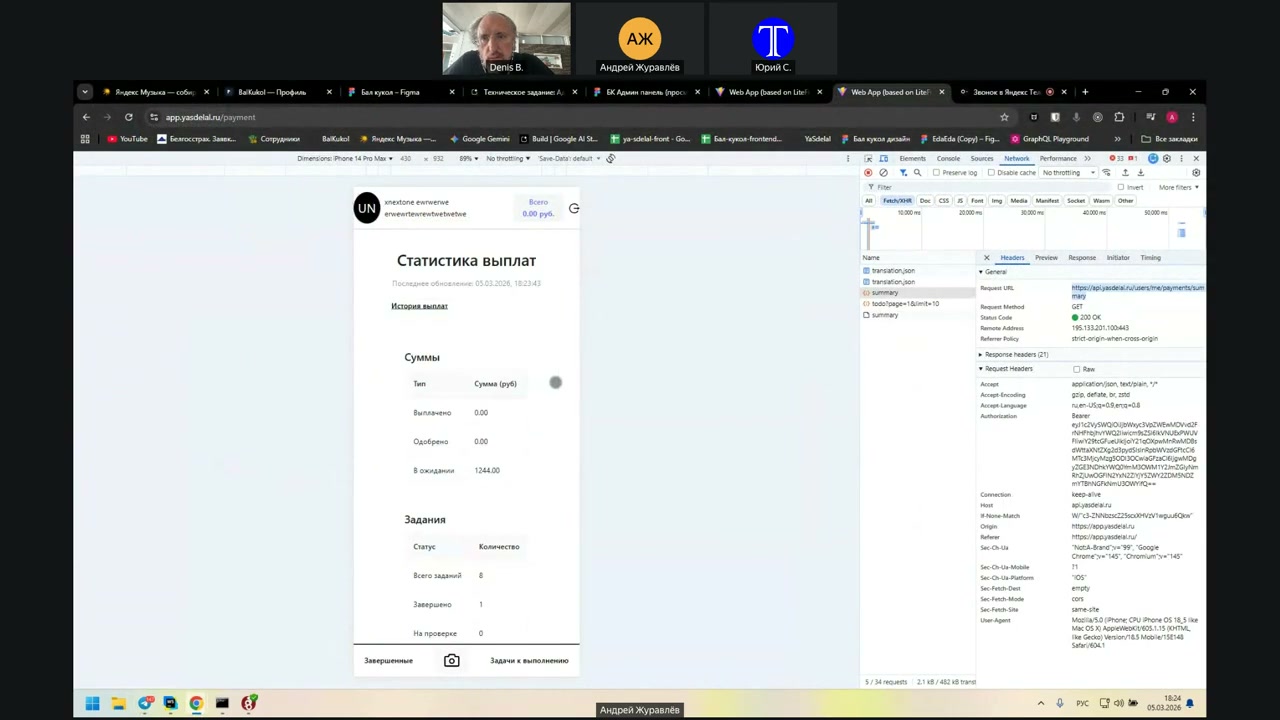
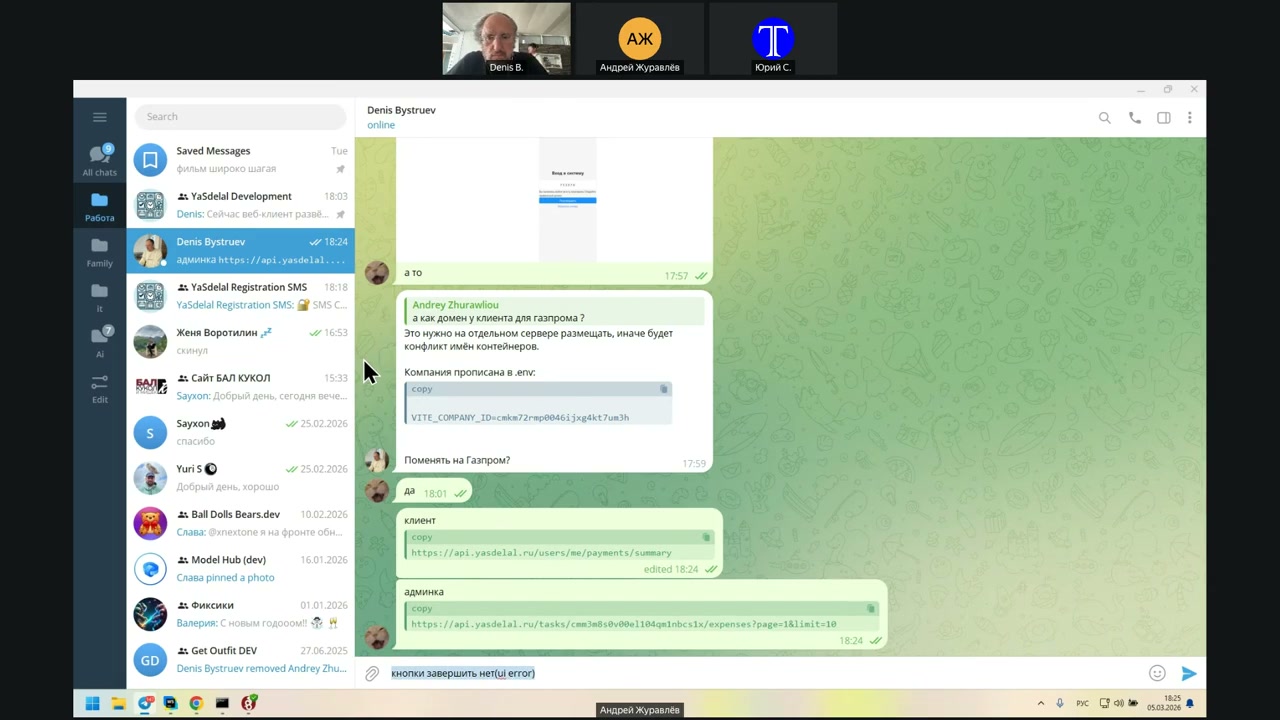
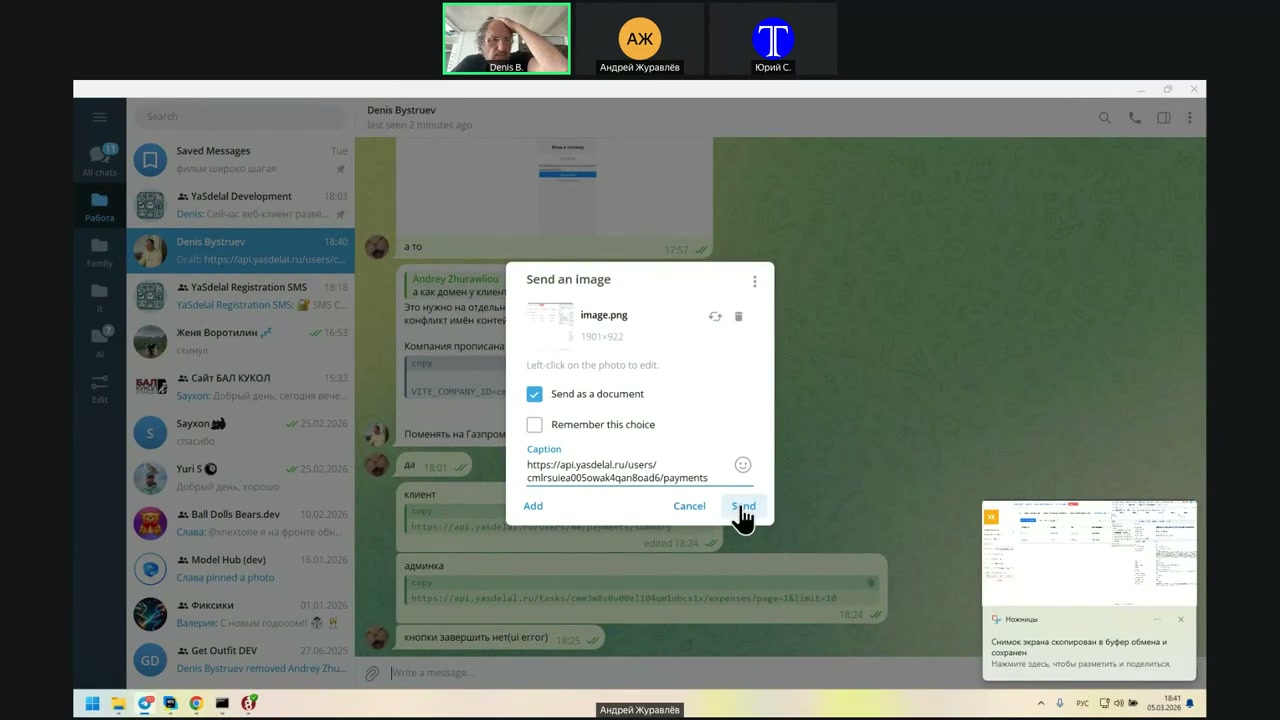
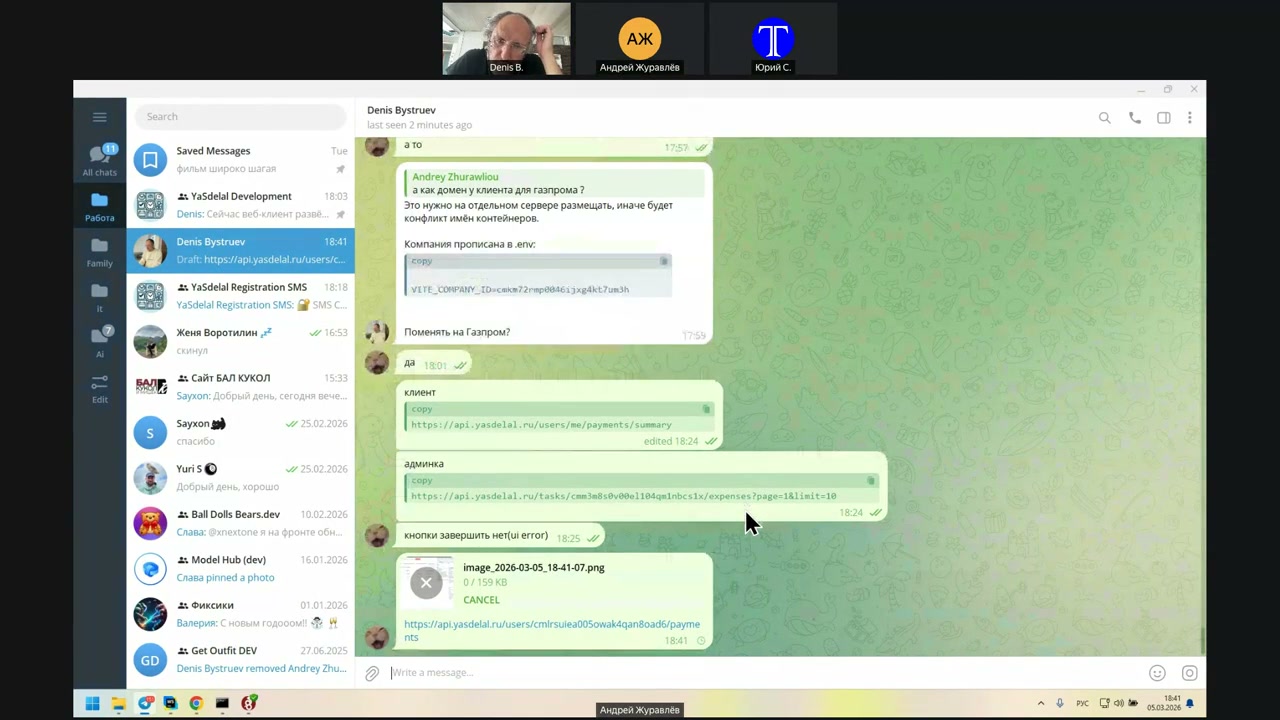
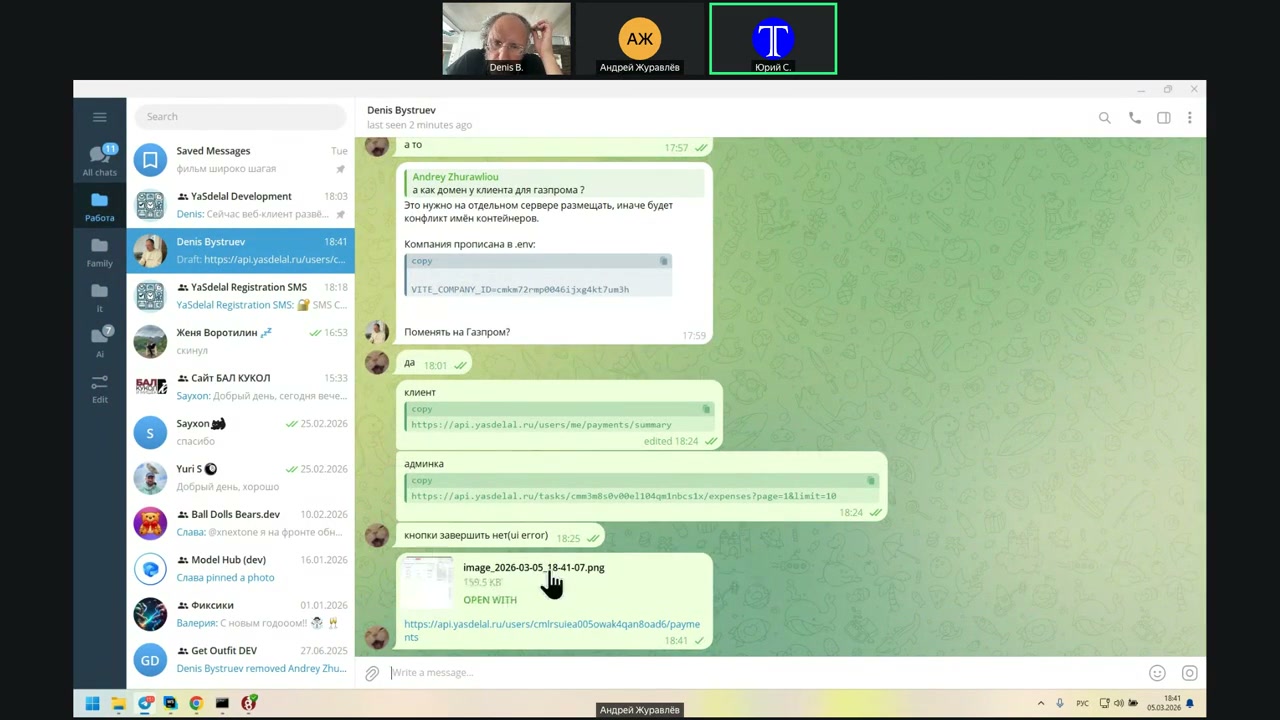
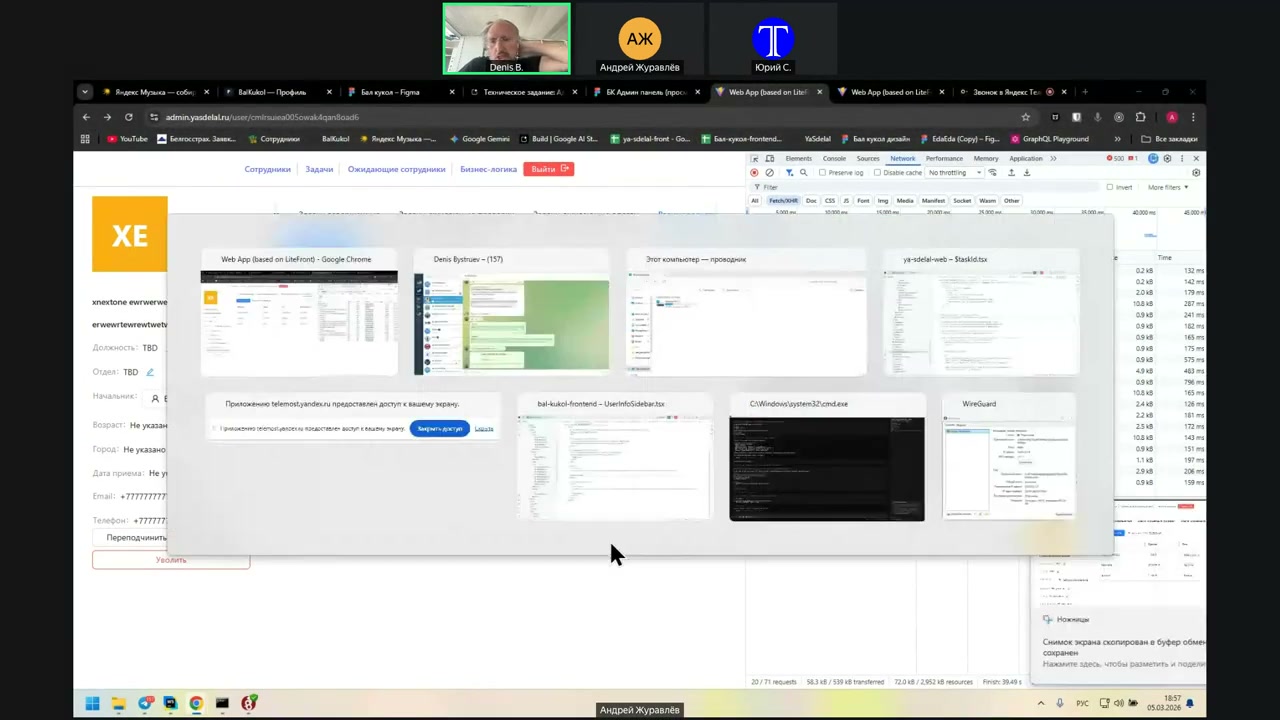
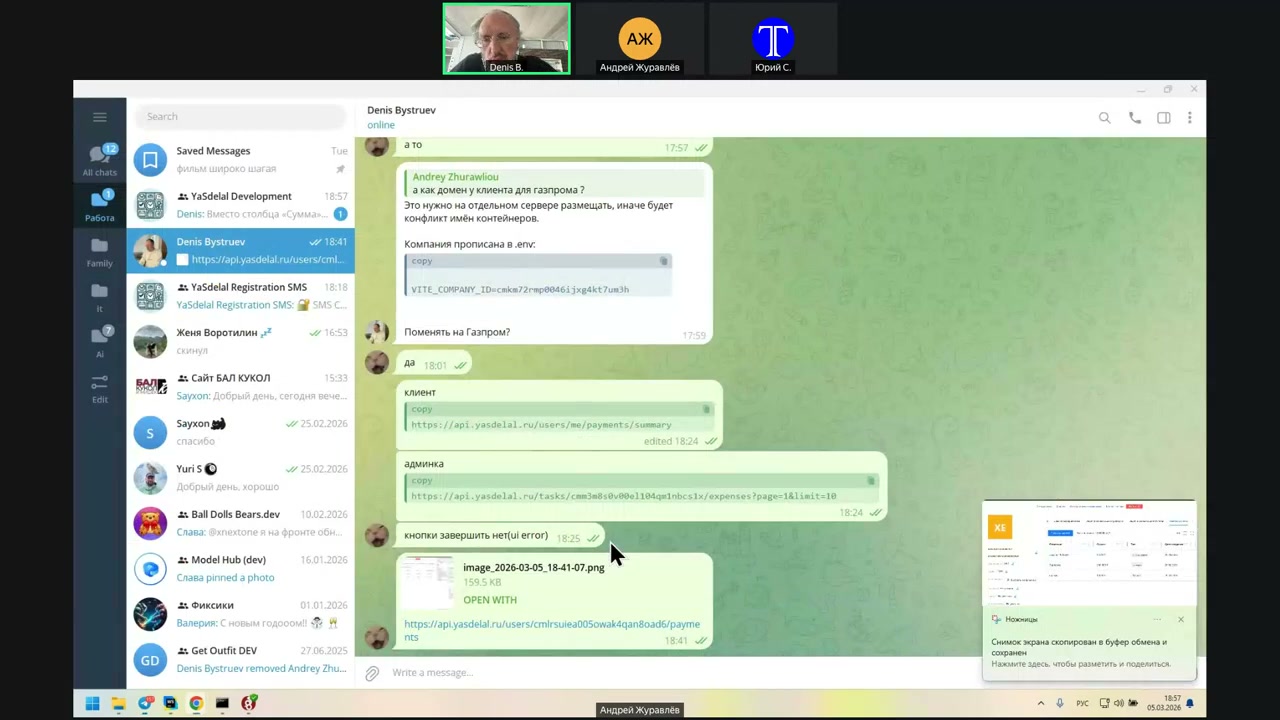
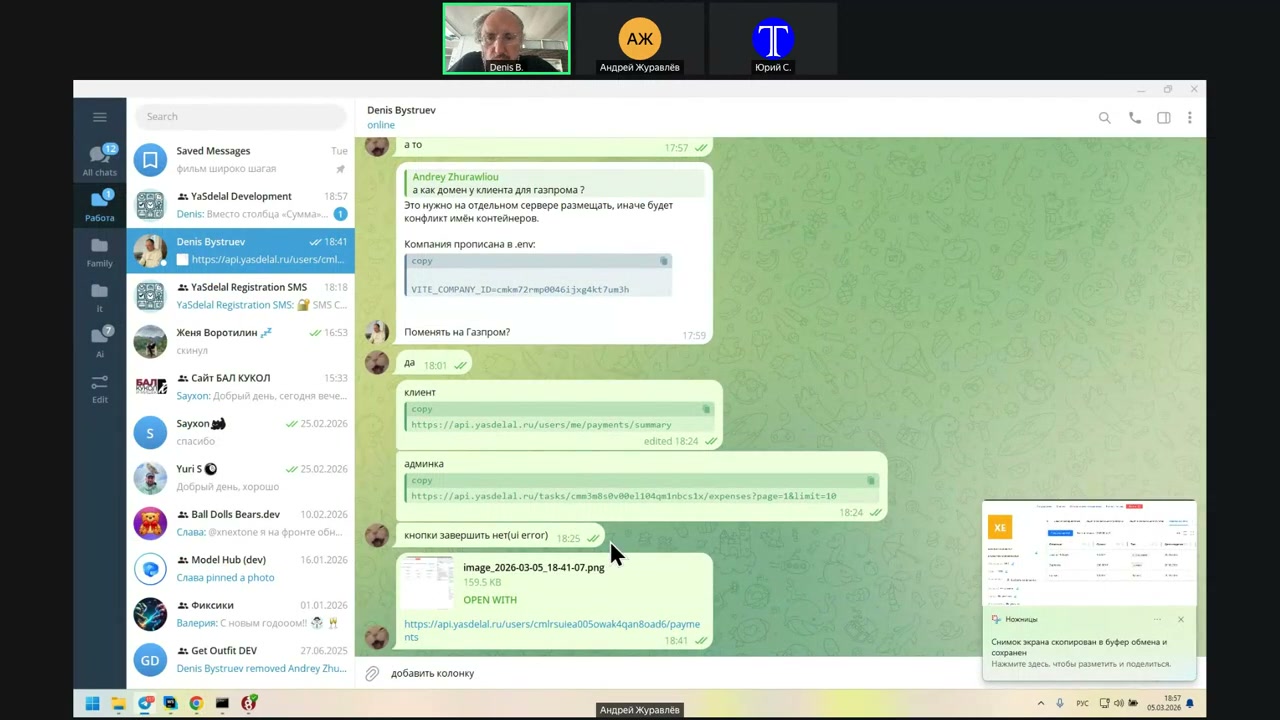
Summary? I did `/user/me/payment/summary`.
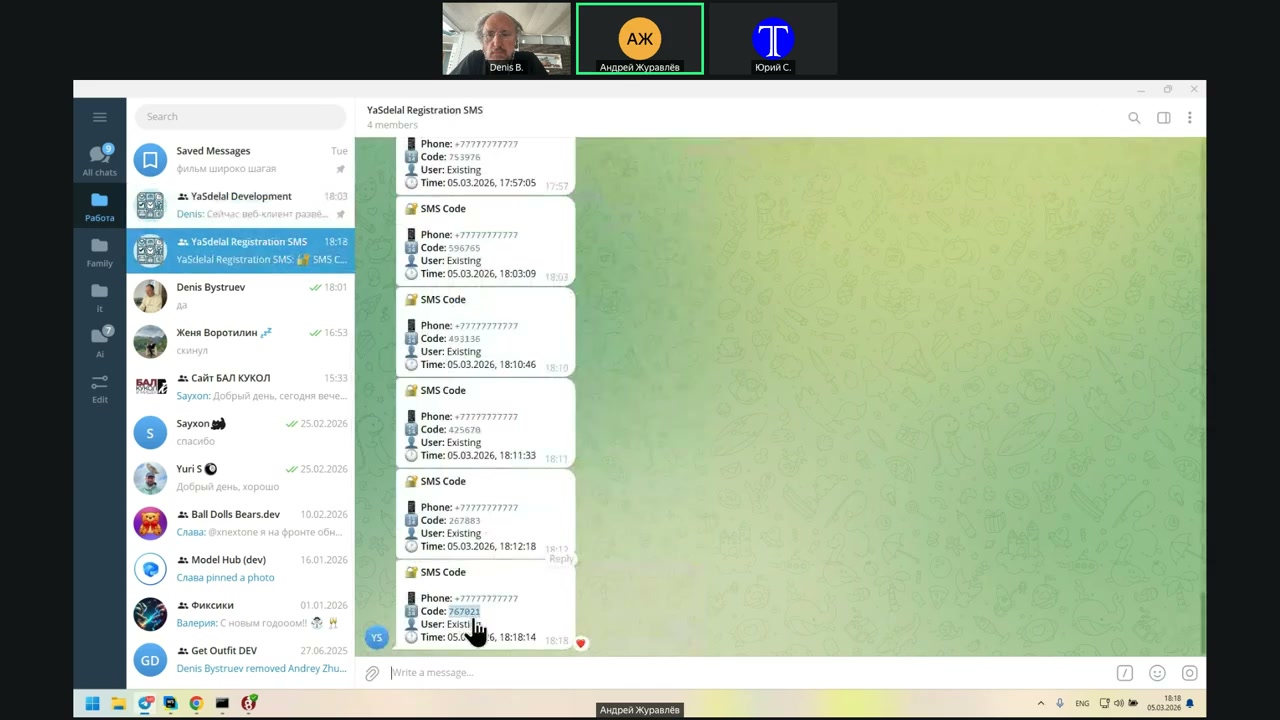
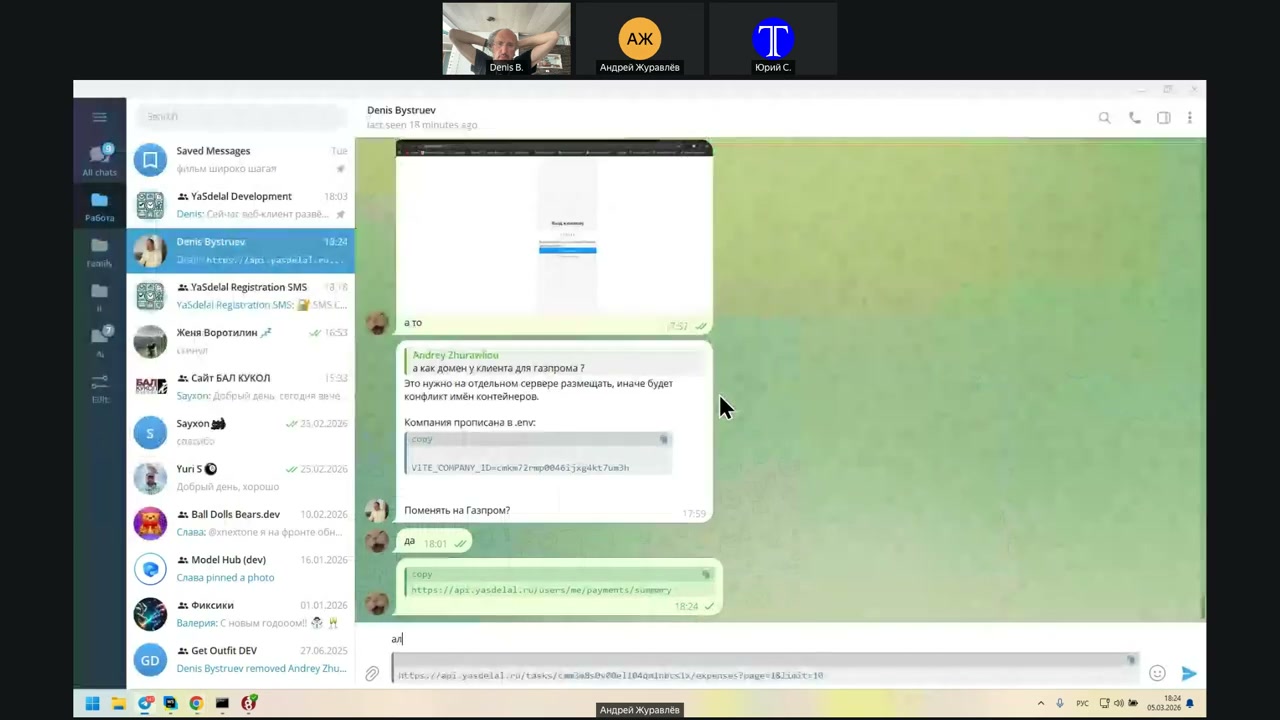
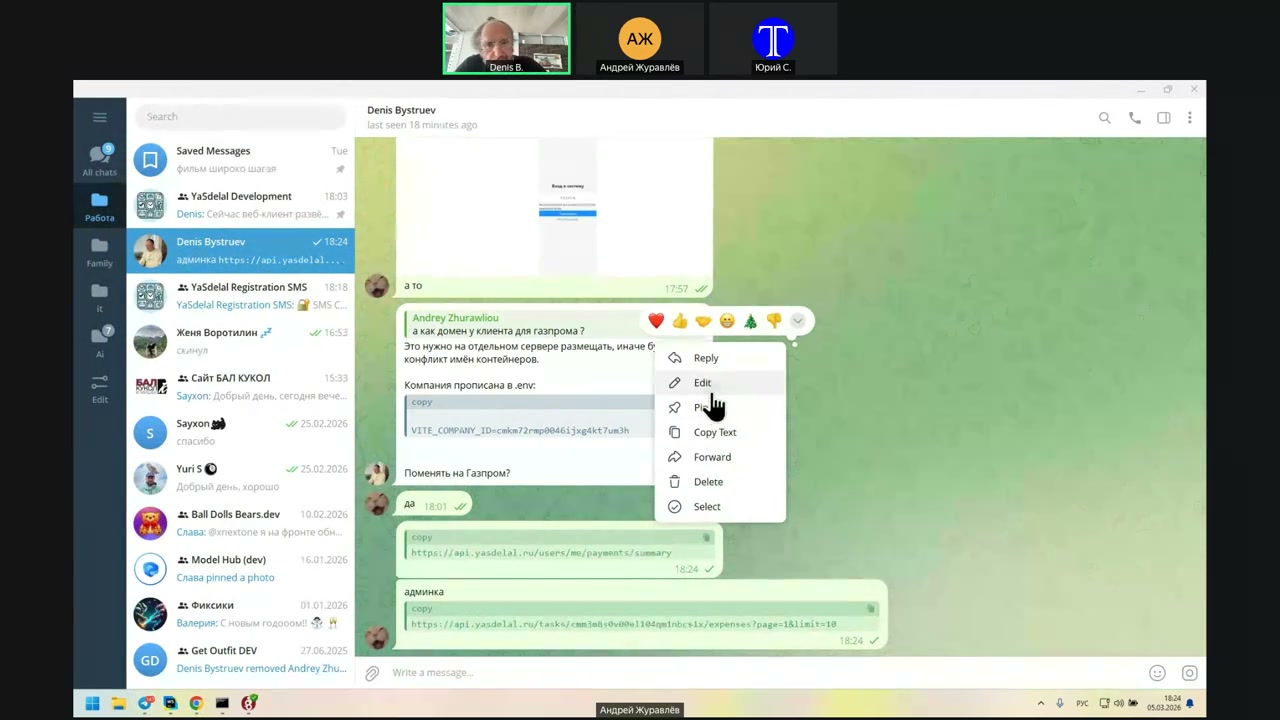
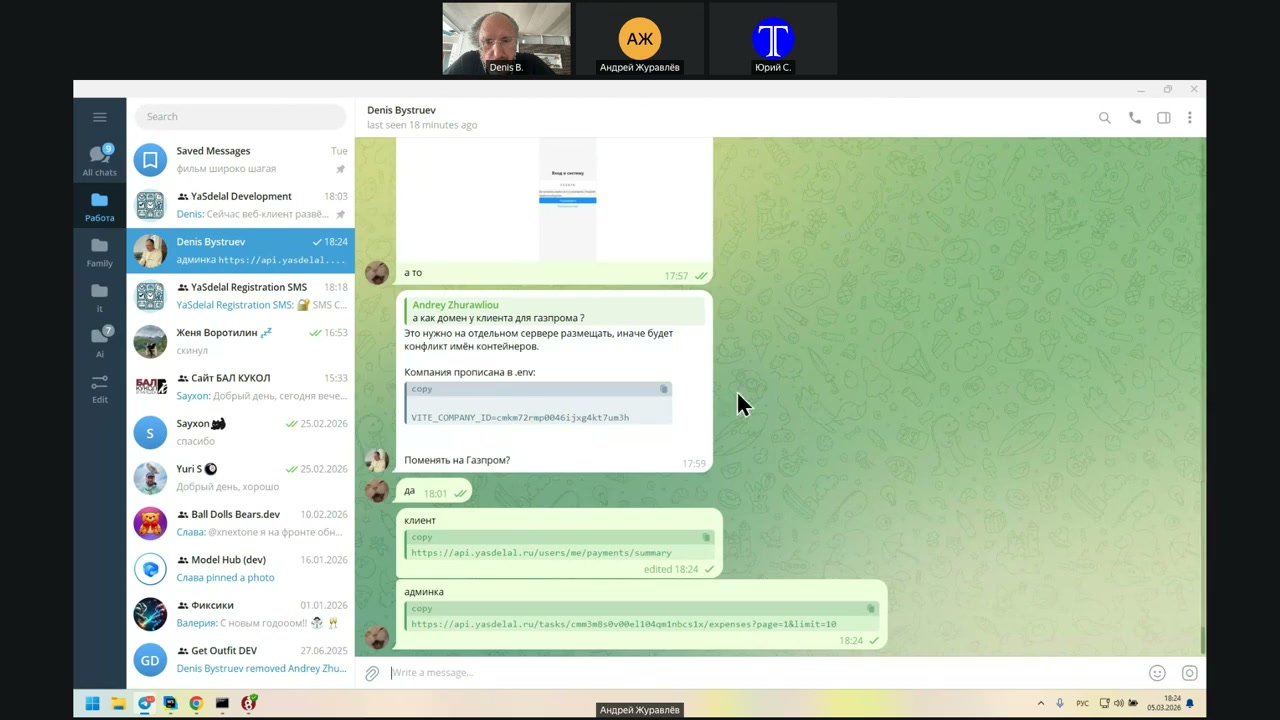
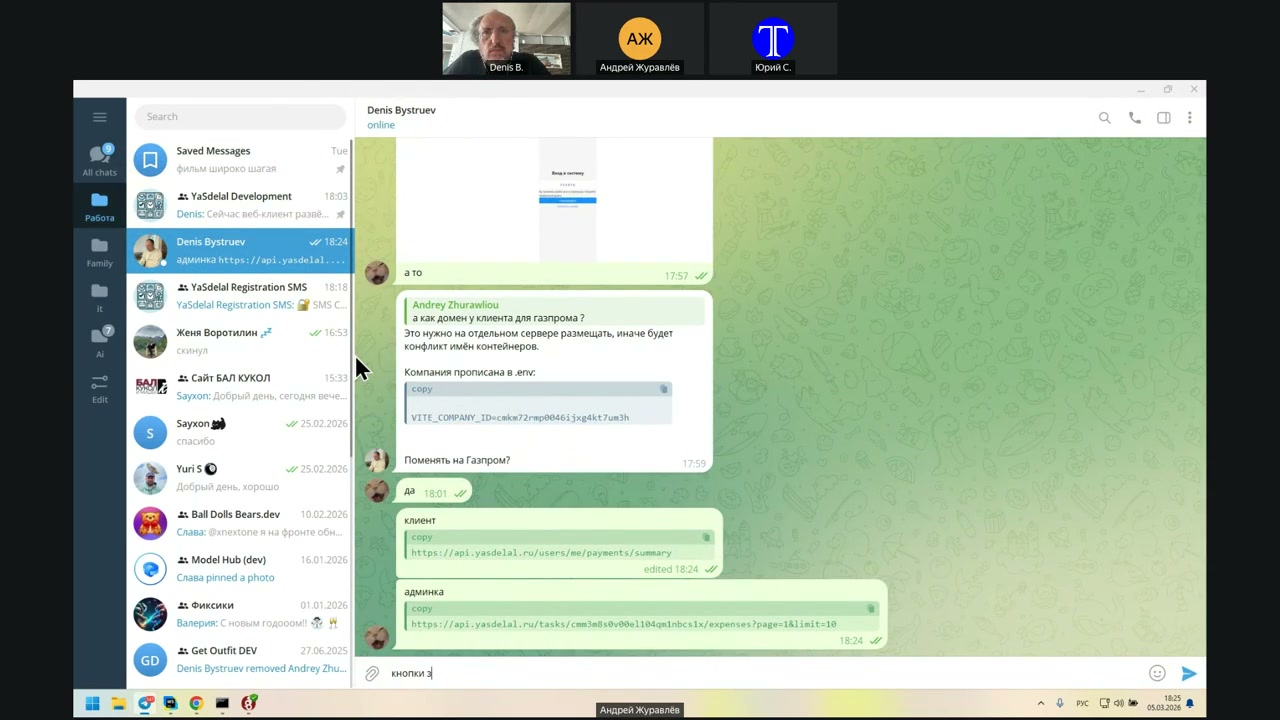
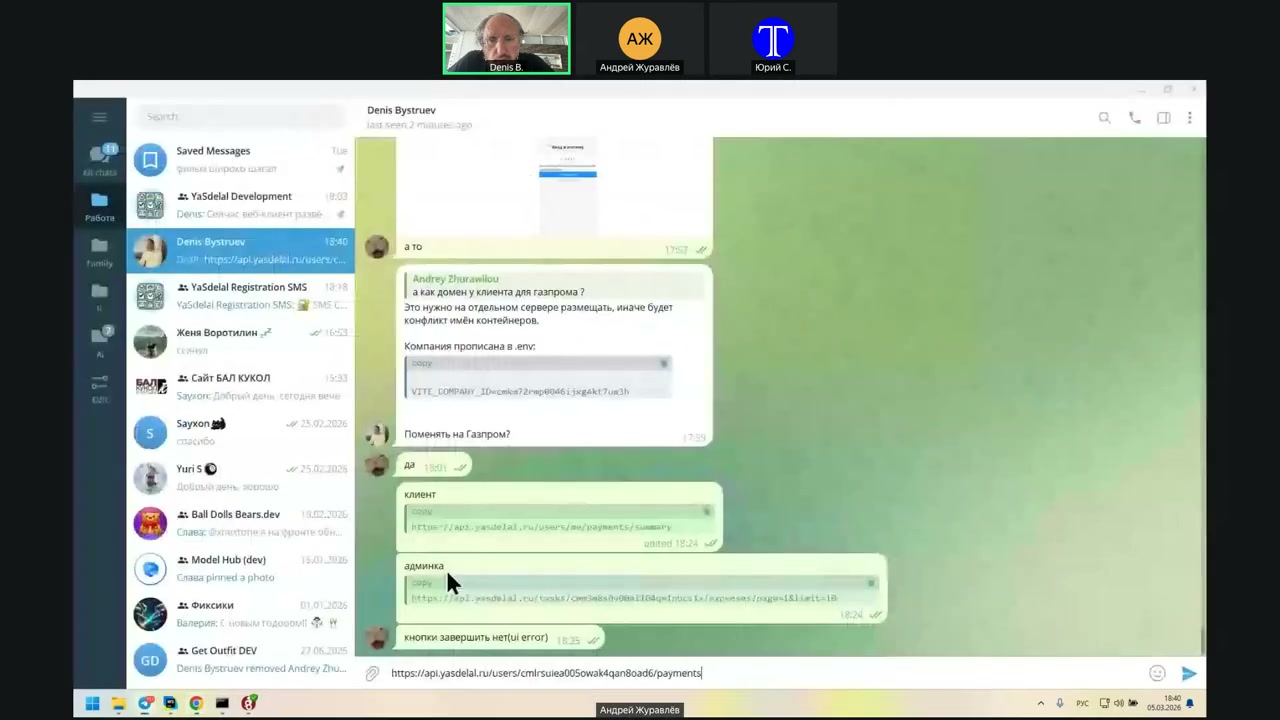
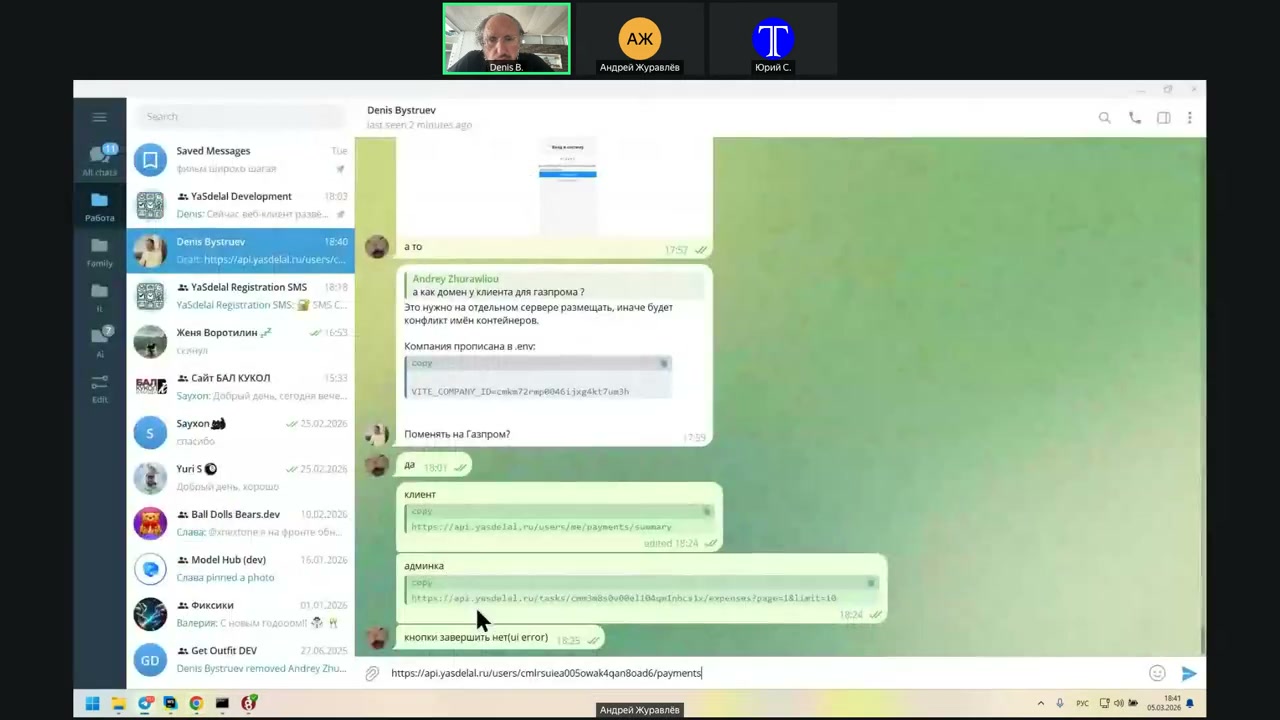
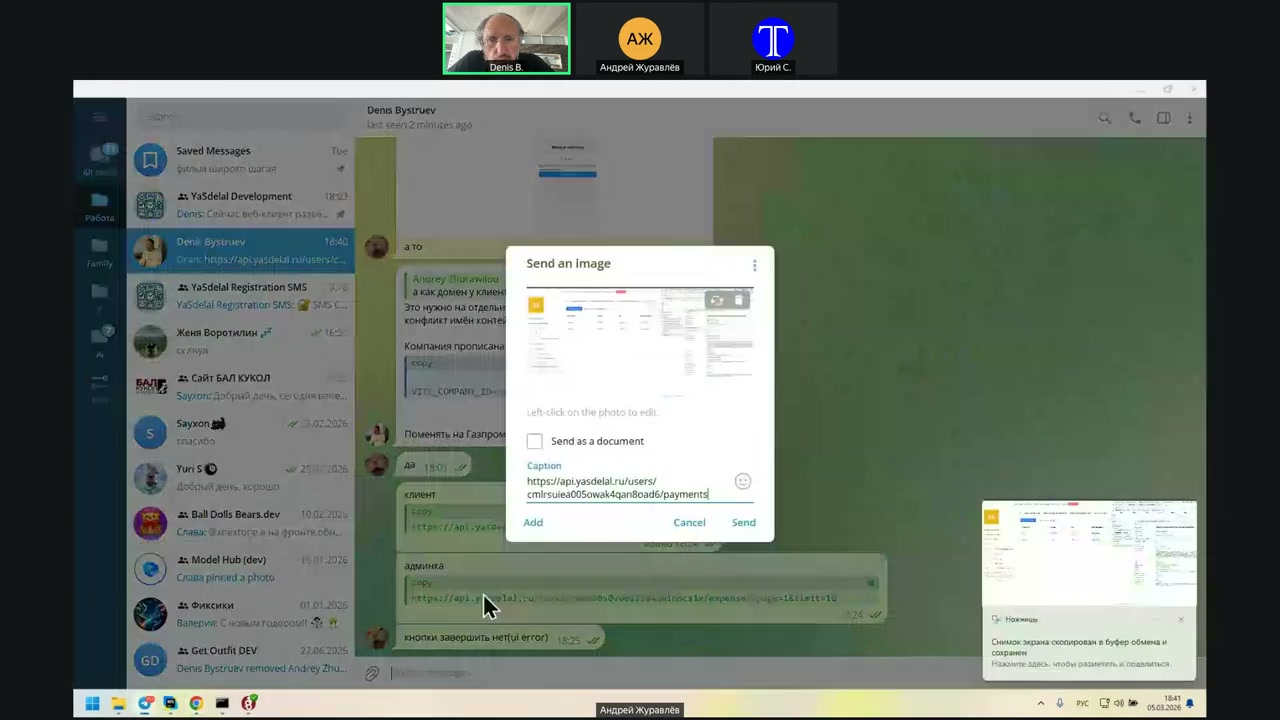
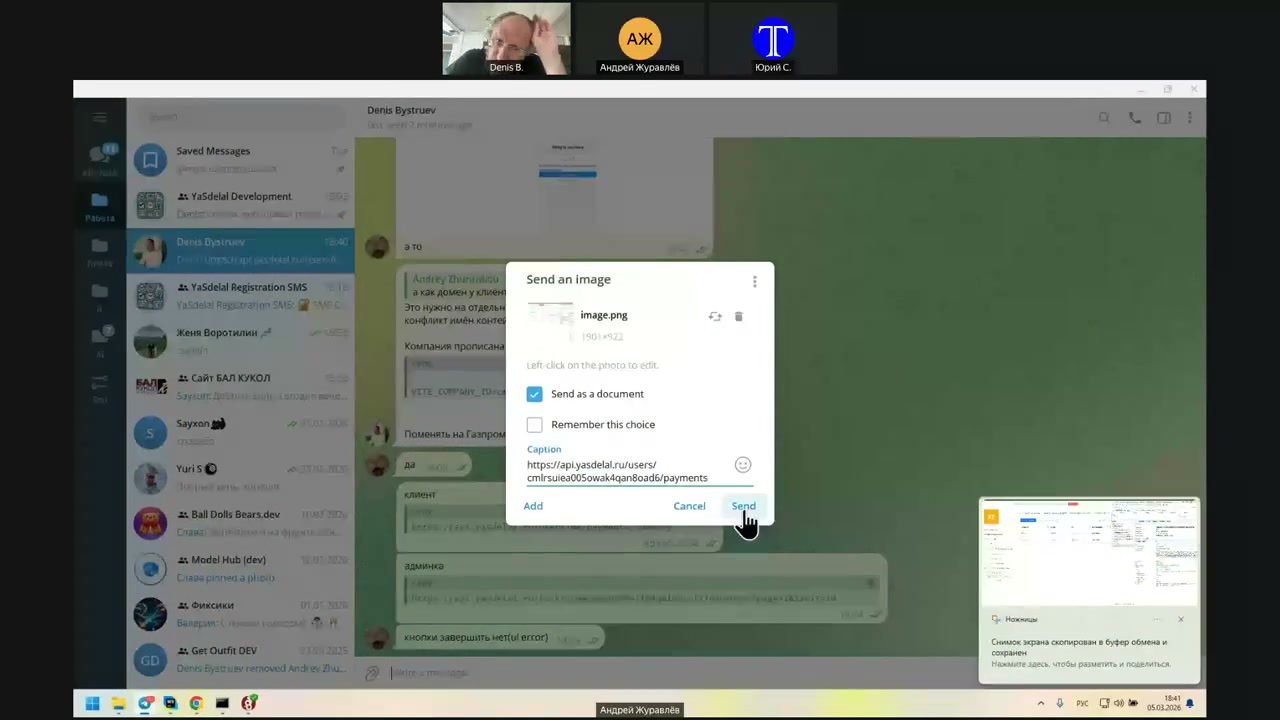
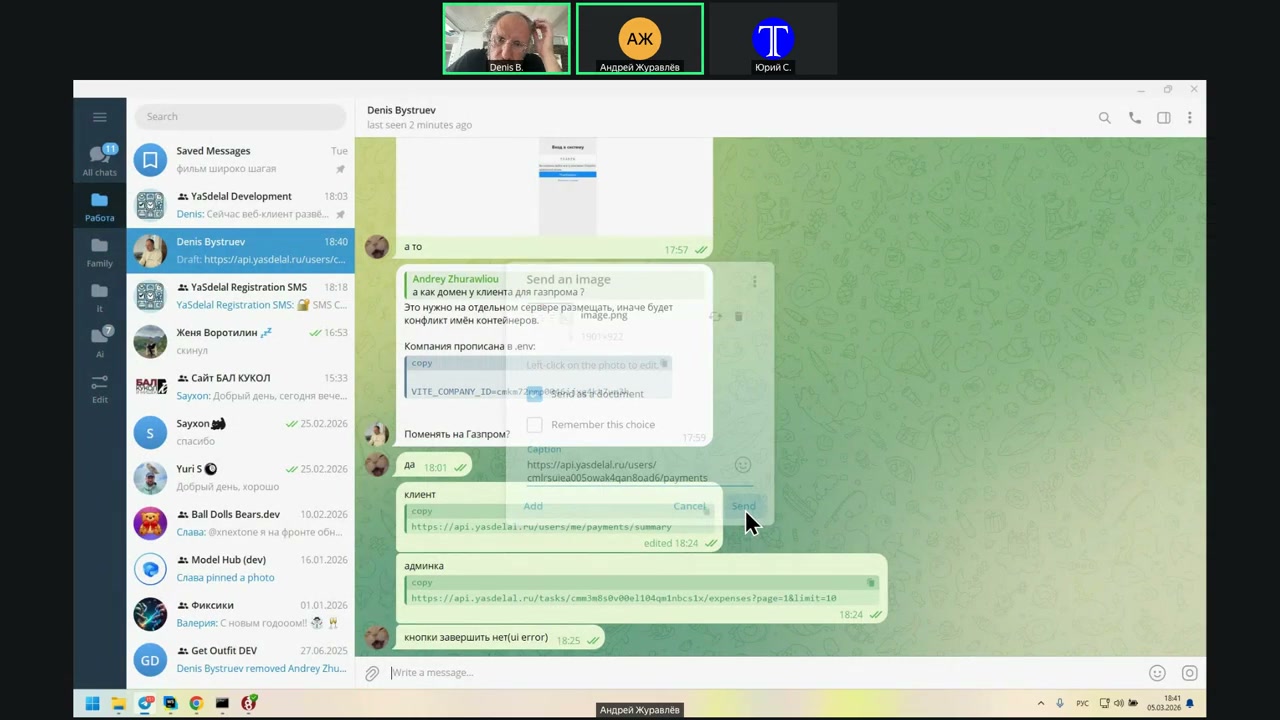
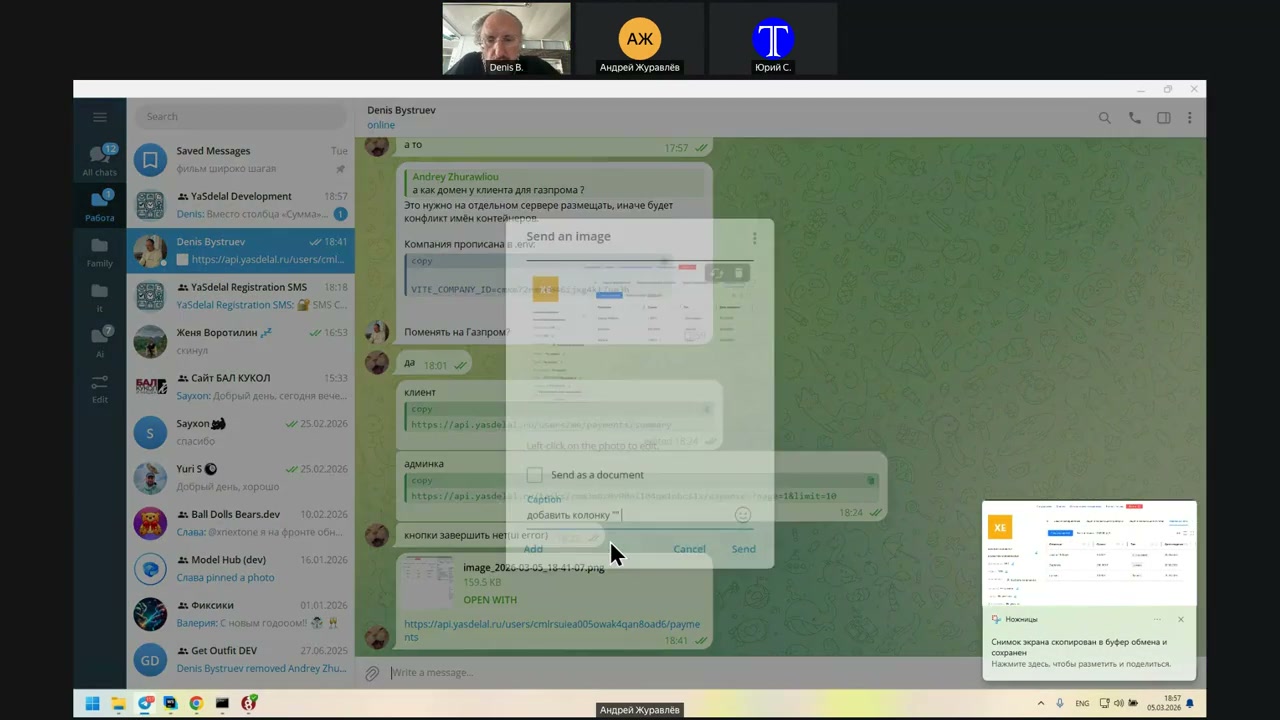
Send me both of these requests on Telegram.
Well, I’ll fix it on the API side.
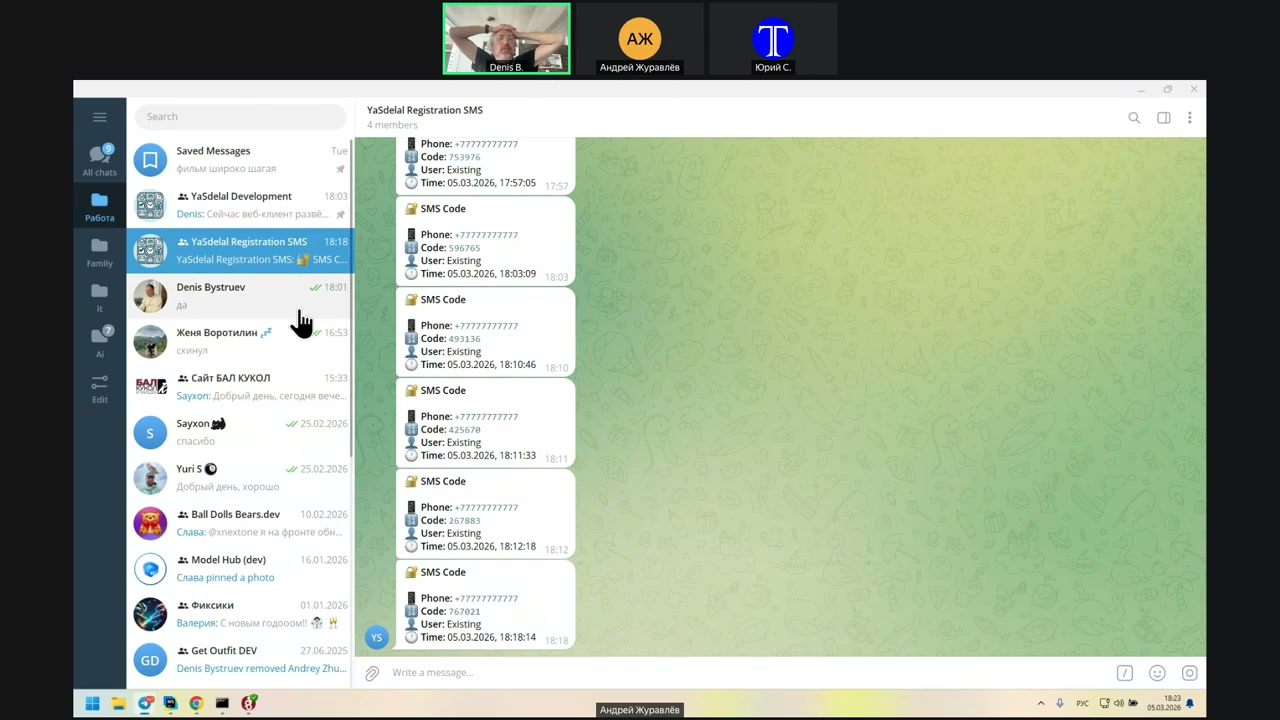
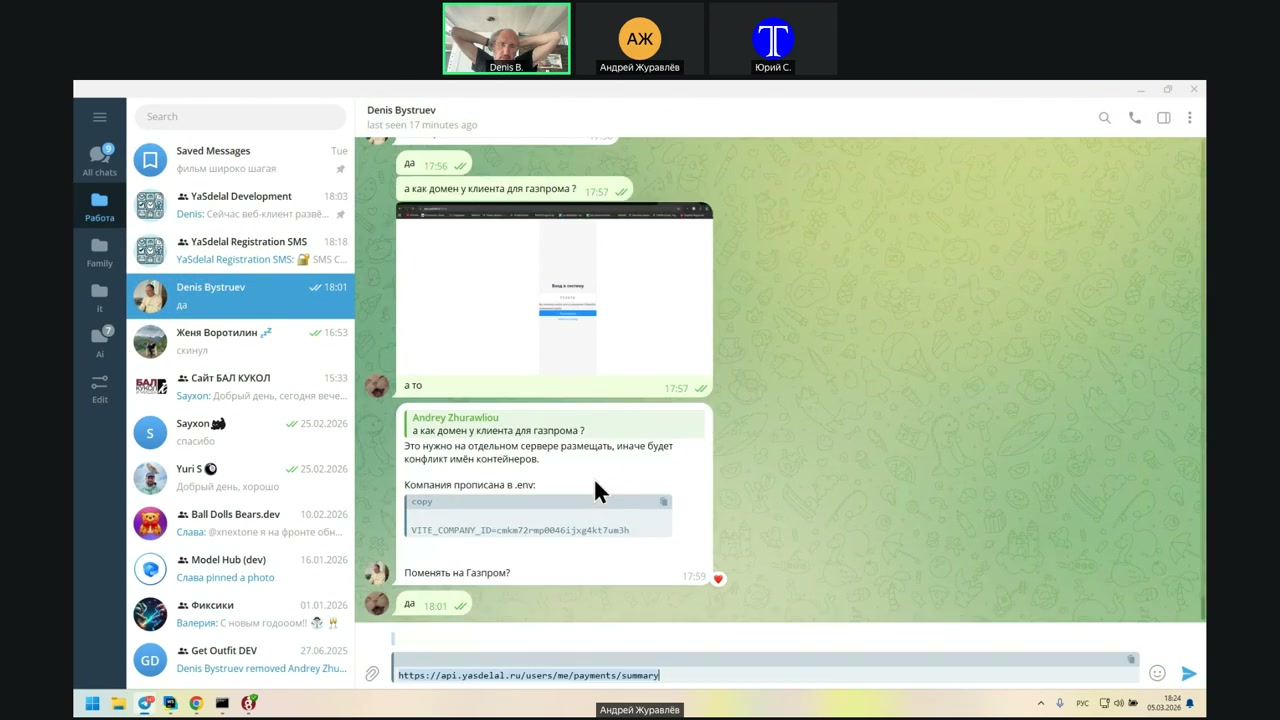
Here is one request that is in the admin, which is correct.
And the second one is wrong.
You
That is, you threw it wrong now, right?
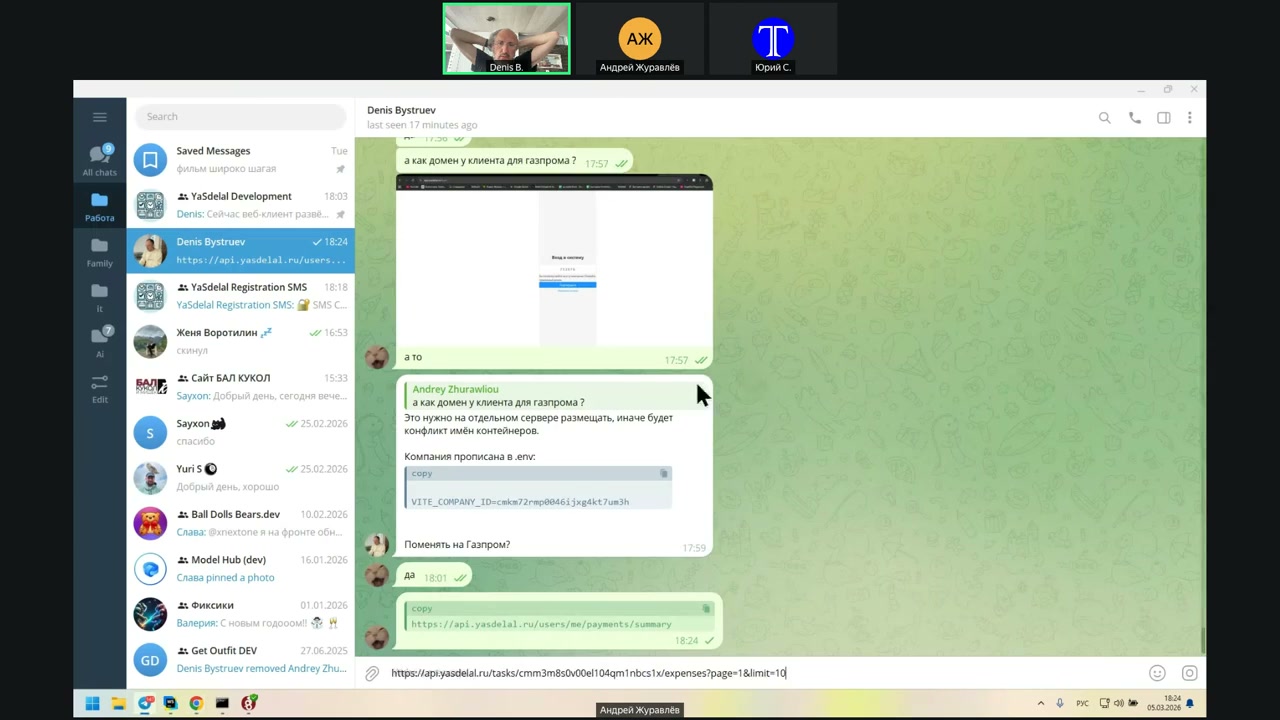
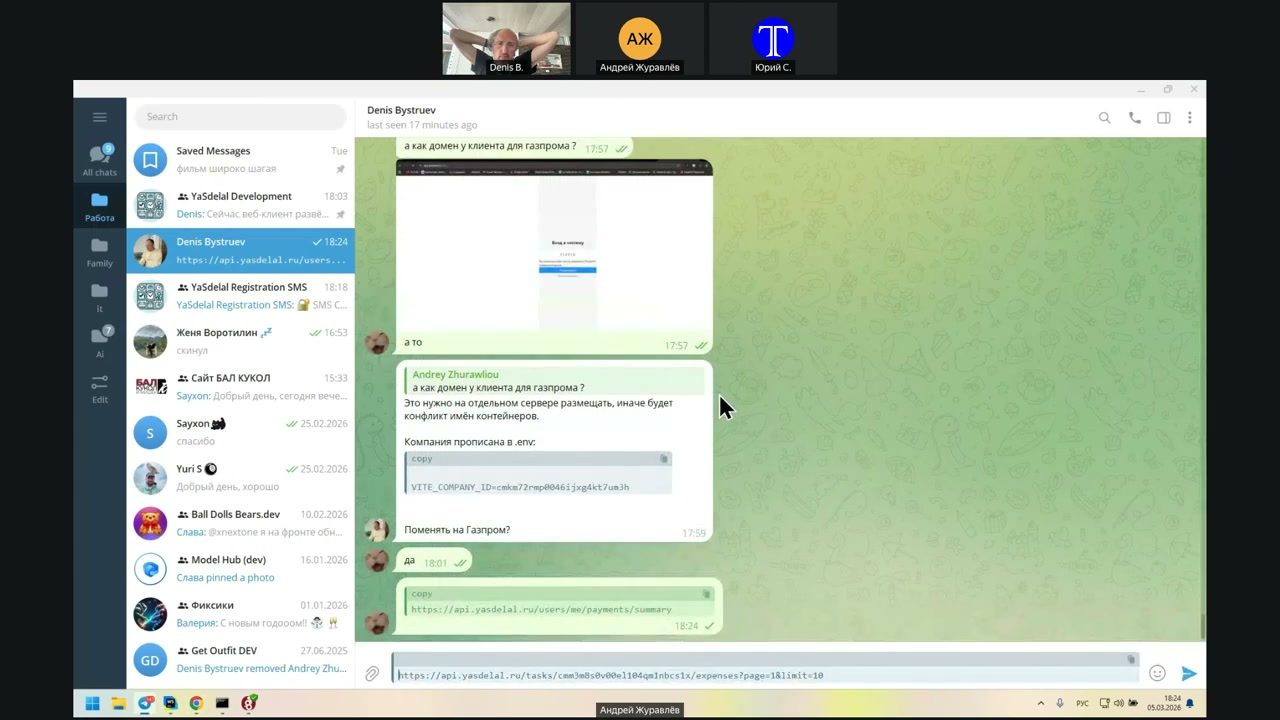
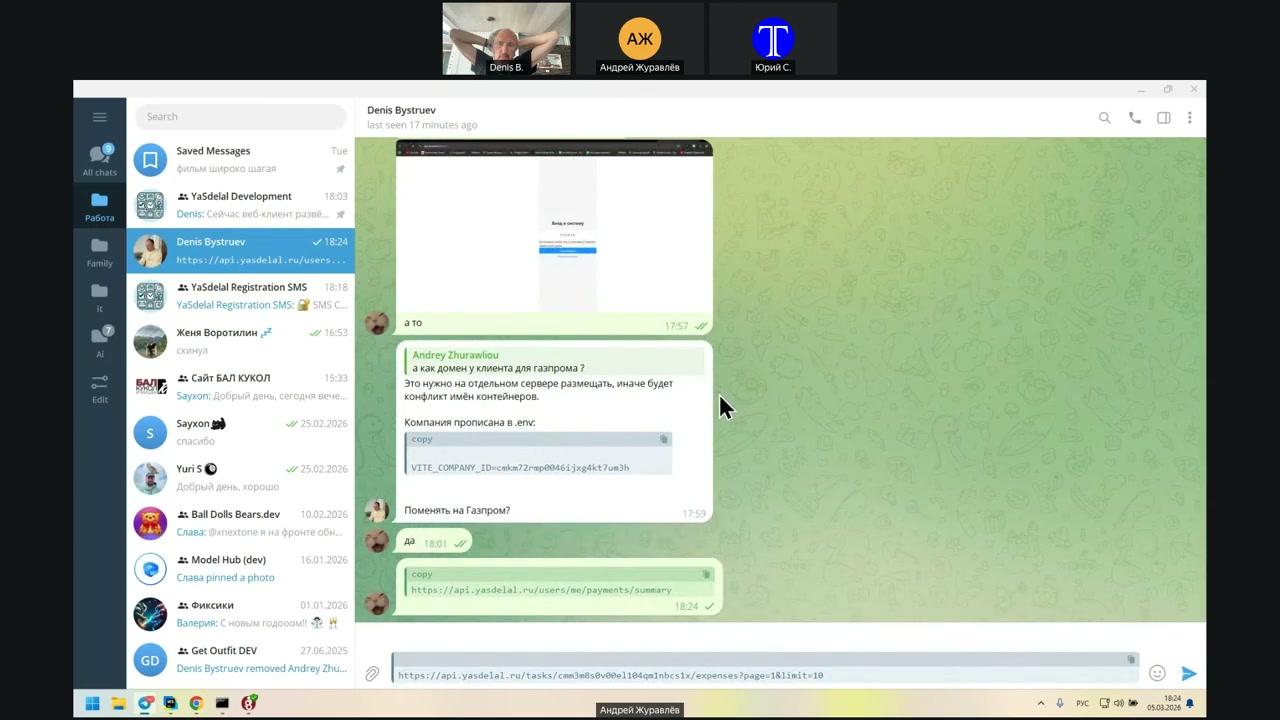
Thank you.
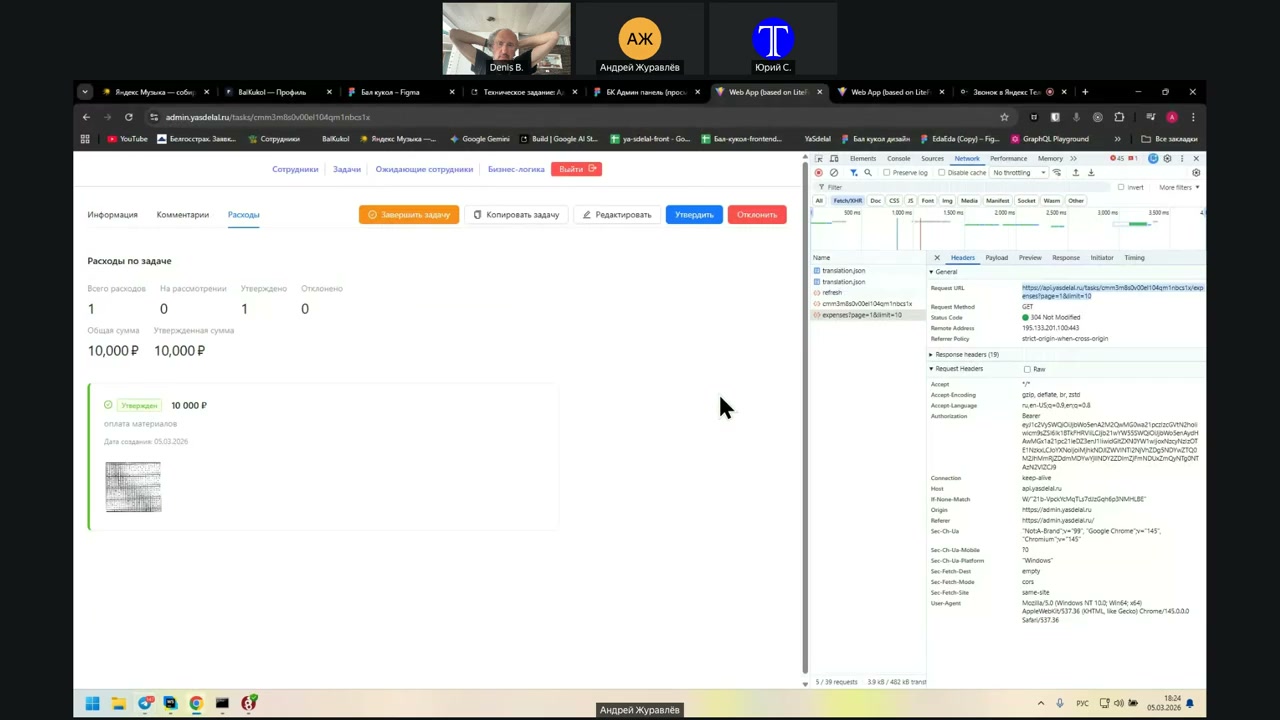
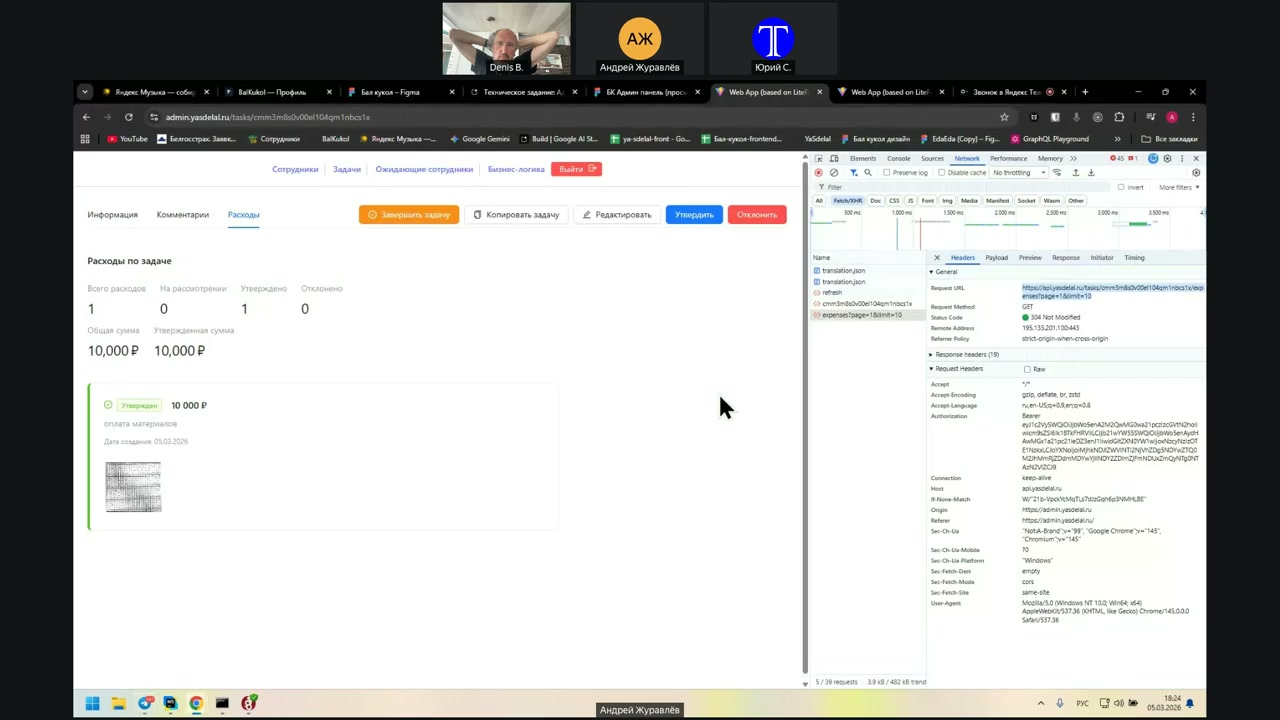
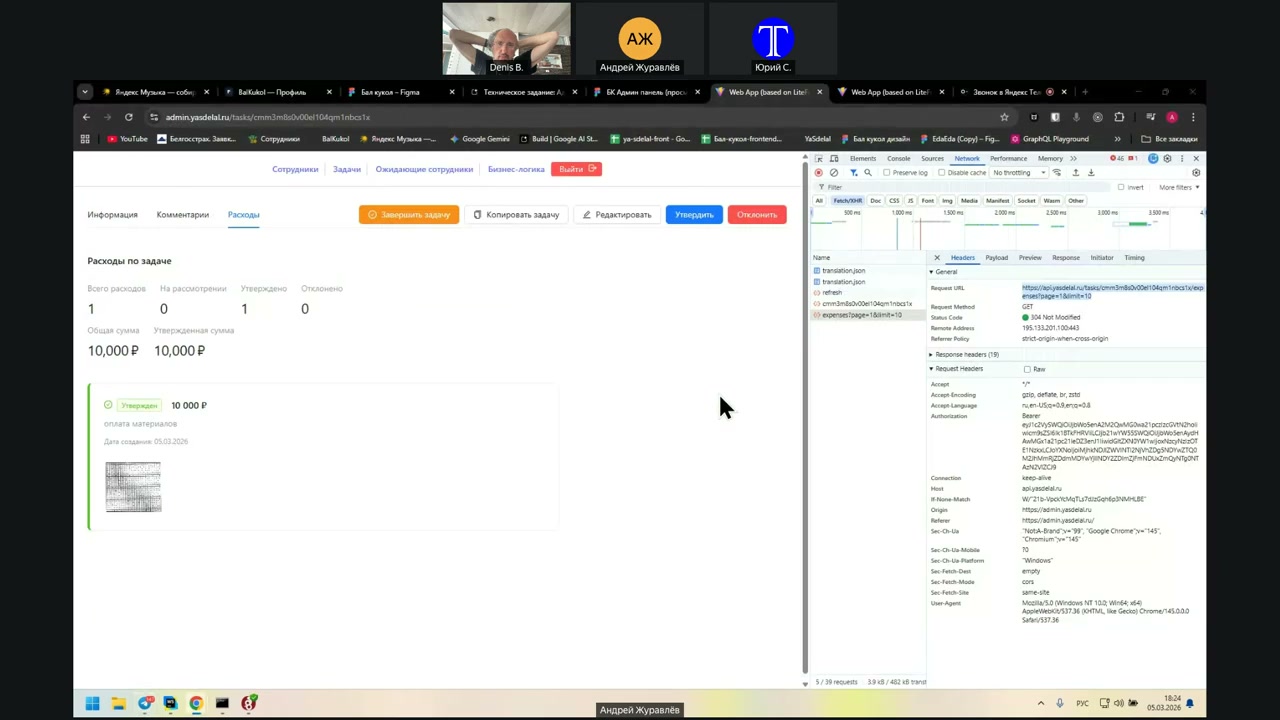
It's
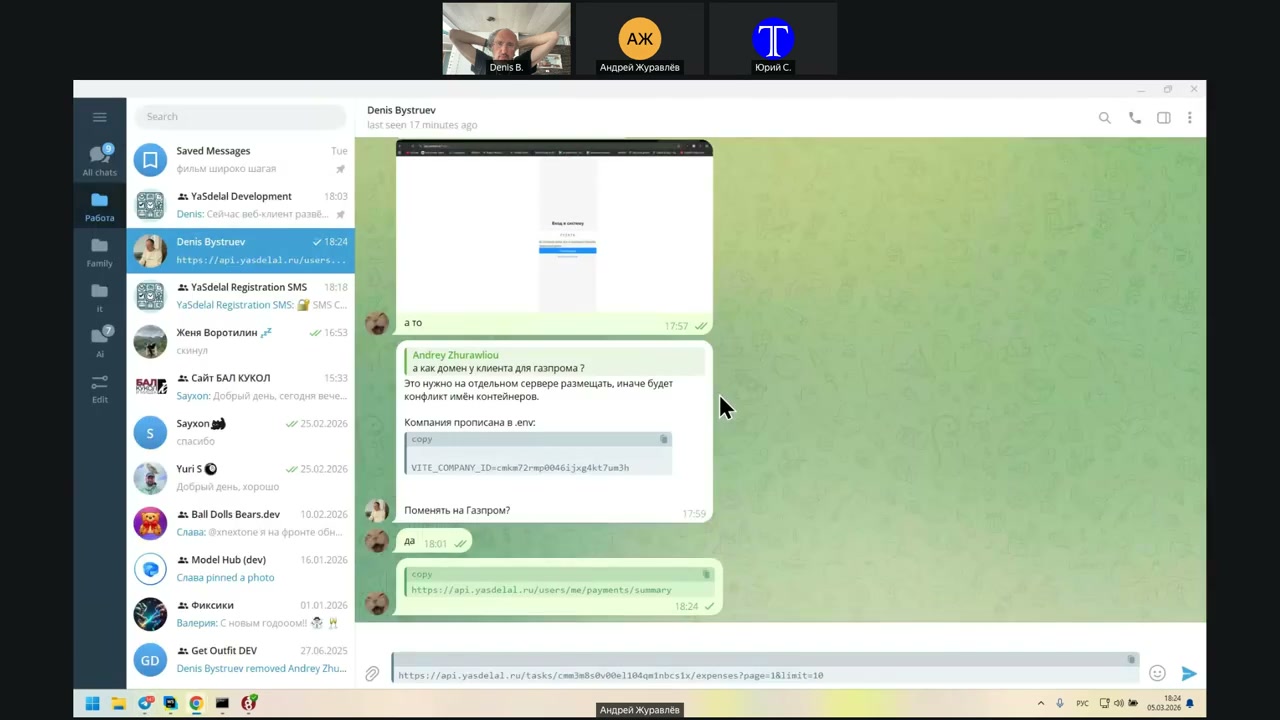
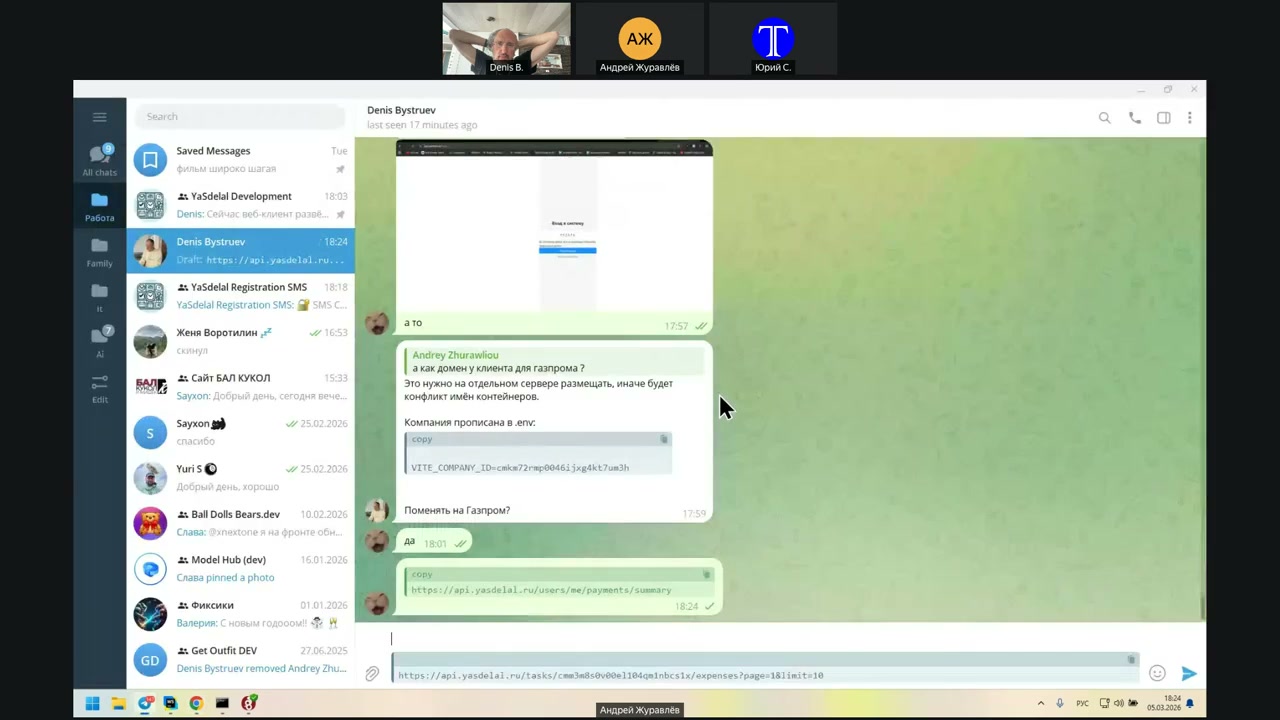
So.
Okay.
Thank you.
I’m the one who’s responsible.
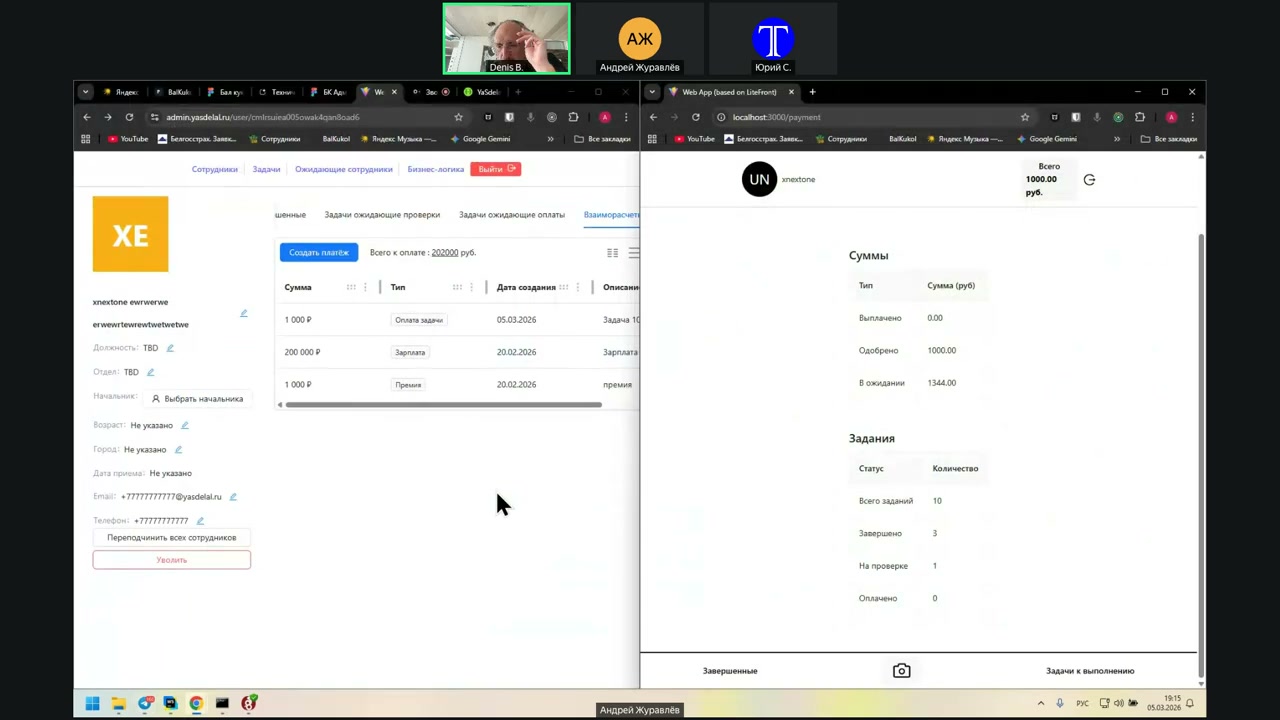
I’ve already gone through the payment history. You can see the amount and the task statistics, and you can also go to the full payment history.
He can set an interval. For example, there may be nothing in the last day, but in the last 20 days, he had two payments.
The only thing, as I understand it, is that there may be a problem on my side. This needs to be studied.
Do I have the button to complete the task? For some reason, no. Yes, there is no button to complete the task, for sure.
If we muster it to measures the VG.
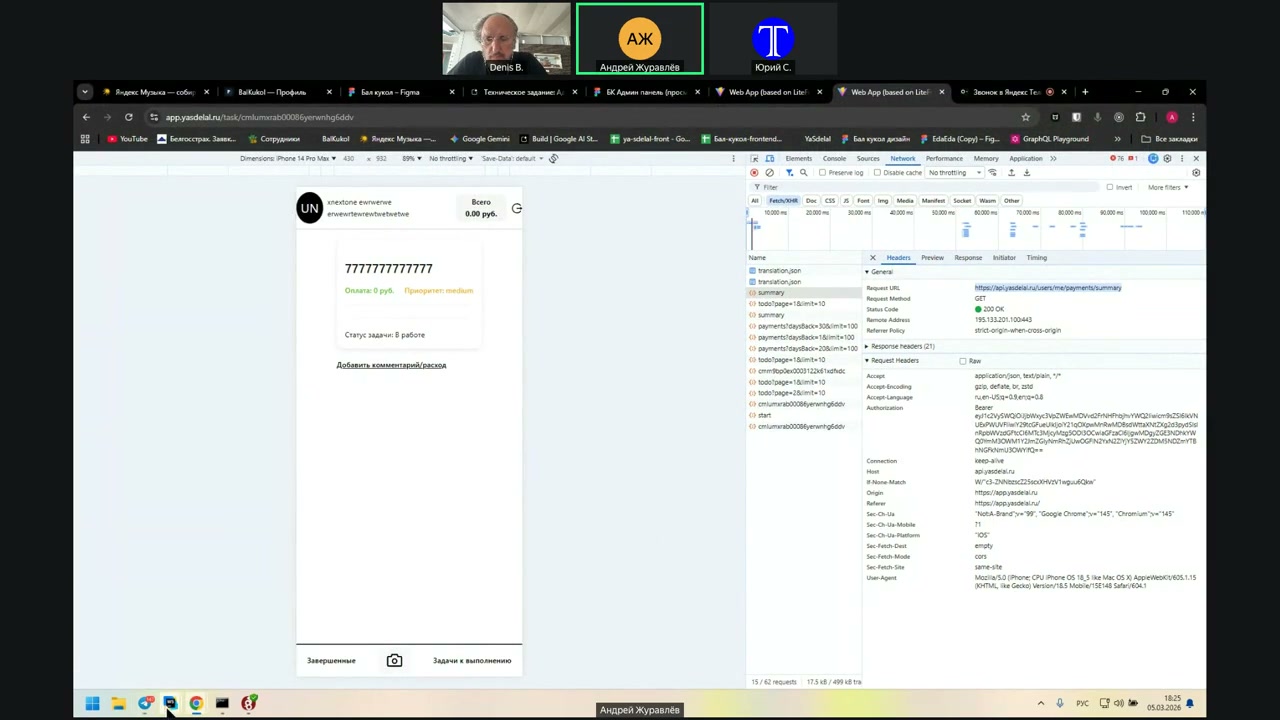
So, well, it’s strange now. Wait a second.
And the three statuses did not change? It should be like in Doki.
Peace.
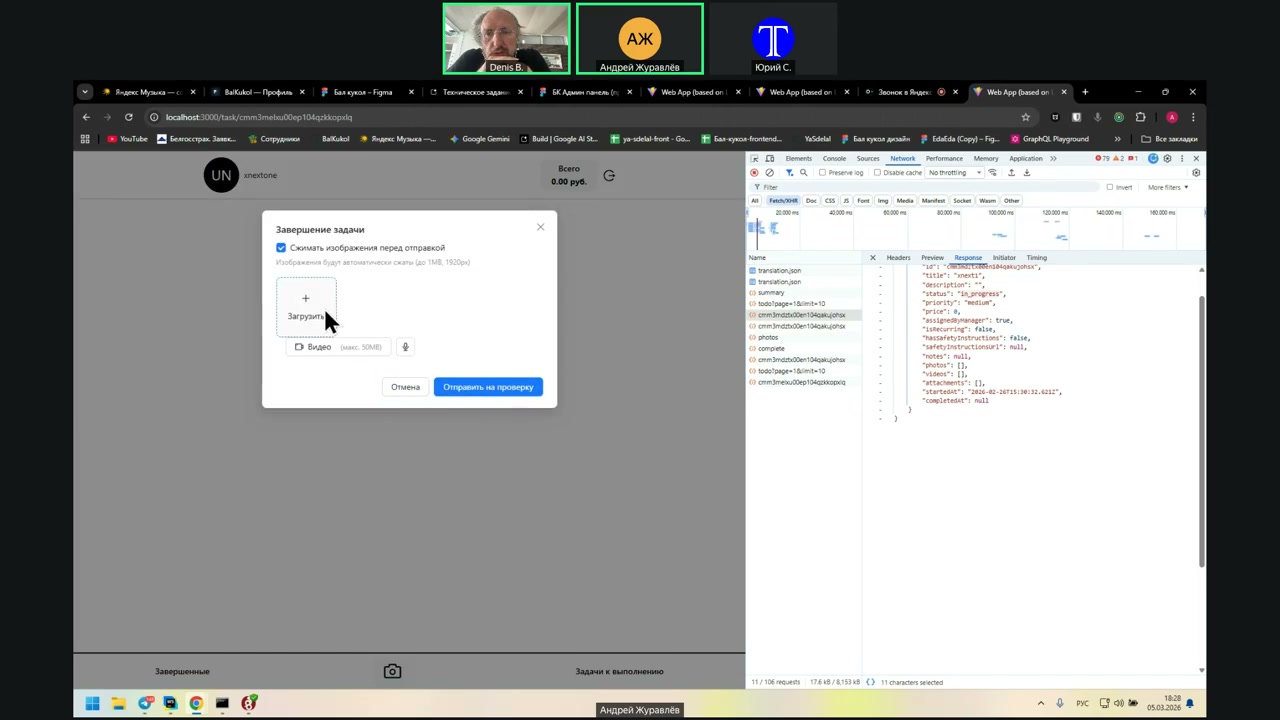
“You’re fixing it so that, when the status is In Progress, it shows the button, right?
The only thing I understand is this: we made it so that the user cannot start the task if they have security technology and they have not signed it. If they did not sign it, then they cannot start it and cannot issue it, right?”
“Yes, we did that. There must be an error.
For some reason, I had a check on the signature. When the user completes the task, they can add files and send the task for verification. Then the status of the task becomes Completed.
There was no button because there was a check on the signature. Once I removed that signature check, the button appeared and he was able to complete it.”
“Yes, here: click to complete, then click to send for verification. The task is completed.
Has the balance changed?”
“No, the balance... while the manager does not approve it, it should not change.”
“Okay, bad example. Approve what? Approve the expense or approve the entire task?
Here’s a question for Denis. Wait, can you approve separate expenses?”
“We can approve the entire task.”
“No, we have expenses too. Wait a second, I’ll change the price and show you.
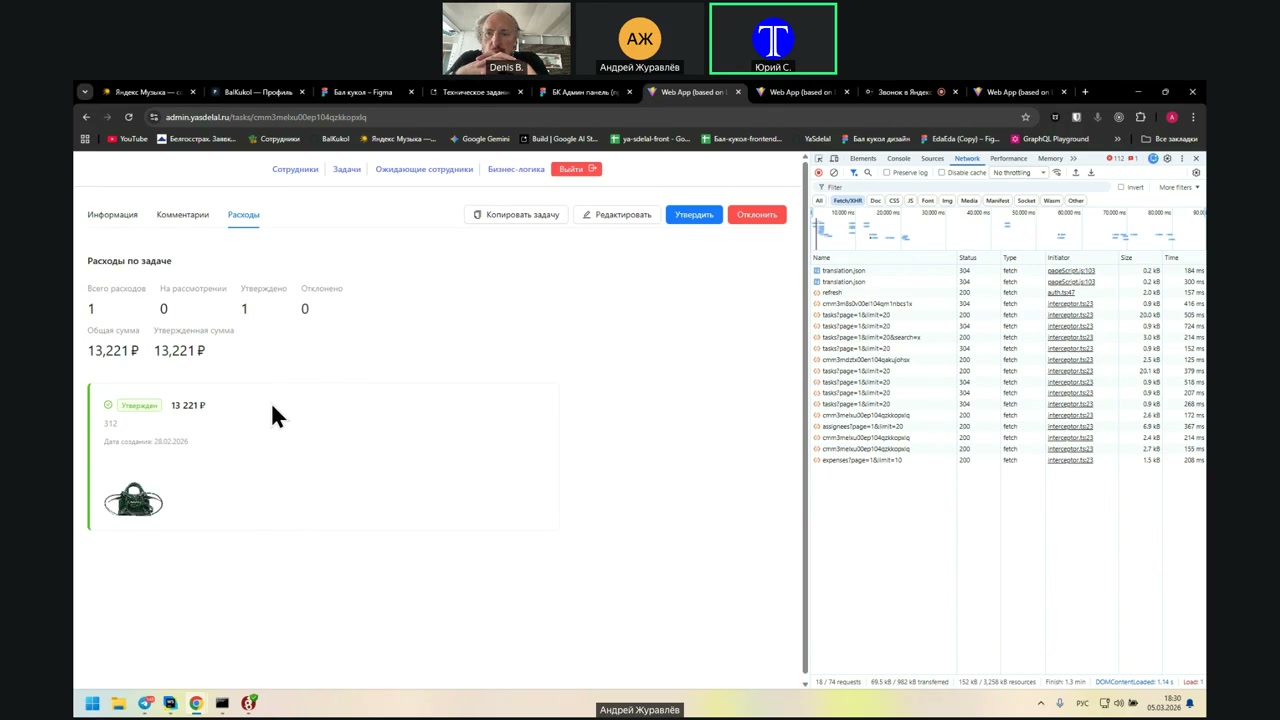
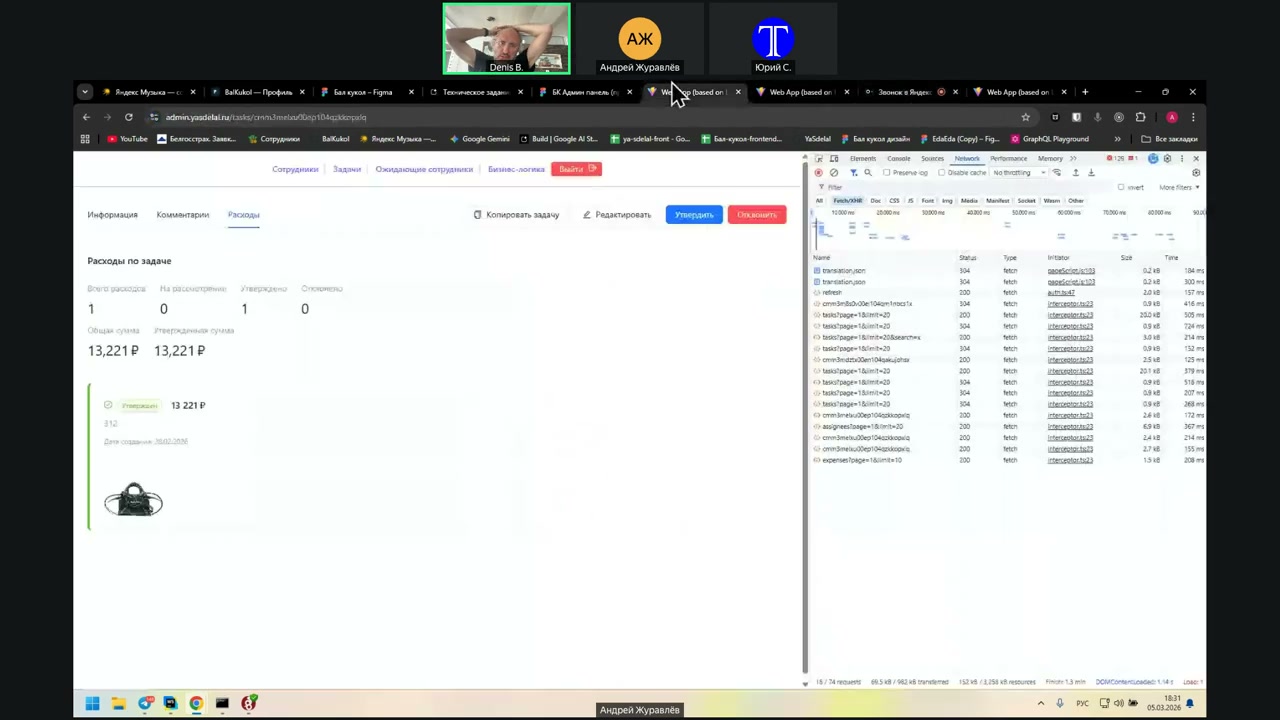
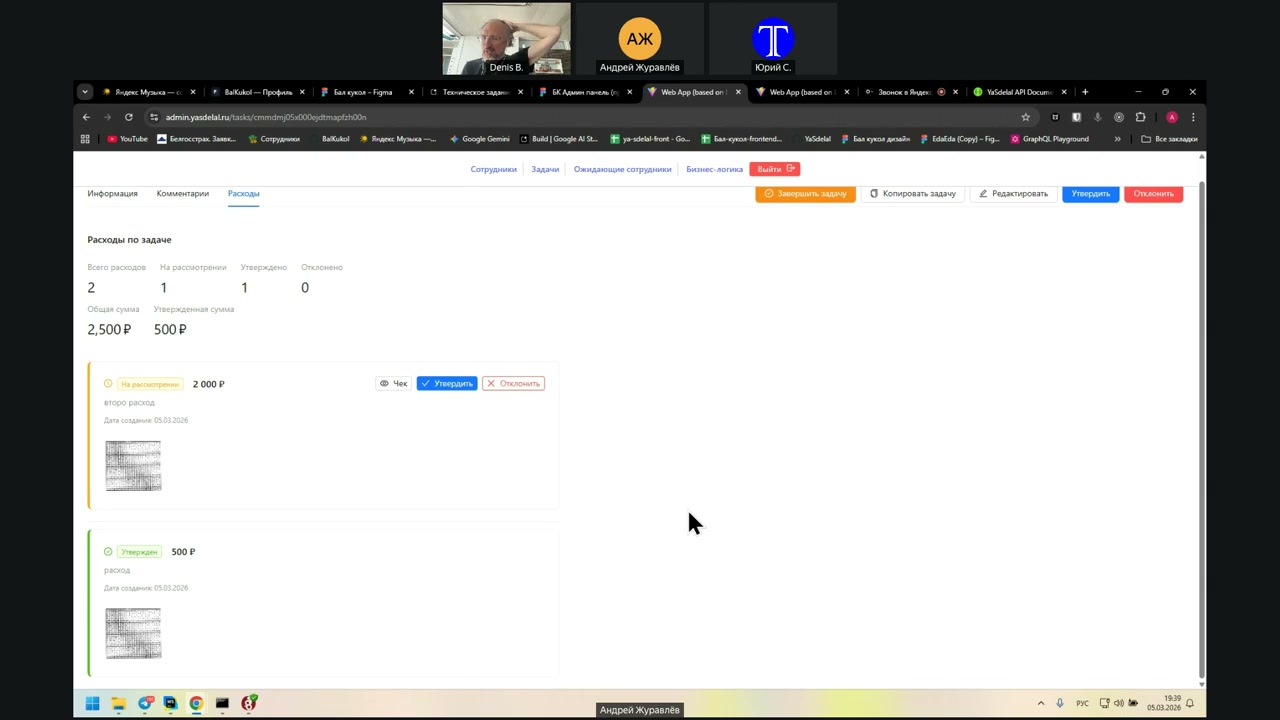
Expenses are approved separately. When the user has not yet completed the task, they can still add an expense while it is in progress. Here, the manager has to view the receipt and then use the Approve or Reject button.
When you click Approve, the manager approves the expense. If not, then it is not approved.”
“So you had a task cost of 13,000 rubles, and an expense of 221 rubles? Or is the task 13,000 rubles and 221 rubles is the expense?”
“This is the expense.”
“Can you do it separately for the task and for the expense?”
“Let’s see what happens. We have an expense of 13,000 rubles and 221 rubles. The price for the task is 100 rubles.
In theory, if I approve now...”
“No, the expenses should already be 13,000 rubles and 221 rubles. This figure should already be in his balance if we approved this expense. The company already owes it. It does not matter whether he has completed the task or not.”
“I got it. In the client, when the expense is approved, it does not add anything.
Wait, what is 13,000 rubles and 221 rubles? This is some kind of... wait, create a new task.”
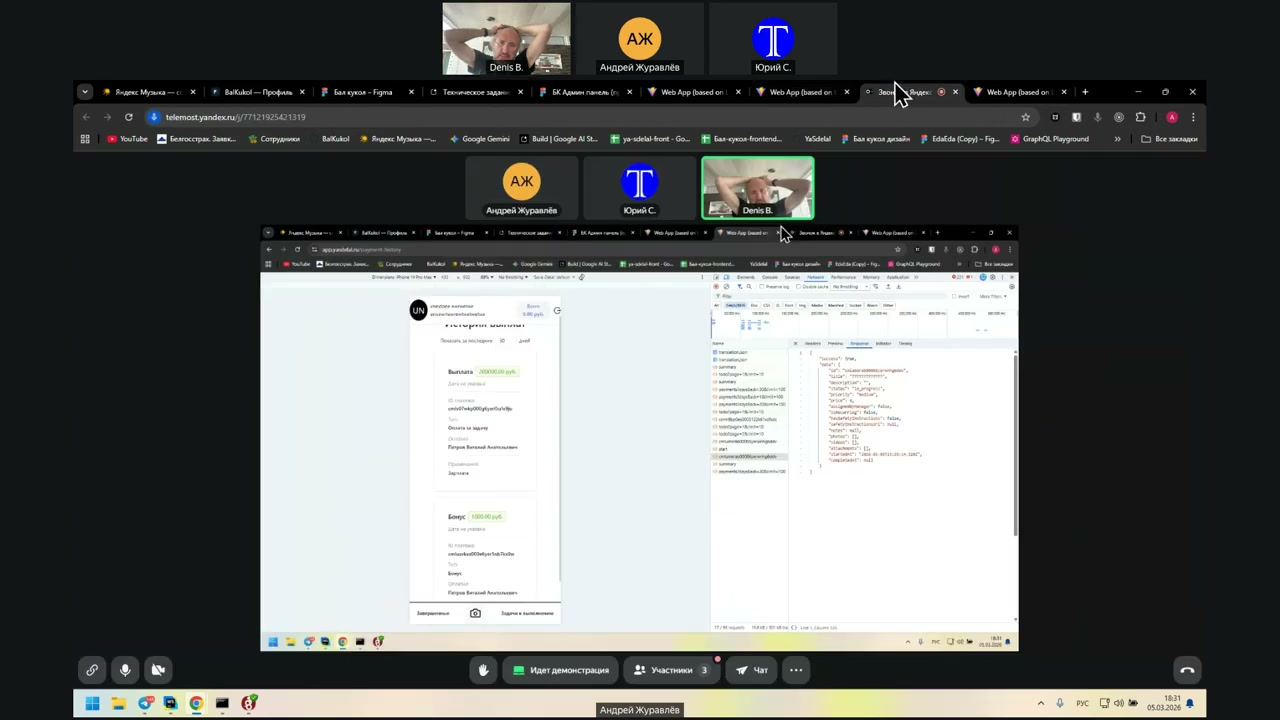
was my
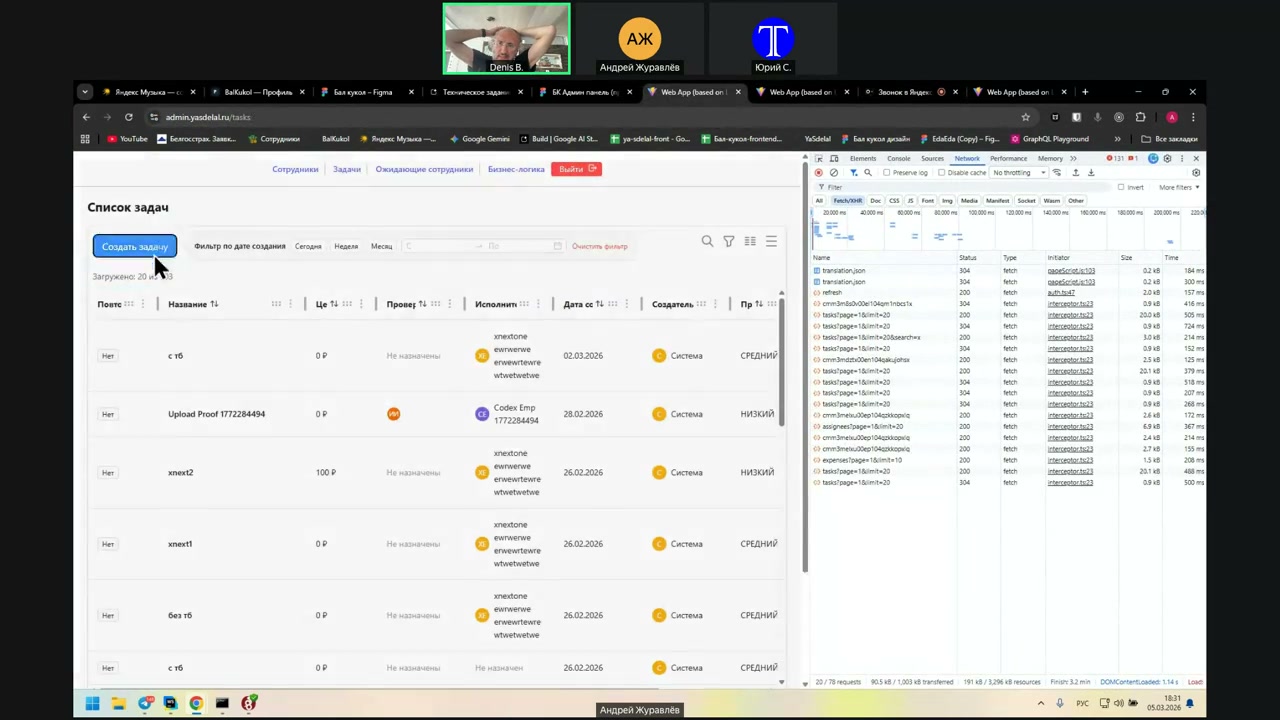
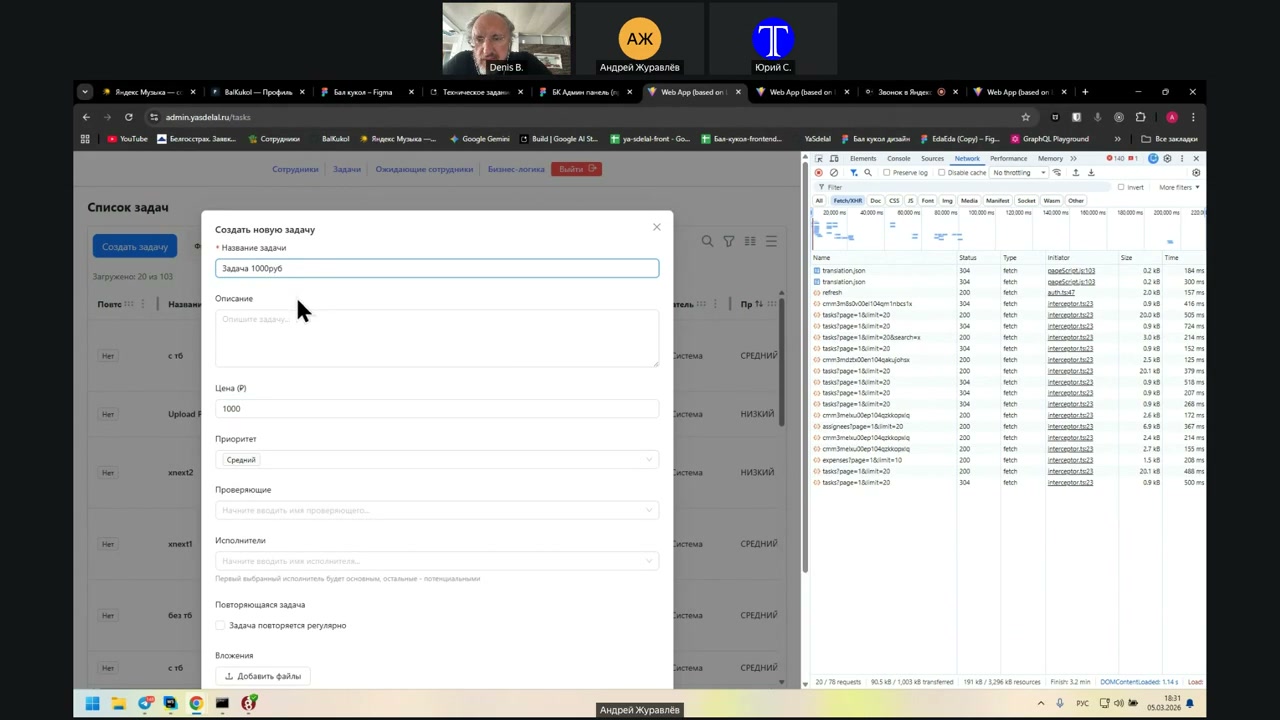
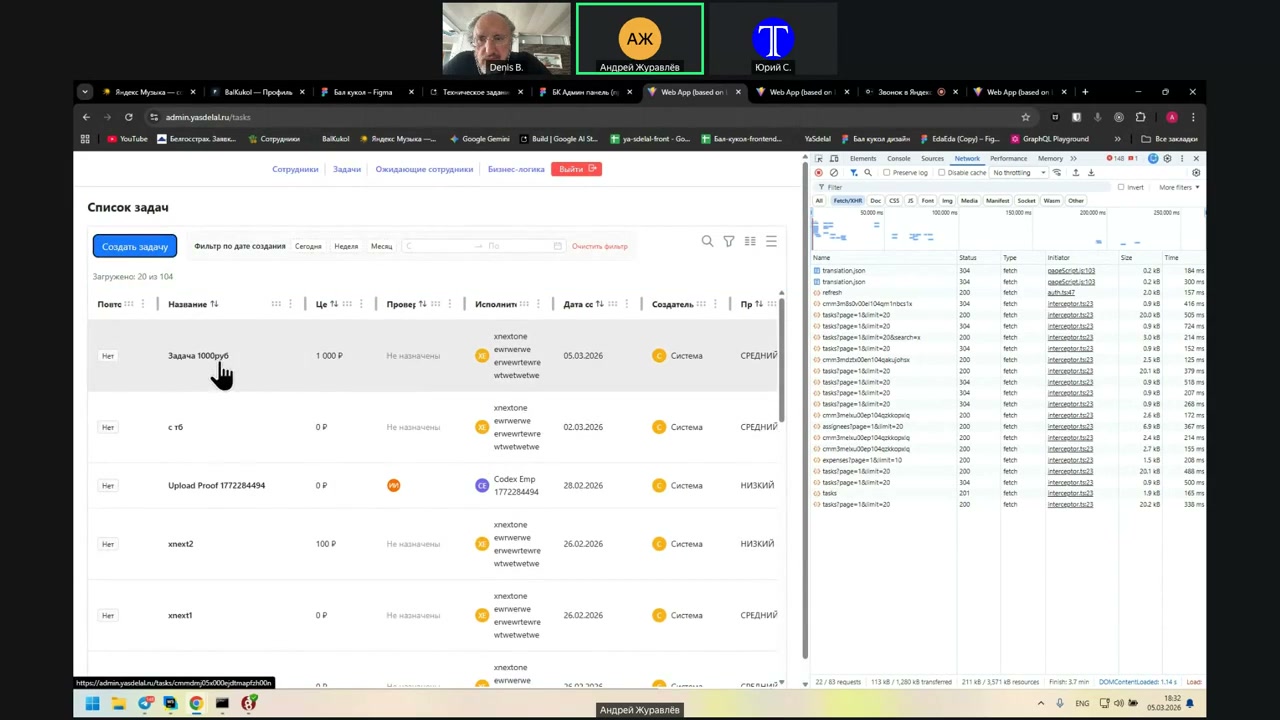
You don’t have to rush to create a new task.
Let it cost one thousand rubles. The task is one thousand rubles.
User, perform the check. Check the base, plus that’s it.
The task is one thousand rubles. So now, take it.
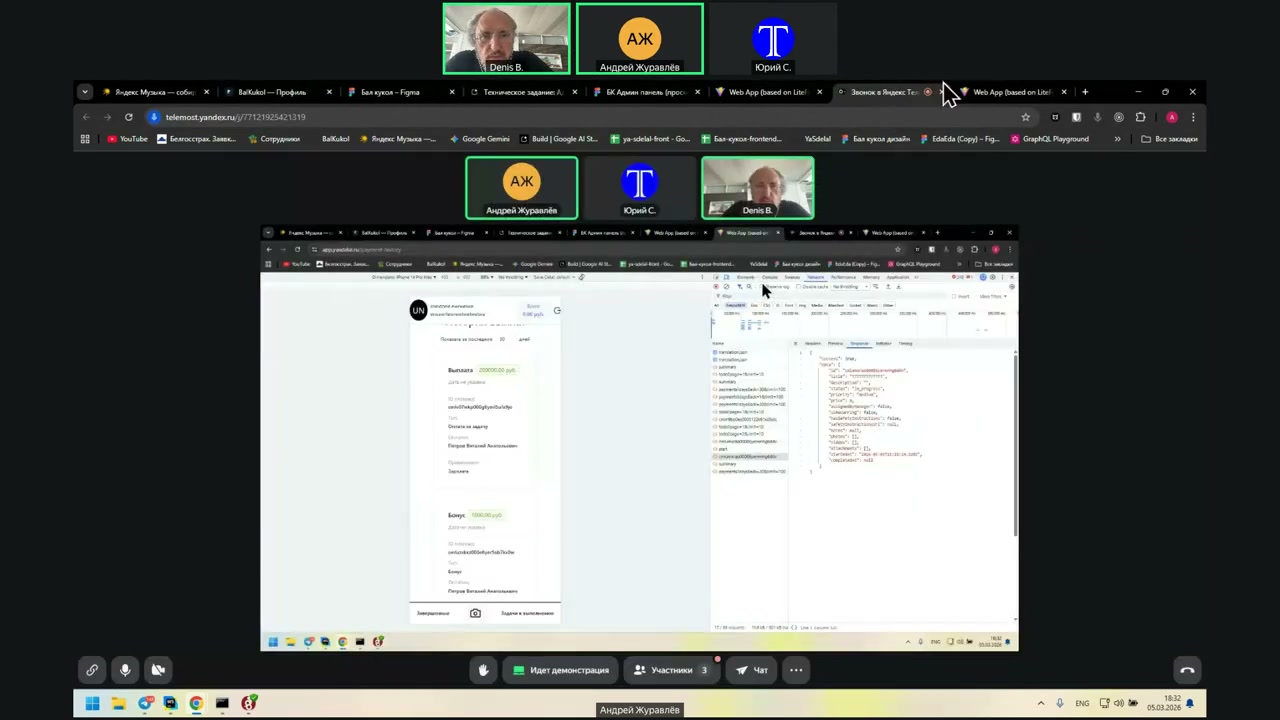
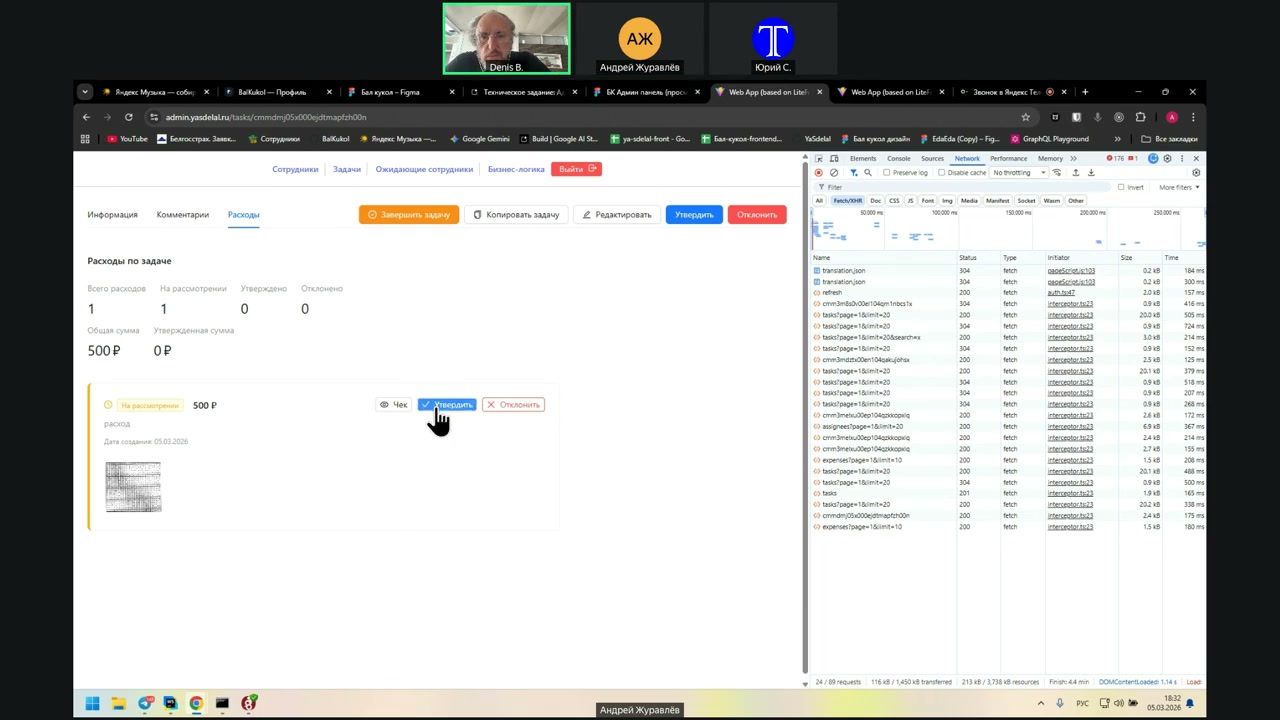
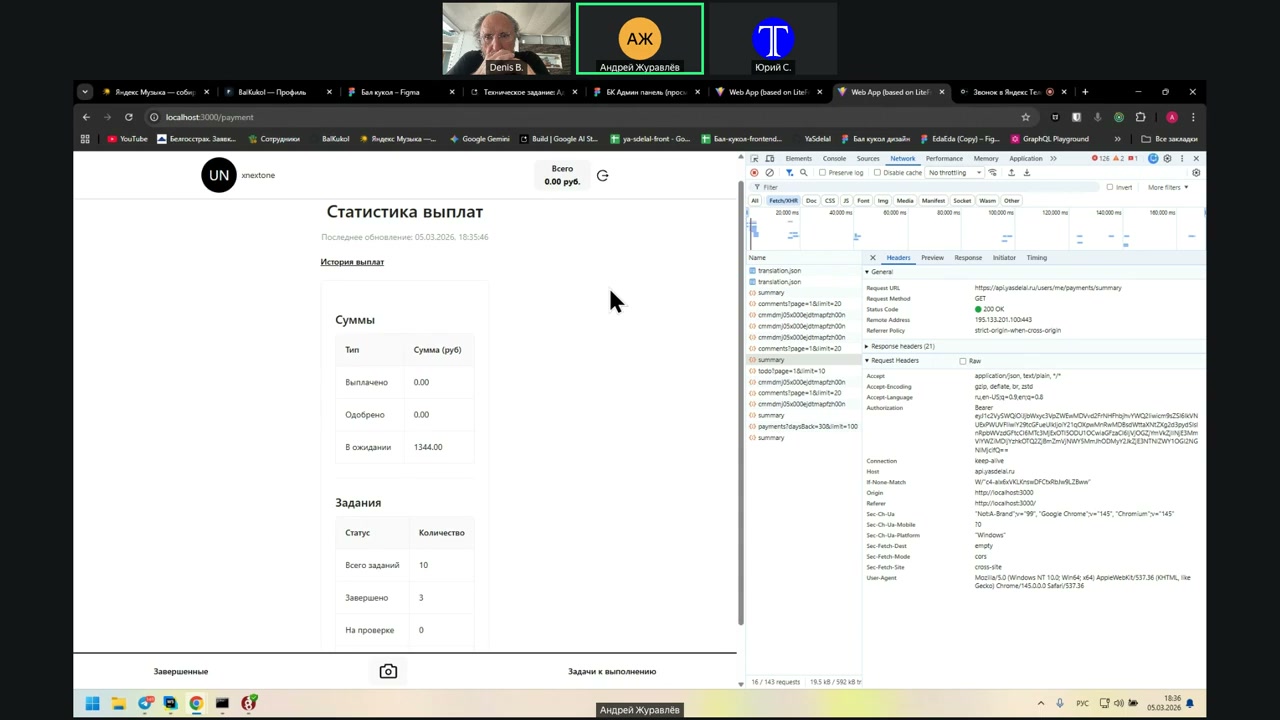
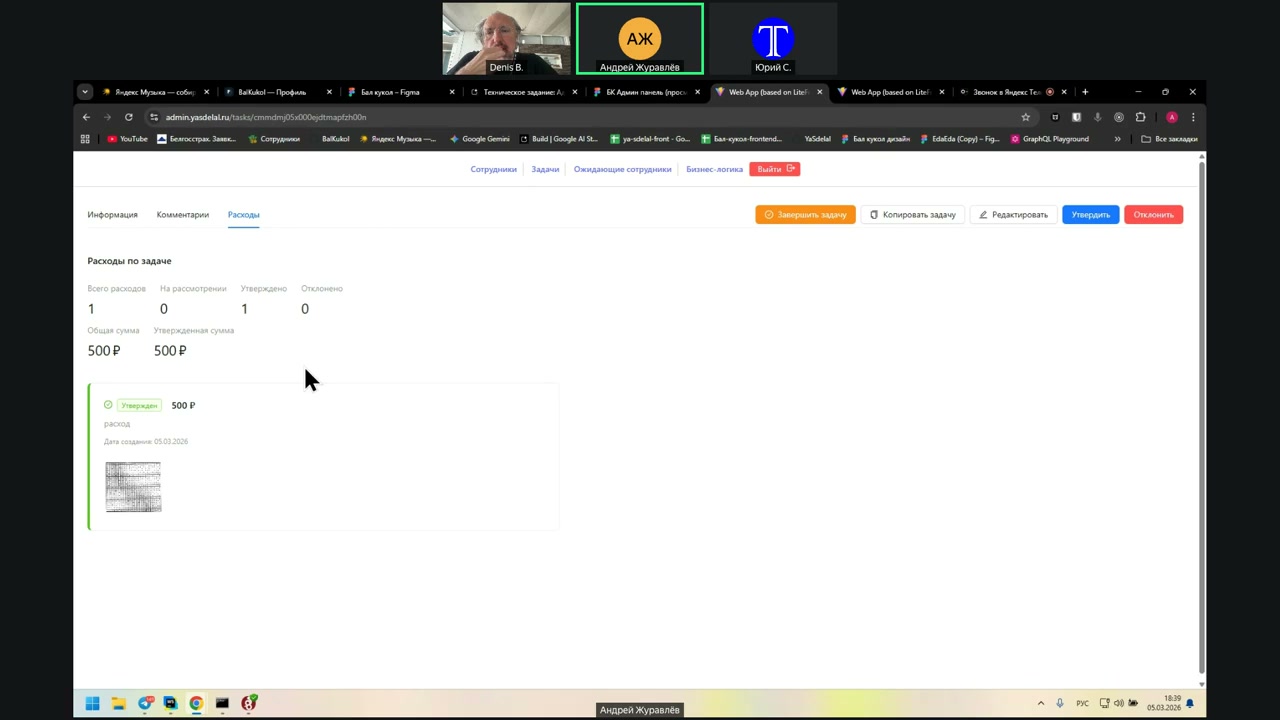
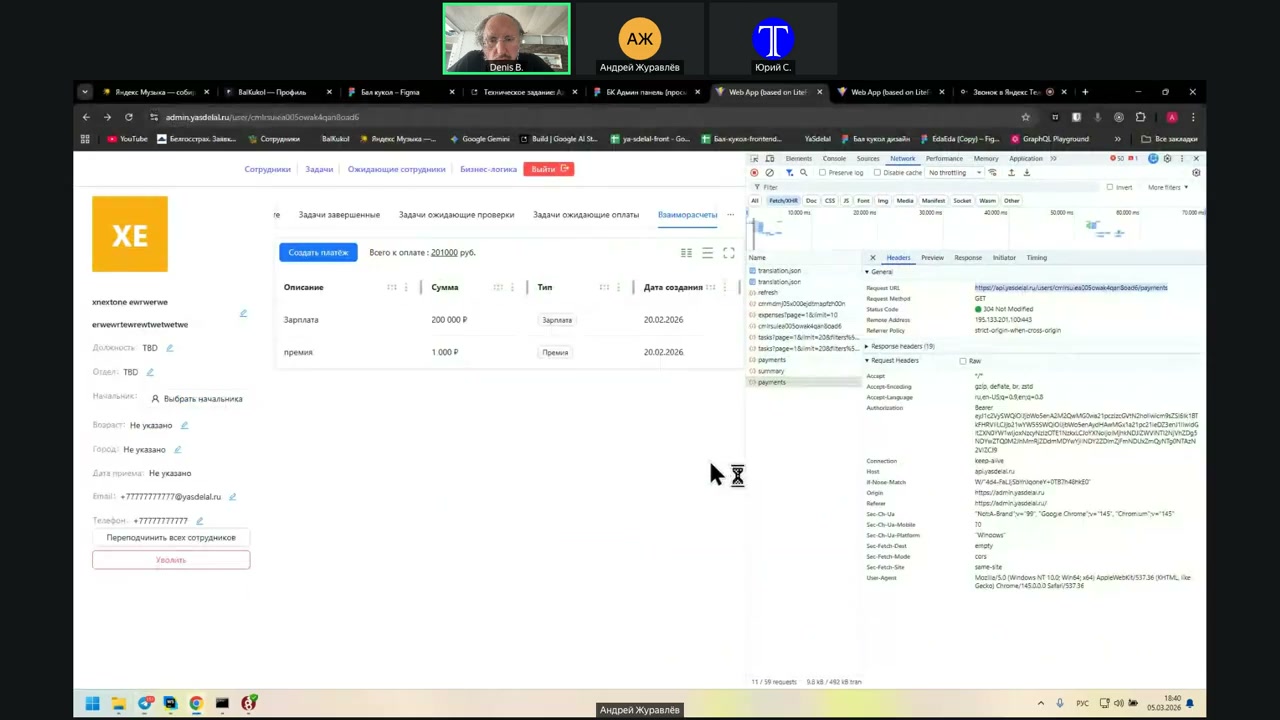
Yes, let this one go, task execution, here is the task of 1000 rubles, start the task, add consumption, 500 rubles Now, until you complete the task I do not finish, go to the admin, go to this task, look at its expenses, and here, the admin can confirm or reject Confirm it, confirm the expense of 500 rubles Confirmed, admin shows that it is confirmed To the client Can the client see the status of the expenses that he added? We do not have this, we only have We do not have this, but in theory, it should be recorded in the comment Do you contact the client using the same link that you sent? Payment summary For viewing the payment For viewing the payment Payment summary I need to have the same in the payment summary as in the admin Suppose it appears there, how does the client see that he has an amount that is either expected or approved without the completion of the task? The amount of waiting should be shown What is the amount of 13.44 in waiting? I do not know, the company must see it Is this according to our task? No No, wait, you go to our task, do not go to other tasks What do we have now on this task? Here is the task of 1000 rubles, we have not yet completed it We approved the expense for 500 rubles Does the admin see everything? No, the admin sees everything, switch to the admin And the person himself? Now the problem is that the person does not see The person should have a comment on the expense, a comment should be created when the expense is approved If you click everything 00, what will it show? The history of payments But these are some other I created it for him when the salary or payment for the task And where is the payment? And where is the payment? Where can the user see how much he owes? No, where is the balance? How much did we pay? Here on this page Here it is shown how much is paid, how much is approved and how much is in waiting No, it can be traced in a table form, where did it come from, where did it go Here it is not clear where it came from, we ourselves can not understand where this figure is from 13.4 I realized now Not so perceived This is our manager, there is a mutual account of the user And here he was paid a total of 201 thousand, and why does not he show it then? This is the first, the second is not here, again, there is no And this is paid This is the history, the breakdown that you showed here Let's first check that here in the admin is shown what we started So this is the amount of 201 thousand This is the old amount This is the old amount Andrey, can you show the whole story? Or is this what it is? This is his whole story For example, the manager, according to this user, this is his payments I'm talking to you about the fact that when you approve the expense, in theory, when you approve the task, your payments are not created in history Somewhere you have a failure But wait, this 201 thousand, if you click there, what will it be? It's just highlighted So, mutual accounts, show what comes there Now, wait a second, I'll make sure that this is the user Yes, here are the completed tasks This is where the 1344 comes from, here they are, this figure, 100 rubles, 1244 Here is the task in operation, here he has a thousand rubles, it is in operation Let's now this task at the client You don't need to close it, but where is the 10 thousand? The amount he spent, it is approved, but where did the money go? They are not taken into account anywhere, it turns out That's what I'm talking about, that they are not tracked anywhere Don't jump, once again, where did he approve these 500 rubles? Manager Can we see them somewhere now? He approved these 500 rubles in the task Here we have a task, it has expenses There are 500 rubles Okay, here's the problem, here they are, so they are stored somewhere Well, that's what I'm talking about When the expense is approved, it is not taken into account anywhere Just in the list of user accounts, in all its statistics The table that the manager or admin sees They are not taken into account there, they are not added there And similarly, they are not added to the client To the client, to the employee, to the application Here, these 500 rubles, what request is going on? For what? For receiving? For receiving this information, but in response to which he says that there are 500 rubles $ $ $ $ $ $ $ $ $ $ $ $
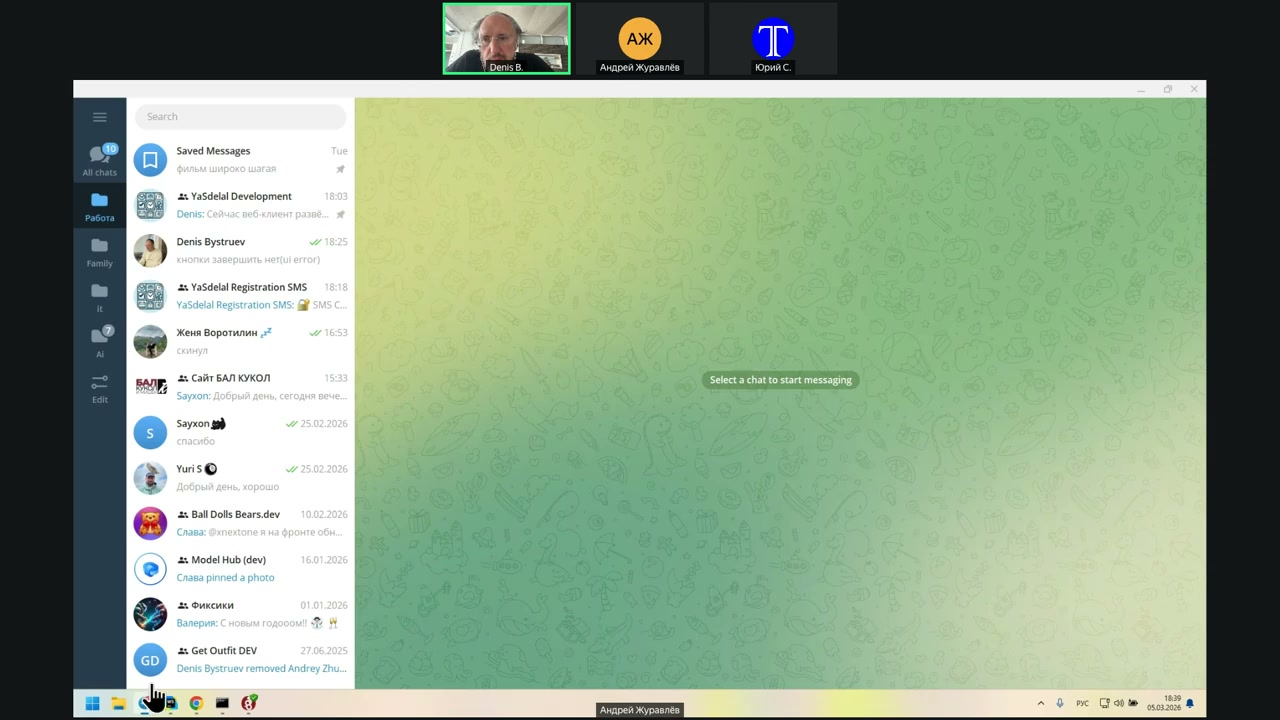
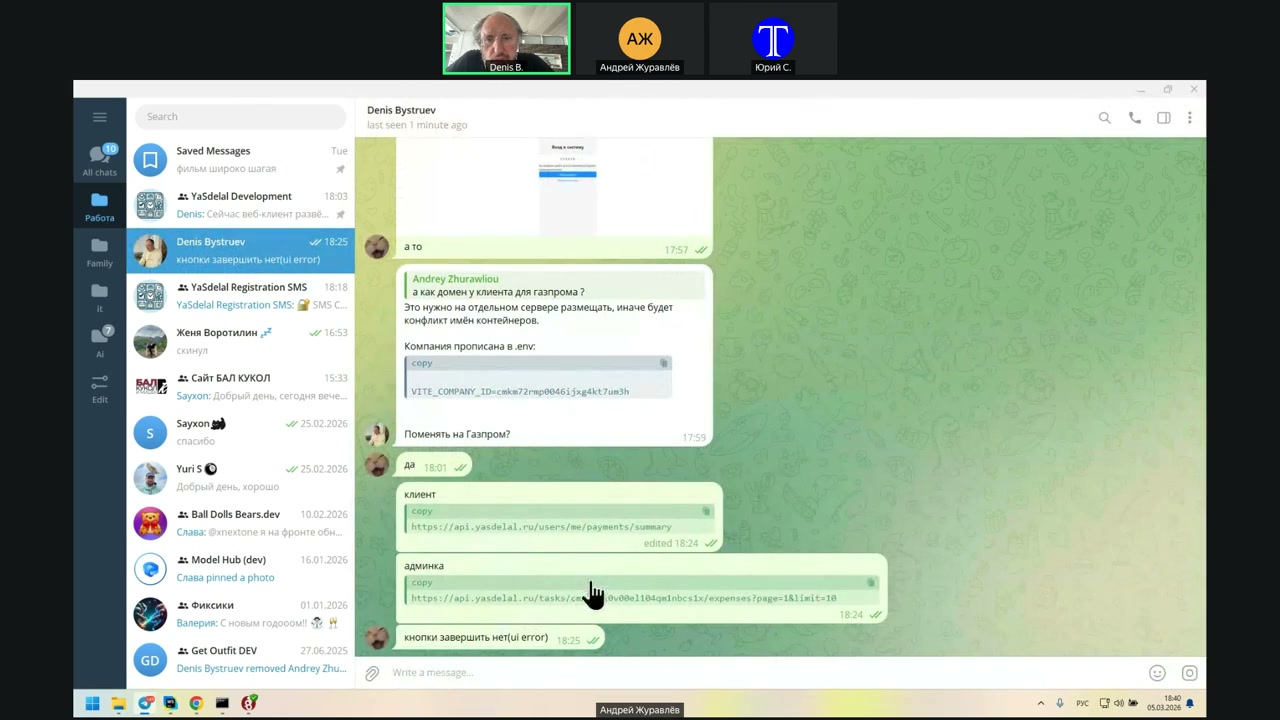
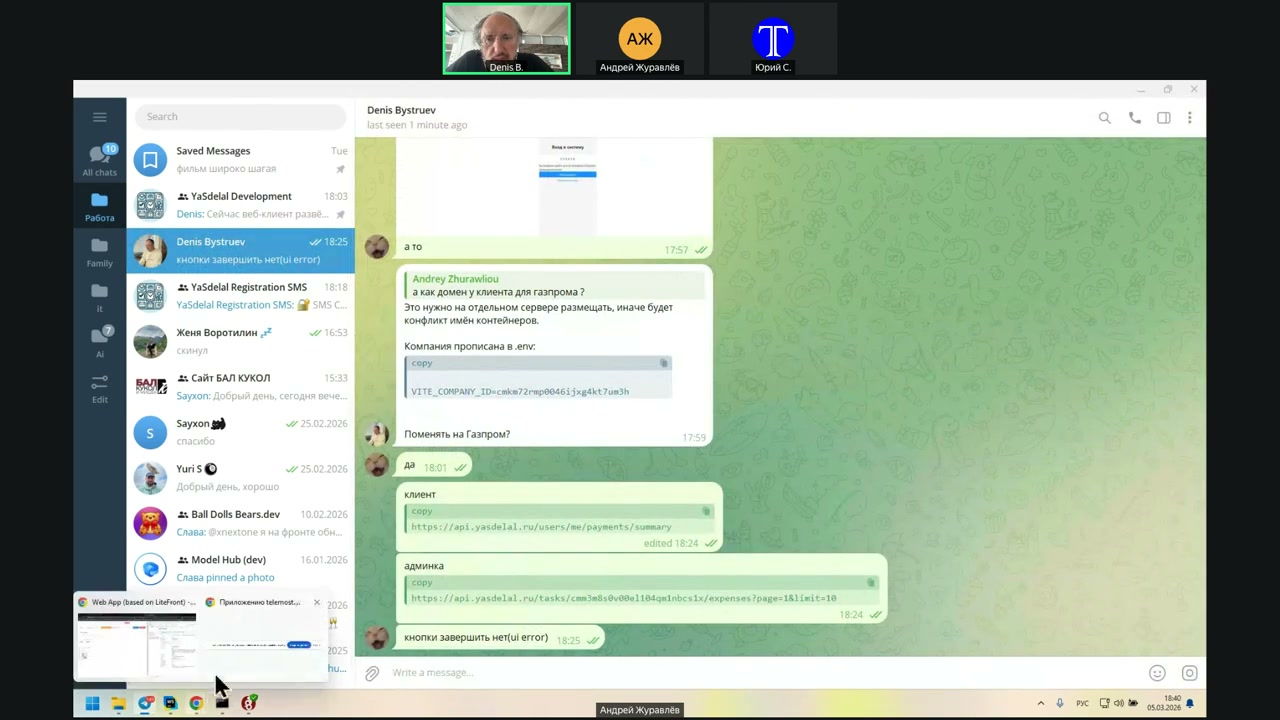
The expenses have been sent.
So the problem is: why were these 500 rubles sent here?
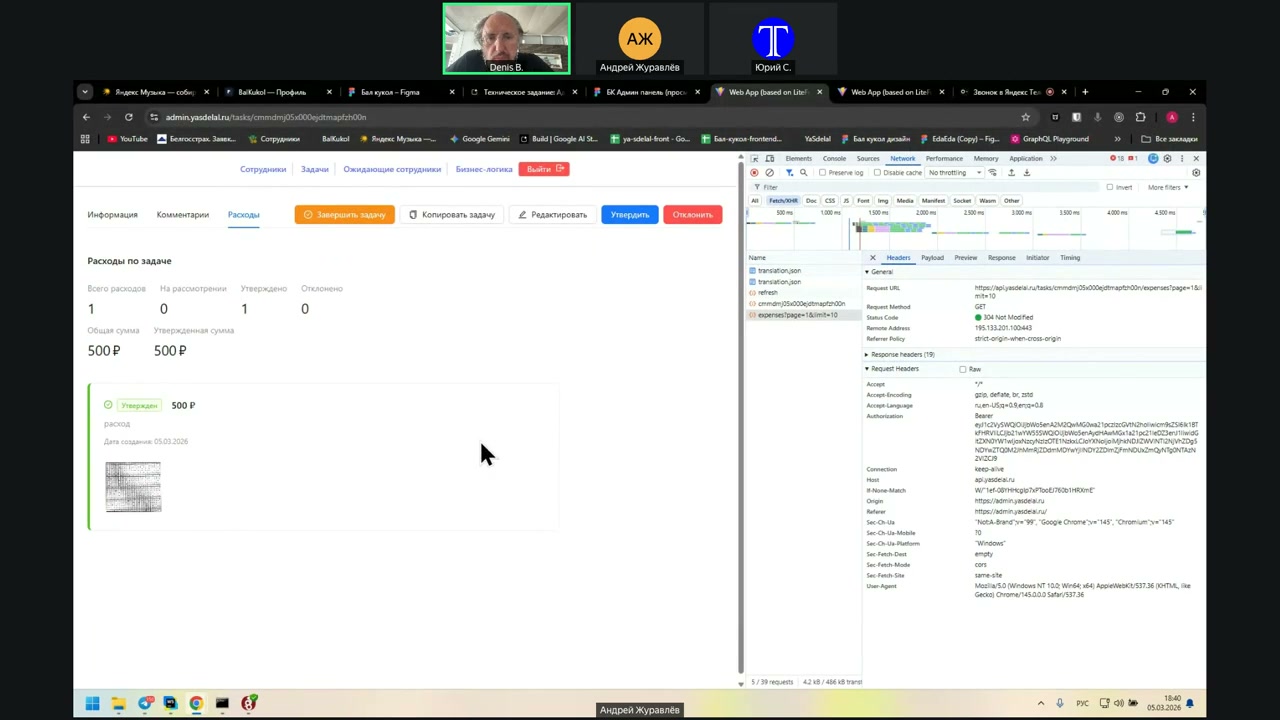
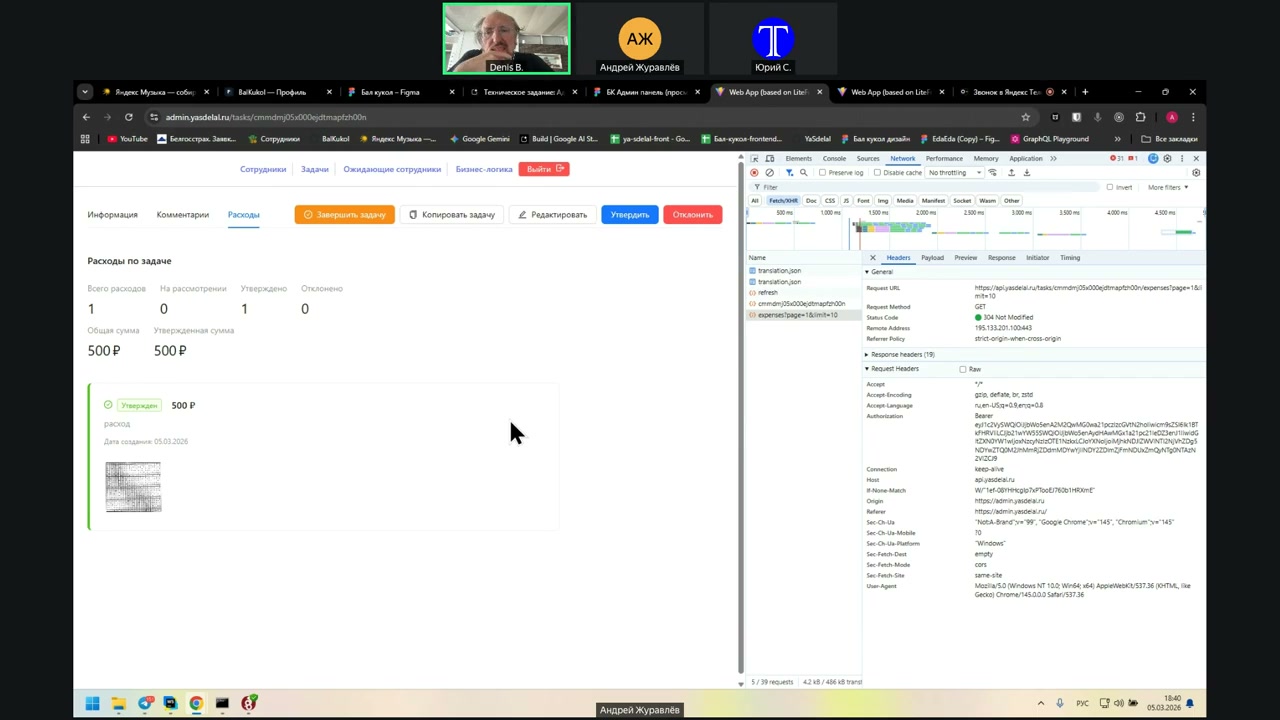
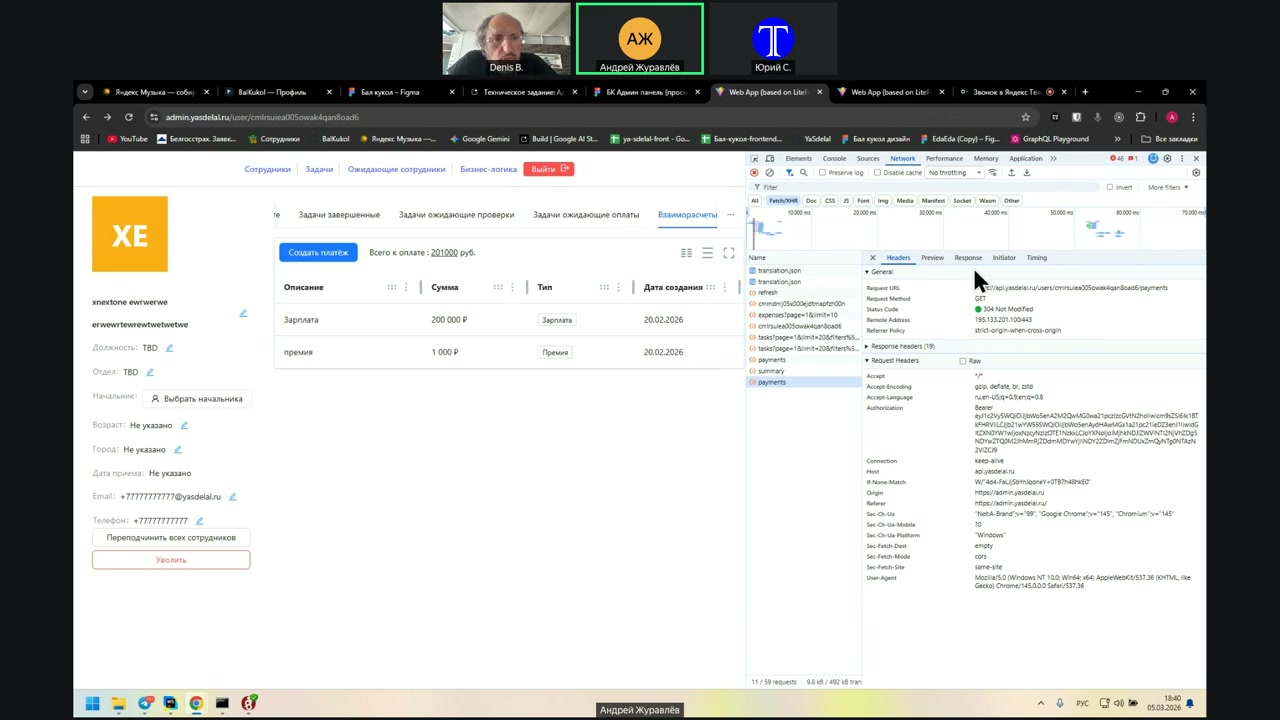
And where it is not shown here—that is, about the client, as I understand—there is no payment summary. It is not shown there, but why is it not shown here?
Here, in All Expenses, what is the request? In the expenses for the task?
Well, no. What is expected from the employee’s payment?
Once again, return to the page where the employee’s payments are. What is the request there?
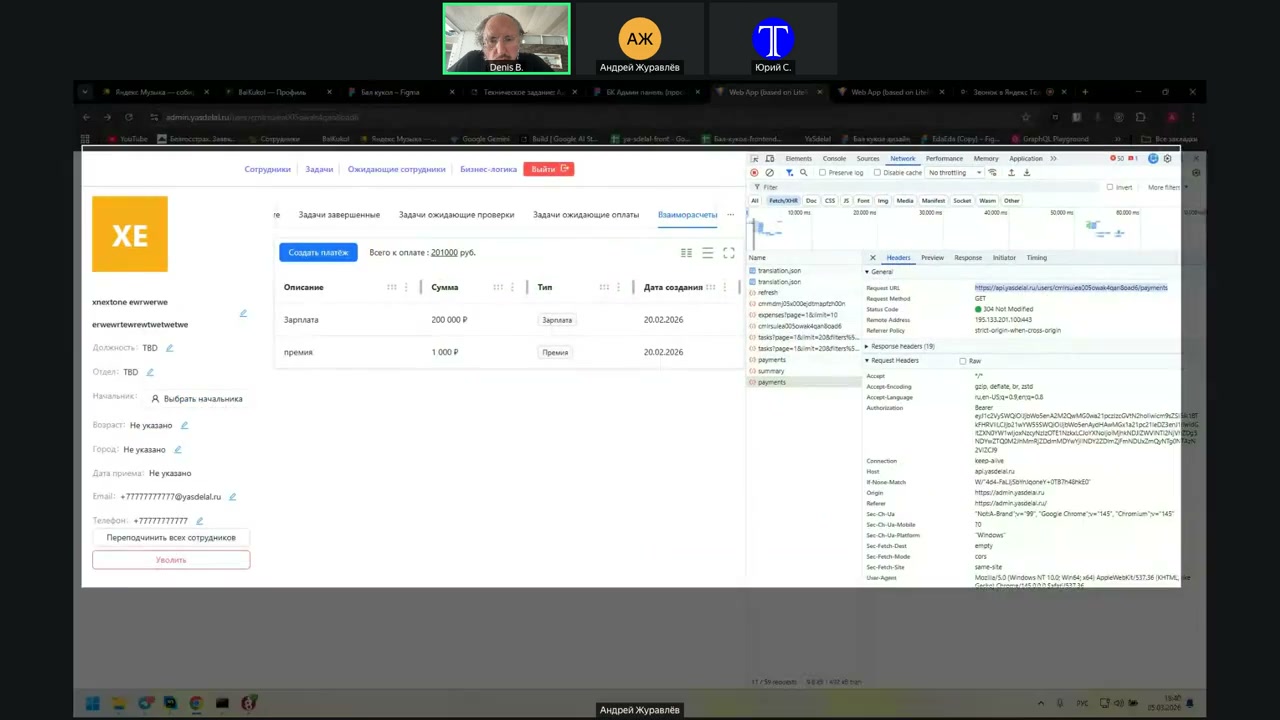
Yes, that is, we have Payments, and we have Expenses. Copy this again.
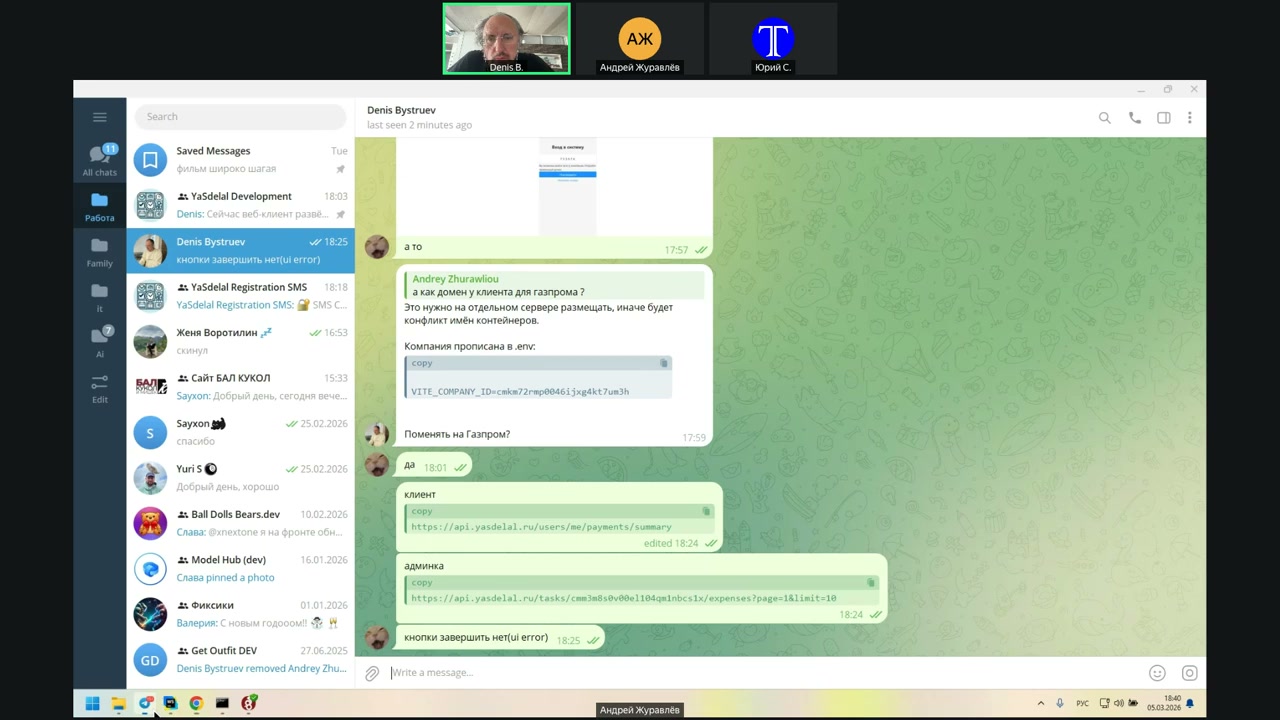
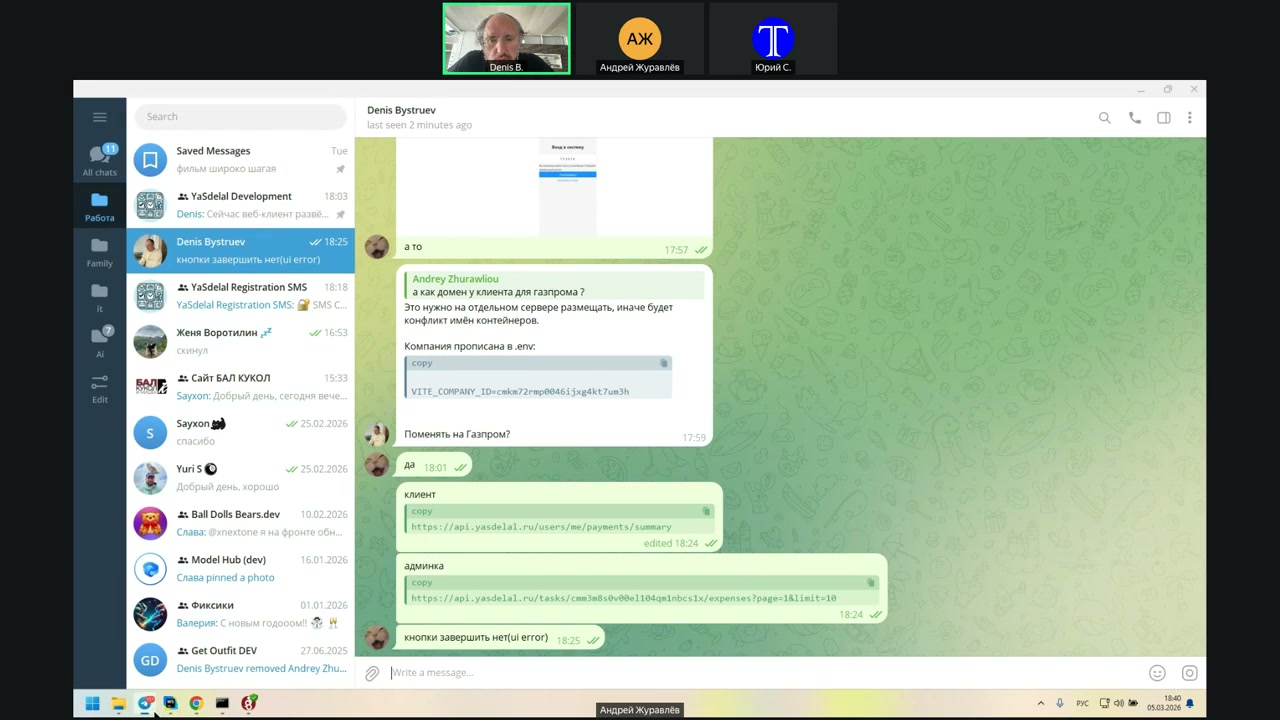
И напиши, что это взаимодействие.
you
Что-то админка займётся...
Hoşçakalın.
No, don’t say that.
Well, okay.
I think there will be an expansion.
In general, it is necessary to check, right?
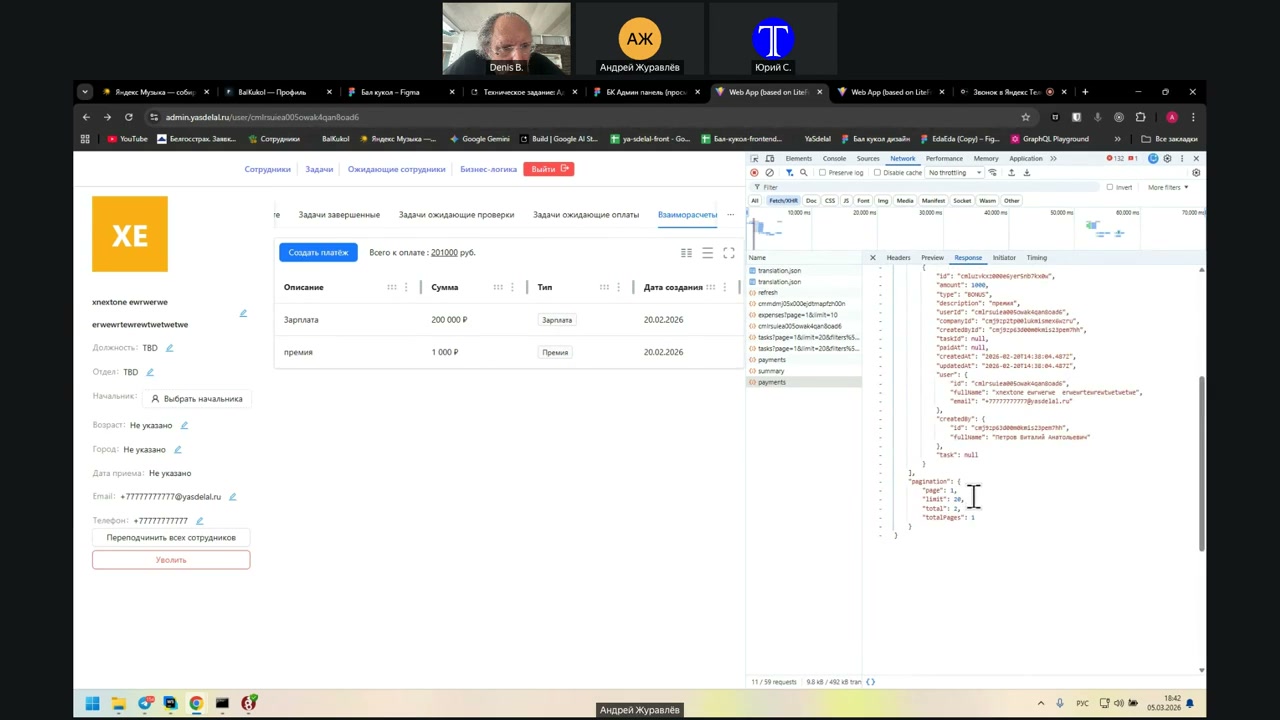
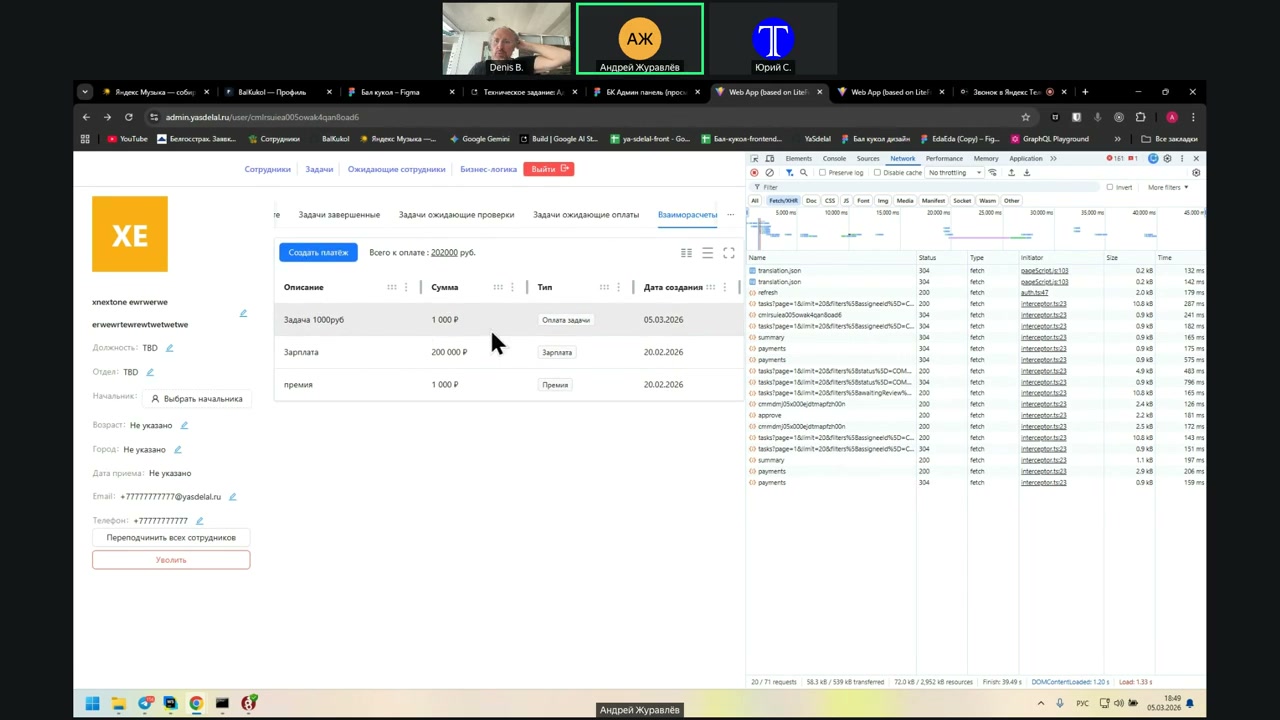
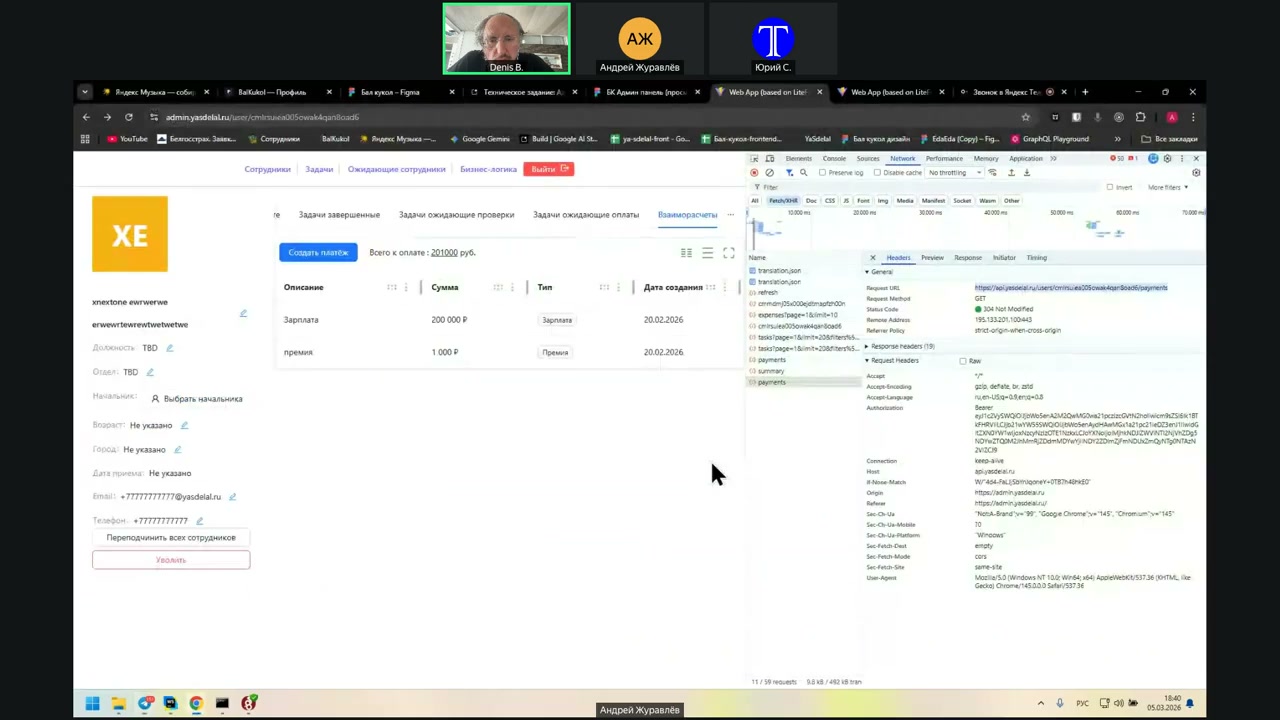
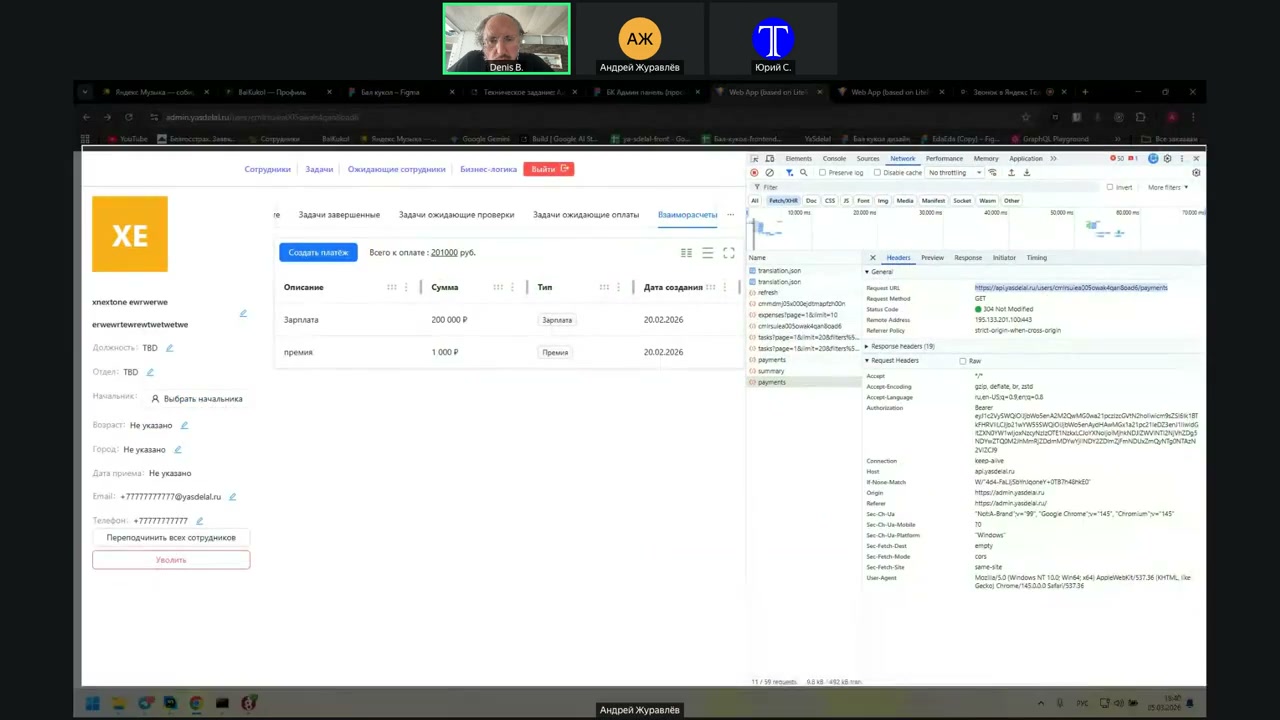
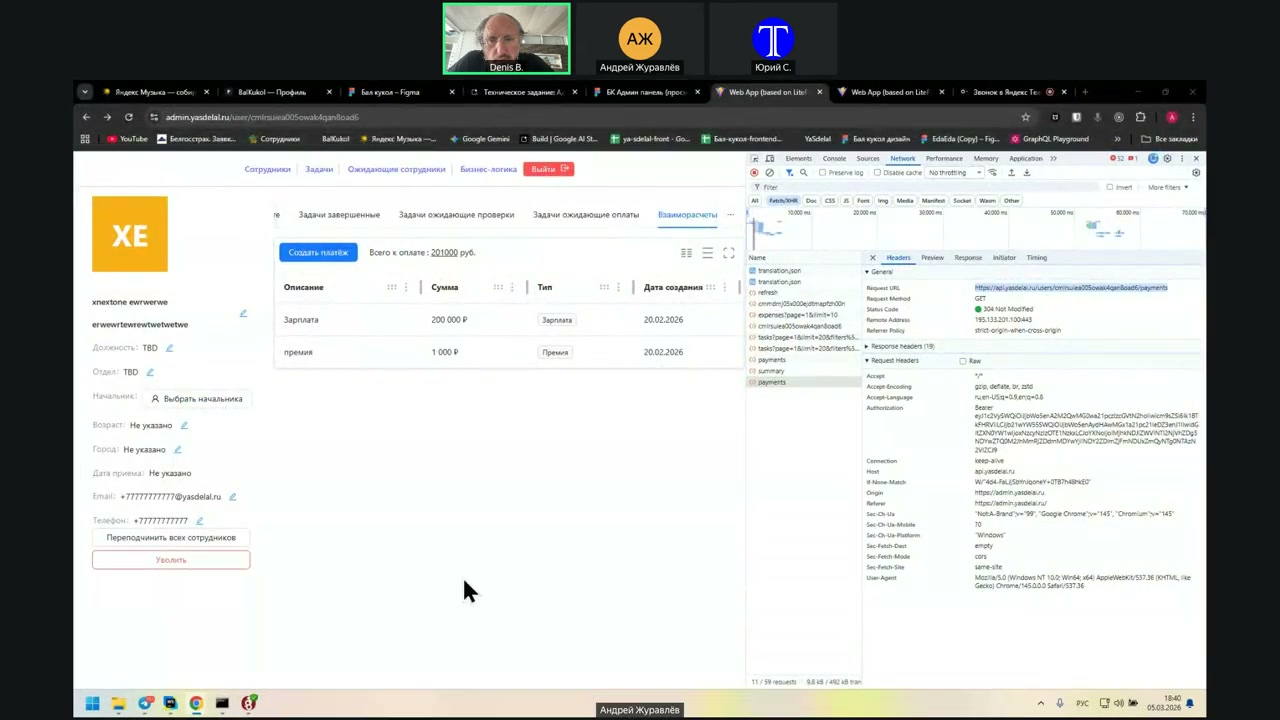
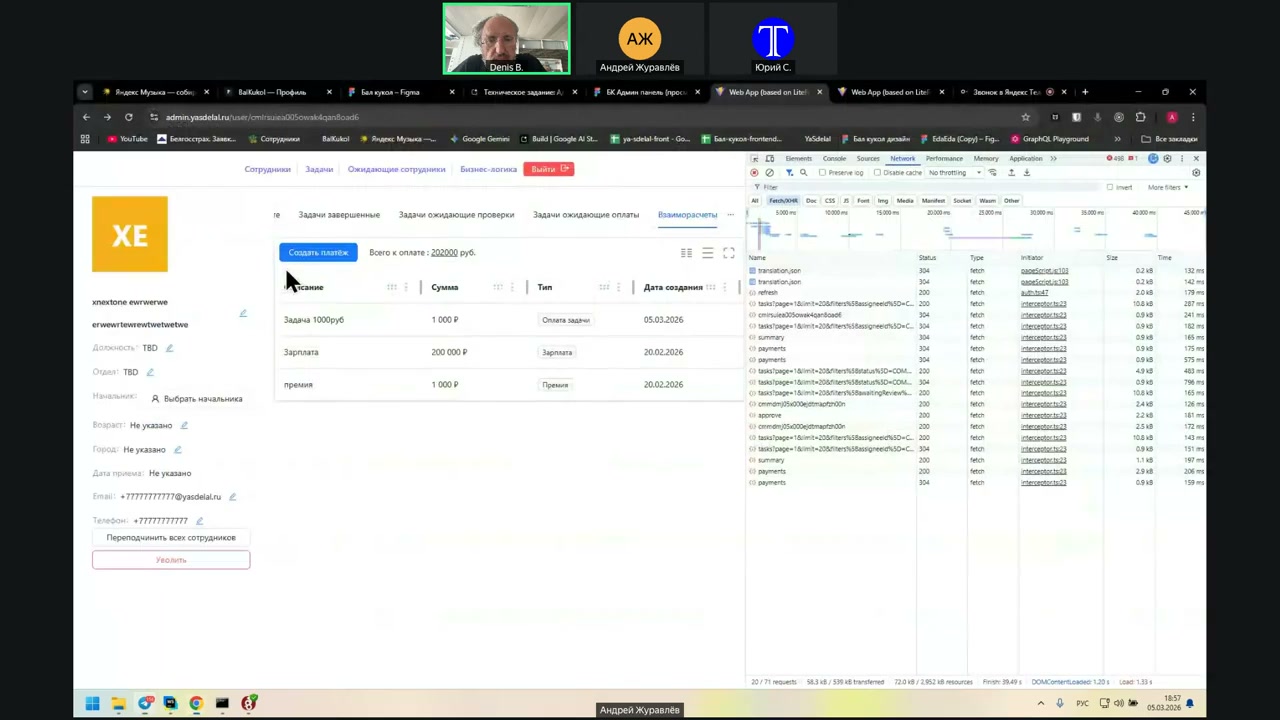
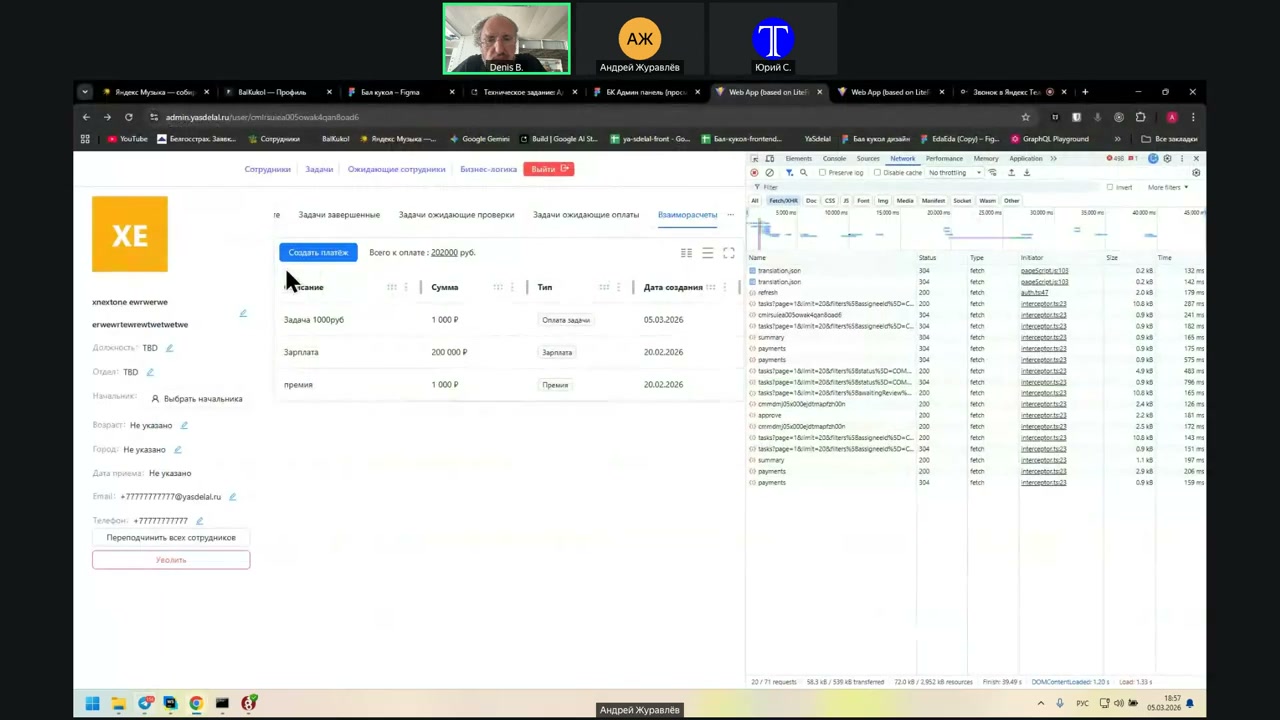
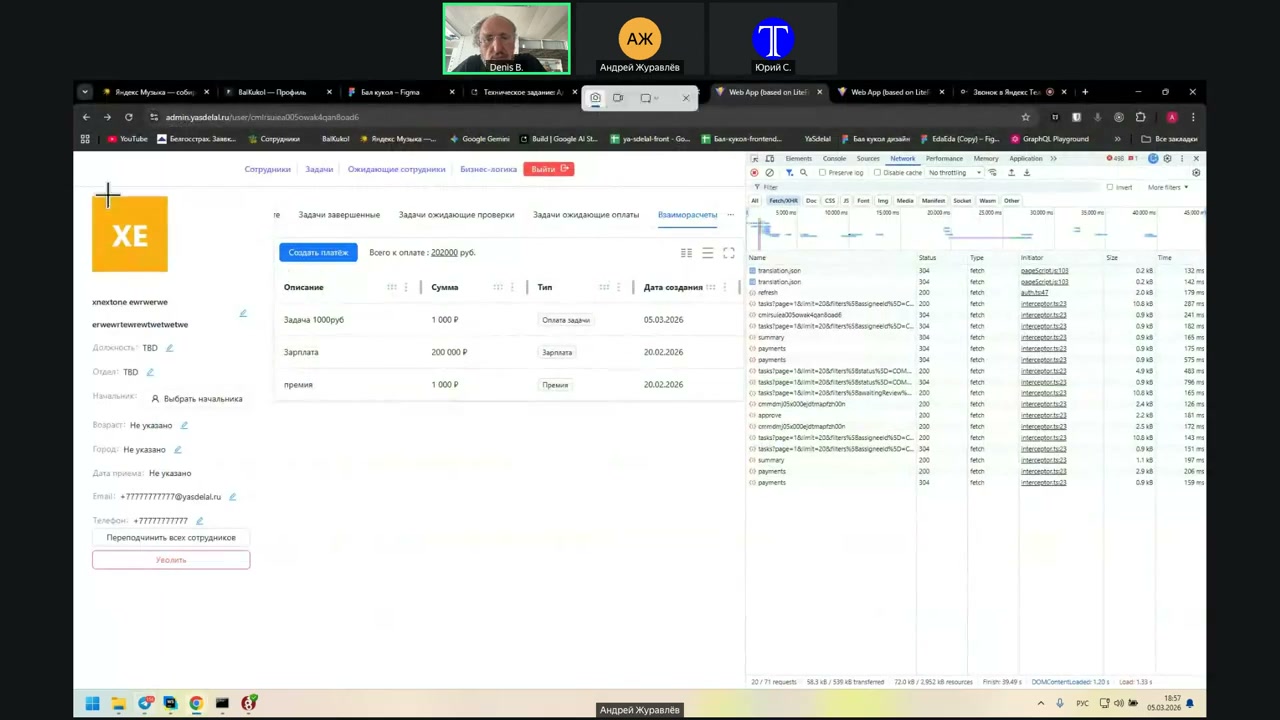
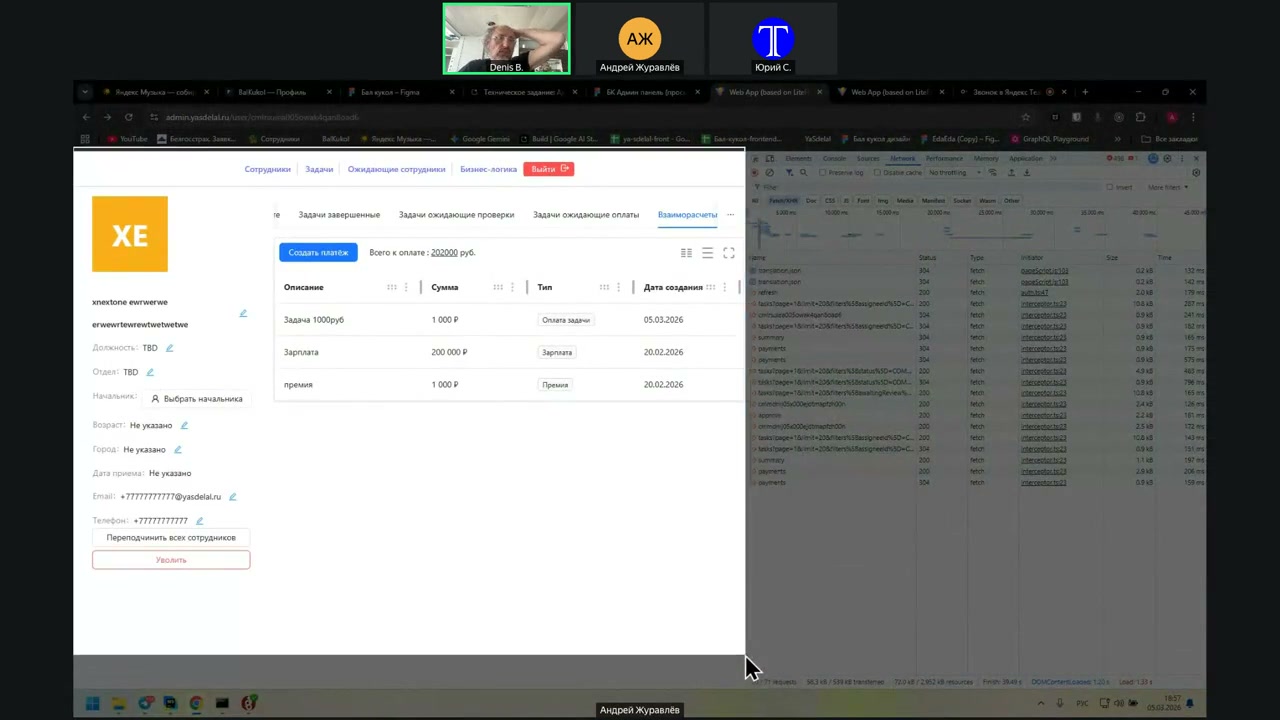
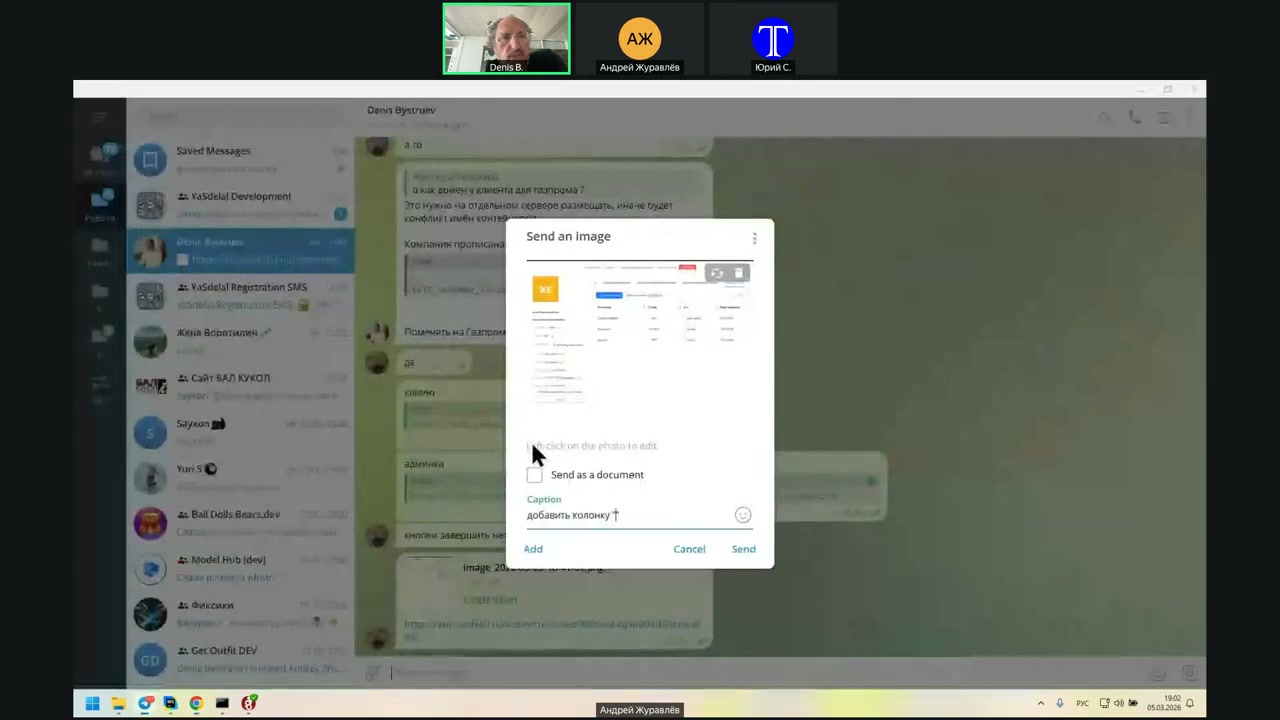
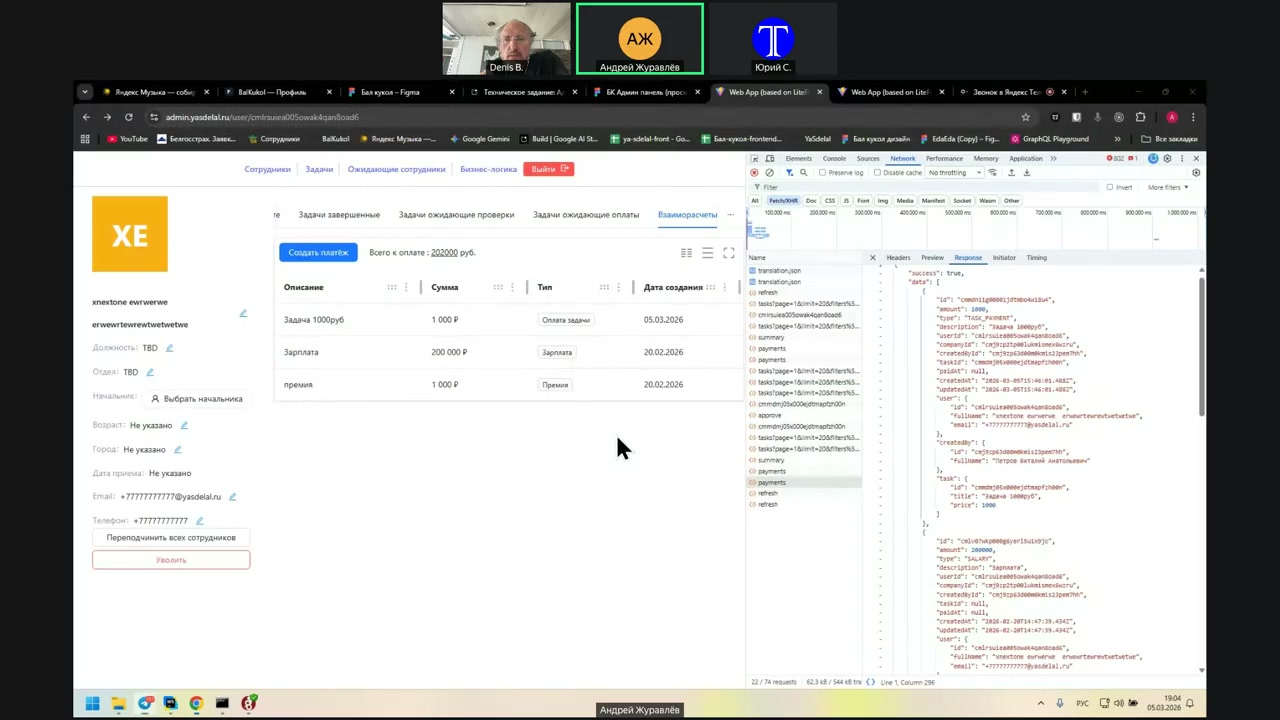
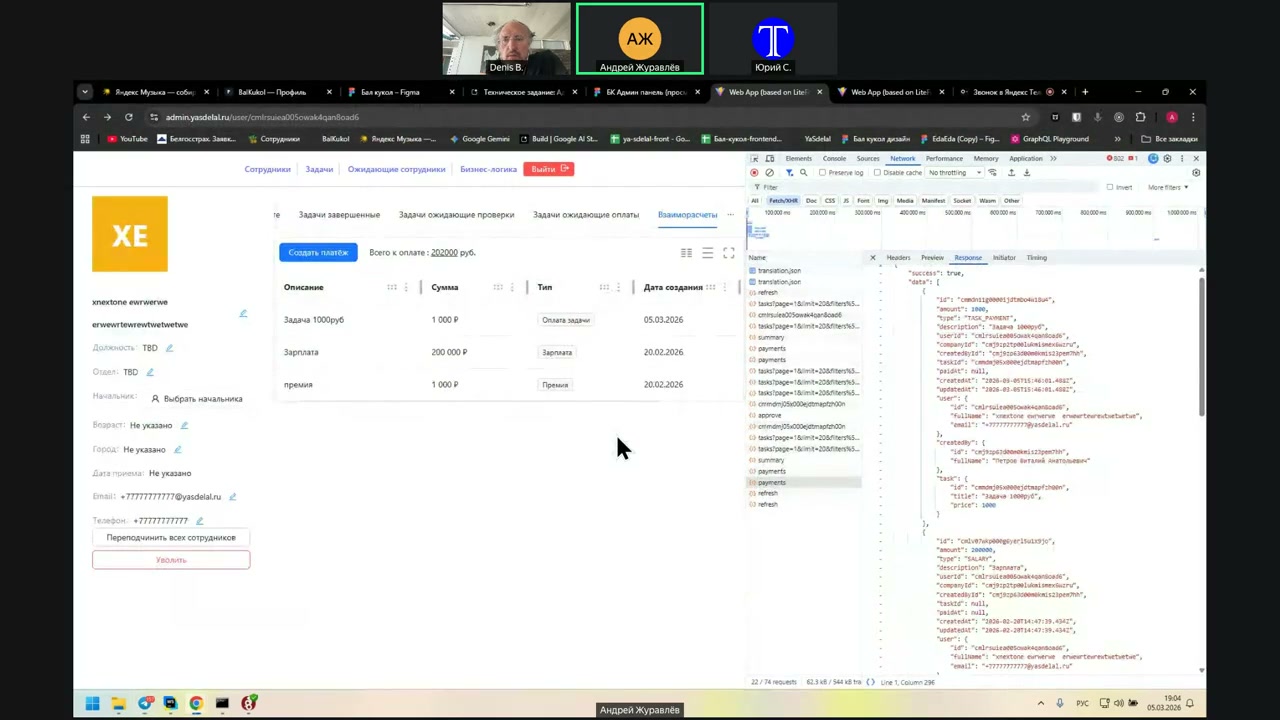
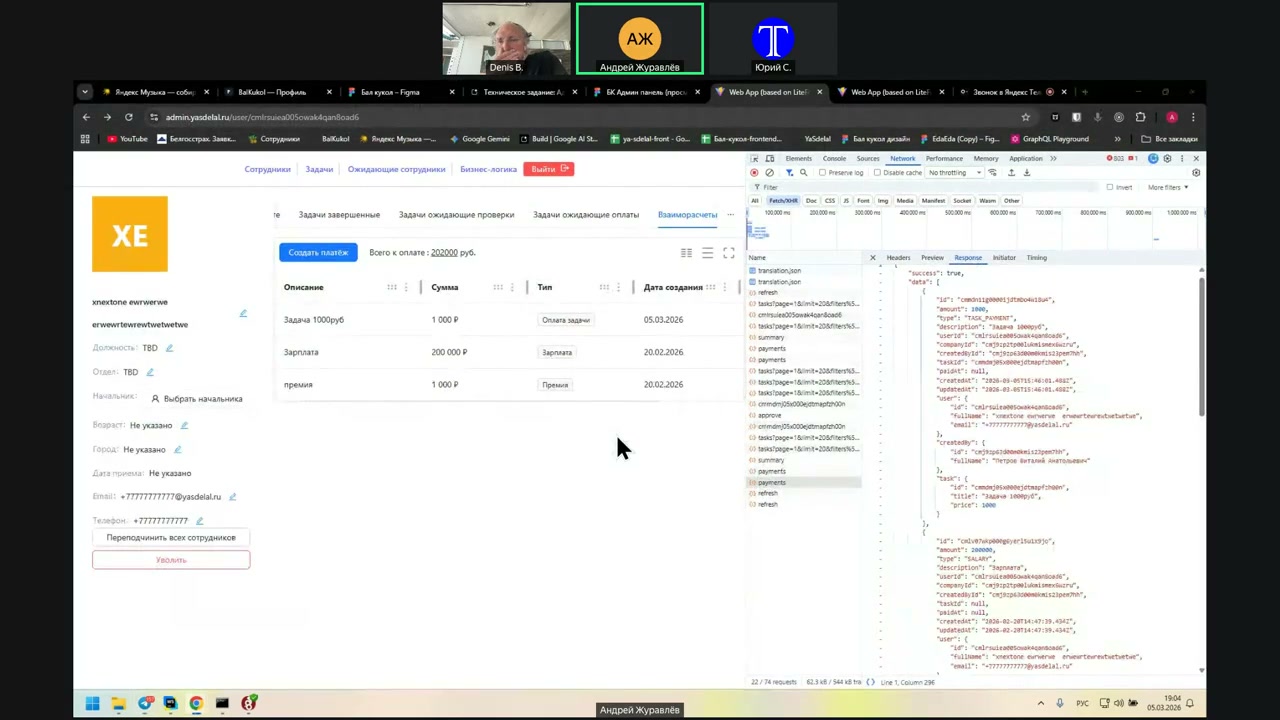
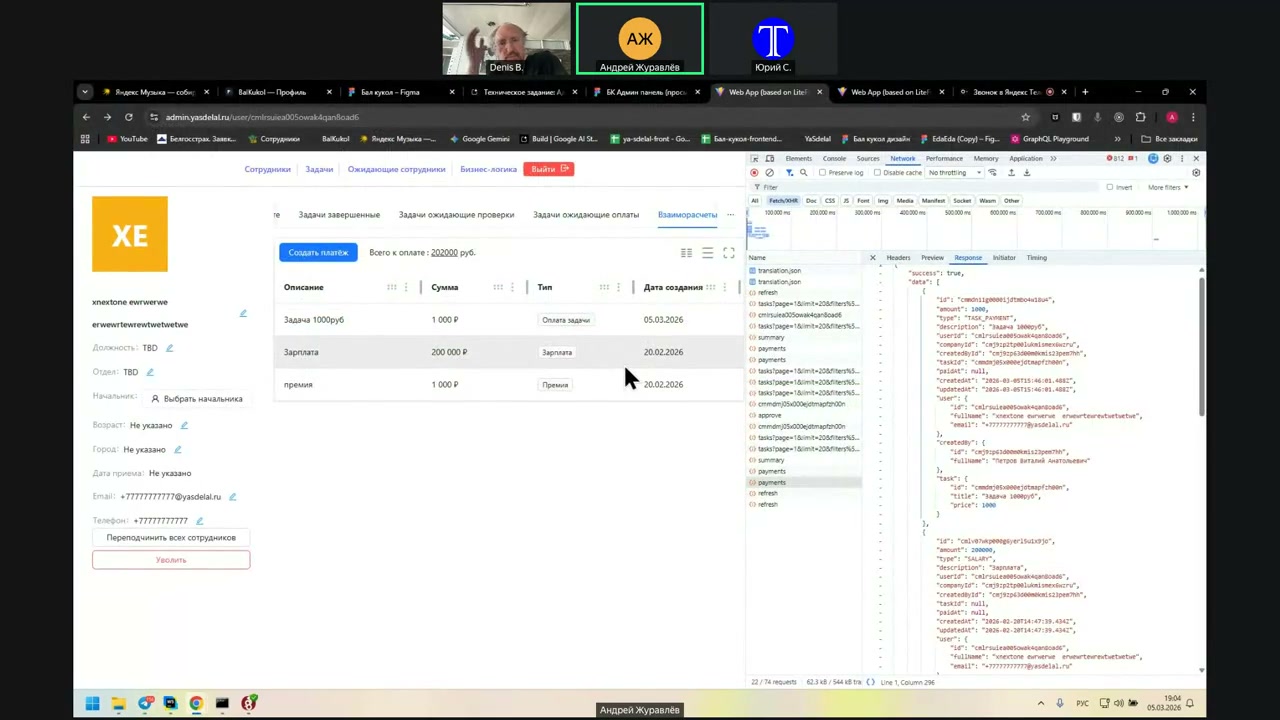
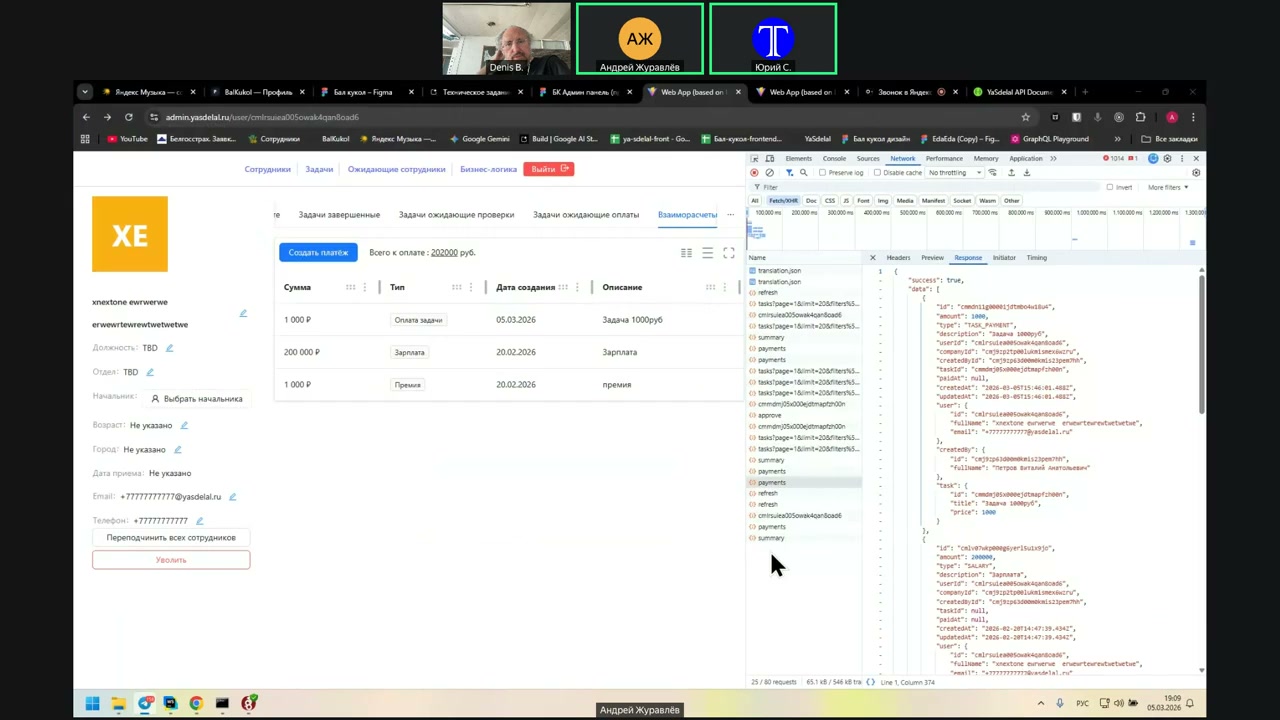
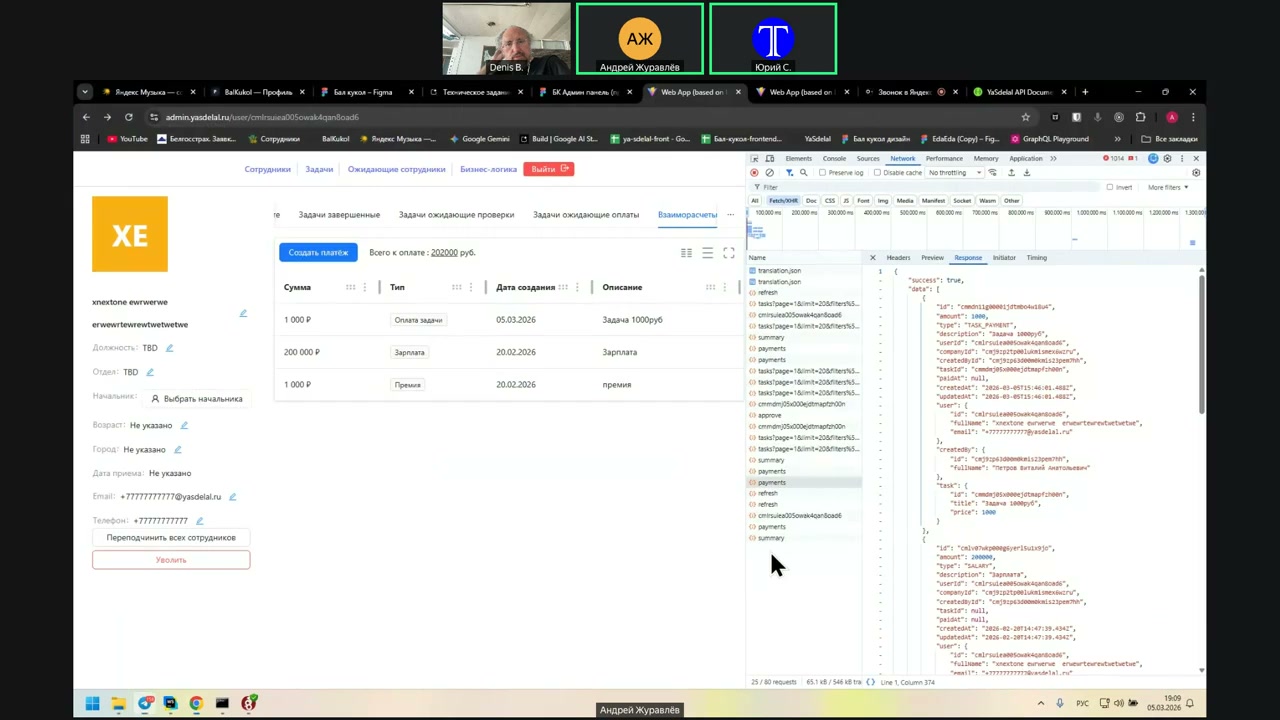
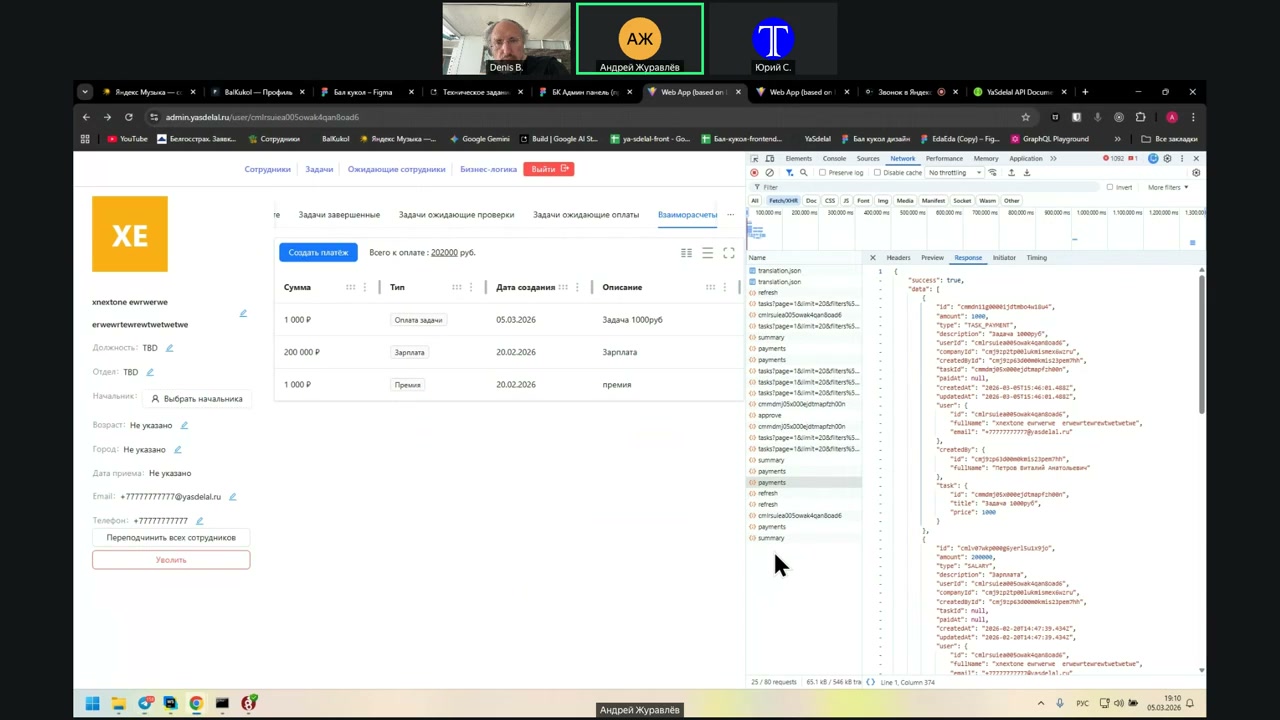
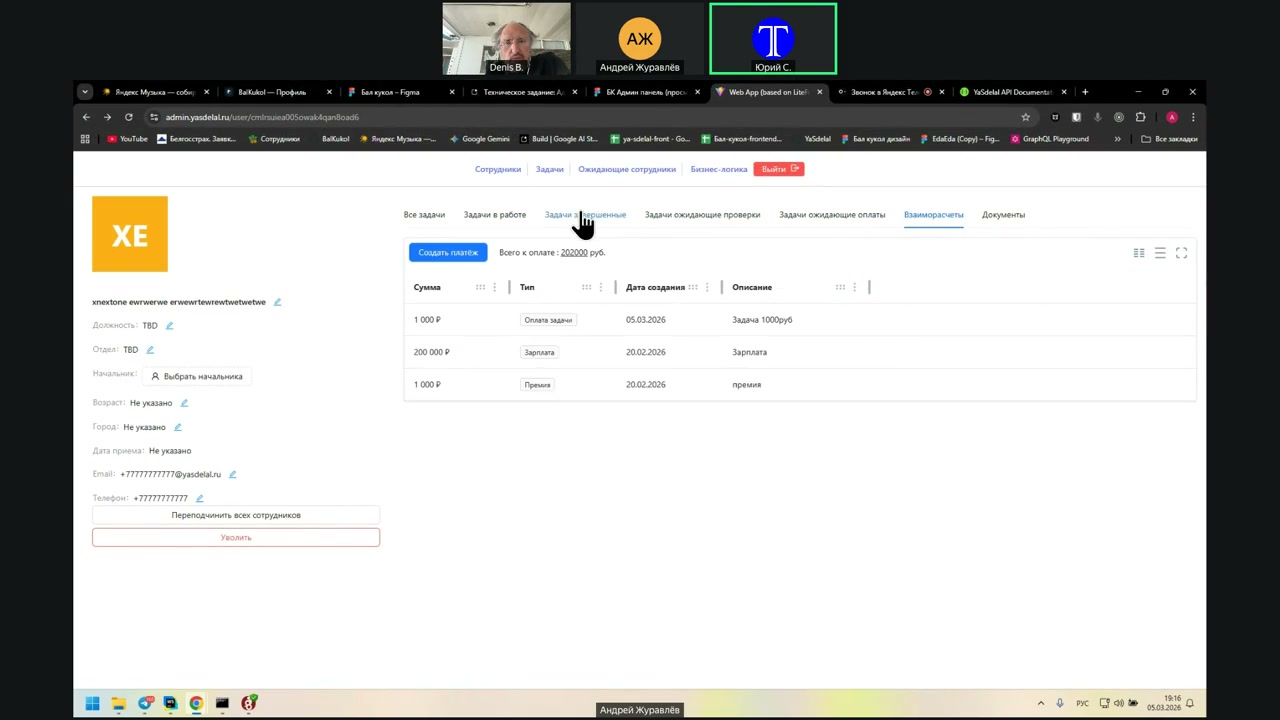
Now, we have already found two things, that is, it is stored in the database, but it is processed in different ways, that is, it is in the expenses, it is in the payments, it is not in the summary, it is not in the summary. And here we will see the summary. This is the payments, that is, this is the intercalation, on the right you can see it is called Endpoint Payments, and it did not appear in this endpoint, but it appeared in the Endpoint Expenses. And what do these numbers mean at all? Salary, bonus, what does it mean at all? You see, the date of creation is February 21, these are the previous payments to this person, that is, these two lines are created when the administrator clicks to create a payment, enters the amount, specifies the type, salary or bonus, and any comment. So, then, okay, look, I understand, close it. You have written at the top, the amount is only for payment, 201,000, this is not for payment, this is all paid out, 201,000, am I understanding correctly? This money has already been transferred to this employee. So, look at the status, that is, what he returned, is it paid money? Response Here, bonus, created, that is, there is some kind of status, what happened to them? Wait a second, I'll see what it is. When a mutual account is opened, it has a status of Payments and Summary. Summary here, as I understand it, I do not remember what exactly, probably approved, approved, total paid, because total pending 201,000, so only for payment, total paid 0, total owned, this is what he needs to pay, and in Payments? Show in Payments In Payments, these payments are already going, that is, 201,000 Now, wait, status, there is no status in Payments, paid or not paid, that is, in Summary it is written that this is due to him, so you have written only for payment 201,000, but in the details of each payment, we do not have a status. Wait a second, what is paid to him here, this is what the system should bring to him from the tasks that he has completed, it goes to him in the plus, to the payment, and when the admin brings the payment here, the salary, for example, this figure should be subtracted, on the contrary, from the balance from it, that is, he collects, for example, he collected 10,000 rubles per month, closed these tasks, then the manager enters here to create a payment, for example, 9,000 rubles, and it turns out that out of 10,000, which he must pay, 9,000 are subtracted, it turns out that he still has 1,000 rubles to pay, this is how it should work, and now it turns out that the manager creates a payment, and this amount goes to him in the plus, that is, he was paid 200,000 and he still has 200,000 to pay. So, it should be subtracted, now, well, yes, yes, yes, yes, yes, yes, well, what will change if we close the task, Andrey, can you close it, will some amounts be updated? Yes. The task is 1,000 rubles, complete the task, send it for verification. Well, nothing should change yet, because it is not verified. Mutual calculations, nothing is added to it, it has a completed task, or even a task waiting for verification, this is a task of 1,000 rubles, the manager goes to it and confirms it. Do I confirm? Yes. So, the task is confirmed. Now go there. Now we need to see what is in his interface and what is in the mutual calculations. Yes. In mutual calculations, the task fee is added to him, and now 202,000. Well, it's not right, it's good that it was added, but it's not right that they all add up here, because the payments go to him with a minus in the balance. In general, it is necessary to distribute the amount to the payees in different ways, the amount is paid. I realized that all these amounts are not paid. That is, the manager made a bonus of 1,000 rubles and added that he owes 1,000 rubles, but the fact of payment is not recorded. Then the manager made a salary of 200,000, he owes 200,000, then completed the task, he owes another 1,000. That is, it was all summarized. And the fact that the payment is made. It is correct not to create a payment, but to create a payment. Yes, in fact, it's not a payment, it's a payment. Yes, create a payment, but the fact that it is made is a payment. Do we have such an interface or not? According to the mutual accounts in the admin, there is only this table, where the description of the amount, type and date of creation. Yes, and we can't do anything with them. We can create a payment, which is now a creation of a payment. So look, in fact, when the admin approves the task or creates a payment, he does not transfer the money. He changes the numbers in the application. Yes. So the accounting does the payment. Yes. Not so, not so, no, no. The accounting has already paid this money. And here he just puts in the system that this money has already been paid. No, now we have a different logic. Now he is making future payments. Now we have a logic, not that he is making paid money, but that he is making money that needs to be paid. Then, when the accountant pays, it is necessary to note that they are paid. But we don't have this. No, no, no, no. It shouldn't be like that. I mean that here a person makes a payment so that there is a balance. So that he first earned, he was paid, and it came out of his balance, since it was all paid. Checks should fall here, and finished tasks should fall here. That is, you don't need to create future payments in advance. No, it's like that. But there are no new ones yet. Now I propose, in fact, only the payment for the task falls here. This is our future. That is, to create a payment and finish the task. After all, when he was approved for the task, it was not paid to him yet. This is just the amount that is owed to the payment. And the same is true here for the creation of payment. That is, when a payment is created, it is not that the amount is paid to him. This is the amount that creates the future payment. Let's just do it this way. Here in the table, the payment of the task, salary, bonus, etc. They are also displayed. For example, the payment of expenses will appear. Some type, some line. In simple words, the entire company owes a person. The figure will be displayed. And when the manager creates the payment, for example, the entire company owes 200,000. Here the manager creates the payment, specifies 200,000 and 2,000, and confirms it. And then the total debt becomes zero. I see. That is, what we see here is his expenses, and now we do not have the addition of his income, what he is paid. Yes. Yes, it turns out so. This is what the company owes. And how to add then? That is, we will not need to add these future payments at all. Why? What are future payments? Why add them? Well, to know that his payment is coming. And how to take into account the accounting system? Well, look, as a task. Your client is now paying 202,000. Yes. The manager says in the balance that a person needs to be paid 202,000. Yes. After she pays, he should not pay 202,000, but 100,000, for example. Yes. And pays 100,000. Yes. And when the accounting manager brings 100,000 here as paid, and out of 202,000 is read 100,000. Yes. There should be two buttons here. That is, one is to fix the payment that is made by the accounting, and the other is to add what we owe. That is, it can be added both automatically, when the task and expense are approved, and manually. Only automatically. No, there should be no manual additions. Why? We have nothing here. From the point of view of the UI, visually, nothing changes. Here we will get not the salary and bonus, but the payment of the task, the cost of the task, and that's it. And when the manager creates a payment, he owes the person 100,000. He introduces the fact that he creates a payment of 100,000, and then the total amount on this 100,000 is reduced. That is, when he clicks to create a payment, it is already a payment that has already been made. Yes. Good. That's a deal. Then you need to make two columns, the amount to be paid and the amount to be paid. So that one column is subtracted from the other. Otherwise, you just need to change the sign in these payments. There should be two columns, the amount to be paid and the amount to be paid. And they should be subtracted from each other and get the total amount to be paid. Yes, this is understandable. Wait a second, I don't understand. Instead of adding and subtracting the amount, make two columns. And in one column there will be only what is added to the payment, and in the other column what is paid. Okay. Here we have the first line of the task 1000 rubles. The amount is 1000 rubles. Yes, it is added to the payment. And then it is added after the amount to be paid. No, it is paid. Only here it will be empty. Yes, here it will be empty. In the fifth column there will be a description of the amount to be paid, the amount to be paid, the type and the date of creation. By the way, you need to add the date of creation with minutes and seconds. Because there can be a lot of payments and they will all fall on the same day. In my warehouse it is made that they have a date, hours, minutes and seconds. Each record is not divided by days, but by seconds. Okay. As for the amount, if you now have only the task 1000 rubles paid, it is added to it. And this 1000 rubles will fall only to the payment. And the next column should be the amount to be paid, in which, if you take the same line of the task 1000 rubles, it will be empty. But when the manager presses the button to create payment, the payment will appear for some arbitrary amount. Well, let's say 1000 rubles. And then not 1000, but 2000 rubles. But it will go to the payment column. Yes, it will go to the payment column. Instead of a column of the amount, we create two columns. The column is enumerated and the column is paid. Well, it's not a tie. How then to determine to what he creates, to what he puts these 2000 rubles? He is always to the payment. Not to what? Always to the payment. No, I mean that we have here ... Andrey, not to what. That is, he may have 500 tasks completed. And in order not to engage in micromanagement and not to spread this figure ... Well, let's say 500 tasks for 1000 rubles, it turns out 500,000. This is one payment for 500,000. That's it, he does not spread them every 1000 for each separate task. Ah, that is, here we have a debt of 1000 rubles. Here we add another column of the amount to the payment. And he is empty. In this line, he is empty, yes. It's a balance. That's it, I got it. And it turns out that when a person creates a payment, he has a column that we have, the current one, the existing one. The amount will be empty, and the new one that we add will already be with the figure. Yes, yes. That's it, I got it. And the balance is calculated at the top. I got it. So, the question is, it turns out that if we want to charge, not pay, then ...
Но вручную мы...
You can't do that.
He must simply add consumption to the task.
If we just want to make it clear, we owe it to him.
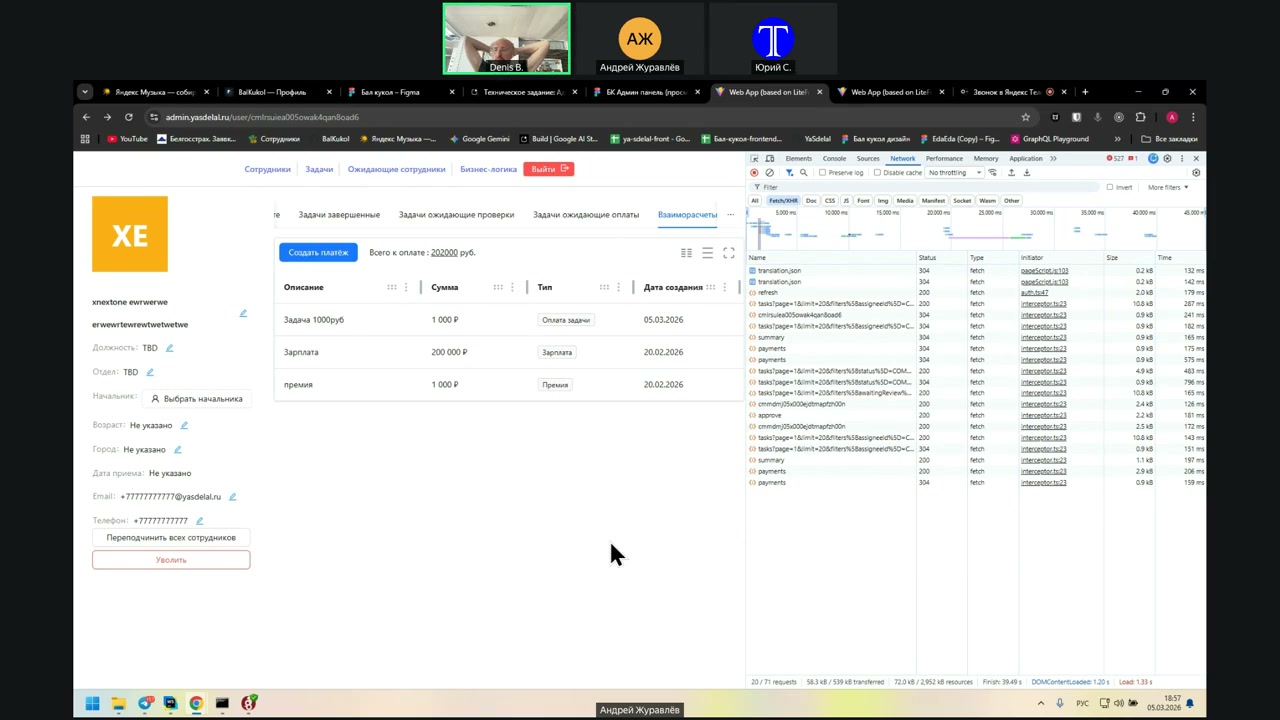
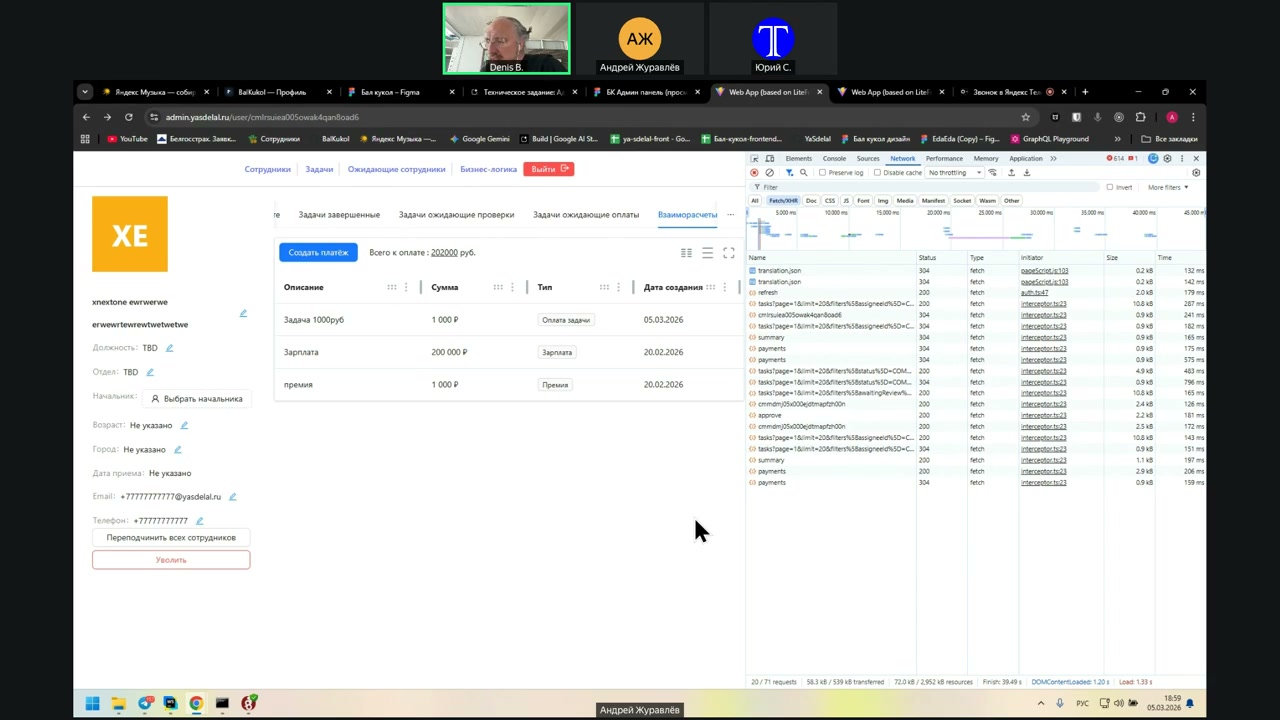
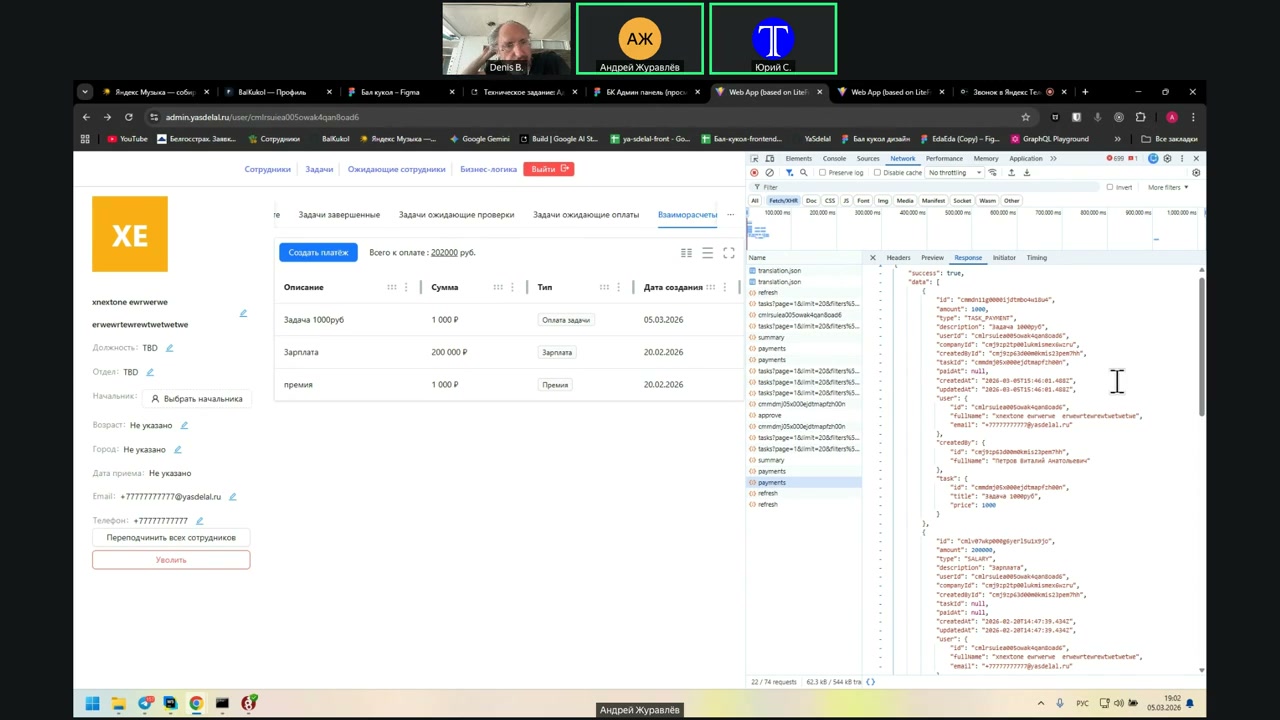
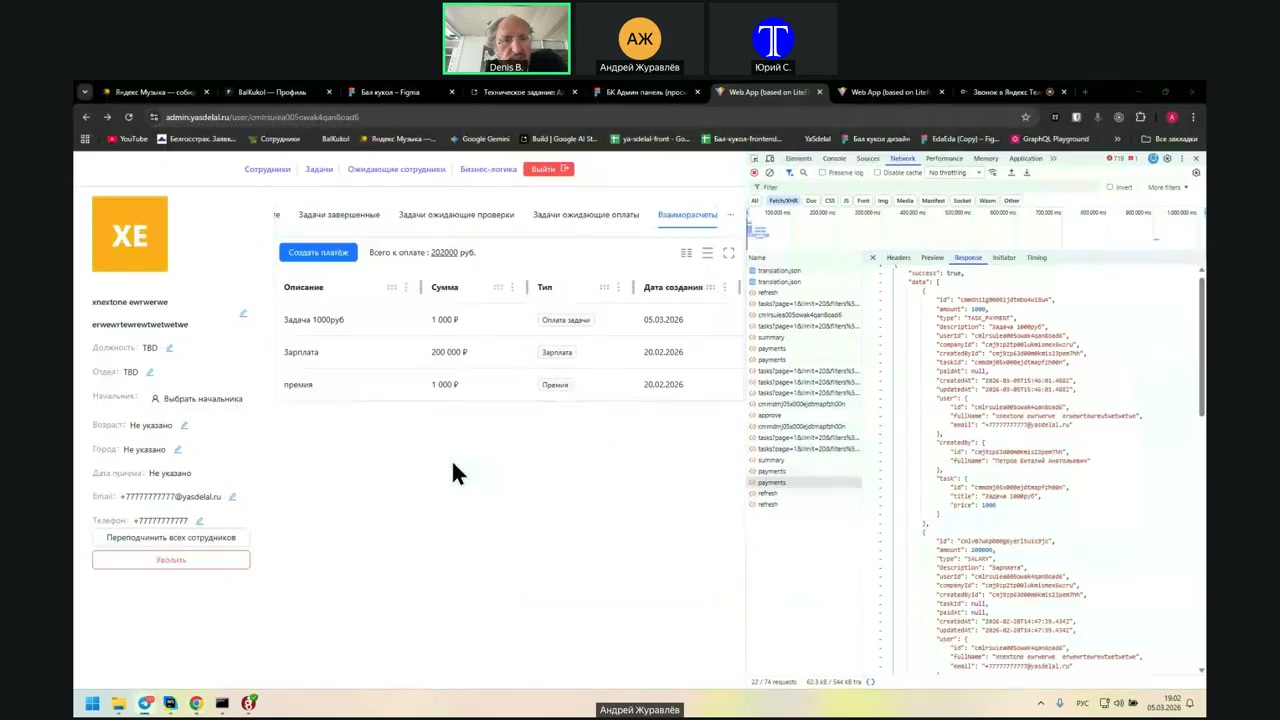
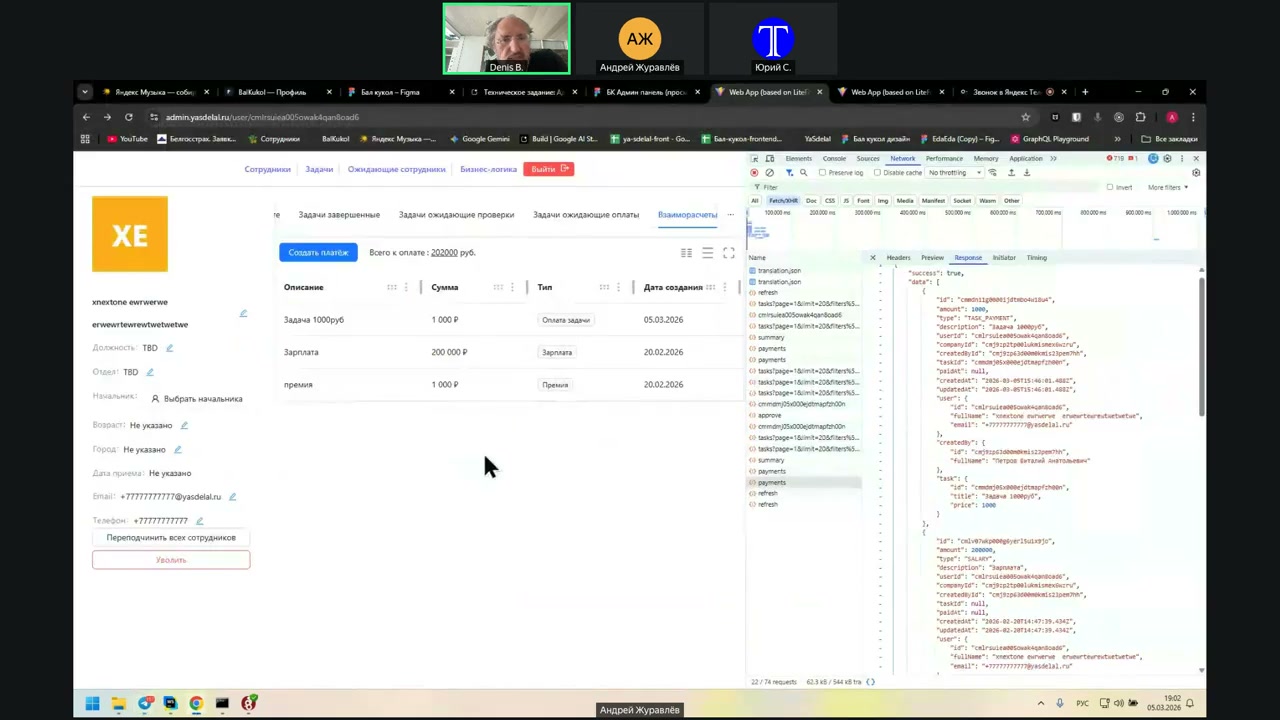
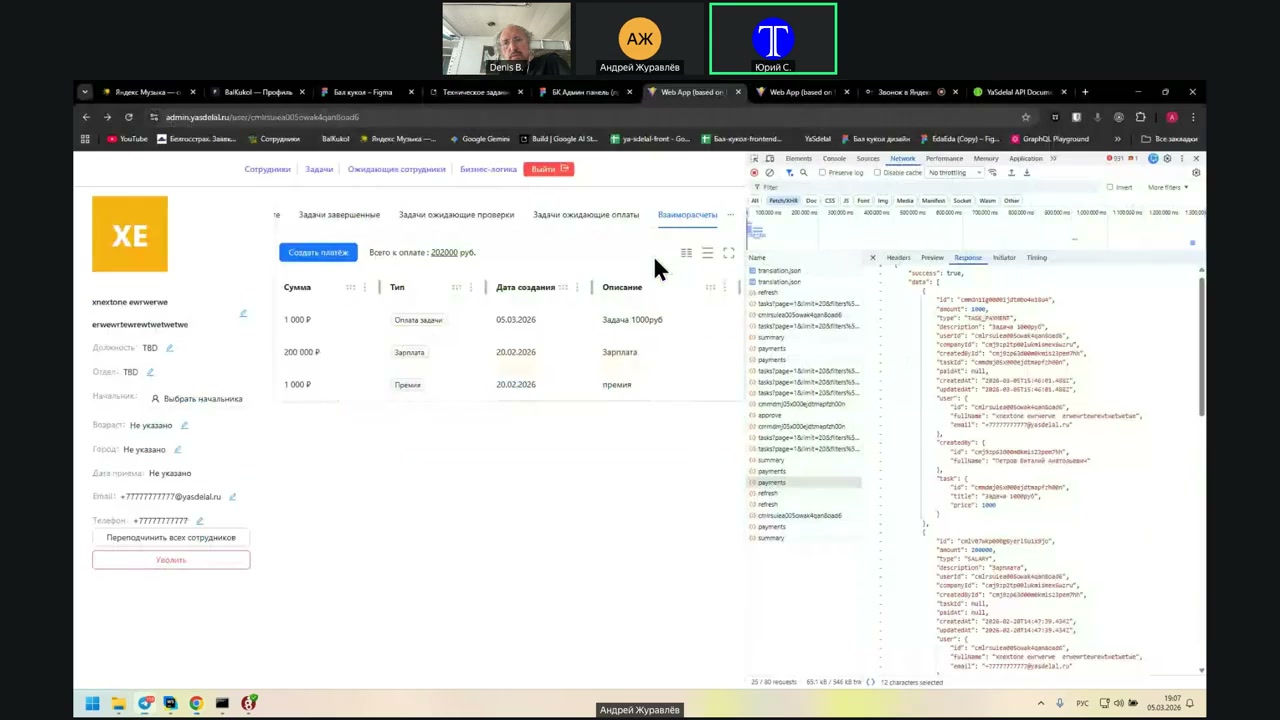
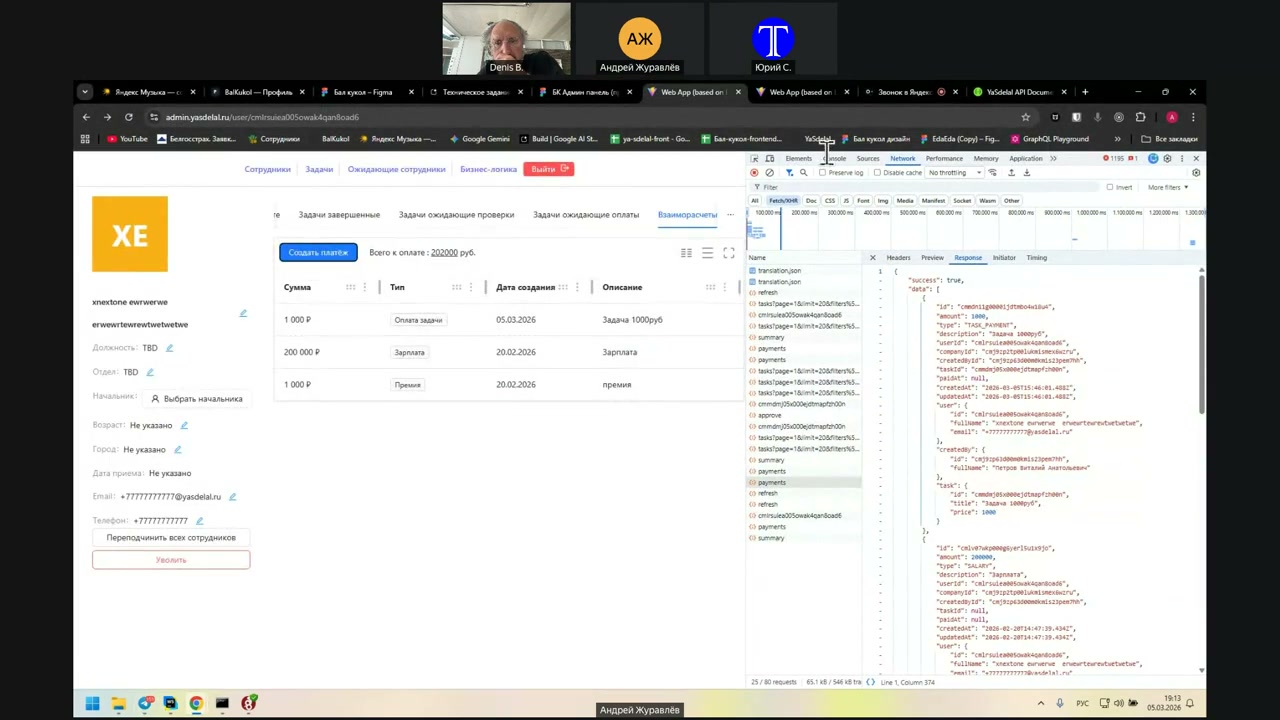
What do we want to charge him? Well, we want to charge him 1000 rubles. For God's sake. Now the admin can't enter it until it has been transferred. This should be done by an employee as a cost of the task. What do we want to charge him? Well, we want to charge him 1000 rubles for a good job, not tied to the task. We have a payment for the task. Yes, now I understand everything. Then we can do it only after he has been paid by the manager. That's what I mean. The manager can now enter only the paid amount. He will not be able to manually enter the payment amount. What is the payment amount? Here it is written. The payment amount can be entered by an employee in the form of expenses or in the form of fulfilling the task. The manager can only approve them and enter the amounts that are actually paid. I'm just checking our flow. We have exactly this functionality. The employee can request some payments, expenses for the task. The manager can approve them, but at the same time he cannot enter them himself. And the manager can enter what is actually paid. That is, we have such a functionality. That is, the manager can just take and enter there that I want to pay him another 1000 rubles. We don't need this functionality. No. Well, that's it. Not yet. Then it's clear. Yes, I understand everything. That is, how it works now. Creating a payment is essentially a promise to the manager to pay the money. Everything is clear. No, it's not a promise to the manager to pay the money. This is a fact that he already has money. Yes, now it will be a fact. I say that now, in the current implementation, when we add creating a payment, this is a promise to the manager. Therefore, the total payment is 202,000. I just explain what the logic is now. And what should be, to create a payment, is already what is paid in fact. And then it will be calculated. That is, the manager cannot promise some money just like that. He can only approve money that is requested by the employee. Or not approve. Well, yes. In the example of our work with you, let's say Andrey brings his own table here. You said that there is so much work to be done. I have a task for such a sum that I received it and approved it. Then I go here, click on create payment. Let's say not the whole amount, when I don't have the whole amount, but partially. I translate it to you, Denis. And I enter the amount that I actually transferred to you. It turns out that the sum of the closed task and the sum of what I paid will be calculated. And, accordingly, the difference is indicated there. How much is left? Just a simple accounting. Everything is clear. Balance of calculations. I have a question about this table. Correct me if I'm wrong. I will speak incorrectly. In this table we have the creation of payment. This is the button on the same page. The task, when it is approved by the manager. A separate line is the cost of the task. Yes. Well, that's it. If I didn't miss anything. Yes. Can you do this task in minutes, hours, seconds? Yes, I can. Now I'll see what format it comes in. Well, it's created. Yes. What is it? This is time, as I understand it. This is now, when he created. 15.46.01 This is in UTC. In GMT. In Greenwich. That is, you can do it in minutes, hours, seconds. I converted it into this format. I don't have it. Well, in the usual. Year, month, day, time. No, it should be like now. Number, month, year, and then time. Well, yes, I'm talking about it. Yes, he did it in UTC.
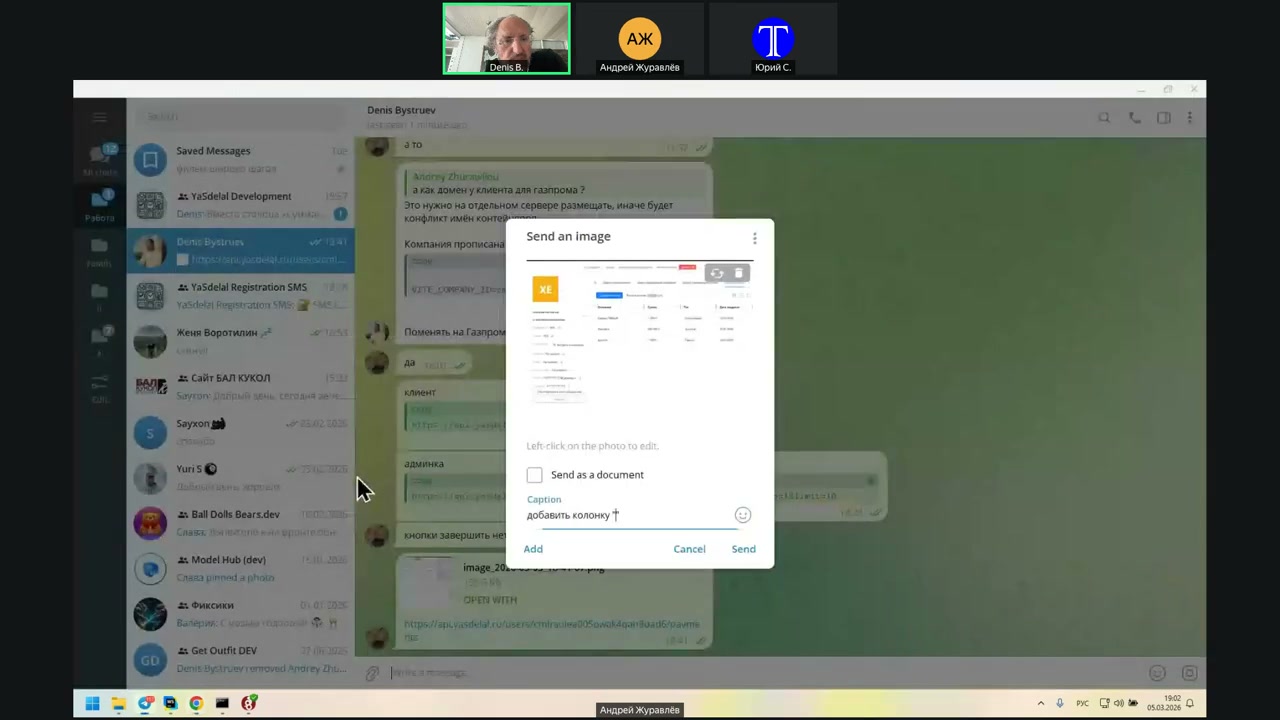
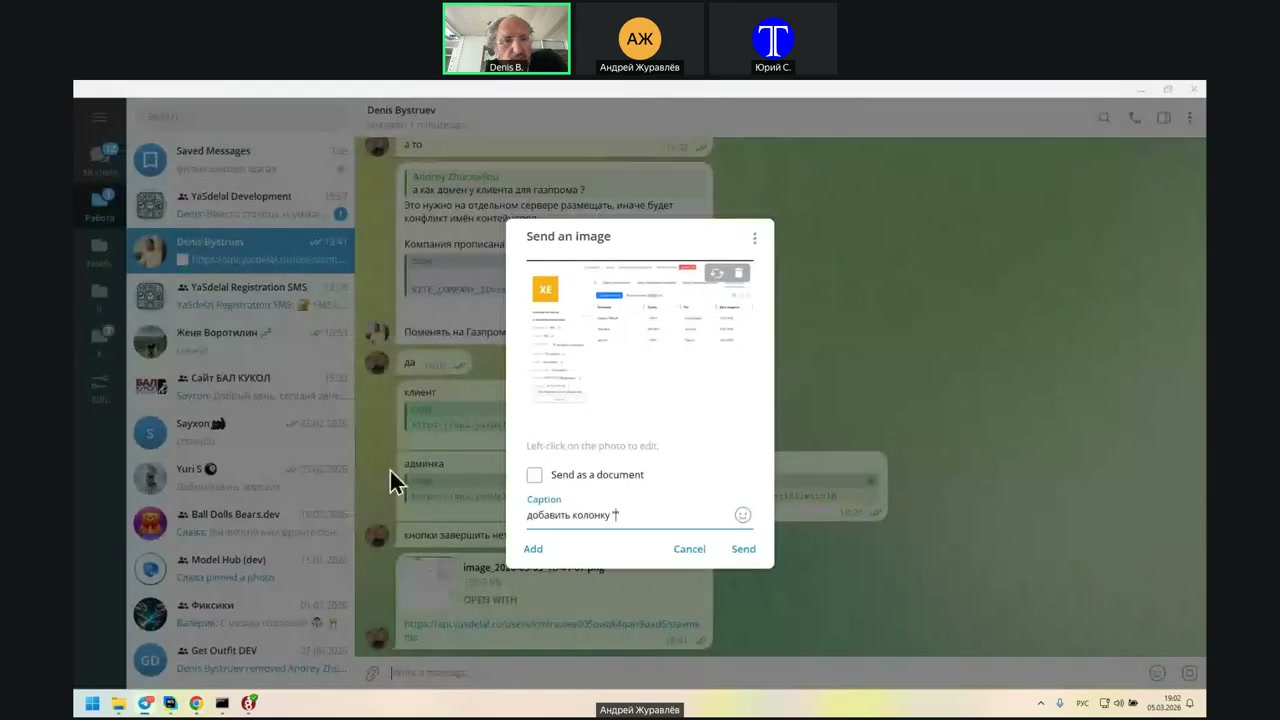
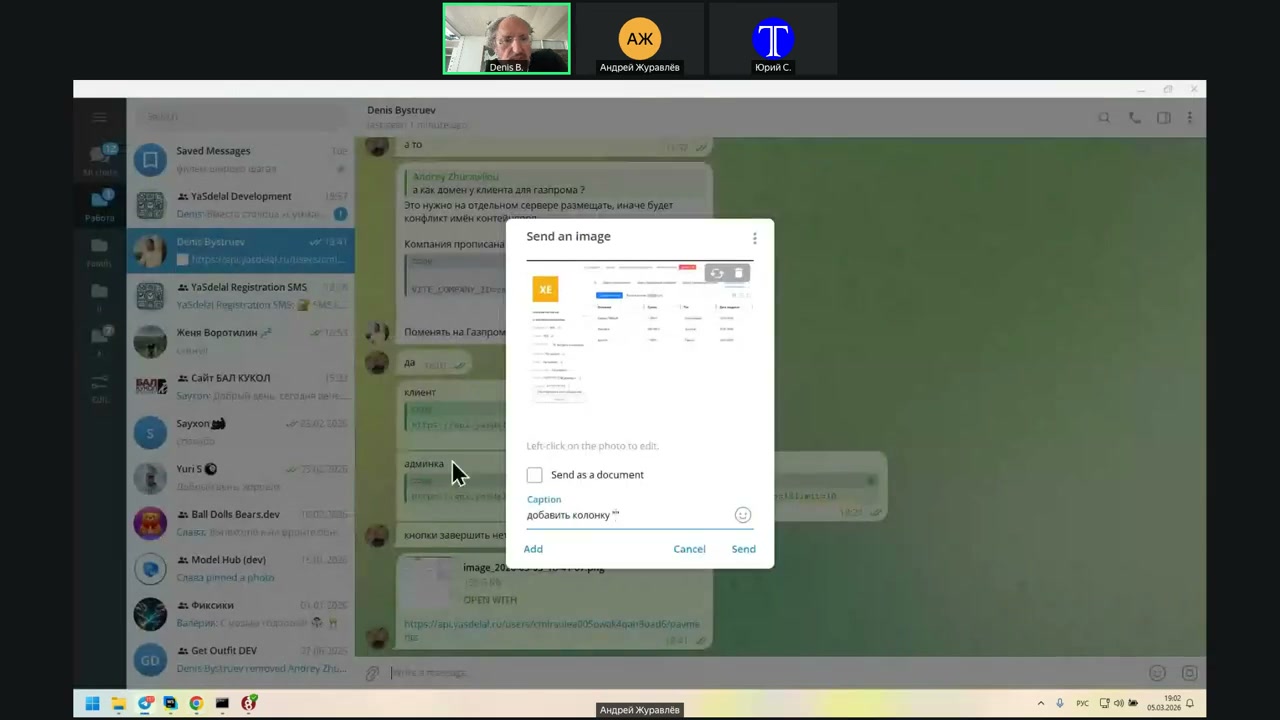
15 минут назад.
Создали
he said
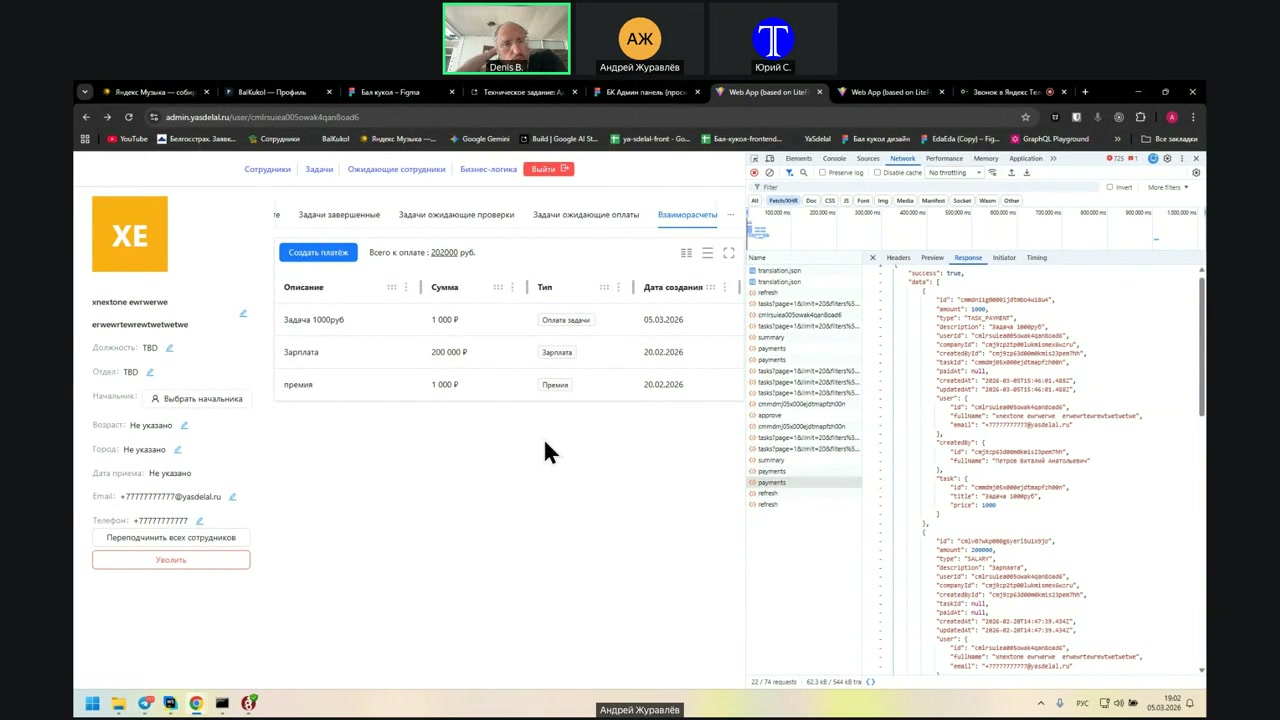
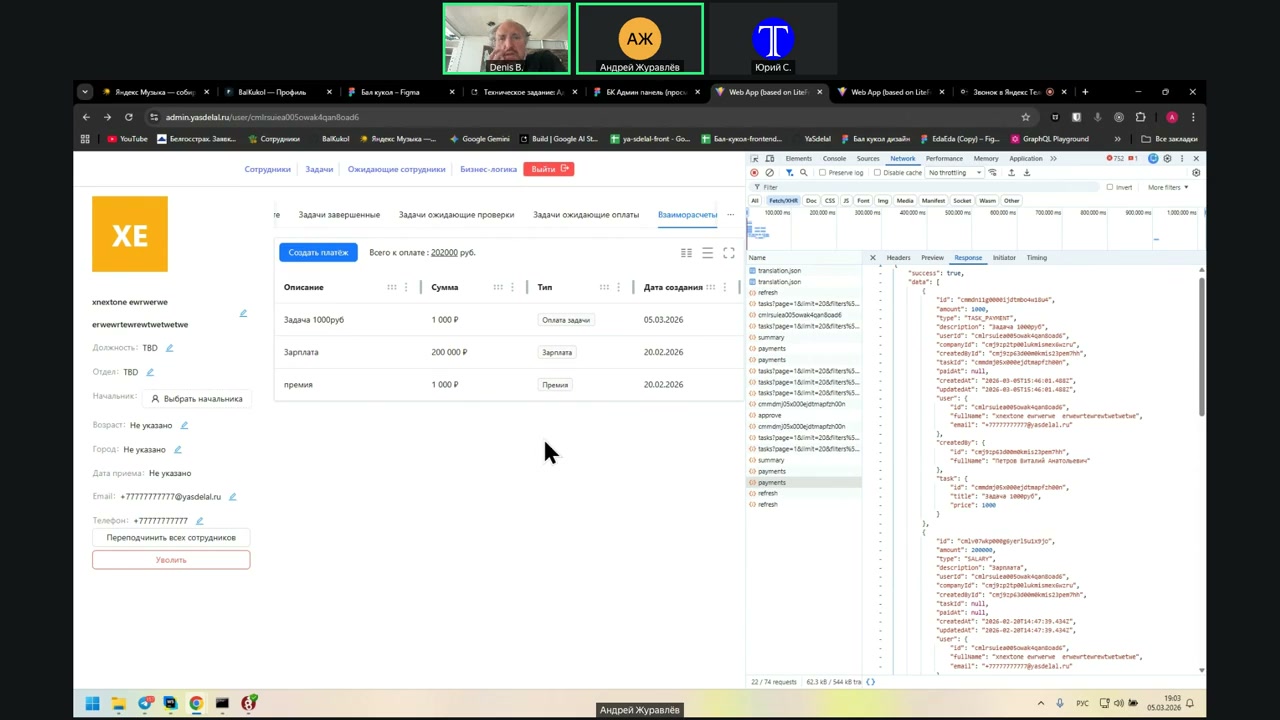
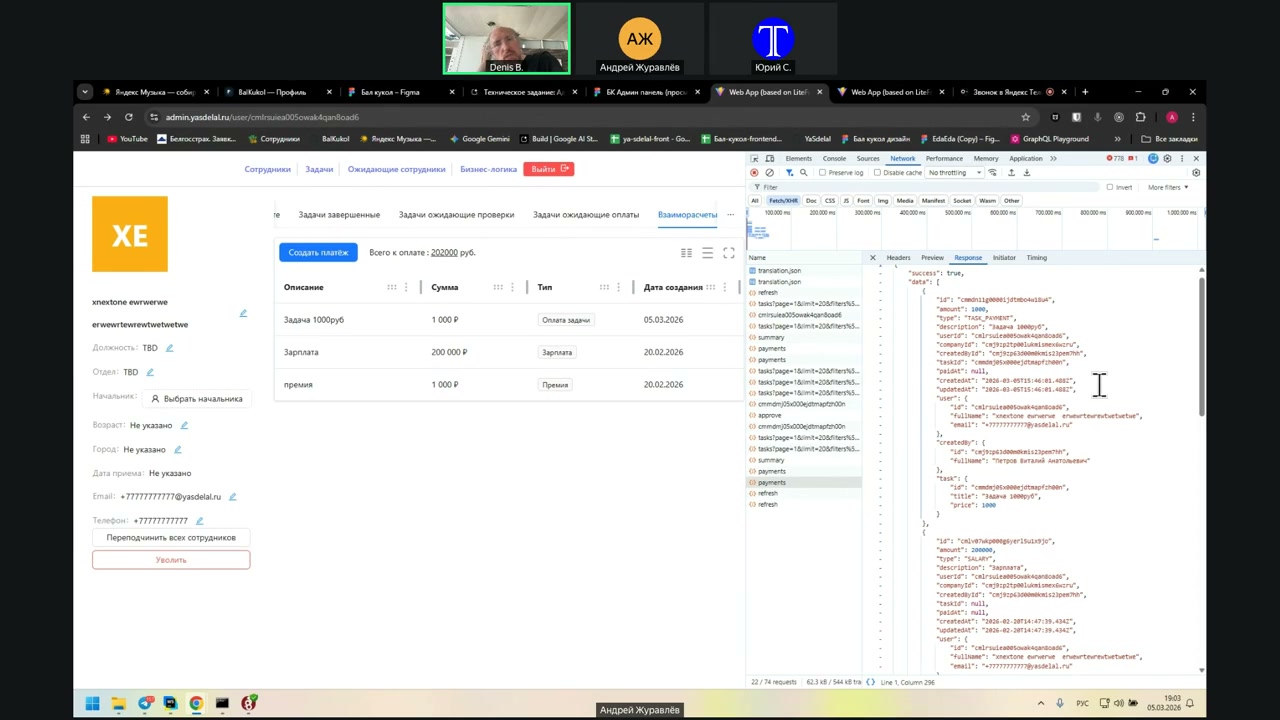
It is 15:46. I’m looking now, and the UTC time is 16:02. Accordingly, everything here comes in UTC, and you can convert it.
Can you explain to me in simple words what UTC is? What is the format?
UTC is the time in Greenwich.
And how can I calculate the time in Russia, for example, right now?
Well, plus three, plus three. That is, if the UTC is 16:03, then in Russia it is 19:02.
I don’t know the UTC based on this in Greenwich. Can I somehow find out what time it is now without going to the Internet somewhere?
I’m asking because I just don’t understand right now. Can I display the correct time based on this line or not?
You must know the time zone in which the user is located. Then you can display the correct time.
That is, all the times returned to you are in the zero-hour zone. In order to display the correct time, you need to know the user’s time zone.
Okay, I’ll ask this question after the call.
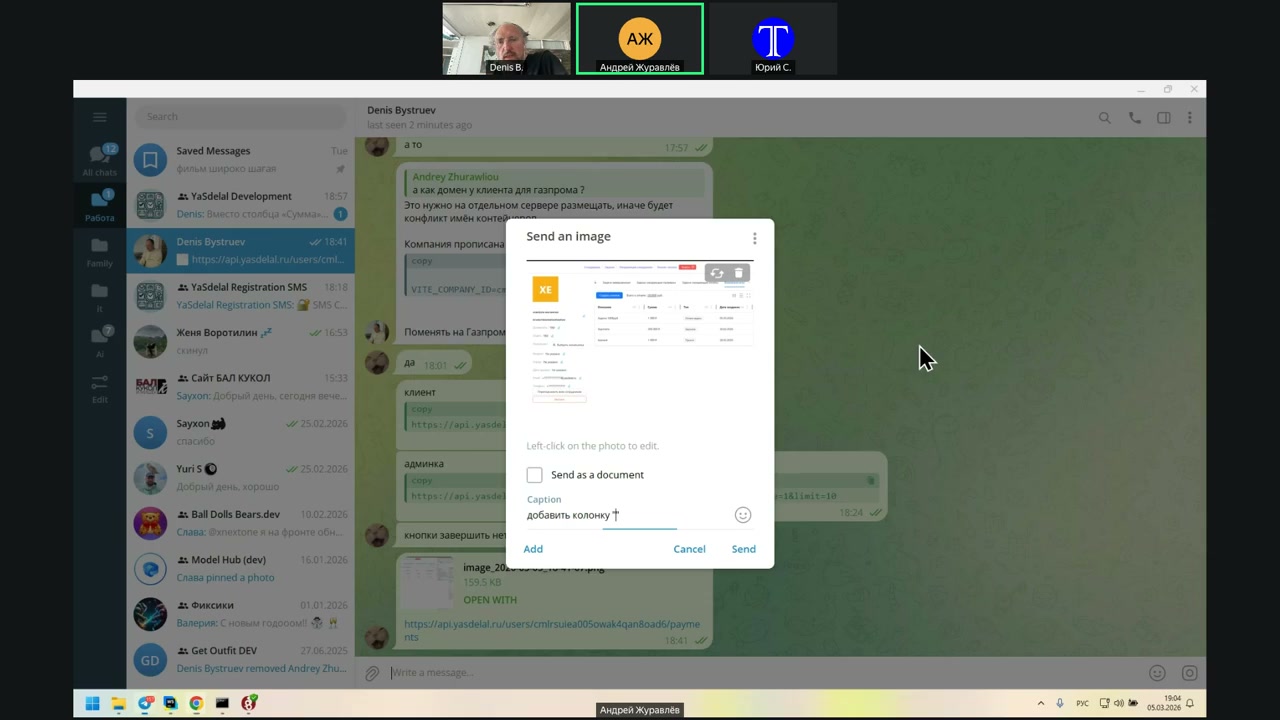
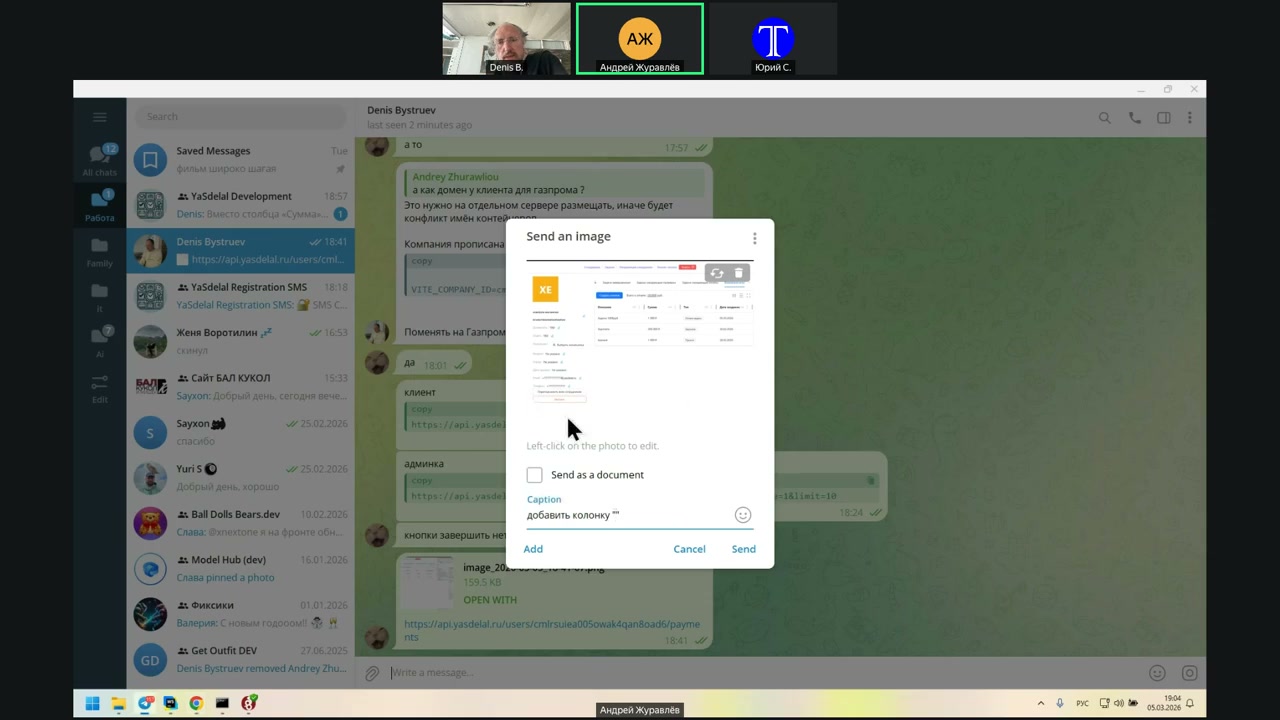
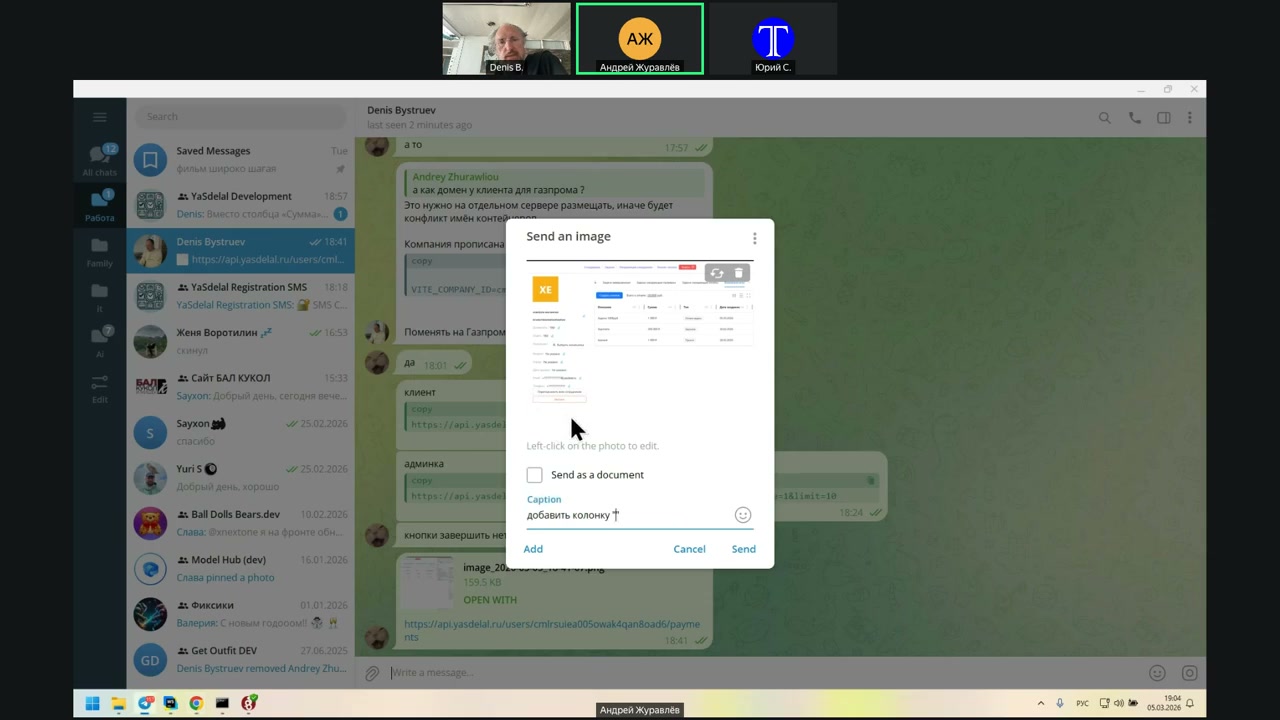
I’ll try not to waste time on it.
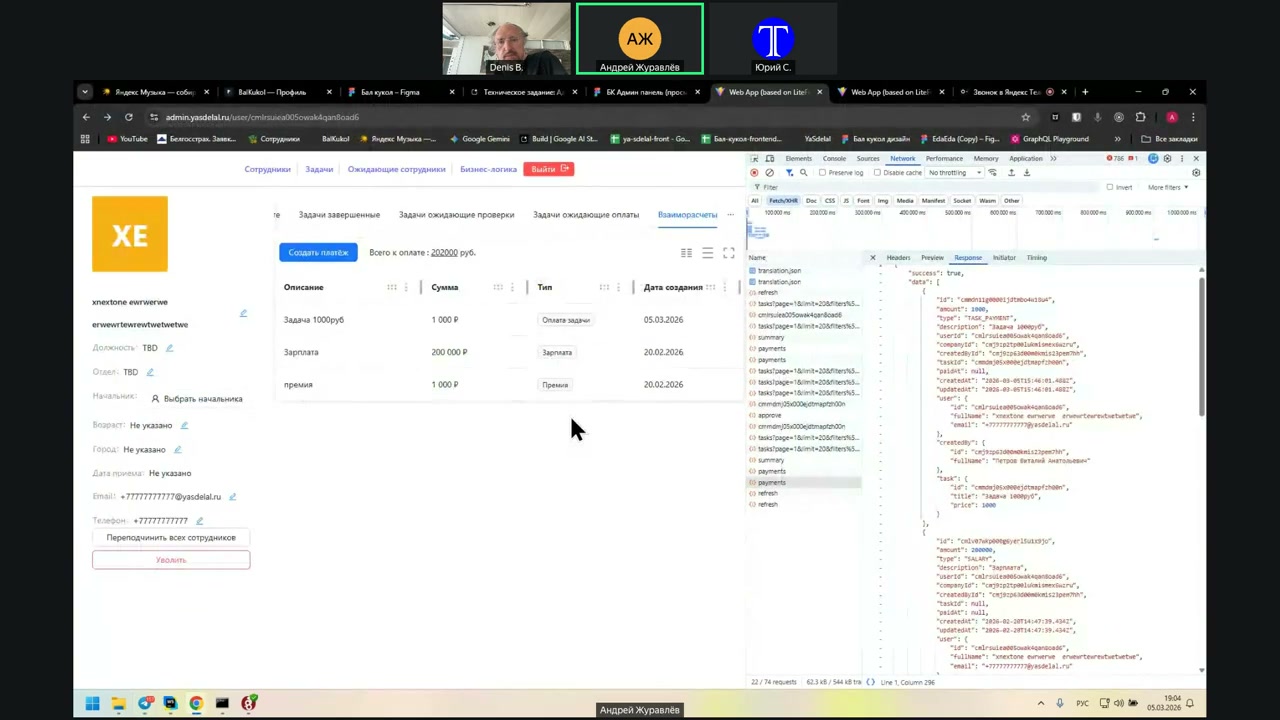
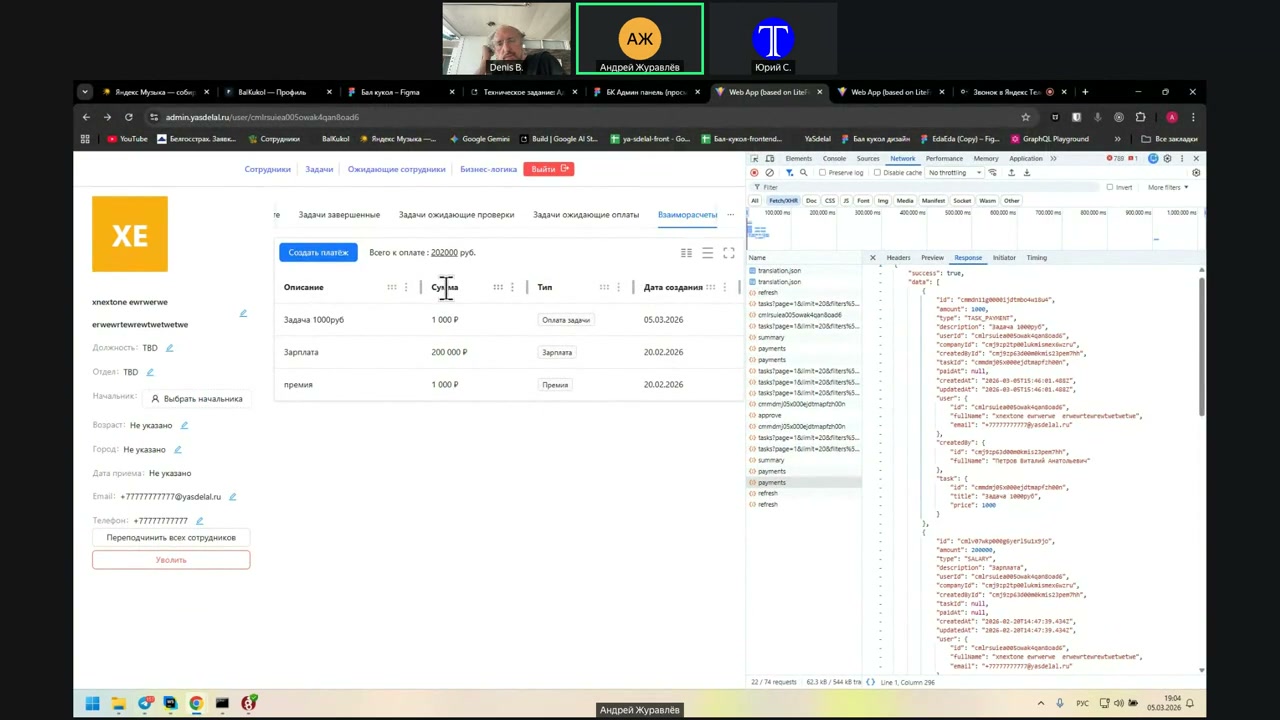
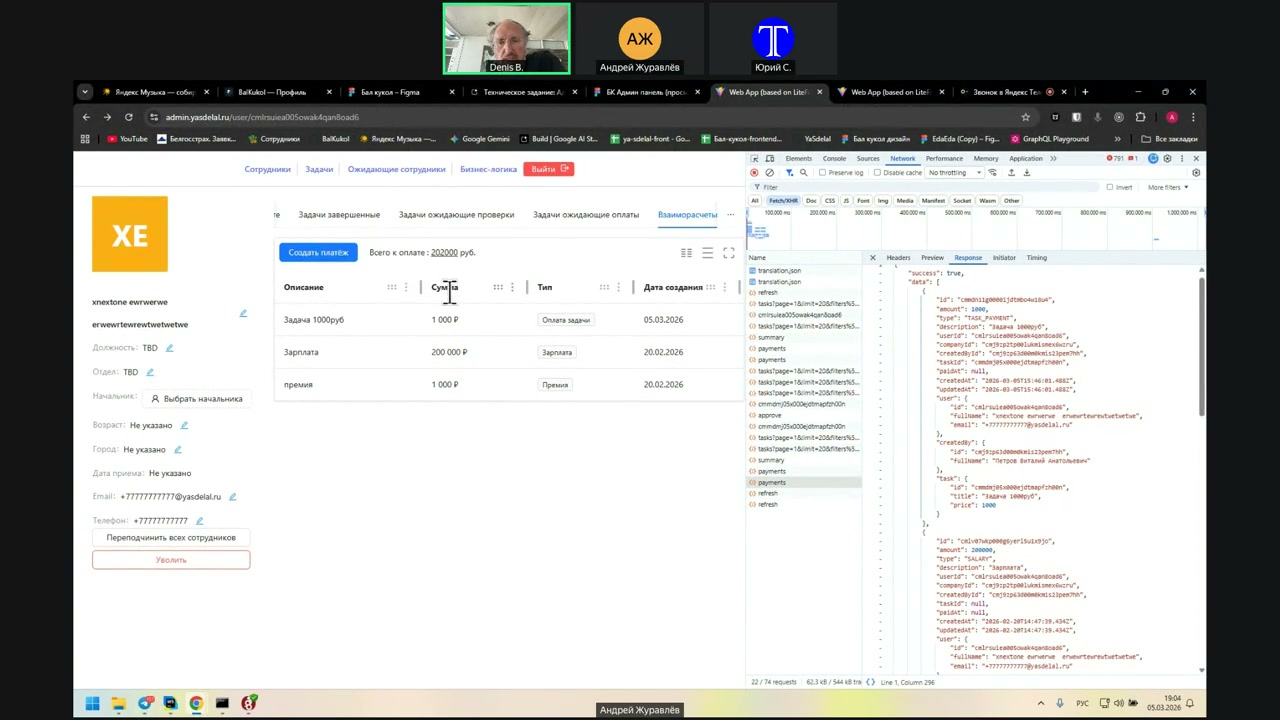
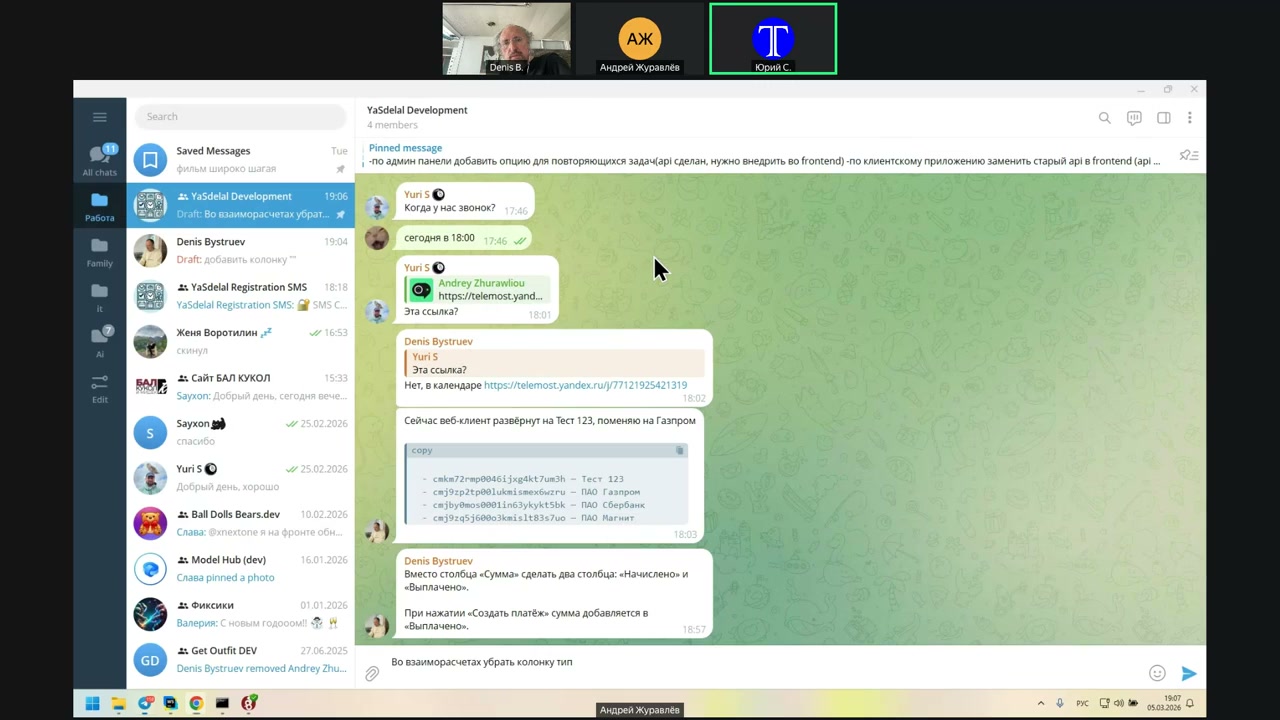
Yuri: Tell me, what columns should we have here?
Speaker 2: Description. The amount remains as is.
Yuri: No, no, no. Instead of the amount, use the number of payments.
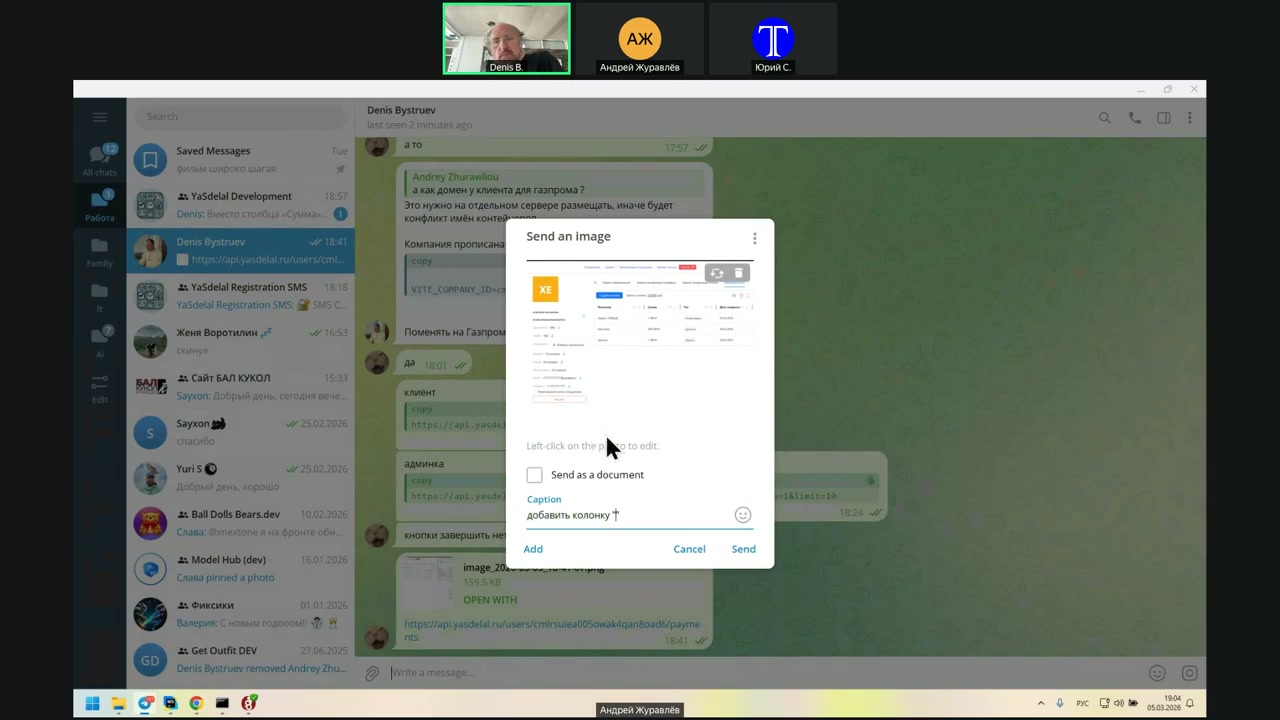
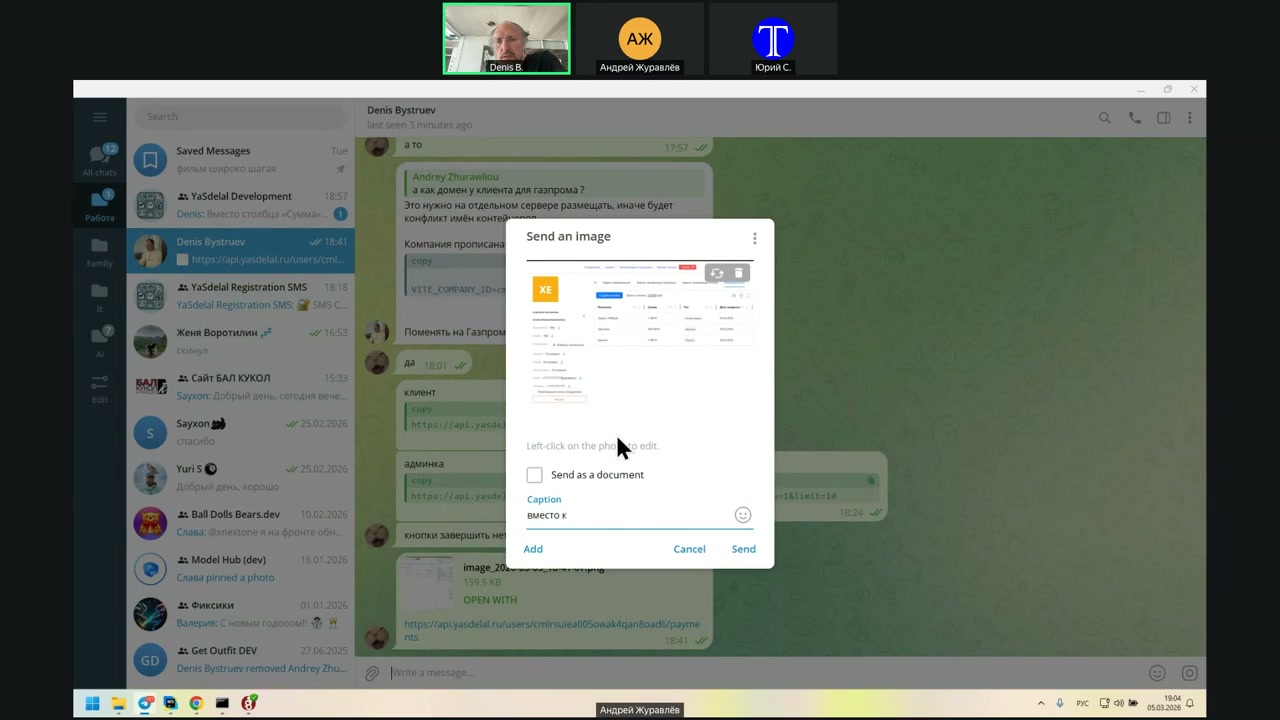
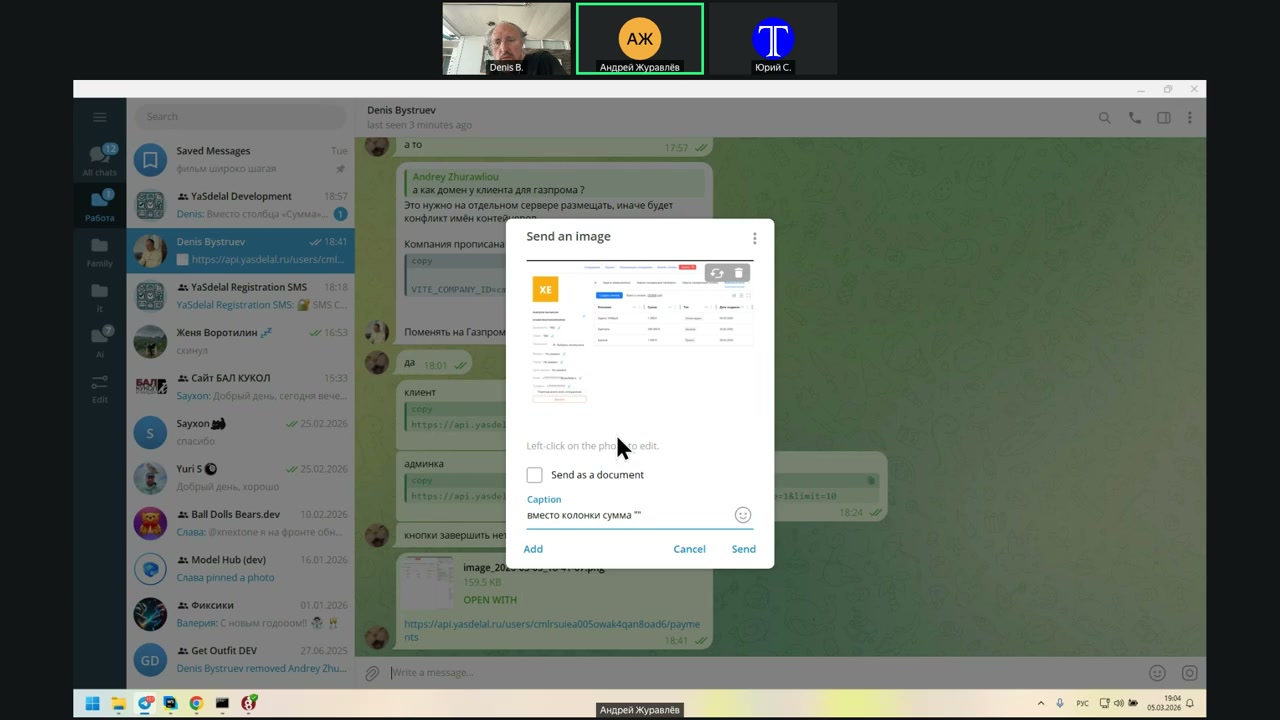
But purely paid, yes.
I wrote to you in general; I did it. Well, I’m with you in the chat.
I’ll personally send it to you. I’ll delete it so that it’s with you.
Will be easier for me.
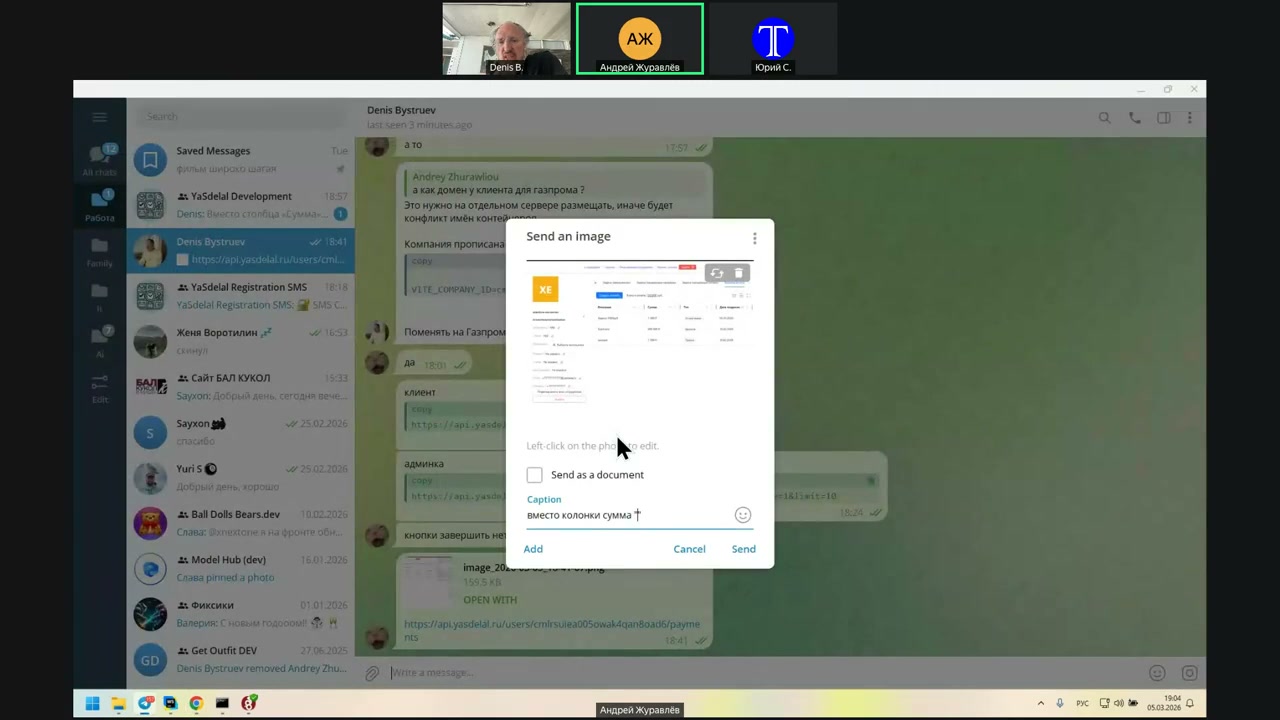
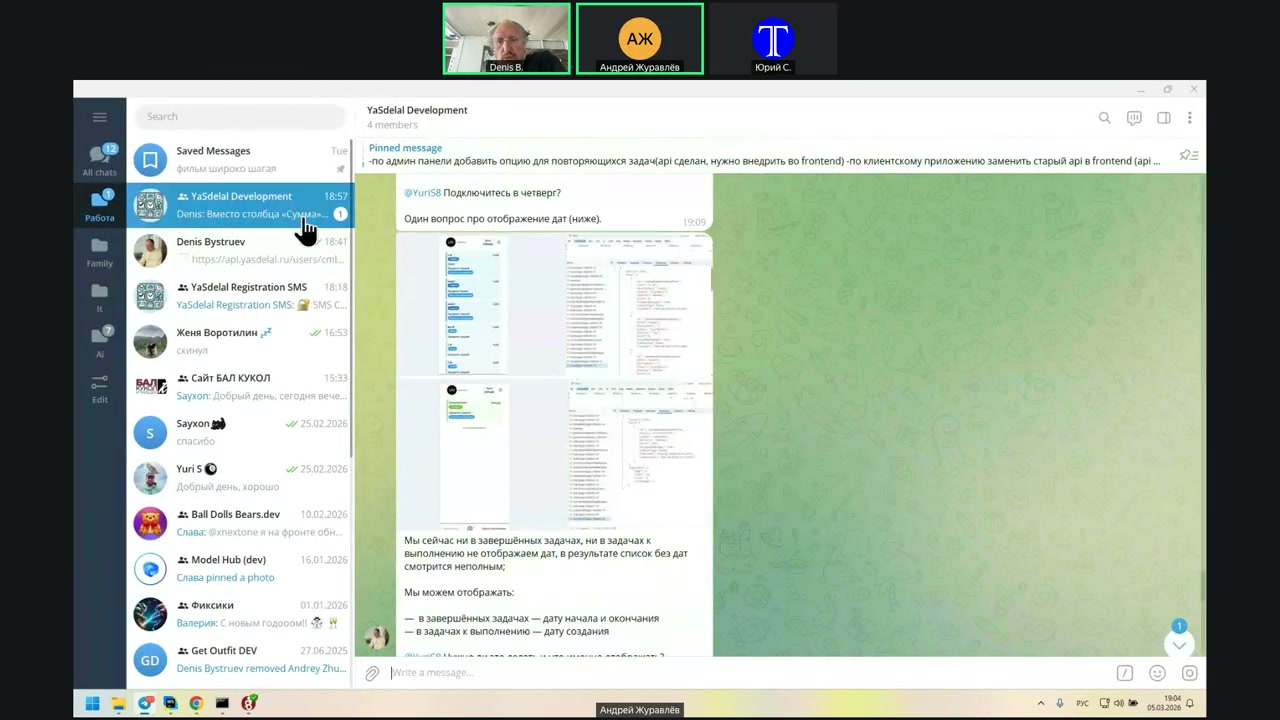
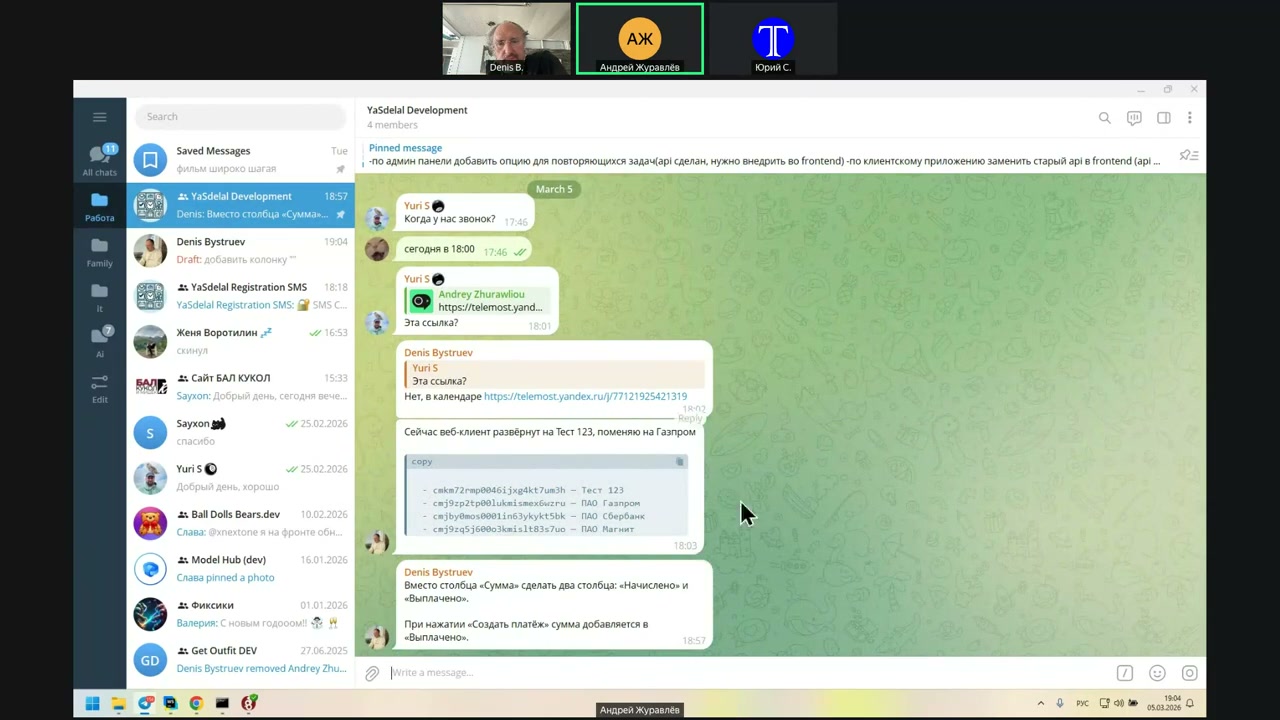
So, how do I do it again?
Click on the number.
There, there.
Yes, I see. Click on the number.
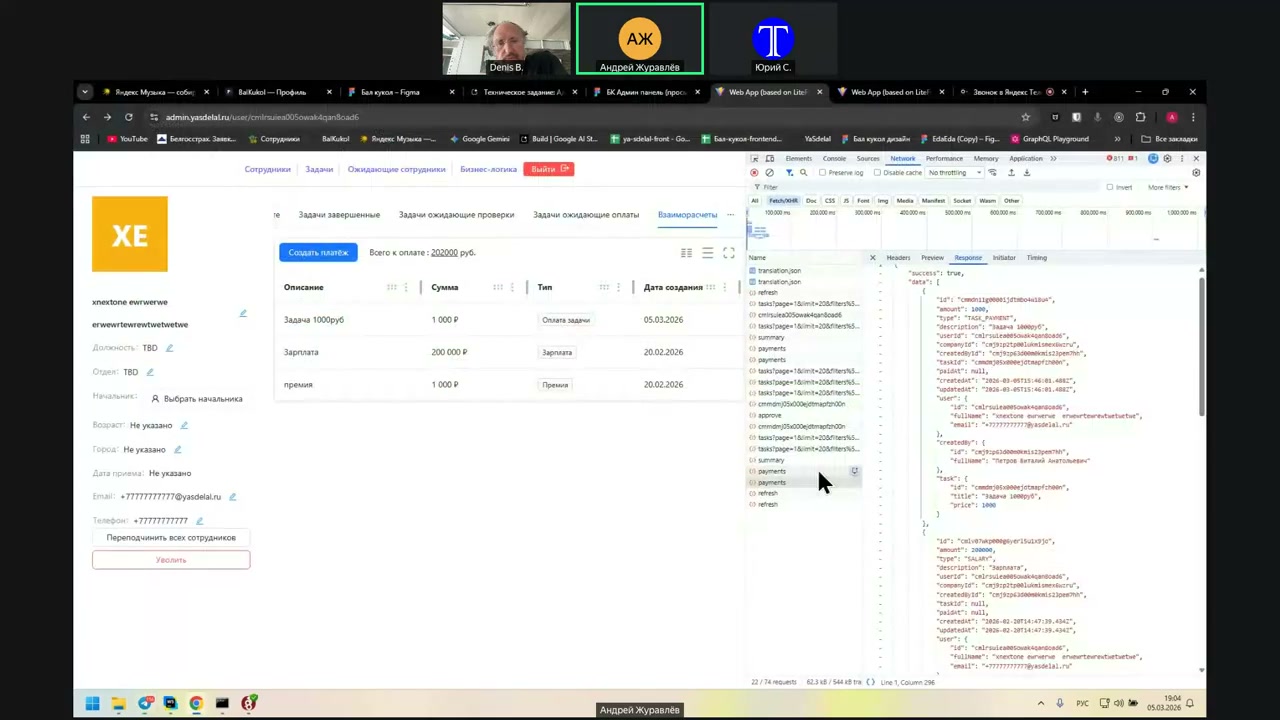
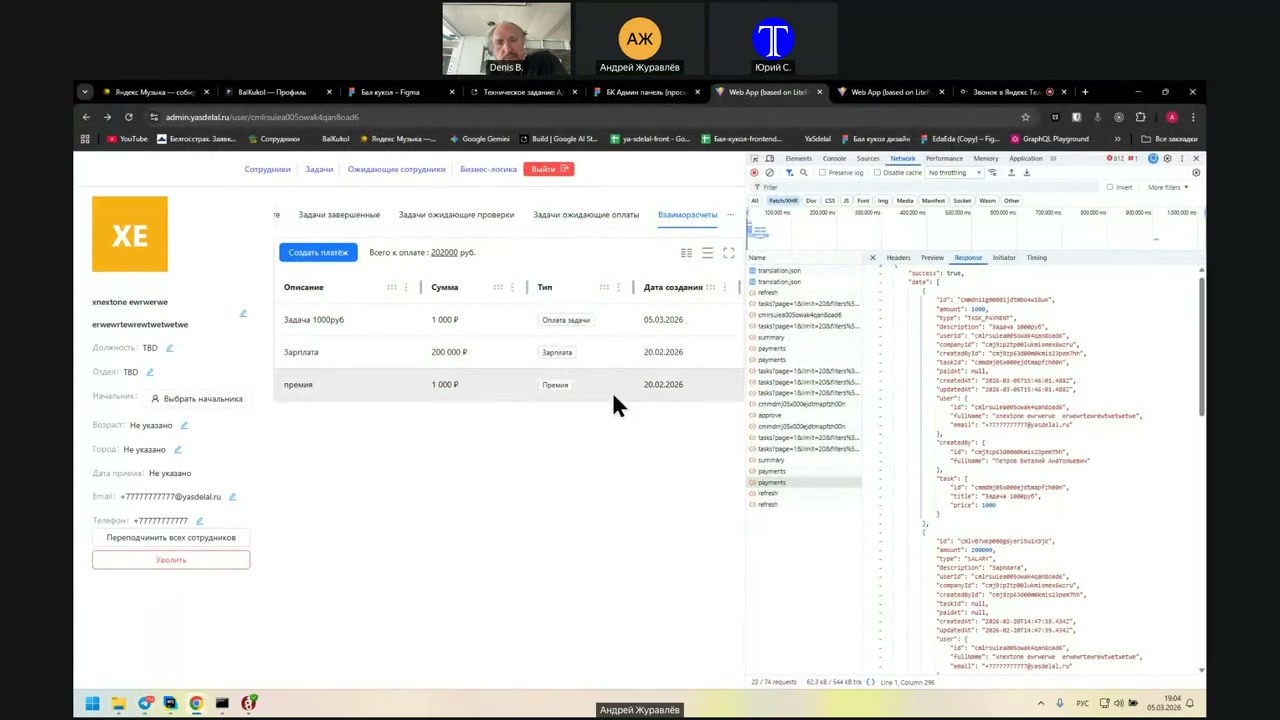
Так, а...
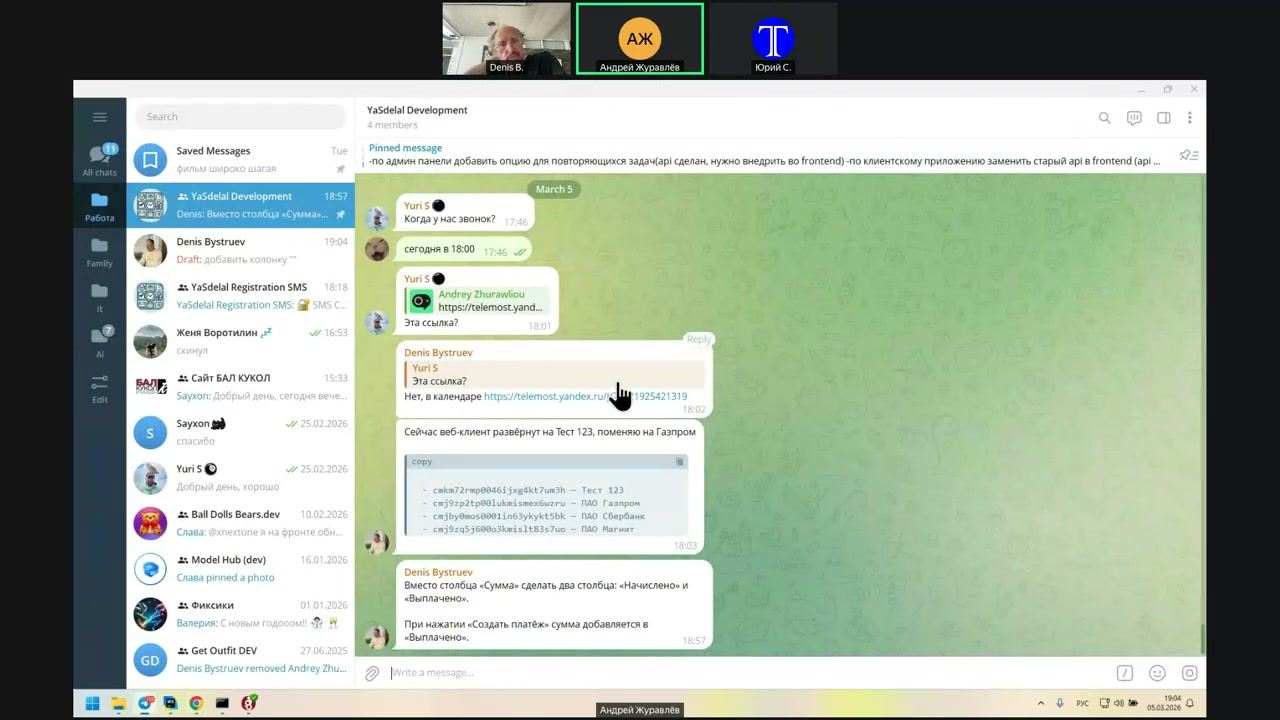
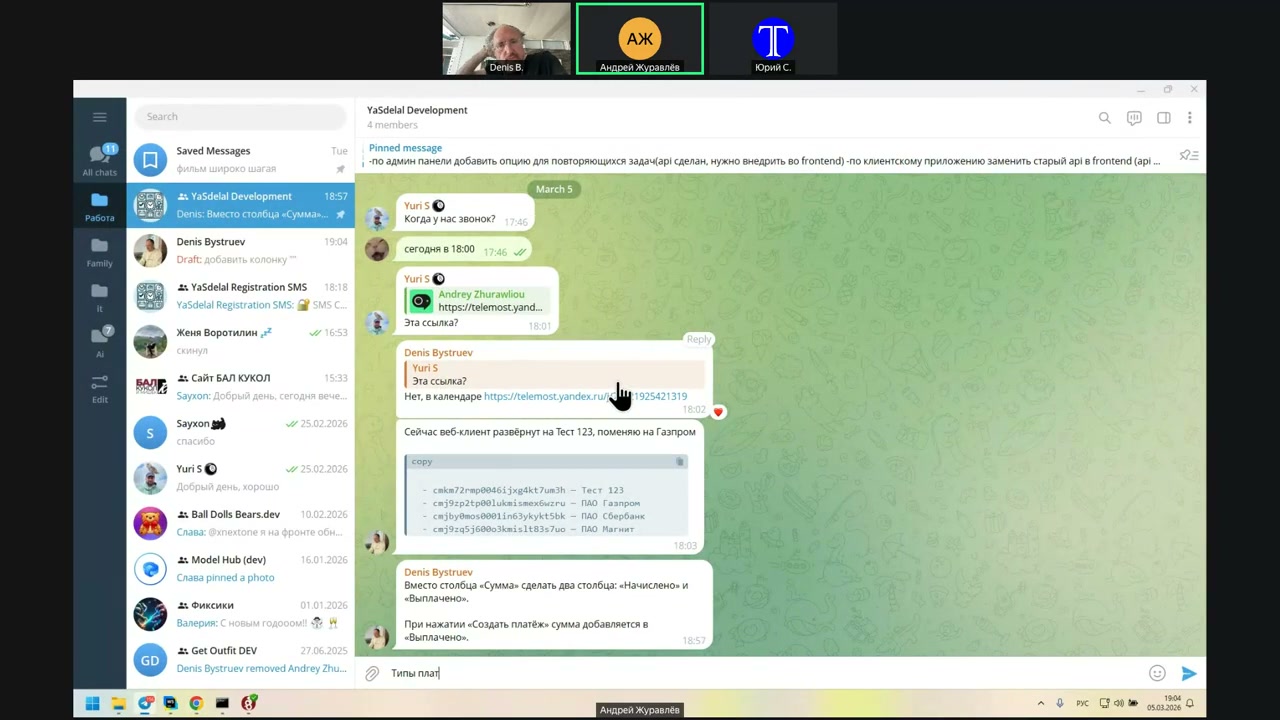
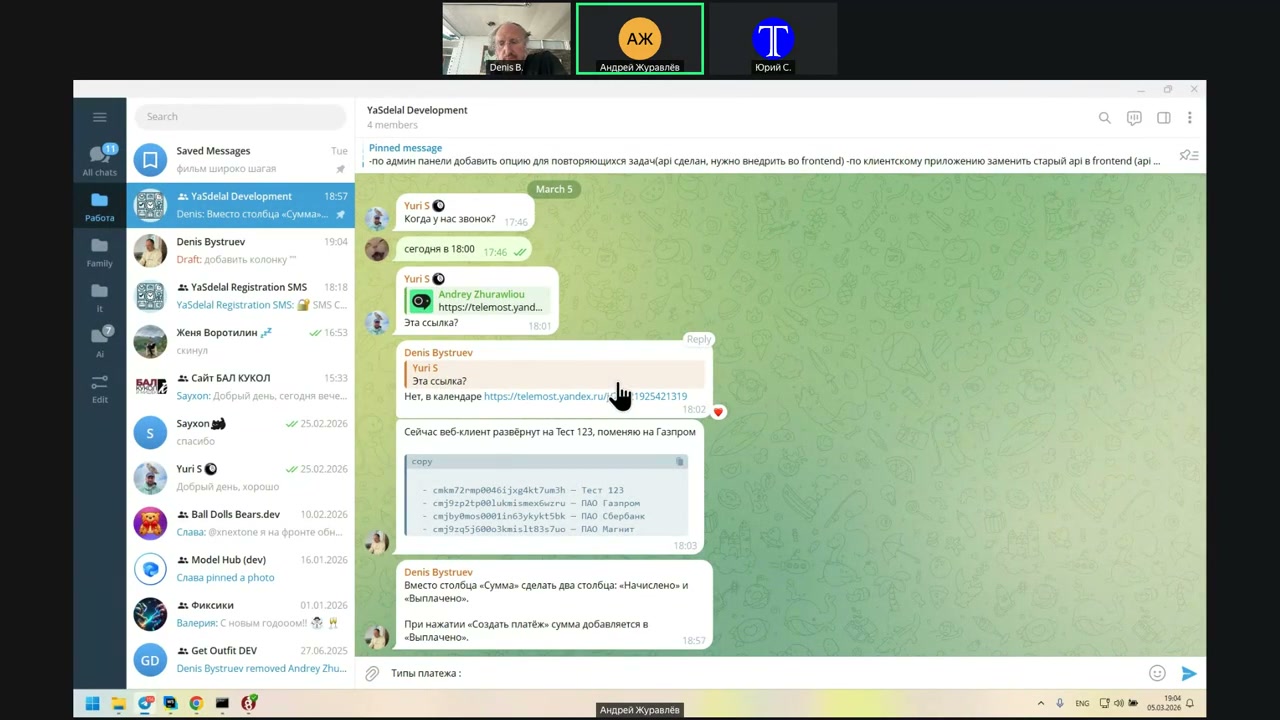
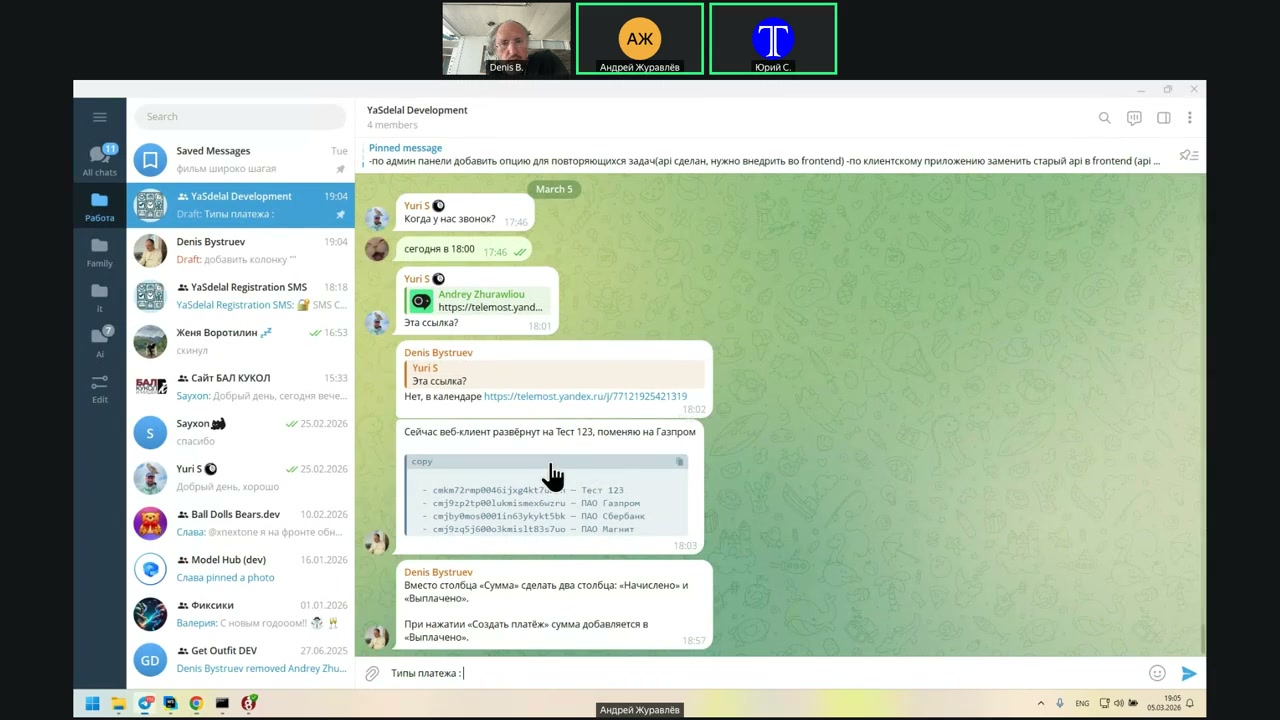
Let’s approve the types of payment then.
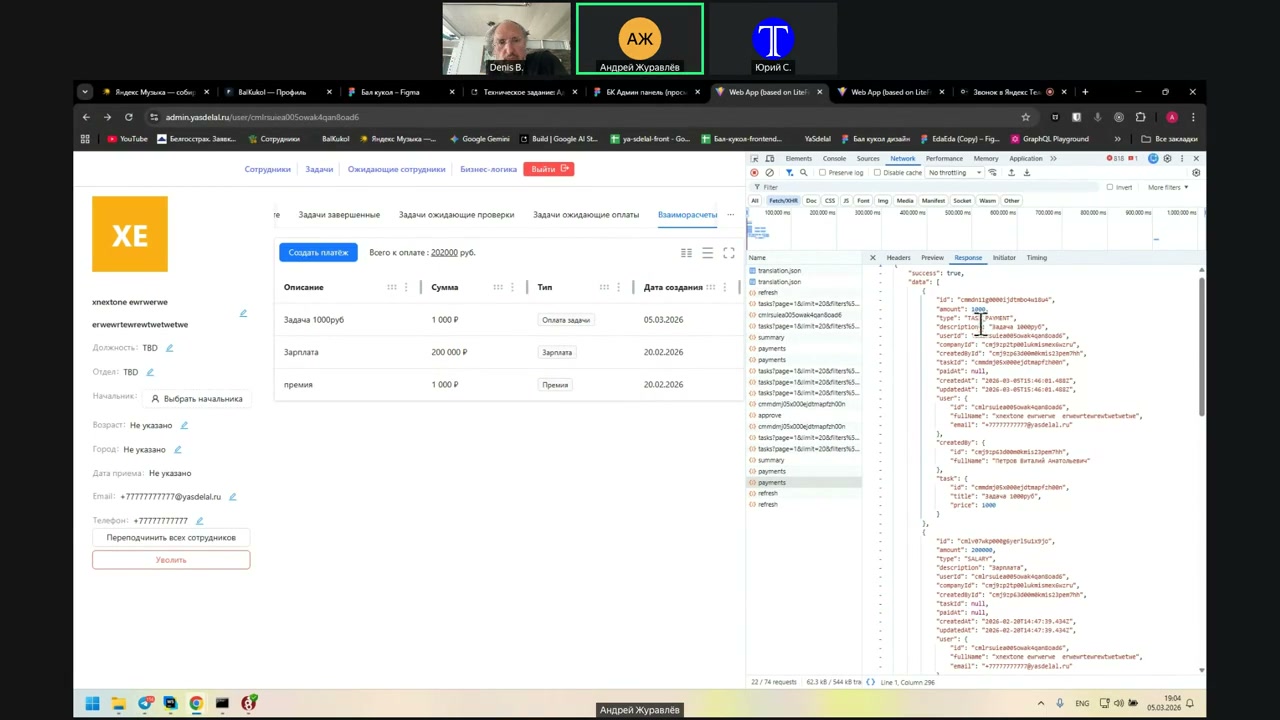
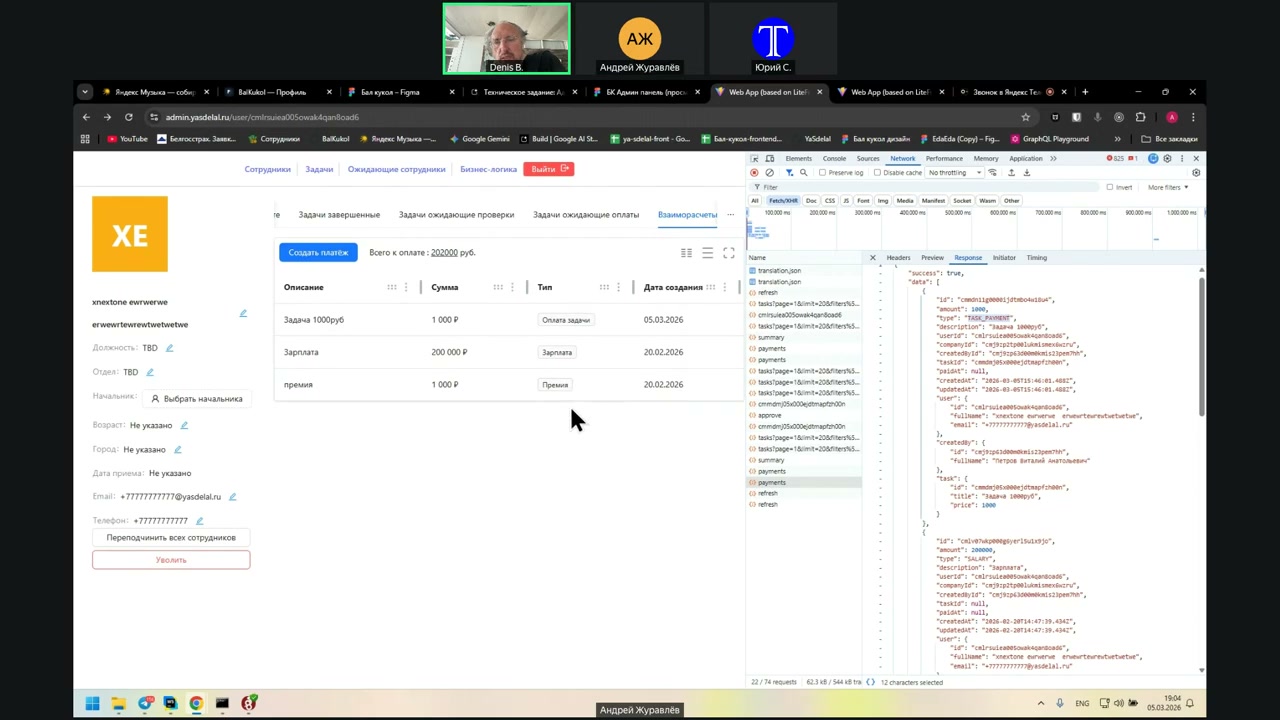
Because they come to me in the format of AsPayment and TypeSellery.
In general, the payment type is not needed.
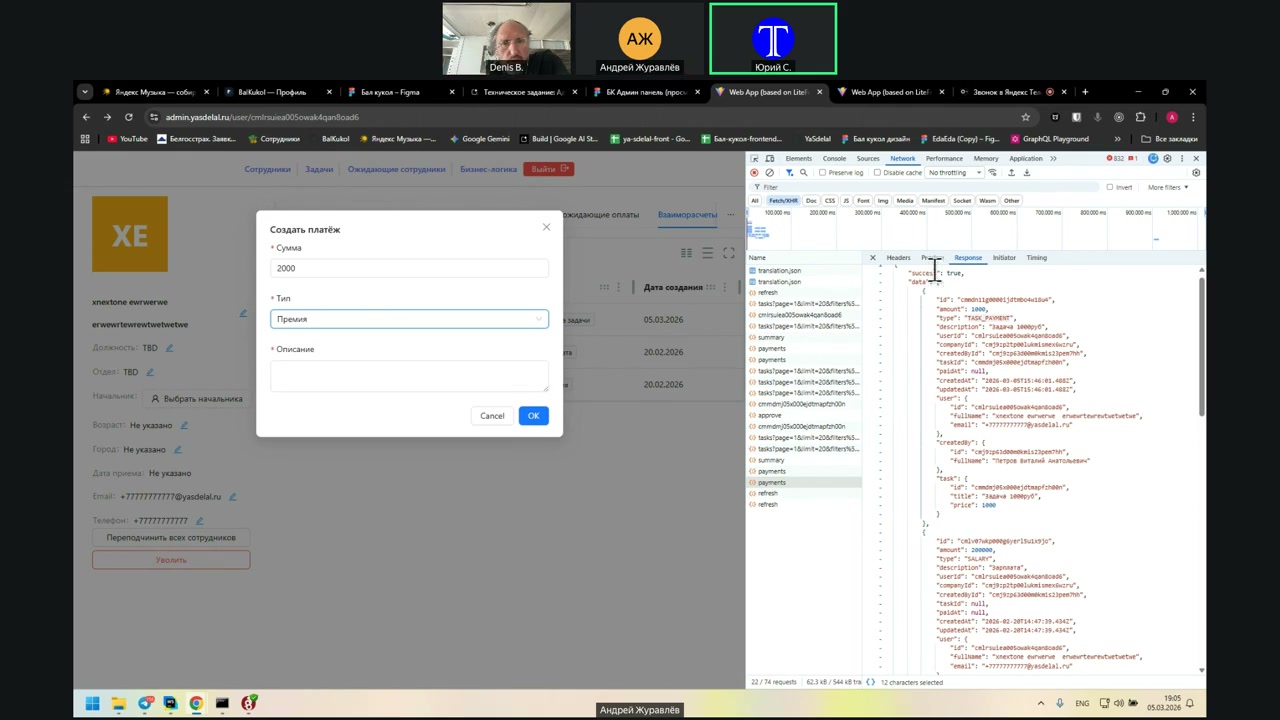
What types are available for creating a payment?
I have a reward for payment. You did it yourself. Why do we need a type?
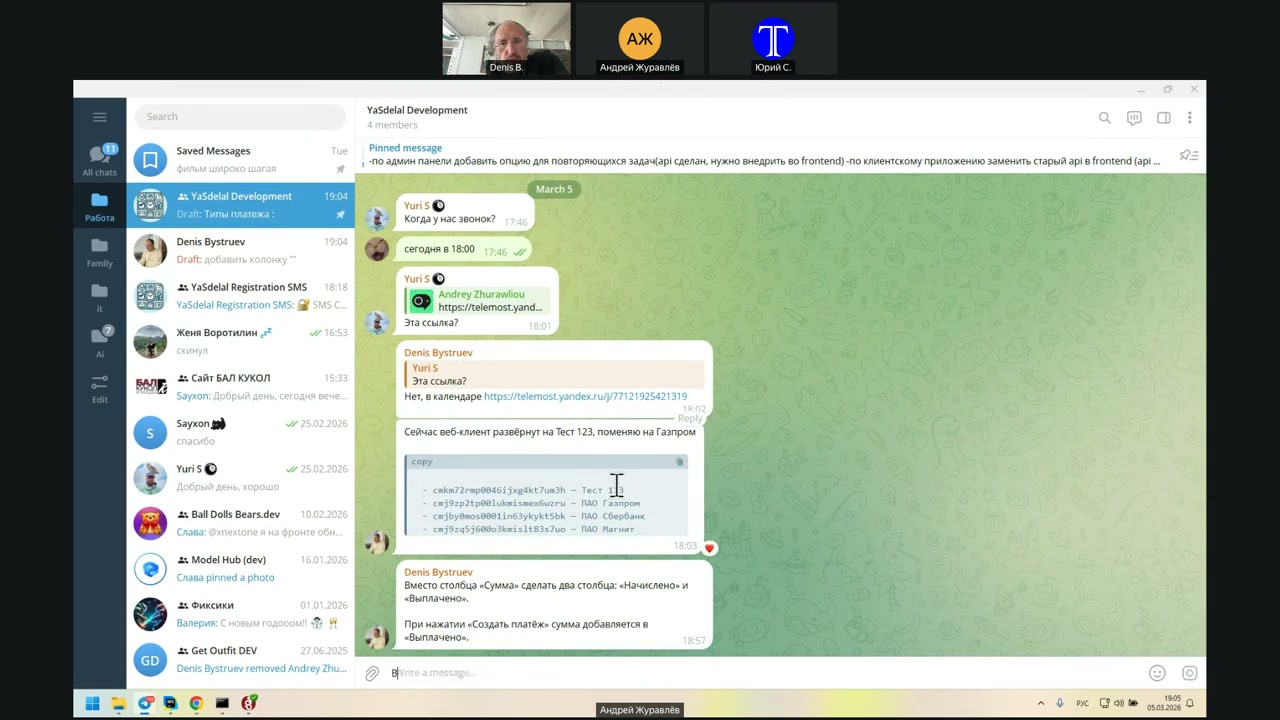
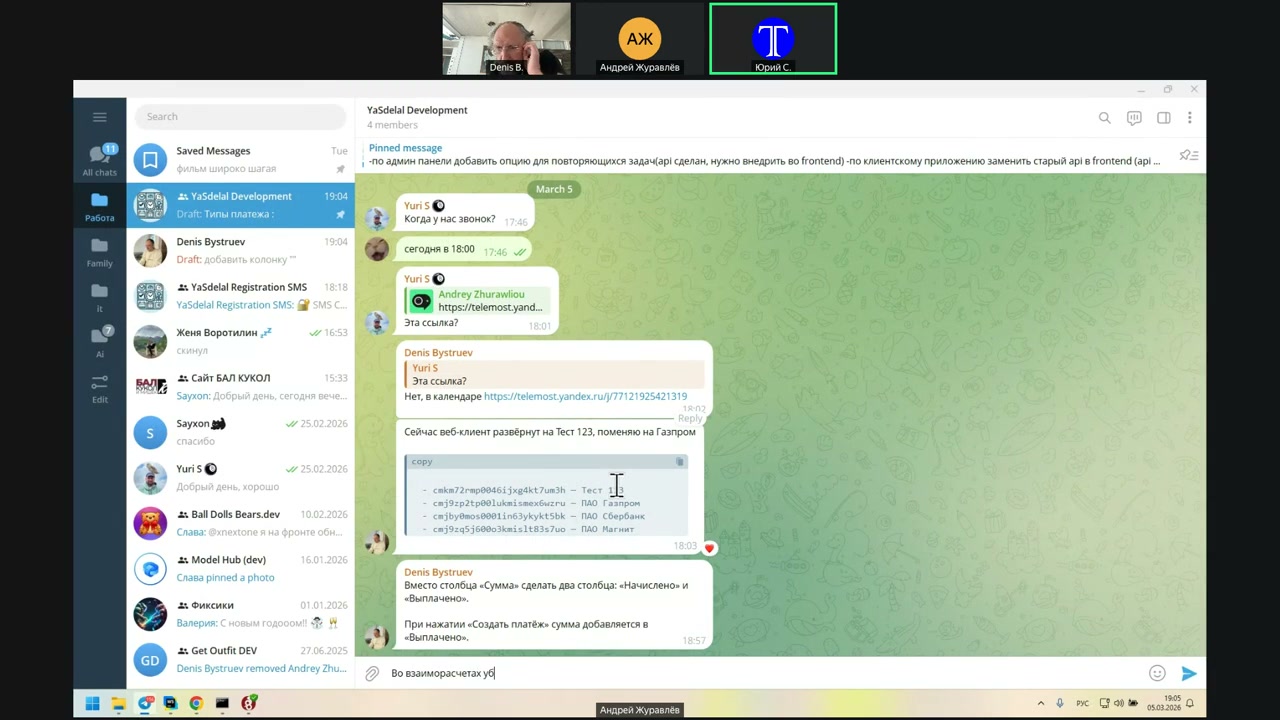
I got it.
Can you sort it, at least, by the way, if it exists?
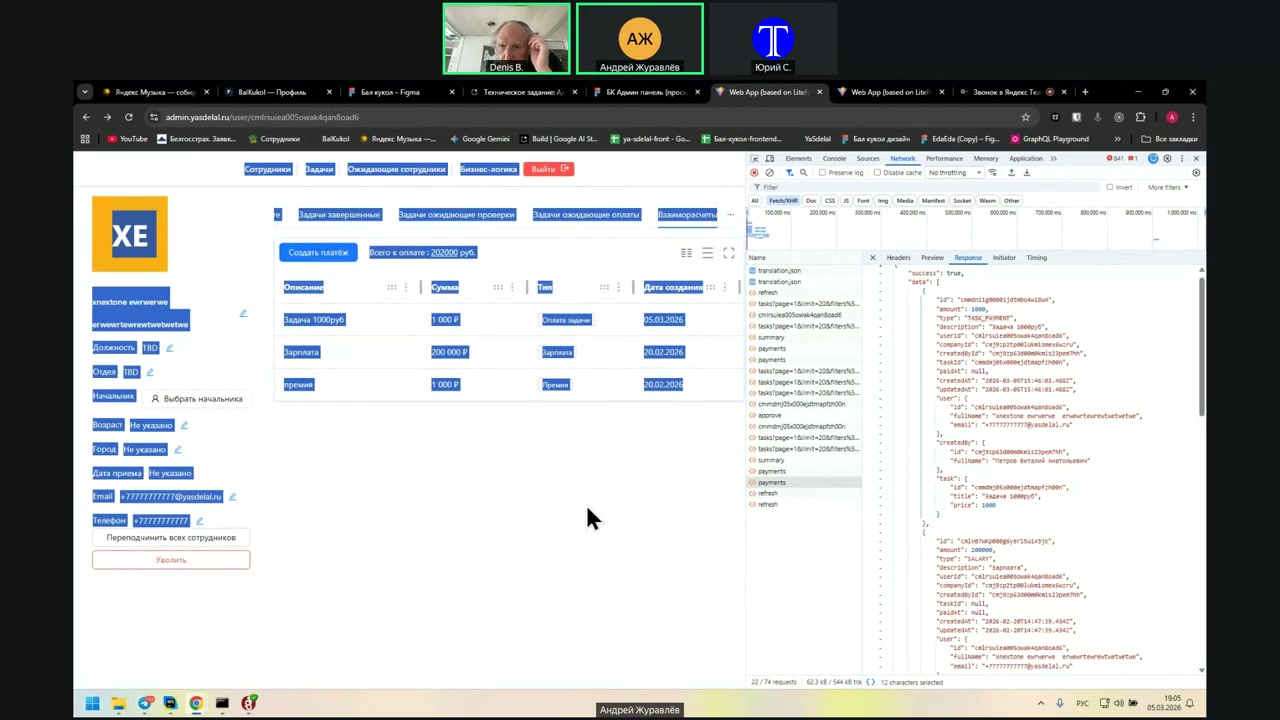
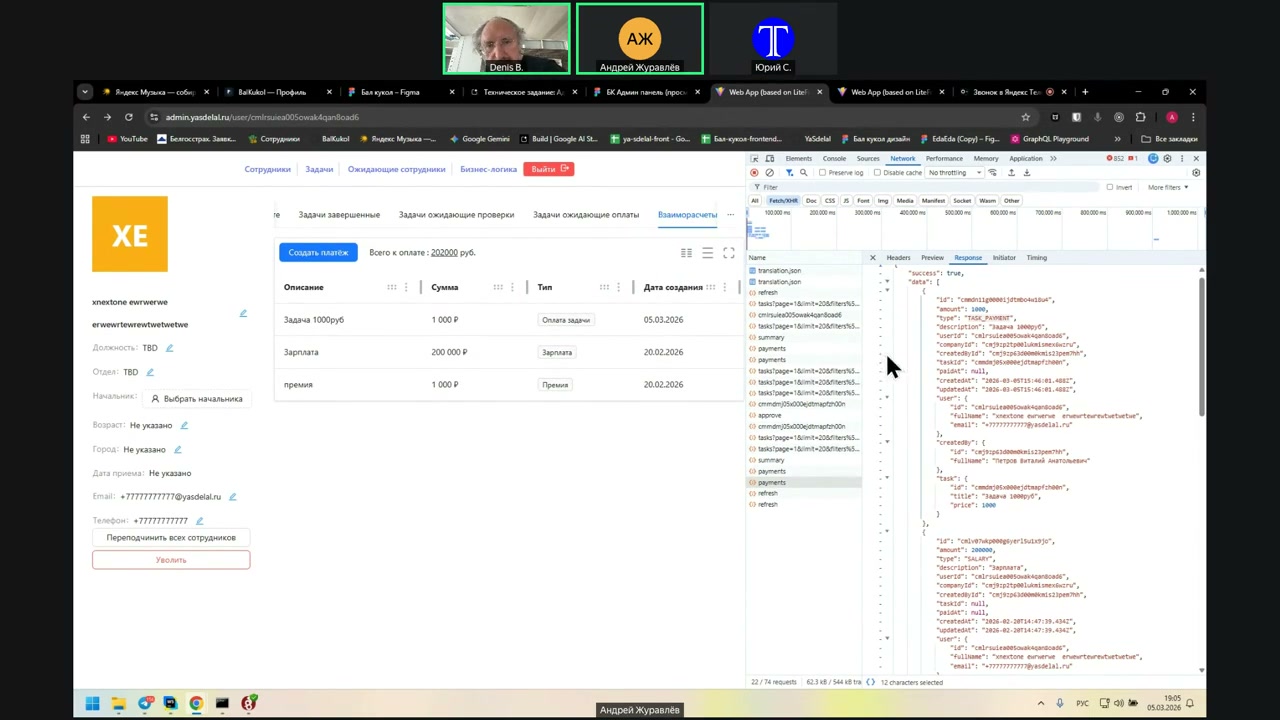
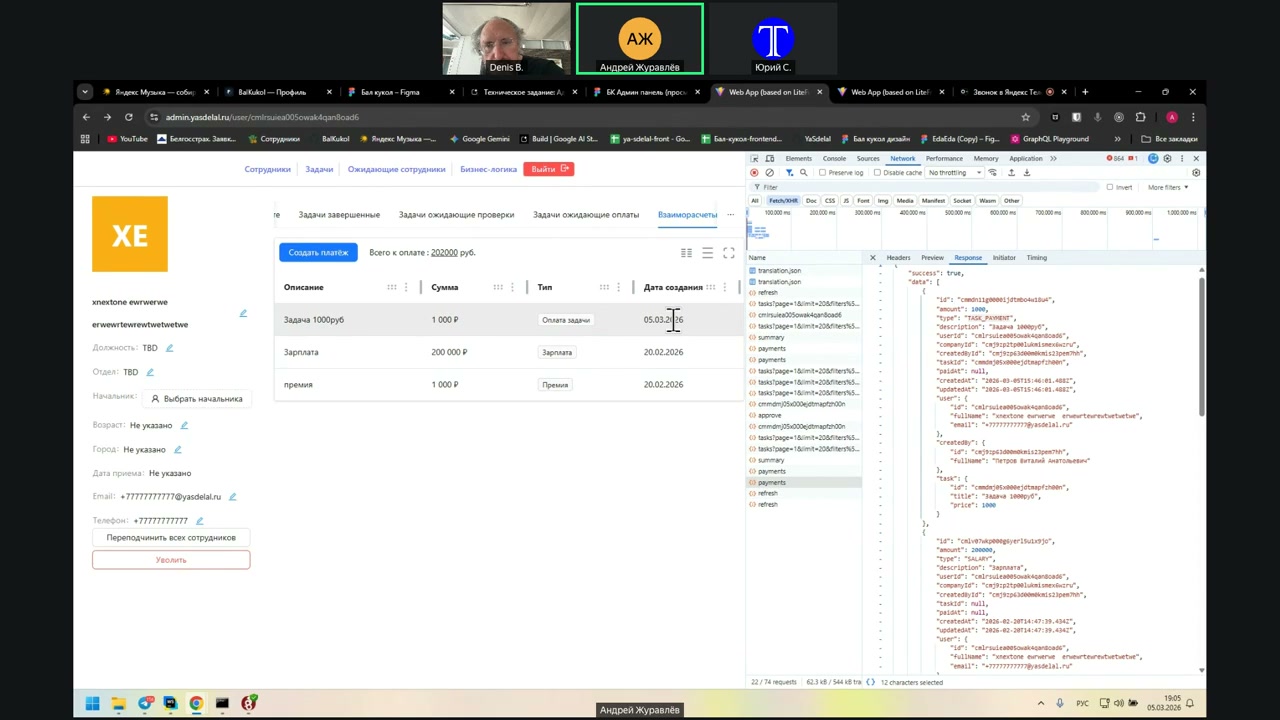
In the sense of filtering? Sorting, filtering, yes.
Speaker 1: No, there are no sorting filters here.
Speaker 2: Oh, wait, that’s what you’ve got there. But when you click on the type—
Speaker 1: No, no, no. Where is the type? Hide?
I deliberately turned off the sorting filters because they are not in the API. I have nothing to do with it.
“Six, six… what are they doing? Six spots. This…”
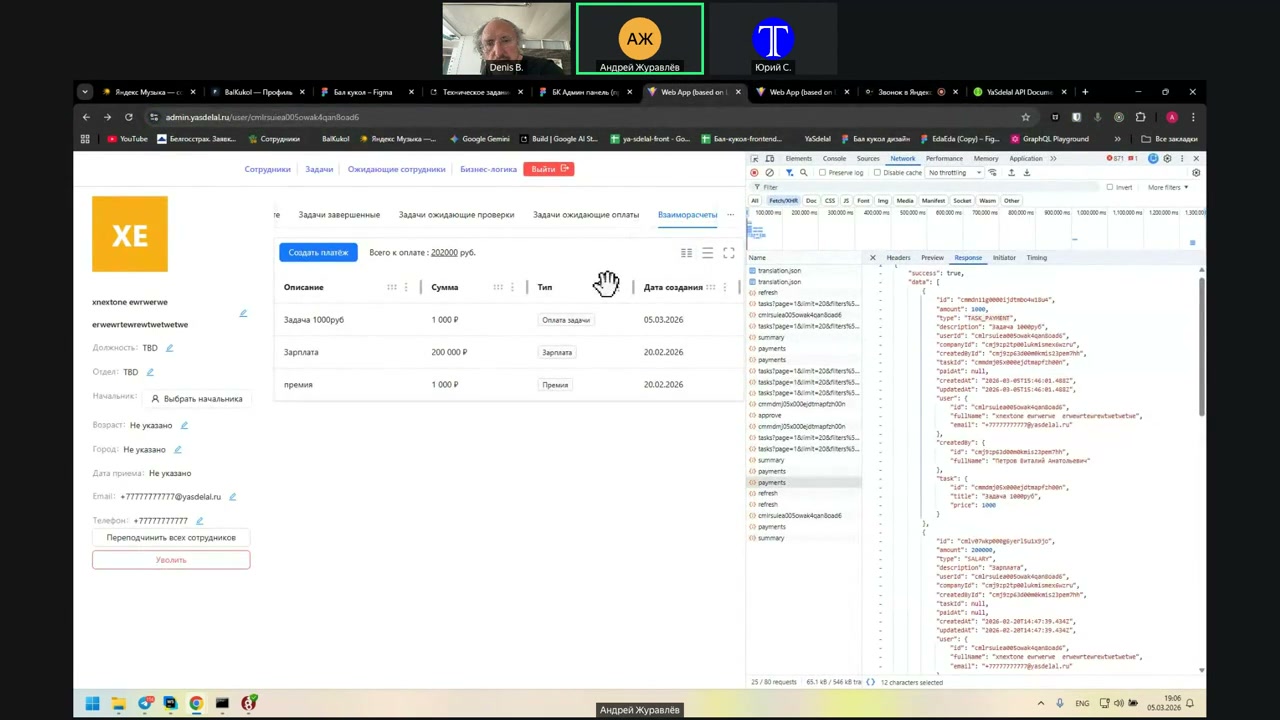
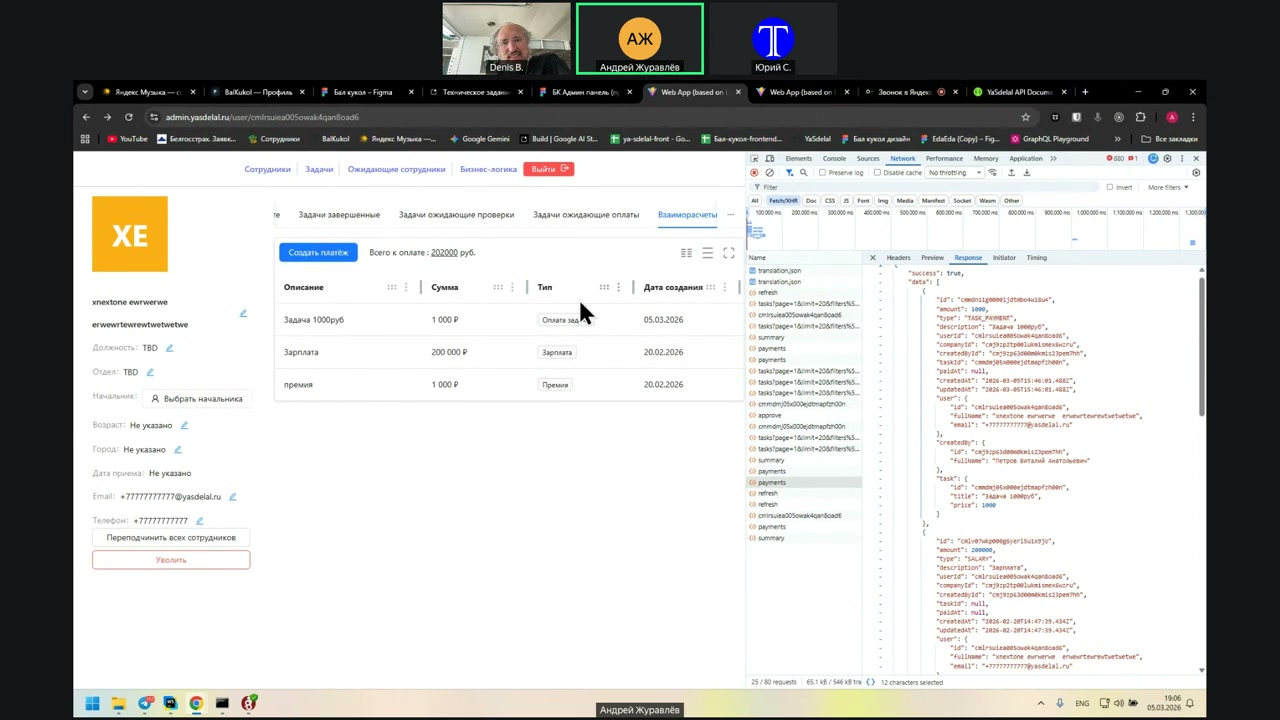
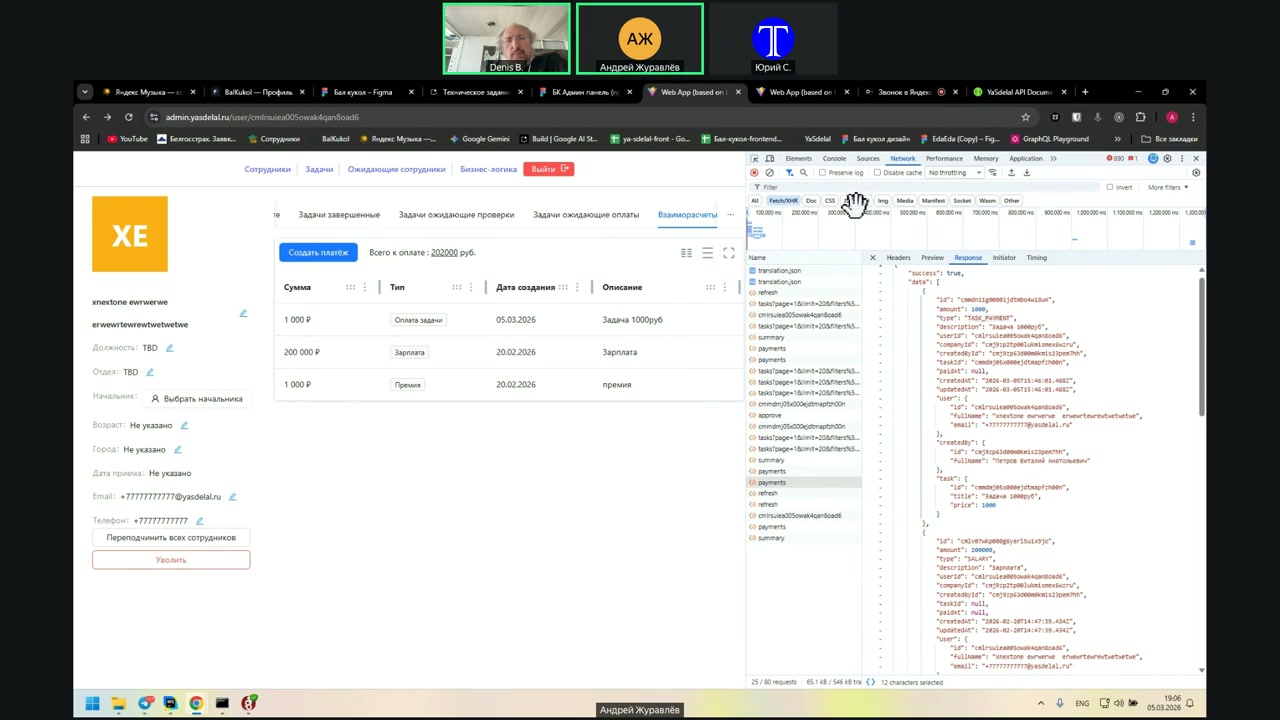
It’s a configuration in my table. 6 is for dragging, but it’s not working.
Ah, I see. It’s working.
Well, the state is saved locally only during the topology page. I mean, if I drag the description now, I don’t save the configuration in the database.
And when a person updates it, the description will be at the beginning.
Yes, and in fact, about the type...
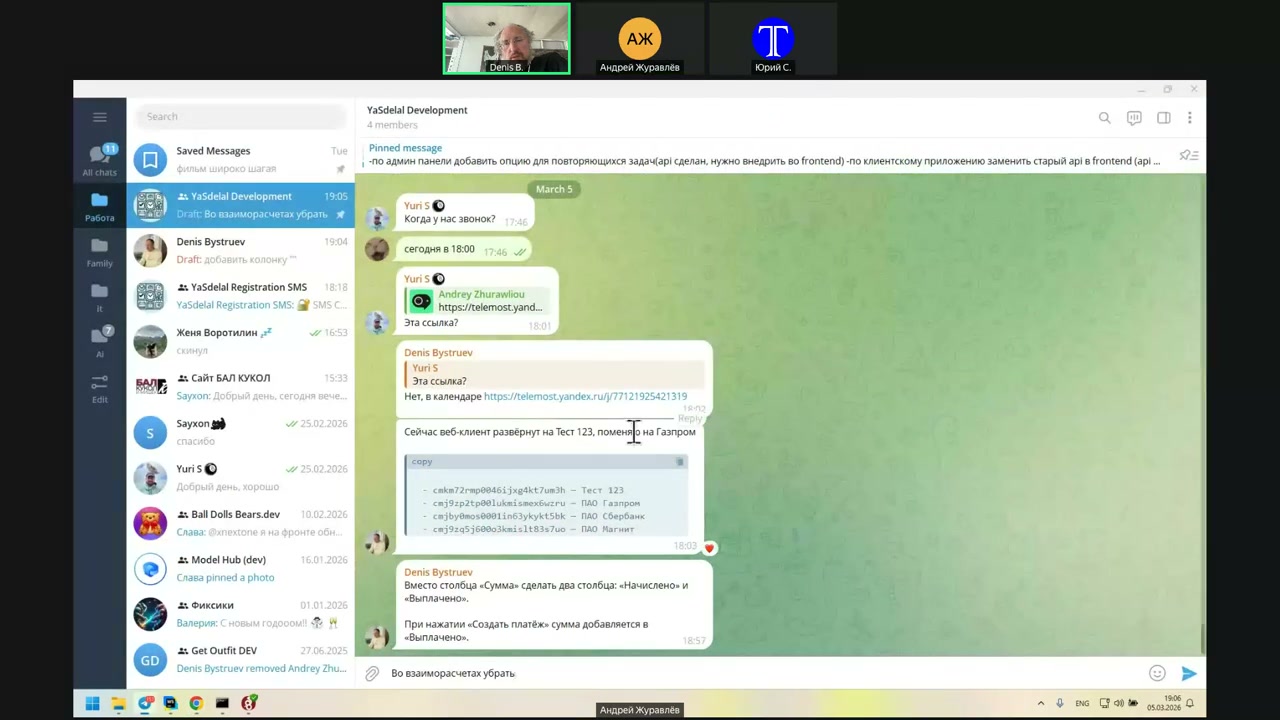
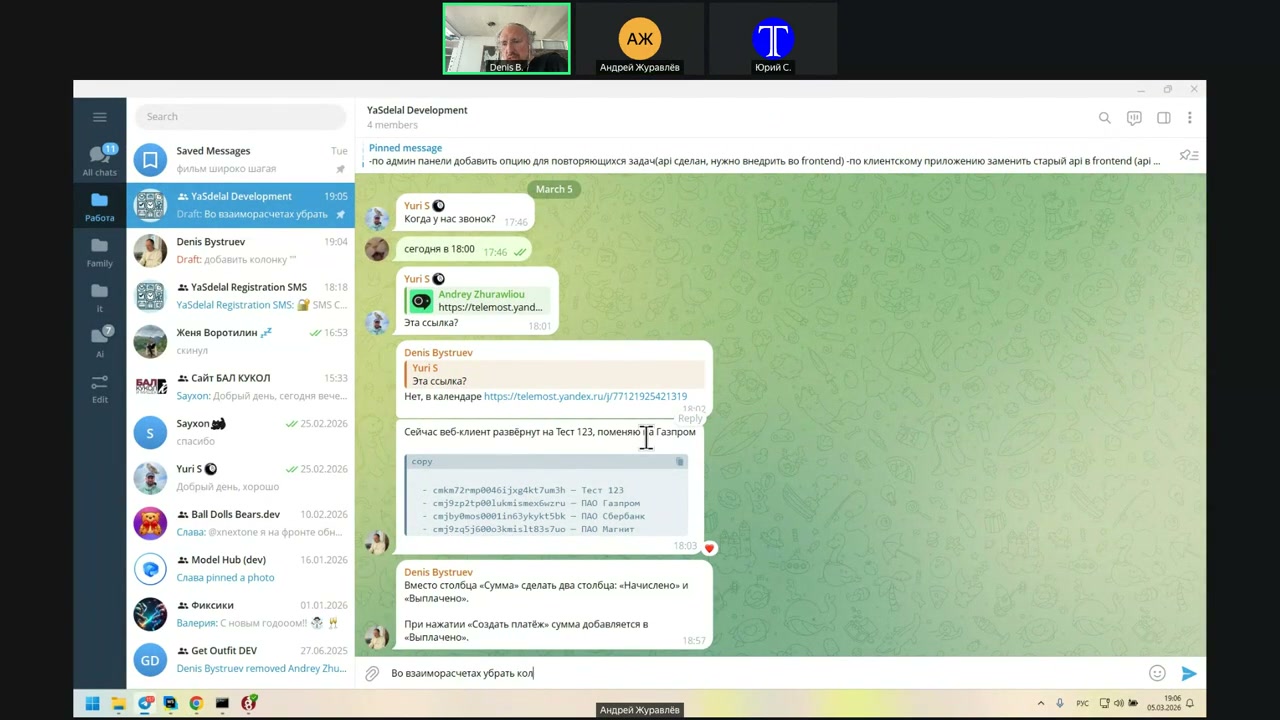
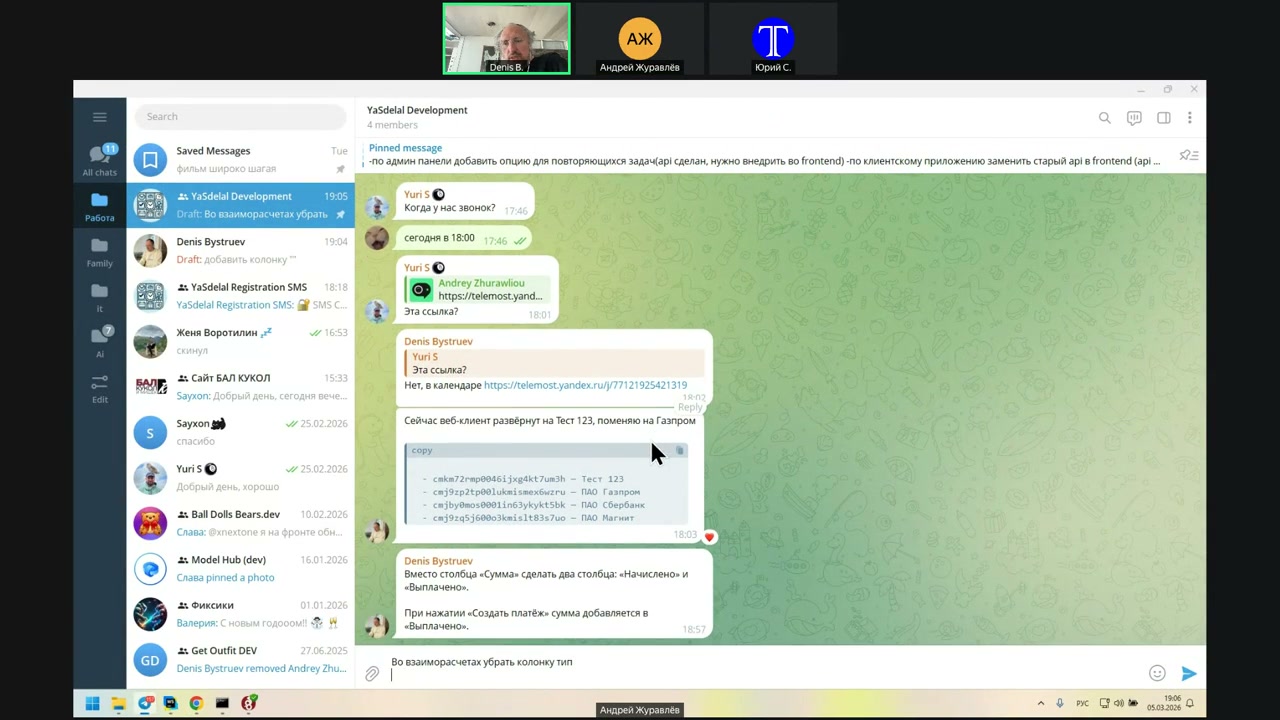
Do we need a type?
Before, we needed a type in order to understand: does this person need it?
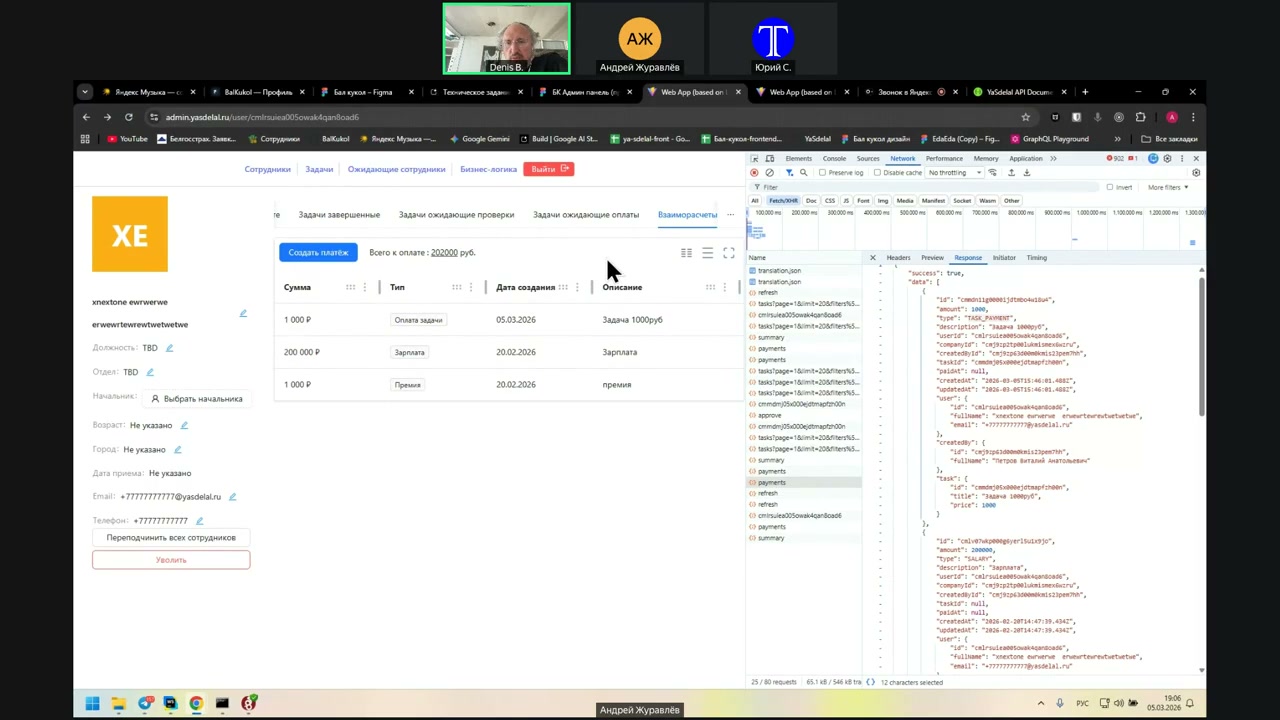
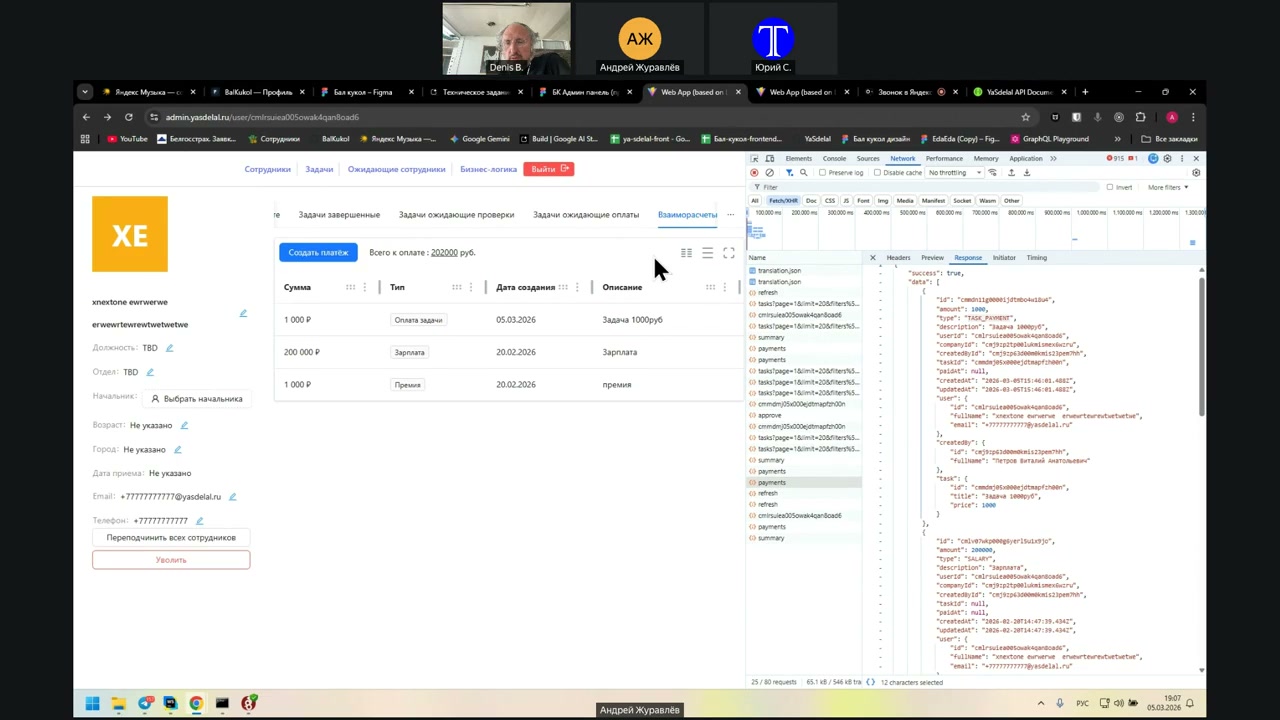
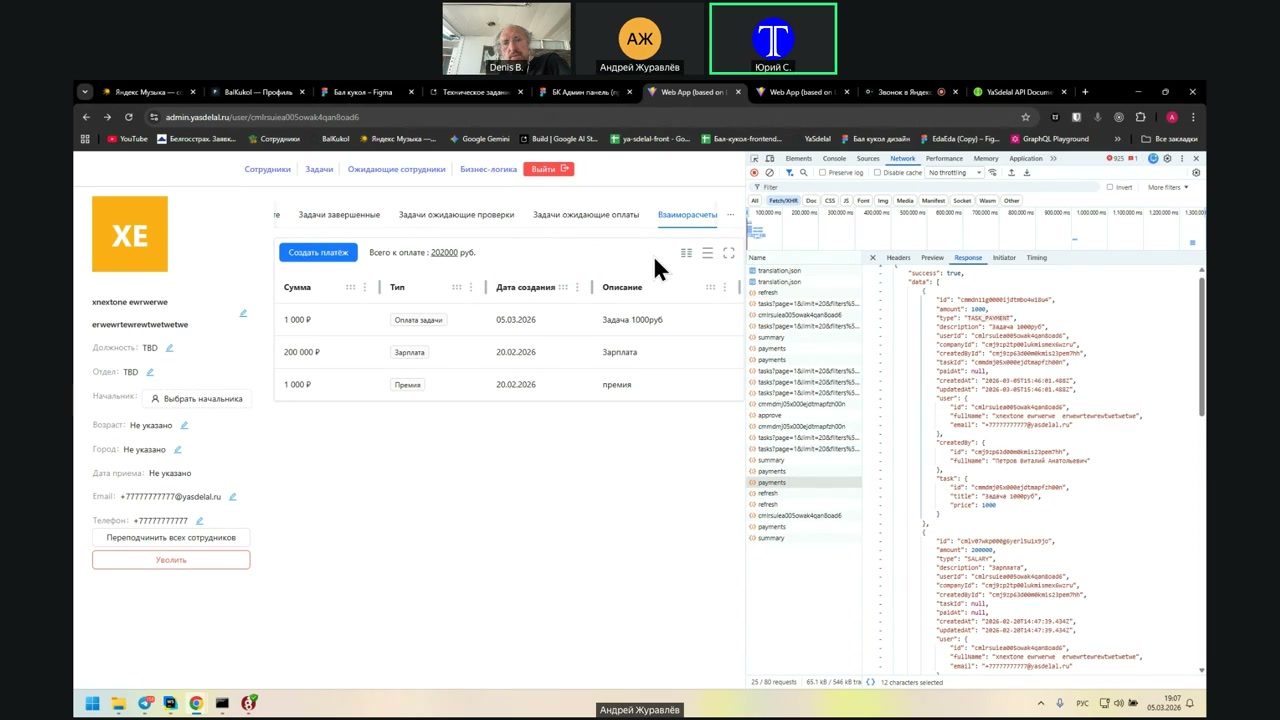
Or it is paid to him.
And now, if there are two different ones, that is, it will be paid for, it turns out that the type can then be removed.
Also, from here we cannot go to the task itself. Am I understanding correctly?
Yes. Not very convenient.
Where, for example, the task is 1000 rubles, it must be clickable, and you can click on it.
The manager got the job done.
I'll
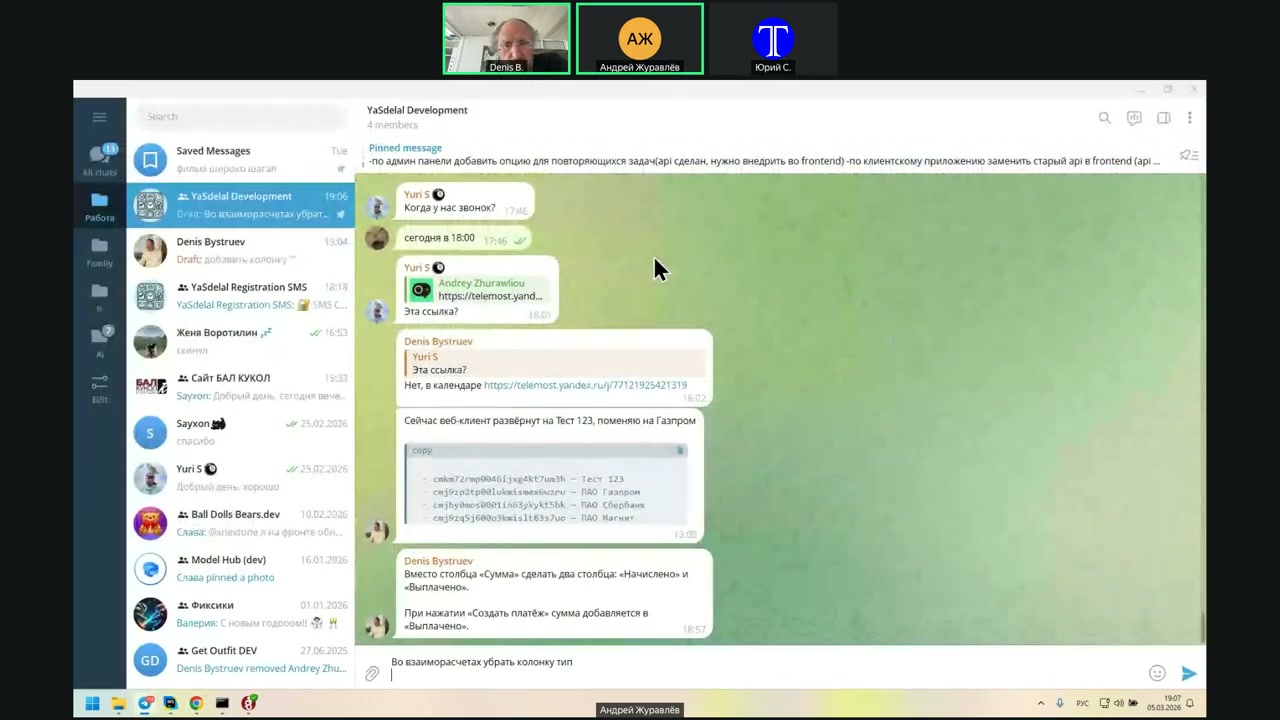
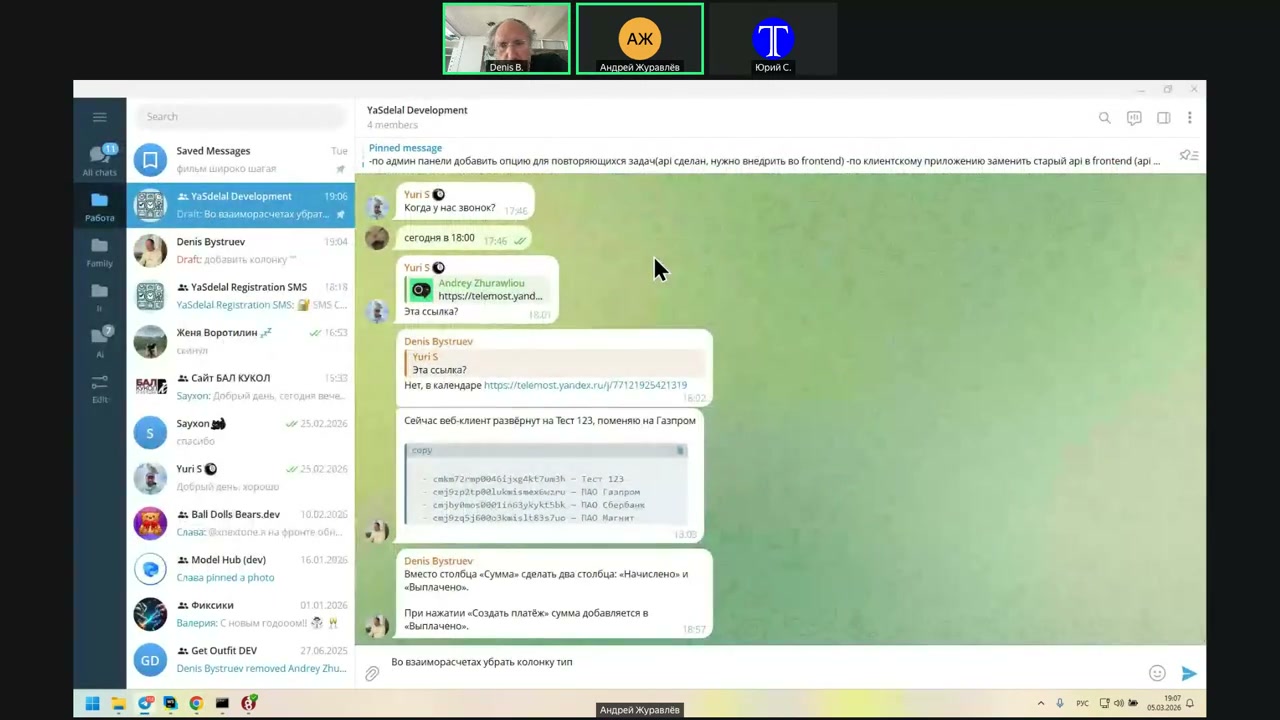
У нас там, да, скайпы...
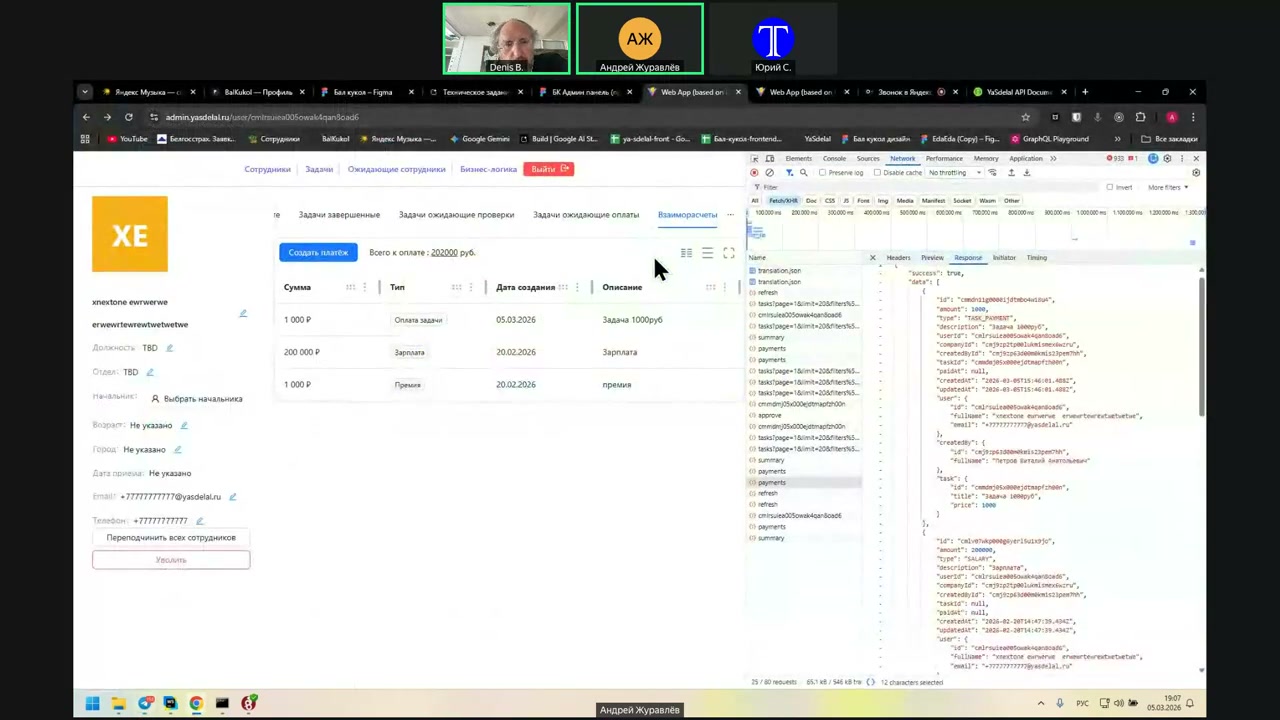
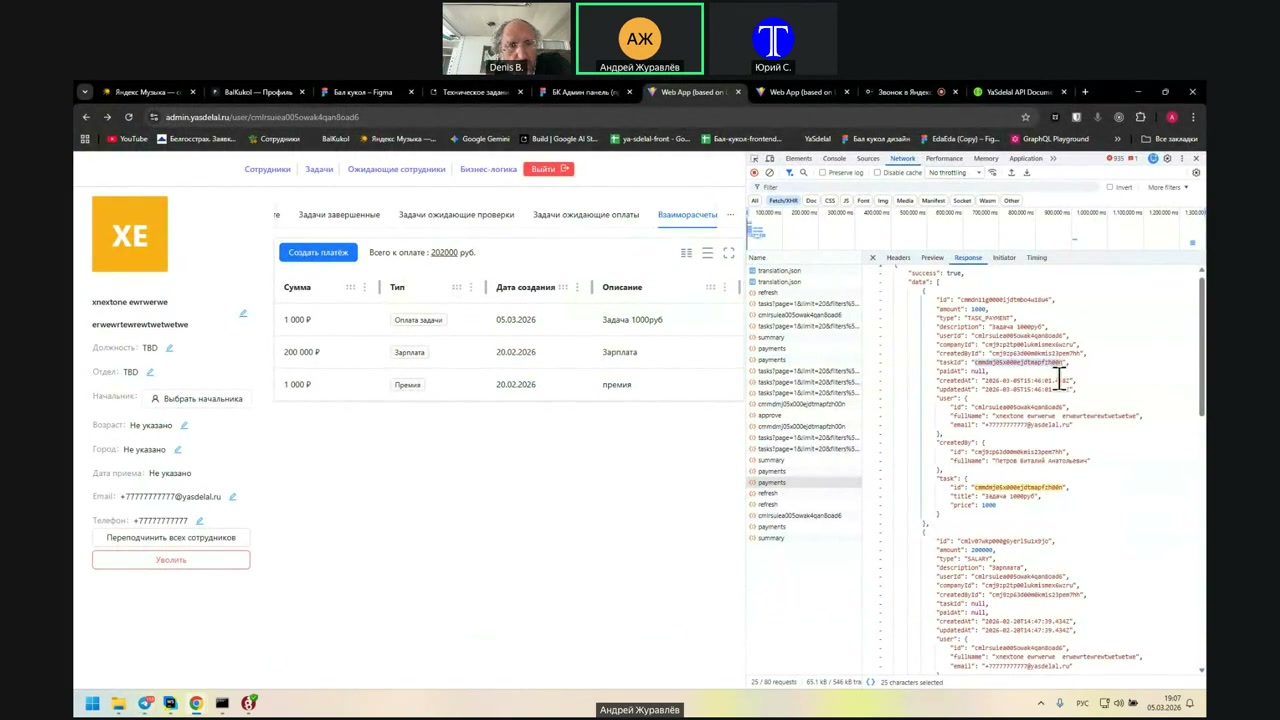
Yes, he is present.
And here he comes; everything is there.
That is, he can be null if...
You know
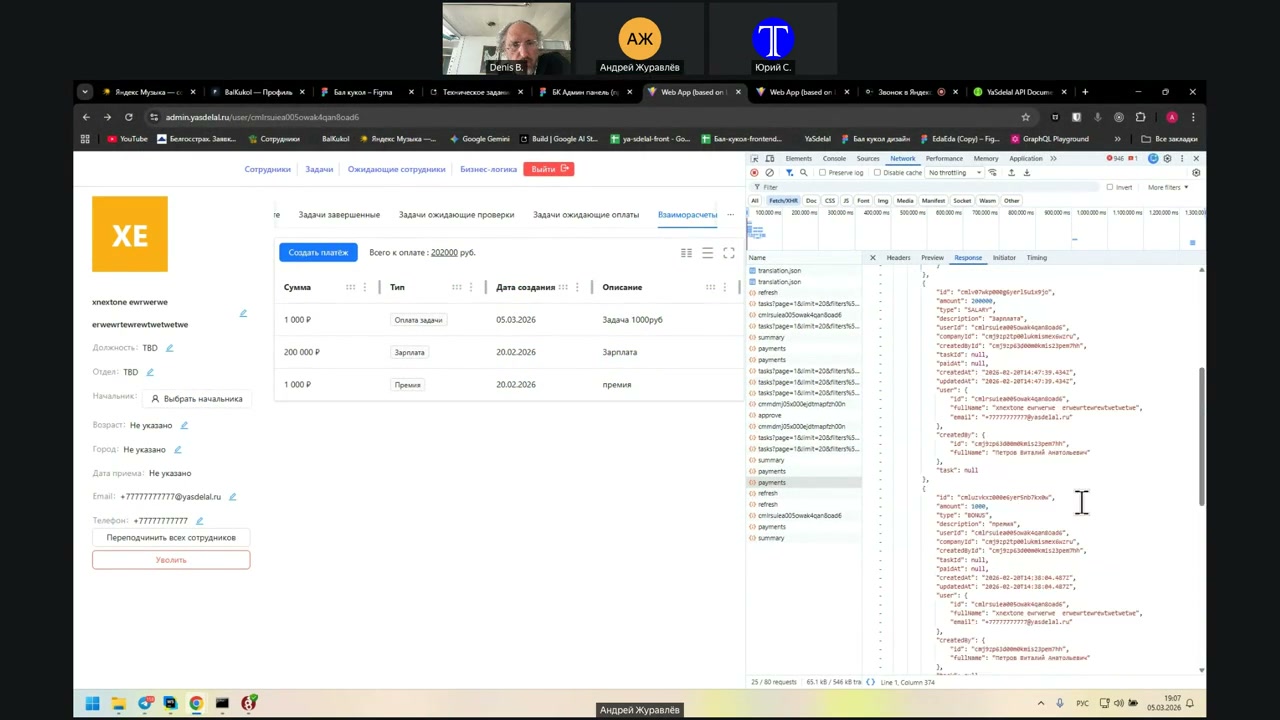
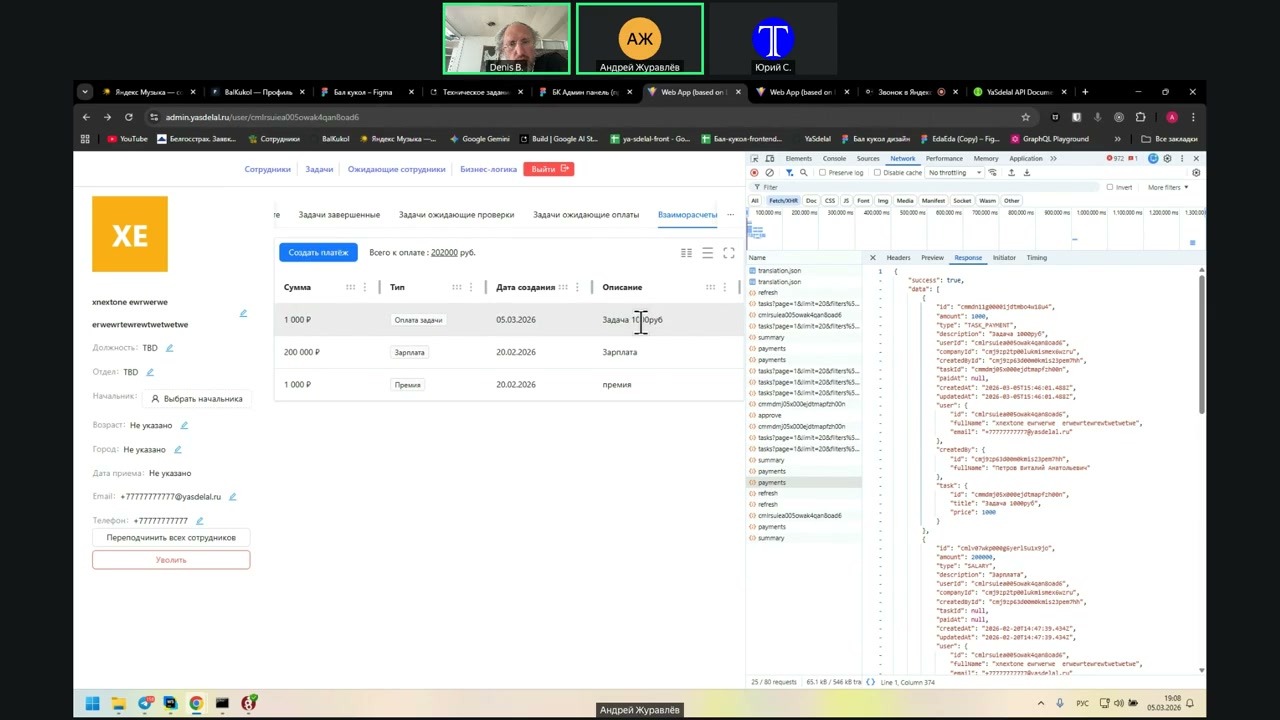
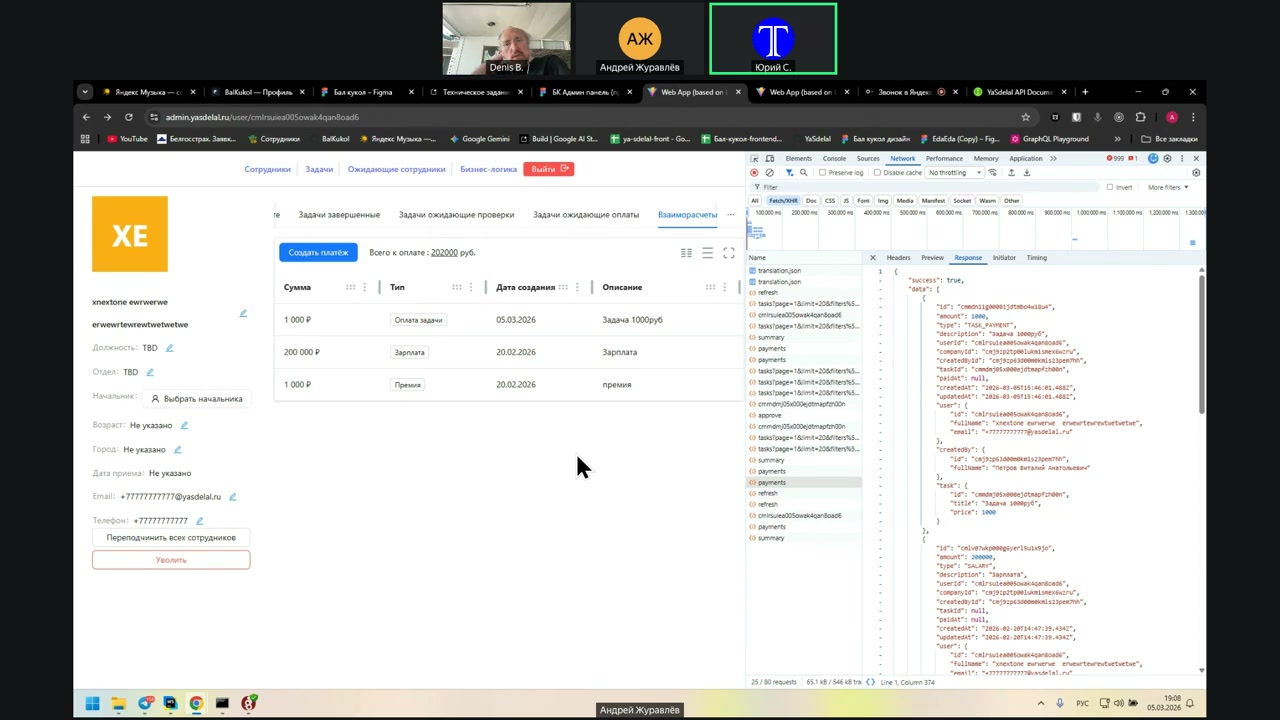
“It can’t be null.”
“Why?”
“No, I’m looking further. Well, if it’s a task, then we can go to the task. If we have a payment, then it’s not a task; it’s a payment.
So the question is: will we have payments that are not tied to tasks, like salary?”
“We all have payments that are not tied to tasks.”
“No, what do you mean, not tied? They are tied right now.”
“Well, because in this format, the task is 1,000 rubles. This company owes a man 1,000 rubles but did not pay. And when it creates a payment for 40,000, it will appear here in the column.”
“I asked incorrectly: will we have payments that are not tied to tasks?”
“We all have payments that are not tied to tasks.”
“No, no, no. We have payments that are not tied to tasks, and payments that are tied to tasks. That is, we have a task of 1,000 rubles.”
“No, there will be no payments that are not tied to tasks. Where will they come from?”
“Yes, it turns out, not from anywhere.”
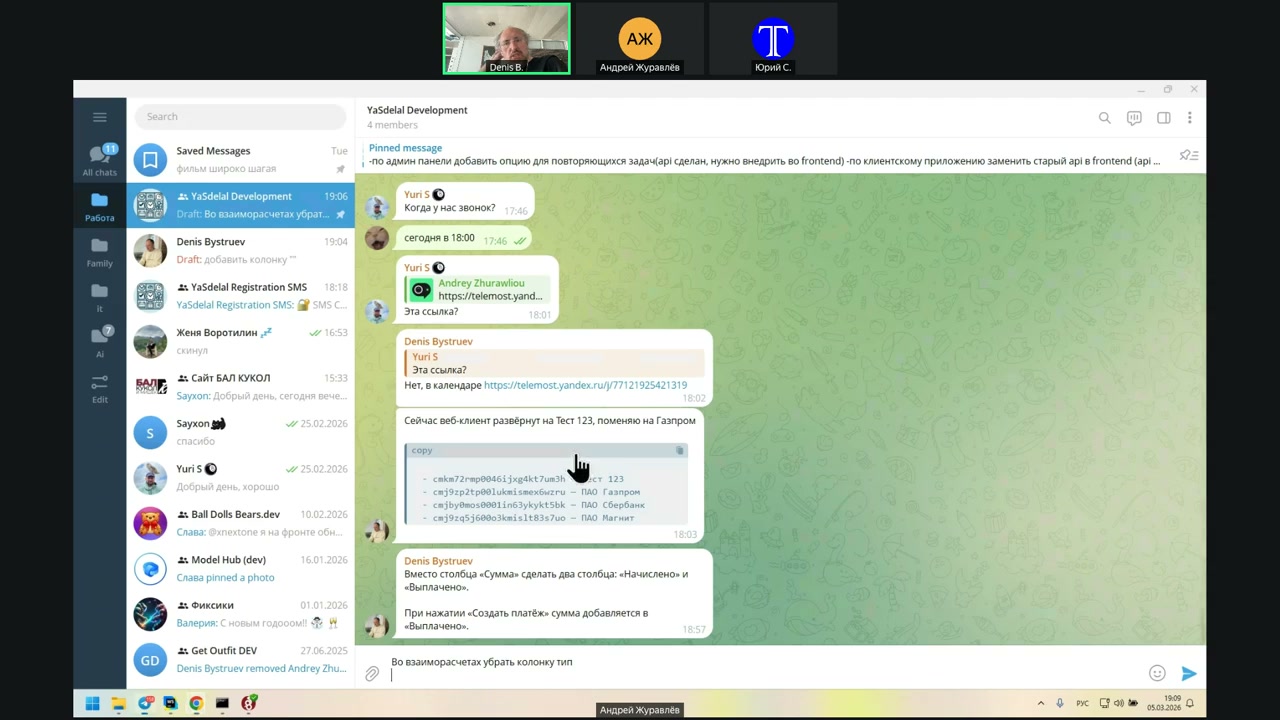
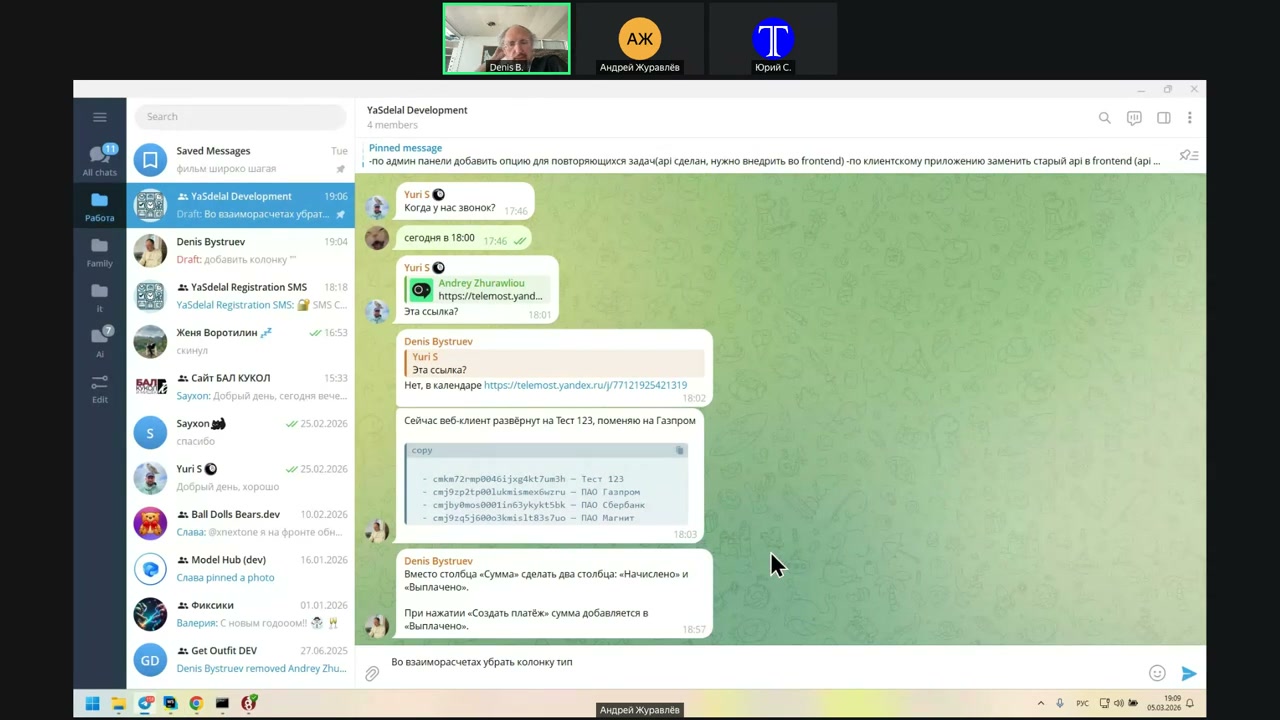
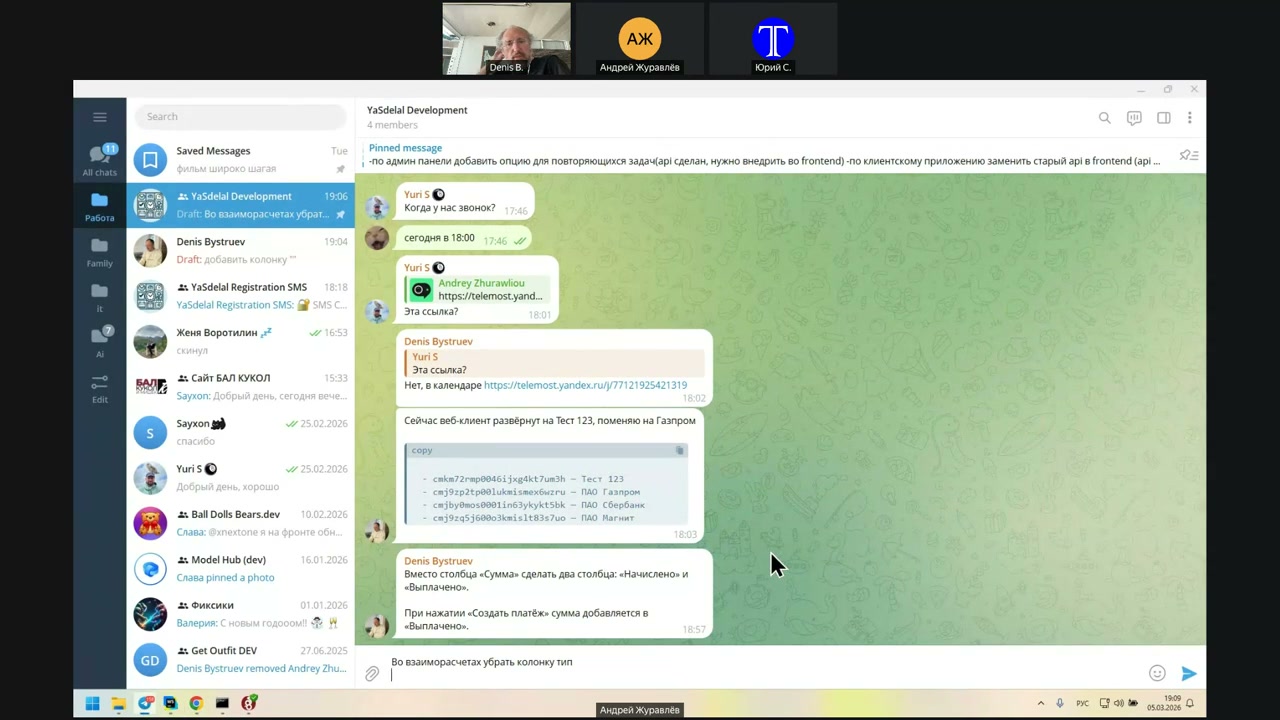
Yes, that is, we have all the calculations tied to the task, and the payments are common.
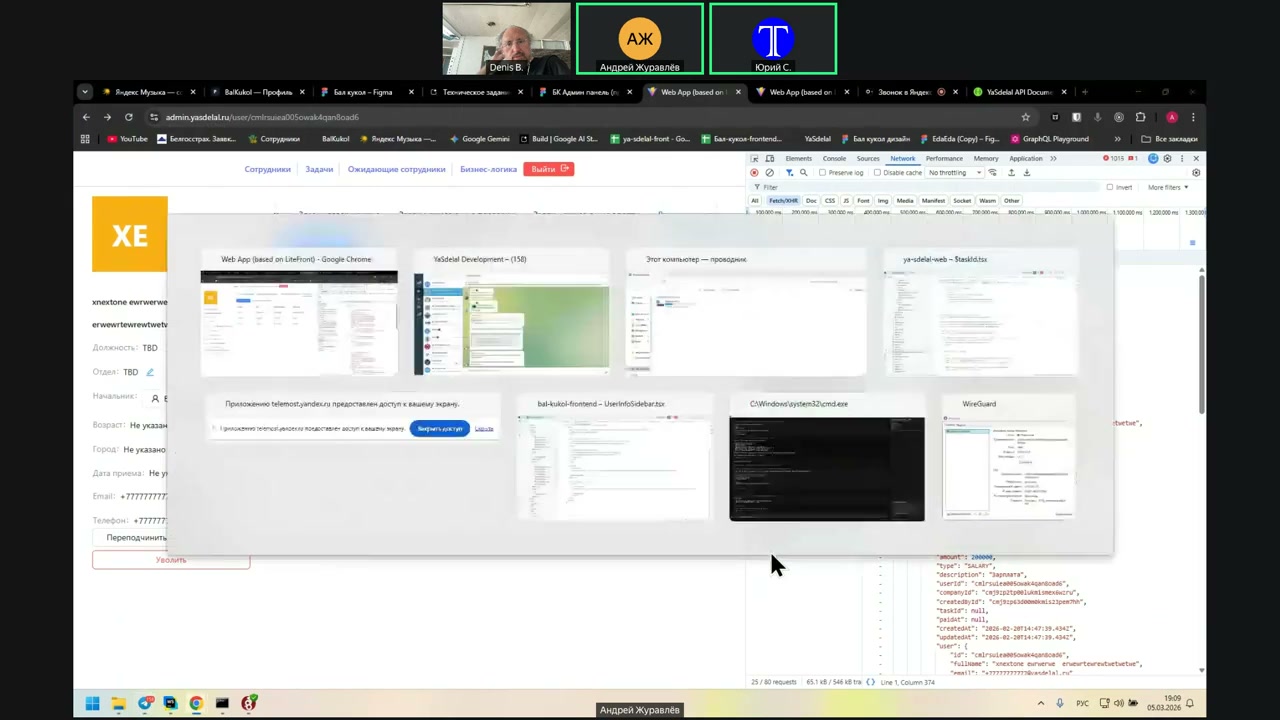
the
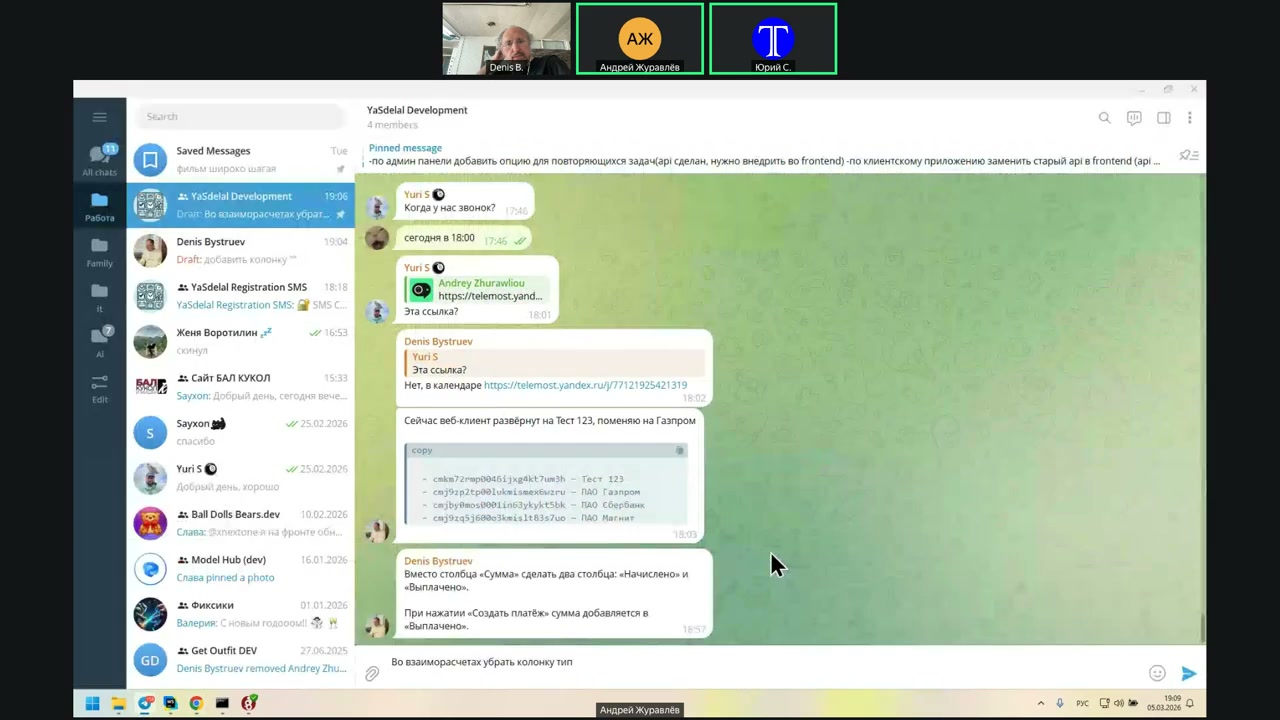
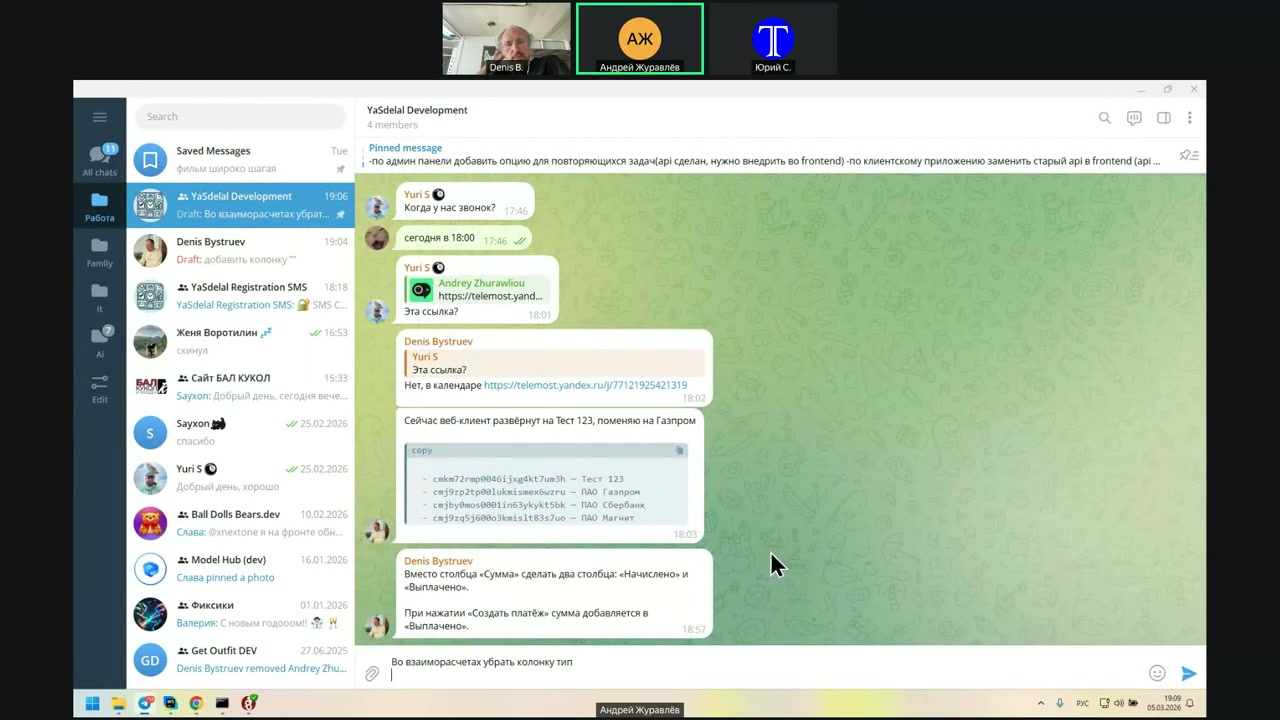
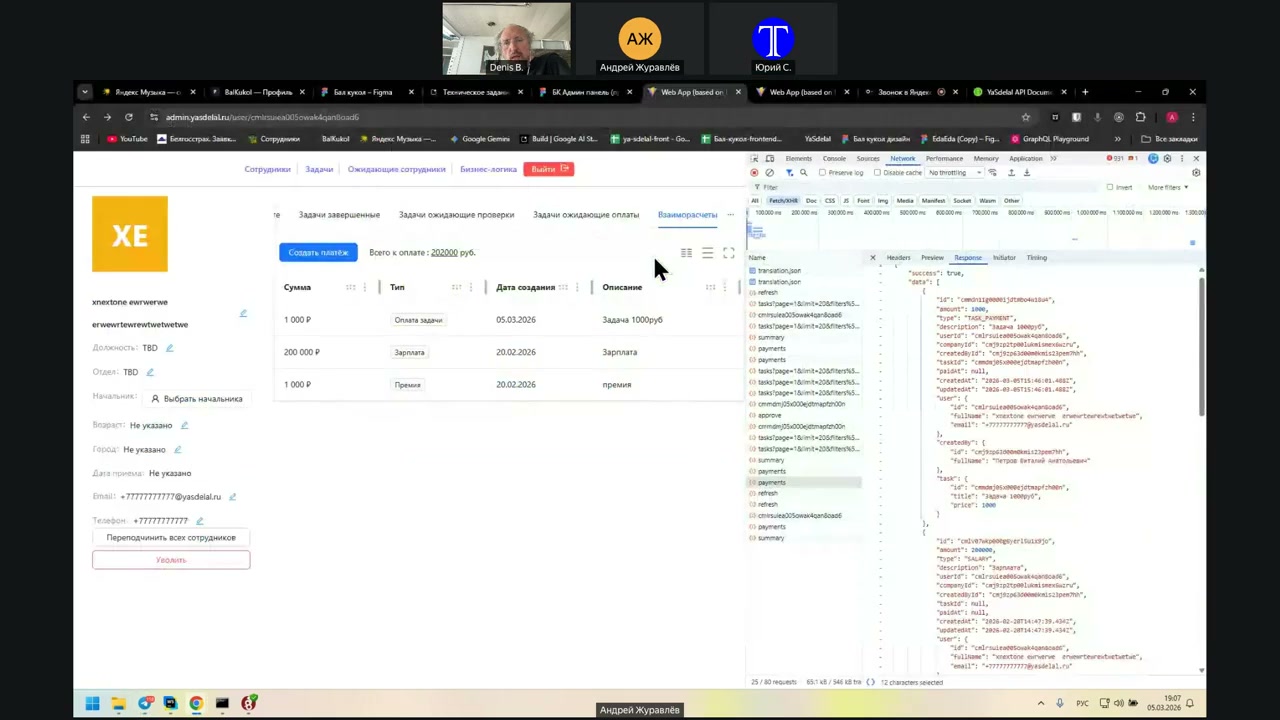
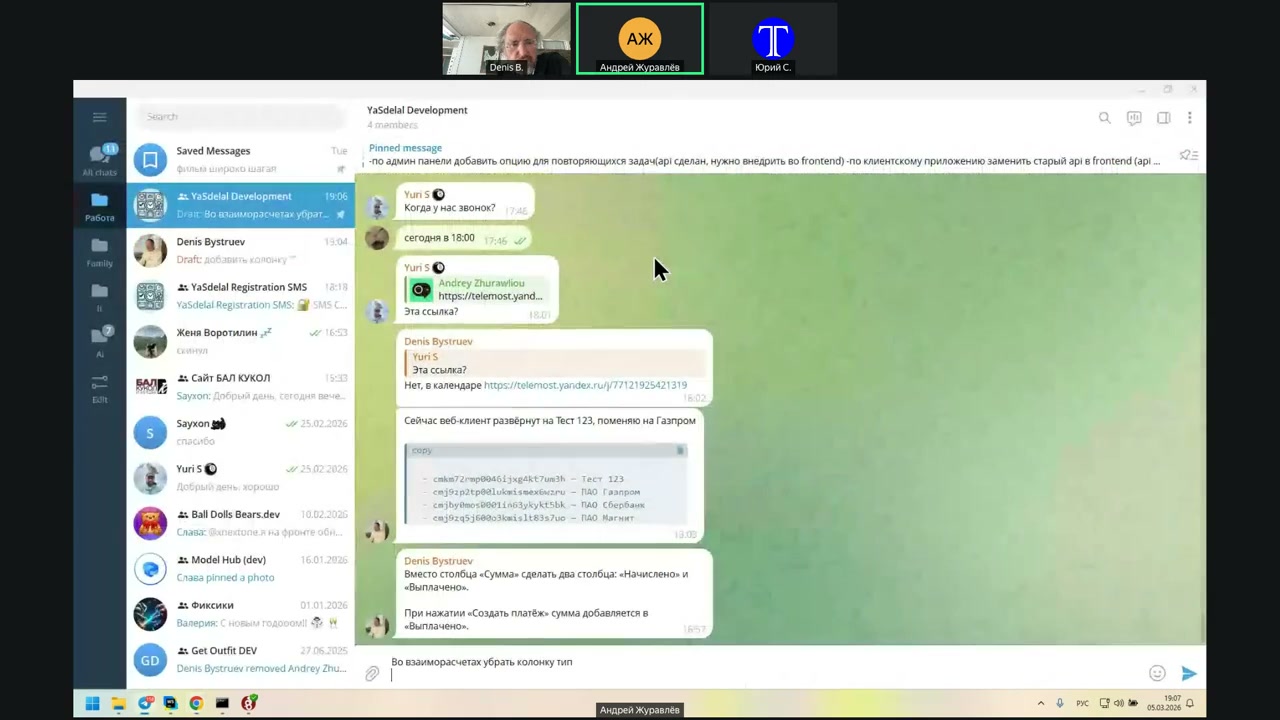
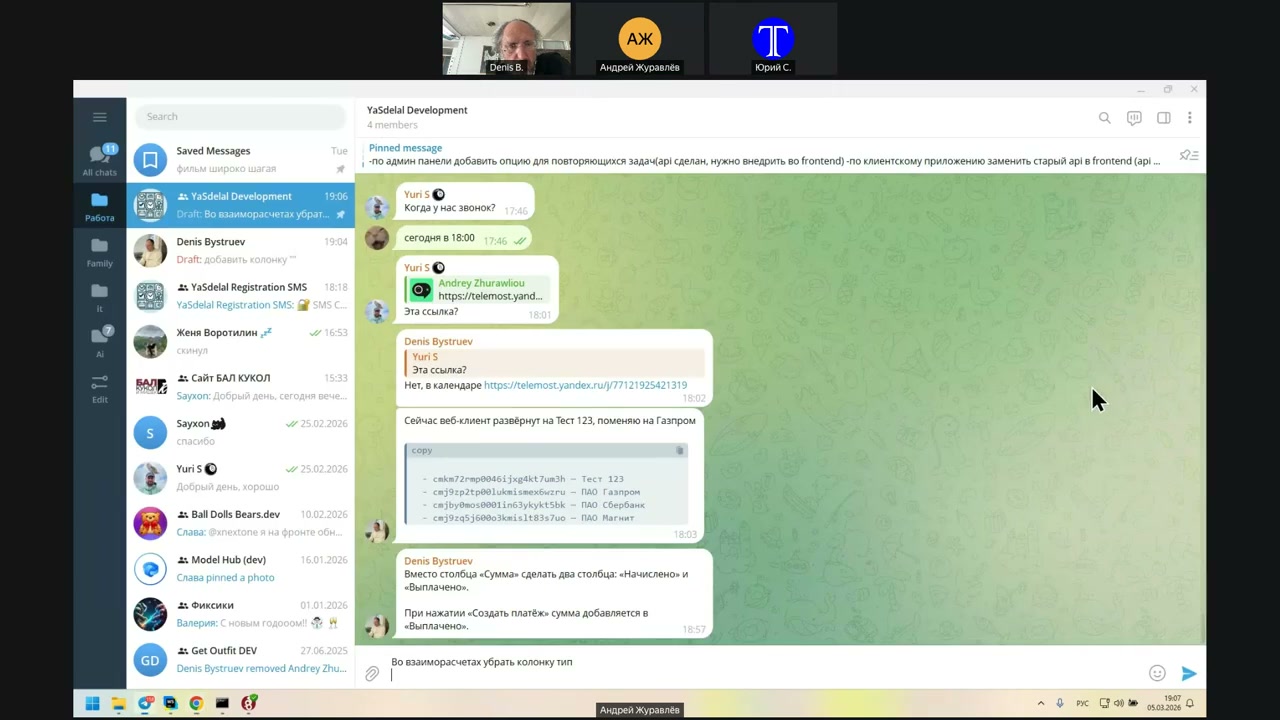
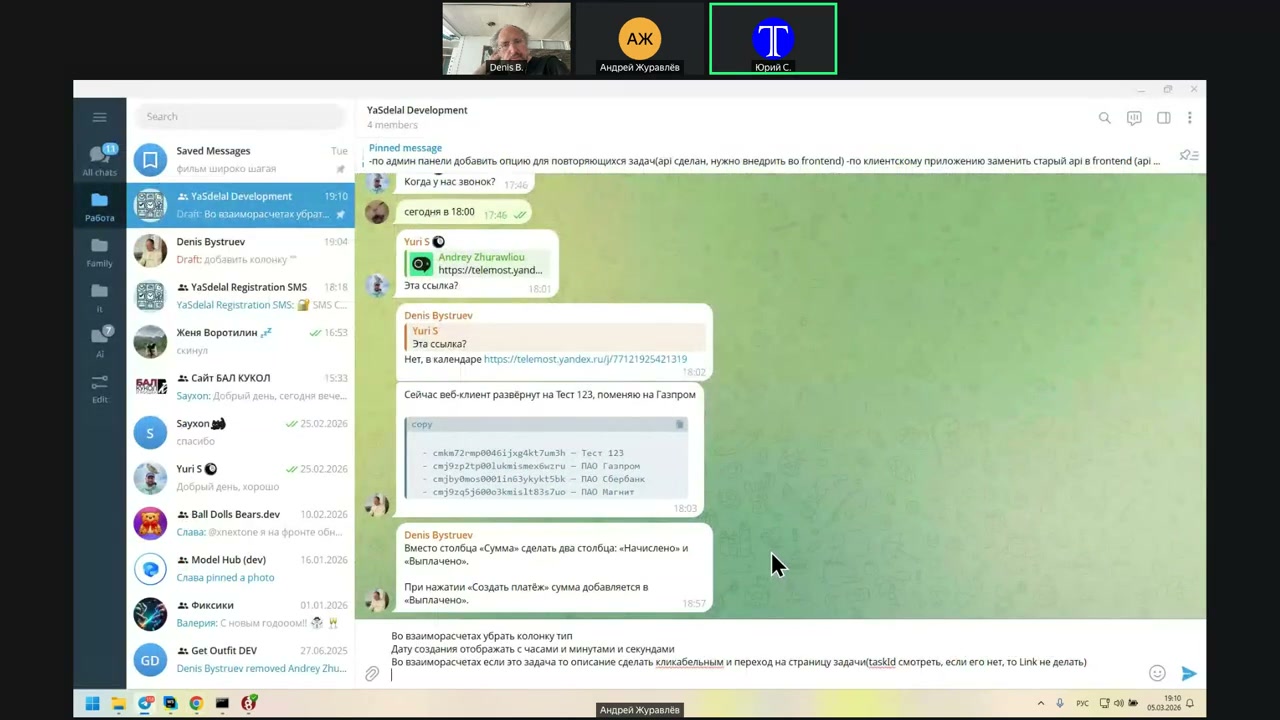
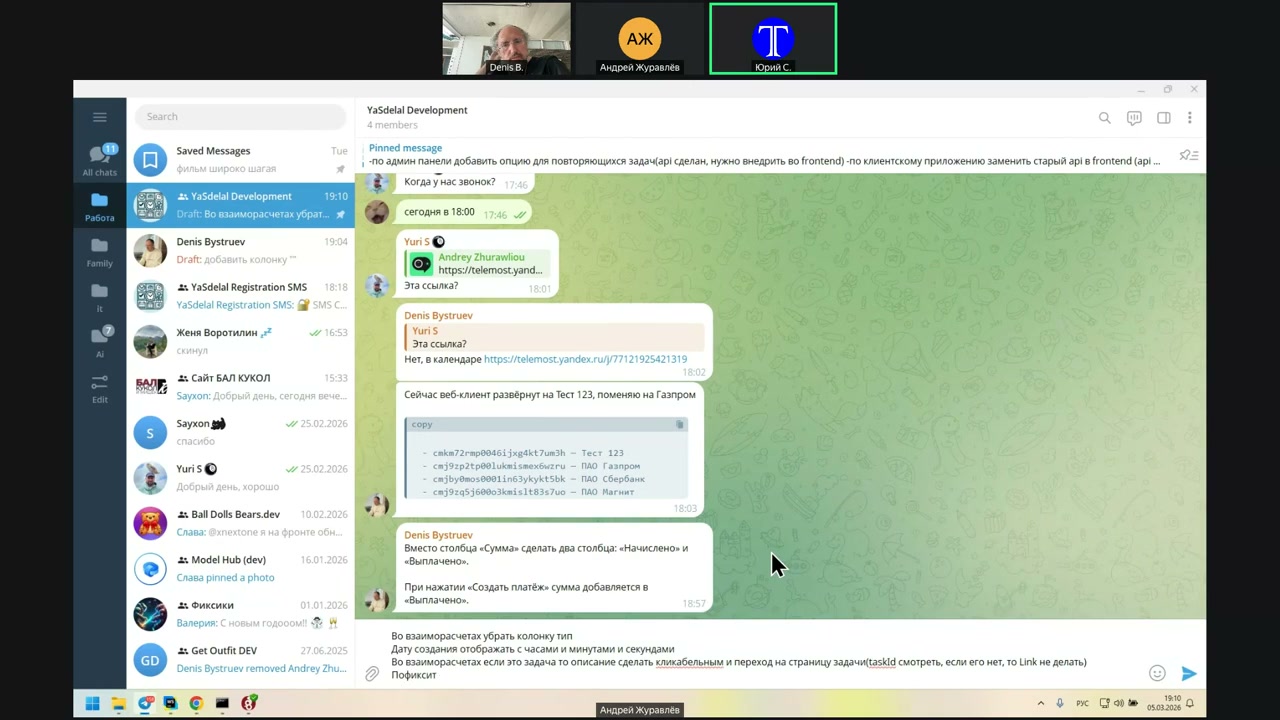
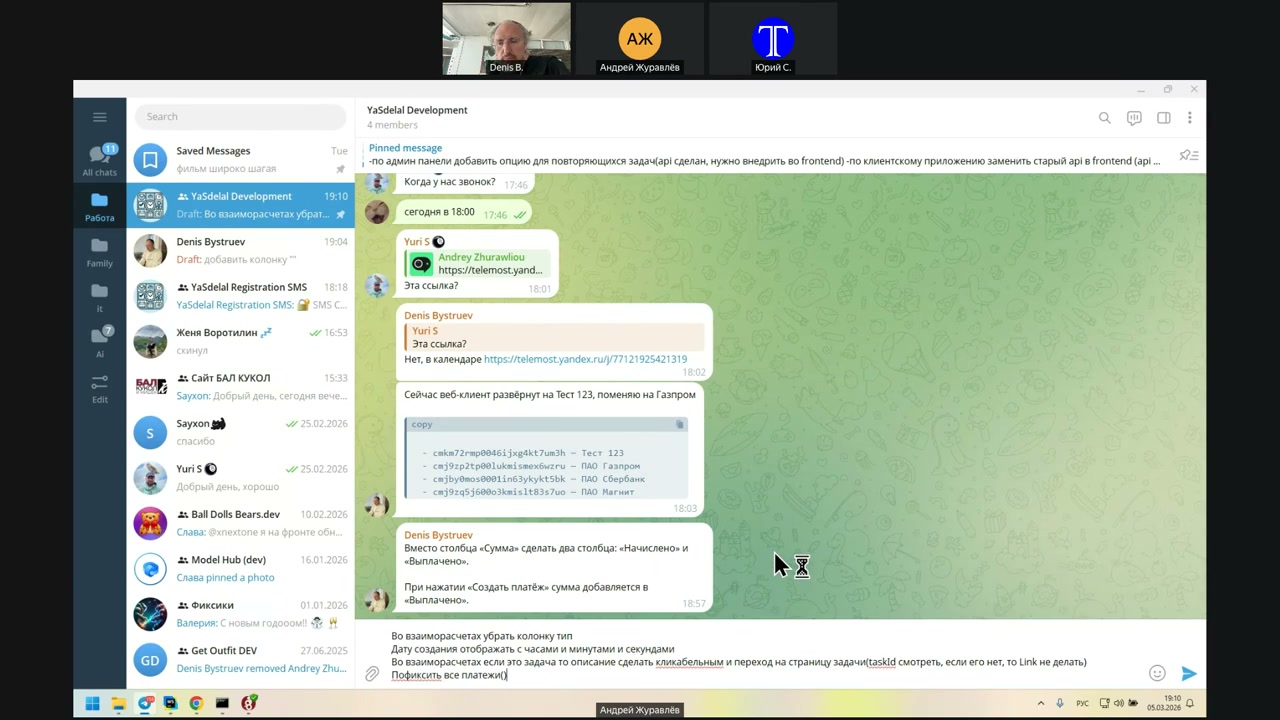
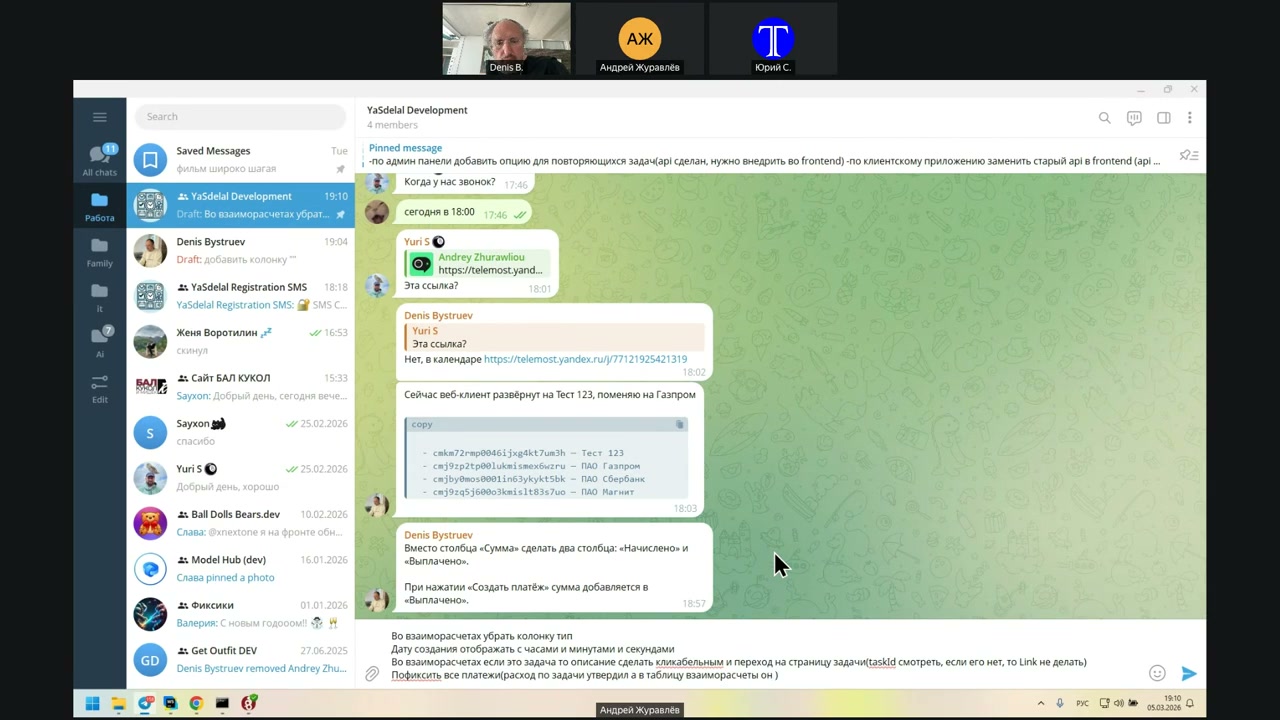
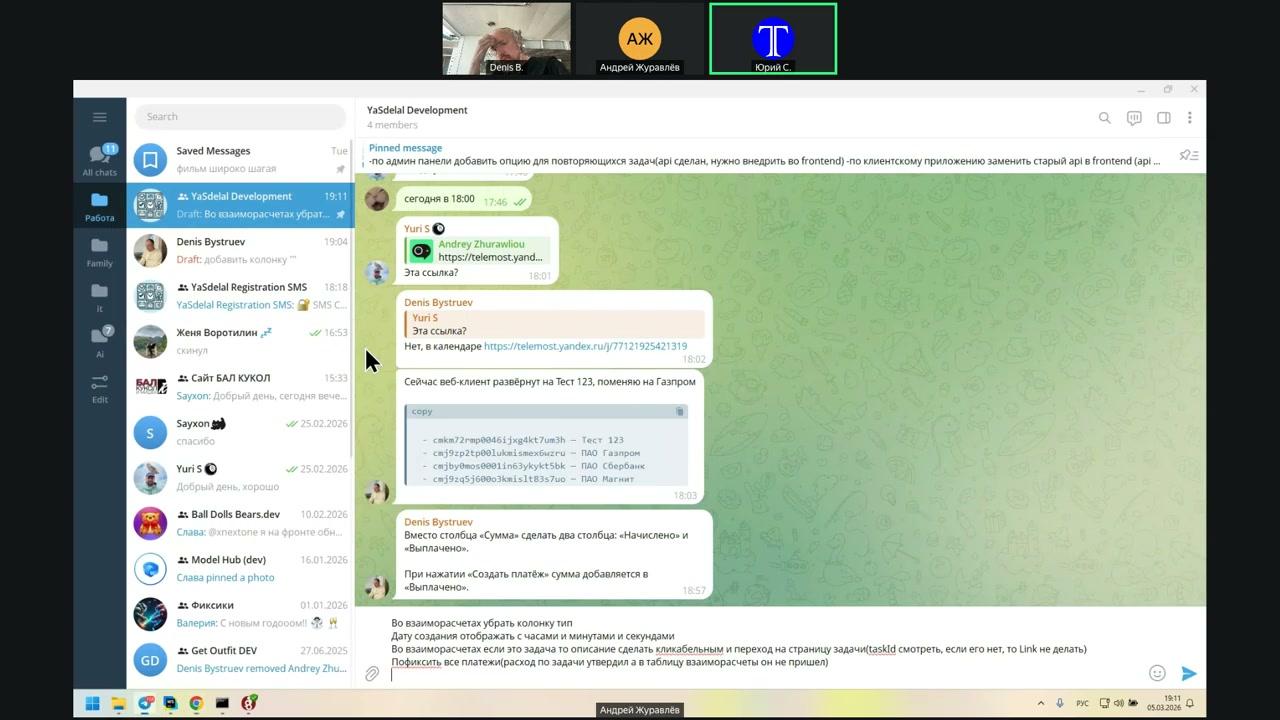
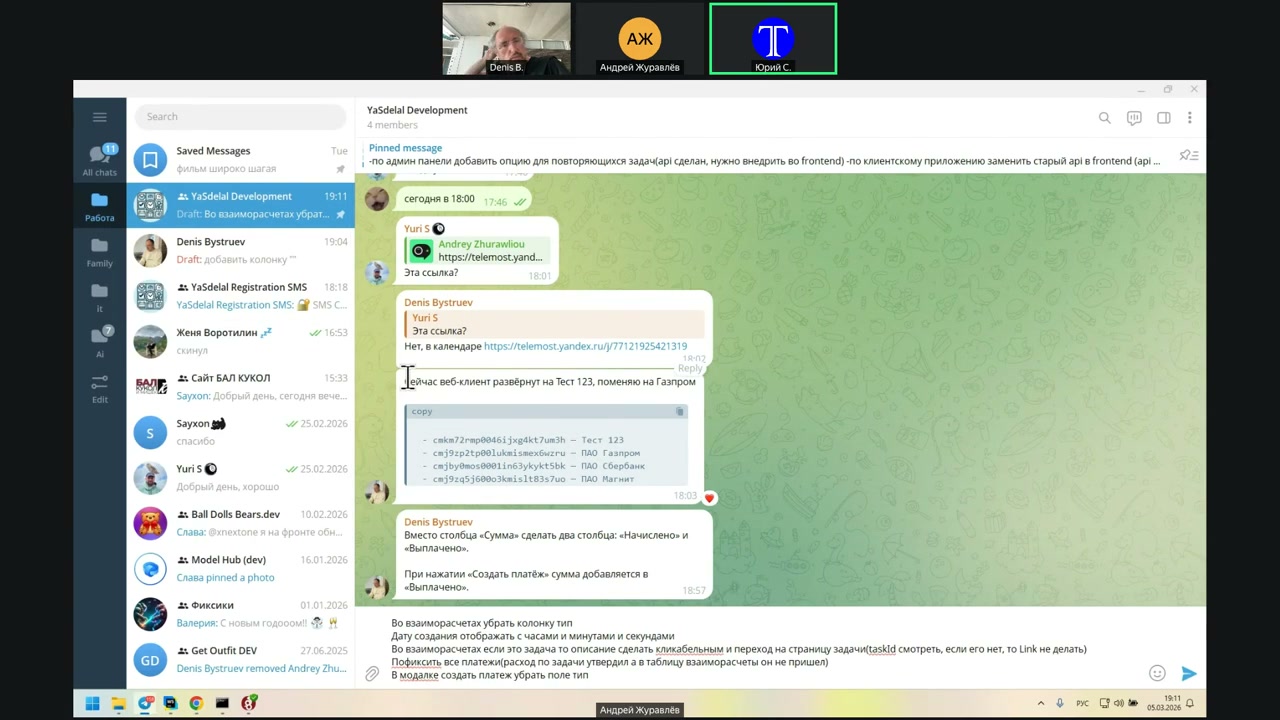
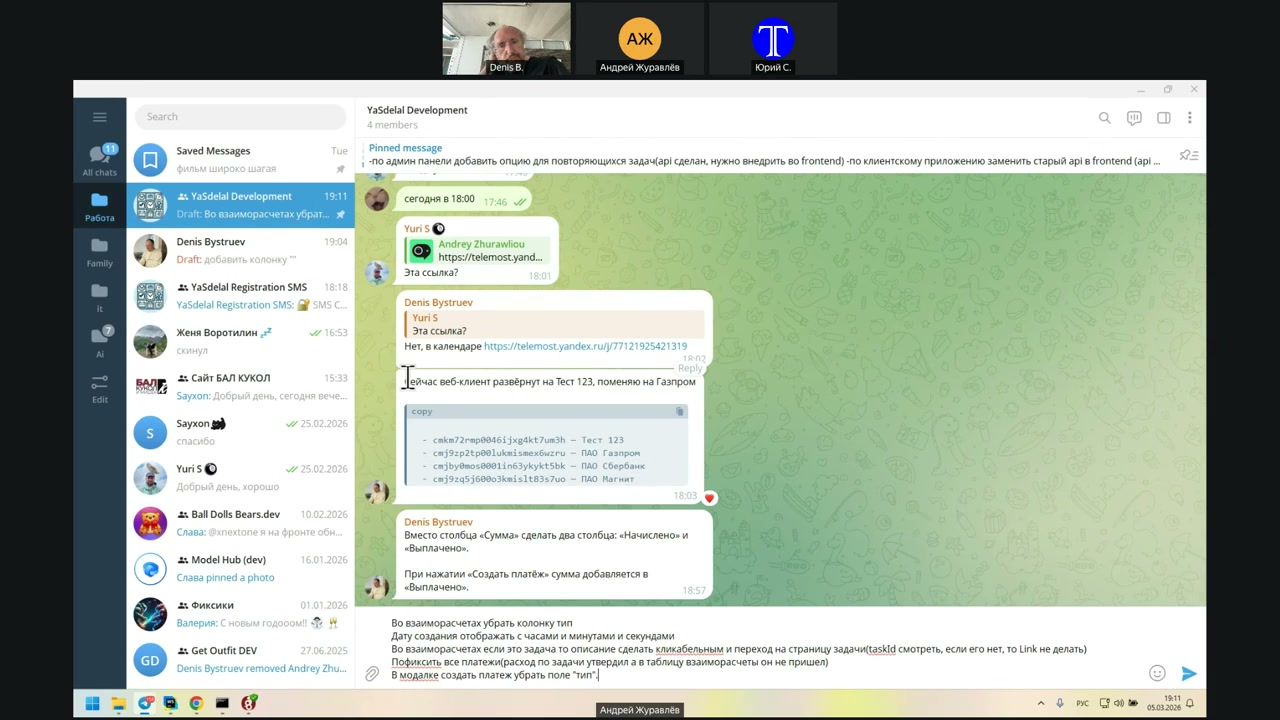
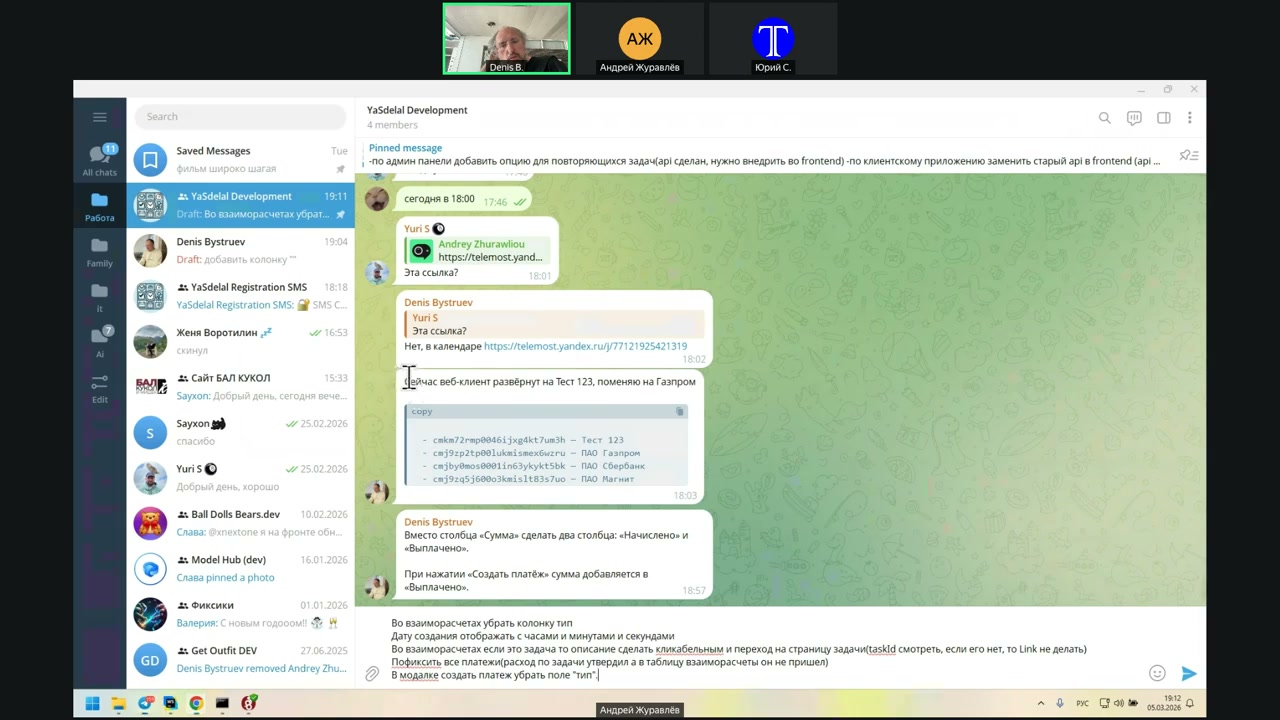
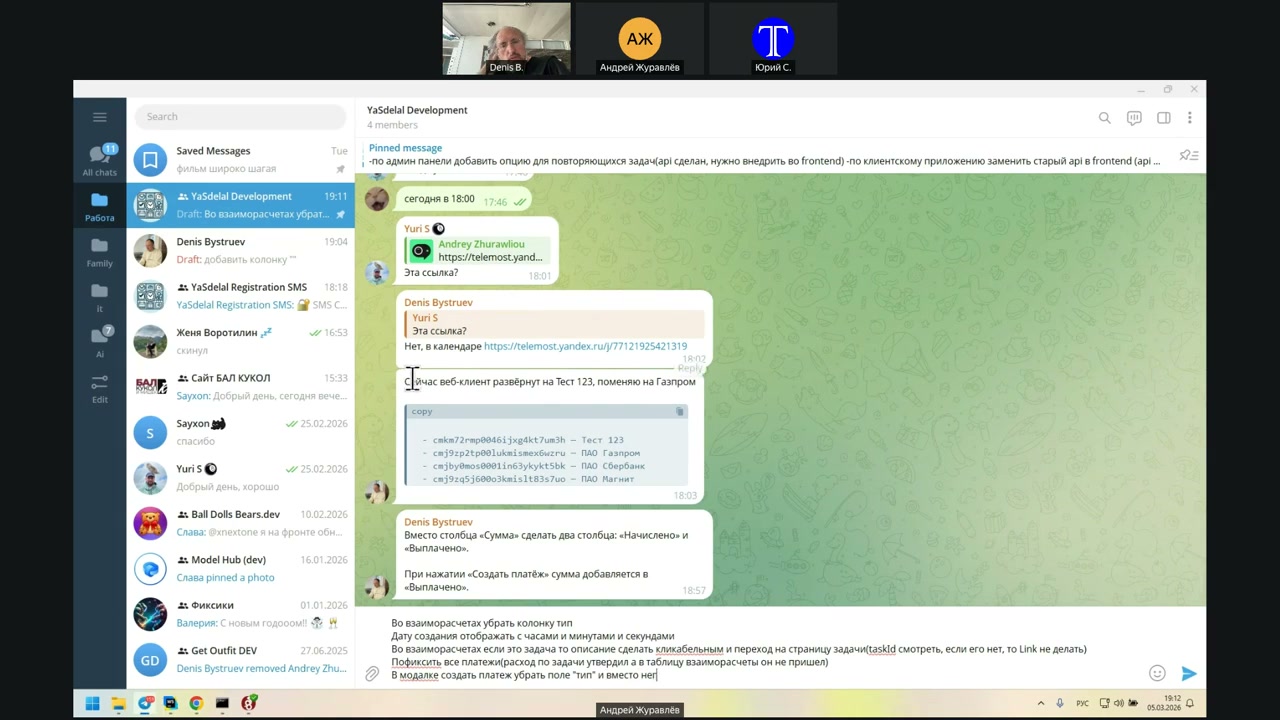
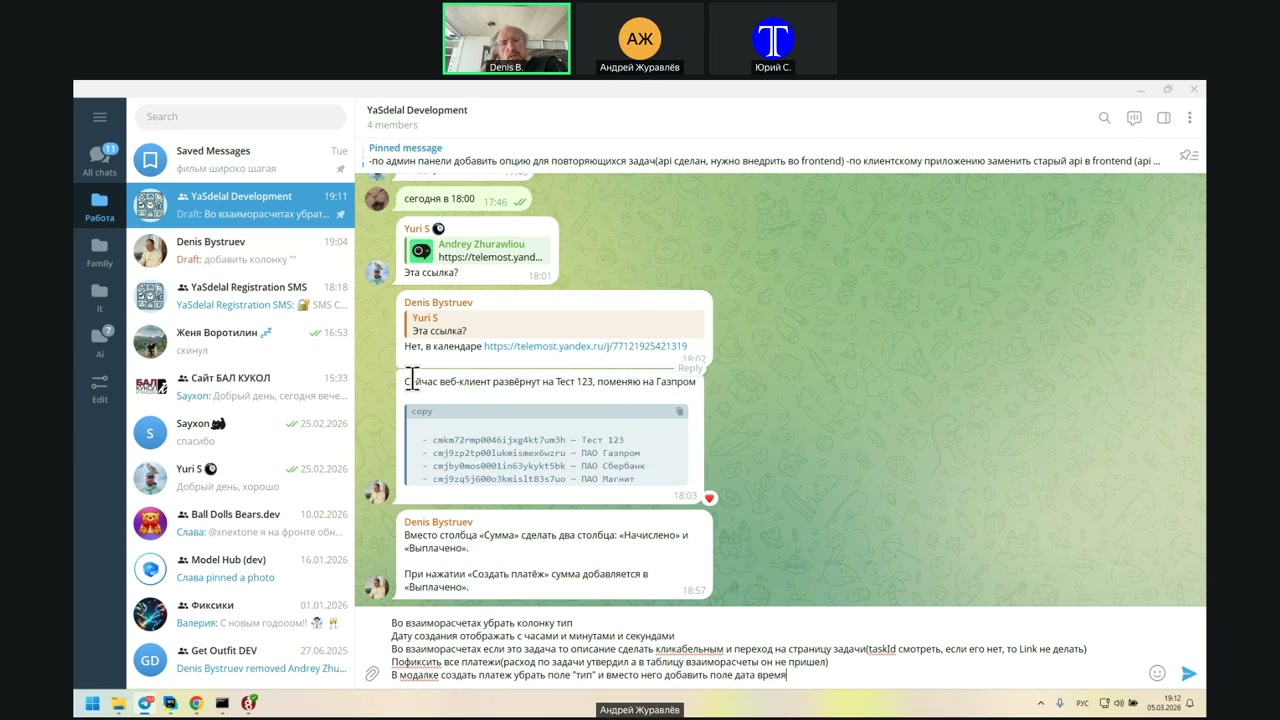
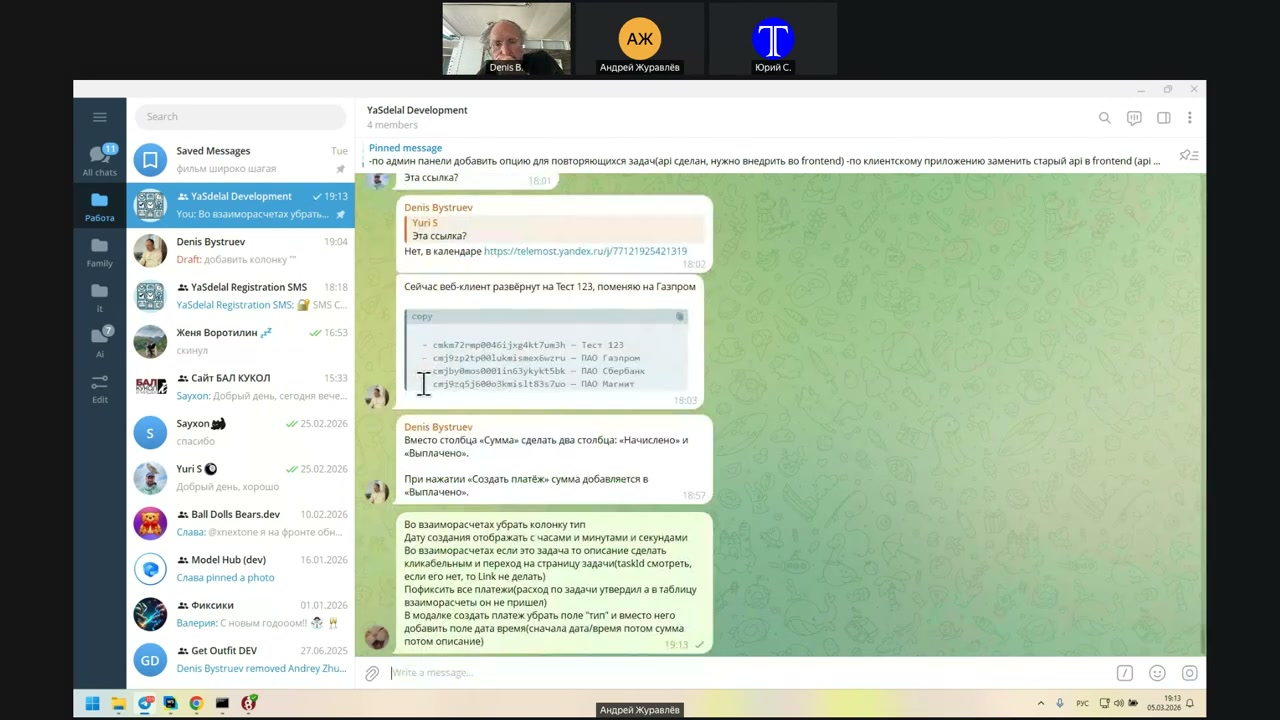
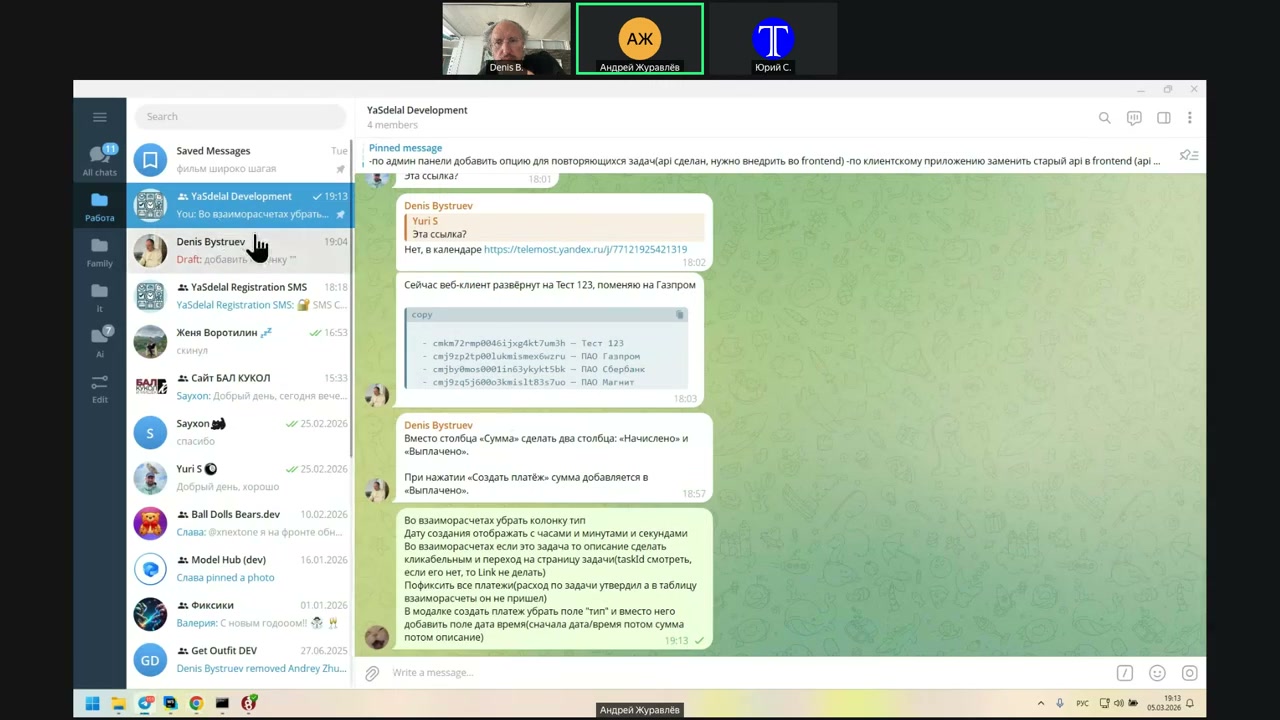
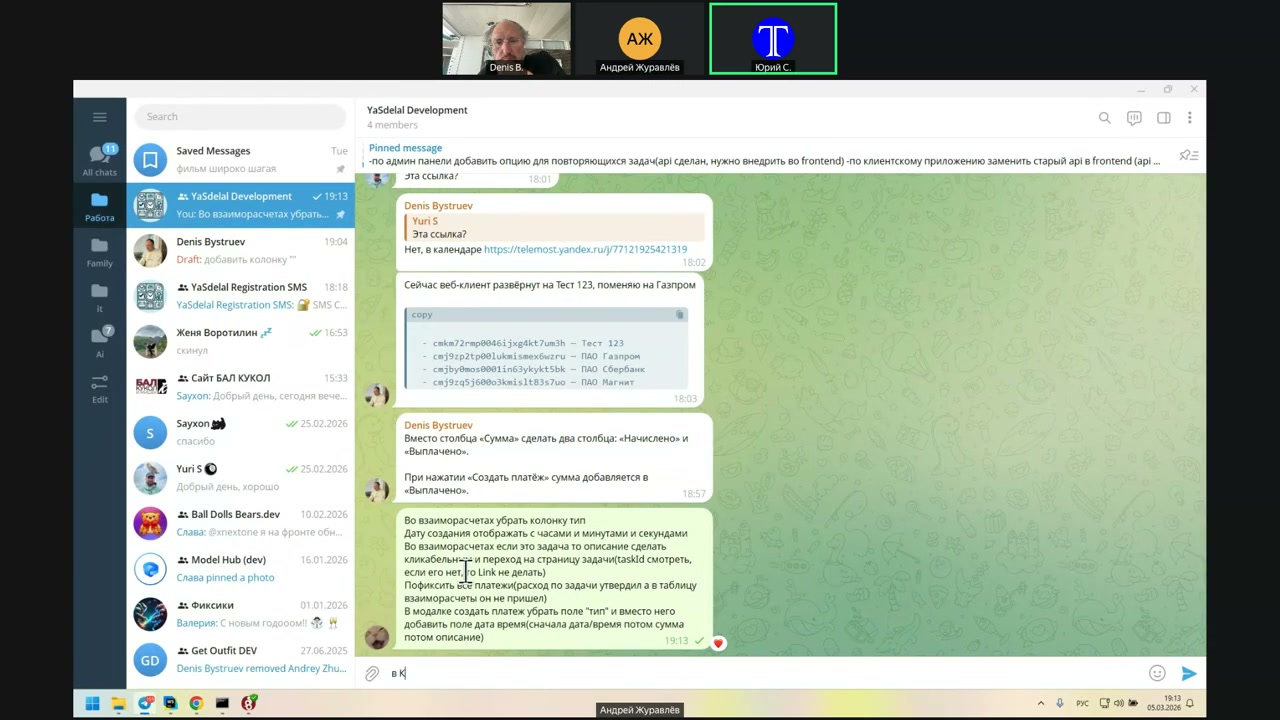
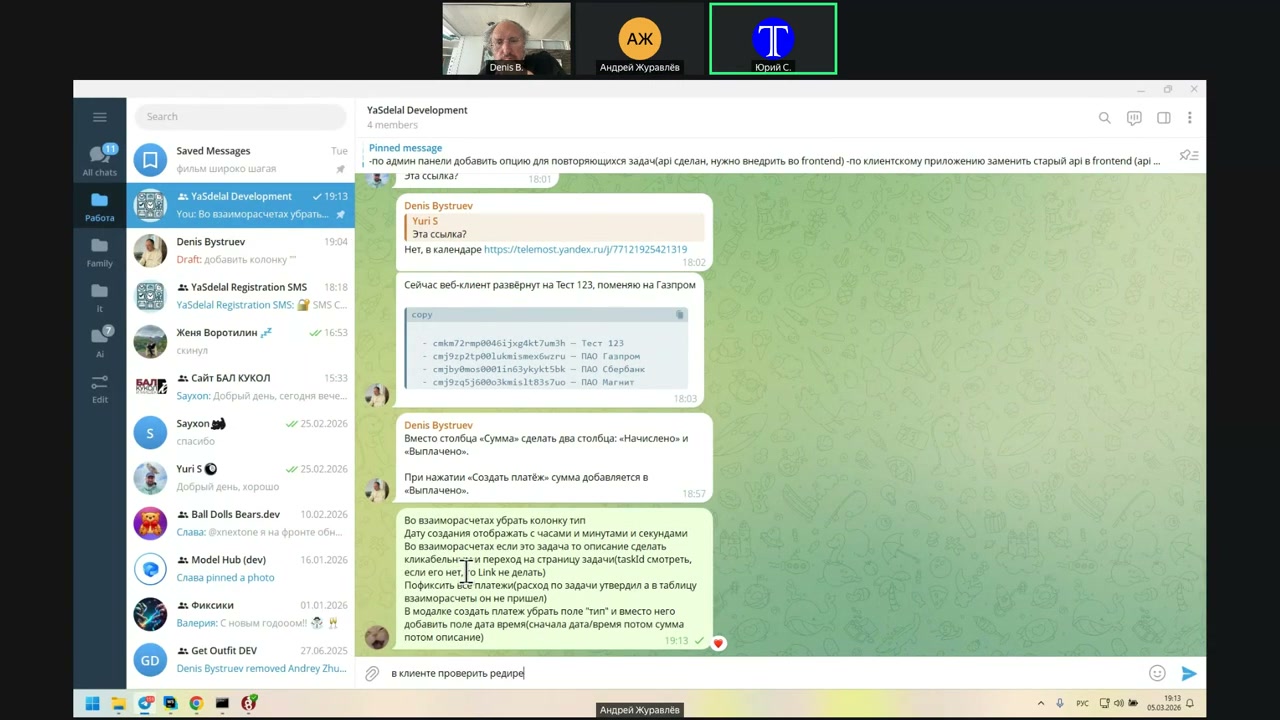
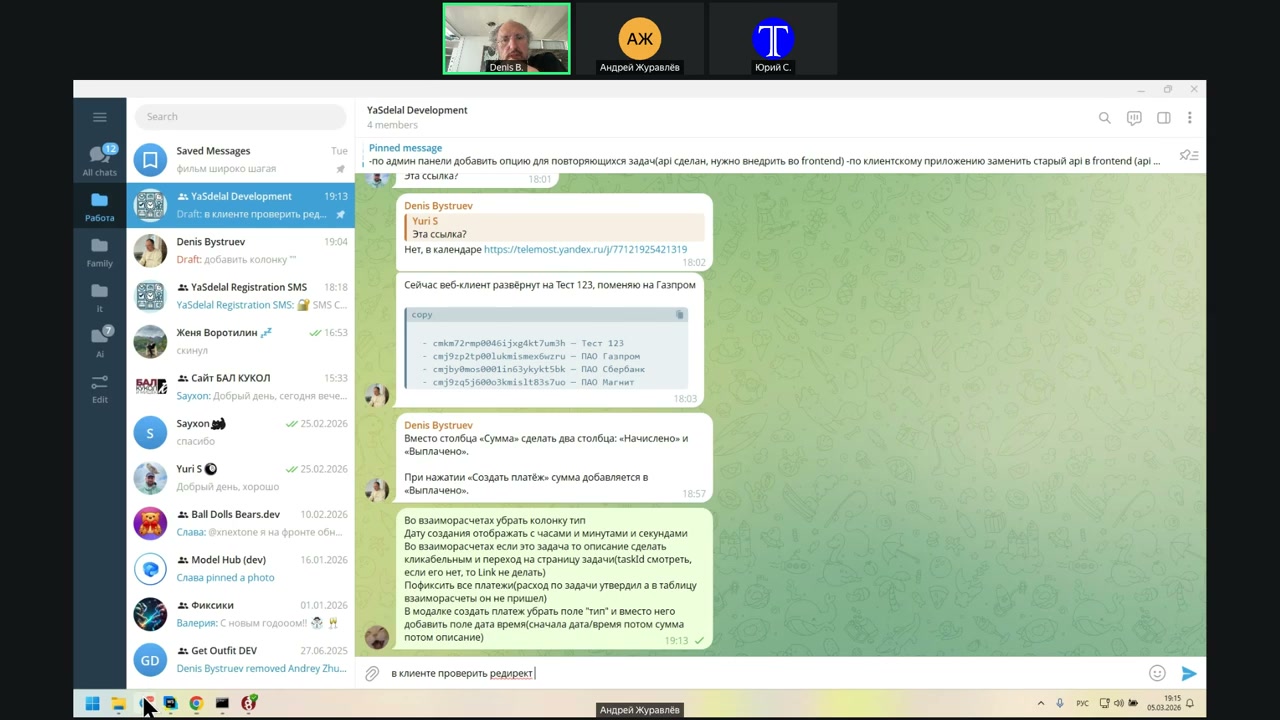
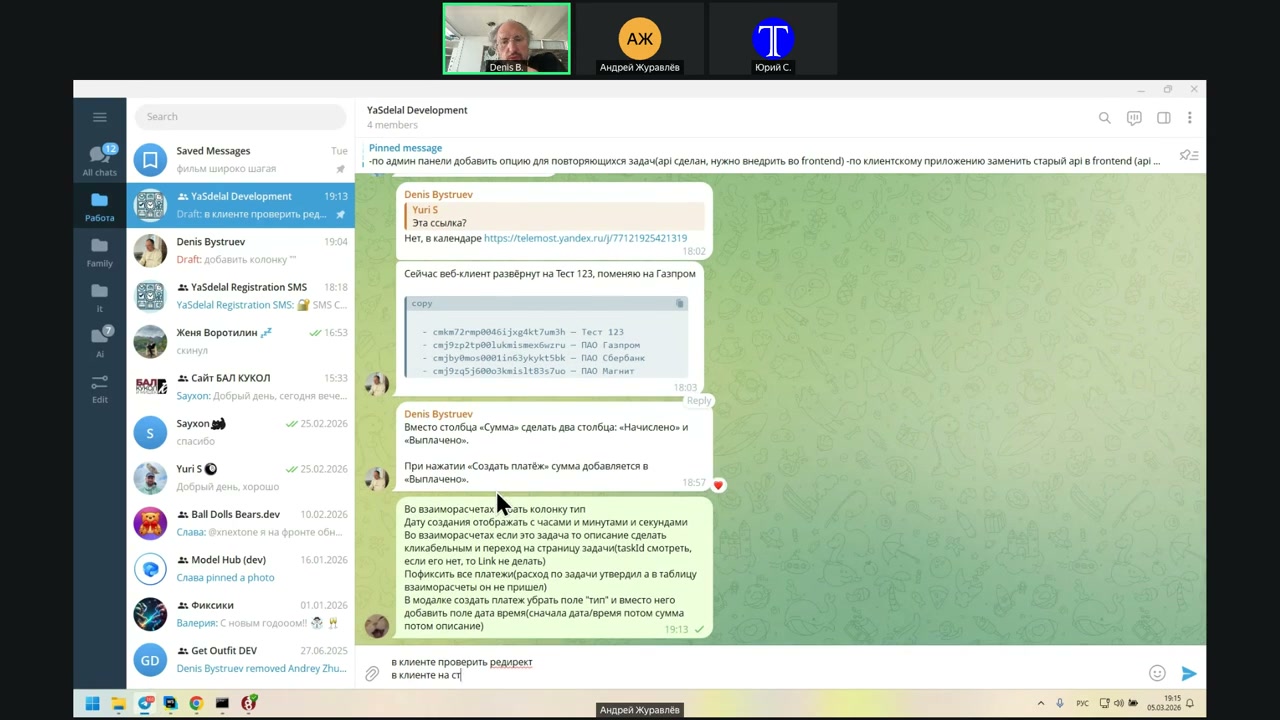
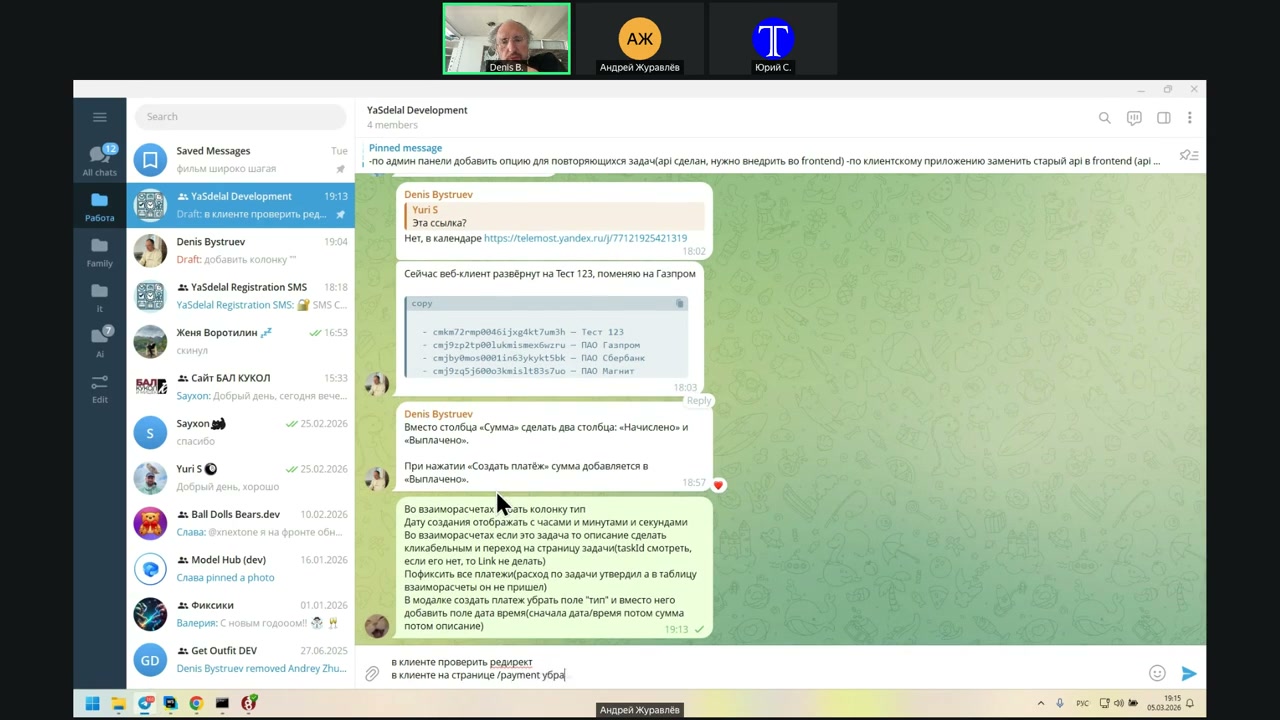
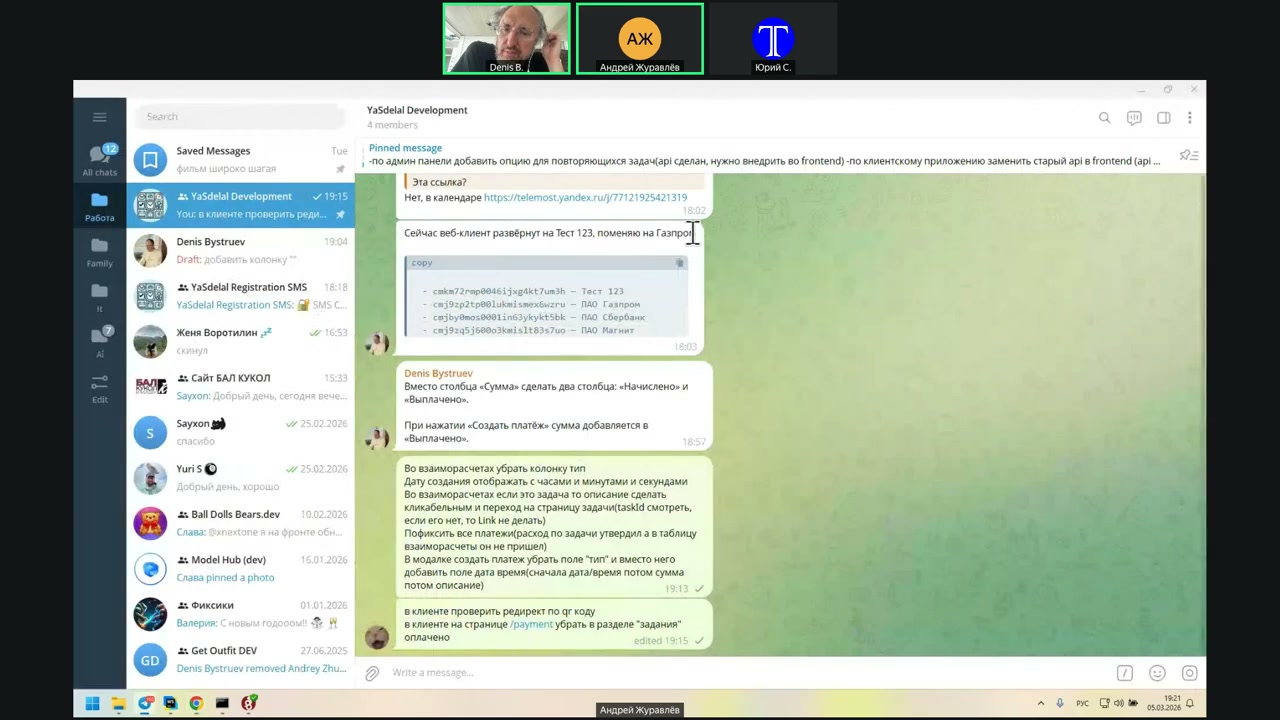
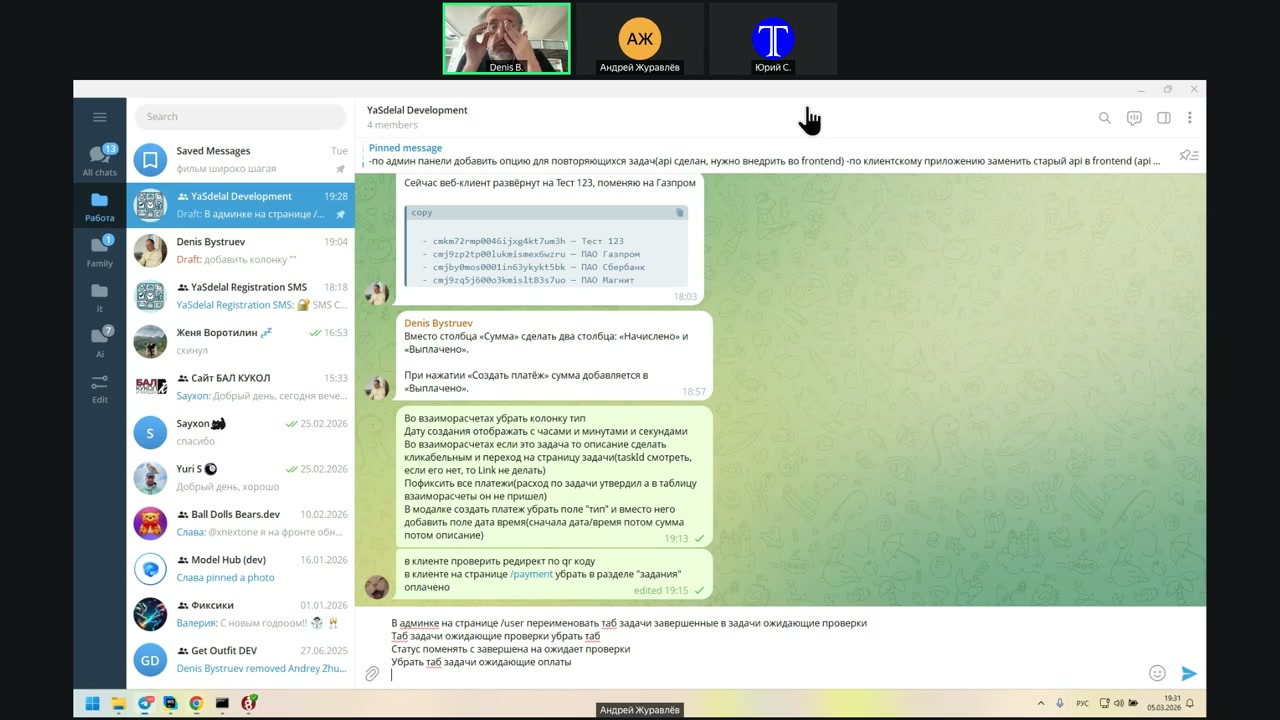
I’m going to remove the TIP column.
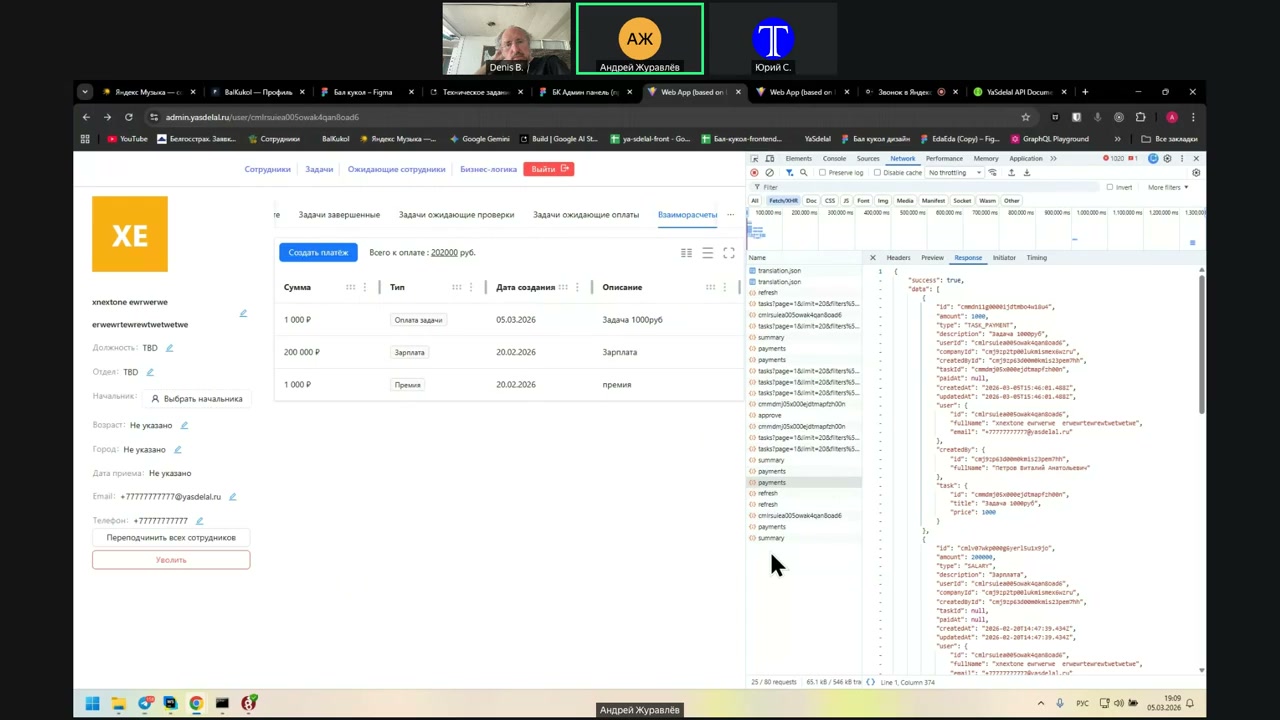
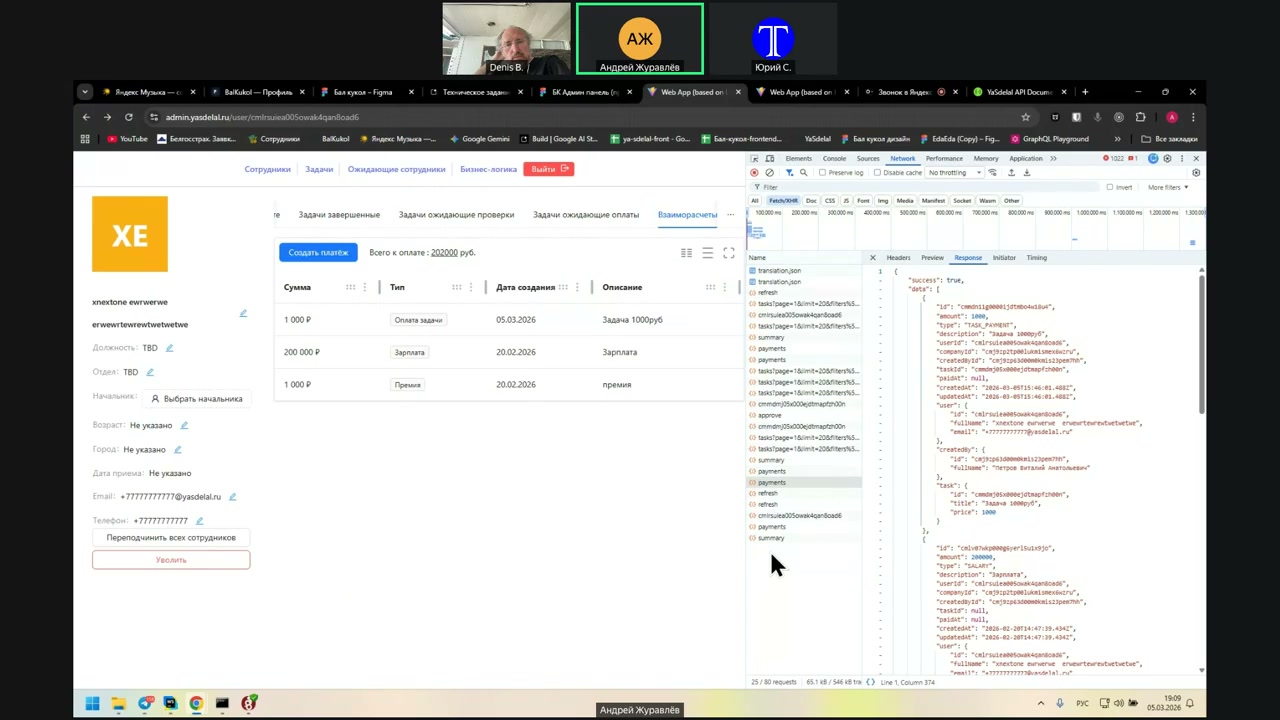
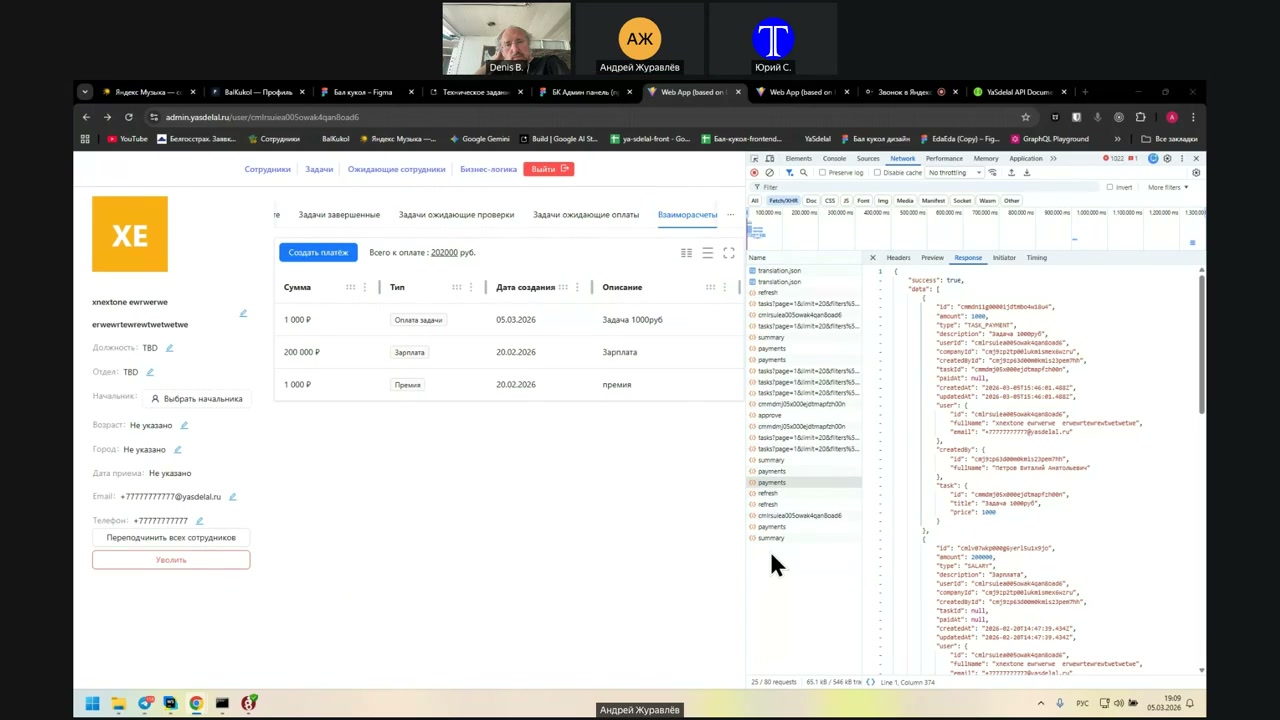
See ya.
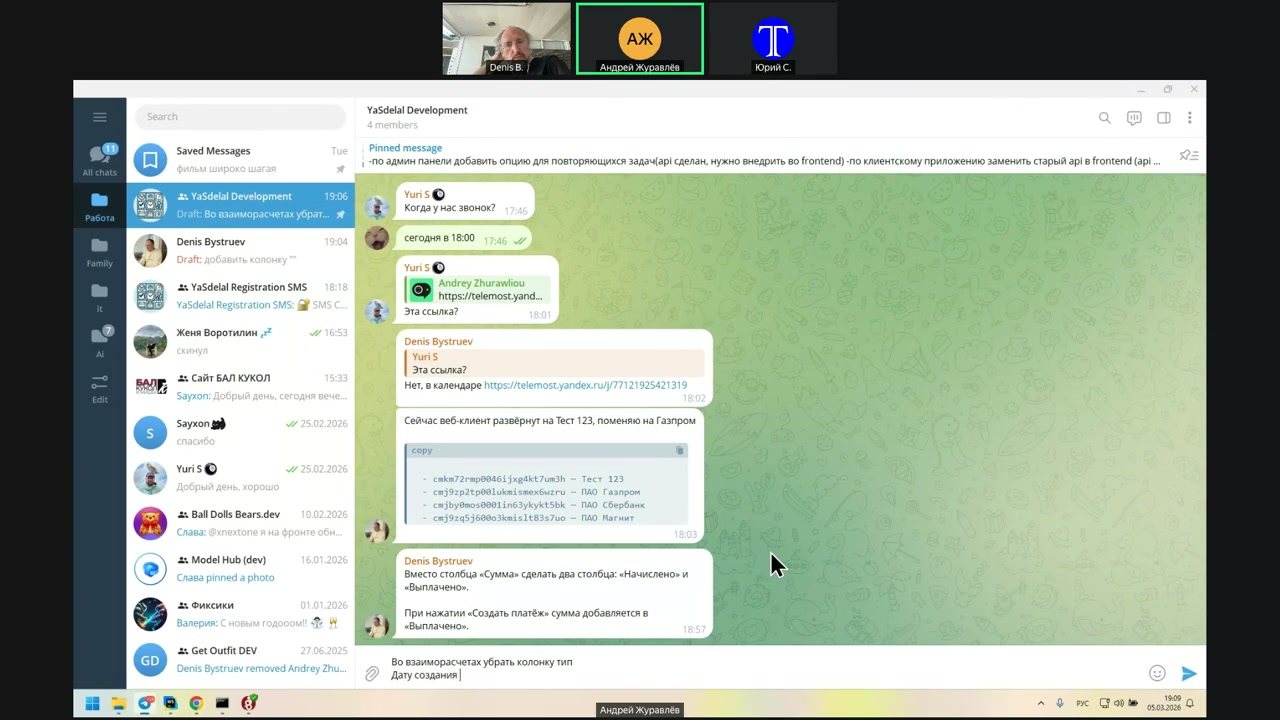
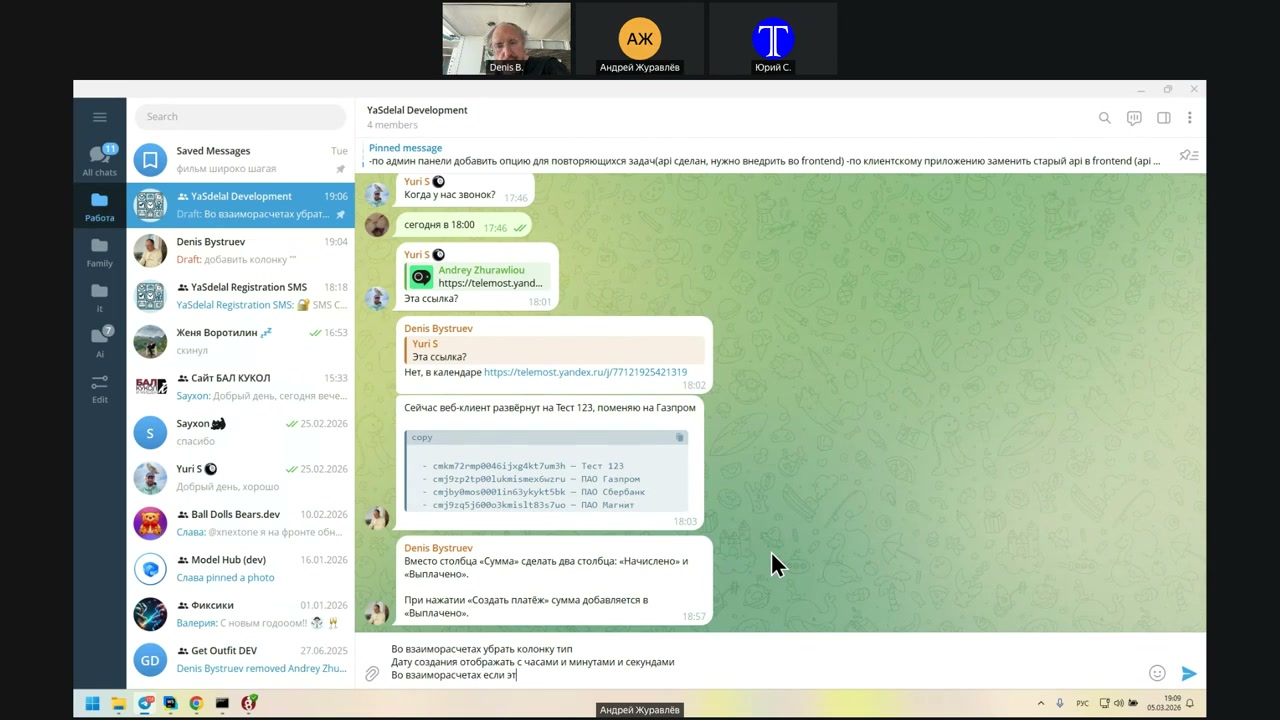
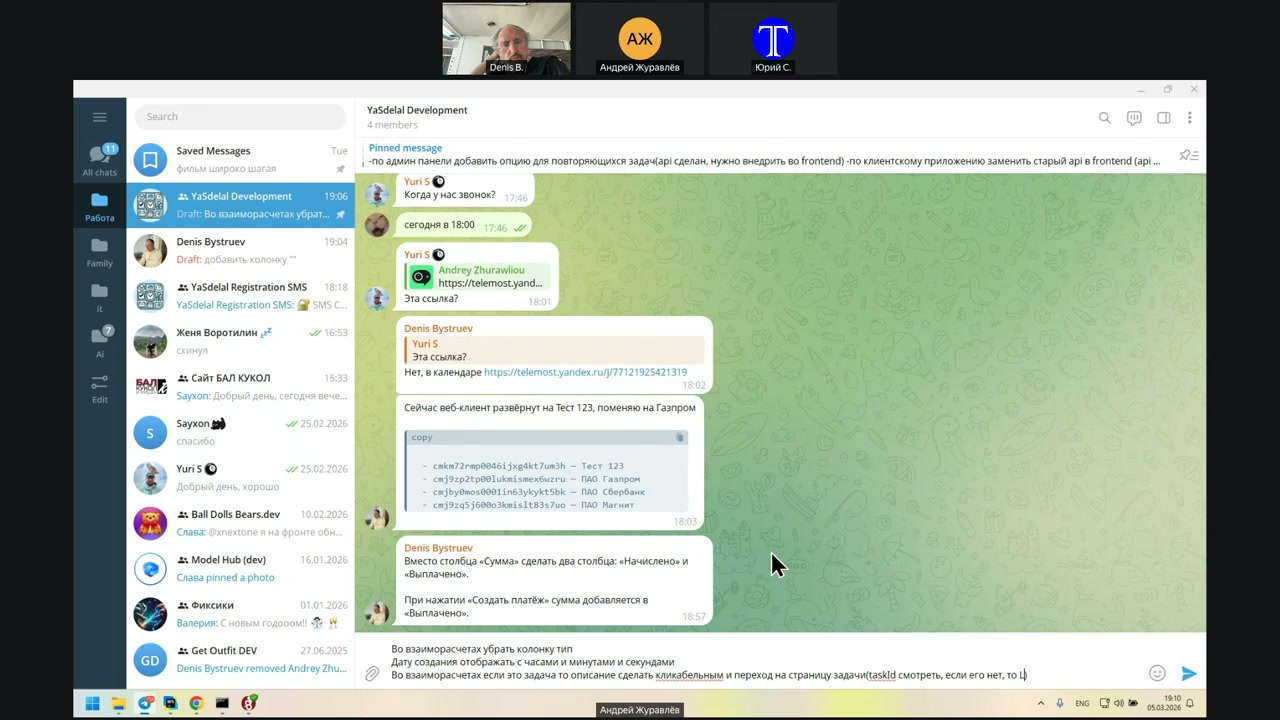
And make a link to the transition.
Now create a date display with minutes and seconds.
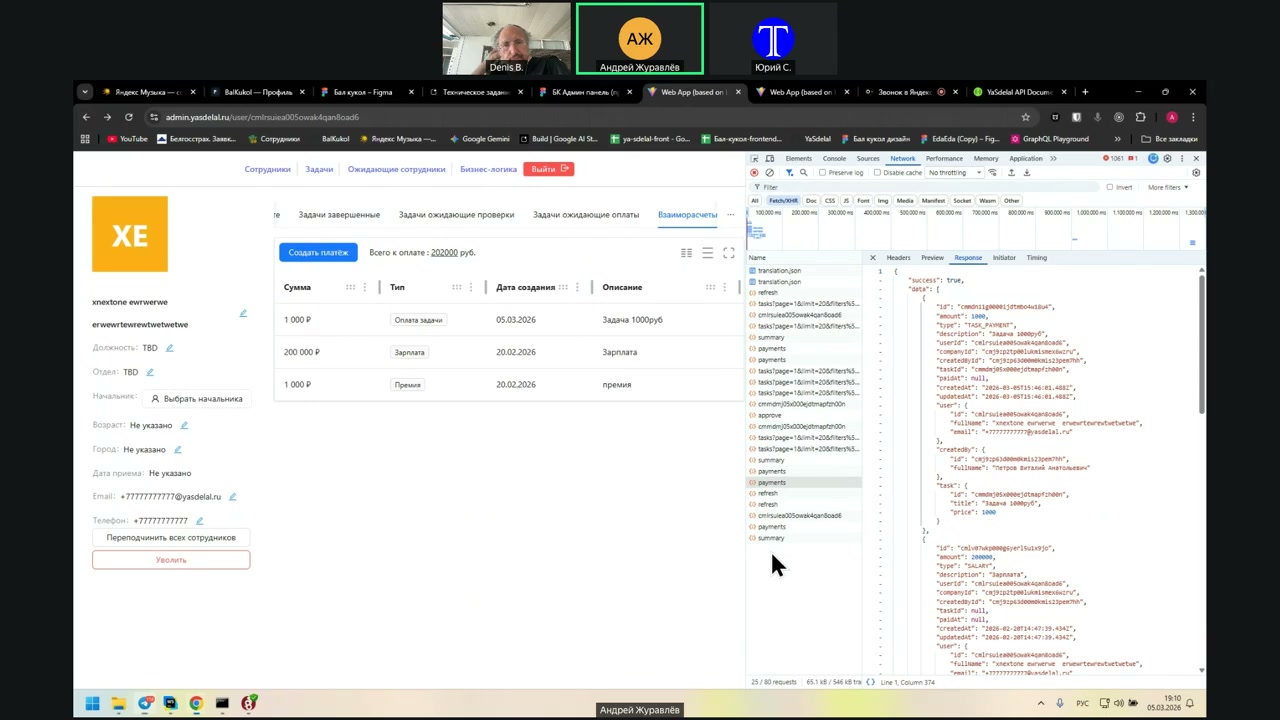
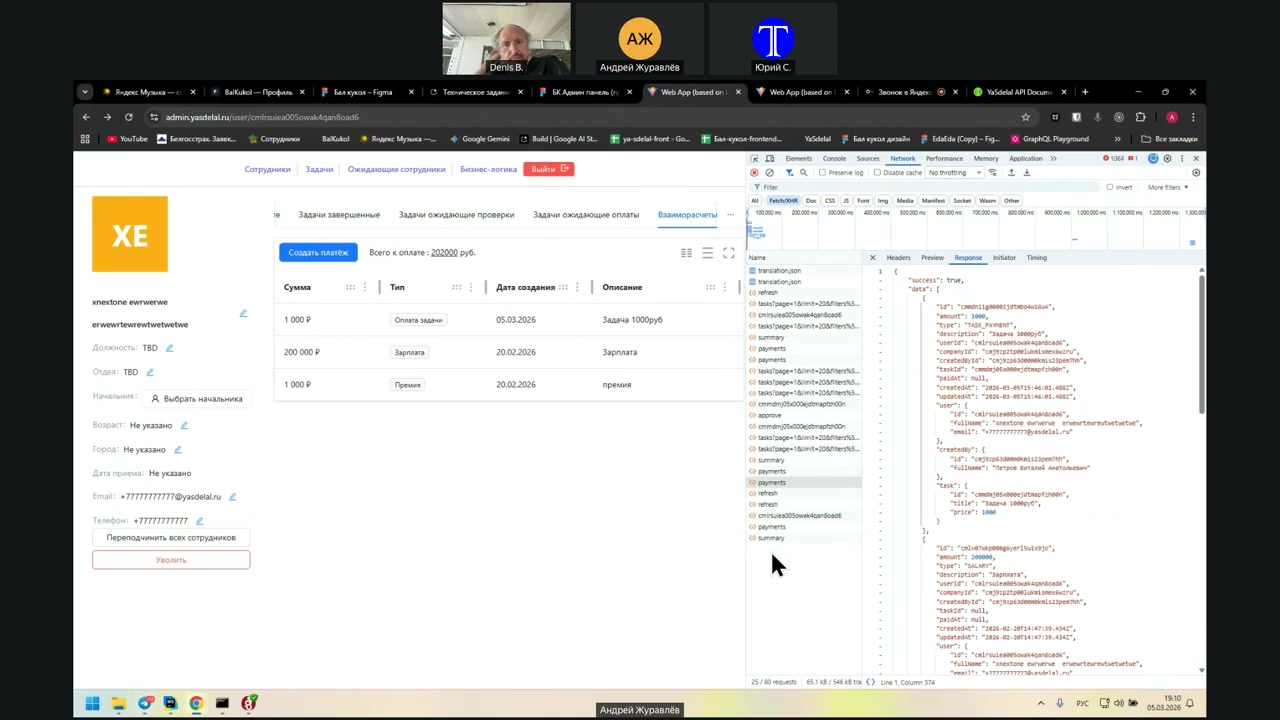
Well, accordingly, to figure it out further.
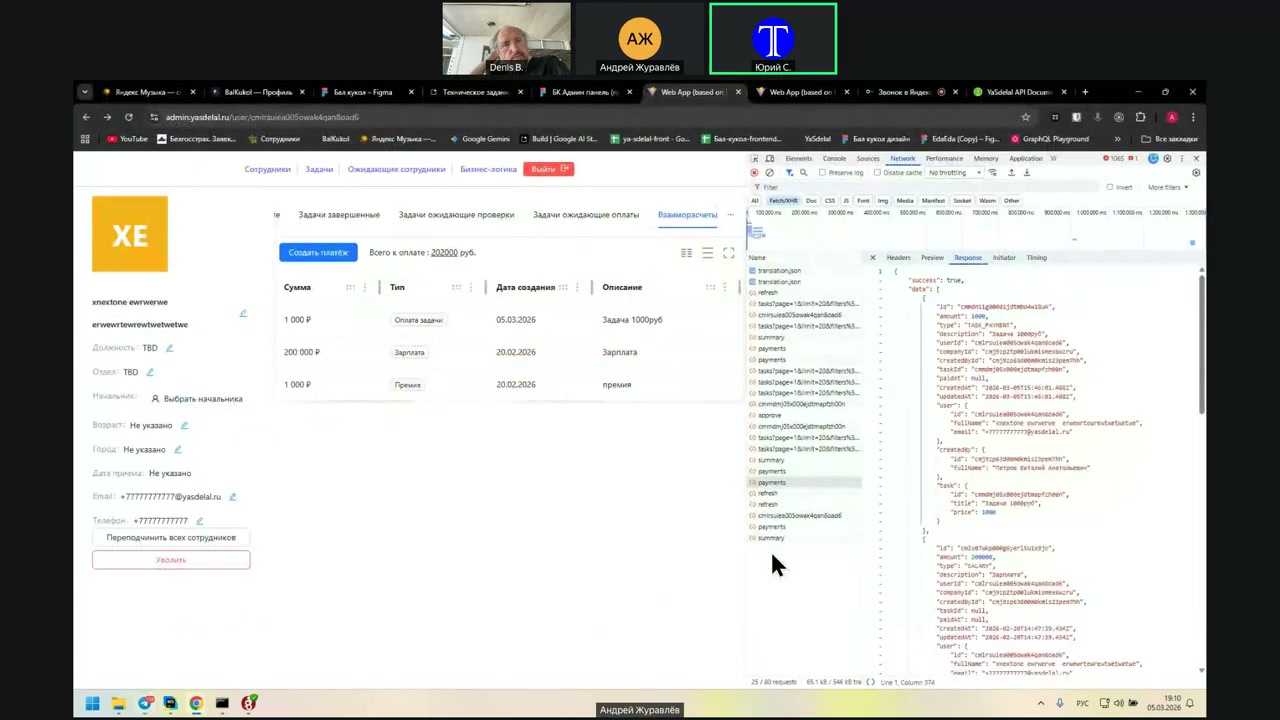
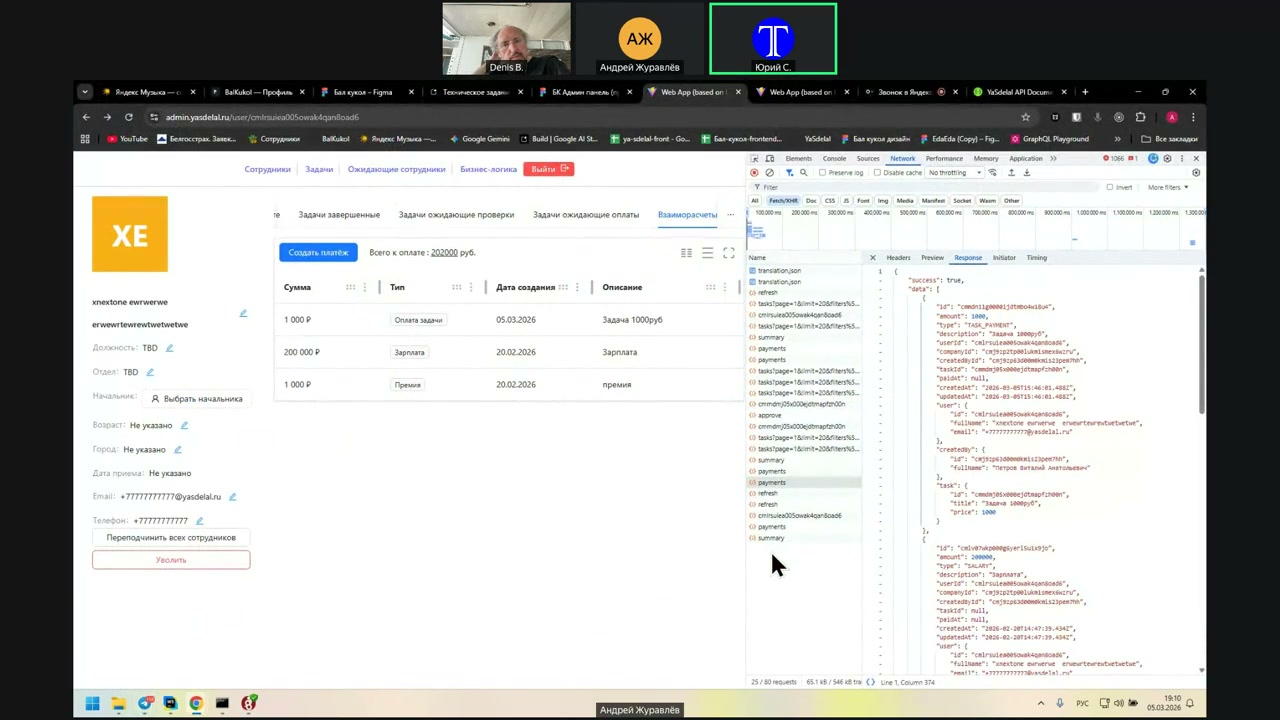
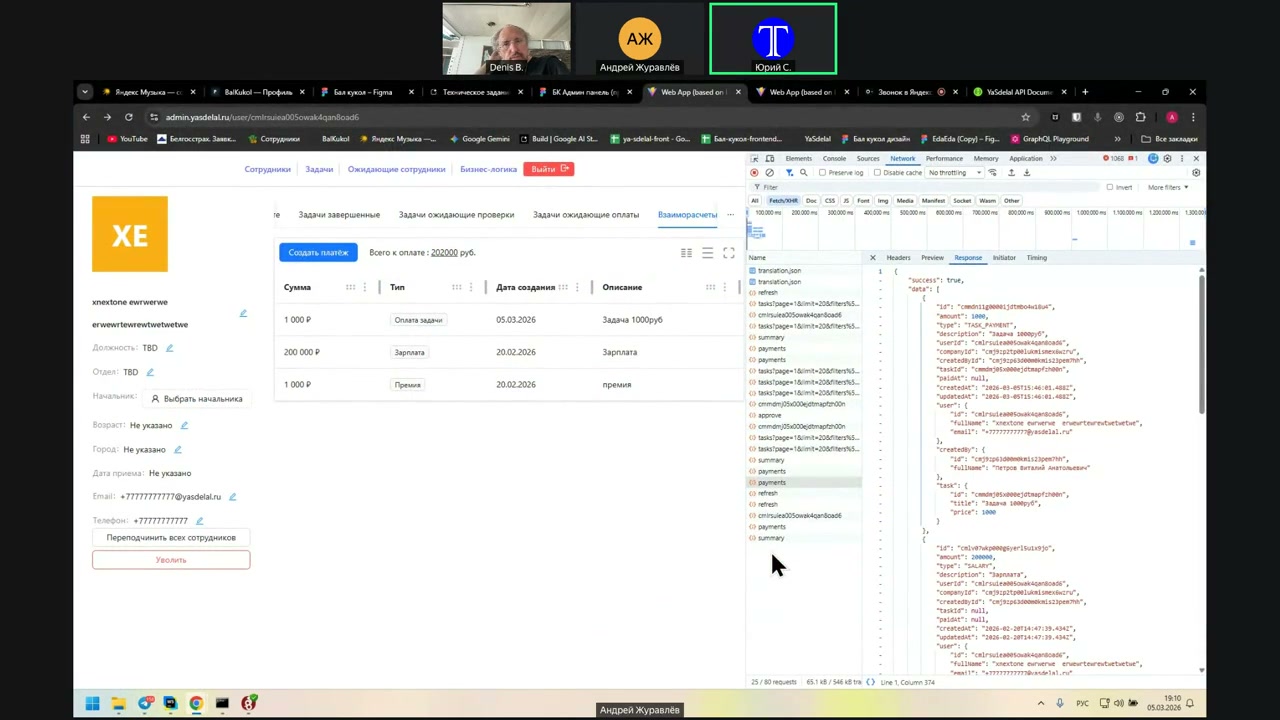
Yes, everything here is correct. It addresses the fact that we do not arrive at the number of people here.
Those checks.
I have another question.
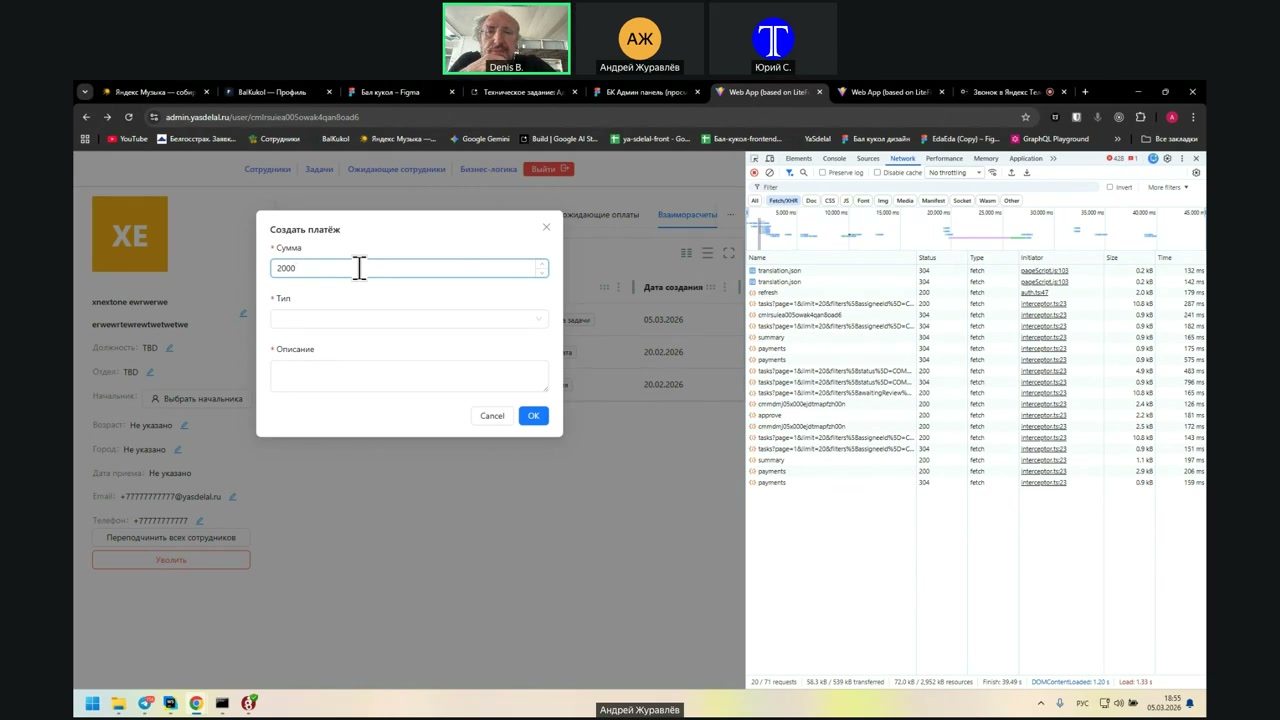
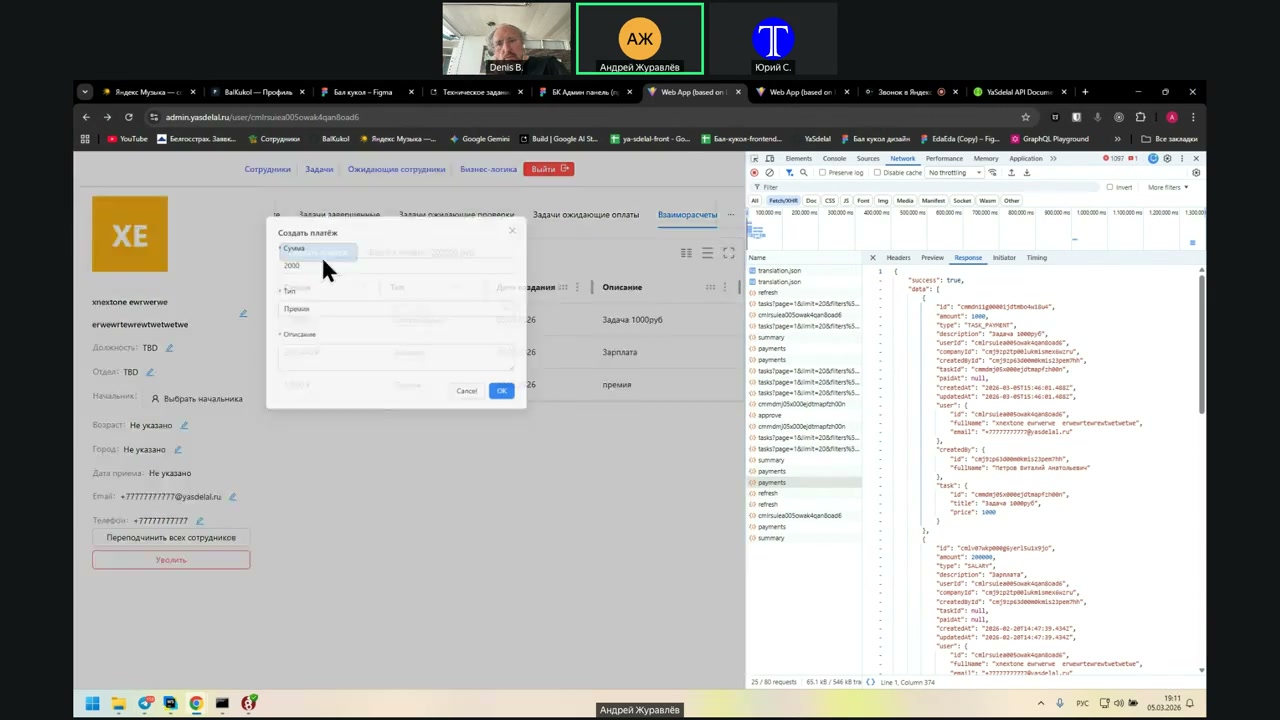
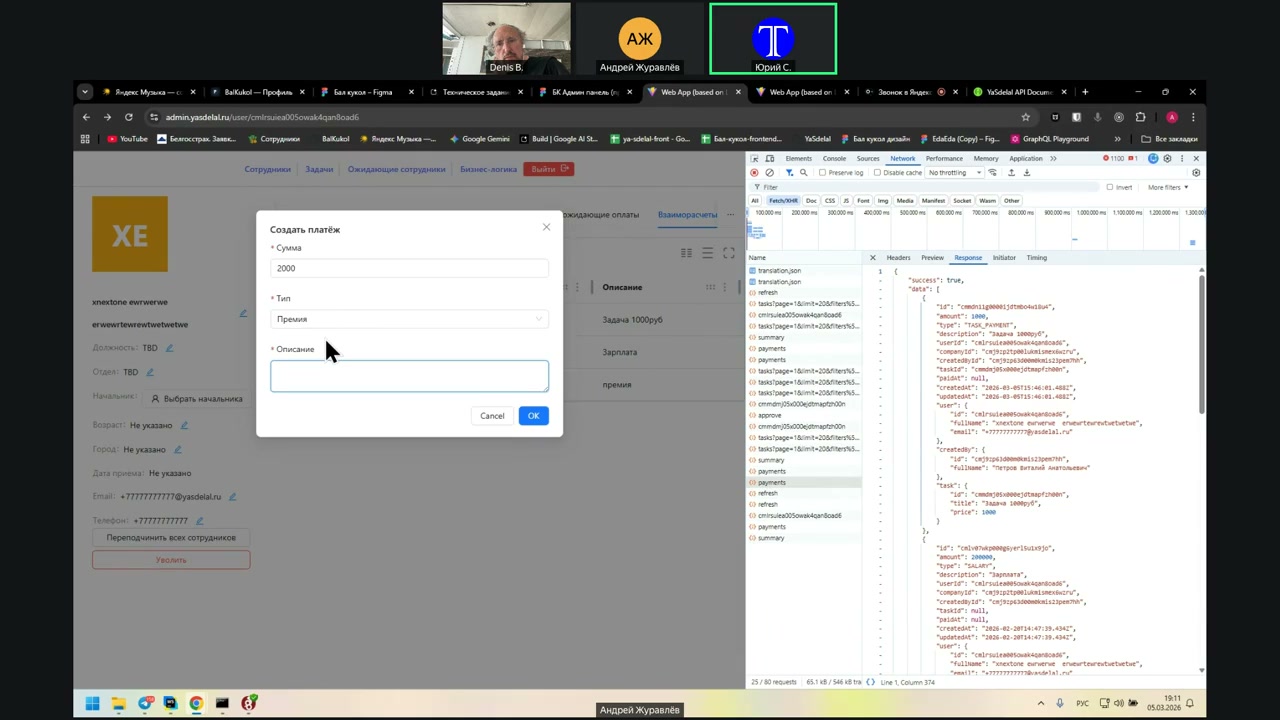
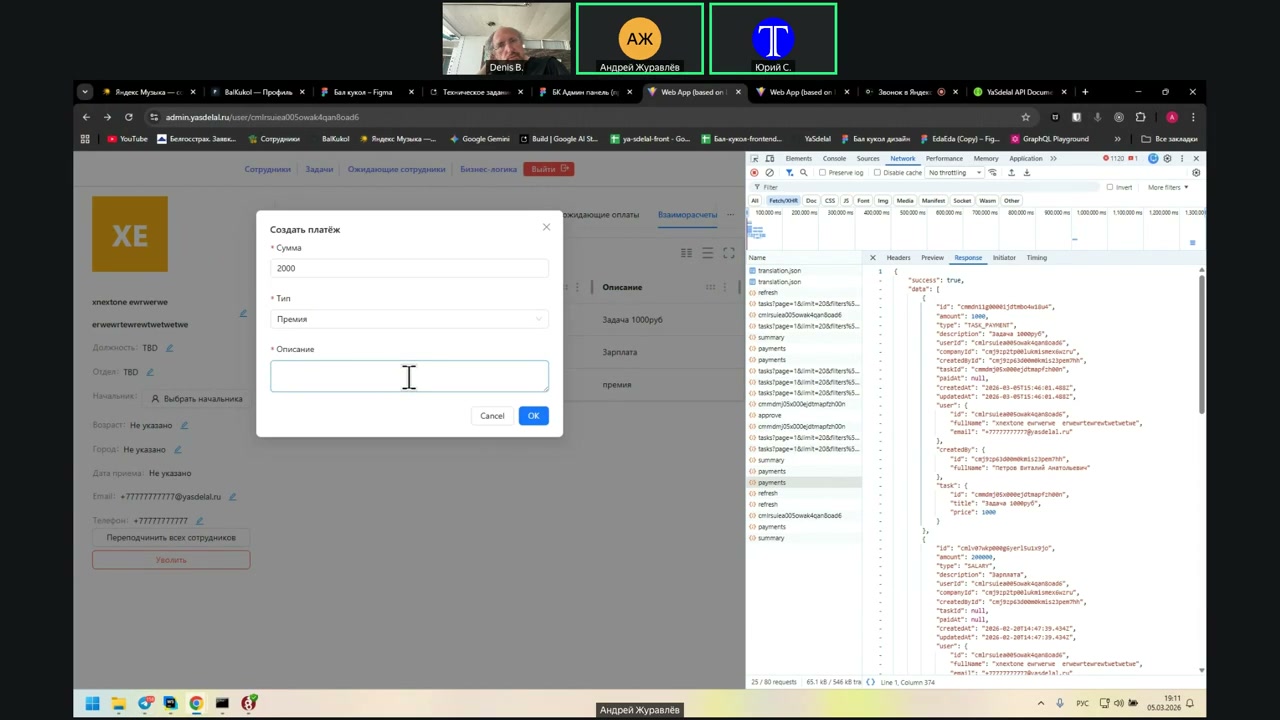
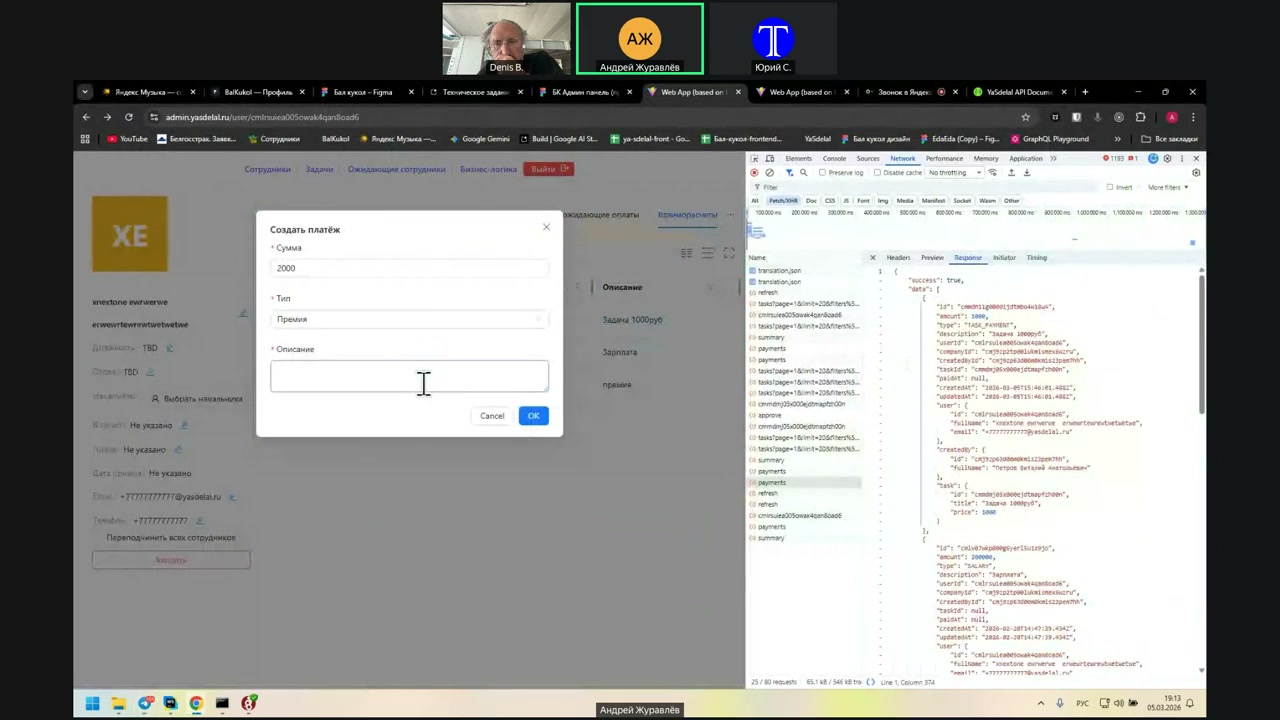
When a person—a manager in this table—clicks to make a payment, what should he display here? Amount and description?
Yes.
So far, so good.
In the future, if everything goes well, it will be necessary to handle imports so that data is imported from 1S, where all these payments are processed automatically.
Well, that is: if the payment goes from the bank to the client, then it will be necessary to import the text file. This comes later; in short, we are not thinking about it yet.
Now, the question is: when creating a payment, are we writing down the current date and time, or do we need to select a separate payment date and time?
It is better to choose.
In My Warehouse, in any document, it first inserts its own date and time, but then you can change it to your own.
That is, a person can put a payment in the statistics in this table for a specific date?
Yes, of course. For example, if the payment was made for that week.
I understand.
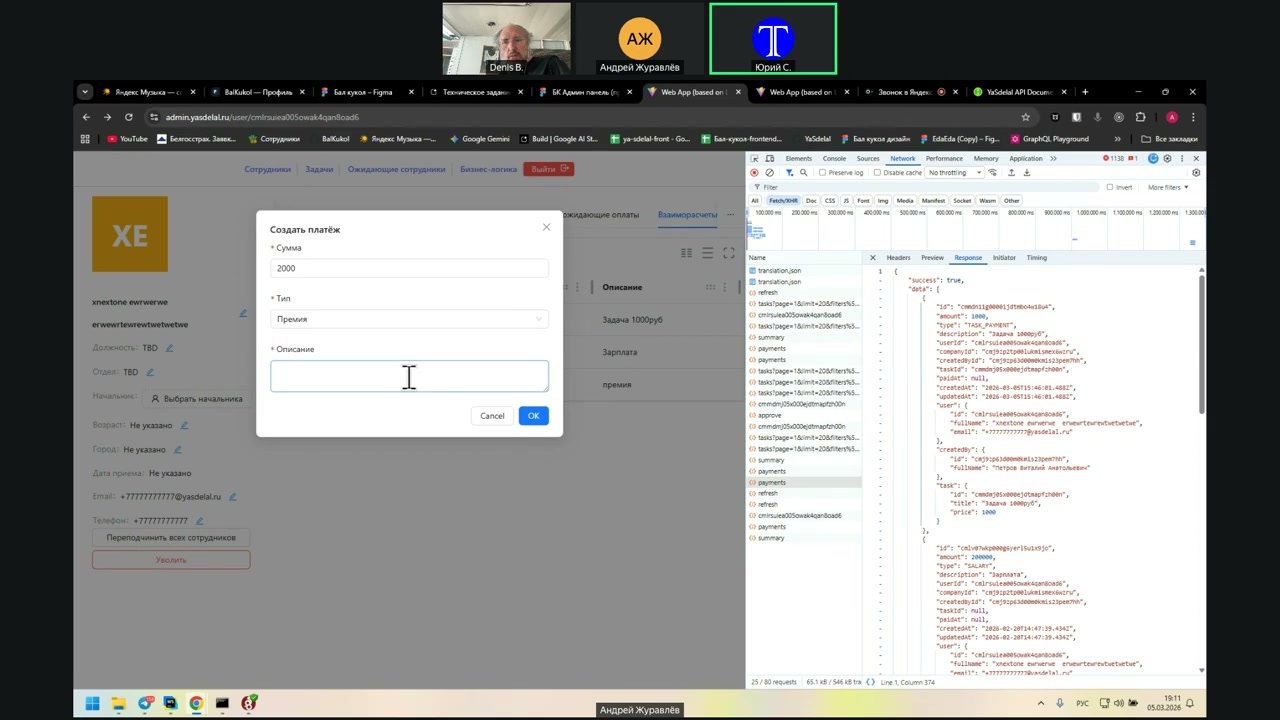
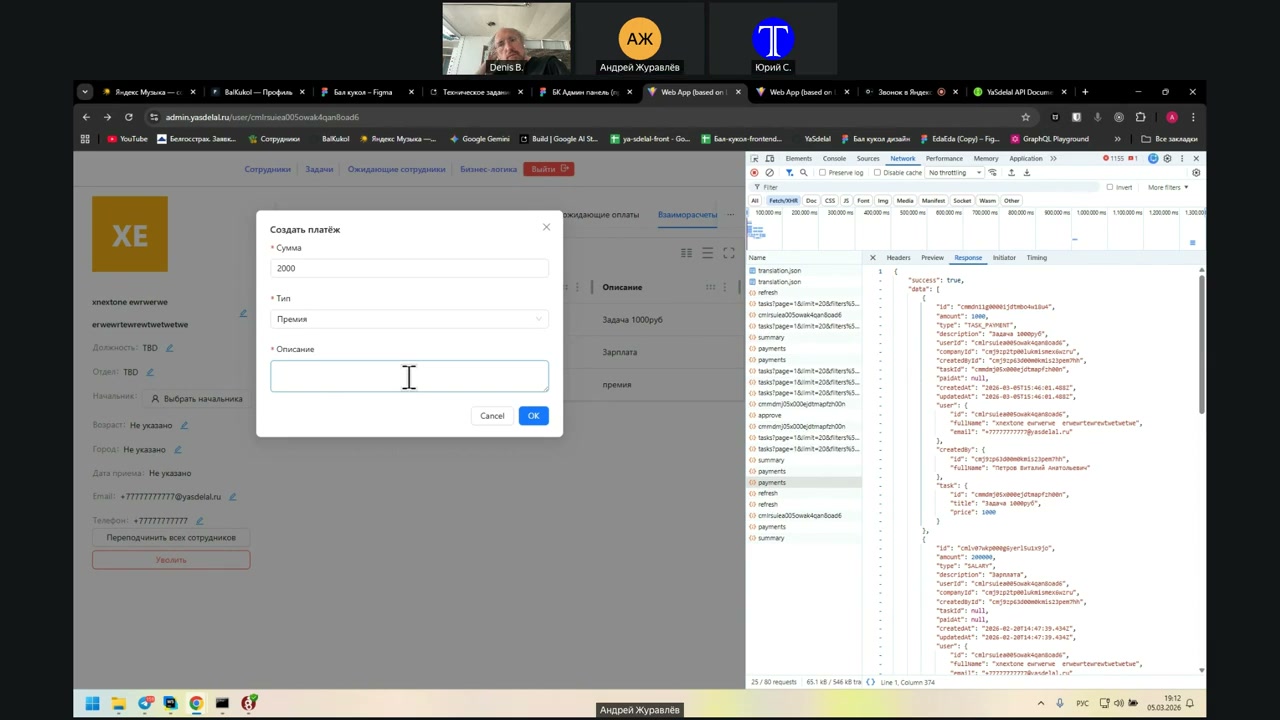
That is, to create a payment in the modal, instead of the Type field, add the Date field.
Date, time. In what order do they go?
Probably first the date, time, then the amount.
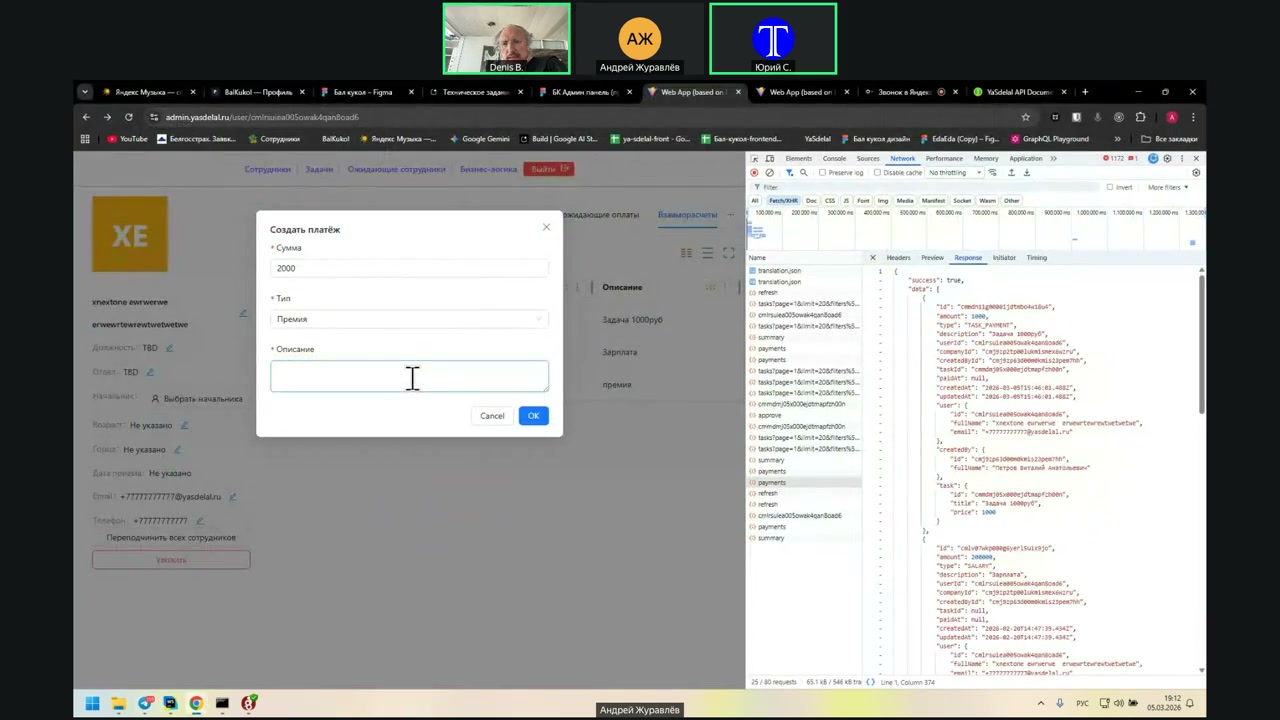
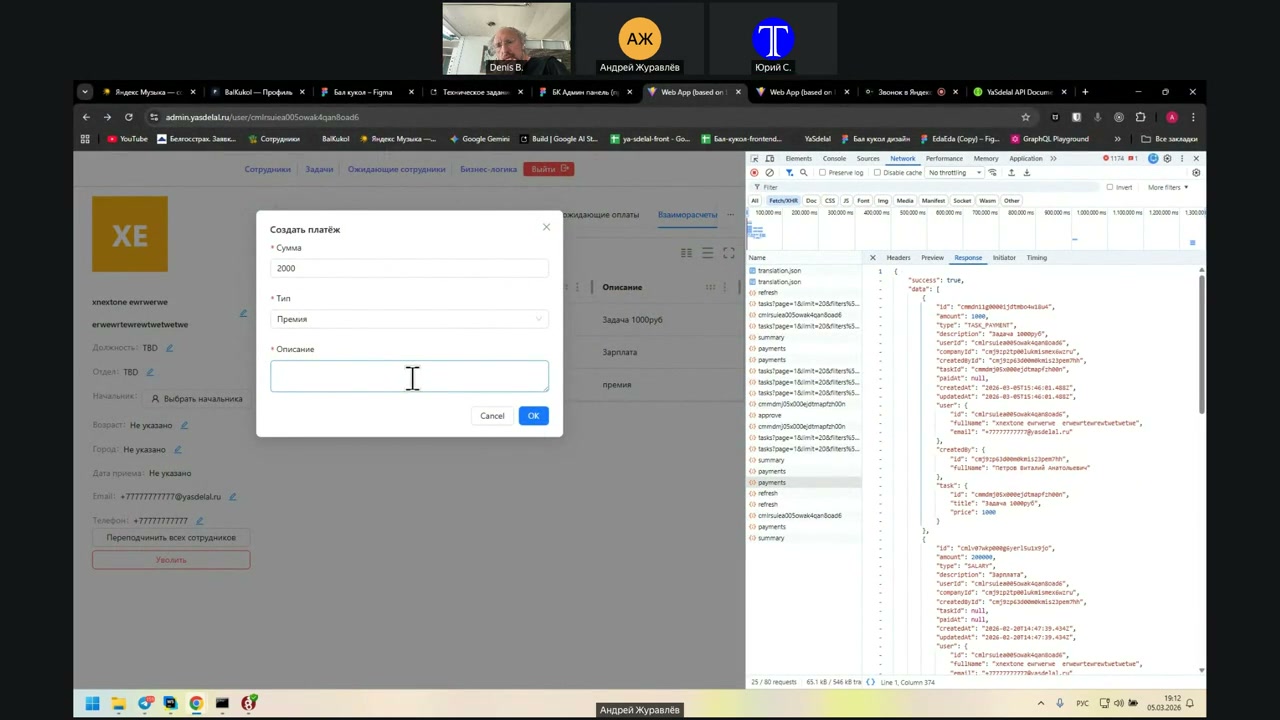
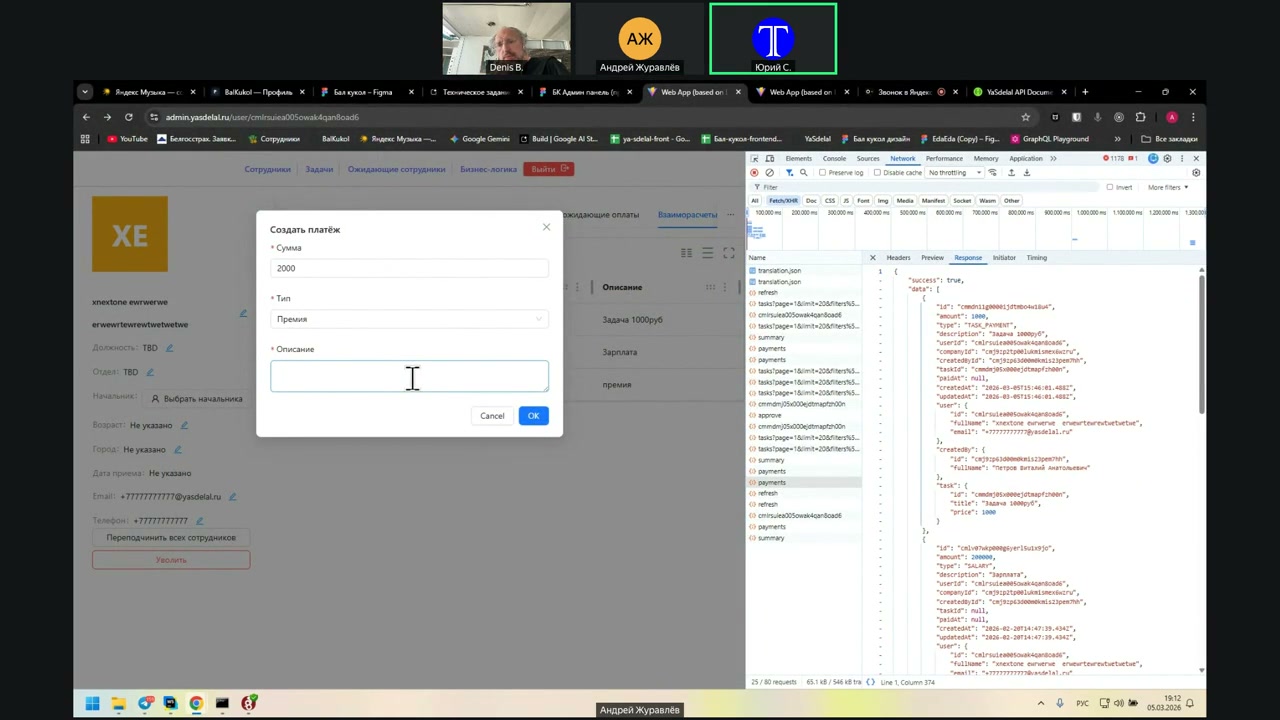
Well, the premium must be replaced by the date and time.
First, the date and time goes, then the amount, then the description. Yes.
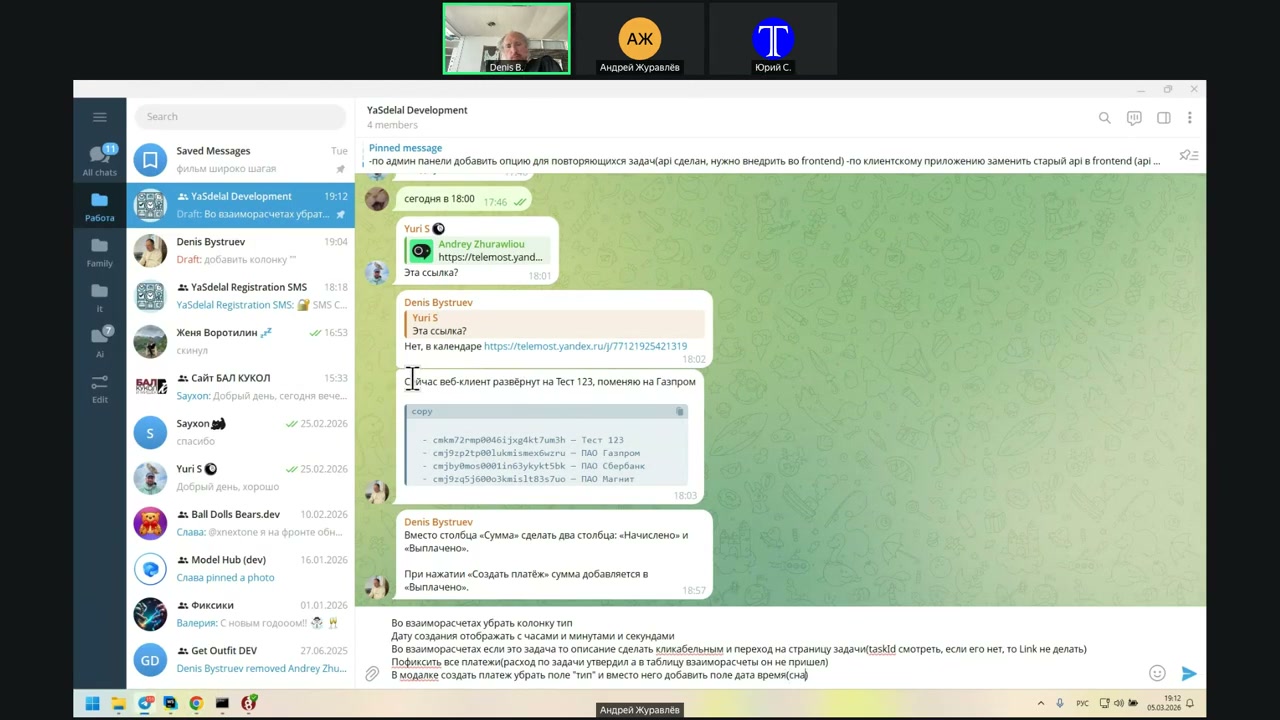
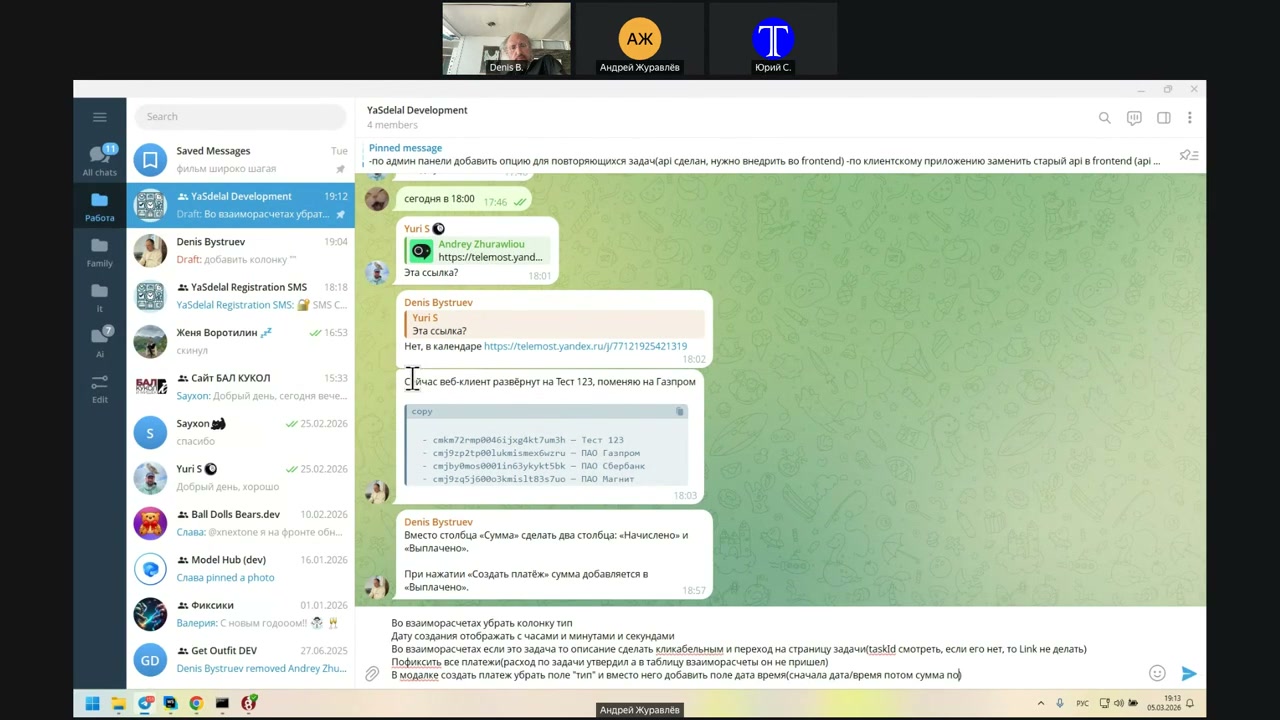
I mean, the date and time—yes, at the beginning.
The end
By the way, I understand now.
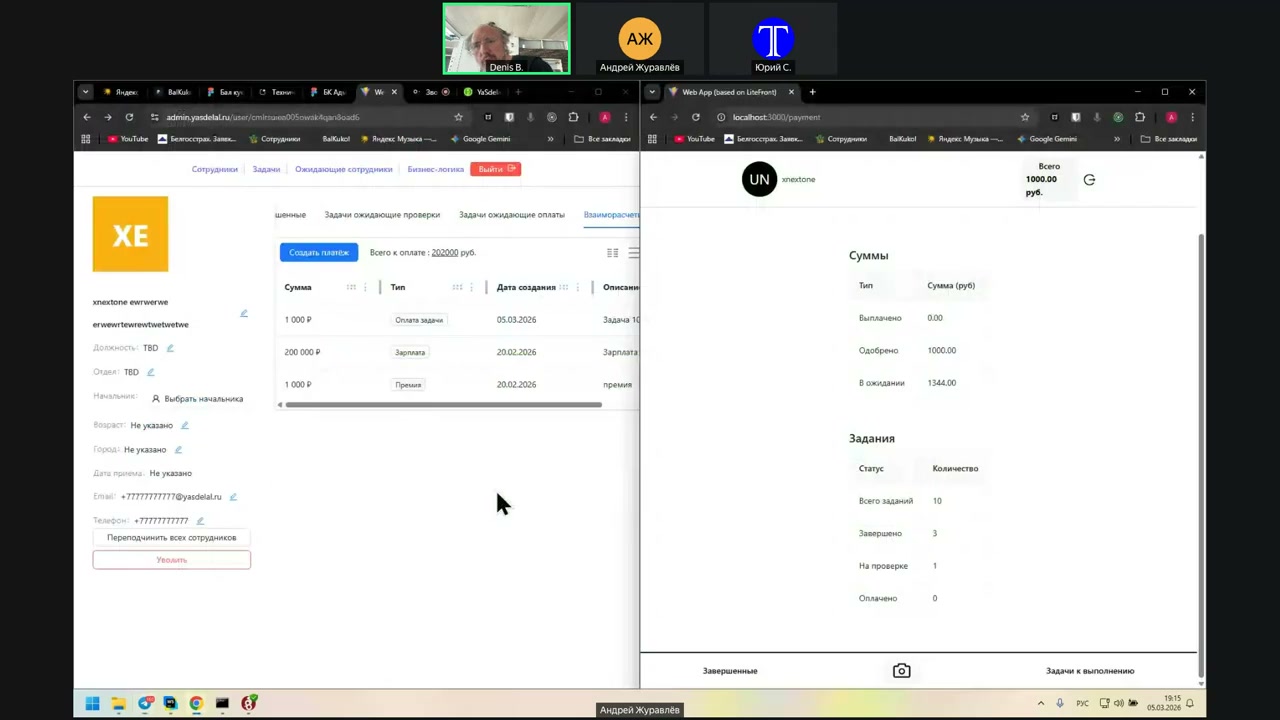
And she has the amount. Why, by the way, did it not appear that the client also has 1,000 rubles?
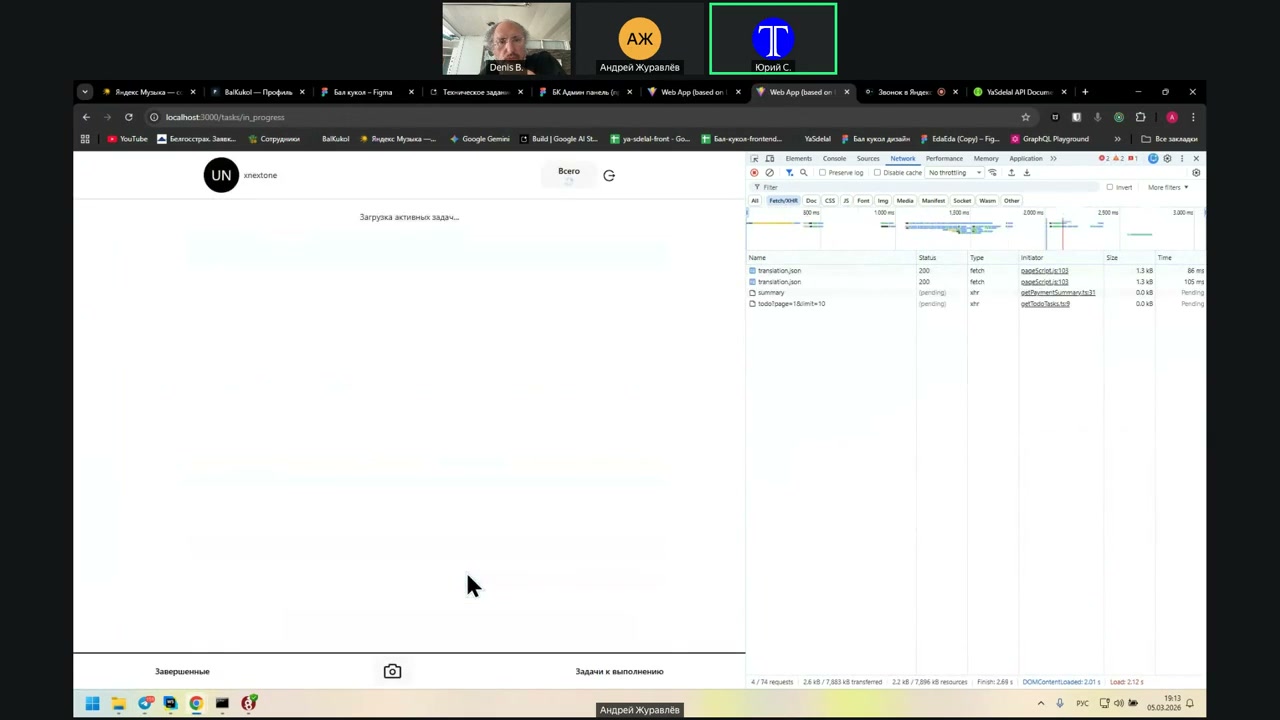
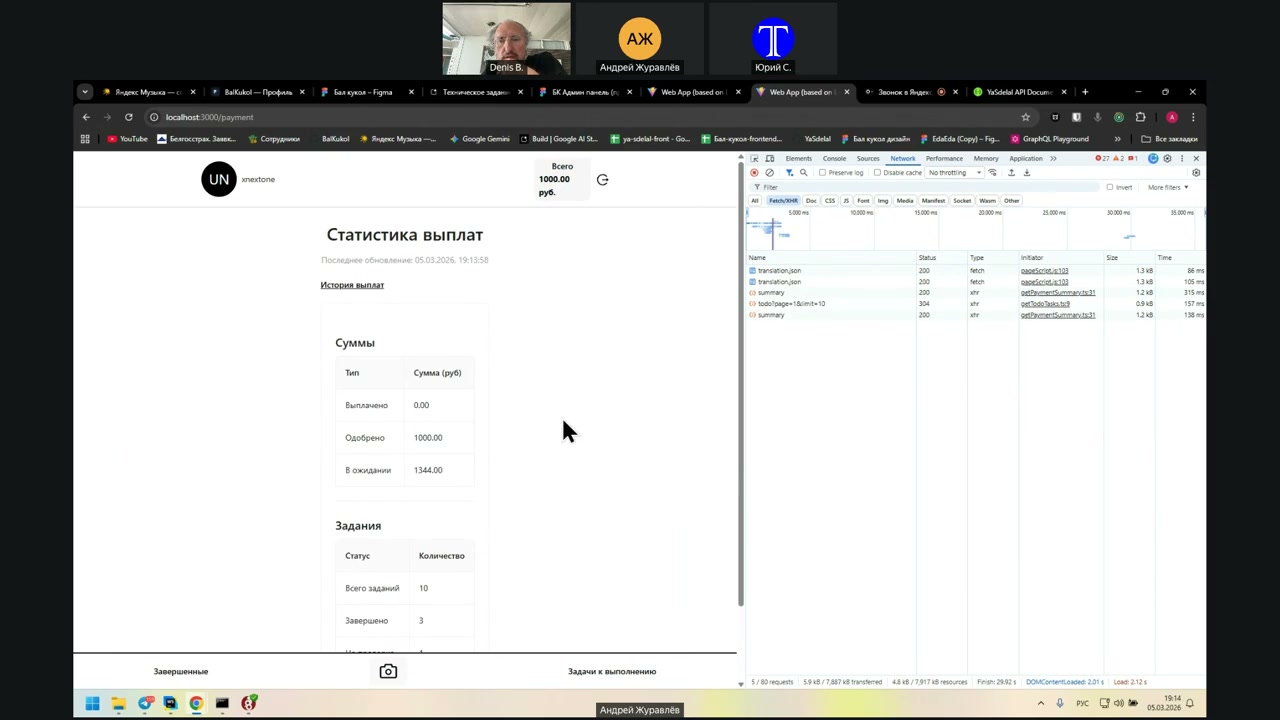
He must have 1,000 at the top. Or does he always have 0 there?
It appeared. Well, it was necessary to update the string.
And 200 and 1,000 still did not appear, even though they were listed there.
No, 200 is already paid, but 500 rubles of consumption did not appear. It appeared for the task of 1,000, but not for the expense.
What do you mean, paid? How is it paid?
This figure, for the client and for the manager, must always be 1.
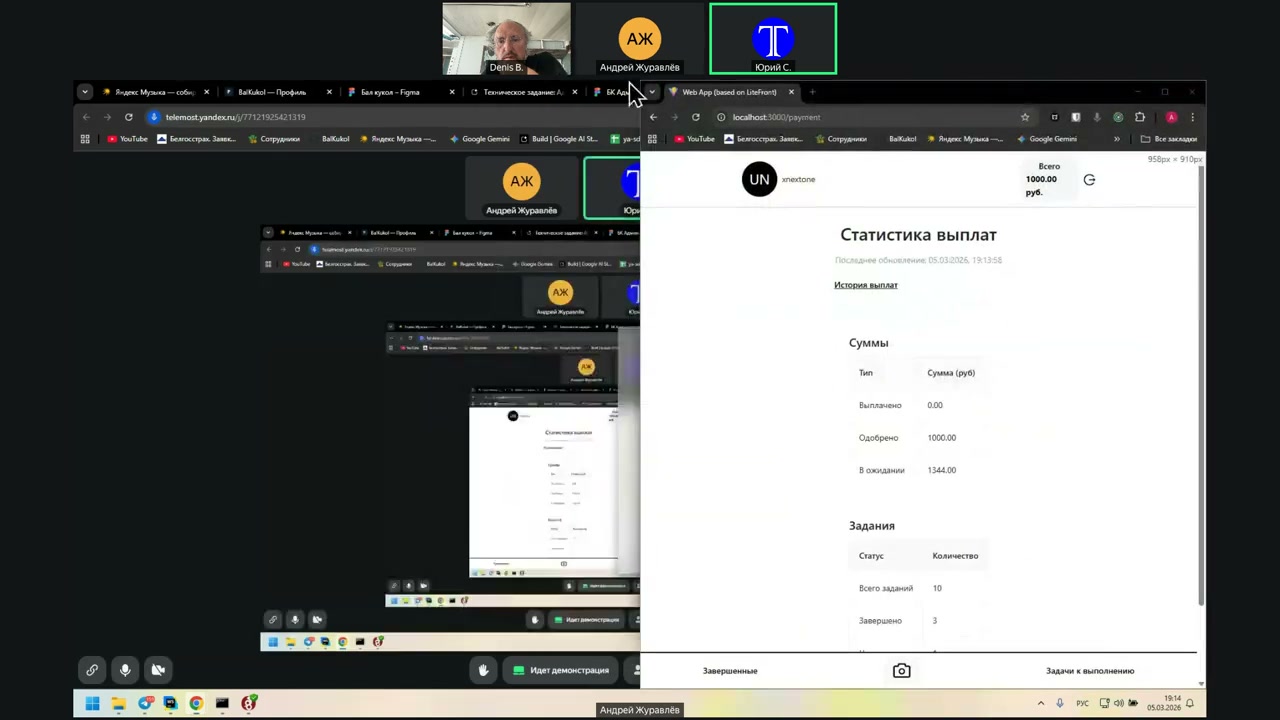
Ну, есть какой-то...
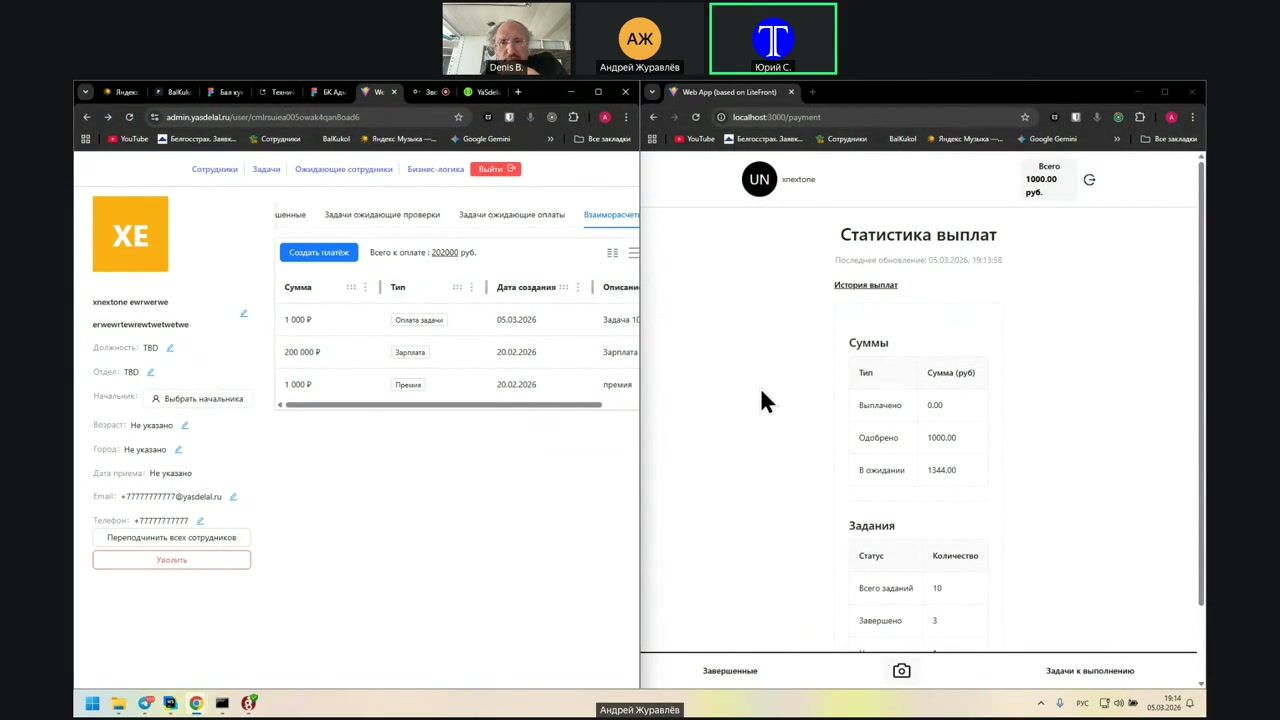
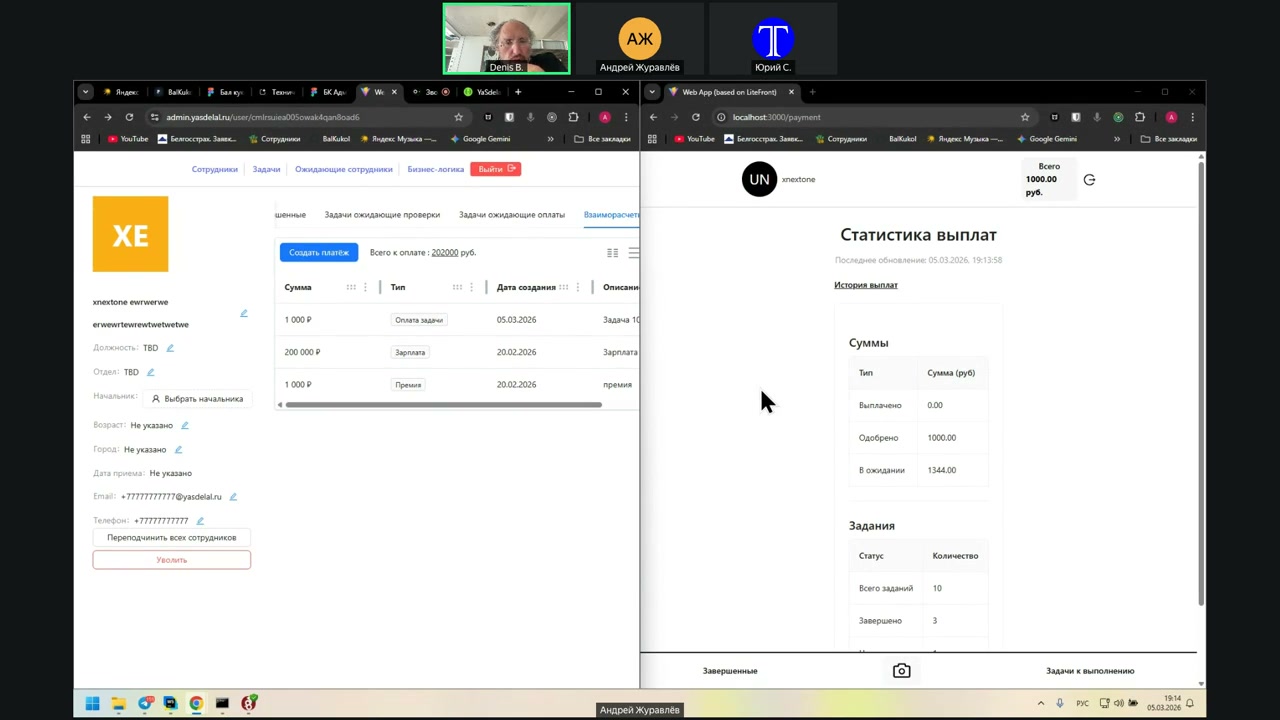
Approved in anticipation.
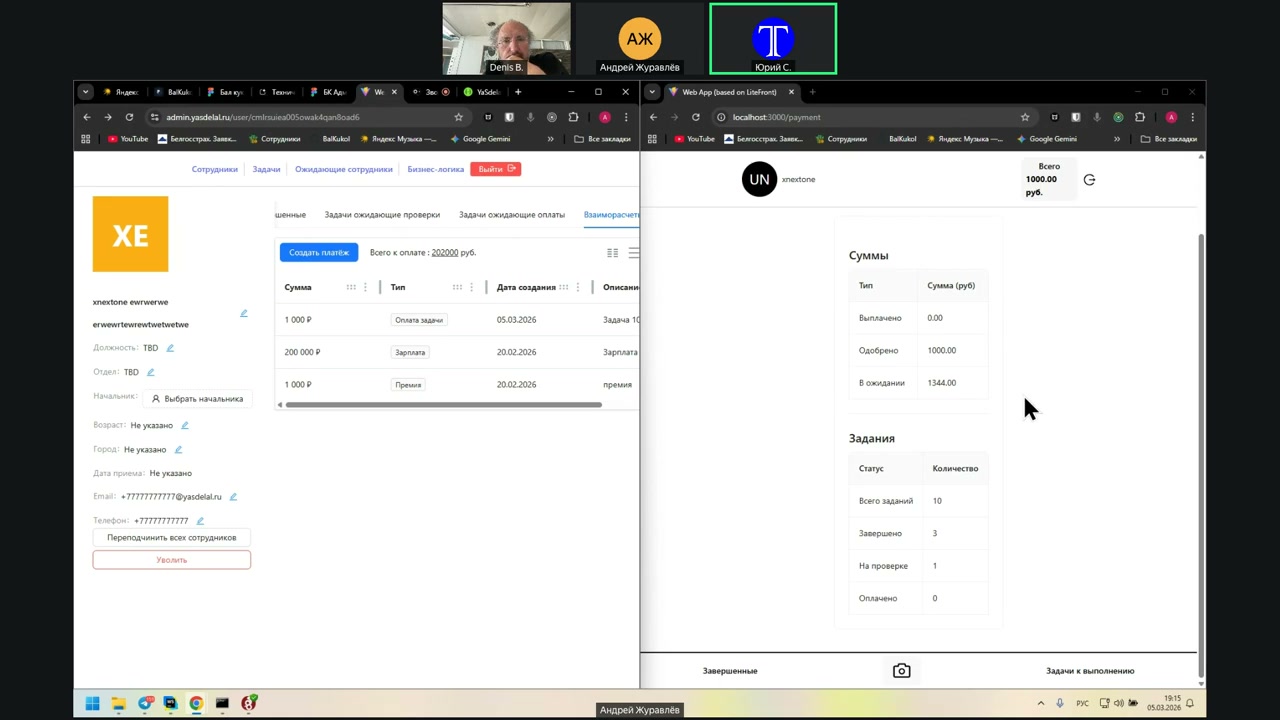
Something is wrong here somehow. There should be a bug at the top, where it says 1000 per person per hour. It should say 202 thousand. This should be taken from one place; otherwise, the confusion will be complete.
And now it is approved: 1000 and some more in anticipation of 1344, which came from one of the previous tasks, as I understand it.
Move a little lower than that. There are still payment statistics there. That is all.
And here, the task is marked as paid at the end, but the value will be 0 for us, since we do not allocate one large payment across small tasks. We do not move each specific task into the Paid status. Accordingly, the payment will always be 0.
It is better to remove it altogether.
So, can we now just register a new employee for a new phone number?
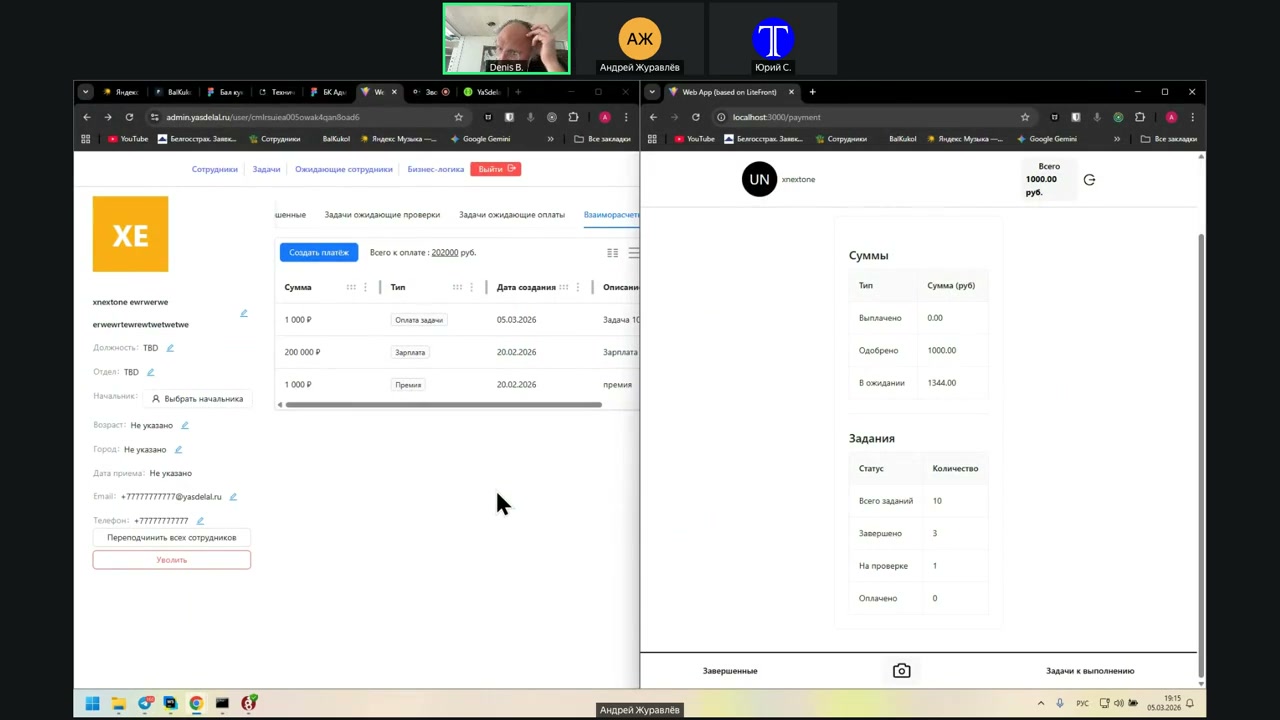
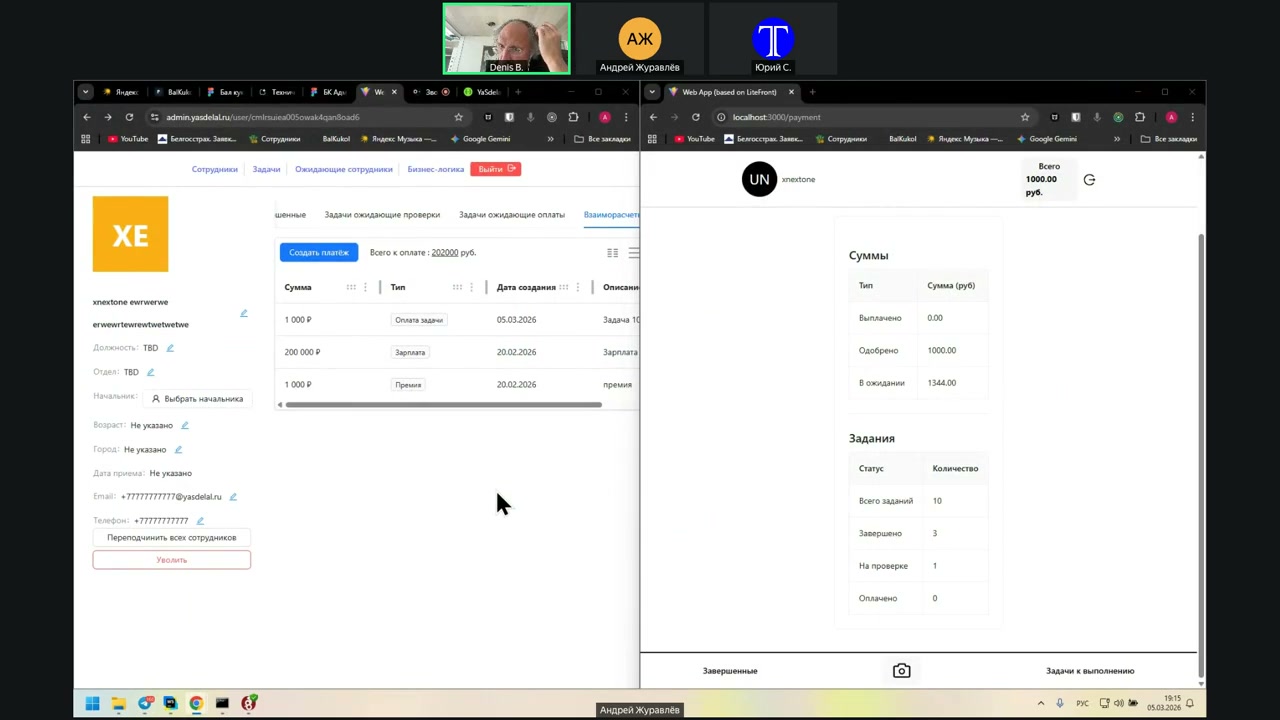
Всего какие-то левые выплаты.
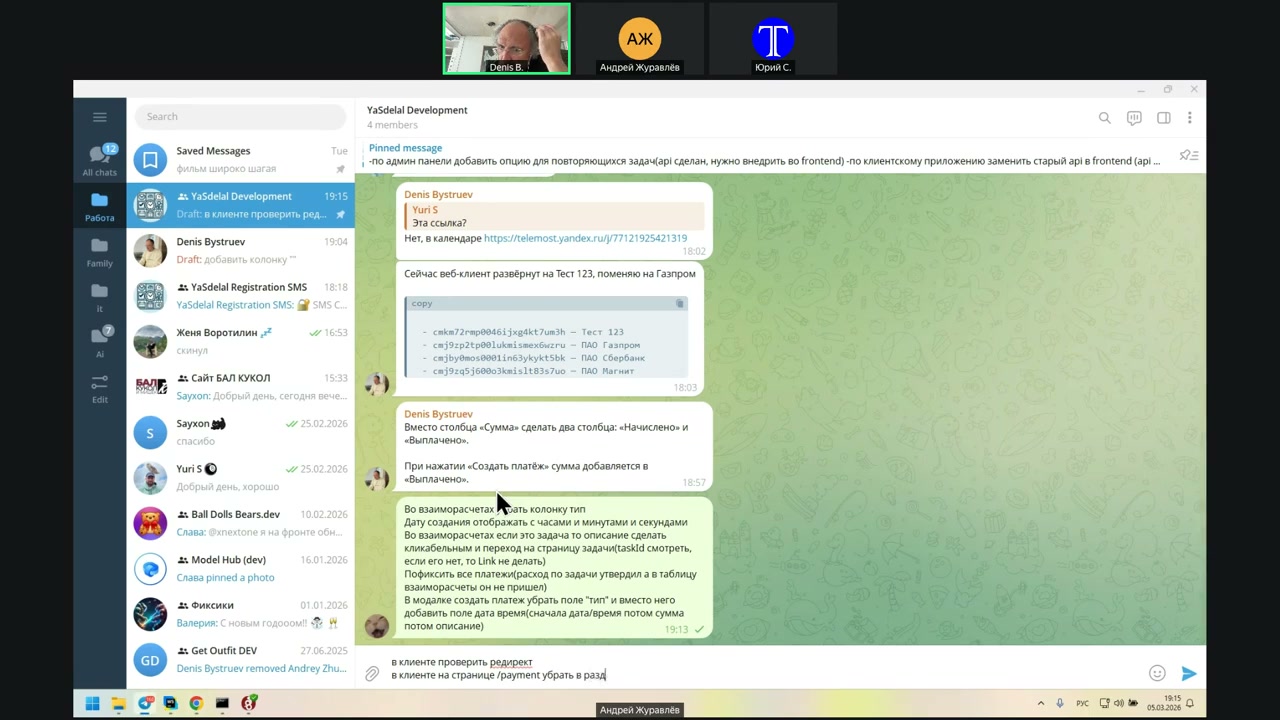
Which we do not have, but it is necessary to check calmly.
Now we are here for half a day; we will still sit to check.
No, just these are 1344, and so on.
It’s just...
Some of the payments that have been made are wrong.
Well, how is it now according to our new logic? They are made wrong, no? That is, we will not change the logic for a new user.
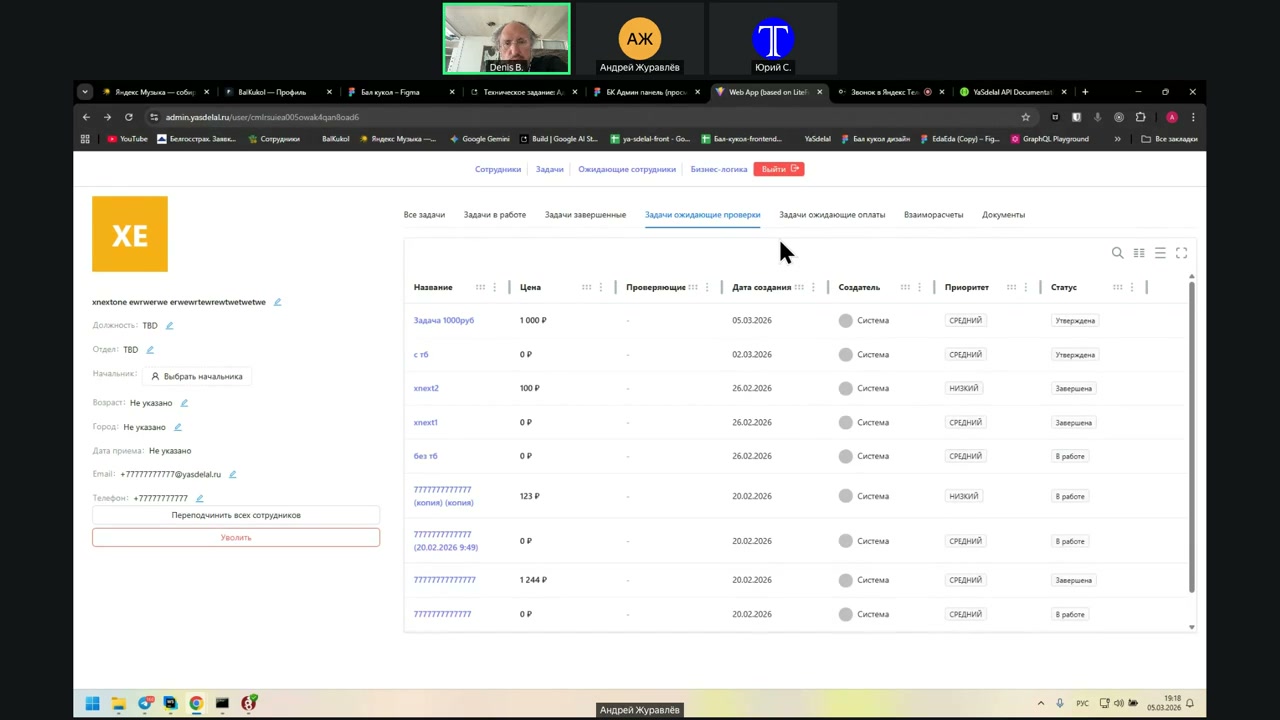
Where did they come from at all? Well, they were made earlier. Andrei found them somewhere there. He found them in the “Waiting for Payment” task, as I understand it.
Where did you find these 1,344 rubles?
Yes. No, then in which one? Where were they? Or in the final one?
Here they are, in the final one.
Why are they in the “Final” task? And why, by the way, is there no task here? What goes into the “Final” task and the “Waiting for Payment” task?
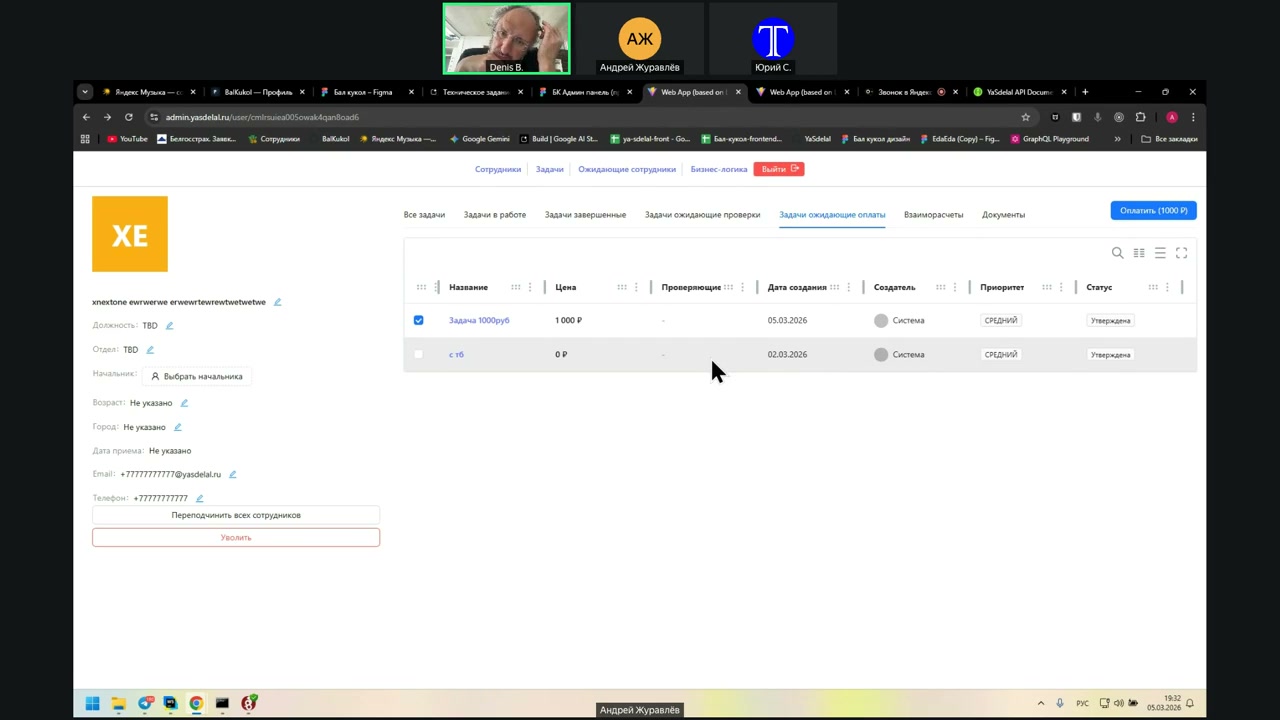
So, first, the “Waiting for Check” task is checked. Then they fall into the “Waiting for Payment” task. After that, when the task is marked as paid, these tasks fall into the “Final” task. Is that correct?
But look at the “Waiting for Check” task. Do these tasks appear there or not?
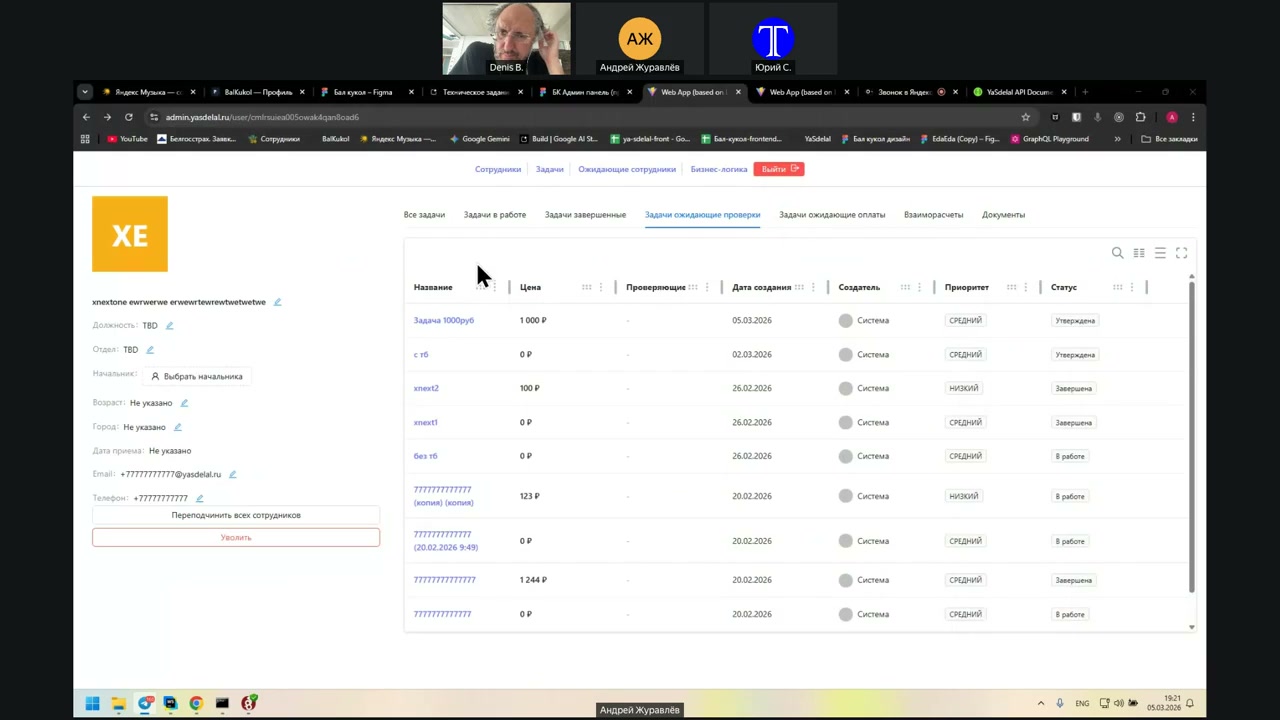
Yes, they do. Yes, it is completed. That is, these tasks are completed but not yet checked.
So these 1,344 rubles are for these two tasks. For them to appear here for the manager, you need to check and confirm them.
But where does this go? There is 100 rubles, 123 rubles...
123 rubles is still in work. It is not taken into account at all.
Why did they get into “Waiting for Check”? It should not be here at all. Everyone who is in work should not be here.
So, open the task that is in work. Open the task that is in work.
So, here all the tasks have the status “In Work”, right?
Yes.
Now the tasks are completed. Wait a second, a second, a second.
Let’s complete the task and confirm it together: Waiting for Check, Waiting for Payment. Here it appeared. Waiting for Check, Waiting for Check.
Why is it here if it is already approved?
Now go through all the columns again and look at the statuses.
Start with the “Task In Work” column. Everyone has the status “In Work”, right?
The task is completed. Everyone has the status “Completed”. Okay.
Then the “Task Waiting for Check” column. Here we got approved, which should not be there, and in work, which should not be here either.
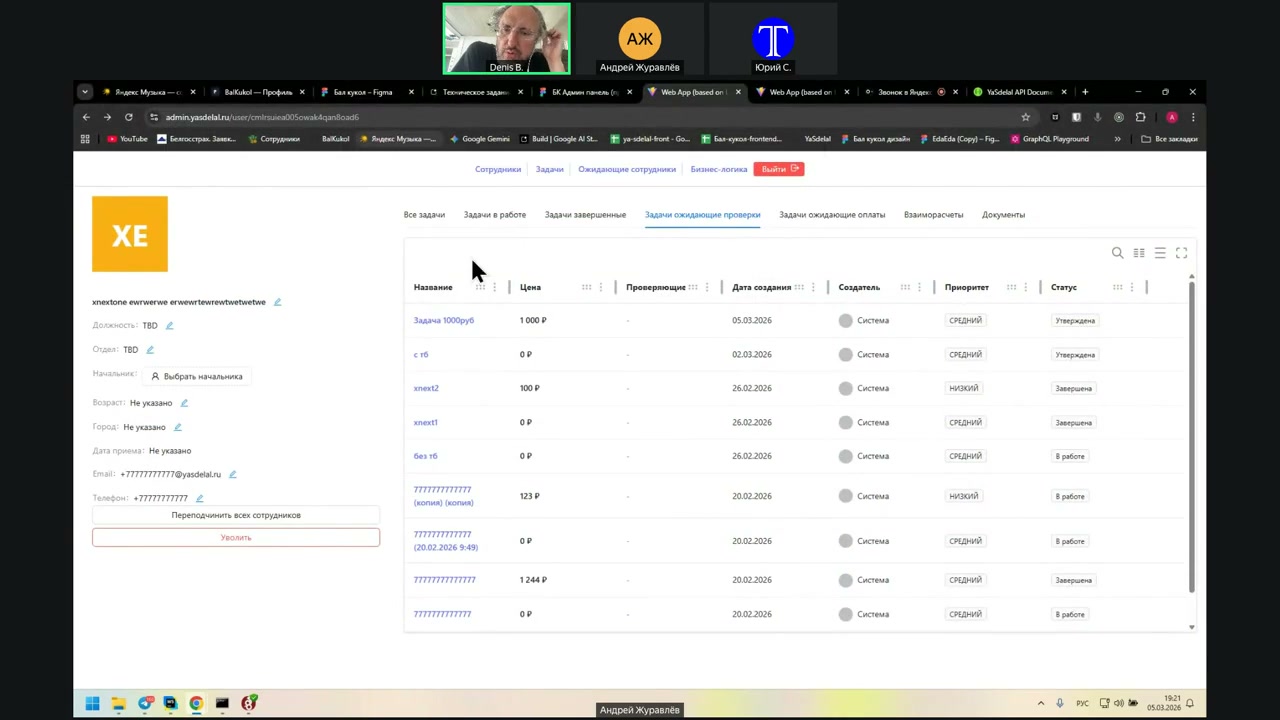
If the task is completed but not yet checked, then we have separate concepts: completed tasks and tasks waiting for verification.
So then we do not need a “Completed Tasks” column?
And we can have tasks that are completed but do not need a check?
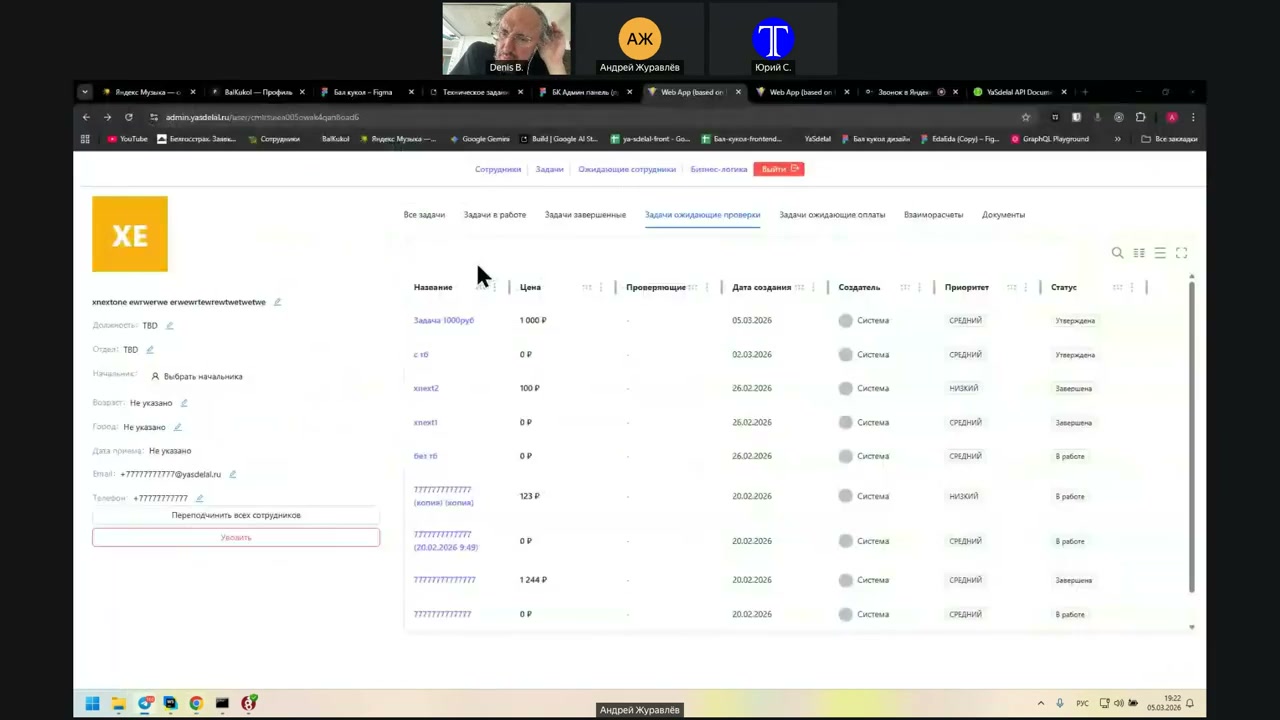
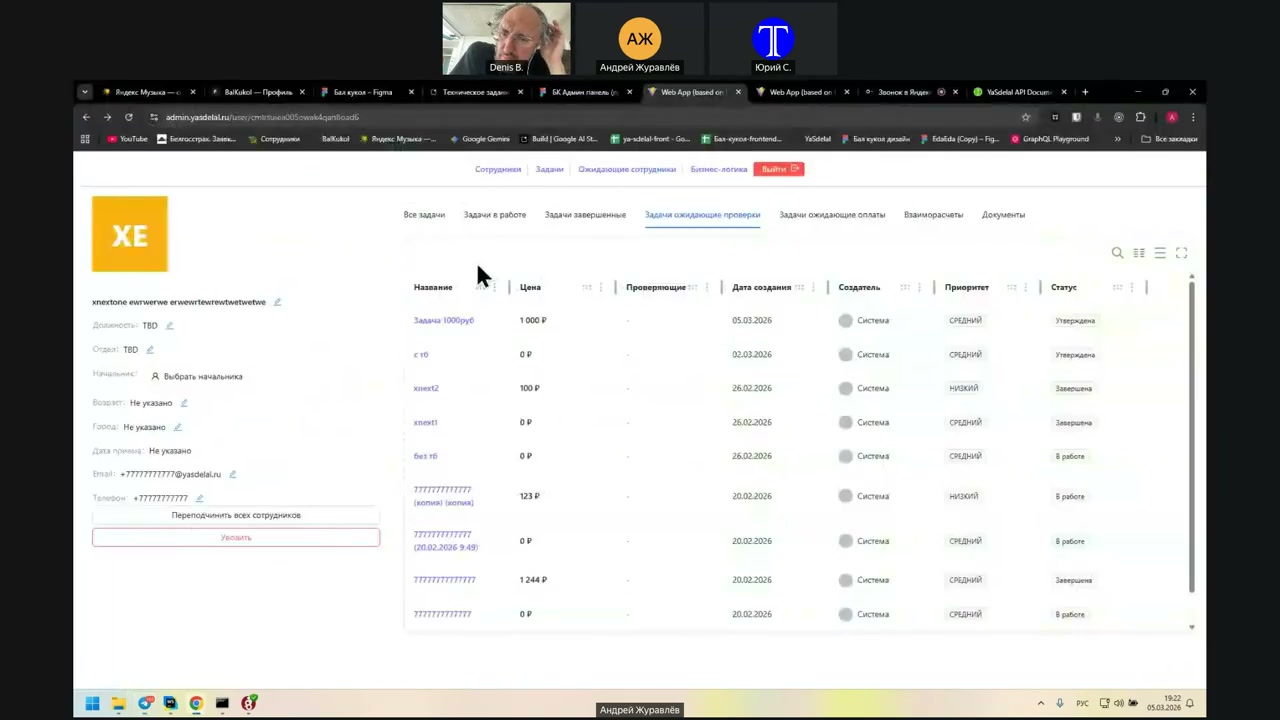
No, no. When a person presses the button to complete the task, it falls into the “Completed Tasks” column, the third tab, and only there.
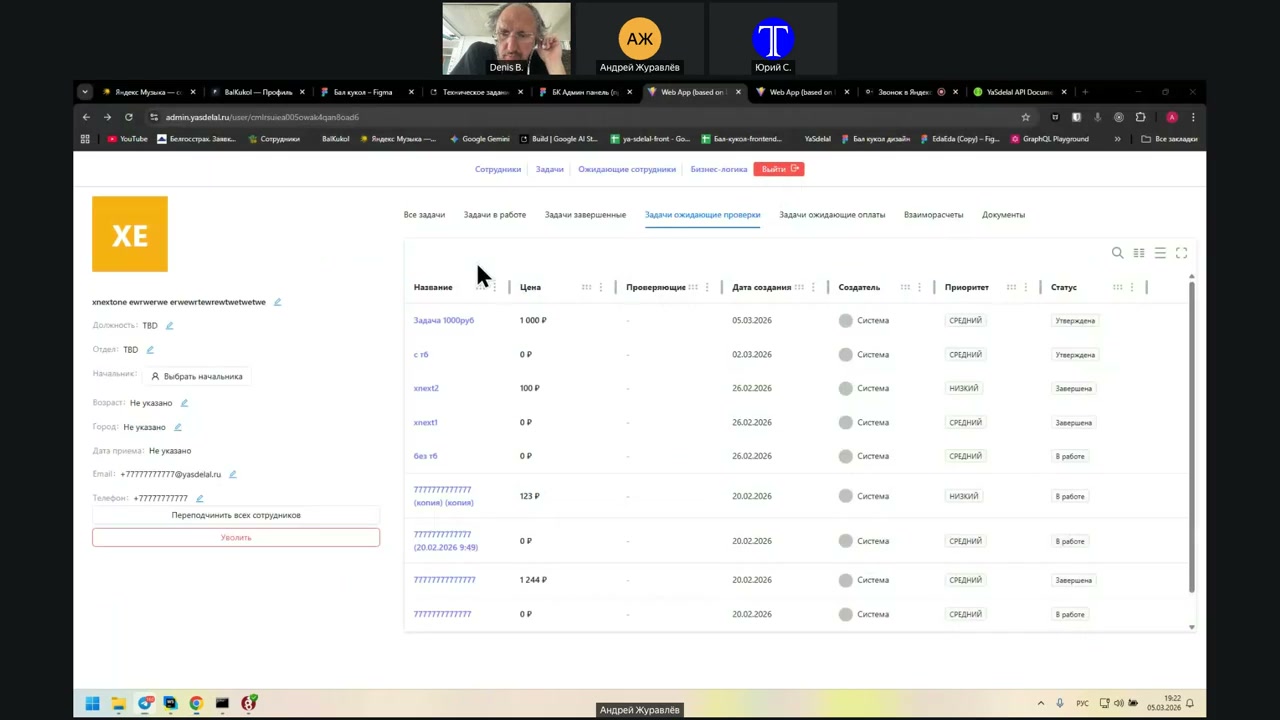
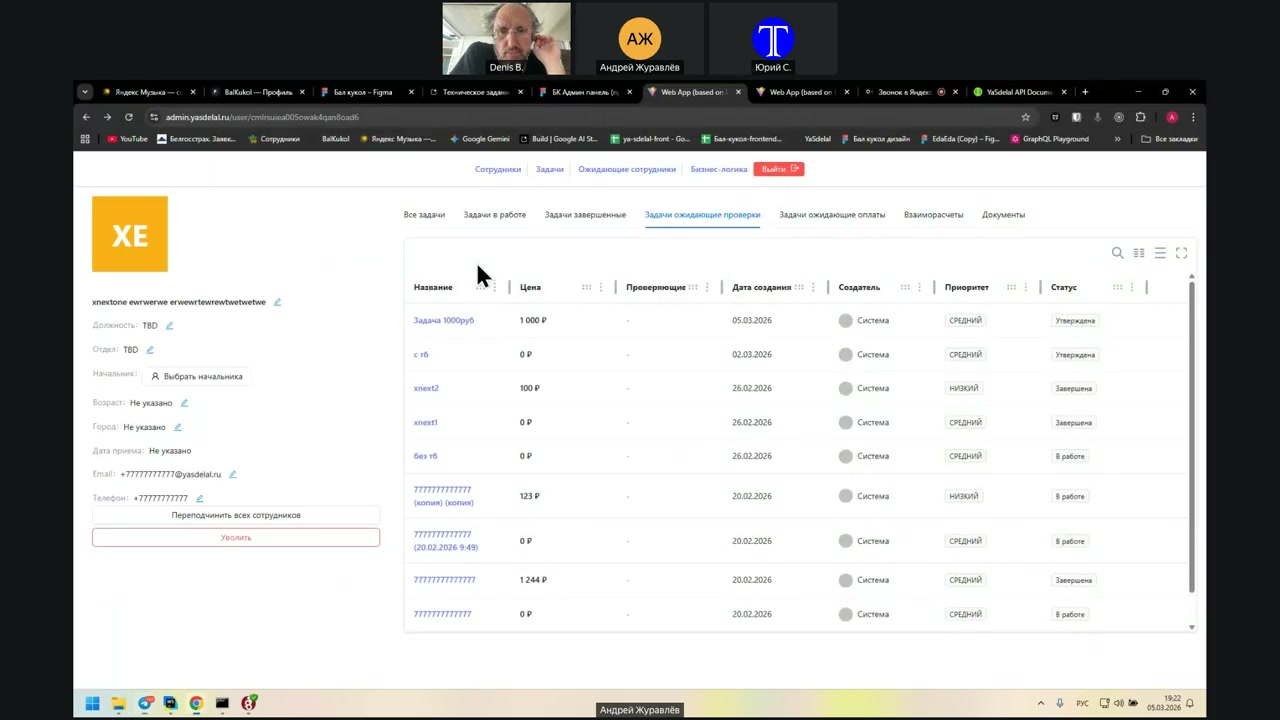
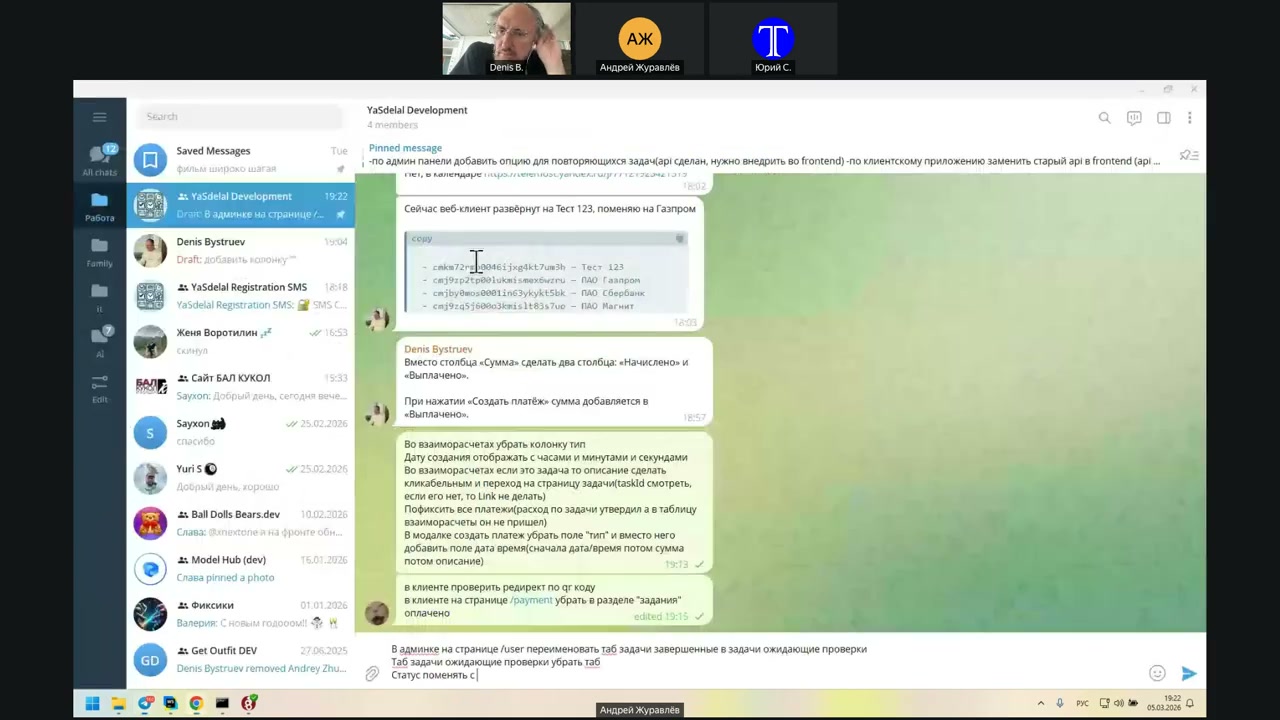
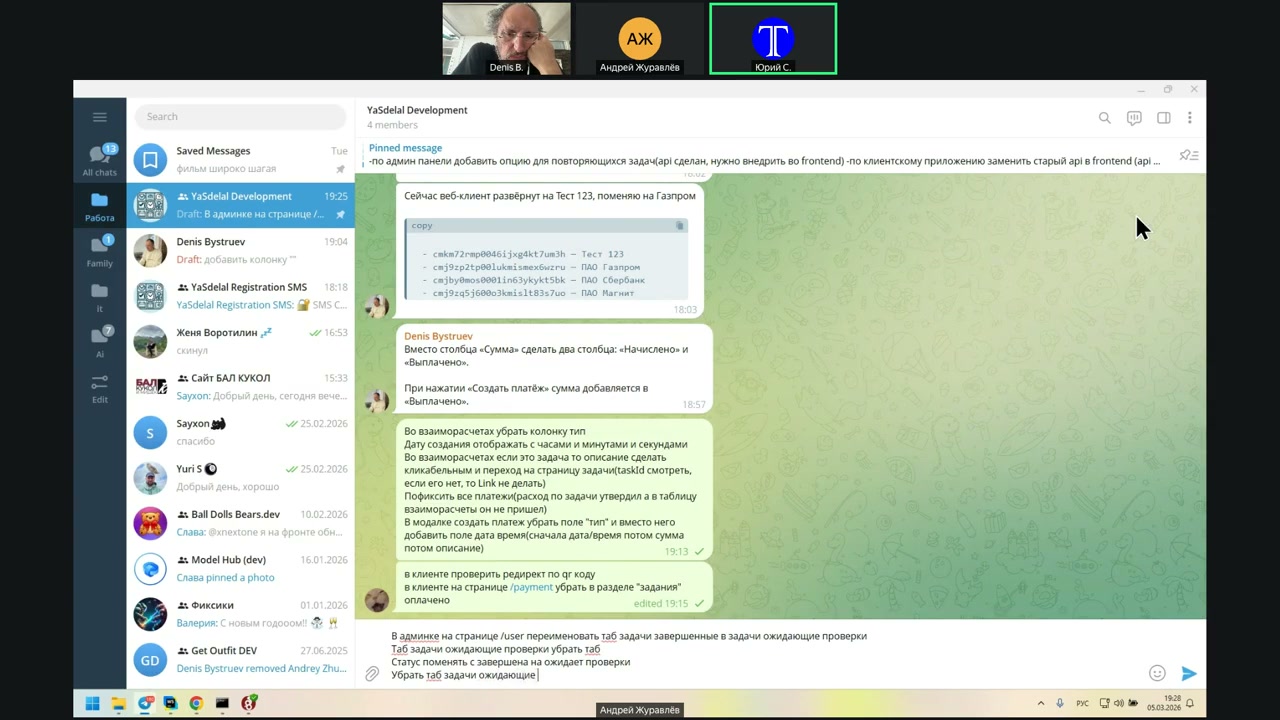
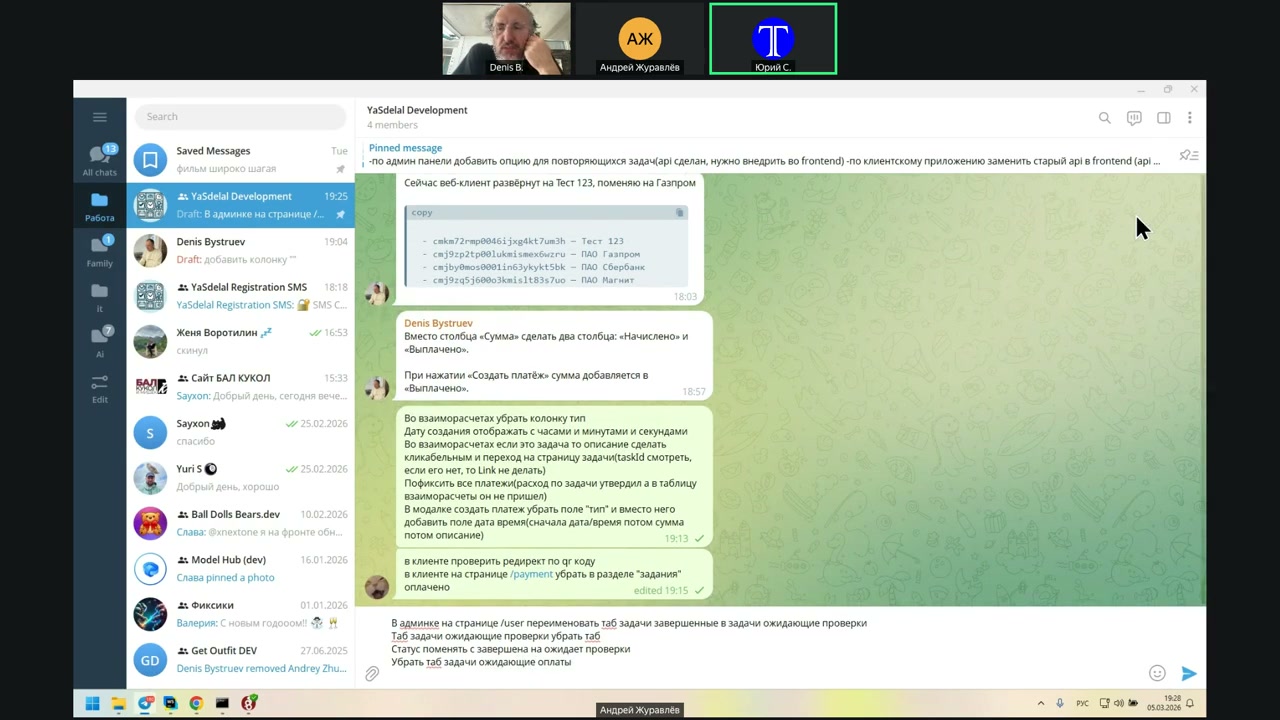
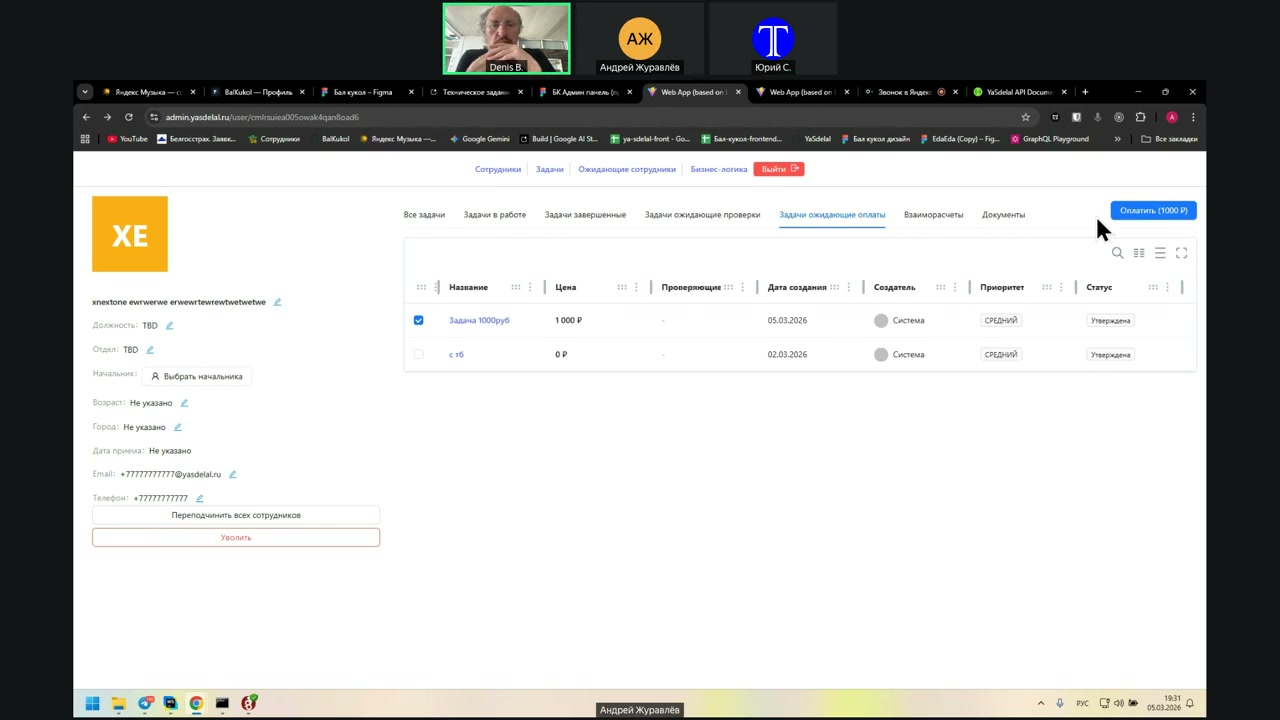
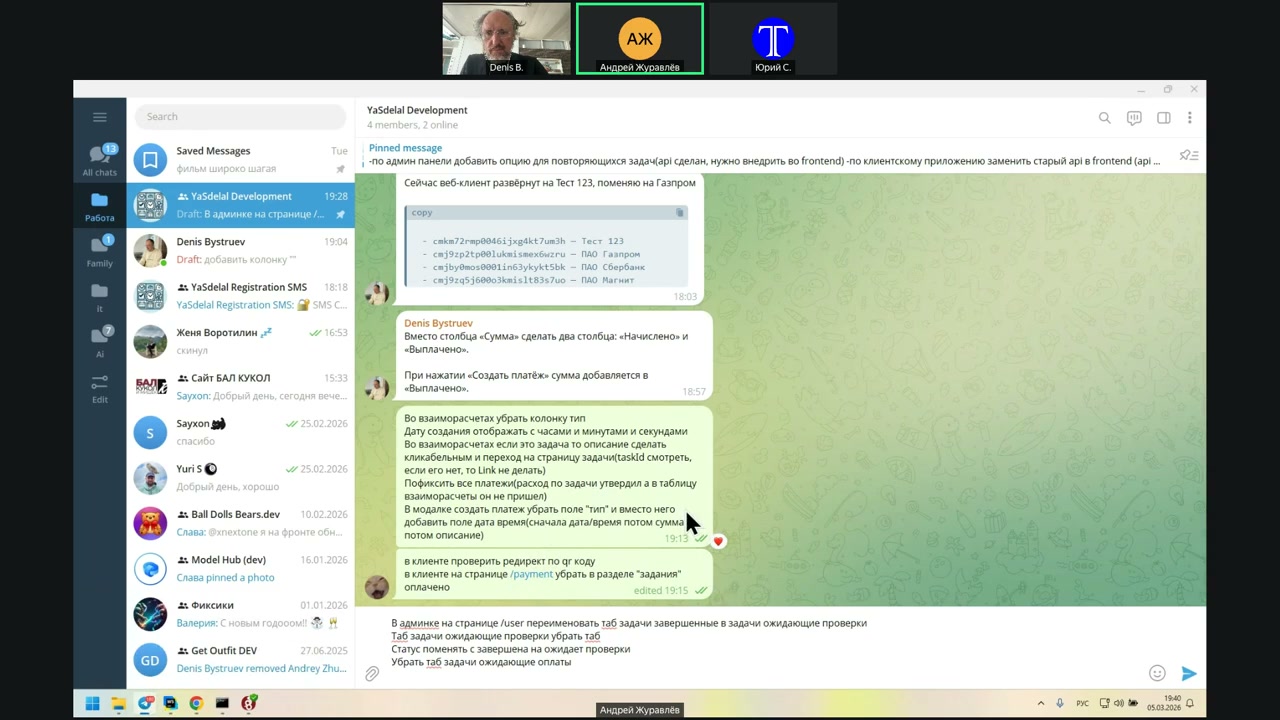
Then, if that is the case, we do not need a “Tasks Waiting for Verification” tab. The “Completed Tasks” tab should simply be renamed to “Tasks Waiting for Verification.”
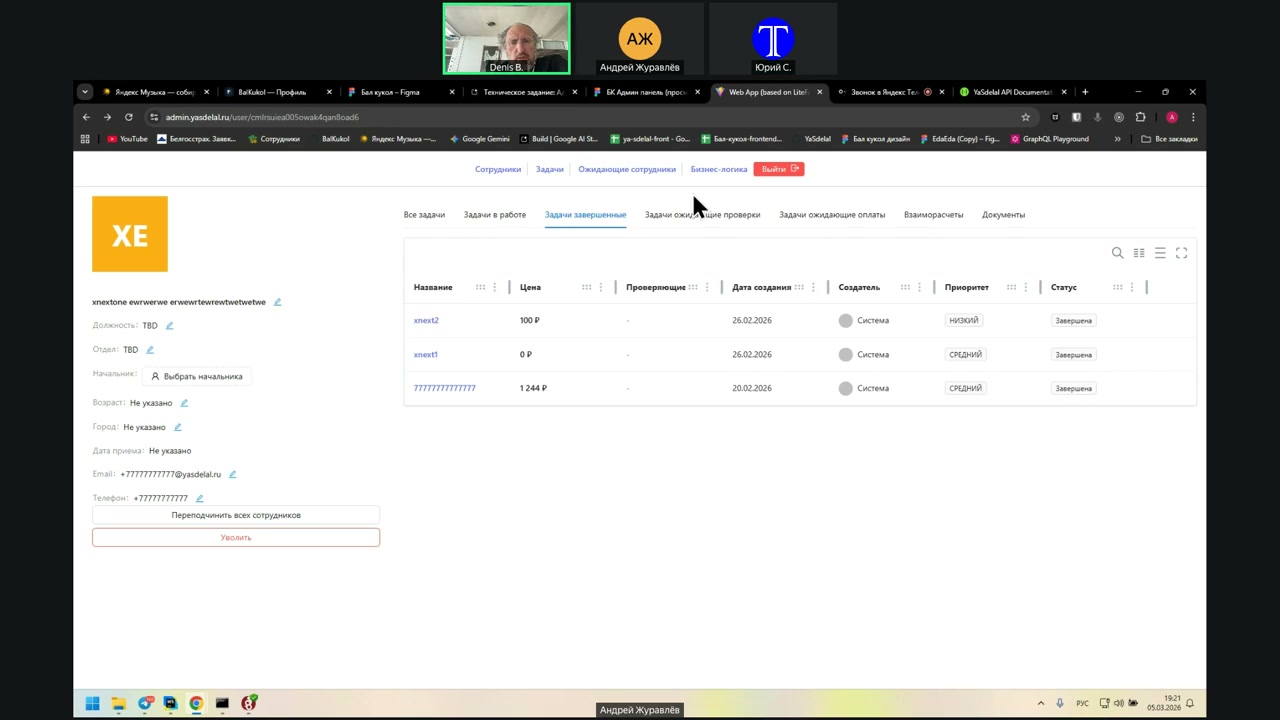
Right now they are displayed correctly. That is, only completed tasks are shown there, not approved ones.
Andrei, click on “Completed Tasks.” We have the status displayed here. This is the correct column. All tasks here are completed.
I suggest renaming “Completed Tasks” to “Tasks Waiting for Verification,” and removing the separate “Tasks Waiting for Verification” tab.
Then everything will be correct, because right now all the tasks are in “Tasks Waiting for Verification.”
This “Completed” status is simply unclear. The status for a task waiting for verification should be “Completed.” It is the same thing as “Waiting for Verification.”
Click on “Tasks Waiting for Verification.” I think we do not actually have a “Waiting for Verification” status there. We only have the “Completed” status, which is not very clear.
Then we need to rename the status to “Waiting for Verification,” and, in terms of the columns, do as you propose.
That way it will be clearer: rename the status to “Waiting for Verification,” and instead of “Completed Tasks,” rename that column to “Tasks Waiting for Verification.”
That is, what you have now is the right approach.
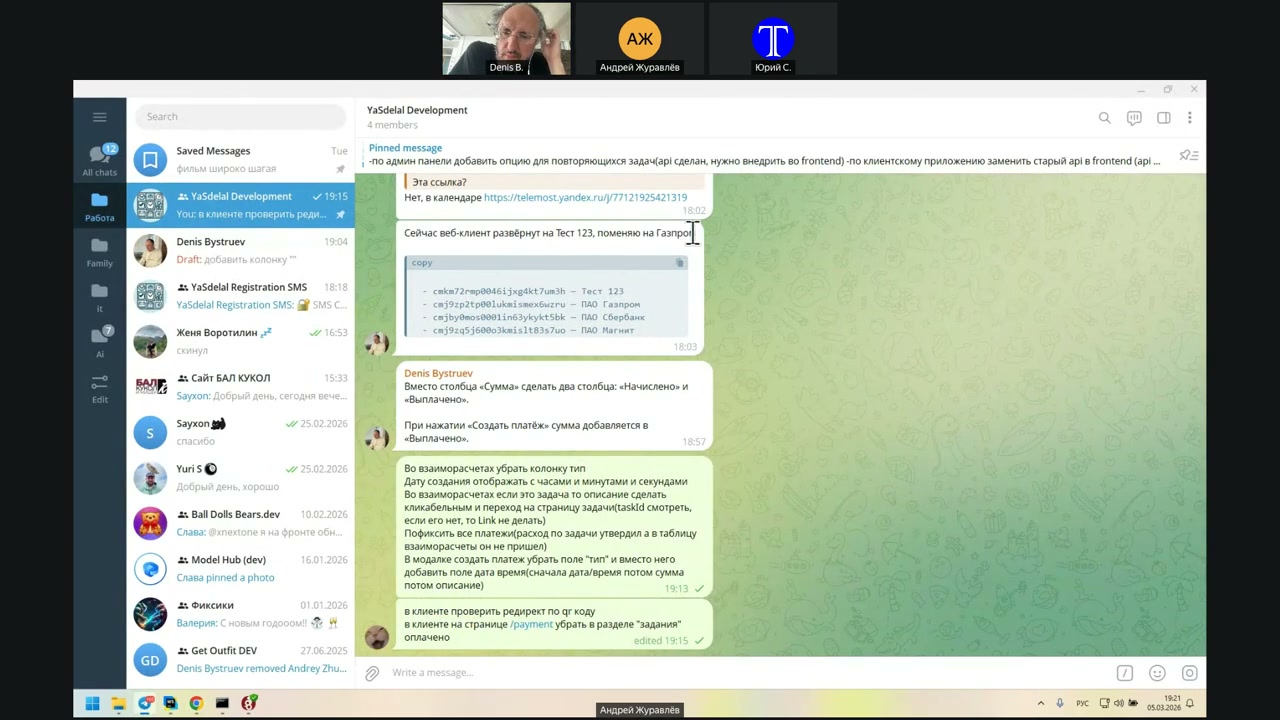
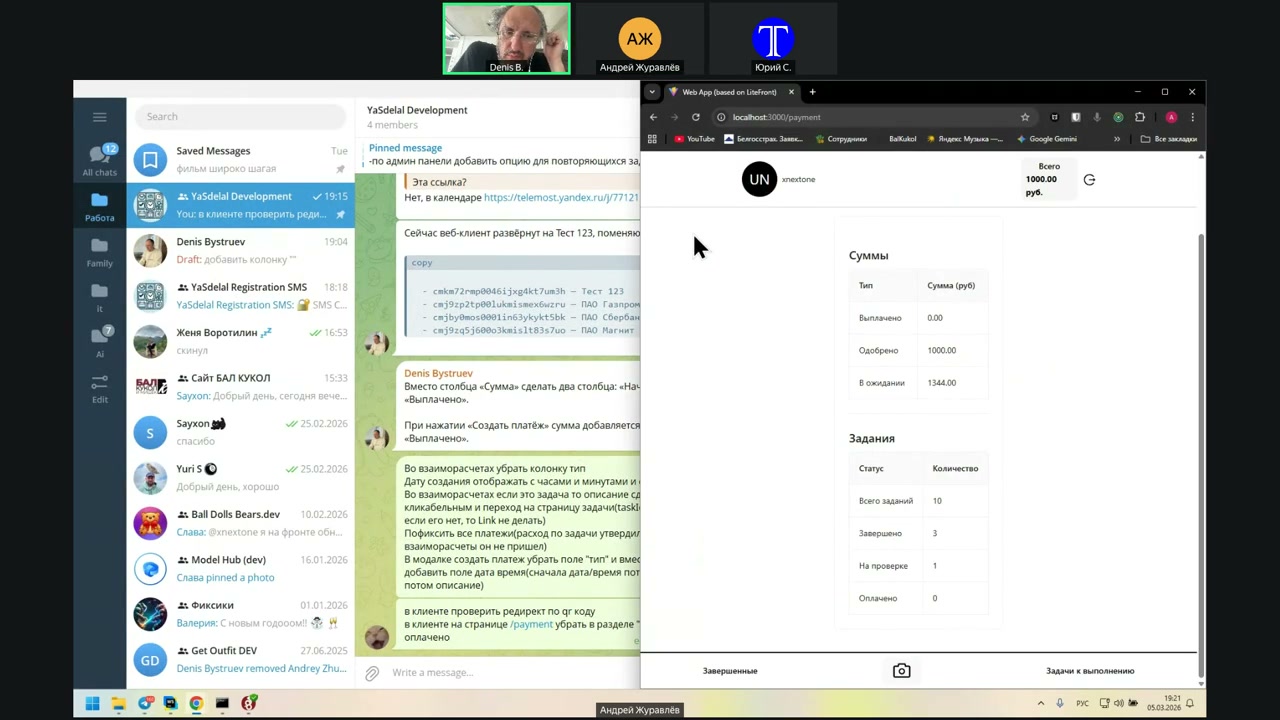
Let's change the text.
Change the status.
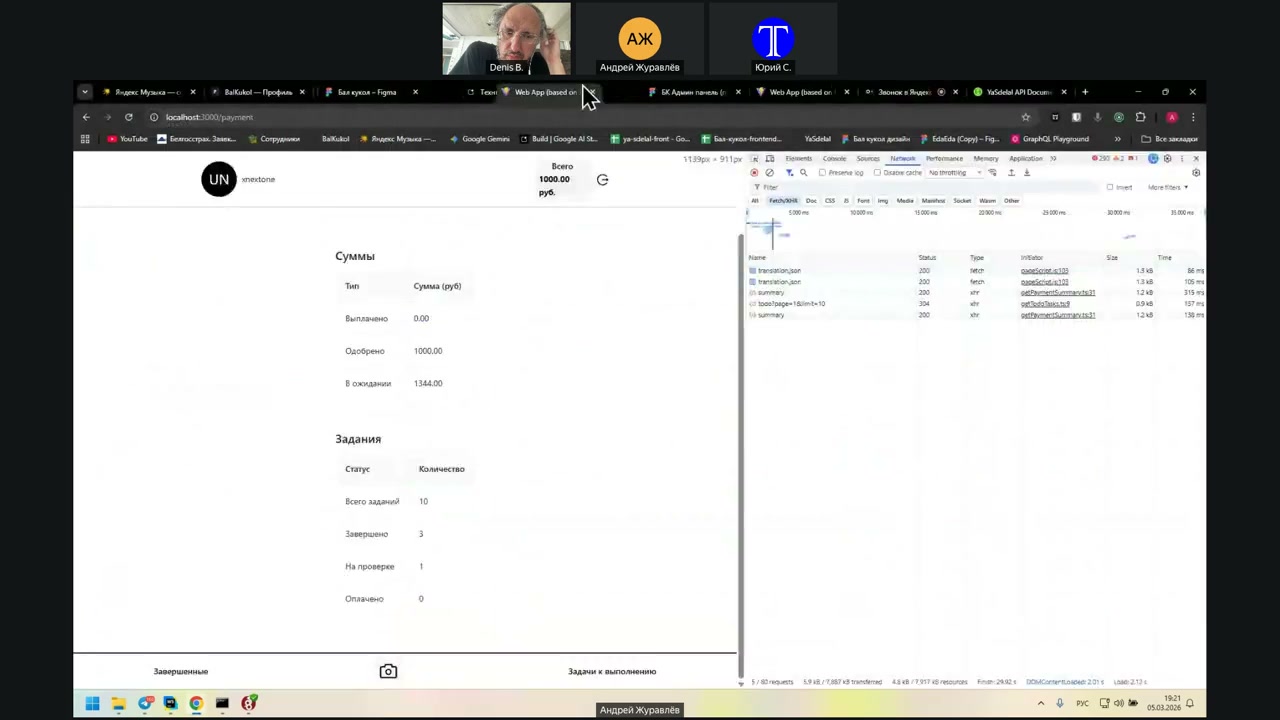
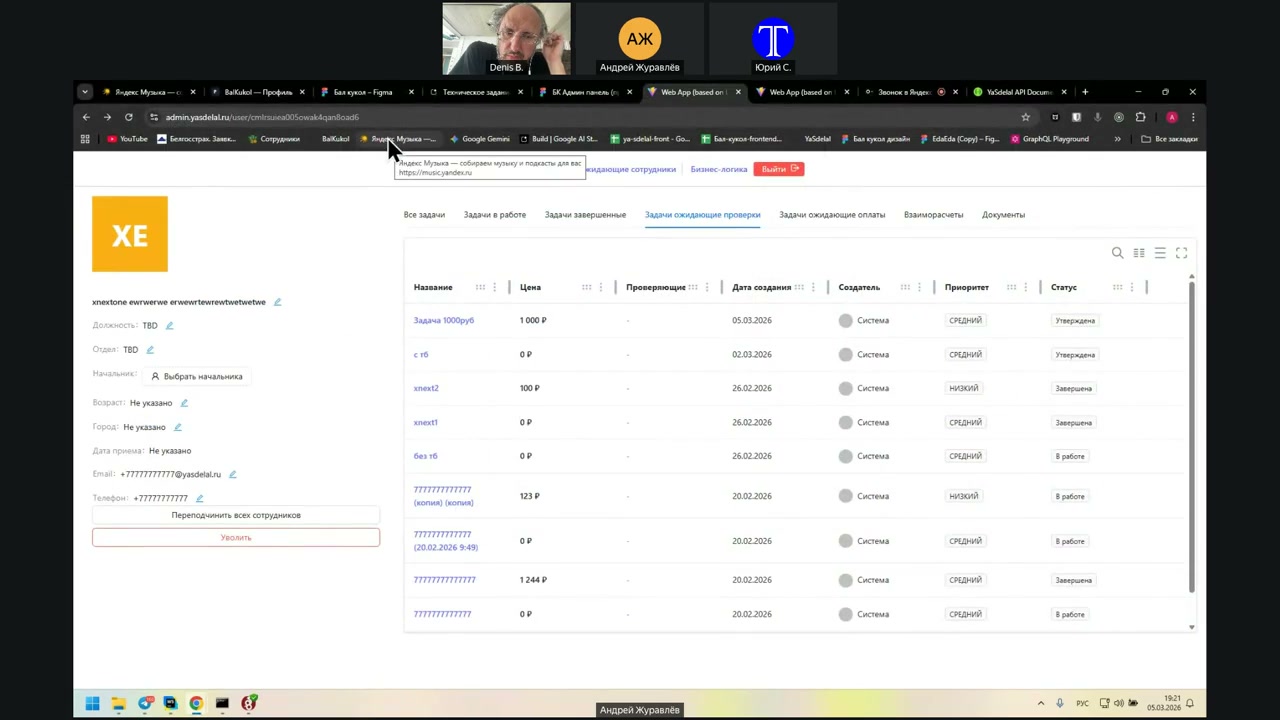
Oh, wait, we still have some kind of...
The status on the check is...
Bye.
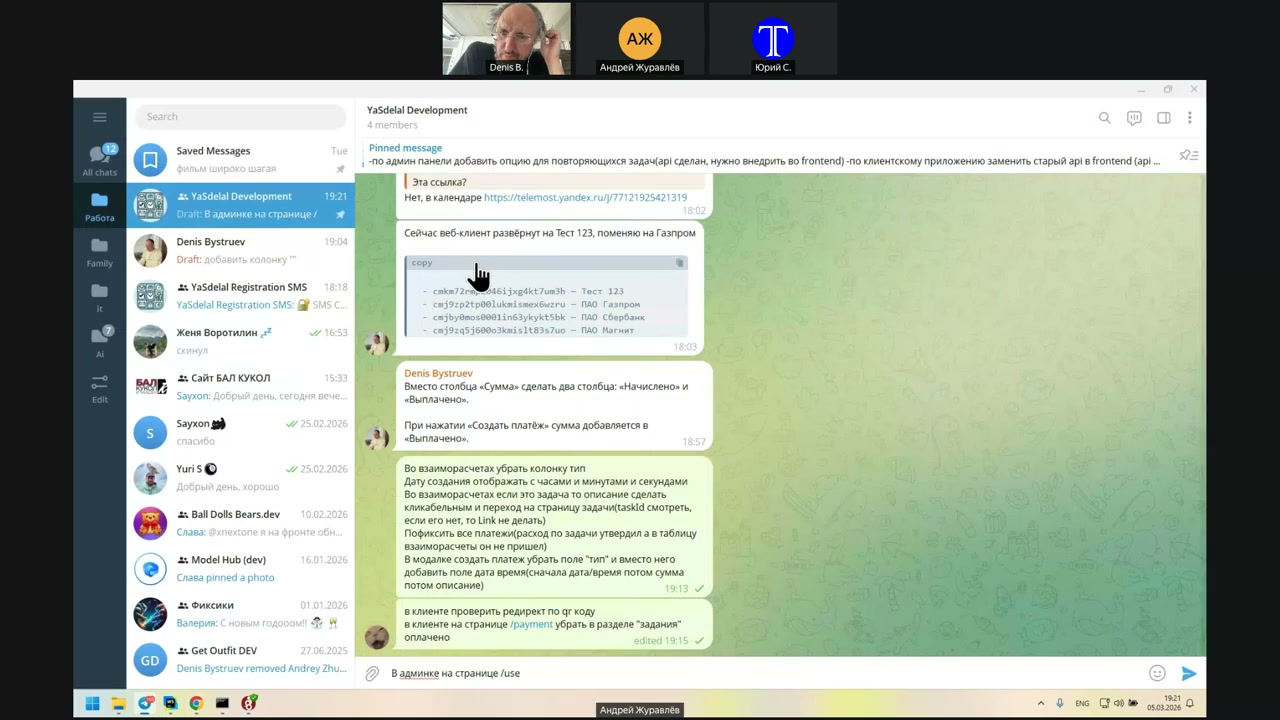
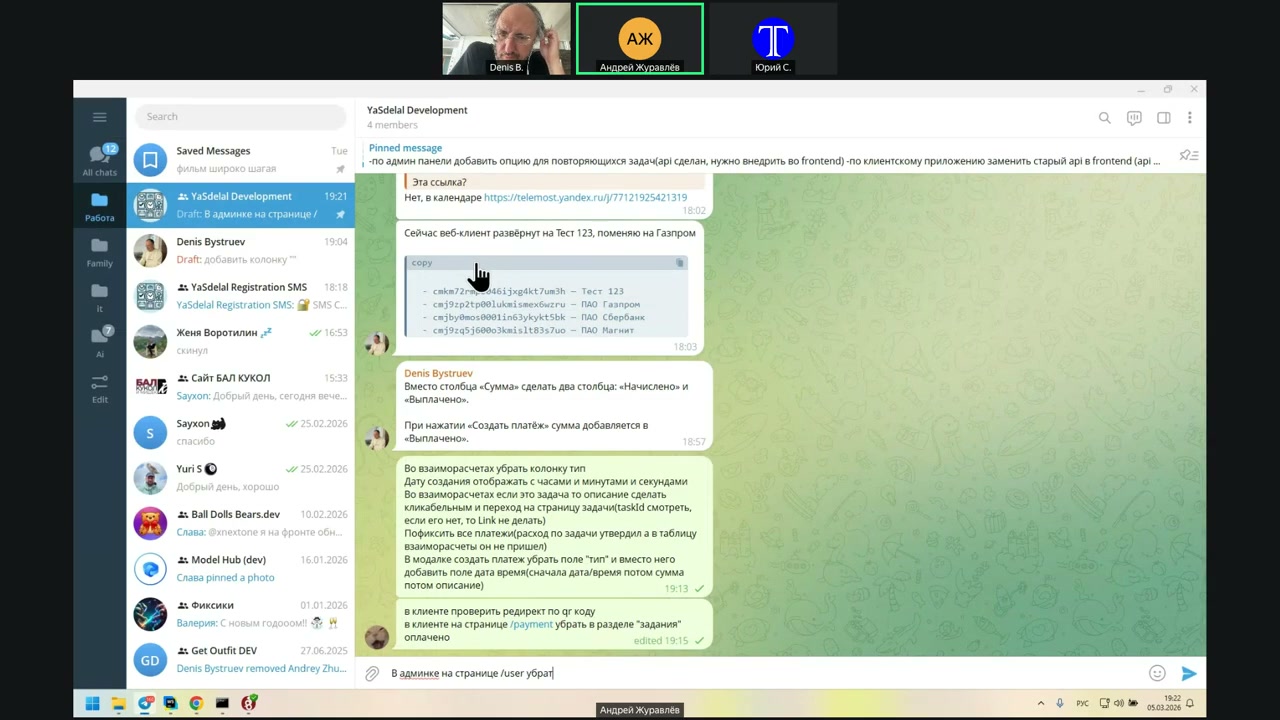
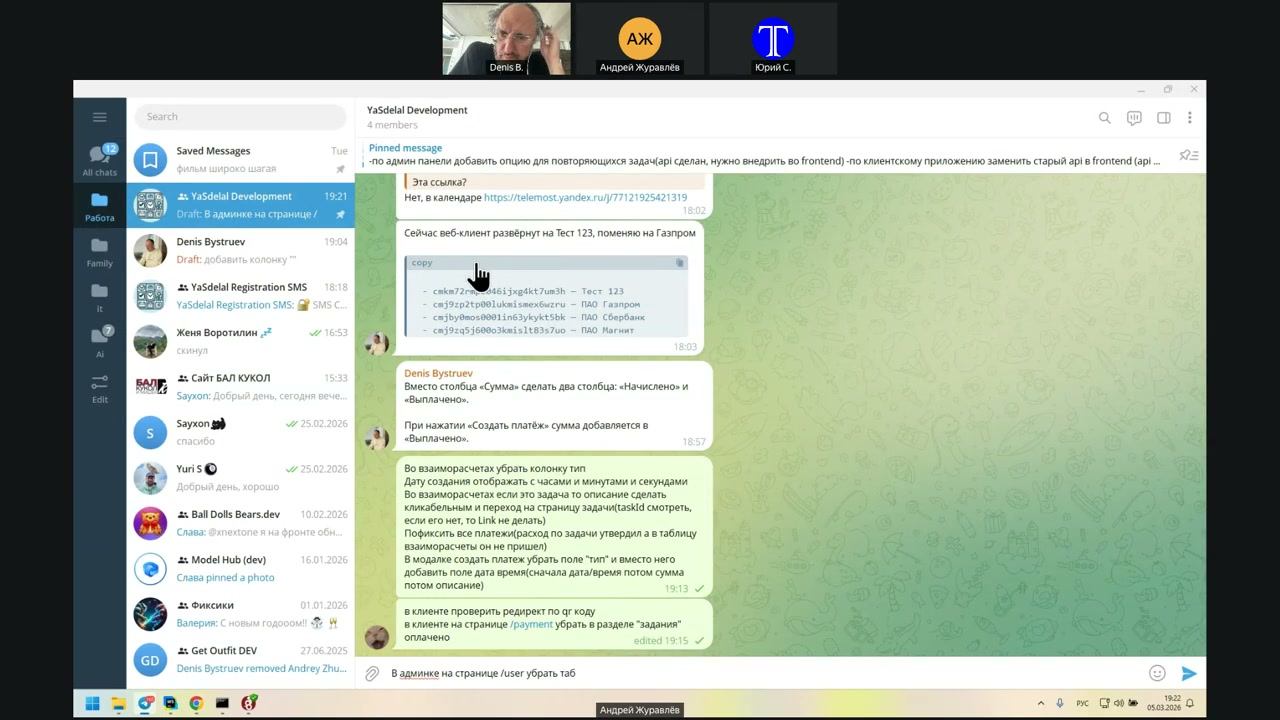
Remove the tab that is completed?
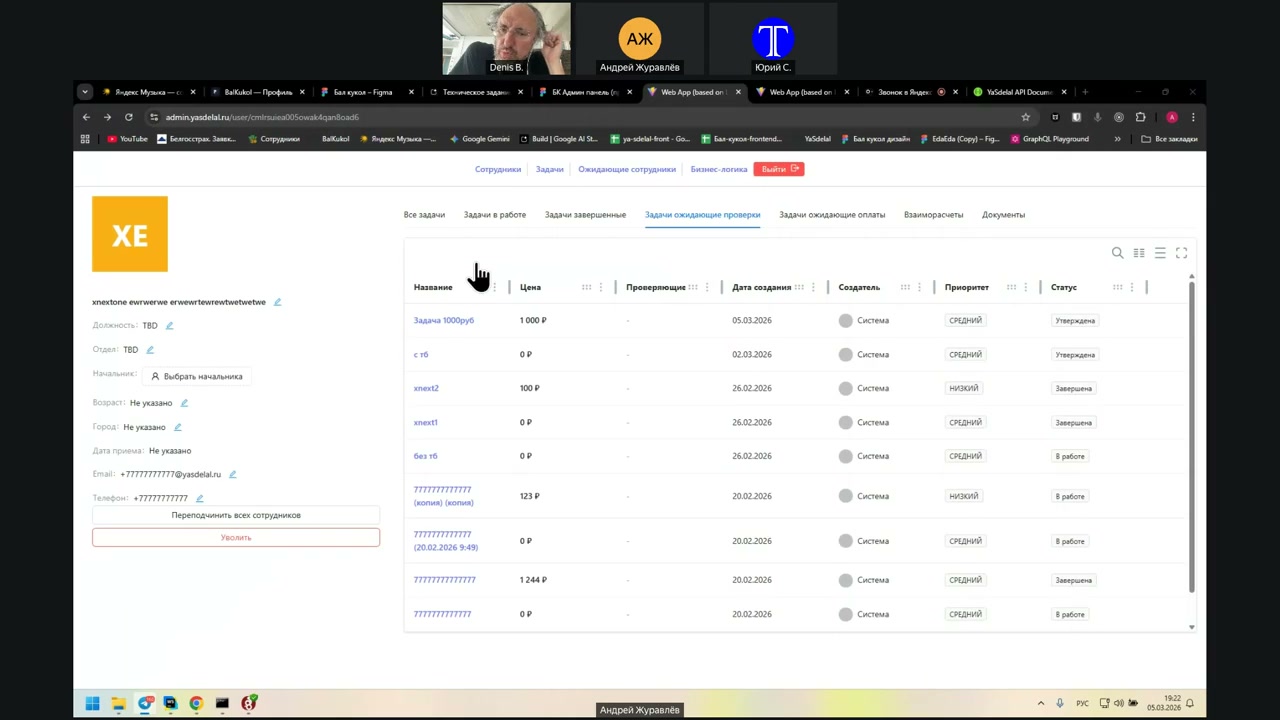
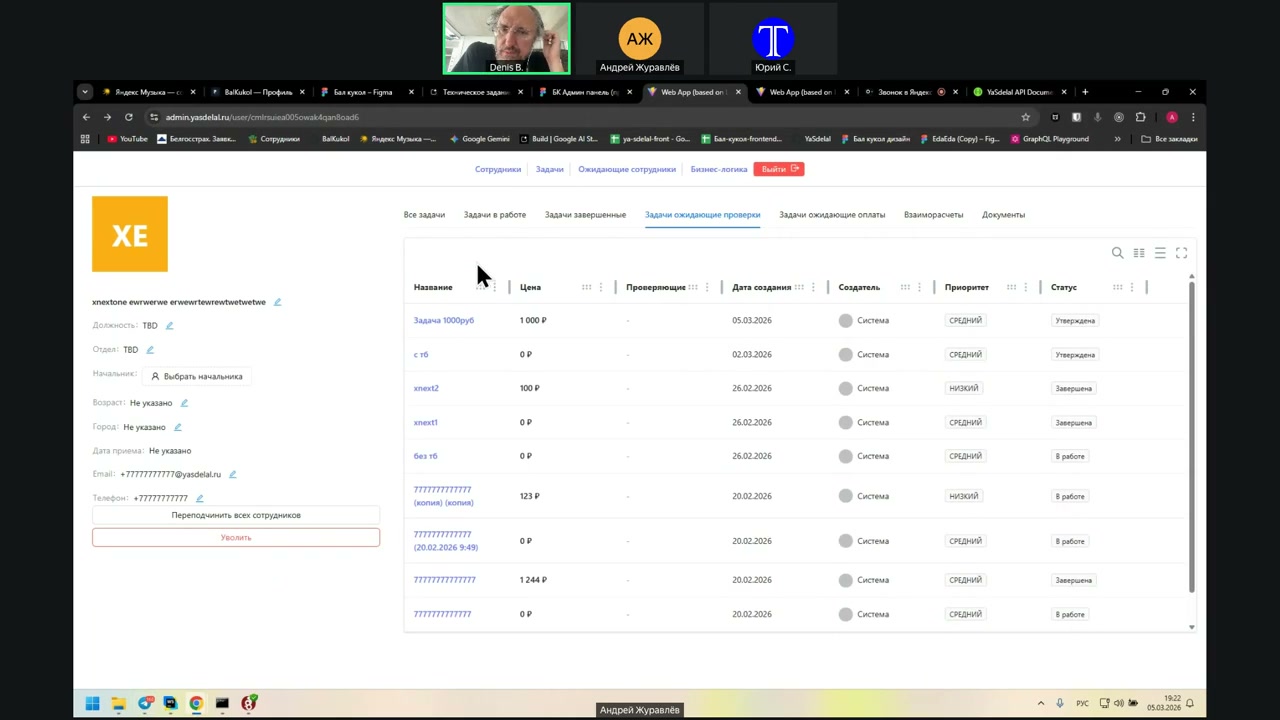
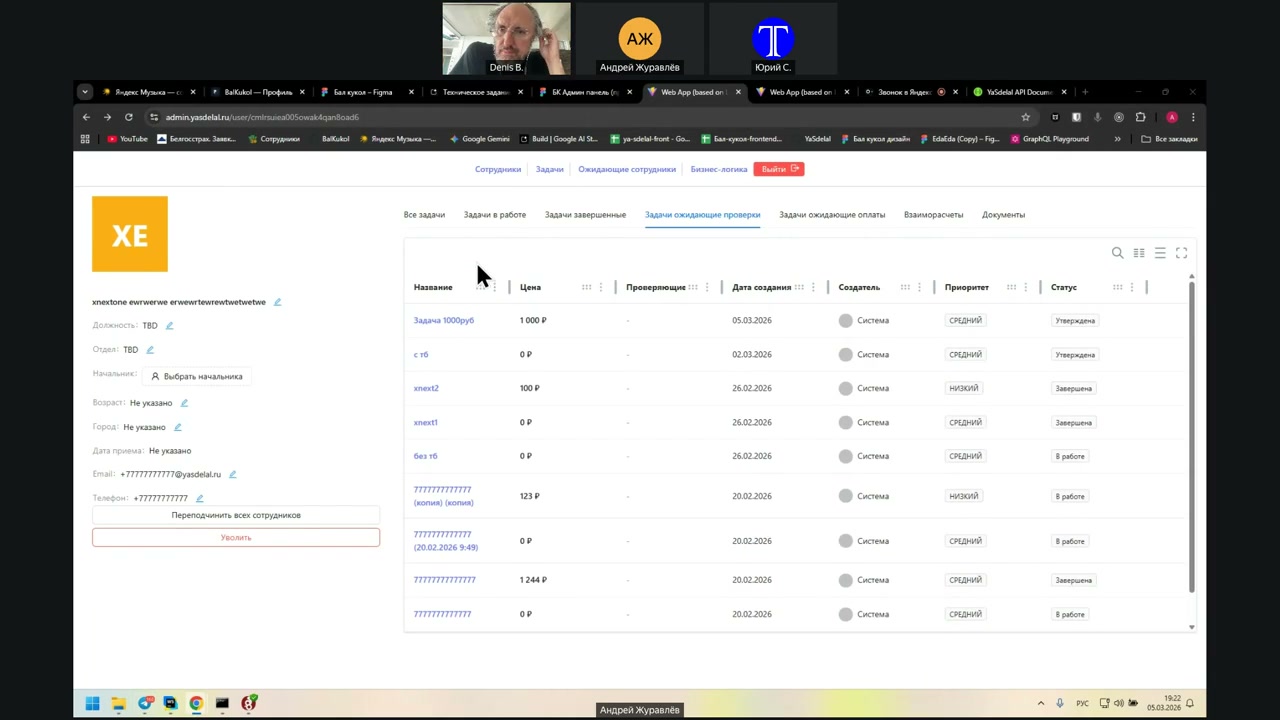
No, not to remove, but to rename it.
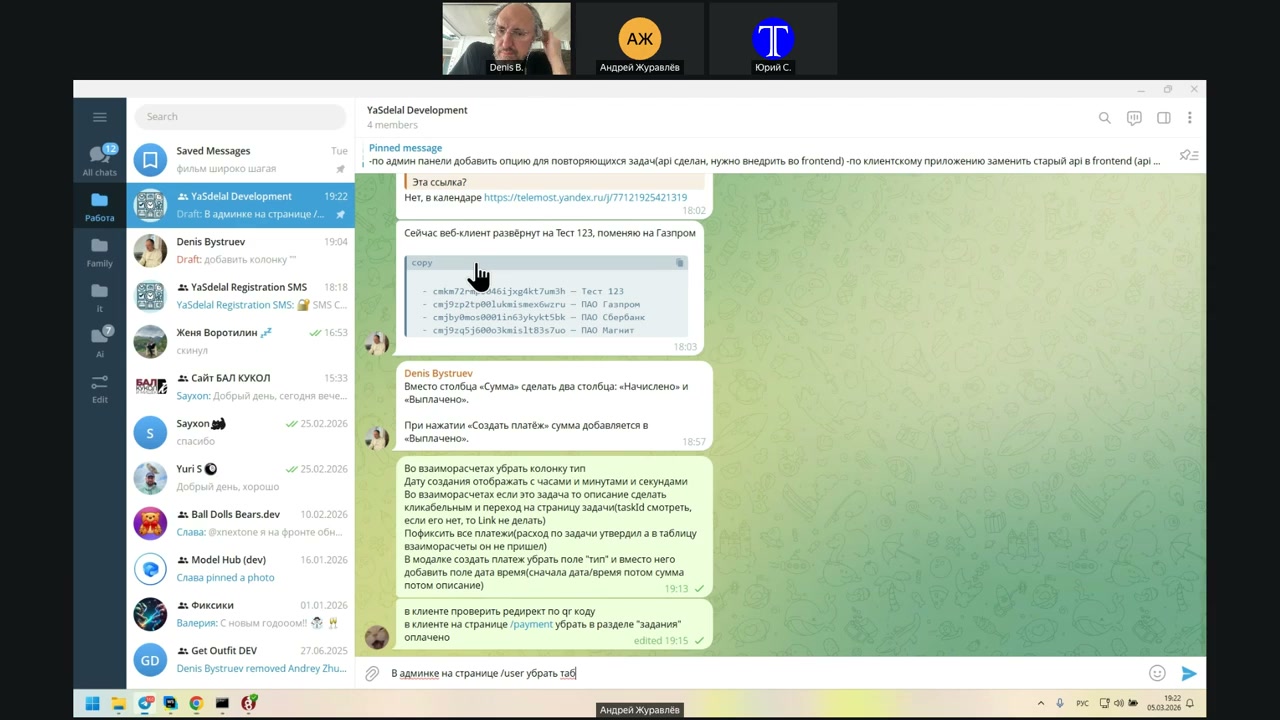
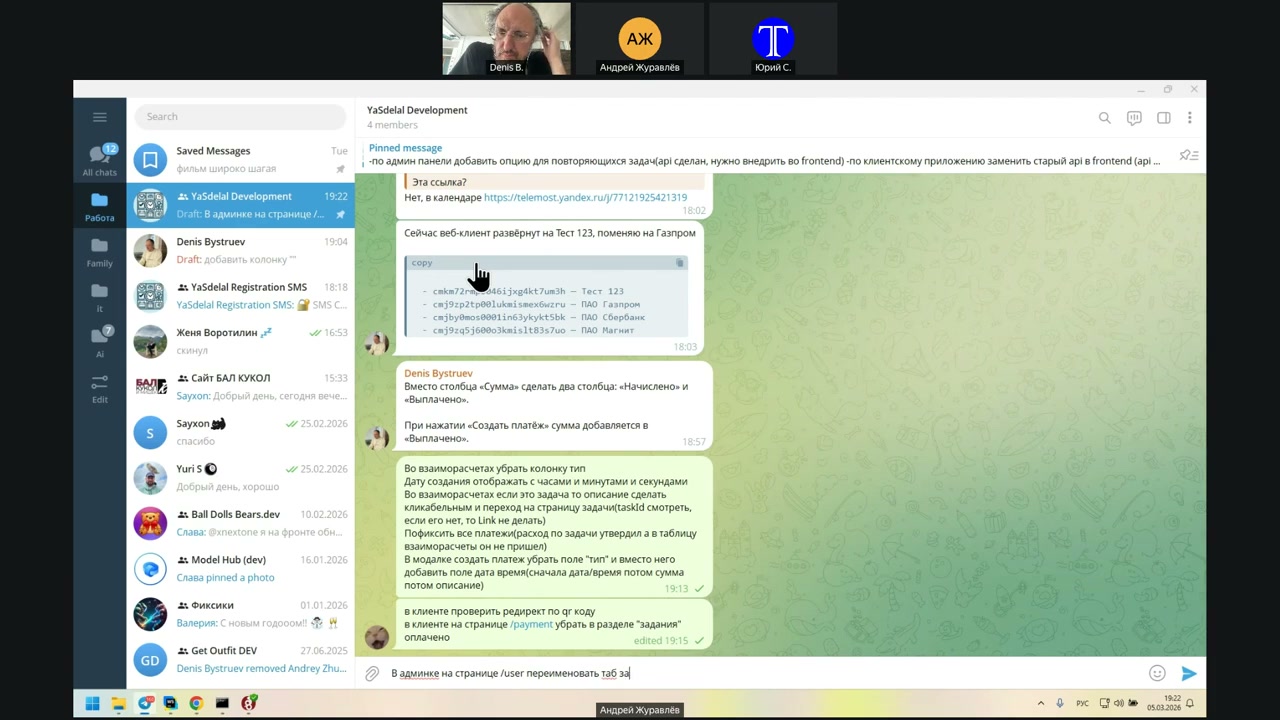
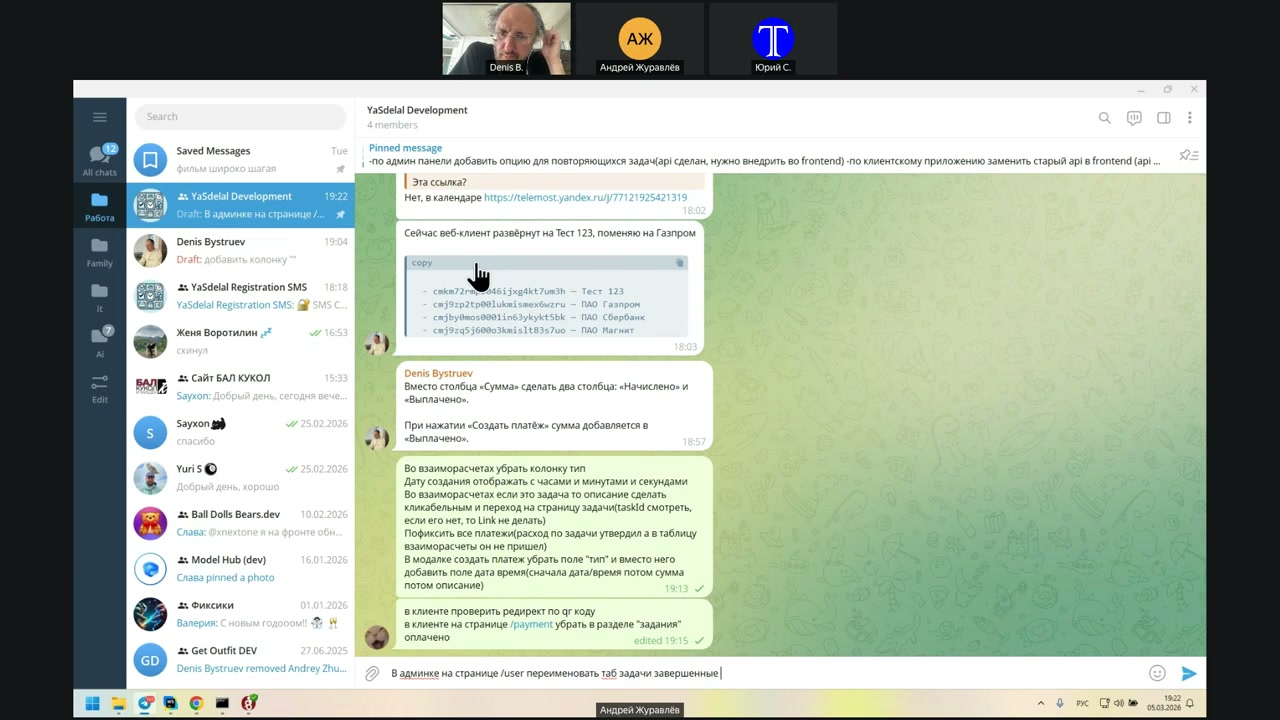
Thank you.
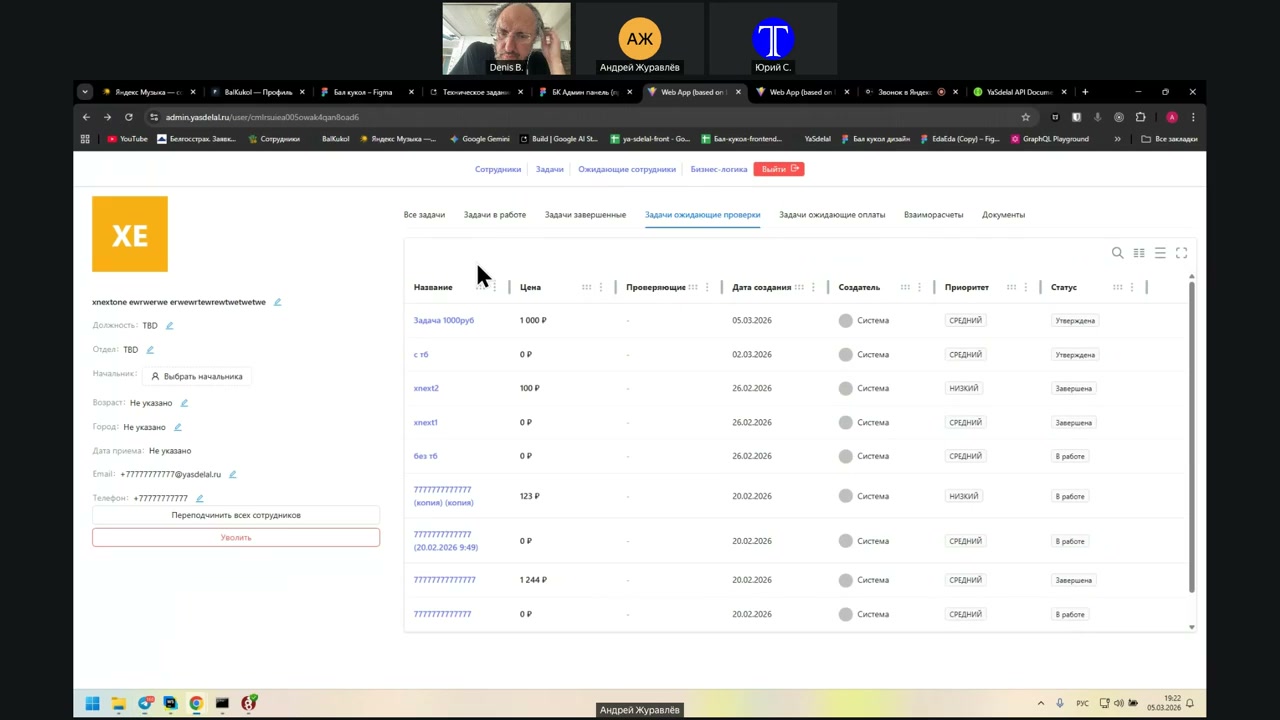
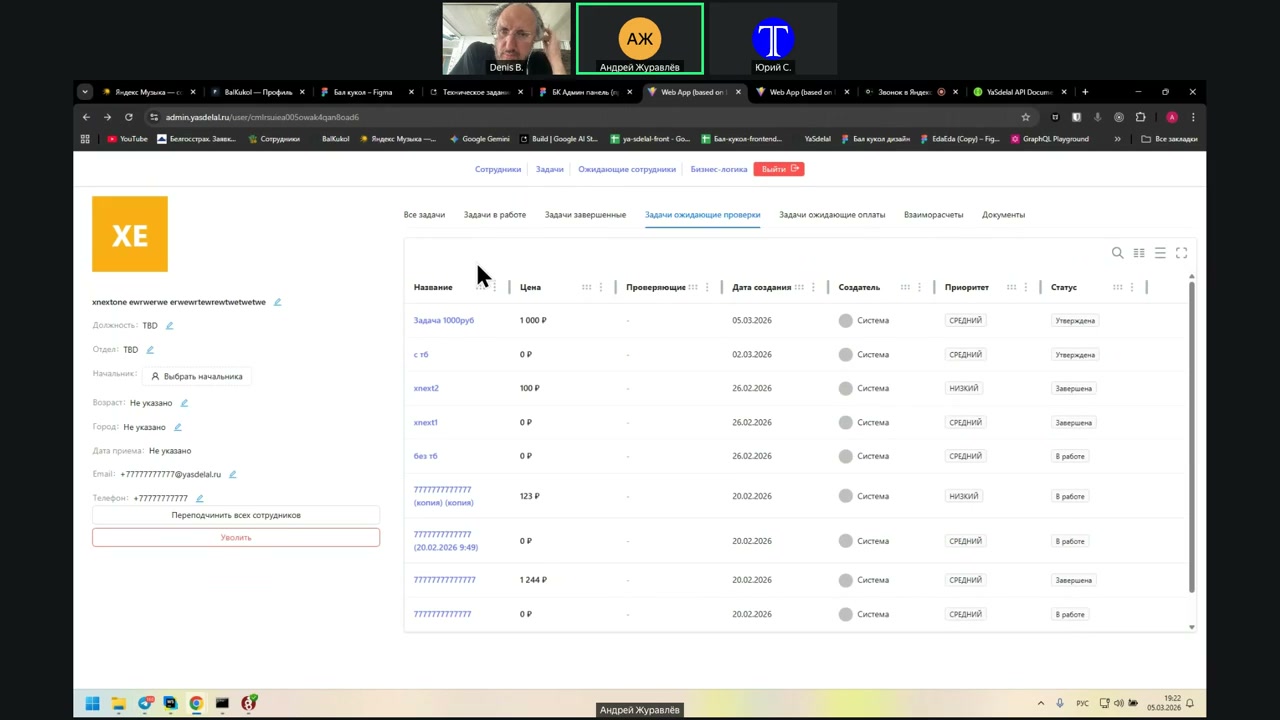
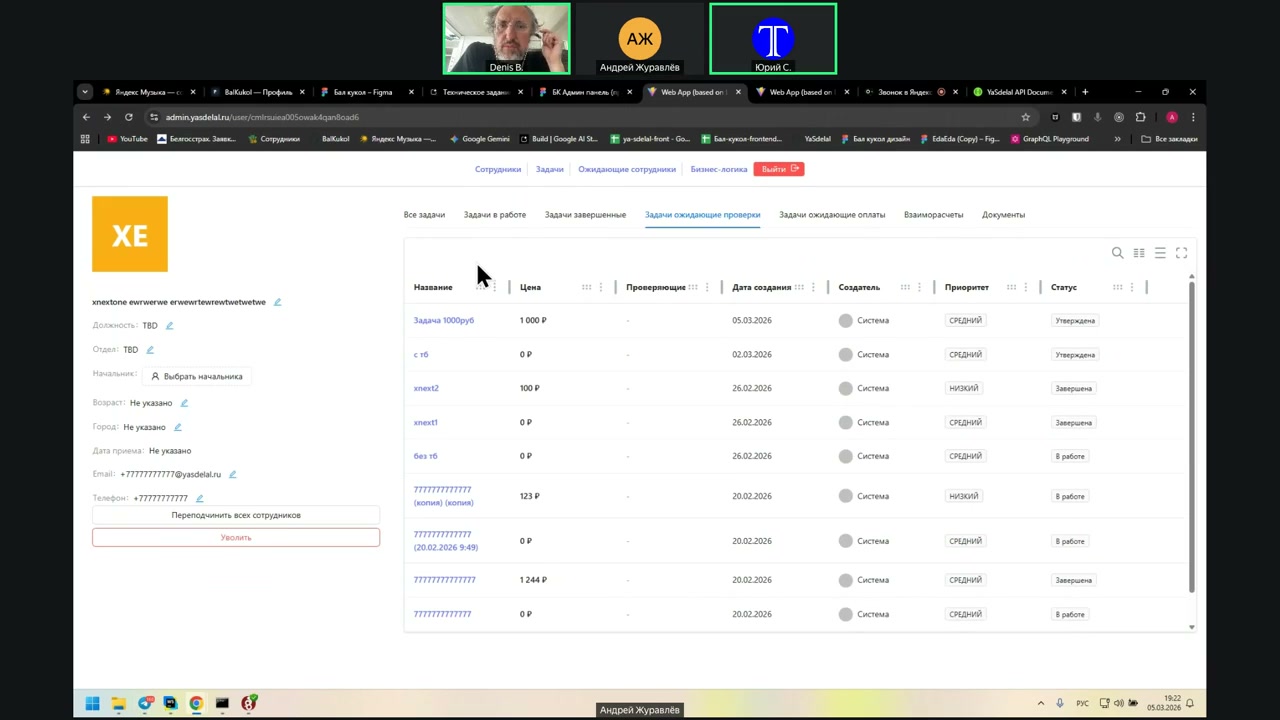
What should I rename it?
Give it a try.
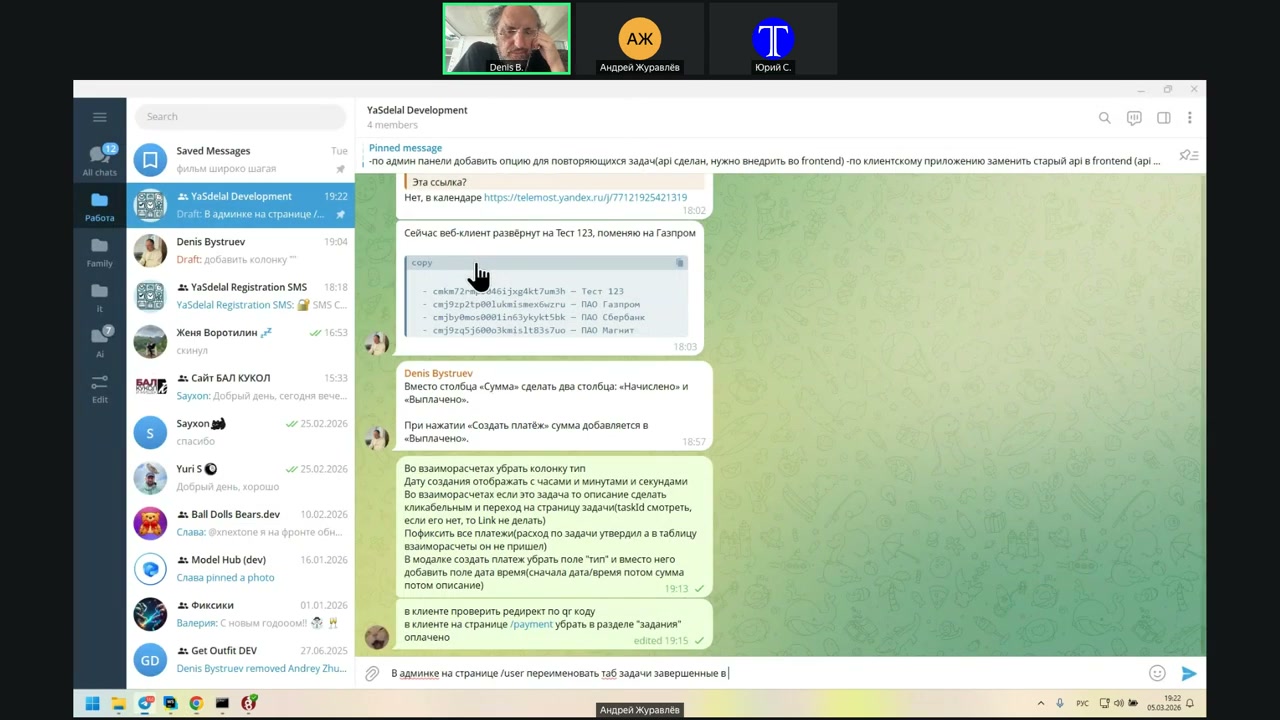
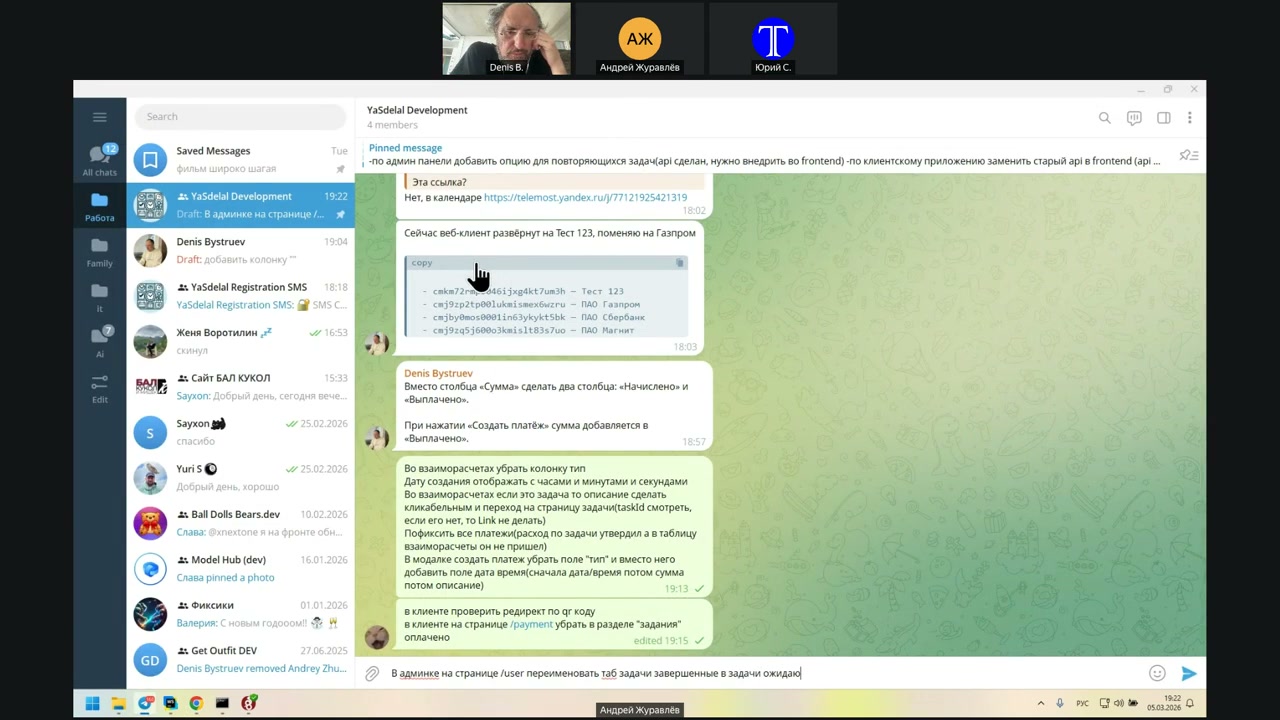
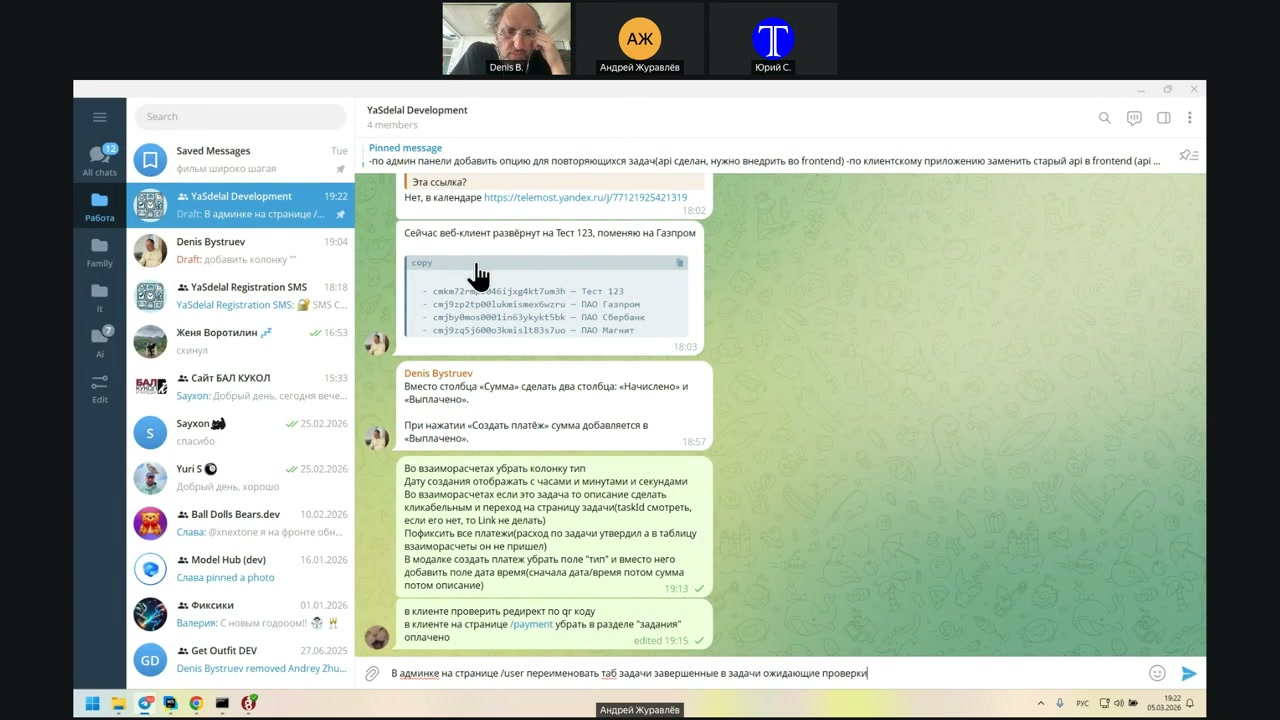
Thank you for your attention.
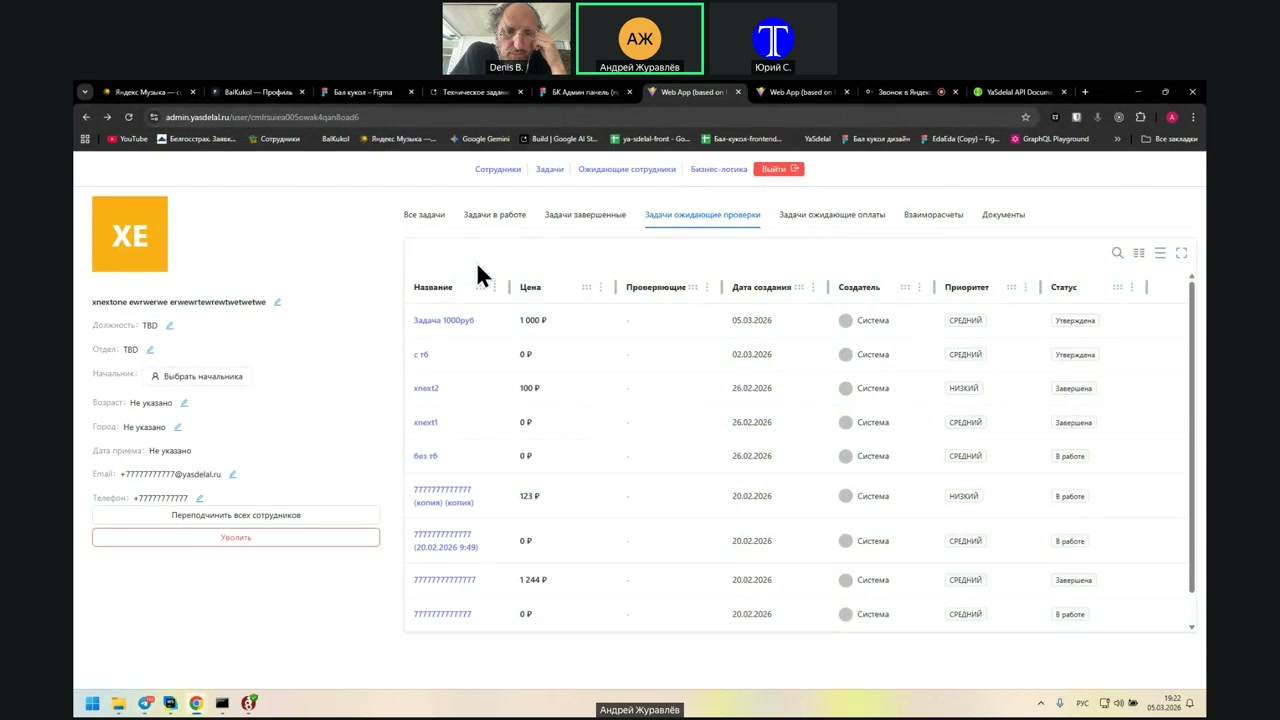
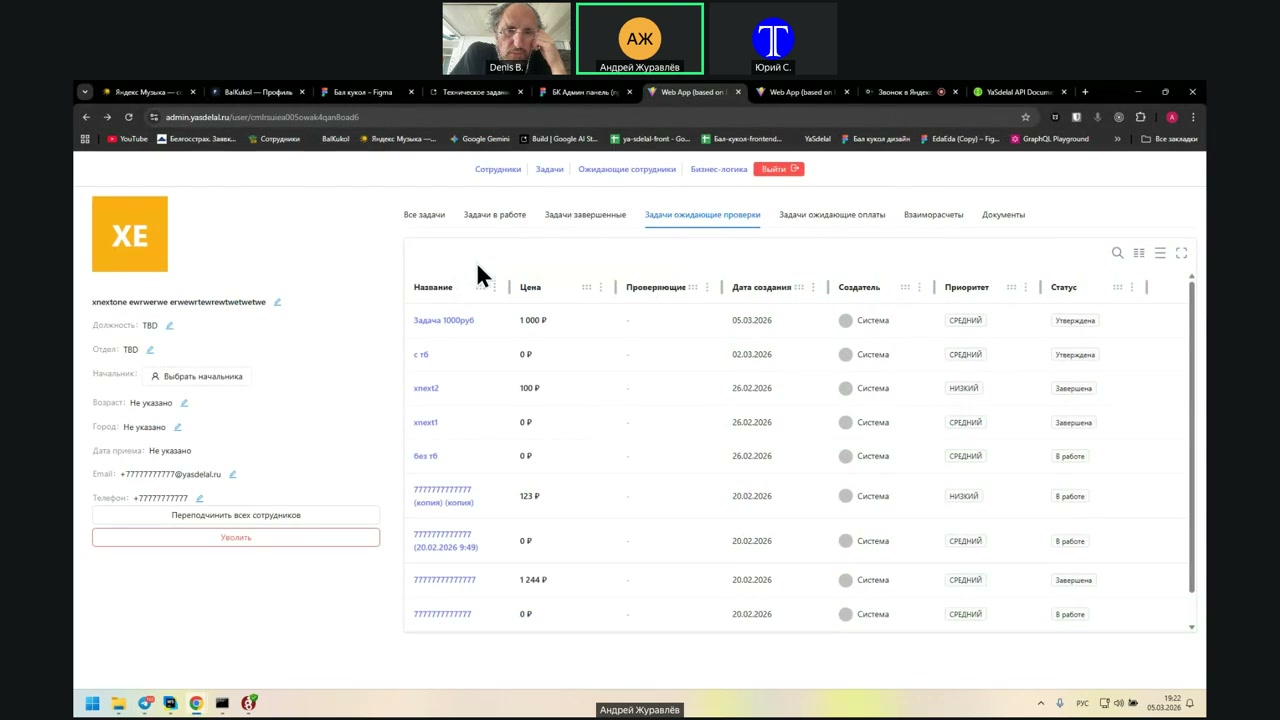
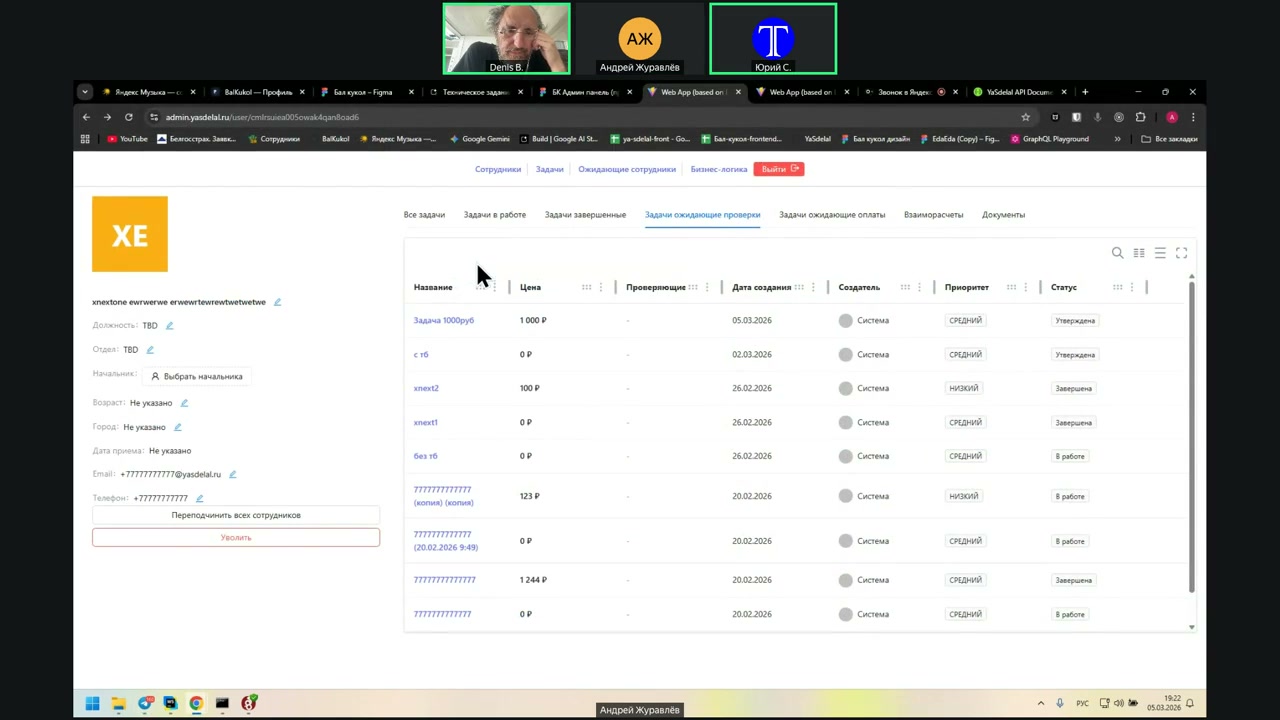
The task of the expected check, which we now have to remove?
Remove, yes.
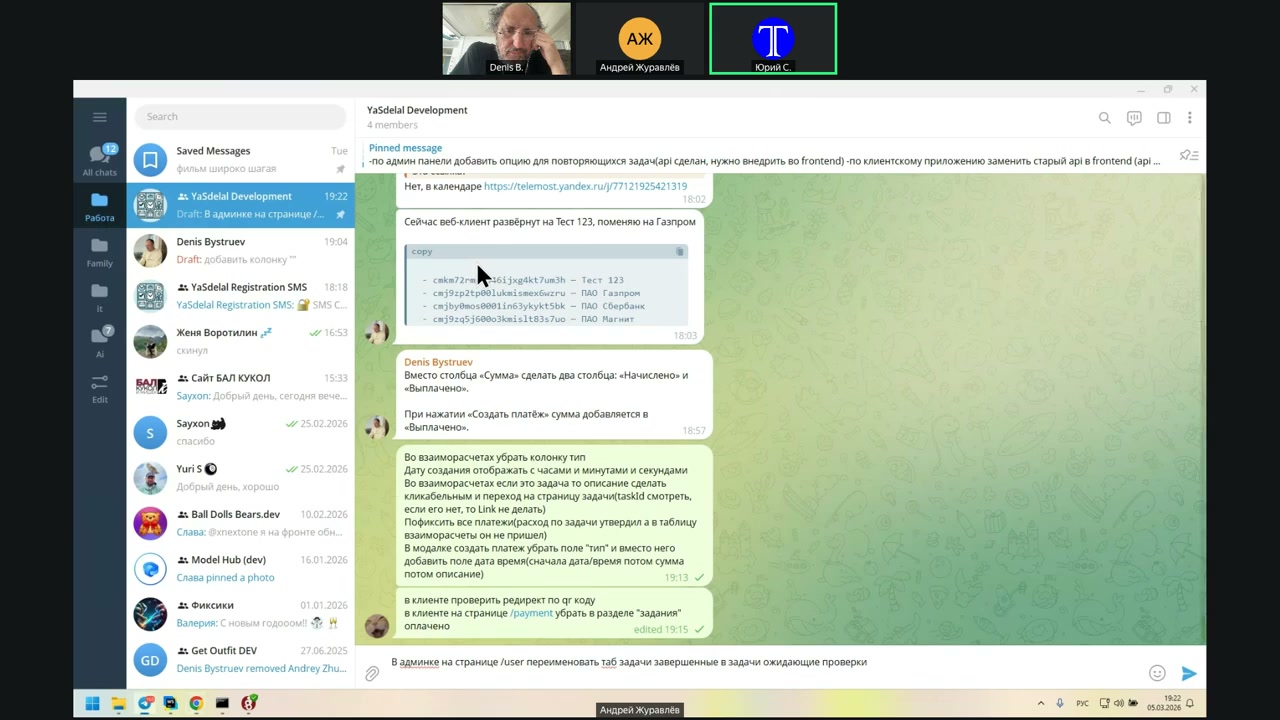
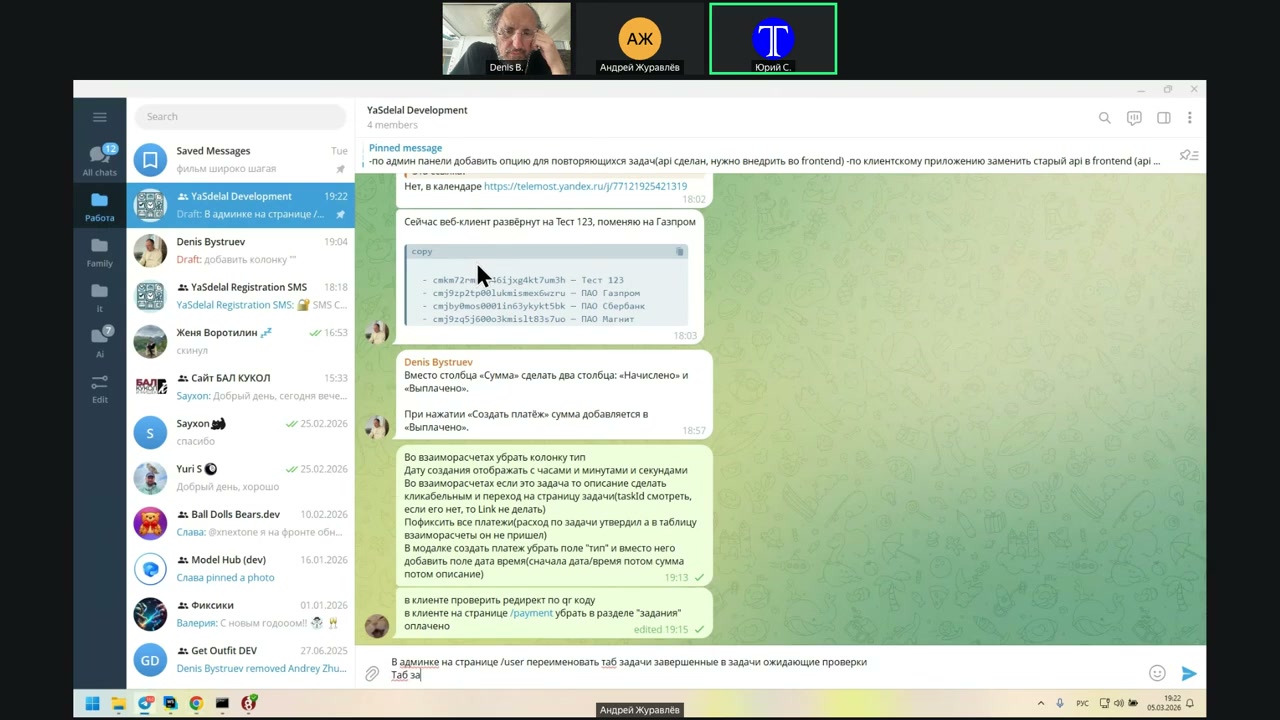
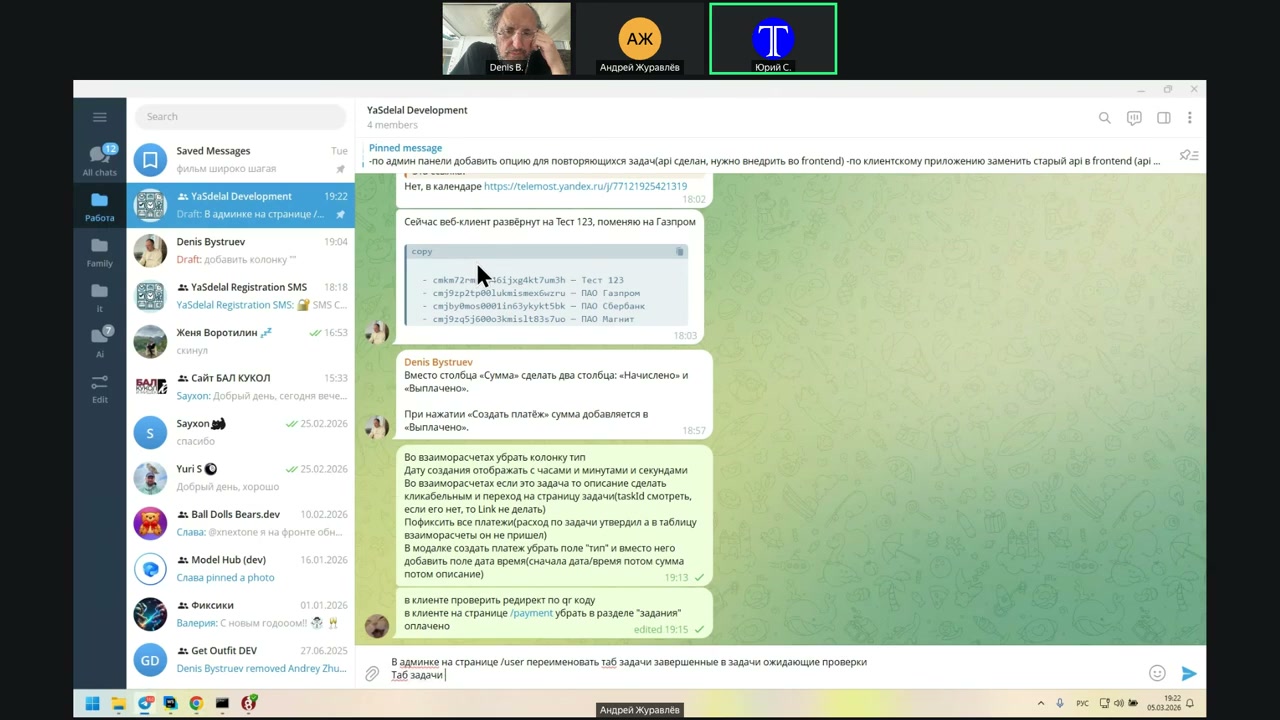
And the status, respectively, must be...
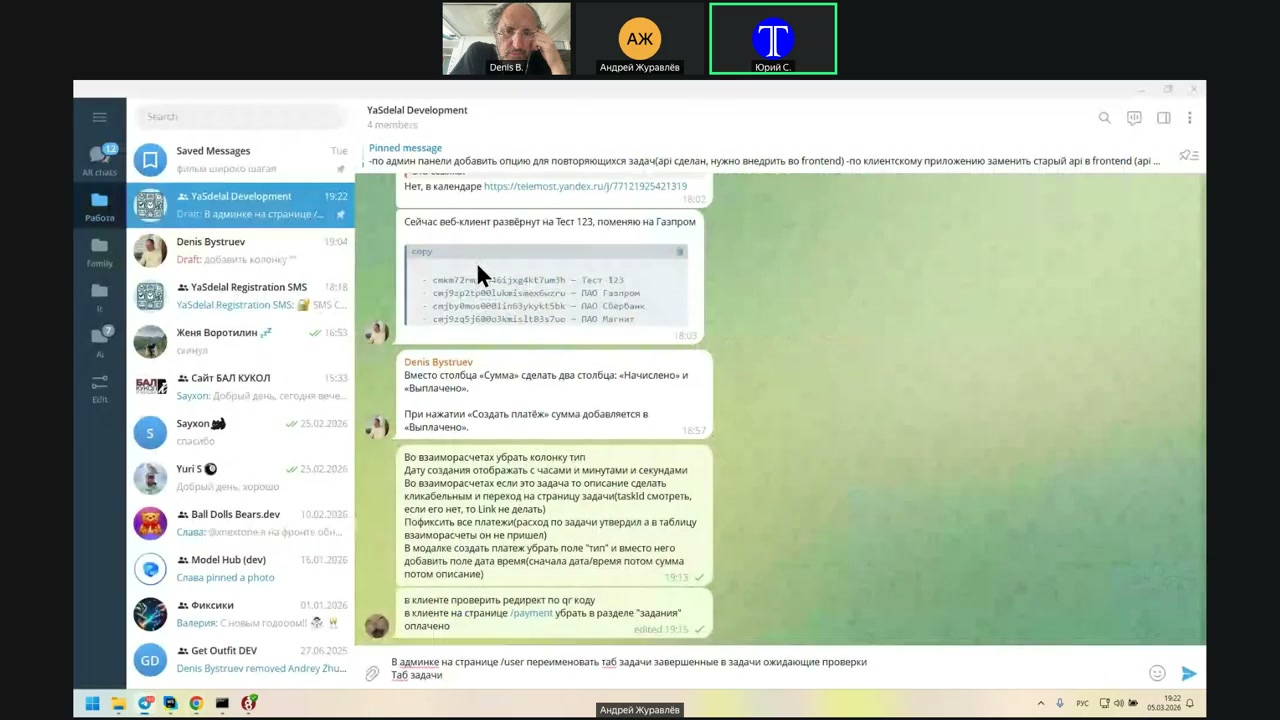
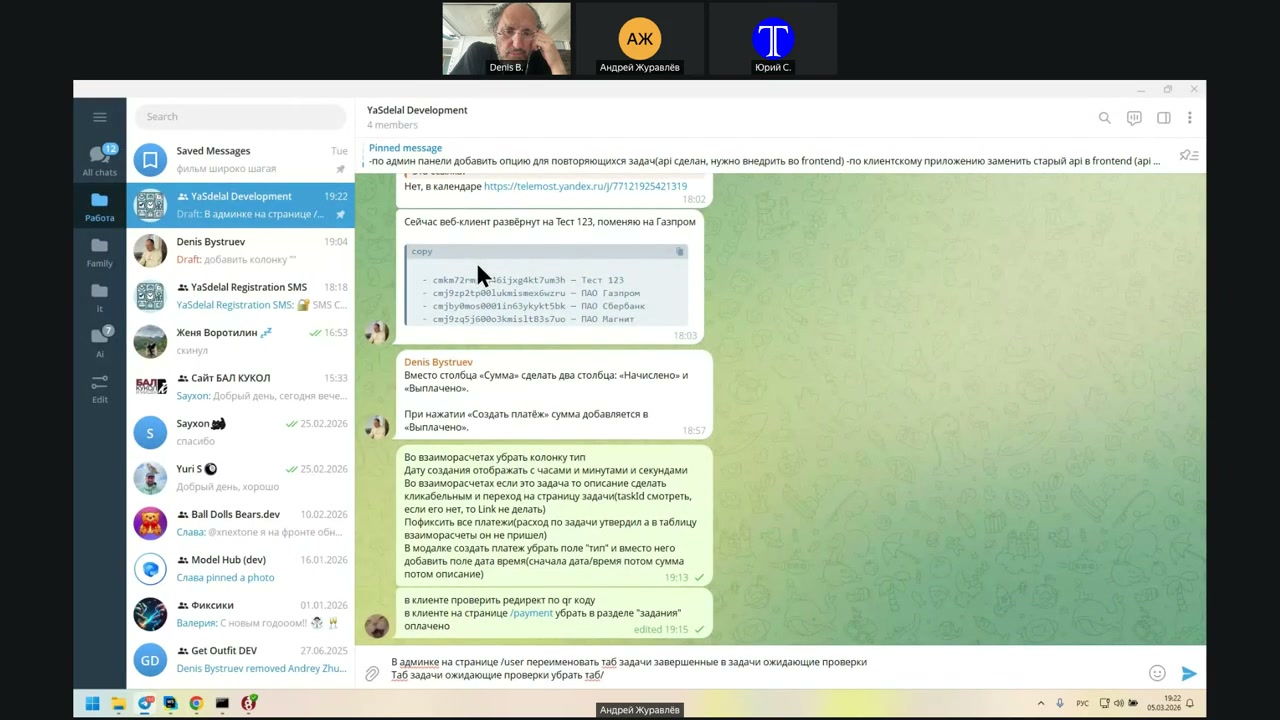
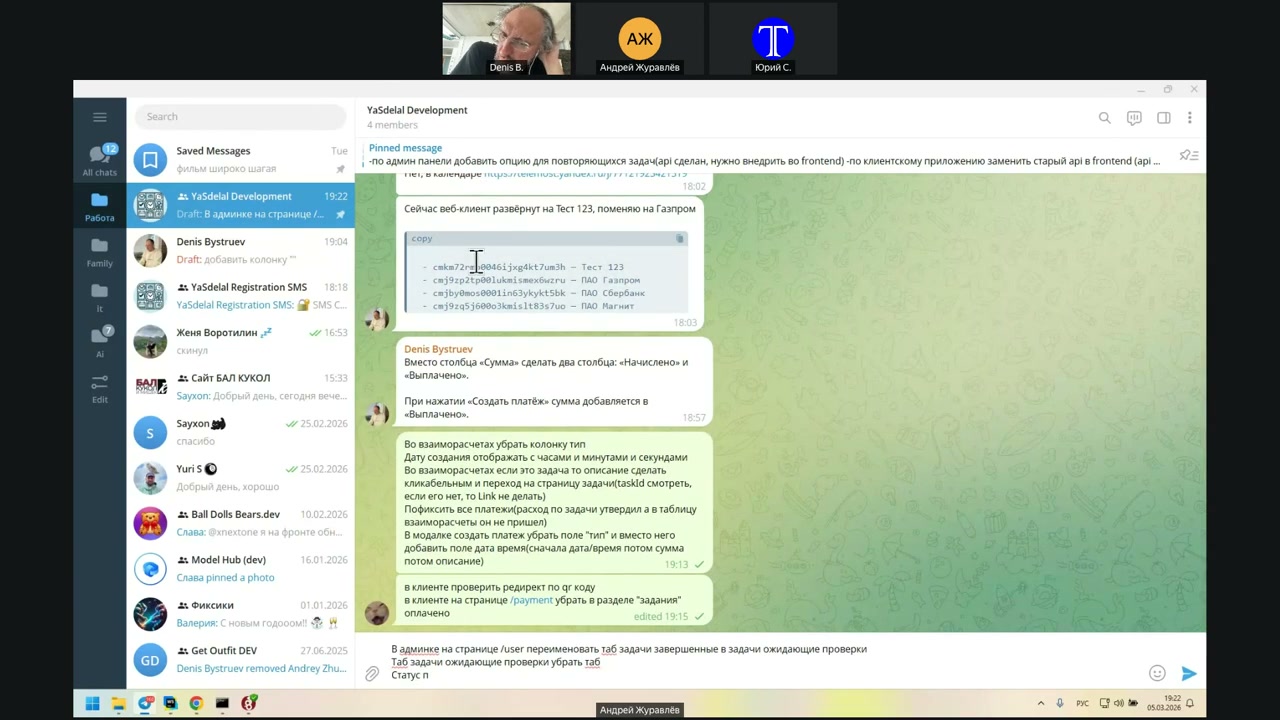
The task of the expected check is not completed, but the expected check.
you
you
you
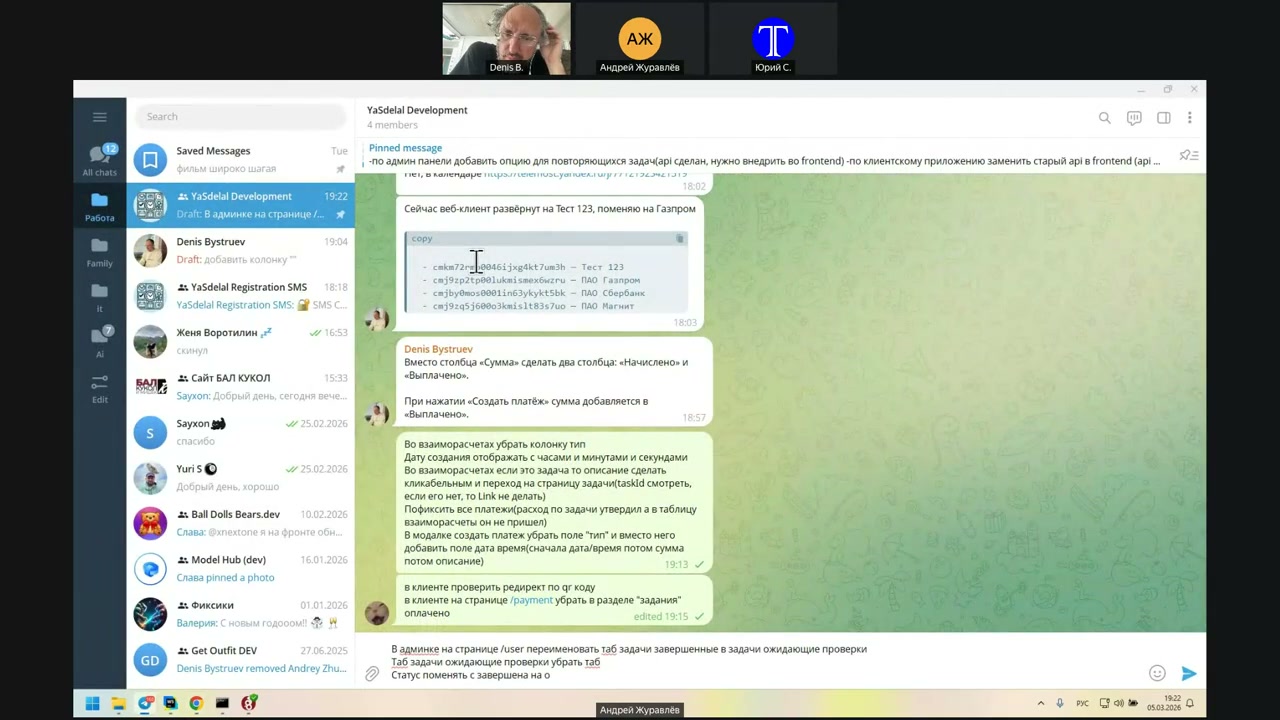
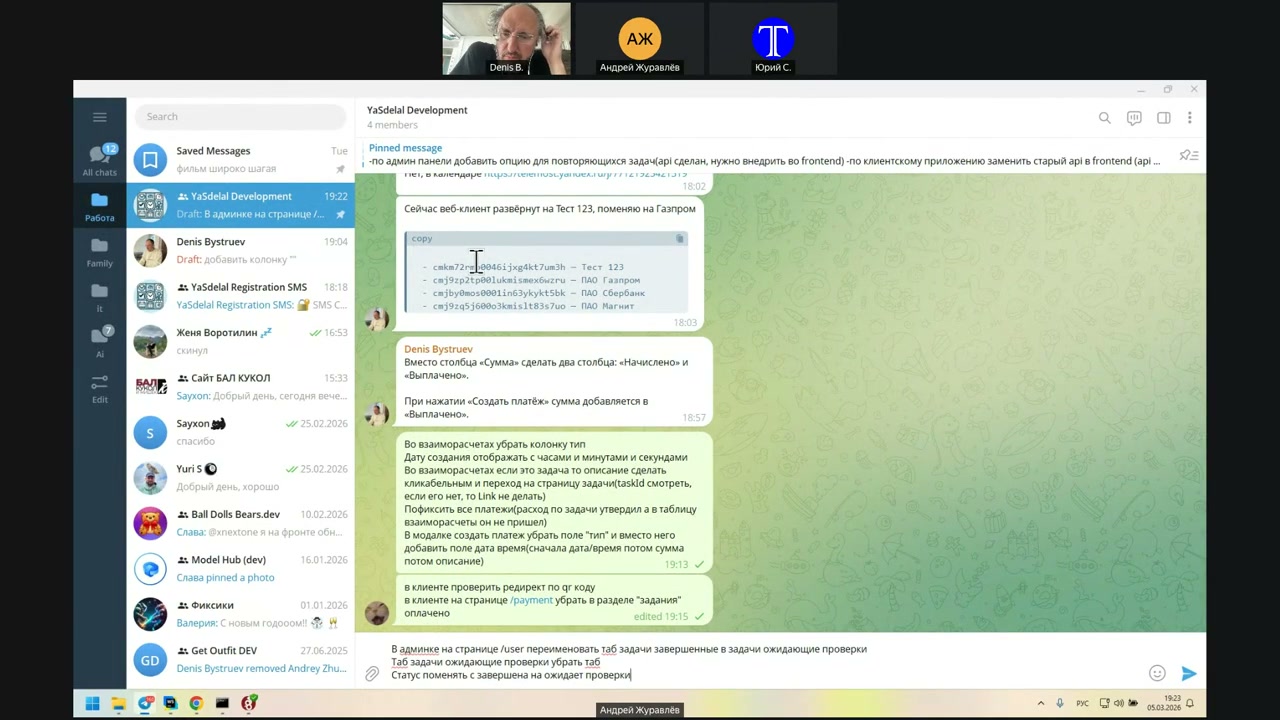
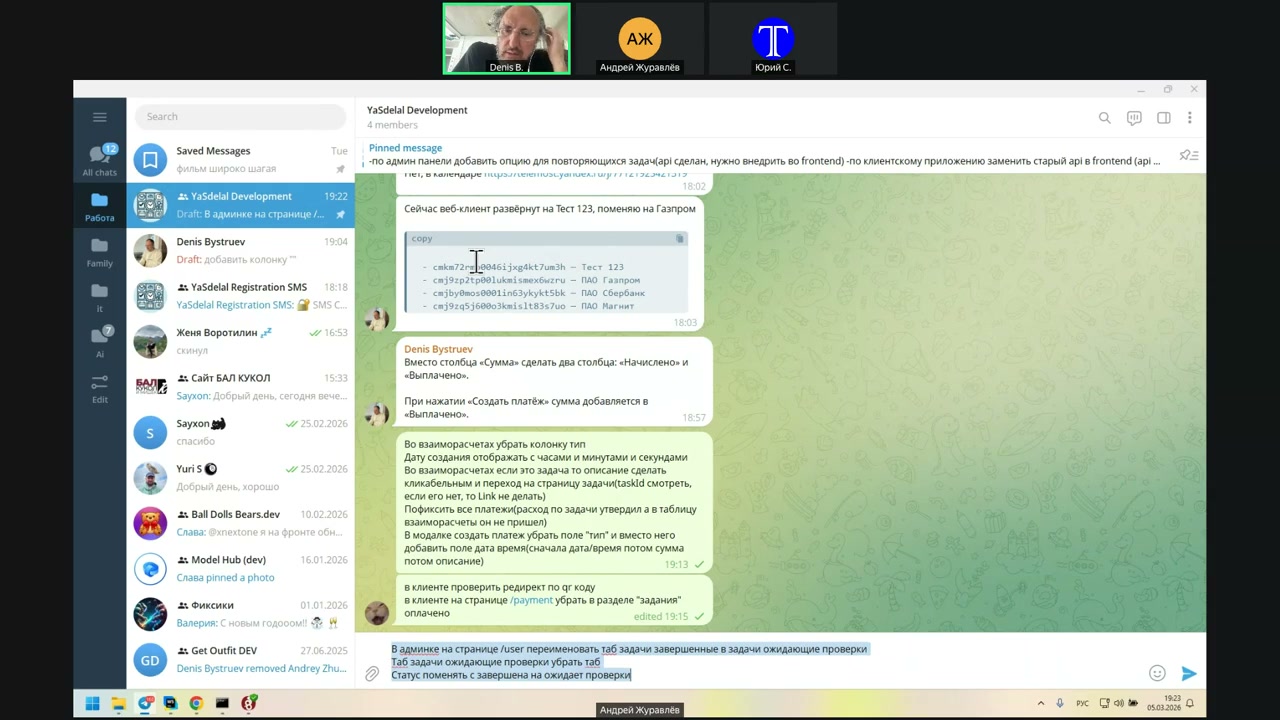
So, even further—yes, click on the next step.
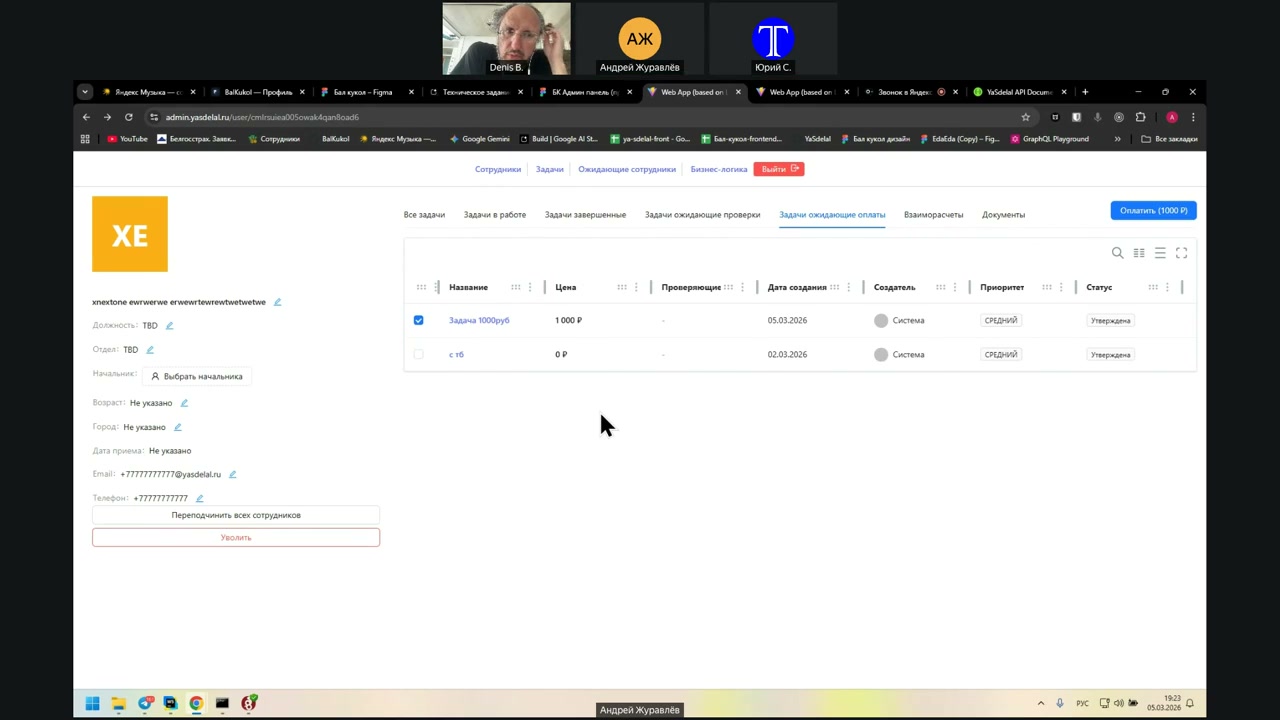
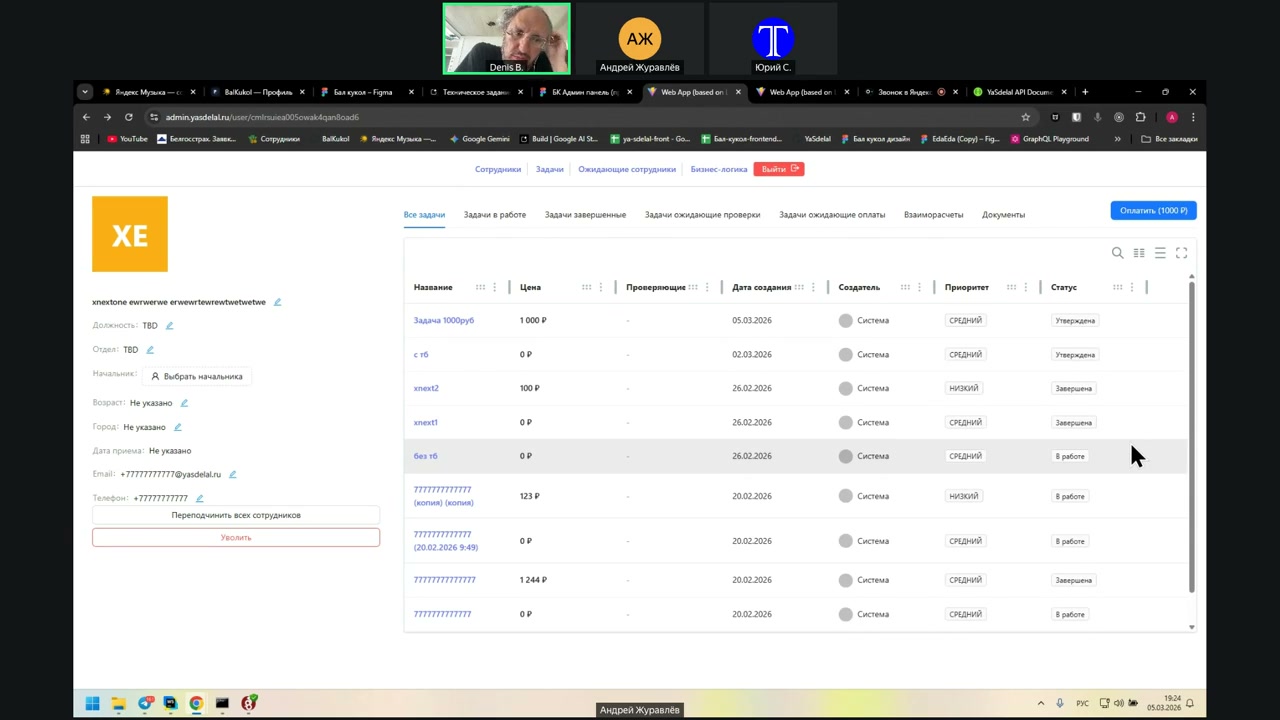
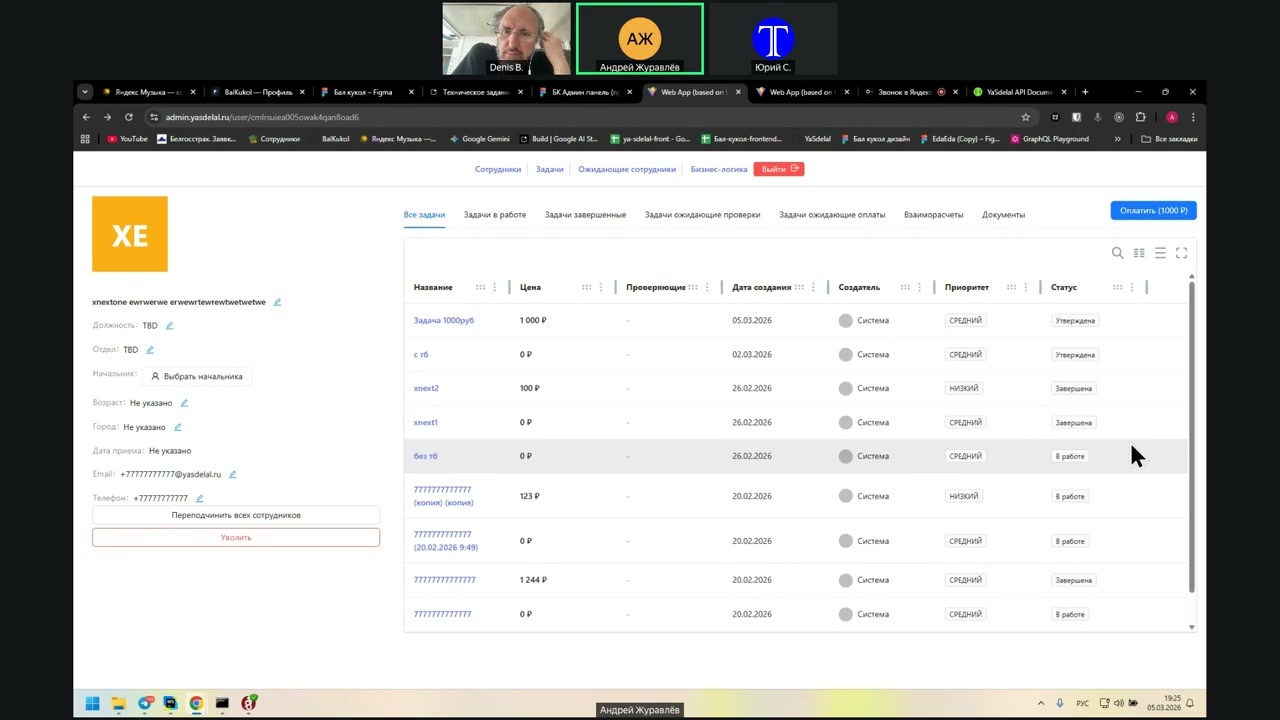
The task is expected to be paid. Here, we only have the approved one. This is where the task payment takes place. Exactly, somewhere here.
When you are here, the task should somehow change its status after it becomes approved and after this checkbox is selected. Once you check this box and press the payment button, it simply disappears from here. In theory, its status becomes paid.
And if we look at all the tasks, what other statuses do we have there?
So, approved. Yes, it turns out the status is approved. After it is approved, the status remains approved. So, approved.
And we will not have a paid status, because payments are made for all tasks. That means the statuses are:
- In operation
- Waiting for verification (this is what we are renaming from completion) - ApprovedSo, in fact, there are three statuses.
Before that, there is also a status that is not visible here: when the task has not yet been taken. But once it has been taken, it first goes into in operation. Then it is completed, and we rename that status to waiting for verification. After that, the next status is approved.
So, there are three statuses here.
The rest is not a task; the rest is a calculation and a document.
But then how will it leave this section if we have a tab for expected payment? Does that mean it must be removed from there, or what? The whole tab?
Because tasks will not leave from there until we press this payment button.
If we follow the logic that, in the mutual calculation tab, we have two columns instead of one, then it is completely useless here.
Well, yes, and we are not tied to the payment. This is the task of the expected payment.
Yes, then write that this is the task of the expected payment.
How is this done in accounting?
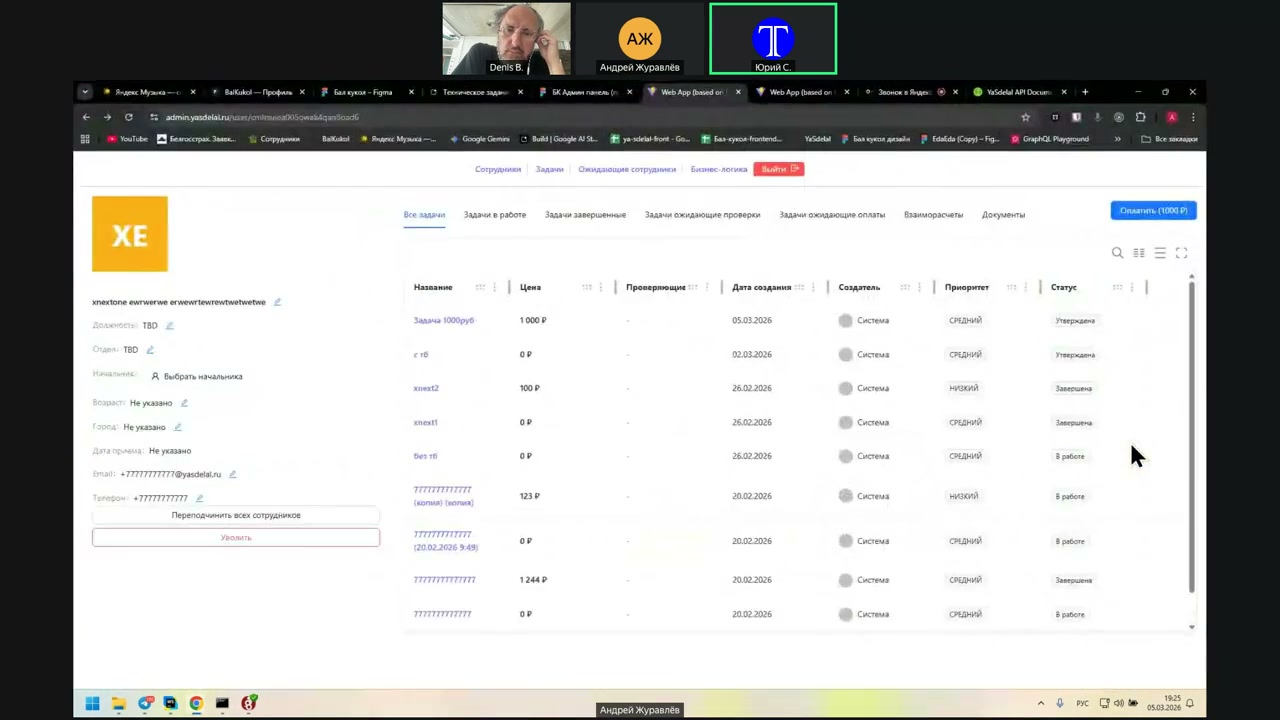
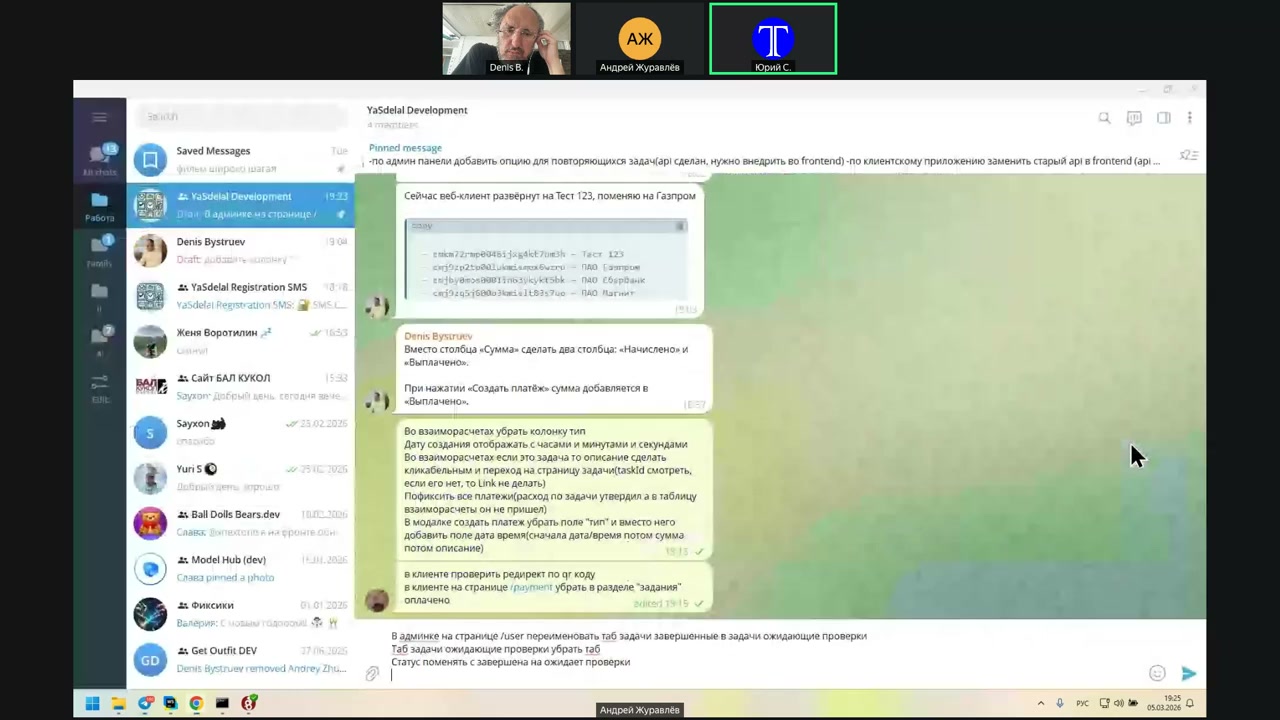
click
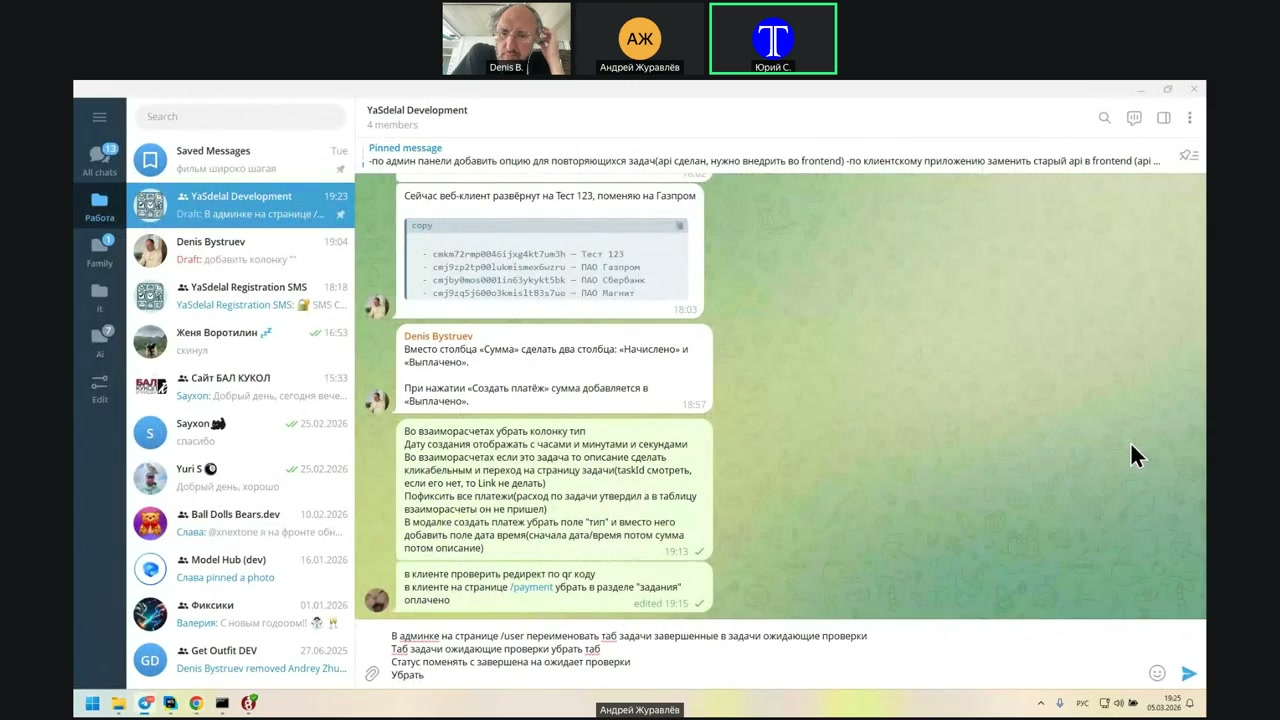
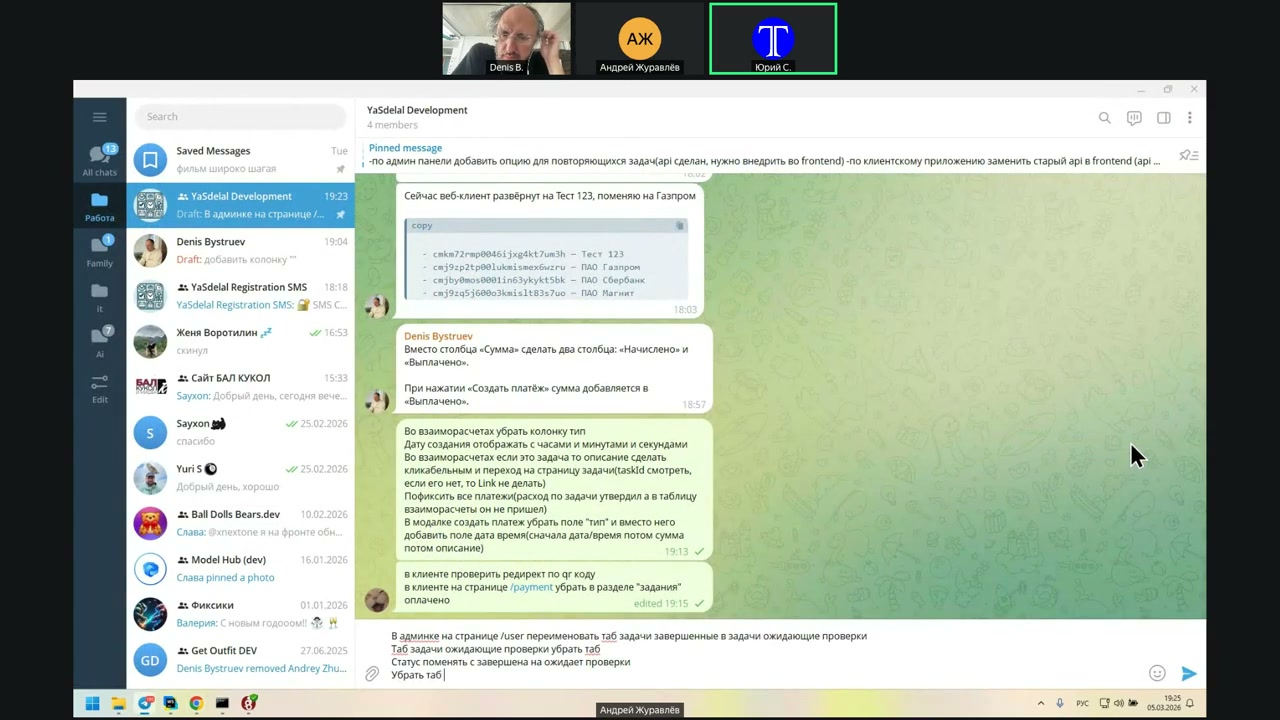
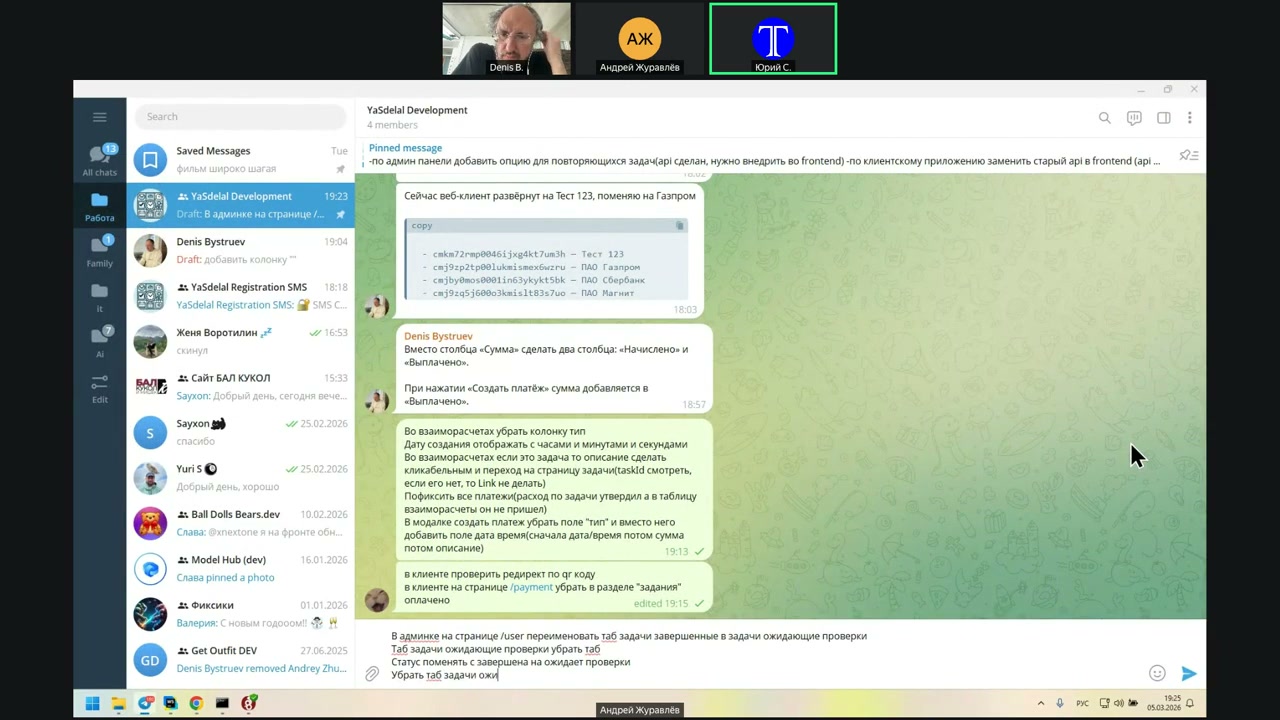
They’re still in 1S.
Now—no, no, no—do not write yet. Wait, Andrei. Let’s discuss.
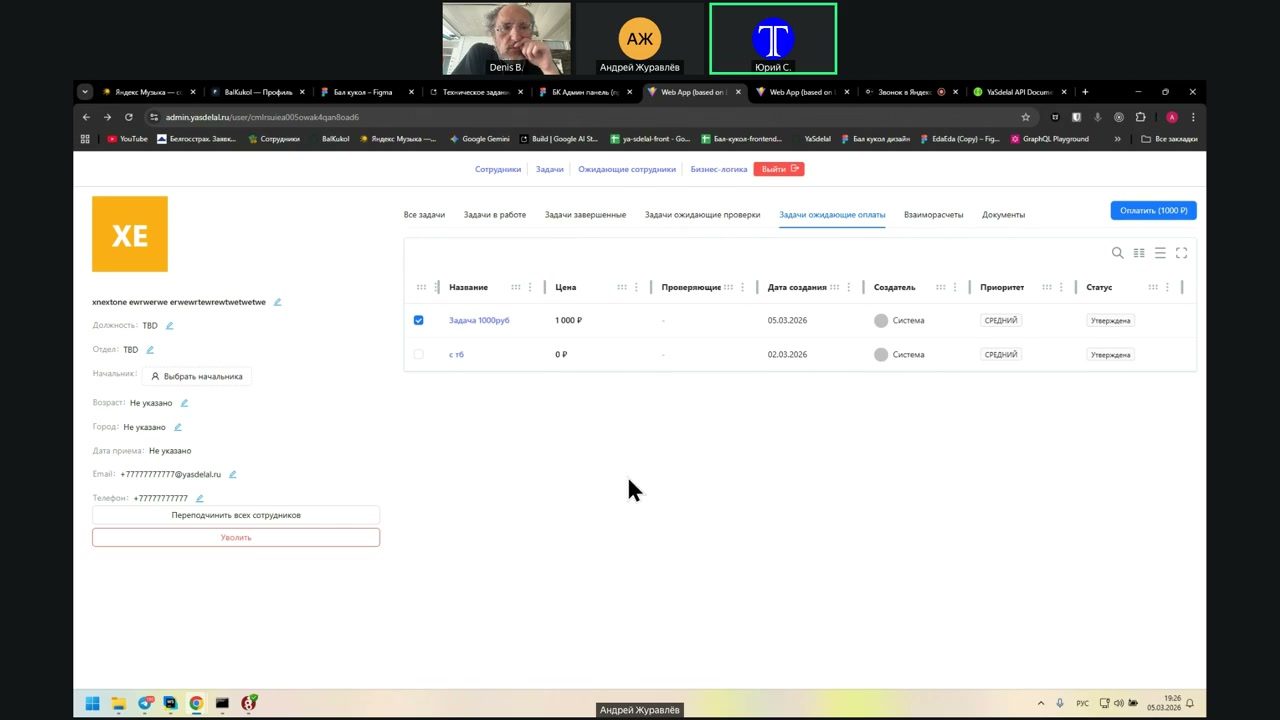
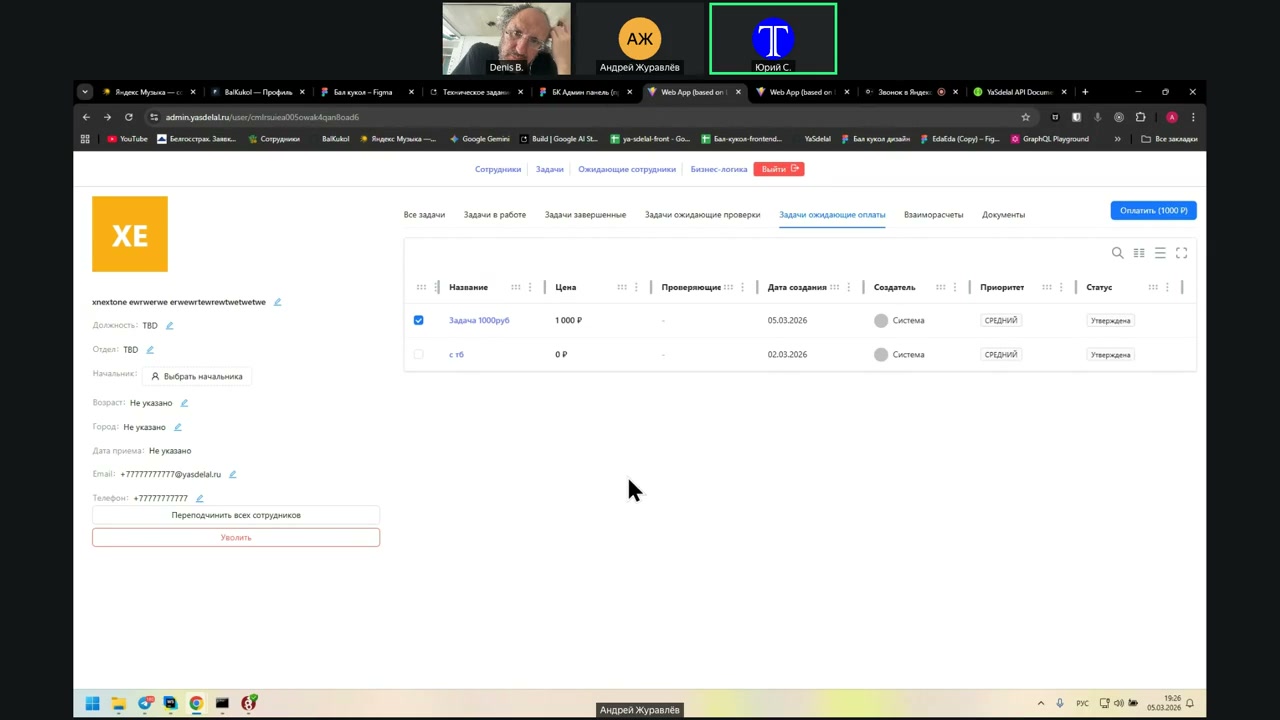
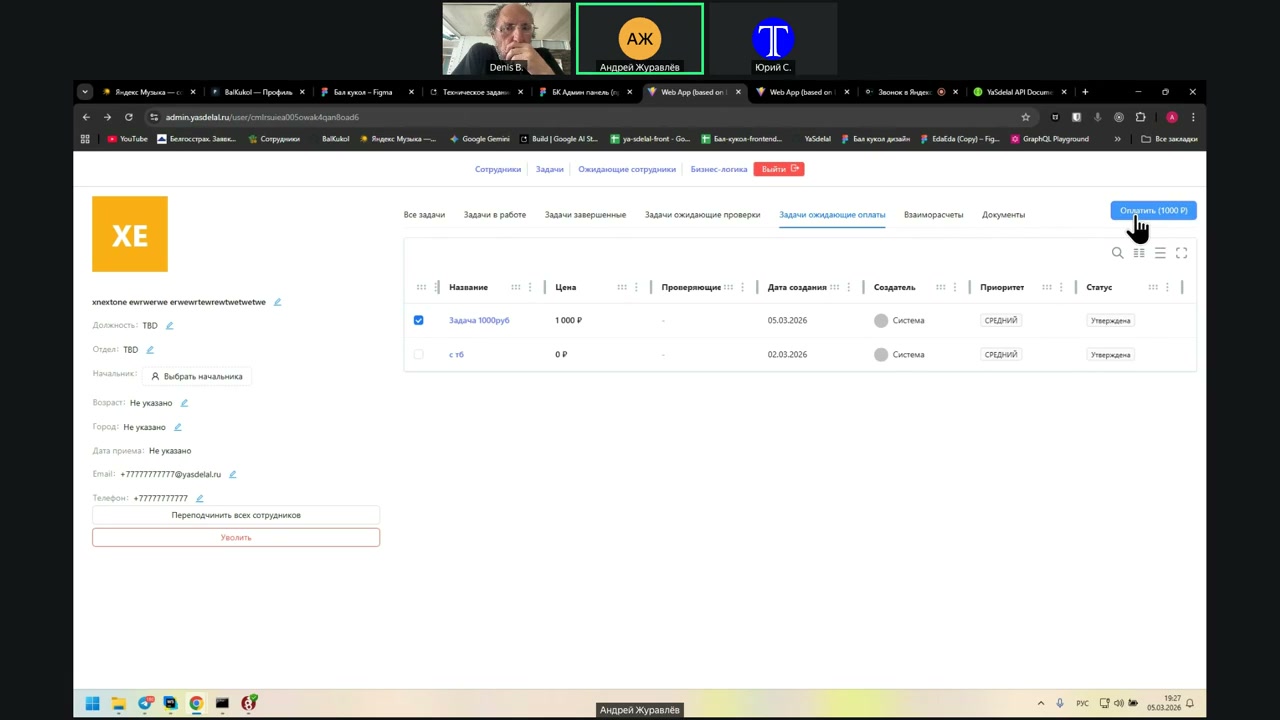
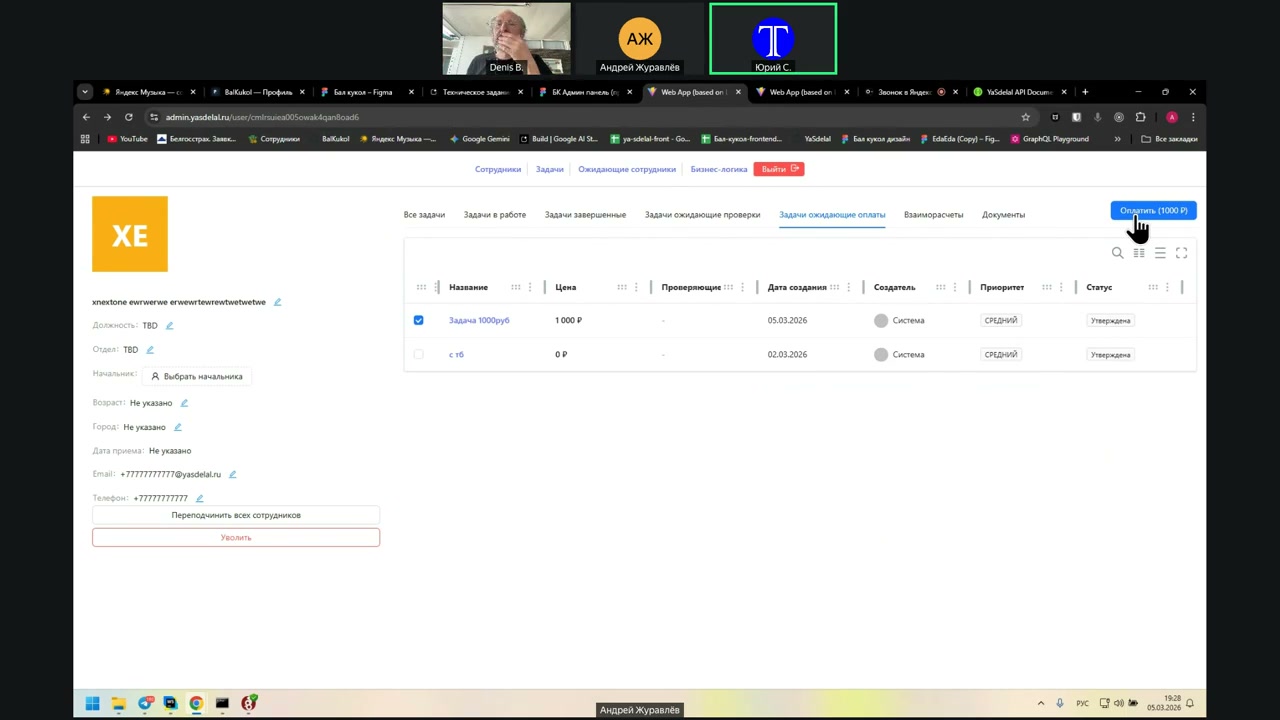
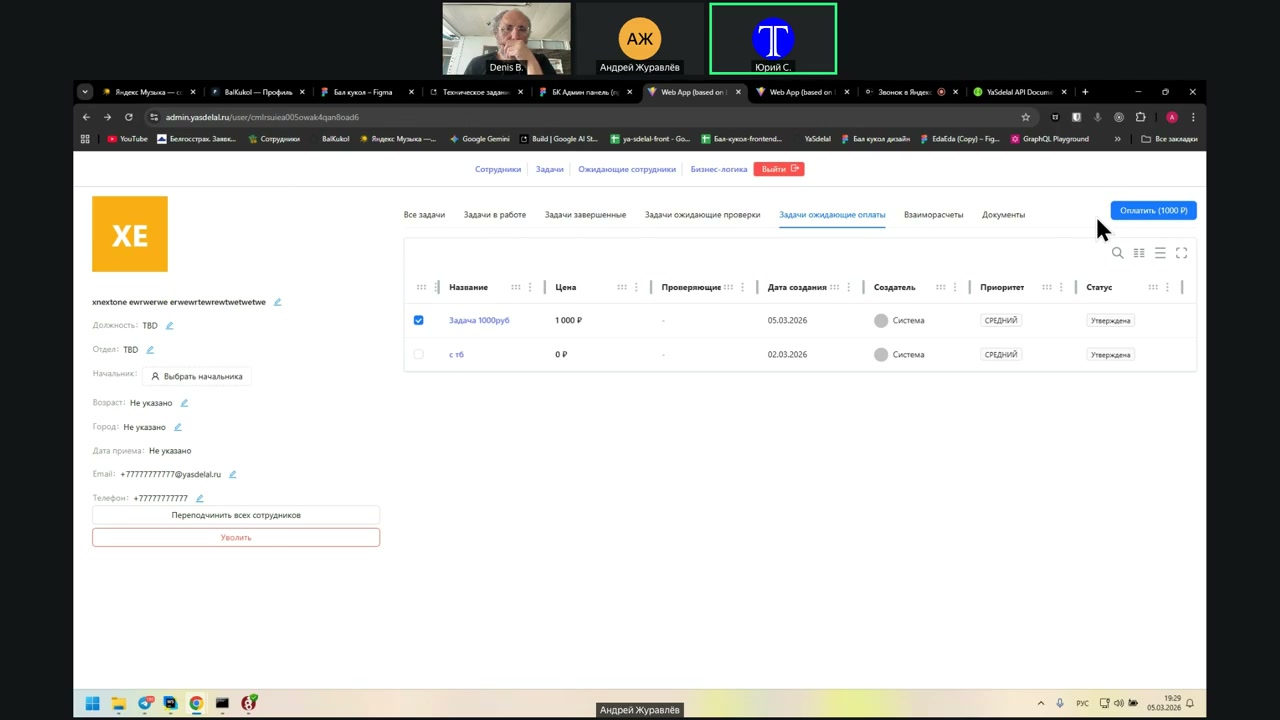
When you go to the "Waiting for Payment" task, according to the manager’s logic, the manager who works with a specific person can see the list of tasks that are waiting for payment, check the ones that need to be paid, and press the button to create a payment.
This payment is essentially just a task for the accountant to pay the money. After the accountant completes the payment, the status changes to indicate that the money has been paid.
However, this is not implemented here.
In accounting, each payment can be processed separately, although I’m not exactly sure how this should work in the payment section. It is assumed that, at least with contractors, each payment and each contract is handled separately.
In other words, each task is treated like a separate contract, and payment is processed separately for it.
If a task is in "Waiting for Payment", and the manager checks it for payment and clicks the blue button to pay 1,000 rubles, the task will become marked as paid.
Yes, it will become paid, but in fact, it has not actually been paid. That’s the issue I’m talking about.
Our tasks are not tied to the payment, as we discussed.
Let’s do it this way: they are interconnected. I understand what you mean.
Let’s remove the "Waiting for Payment" task. We will also remove this button.
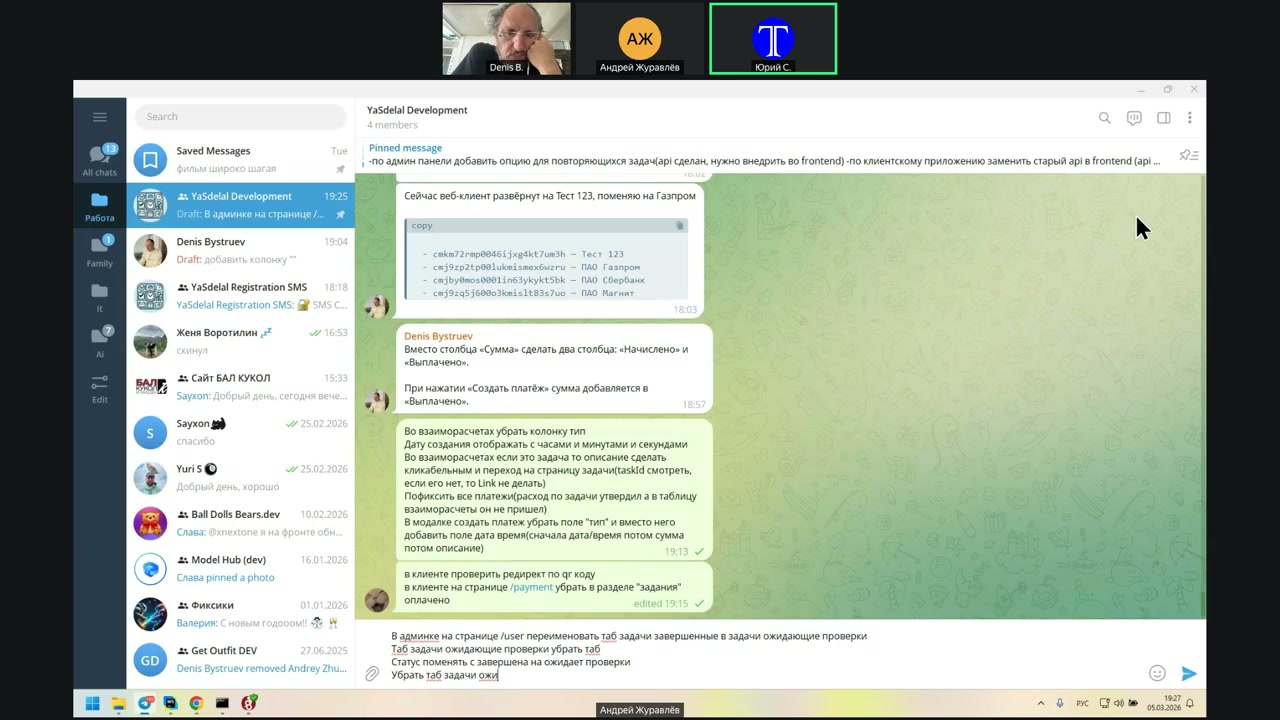
On more than some other versions already.
Not MVP. When it will be there, we will already have to...
In the future, each payment will be tied to a list of tasks. It may also be possible for a payment to cover only part of a task, which makes things more complicated.
This kind of micromanagement is huge. It creates a large number of actions that may or may not be needed, so we do not need to implement them yet.
For now, we should make a simple version: there is a list of payments a person earned, 10–20 tasks they completed, and then one payment for those tasks, or part of them. It does not matter.
When we agree that we have tasks waiting to be paid, we simply remove them. I will think about it again. Excuse me, I will step back for a minute.
Denis: Okay. If a person performs a number of tasks and completes five of them, but the manager wants to pay only for certain tasks, right? And for some reason, he does not want to pay for the others yet.
Of course, it is good to have a breakdown showing which tasks are paid and which are not.
Here is another example: a person starts working on two tasks but has not finished them yet. However, they already have some expenses on both. They submitted checks, so you also need to track which checks have been paid and which have not.
Again, we are falling into this micromanagement.
Then it would be necessary to attach a list of tasks to each payment, showing which tasks are covered by that payment. It may also happen that one task is included in several payments. For example, you could pay half of it, or even 10%.
And then you cannot really control it. If the same task was paid twice, we might find it later, but at the time of payment... it is all complicated.
Okay, let us not complicate it yet. We are building an MVP, right? A billing system.
Yes, it is a huge amount of work, and it is not clear who actually needs it.
Yes, let us test it first.
What is on some real?
customers then we will add let's now while payments will not be tied to the task, but just now the person has completed the work, he has been approved, which means this is the total the amount that he should then gradually she pays out how much how much he has left, yes, but the important thing is that this is the amount that he has written and which the manager wrote should be taken from one cell yes this is yes and here one more moment here we have a task of 1000 rubles there was a consumption of 500 rubles that we approved, that is, accordingly, here is the price that is written here, it should be taken into account either we have to make three columns, that is, the price of the task is the total expenses, or if in one column there you need to take into account both the price of the task and the expense now he takes into account only the price of the task for the expense of these 500 rubles, he is visible only if he fails the task there to look at the expenses, but he should be, in fact, in this amount, too, he should appear as a separate line as a task 1000 rubles on it should be shown the expense for the task is such a sum of it that falls into the sum in the column of the amount to be paid, that is, a separate line should be the next task and the description of the task is 1000 rubles, but the description of the task and when it is created, the expense is approved within this task, then, according to logic, then just one more line is created there, the amount will be these 500 rubles and the description there is the expense of the expense of the expense of the task, well, that is, the name of the task is better there and, for example, in brackets, the expense or the name of the task is double-dotted expense, that is, it is necessary to combine the expenses or each expense separately, I mean inside the task, that is, every time when he adds 1, well, yes, we approve it separately, respectively, now it will just come out, well, in fact, the expense is the task inside the task, we do not combine the task, so that is, in mutual accounts, the task ID will come as if the task itself, but the description will not be the name of the task, but the name of the task there is the name of the expense, but you can fail in the task here in the expense where we approved we are there there we have a description of the expense, yes, well, that is, we will take this description of the expense and add it, that is, there is the name of the task further there the description can be large there the description can be large it is necessary to add it there the description can be large it is necessary that it was just written the expense and the link which is on which you can go and fail here directly in this expense you can see not in the expense you can just in the task in fact, that is, and if there are two expenses here, you can add another expense, it will appear here as a part of the total, or as n however, we added this expense, I did not wanted to look at what it is called or a new task of two expenses and can be removed to take off our once to approve the manager, but what kind of statuses are there now, show the statuses so new this one that was not taken in the work that is working completed this is what we will have expects approval approved rejected, that is, here we have 3 renamed instead of completed will be waiting for approval to close everything well, let's move on to the task itself, last one, if it's possible to add expenses after a thousand years but without a check he does not give yes no so now yes there is a table and you can approve the second expense different expenses appear well, these expenses should be added there if you approve them they should fall into the expecting payment, respectively, but in mutual accounts, each expense should be separate line because some can be approved some can be expected some can be open yes well, although no, why, why there is no need to throw everything into a heap of water, no, only approved ones fall into the expecting payment, only approved expenses fall into the expecting payment, that is, as long as they are not approved or if they are rejected, then they do not get there logically, but why are they there, yes, they will only interfere there, everything seems to me, yes, something this needs to be done and that's right, we don't introduce anything new, we bring what is there to, as it were, to the working state, but we don't introduce anything new, otherwise all this is just it's endless, we've been doing it for the second year or how long, no, well, wait, how is it second year, it can't be now, we'll see when it was, we started with a web panel even before the API on June 22, 25, we've been doing it for only half a year, well, okay, on June 22, I recently discussed with a girl how fast Malima's time flies, but not that fast, for a second I was even scared, really, yes, in June, in June we started this web, and in July we started to do a web update. Okay, okay, let's do it, anyway, it's almost a year, and it's a long time, of course, to make everything MVP, just to show something to people, it's certainly a very long time. Well, it's very good that we stopped ourselves now, because if we started to expand further now, then yes, let's just fix what is there and not add new functionality yet. Then we'll be happy with what we have, we'll test it on users, then we'll be ... Next time, on Tuesday? Wait, not on Monday? Monday, Monday. Yes, Monday, Monday. Andrey, what is it, the fact that you just wrote a new commit, how long can it be done?
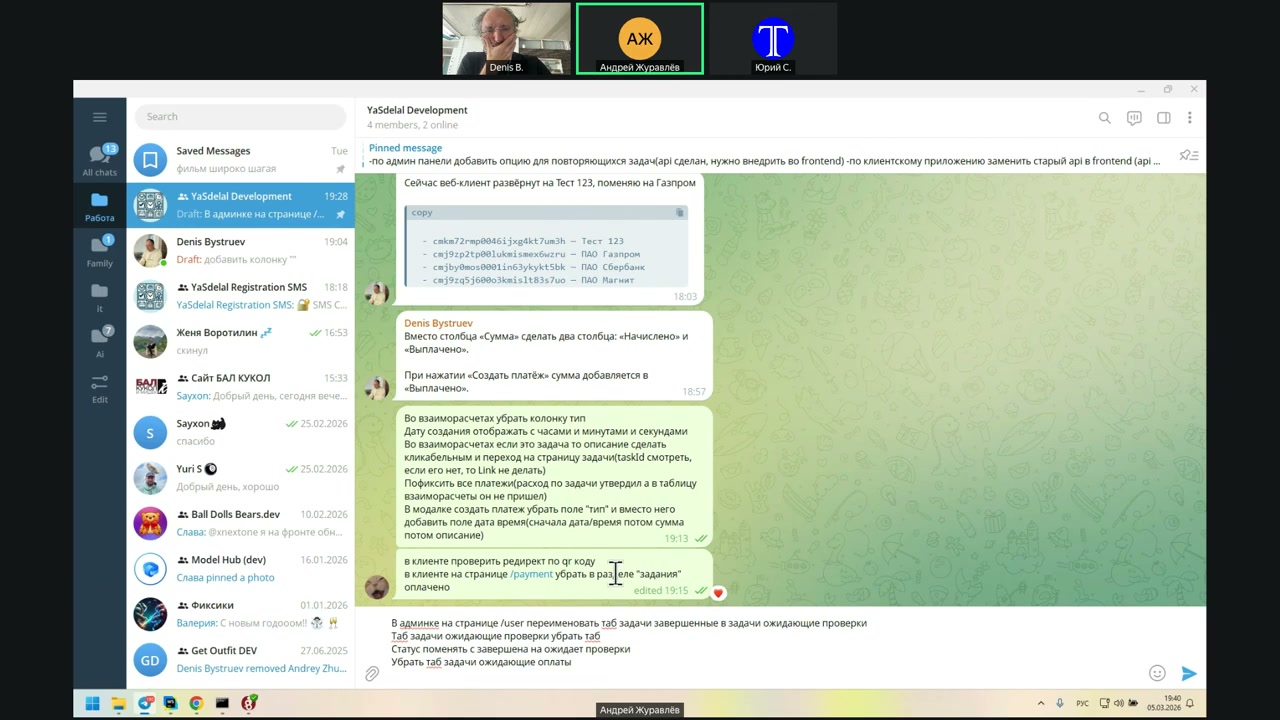
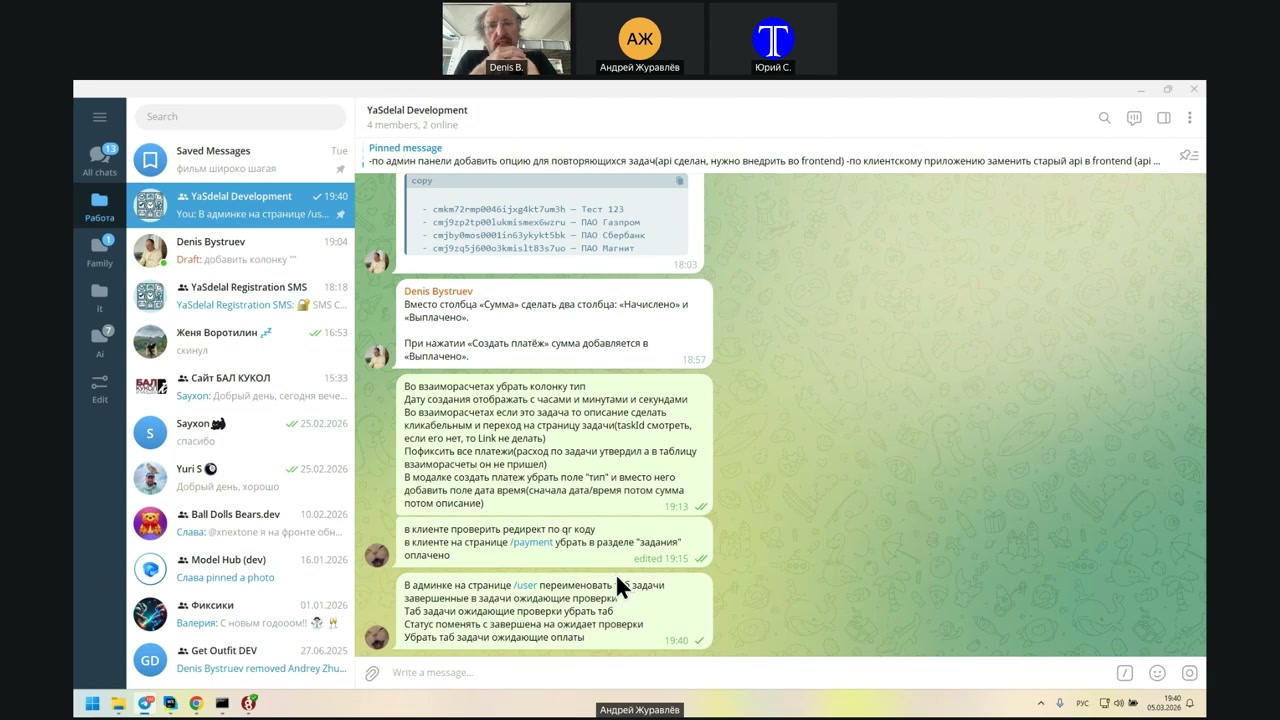
I’ll try until Monday.
Speaker 2: Okay.
Speaker 1: In general, I only have a little to add.
By Monday, I’ll review it again. I’m working on it for Monday.
I need to overlap a few things, change the status name, and remove the tabs.
We’re not really changing the client yet. I’m only changing the API.
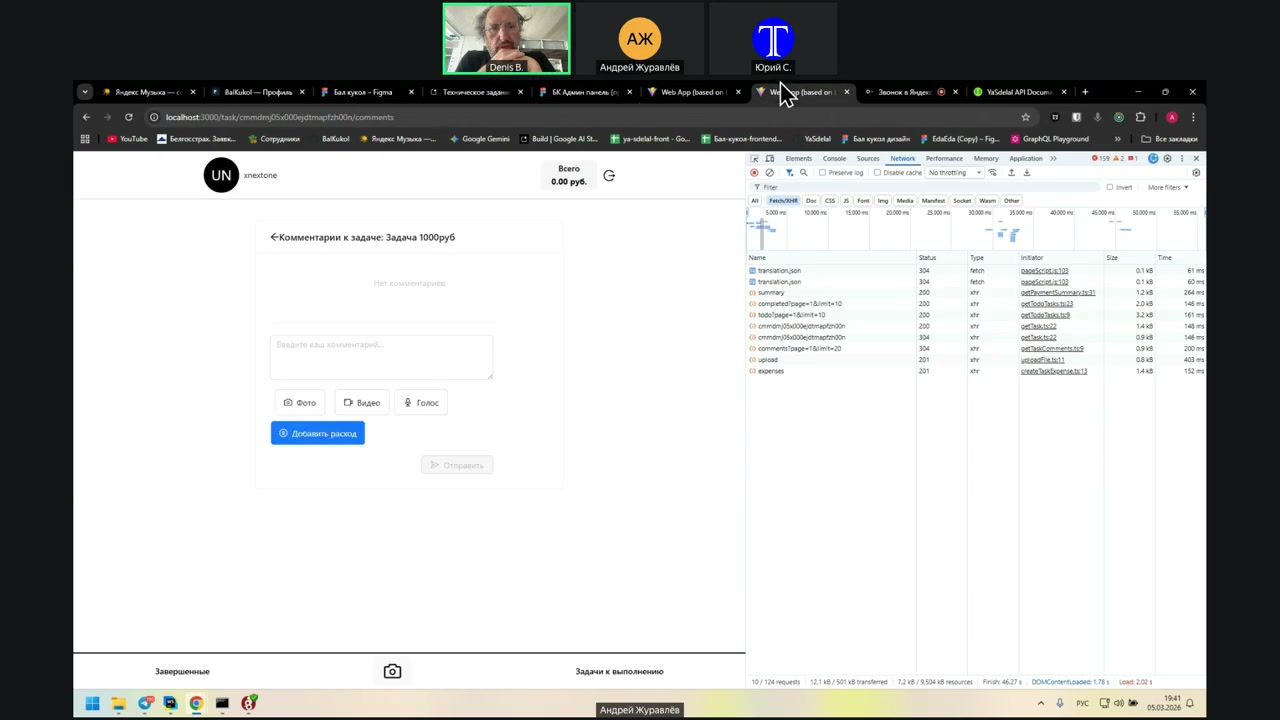
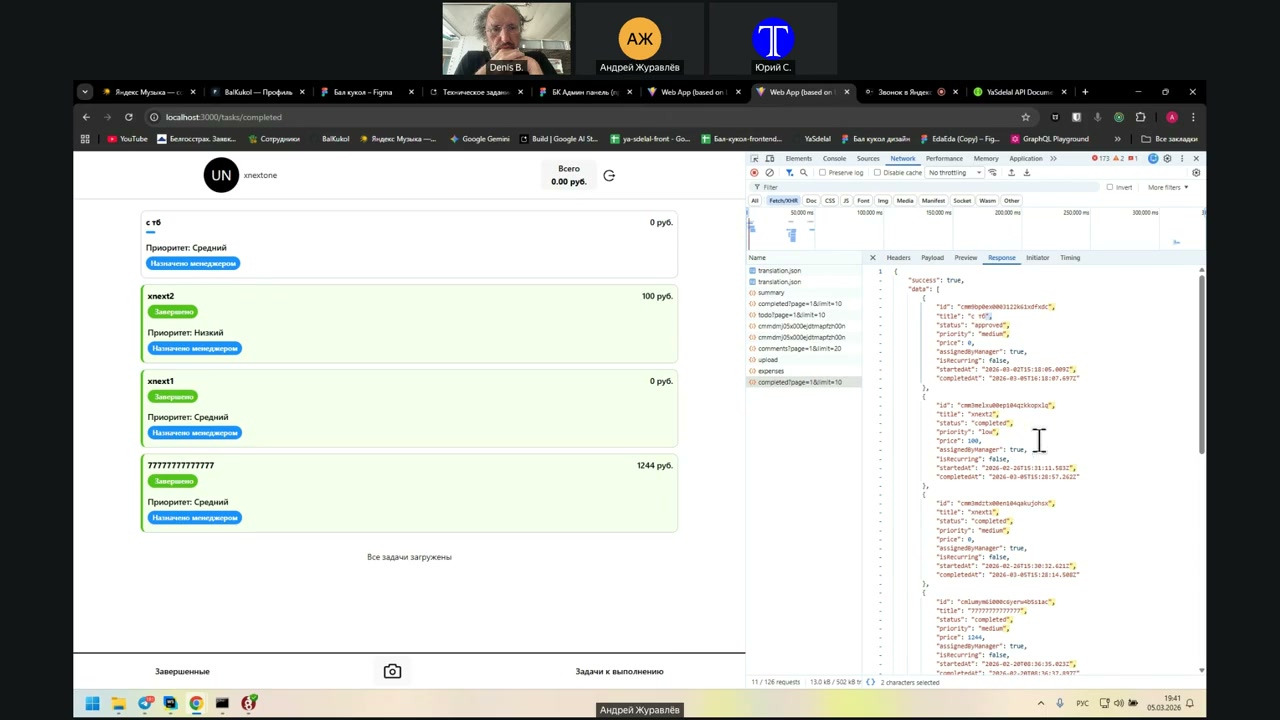
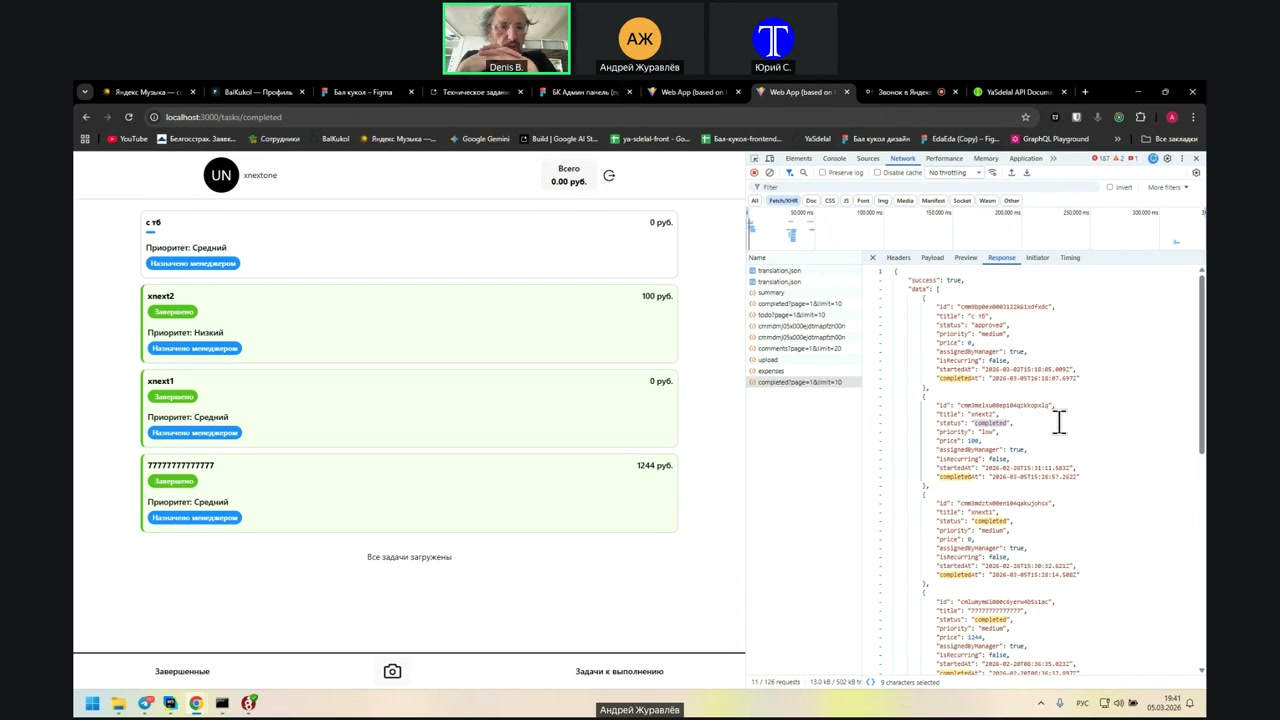
It was shown to him that it was, and in theory, it should work.
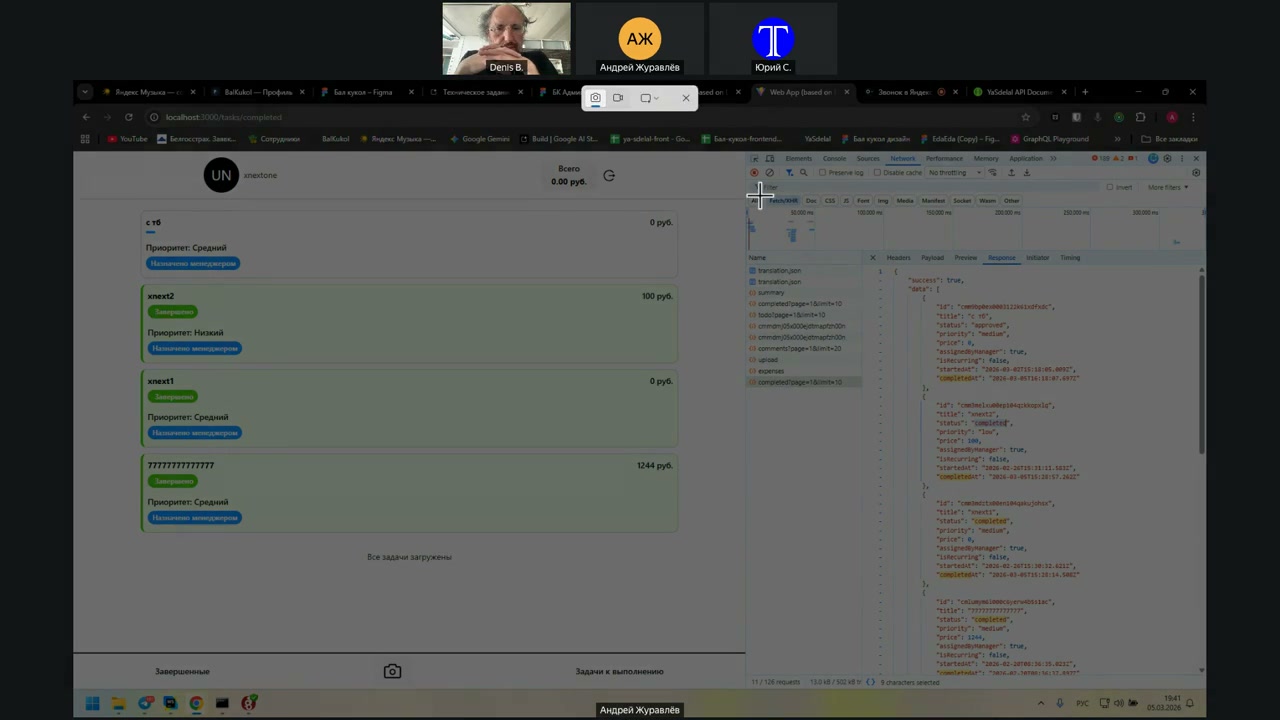
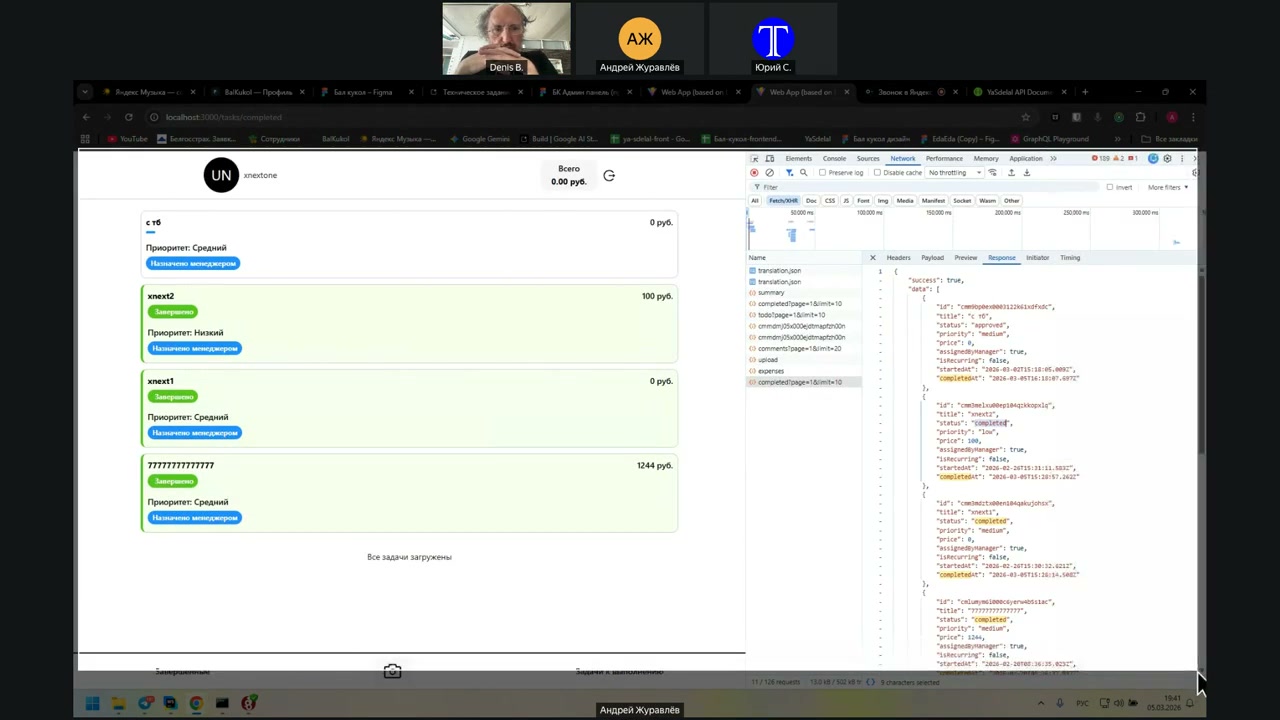
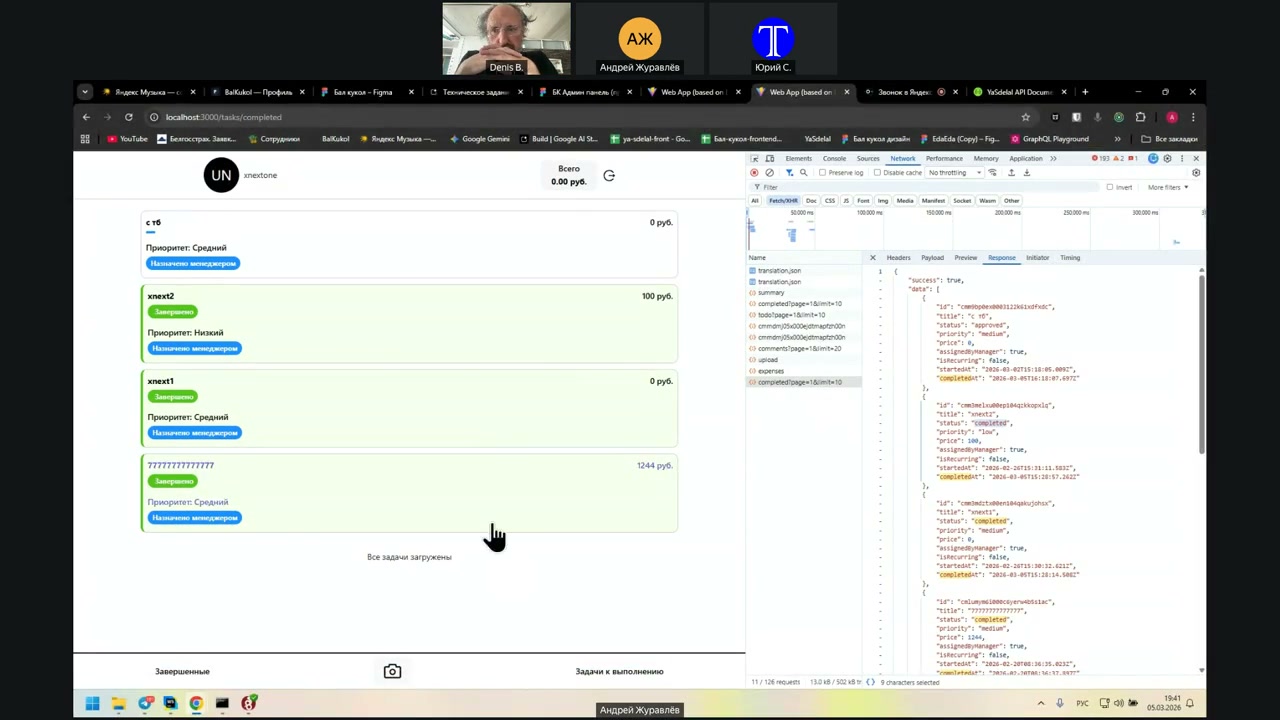
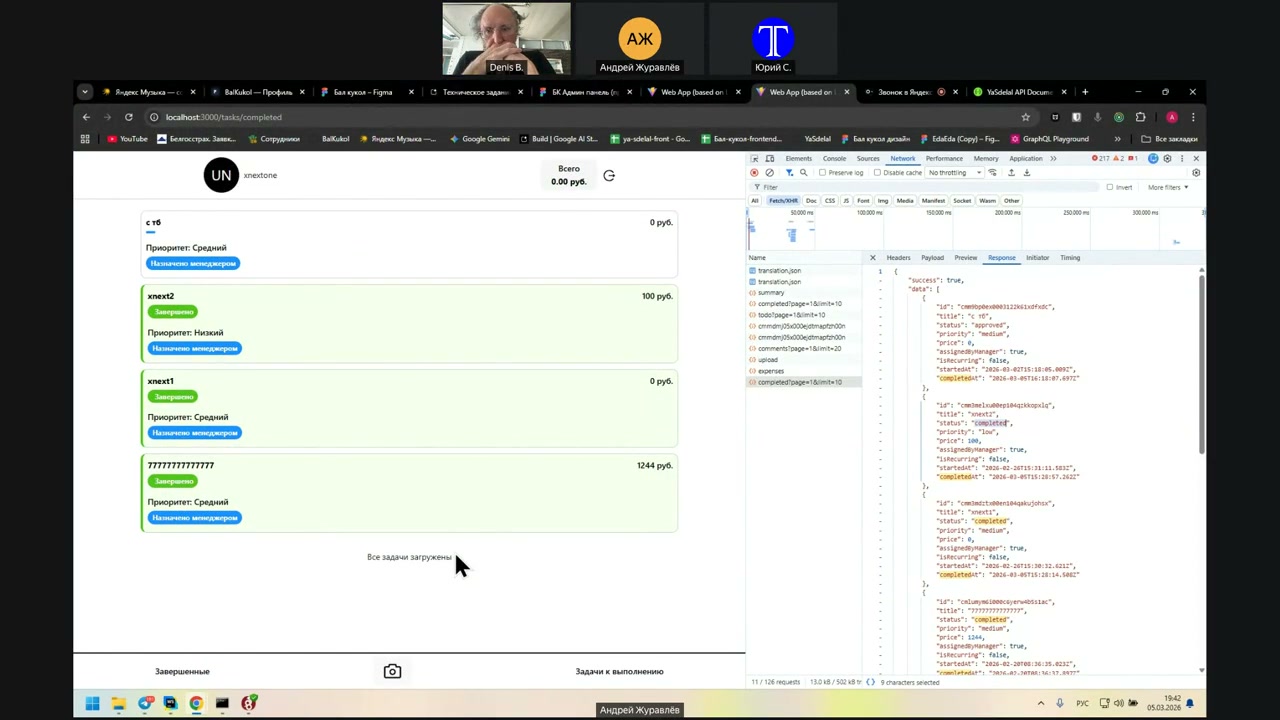
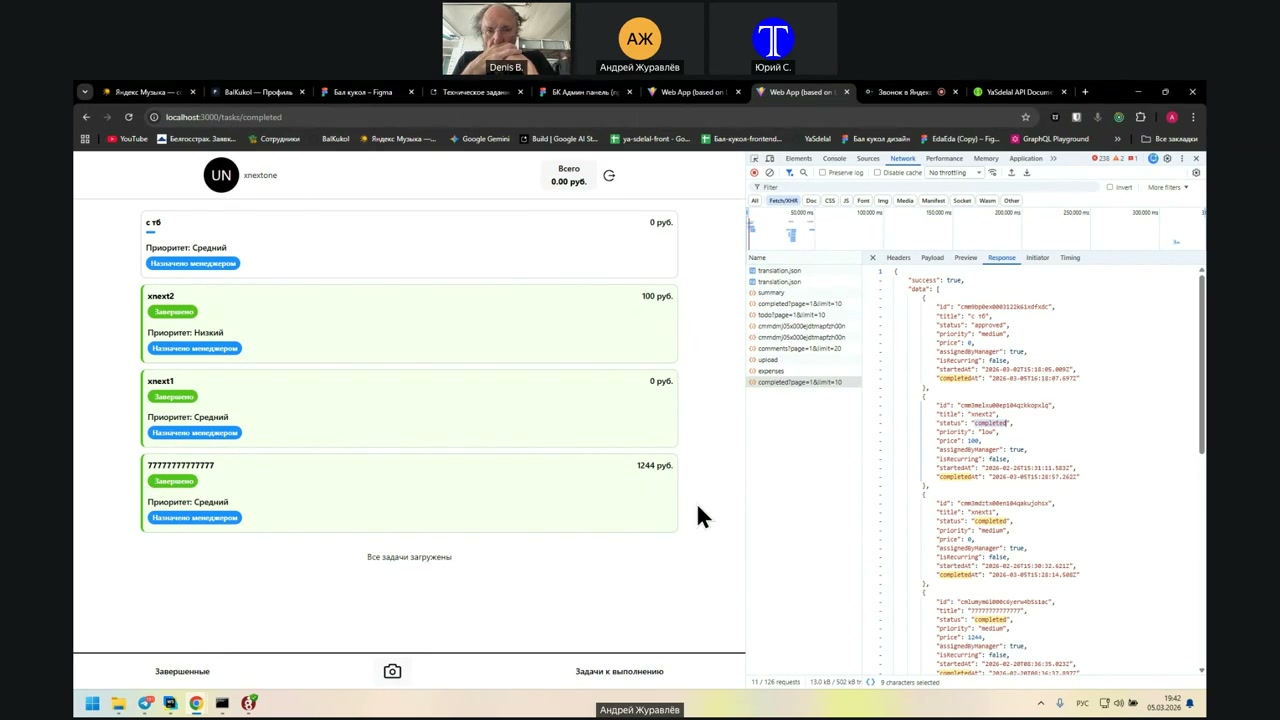
Speaker: About the client, I have a question for you. I found this here: Completed, Status Completed, Status Approved.
Speaker: Well, Status Completed means the task is completed, which we renamed to waiting for verification. But in this API, we probably will not rename it; instead of Completed, we will just call it waiting for verification.
Speaker: And Status Approved is, accordingly, approved.
Bye-bye.
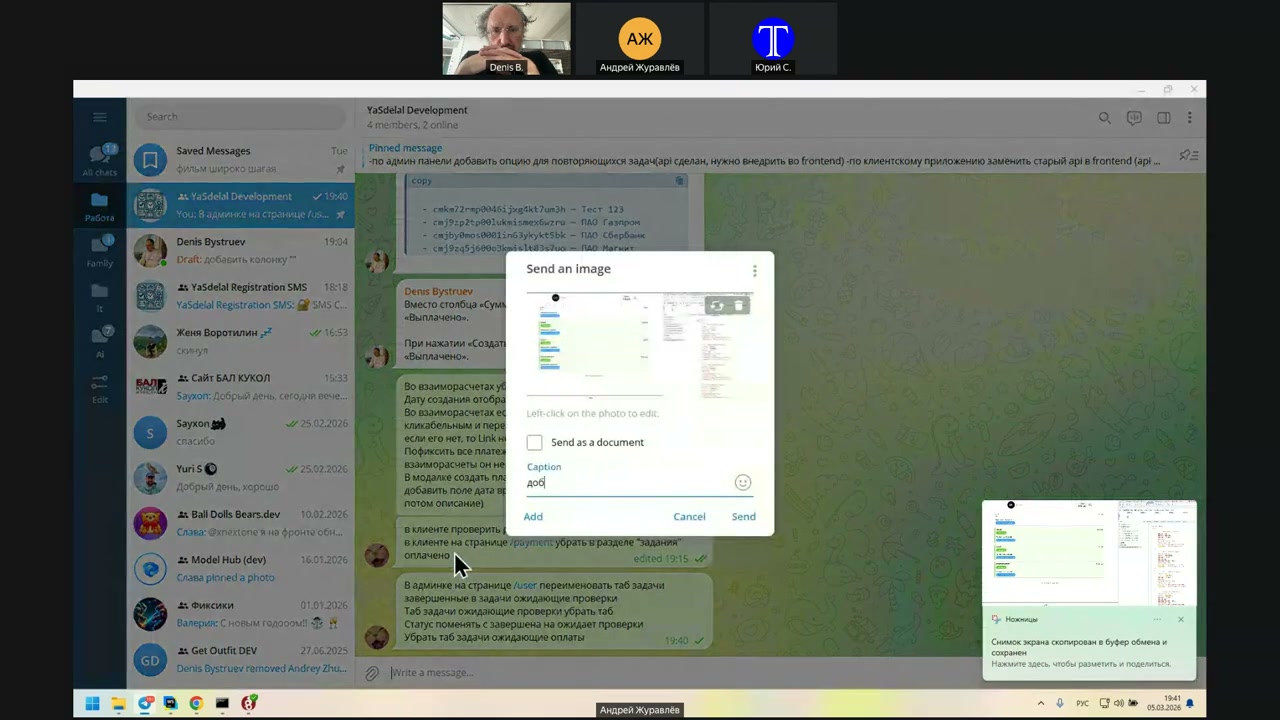
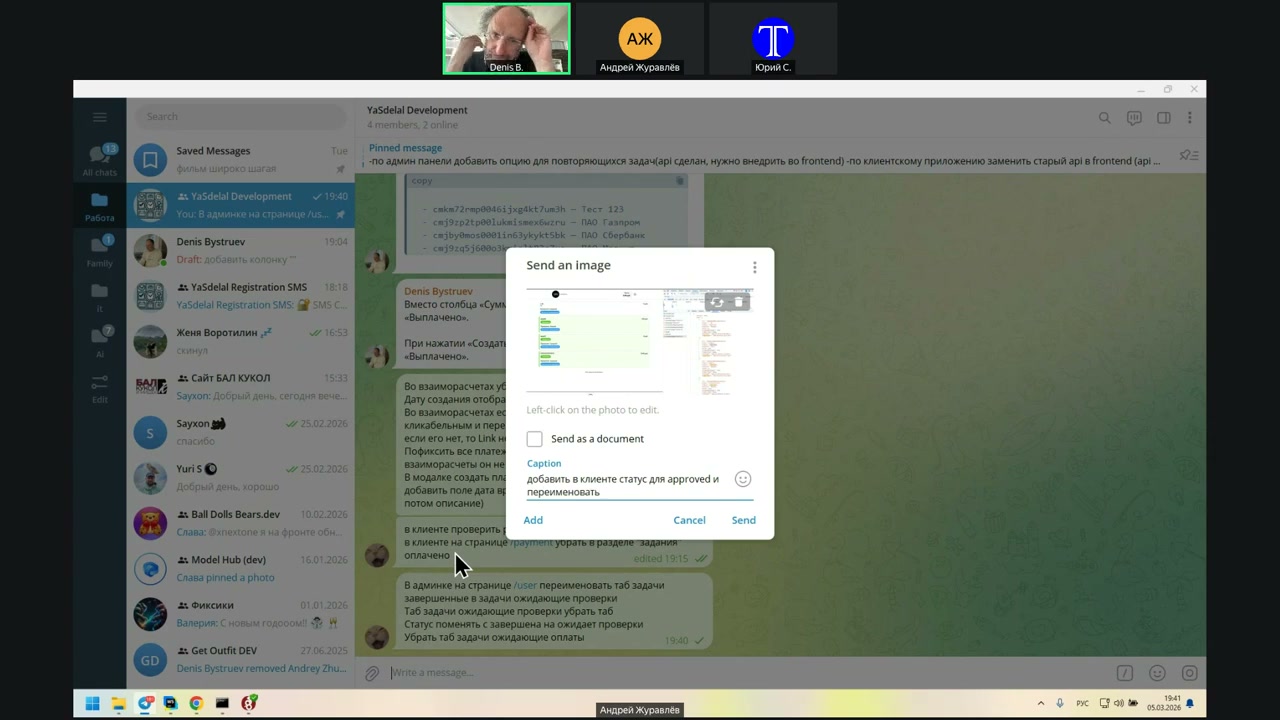
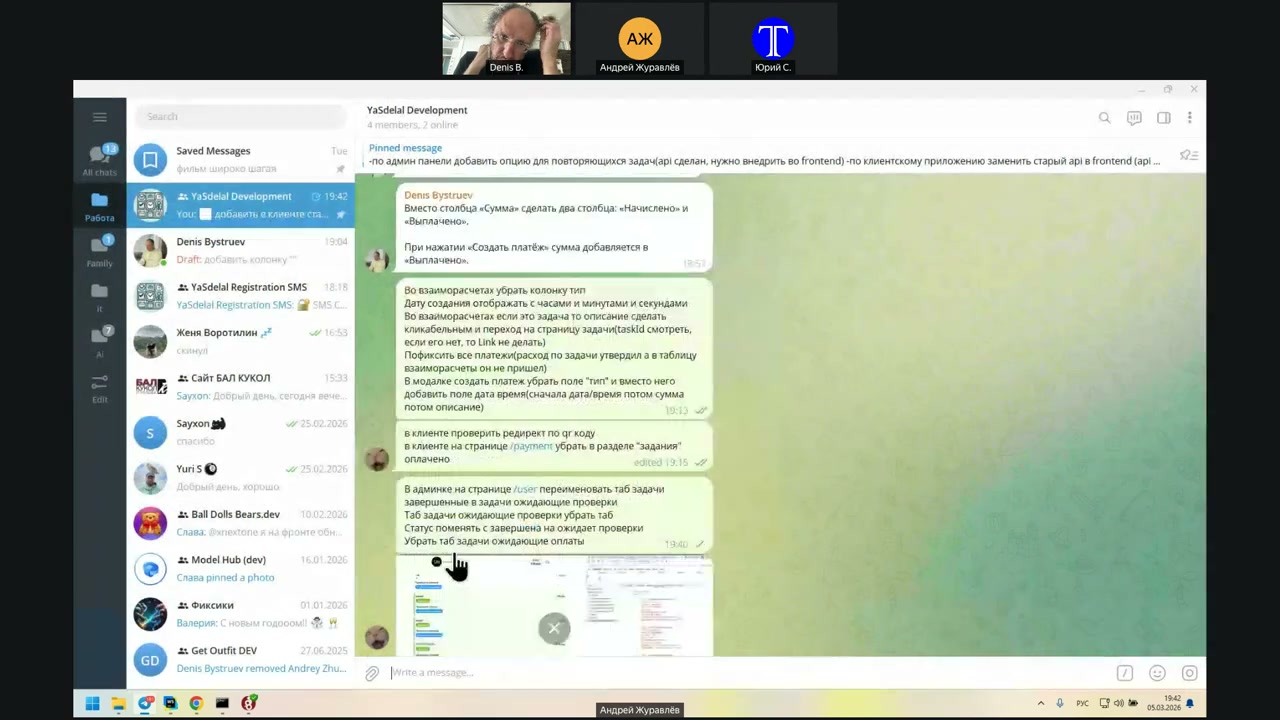
Change, rather, and rename, yes.
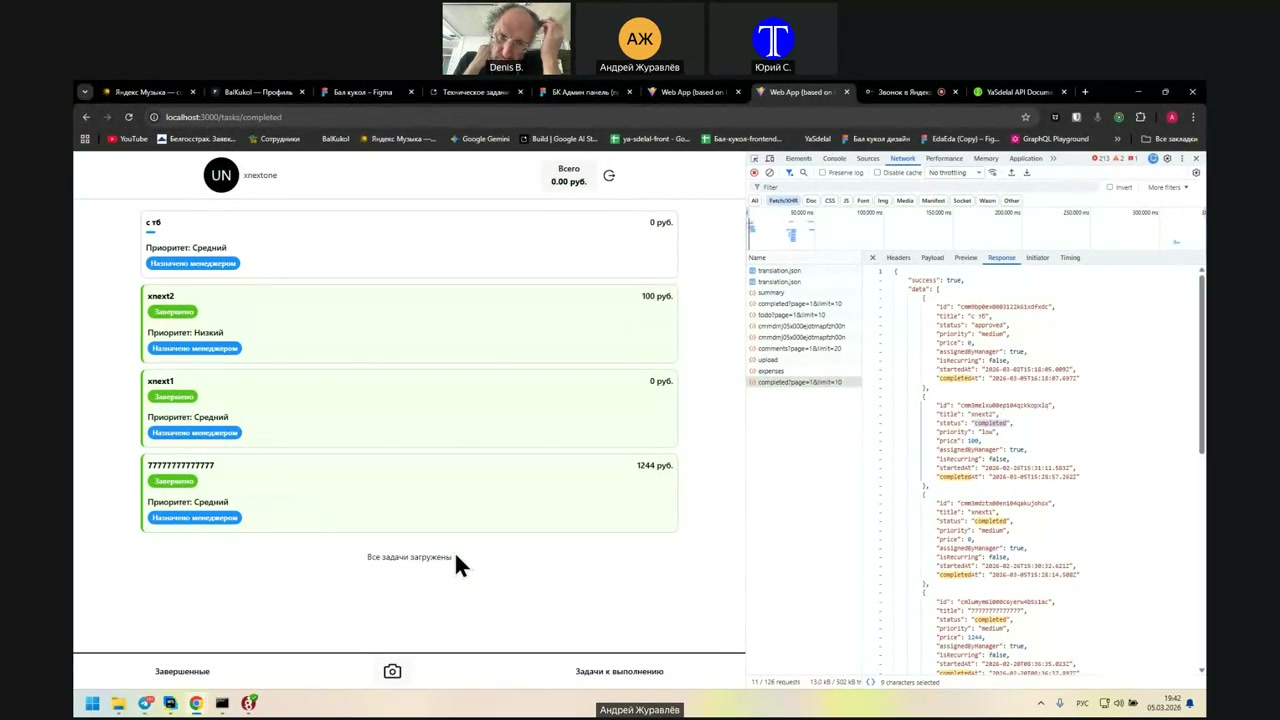
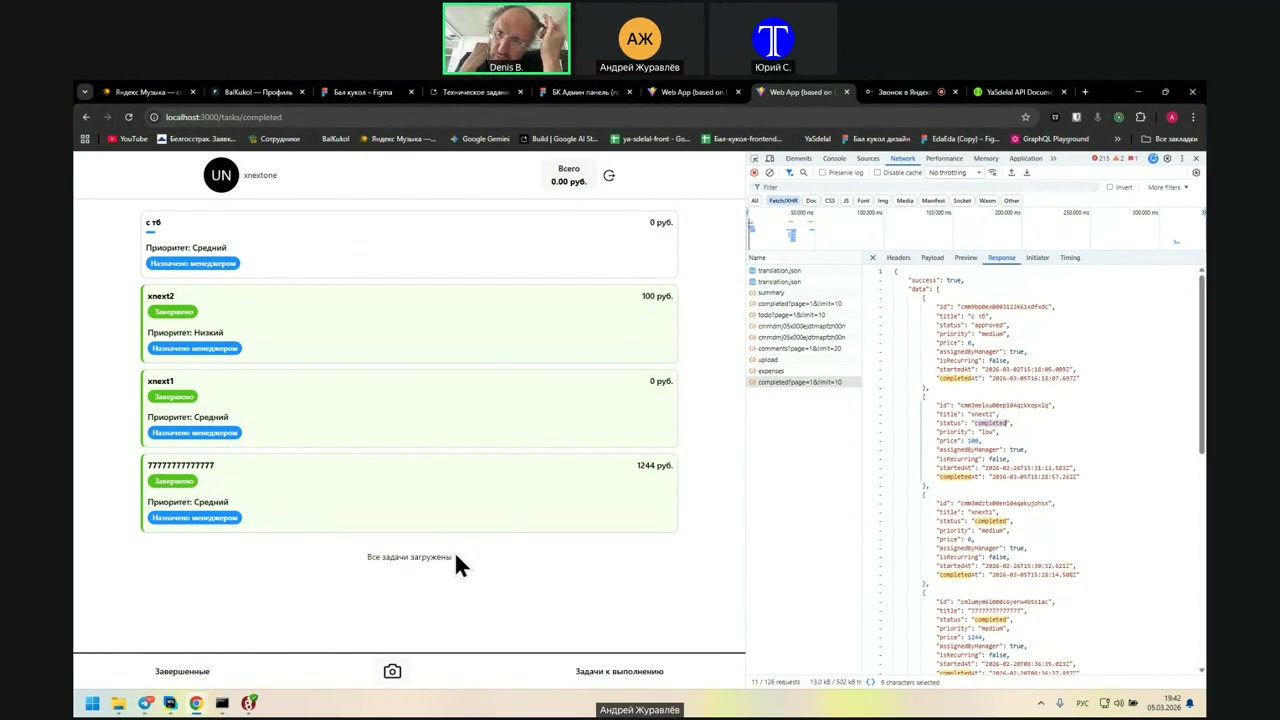
Approved. You can write "approved" in quotation marks.
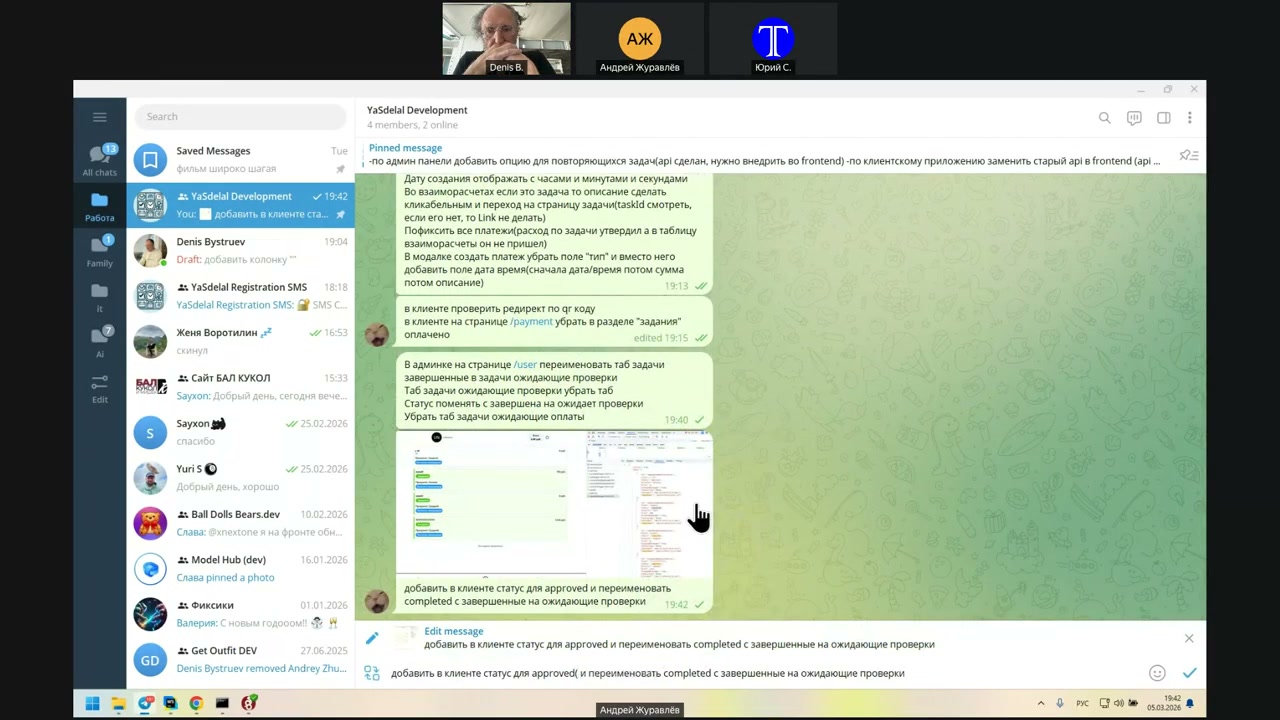
There is something else.
No, that’s all.
Let’s finish this on Monday. I would like to test it all next week and finish the question.
Thank you. That’s all. I’m turning off now.
Yes, thank you. Thank you.
Hello.
Sure.
Вот это да, Андрей!
Any more questions?